






AI Promo Maker
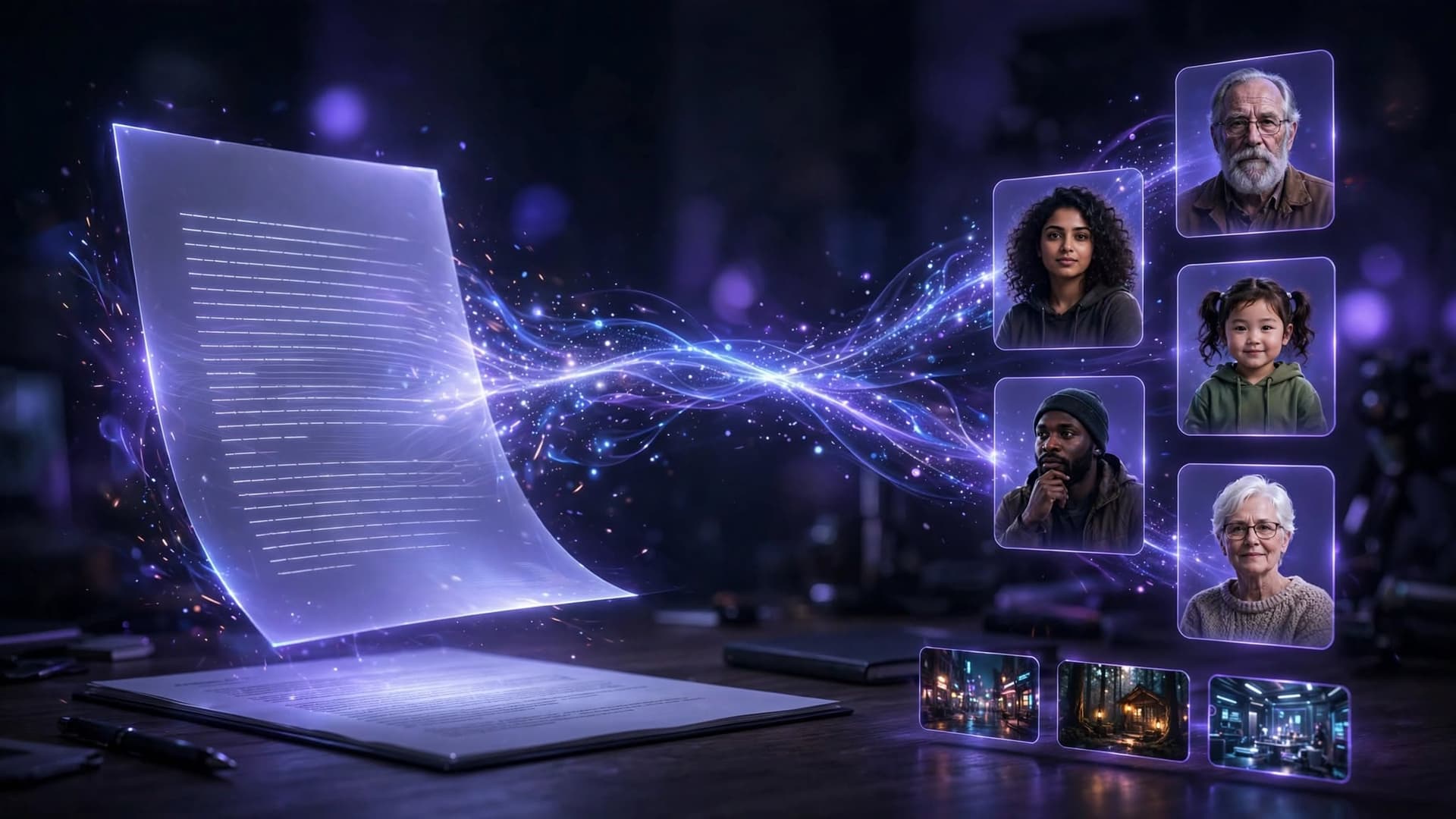
Create promotional videos with hooks, scripts, product scenes, brand direction, captions, offers, and clear calls to action.
AI can sometimes make mistakes, please verify the response.
How to Use an AI Promo Maker
1. Add the Approved Promotion Brief
Provide accurate product or event details, audience, objective, offer, dates, required assets, approved claims, restrictions, and brand rules. Mark anything that still needs verification.
2. Choose the Promo Format
Select a product launch, limited-time offer, event announcement, app overview, service promotion, brand teaser, or social-first video direction.
3. Direct the Creative
Describe the hook, key message, product moments, visual style, pacing, captions, music direction, format, and final call to action.
4. Generate and Review
Review every scene for accurate claims, prices, dates, offer terms, disclosures, consent, logos, product appearance, rights, captions, audio, and current platform rules.
AI Promo Maker Features
Promotional Story Structuring
Shape a clear sequence from opening hook to product or event value, supporting details, offer, and final action. Human editing keeps the message specific.
Product and Brand Scene Direction
Plan product close-ups, demonstrations, lifestyle moments, text overlays, transitions, colors, logos, and audio direction around approved brand assets.
Format and Variation Planning
Develop alternate hooks, lengths, aspect ratios, visual styles, captions, and calls to action from one approved brief for deliberate review and testing.
Why Use Xelta AI Promo Maker?
1. Move from Brief to Promo Concept
Turn approved campaign details into a structured promotional direction without starting every concept from an empty timeline.
2. Explore More Creative Directions
Compare openings, scenes, formats, pacing, captions, and calls to action while keeping the central message and brand requirements consistent.
3. Keep the Offer Connected to the Message
Carry approved prices, dates, benefits, restrictions, and next steps through scripts, visuals, and captions for a more coherent review.
AI Promo Maker Prompt Library
Include the product or event, audience, objective, platform, format, verified benefits, evidence, offer terms, dates, brand rules, disclosures, and call to action.
“Create a concise product launch promo using only verified features. Open with the audience need, reveal the product clearly, show approved benefits, and end with a direct call to action.”
“Create a promotional video for an approved limited-time offer. State the exact price, dates, eligibility, and exclusions clearly. Avoid false urgency, hidden conditions, or unsupported savings claims.”
“Create an energetic promo for the approved event or service. Highlight the audience, value, location or access details, date, supporting visuals, and one accurate next step.”
What Can You Create with an AI Promo Maker?
Product Launches
Engage Your Online Audience
Sales and Offer Promotions
Engage Your Online Audience
Events and Announcements
Engage Your Online Audience
Apps, Services, and Brand Campaigns
Engage Your Online Audience
Related Blogs
Frequently
asked questions
It helps develop promotional scripts, scenes, visuals, captions, offers, and calls to action from a campaign brief.
Add an approved brief, choose a format, direct the creative, generate a draft, and review every detail.
Yes. Provide verified product details, approved benefits, brand assets, audience, format, and the intended next step.
Yes. Compare hooks, scene orders, lengths, formats, captions, visual styles, offers, and calls to action.
No. Results depend on the offer, audience, creative quality, distribution, timing, competition, and testing.
Check claims, prices, dates, terms, rights, consent, disclosures, branding, captions, audio, and platform policies.