

AI Image Generator Alternatives
Even though an image generator AI can produce a great ad picture in just a few seconds, it does not necessarily mean that it will be right for you. You may face problems such as an inability to control product specifications, incorrect texts, limited editability, and additional generation that leads to extra spending on the process without achieving any positive results.
The work of marketers, designers, and content creators can suffer due to such issues, especially when trying to keep their brand consistency in ads, social media pictures, and products.
That is why it makes sense to start exploring alternative AI image generators with defining what you currently lack in the one you use.
Quick Answer
Depending on the reason you want to change your AI image generator, consider using Canva Dream Lab for marketing images with easy editing, Ideogram for text focussed graphics, Adobe Firefly for targeted image editing, Midjourney for visual exploration or Xelta to use multiple image models. Ensure all options perform well on the same prompts, editing requests, exporting and terms.
Why Do People Switch AI Image Generators?
Maybe your AI image generator cannot provide reliable edits to an existing product image, or you are struggling to get readable text in your headlines. This can cause issues if you are working in a marketing team.
Consider why you want to change generators.
Is it due to lack of consistency in branding, poor editing with your reference image, awkward editing, lack of privacy, poor sizing or unclear credit costs? Rank them in order of importance.
Although using a creative workspace with multiple media functions may help reduce changing between apps, if your product reference image isn’t great or the approval process is cumbersome it won’t help. Consider what you need the generator for.
Which Alternatives Are Worth Shortlisting?
| Platform | Reason to try it | What to verify |
|---|---|---|
| Canva Dream Lab | AI imagery used inside editable layouts and brand content | AI allowances, reference behaviour and design handoff |
| Ideogram | Posters, concepts with prominent wording and canvas edits | Text accuracy, edit limits and export options |
| Adobe Firefly | Image generation with targeted additions, removals and expansion | Access to the editing features and chosen models |
| Midjourney | Visual direction, stylisation and reference-led exploration | Consistency, image visibility and plan permissions |
| Xelta | Comparing available image models in one creative environment | Model-specific inputs, credits and editing requirements |
This doesn’t show which are the best, just what they can do. Just because they have a great landscape image, doesn’t mean they will keep your bottle label the same after 3 edits.
What Should You Test Before Switching?
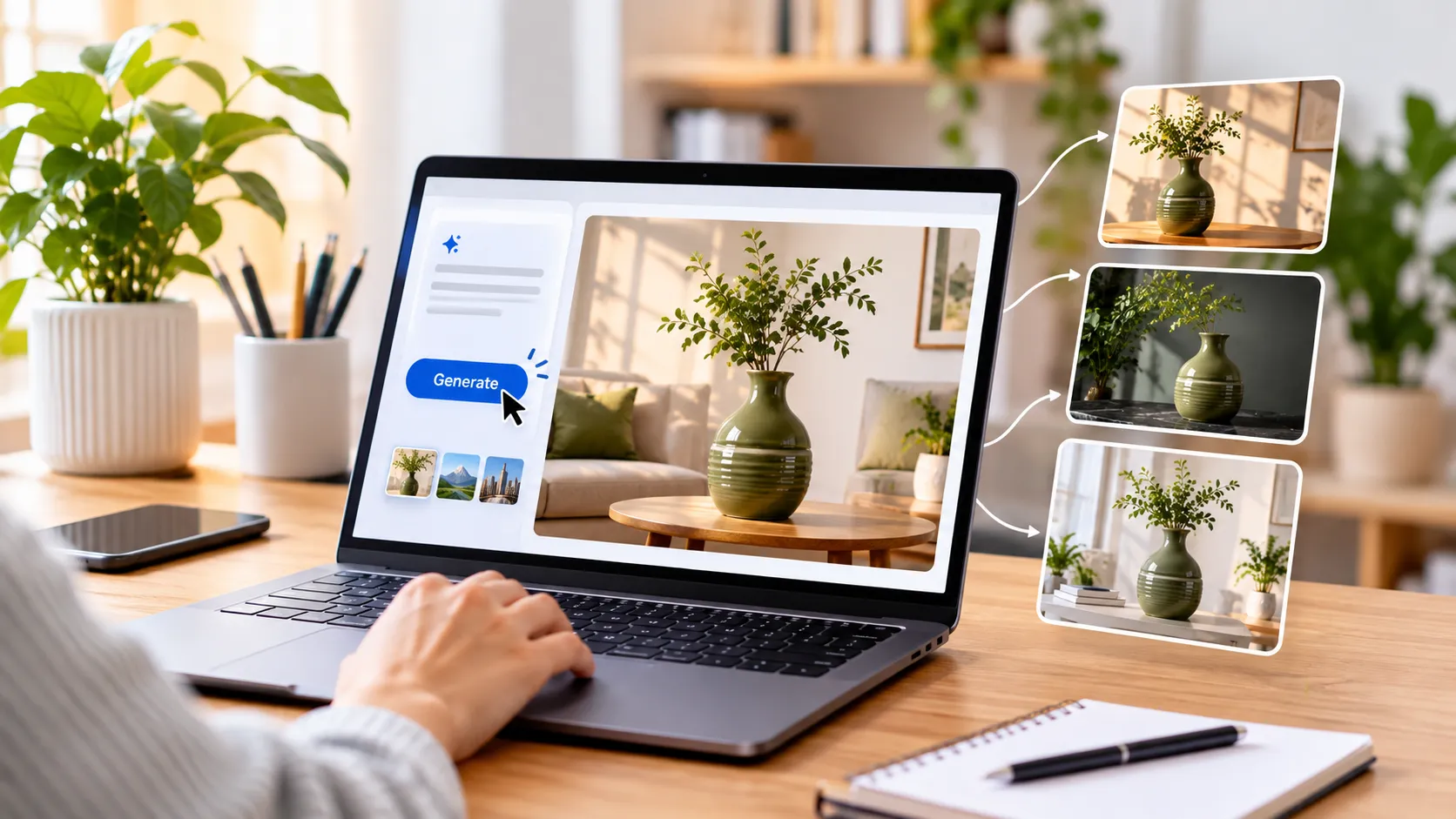
Imagine you are a fictional homeware company selling a vase in olive green ceramic with a skinny neck and 2 shallow grooves. You have an approved image and need your image to be created for lifestyle, a sale banner and an edit for a new background.
Set the same task for all options:
- Create an image based on the approved image: Vase on pale oak shelf. Keep neck, grooves and colour.
- Make an exact edit: Change the shelf to dark stone. Don’t allow any changes to the vase.
- Create a broad edit: Leave space on the left for a headline.
- Create text focused image: Create a poster with exact text of ‘SPRING HOME’. Check the spelling. If this fails, add text manually.
- Check the exporting: Check the actual size of the image. What format, watermark, access and terms are there?
If you want to test across multiple models, use an image generator with reference image options. Depending on the model you choose, you’ll have different inputs and costs. Take note of the settings used.
How Do You Score the Results Fairly?
Use a simple five-part scorecard rather than choosing by visual appeal alone.
| Criterion | A useful pass condition |
|---|---|
| Product fidelity | Shape, colour and details match the approved photograph |
| Revision precision | A background request does not change the subject |
| Design readiness | Correct crop, clear text area and usable export |
| Workflow fit | Another teammate can find and finish the asset |
| Real cost | Credits and correction time are acceptable |
Don’t score an image high because it looks great but doesn’t match your product. Only score images you could actually publish. Use the same people to score and take note of any advanced features requiring a higher tier.
What tool should I use for different creative tasks?
- Social media and presentations: Canva Dream Lab is a great tool to try as it creates images to be used in editable designs. The official guide shows how to use reference images and refine.
- Text heavy posters: Ideogram is a great tool to consider as it has text focused features and can be edited within Canvas. The text layer functions can help with edits but if the text is complex and decorative it needs checking.
- Exact photo edits: Adobe Firefly has an official guide showing how to edit, add, remove and expand using prompts. This is a logical tool to try if you already have a great base image and just want to tweak the surrounding areas.
- Visual style: Midjourney allows you to create images using prompts, style and references. References can be used as a guide.
- General: The design tools catalogue has specific visual tools. This can be useful if you are creating sketches or room concepts. Just ensure the exact tool you need can perform the edit.

Which Alternative Fits Different Creative Jobs?
For social media and presentation purposes: Canva Dream Lab is appropriate for testing if images have to be placed in editable designs. Its official guide explains how reference images can be used, followed by refinement.
For text-intensive posters: Ideogram should be tested due to its typographic features and Canvas editor. It may help to correct the text layers but elaborate lettering has to be checked separately.
For accurate photo correction: Adobe Firefly describes prompting editing, fill, removal and expansion of elements. It is reasonable to try out when the photograph itself is high-quality and only the background requires correction.
For image atmosphere and style: Midjourney allows to use image prompts, references for styles and editor. Do not treat references as a guarantee that the branded product will be created.
For broader experimenting: The catalog of design tools includes specific visual processes and generation in general. It may be helpful in case your work includes sketches or room concepts, but check what particular tool edits your request.
Is a Cheaper Tool Really a Better Alternative?
Compare cost per approved image, not cost per generation.
Suppose two subscriptions each produce 20 drafts, but one yields six publishable results and the other produces twelve. The second may be less expensive after revisions, even if its headline price is higher.
Check plan-specific generation allowances, private-image controls, reference uploads, commercial permissions and download limits. For client work, confirm that your source photographs and identifiable people are authorised for upload.
Do not assume a paid plan grants rights to somebody else's logo or photograph.
Before migrating, export your approved images, save successful prompts and check whether past assets remain accessible after cancellation. A new tool should improve the workflow, not strand old campaign material.
When should I stay with my current generator?
There are cases when changing to another AI image generator is not needed. In case the current generator creates decent images and fits your creative needs, such issues as typography, cropping, background removal, or resizing are better solved through the use of special software for editing.
Real photos of the products should also be preferred in case you need a precise rendering of the packaging, colors, texture, and construction of the product itself. AI visuals could be used for creative marketing campaigns, but they cannot replace real photos when precision is important.
Before making the switch, it's important to find out if there will be any improvements for you in terms of image quality, flexibility of editing, work efficiency, or money. It is also important to consider the time spent on learning to work with the new platform and its interface.
Make a small trial using your usual projects before switching all your team to a new image generator.
Final Thoughts
Sometimes the best tool to use isn’t the latest or most dramatic example. It’s the one that makes your regular tasks easier with less edits, clear exports and acceptable cost.
Depending on what you are creating, a brand may define success differently to a retailer needing accurate product images.
Start with noting what the issue is you want to overcome. Try 2-3 relevant options using the same approved source. Ask for 1 challenging edit and check the final files. Ensure they are the right size and check the commercial and privacy policies.
If your current generator passes these tests, there may not be a reason to change. If not, change based on your own experience and evidence.
For more examples of image creation workflows, explore tutorials.