

Key Takeaways
- An AI pattern generator can help create motifs and explore design ideas, but the output is not automatically a production ready seamless pattern.
- Understand the difference between a motif, pattern tile, and seamless repeat before preparing artwork.
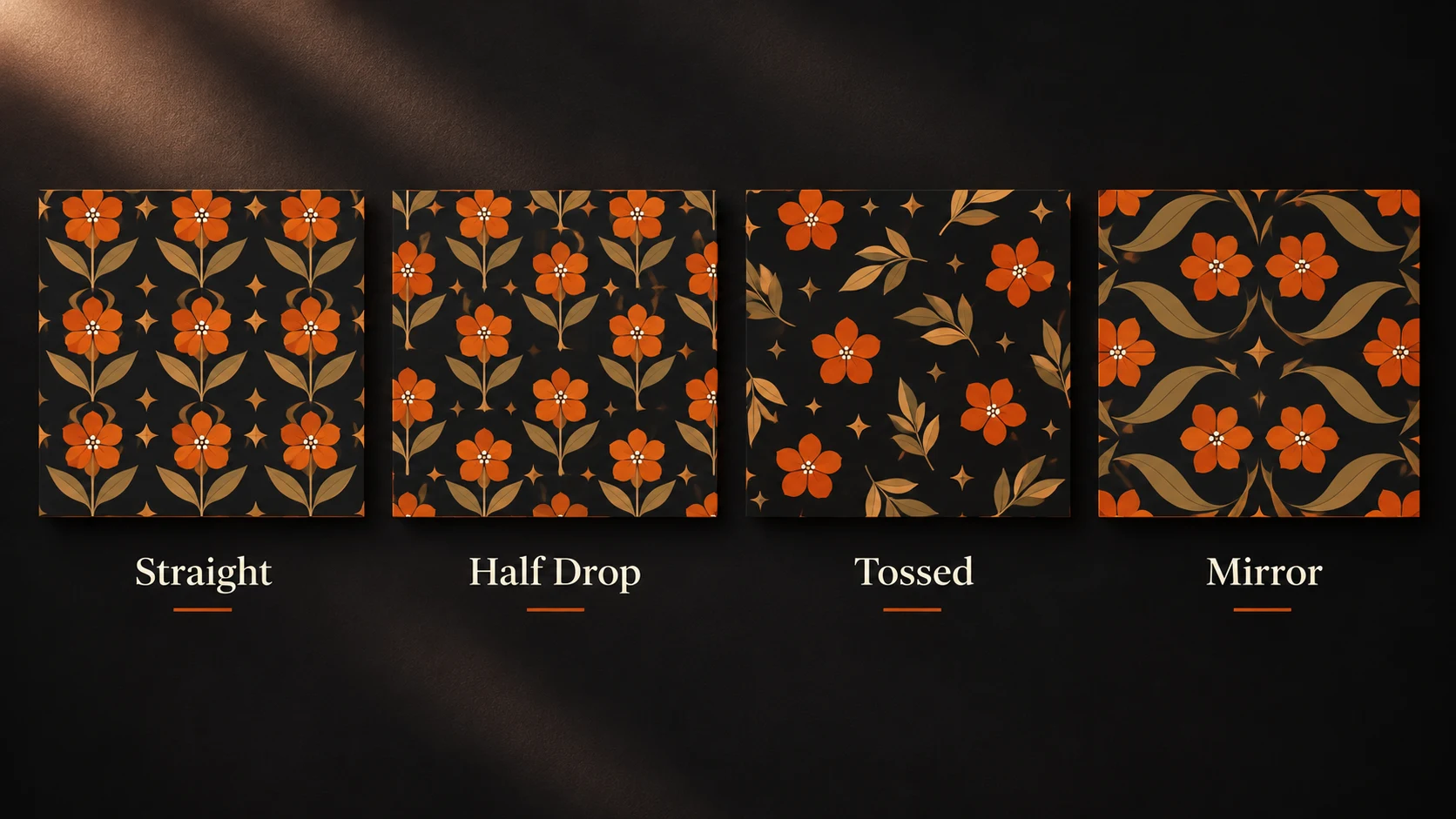
- Choose the right repeat style, straight, half drop, tossed, or mirror, based on the intended product and visual effect.
- Write specific prompts that describe the motif, style, colour palette, size, spacing, repeat type, and intended use.
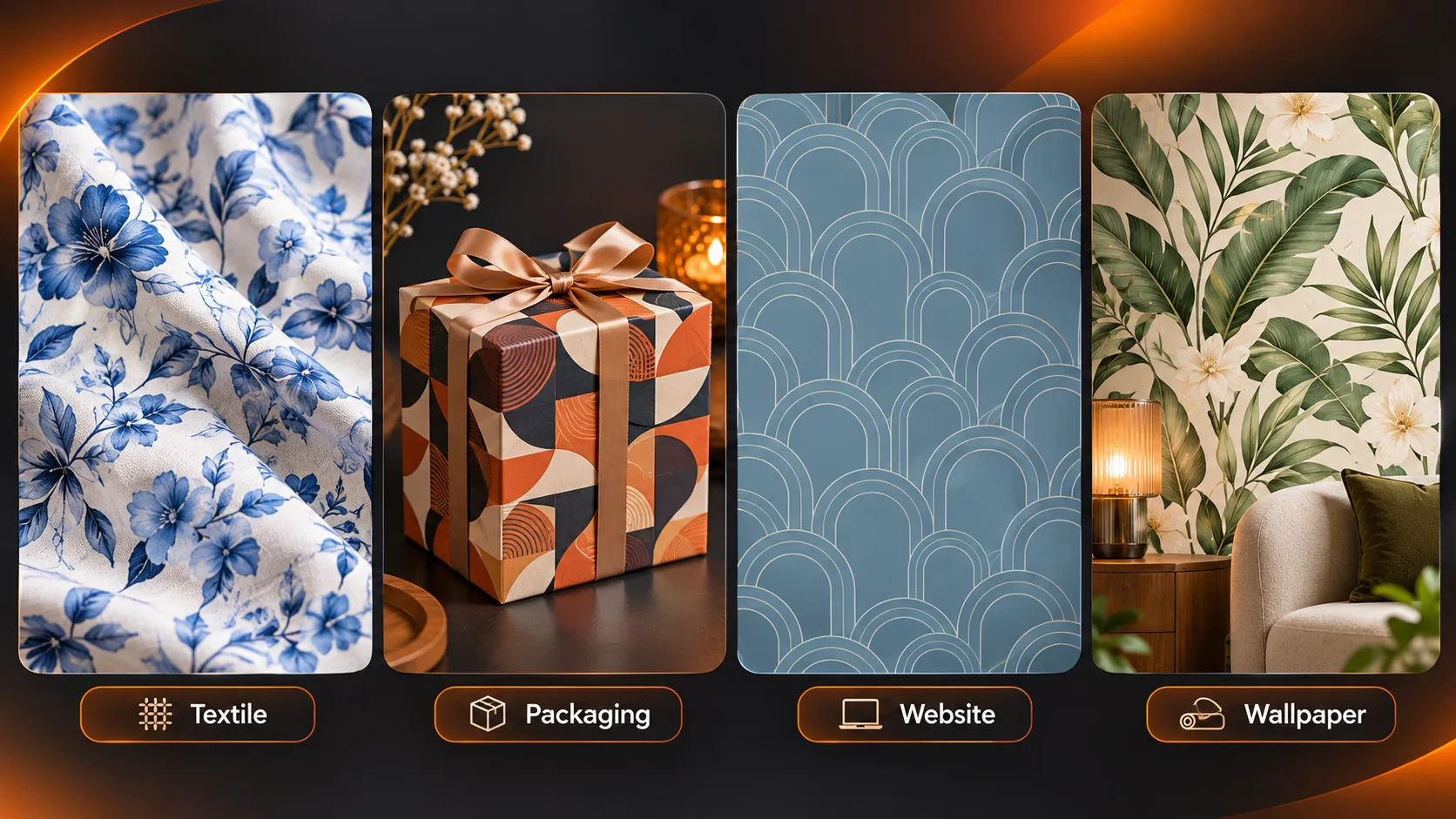
- Generate patterns for different applications, including textiles, packaging, website backgrounds, wallpaper, and children's products.
- Test the pattern by creating a 3×3 grid and using an offset preview to identify visible seams, gaps, and alignment problems.
- Check motif size, spacing, colour consistency, and overall appearance at the actual product scale.
- Before printing or selling, confirm file dimensions, resolution, colour mode, bleed, registration, commercial usage rights, and printer requirements.
- Use specialist pattern software when necessary, and request a print proof or sample before approving the final design.
Table of Contents
- 1.Prompts, Examples & Design Tips
- 2.Quick Answer
- 3.What Does an AI Pattern Generator Actually Create?
- 4.Which Repeat Style Fits the Finished Product?
- 5.How Do You Write a Useful Pattern Prompt?
- 6.What Prompts Work for Different Pattern Projects?
- 7.How Can You Check Whether a Pattern Really Repeats?
- 8.Which Common Mistakes Make AI Patterns Unusable?
- 9.What Must You Check Before Printing or Selling?
- 10.Final Thoughts
Prompts, Examples & Design Tips
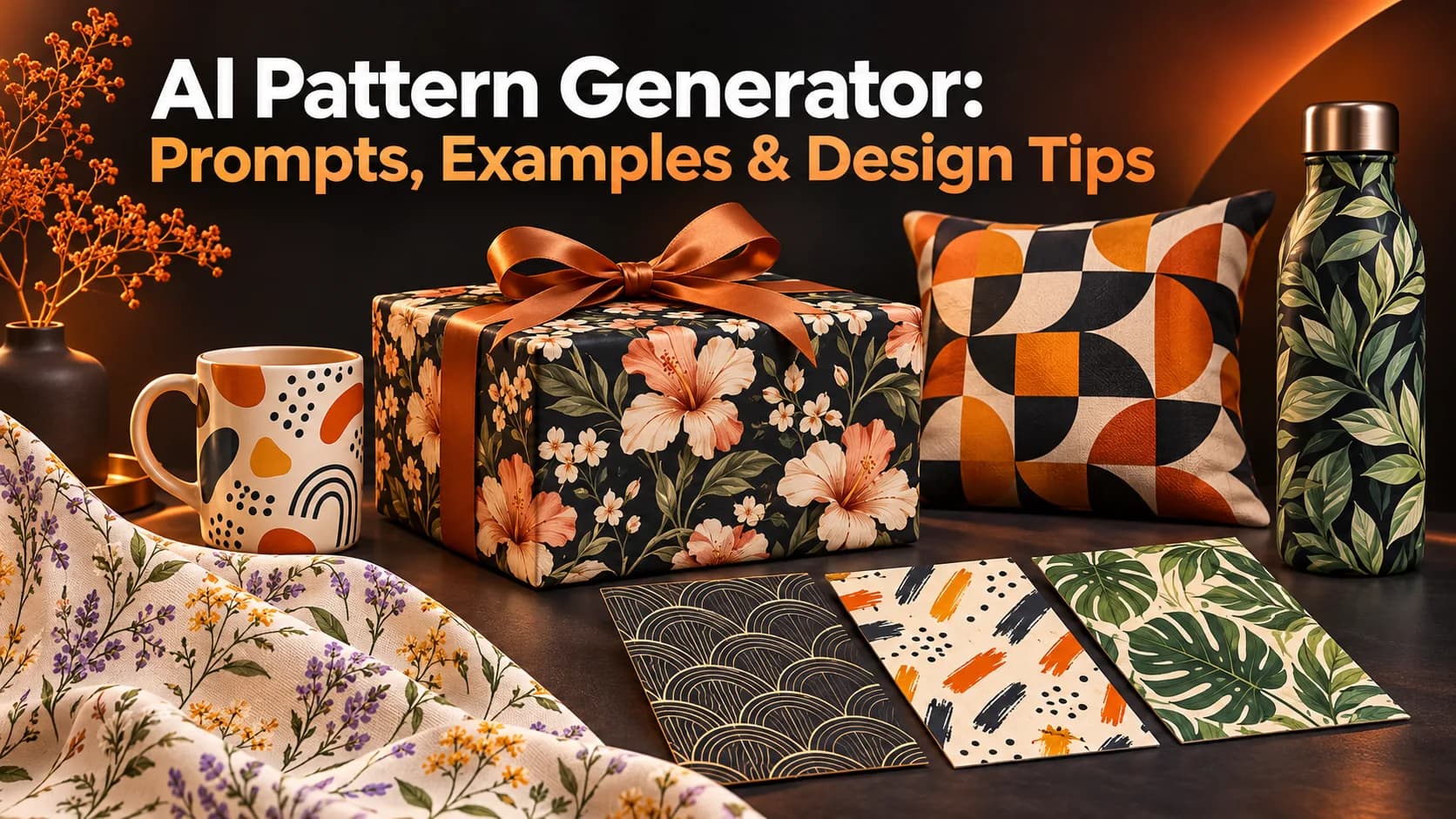
The floral pattern would look great isolated, however repeating the design on the gift box creates a very light stripe down the box every few inches.
Issue
The issue is that the pattern is repeating.
While using an AI pattern generator can be useful in seeing how different motifs could work, this does not guarantee you will get a nice clean pattern that could be used on fabric, packaging or wallpaper.
Quick Answer
Use an AI Pattern Generator to create a pattern. Once you have your pattern design make sure you know what size you want your motif to be, how spaced out you want your pattern to be, what colours you want and whether you want your pattern to have a specific style. Look at your tile in your grid. Check your pattern has aligned edges, the correct measurements and that you have the rights to use the pattern commercially. Some general image generators may require you to do something additional to make it a seamless pattern.
What Does an AI Pattern Generator Actually Create?
Motif: An individual element such as a leaf or geometric arch.
Pattern Tile: This contains a design that can be repeated. Seamless Repeat: A tile that can be tiled seamlessly on the opposite sides.
General image making tools can create some nice motifs and ideas for a surface. Pattern specific tools such as Adobe Illustrator, where you can create patterns using Text to Pattern and PatternedAI. Always check the exported file.
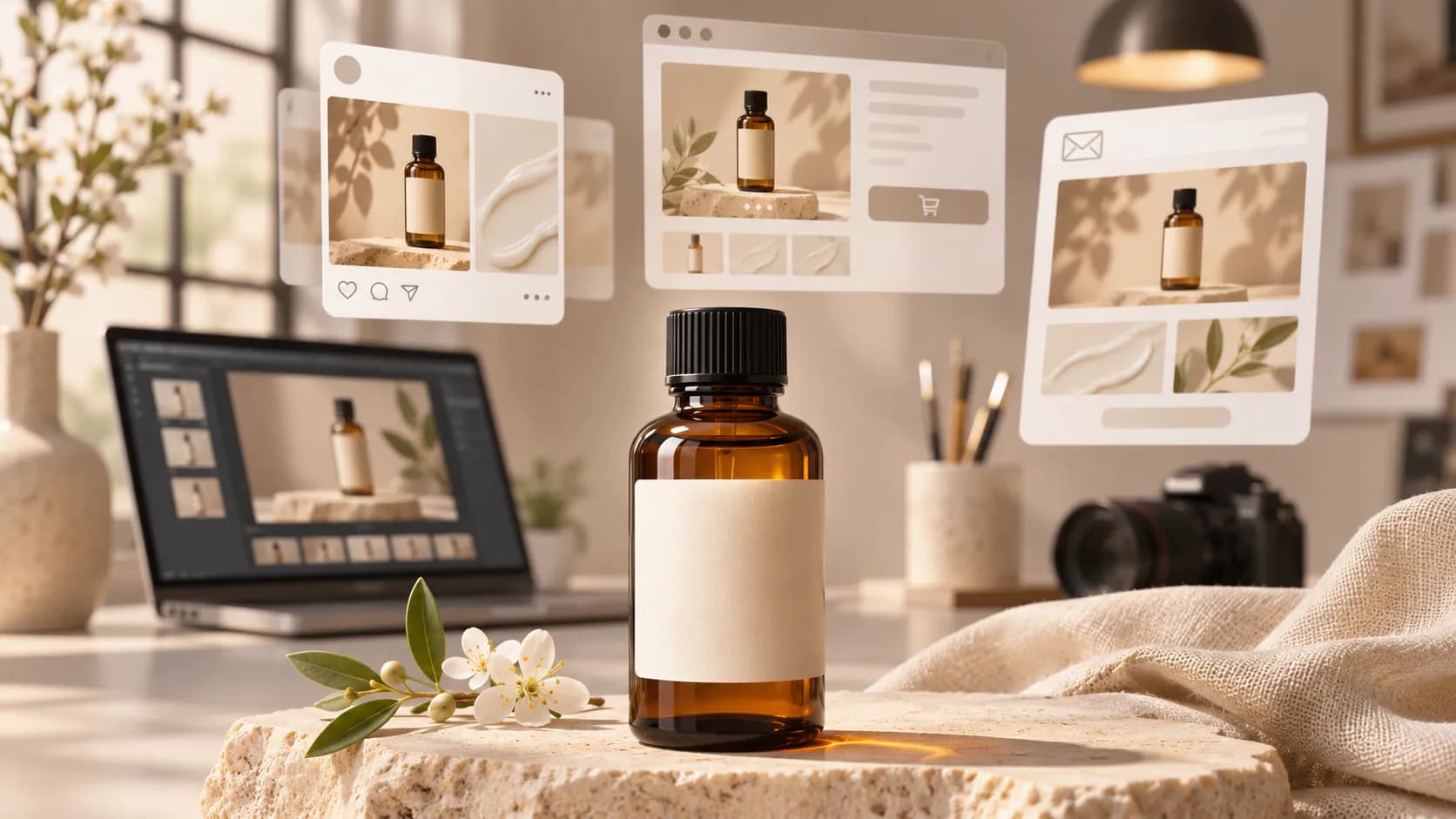
A creative design workspace can help develop visual directions, but a production repeat still needs a tile check.
Which Repeat Style Fits the Finished Product?
| Repeat style | Visual effect | Practical application |
|---|---|---|
| Straight or block | Motifs align on a regular grid | Geometric stationery or structured packaging |
| Half drop | Every other vertical row shifts down | Botanical fabric and wallpaper |
| Tossed or scattered | Motifs point in varied directions | Gift wrap and casual apparel |
| Mirror | Adjacent units flip | Symmetrical decorative surfaces |
A scattered look can still use a straight repeat. Confirm the required construction with your printer.
How Do You Write a Useful Pattern Prompt?
Use this formula:
Motif + Style + Palette + Size + Spacing + Repetition + Intended Use
Designing a gift box for a hypothetical herbal tea brand. Avoid using the phrase 'beautiful floral prints'. The printer and shopper should see:
Illustrated small Chamomile flowers and star anise pods in a random arrangement. With a soft ivory background. Subtle sage, ochre and browns; intricate linework; lots of white space; even size of motif. This was a flat design for gift wrap and has been created with the intention to tile seamlessly. No text, labels, gradients or borders.
Seamlessly may not always match up.
What Prompts Work for Different Pattern Projects?
1. Ditsy Textile Floral
A dainty floral design with small blue cornflowers and green stalks. The pattern has been randomly placed with an even distribution. It is a 2 colour screenprint style using a light base. This pattern would be good for a small scale cotton fabric.
2. Geometric Packaging
A pattern with semi circles and short diagonal lines. The pattern has been evenly spaced using a terracotta and charcoal palette. It is a clean crisp pattern with sharp clean lines. This pattern would be good for a modern geometric design on packaging for stationery. There is no text.
3. Website Background
A subtle hand drawn wave pattern using 2 similar shades of slate blue. This would be good for a background on a website with even lighting. It has little contrast and lots of negative space.
4. Large Botanical Wall
A large leafy pattern using illustrated ferns and pods. The pattern uses a forest green and dull olive palette. The pattern is evenly spaced with a calming organic feel. This would be good for a decorative wall design. There is no artificial lighting or perspective.
5. Playful Children's Packaging
A pattern with small illustrated kites, clouds and stars. It uses a bright limited palette with 4 colours. The pattern has been randomly scattered with even negative space. It has happy flat vector-like shapes. There are no faces or text.
For early visual exploration, a text and reference image tool can generate candidate directions.
Check whether the chosen model can actually output seamless repeats; otherwise, transfer the motif to specialist repeat software.
How Can You Check Whether a Pattern Really Repeats?
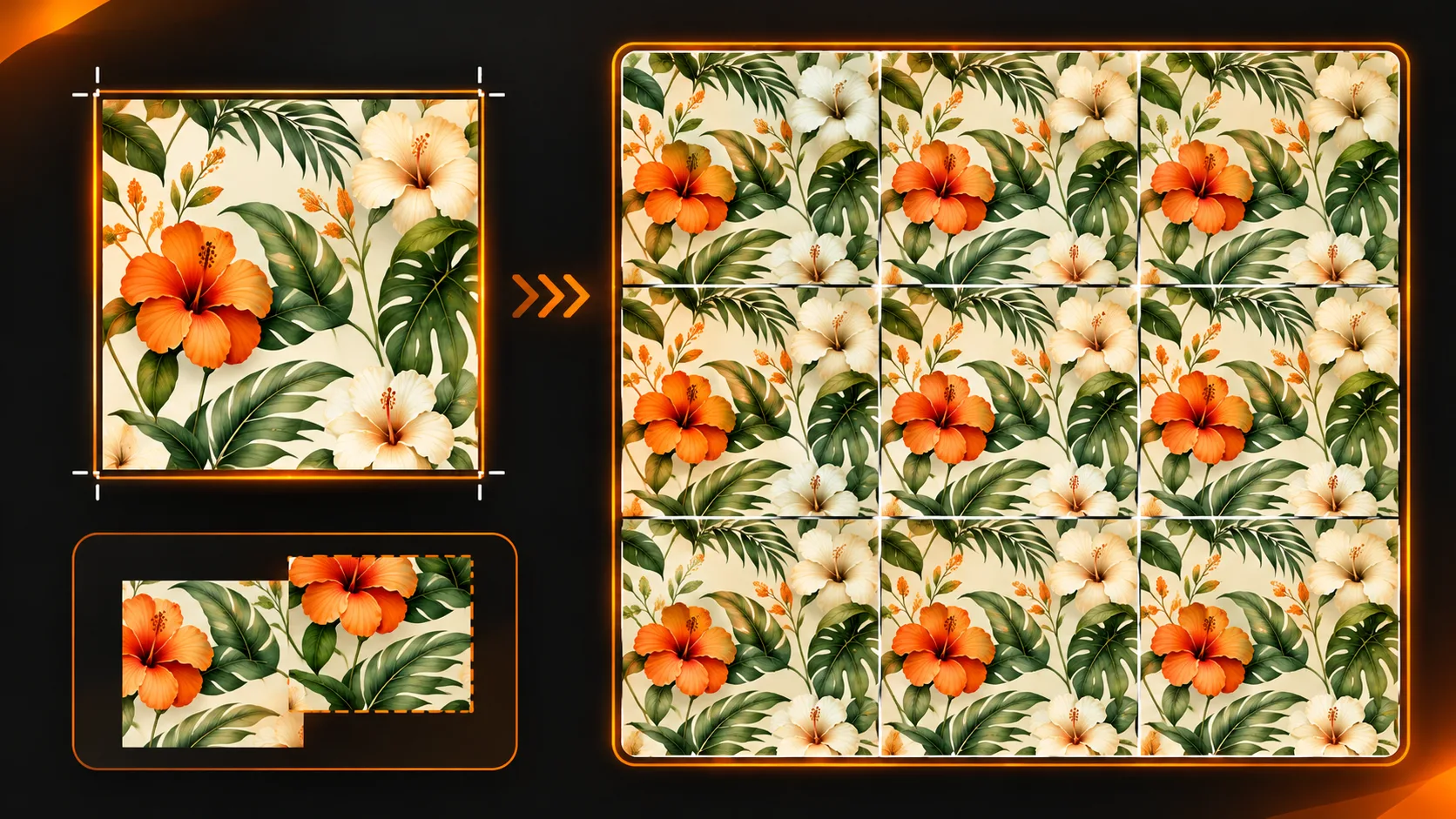
Begin by creating your 3x3 tiling. Place 9 copies of your image tiled seamlessly to create a larger image. Be aware of harsh lines, unintentional patterns and obvious repeats.
Try creating an offset. In an editor with wrapping offset, move your image horizontally by half of the width, and vertically by half of the height. This will cause your original edges to overlap in the middle which will make it easier to identify any mismatches. Fix this and try again.
Some motifs may straddle the tile but this is okay as long as they are continuing correctly on the other side. Removing these may create gaps.
Preview the actual size. You may find your fine leaf motif gets lost on a small label, or the bold motif is becoming repetitive on the whole curtain.
Which Common Mistakes Make AI Patterns Unusable?
| Problem | Why it happens | Better correction |
|---|---|---|
| Visible border | Opposite edges don't align | Offset, repair and re-tile |
| Obvious grid | One distinctive motif repeats frequently | Vary placement or choose a different repeat |
| Muddy palette | Too many colours and textures | Limit colours and simplify detail |
| Wrong scale | A tile looks good only as a thumbnail | Preview on the actual product size |
| Fake print readiness | High resolution looking preview lacks proper file specifications | Confirm dimensions, colour mode and printer requirements |
Don't confuse a device wallpaper with printed wallcovering. A digital wallpaper design tool can create screen backgrounds; that does not establish seamless alignment for a physical wallpaper roll.
What Must You Check Before Printing or Selling?
Ask them to what repeat size you need the design, pixel/vector size, colour mode and whether you need any bleed or registration.
If they just give you a DPI then you cannot assume that there will be enough detail in the image at the required size.
Ask them to provide a print proof so you know how the colours will look, the sizing and whether it will be legible.
Know the commercial terms of the generator and ensure that you have the rights to use the artwork. Do not copy any copyrighted prints/characters. Store your prompt, ref files, final repeat and approval notes together.
Final Thoughts
You can speed up your design process by using AI to give you inspiration on what your surface should look like. Try generating some botanical patterns, geometric patterns and colours.
However, having one nice square doesn't tell you much about how your artwork will look when tiled.
Instead create a prompt for how large your motifs are and how far apart they are. Generate a few unique designs. Check how they look when tiled together. Fix any issues with the edges and see how they look at full scale.
When creating for commercial printing, use specialist tiling options and make sure your file is printer approved.
A great pattern will tile well.
For more ideas on visual generation workflows, explore official creative tutorials.