

Key Takeaways
- AI video generators can turn product images and creative ideas into engaging Pinterest Video Pins that help viewers discover useful solutions.
- Start with a specific search topic or customer question and build a storyboard around it.
- Use vertical 9:16 videos (1080 × 1920) for full screen viewing, while following Pinterest's supported video formats and length requirements.
- Use real product images and reference materials to maintain accurate colours, dimensions, labels and product details.
- Create short, focused scenes such as before and after transformations, step by step demonstrations and product styling ideas.
- Review every generated clip for visual inconsistencies, unrealistic movements and misleading product details before publishing.
- Export and upload finished videos through Pinterest's Pin creation process, adding relevant titles, descriptions, links and AI disclosures where required.
- Measure performance through saves, outbound clicks and audience engagement rather than assuming AI generated videos will guarantee traffic or sales.
- The most effective Video Pins combine useful content, accurate visuals and a relevant destination page that provides additional value.
Table of Contents
- 1.Create Video Pins with AI
- 2.Quick Answer
- 3.What Makes a Pinterest Video Different From a Reel?
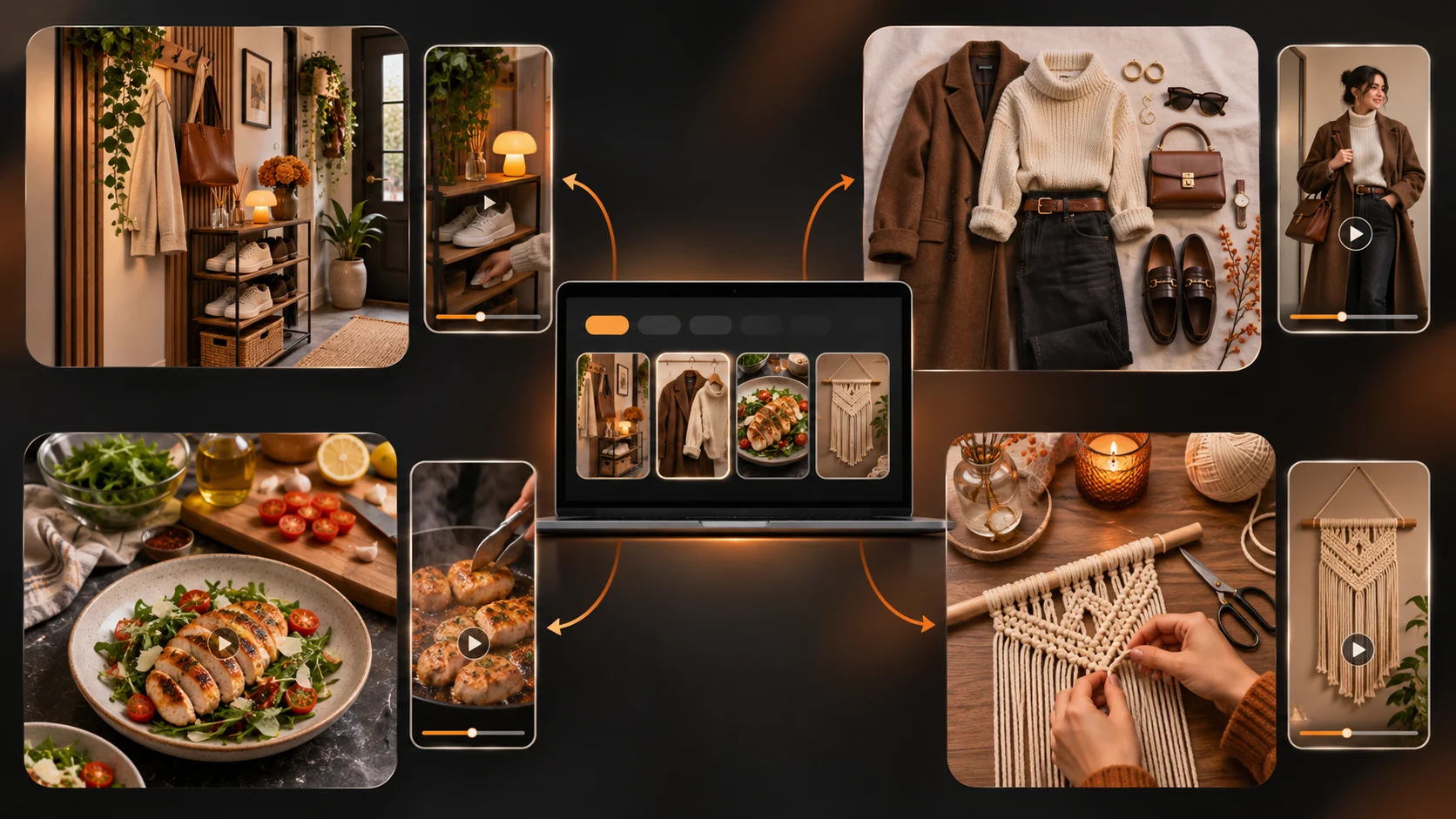
- 4.Which Pinterest Topics Work Well as Short Videos?
- 5.What Size and Length Should a Pinterest Video Be?
- 6.How Do You Turn a Search Idea Into a Storyboard?
- 7.How Do You Generate the First Video Clips?
- 8.Which AI Video Prompts Are Useful for Pinterest?
- 9.How Do You Finish and Publish a Video Pin?
- 10.What Should You Measure After Publishing?
- 11.Final Thoughts
Create Video Pins with AI
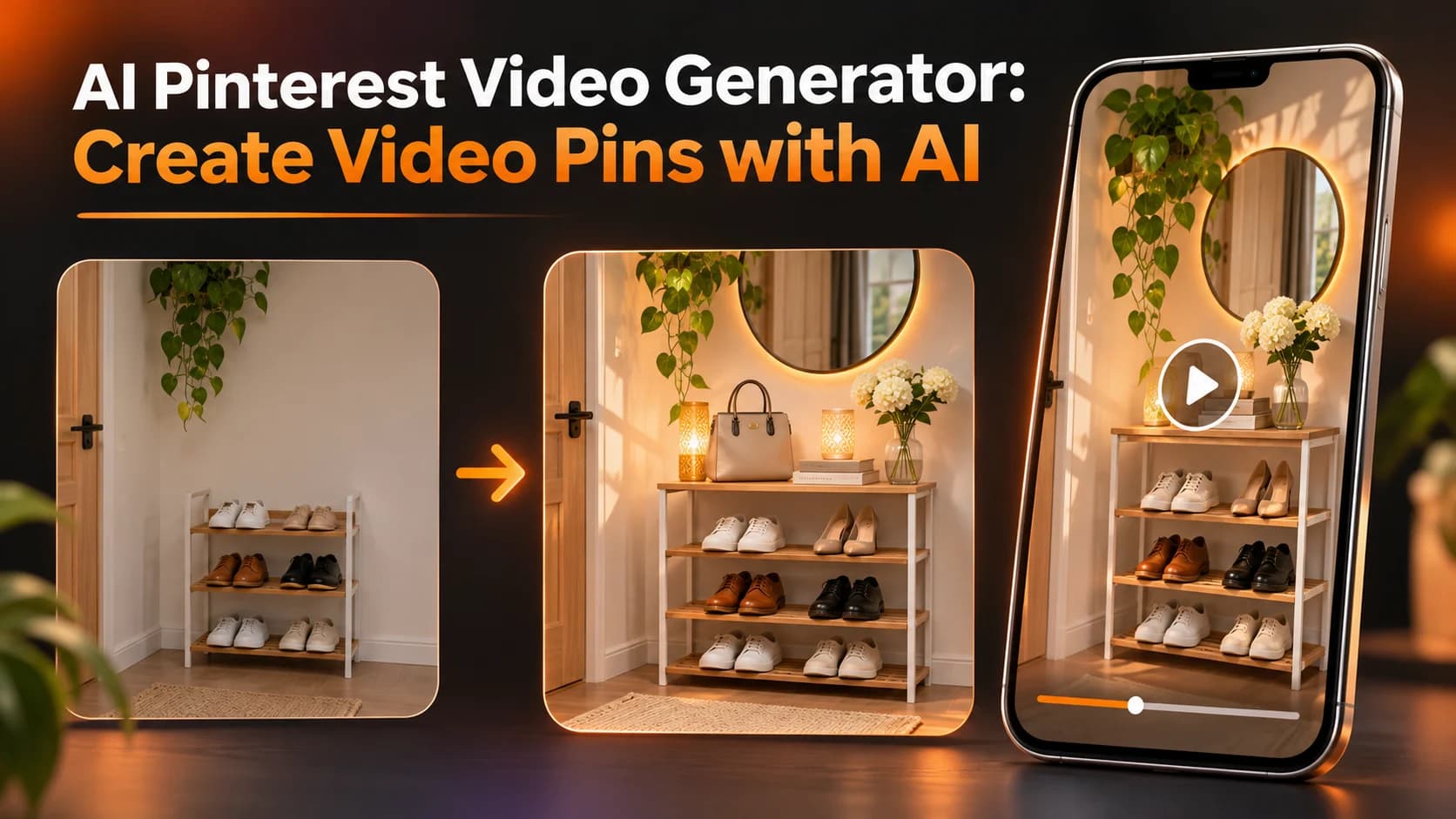
This brand provides 5 good product images. However, their Pinterest board lacks any visuals that show how their products can actually solve a problem. They might like to create a short video to show how they can better set up their entryway.
The hard part is ensuring when you add movement to your pin it will answer a question the viewer will have and take them to a page that will be worth opening.
Using an AI video creator for Pinterest can help you create the video. Just ensure your brief starts with what you want people to find out.
Quick Answer
Create engaging and eye catching video pins using an AI Pinterest video generator. Choose your search topic and create a useful storyboard to generate vertical videos and clear text which can be edited. Ensure you follow Pinterest's upload requirements, include secure information about real products, ensure you're aware of AI disclaimers and ensure each pin links to a suitable place.
What Makes a Pinterest Video Different From a Reel?
They may be using Pinterest to gather some ideas for their next project. Whether they are creating a small hallway, styling a shelf or planning their garden make sure your video explains the idea well and doesn’t require any brand knowledge.
Ideally, your Video Pin should include a before and after, step by step or demonstrate how your product can be used. This will help viewers see exactly what they can do.
If you’re sharing some ideas for small storage solutions in your entryway make sure to show where the shoes, bags and keys go.
A creative production workspace may support your assets, but the topic and the destination page should be decided before anyone generates a scene.
Which Pinterest Topics Work Well as Short Videos?
Start with a task: "three ways to organise a narrow entryway" is more useful than "home decor."
| Topic | Useful video concept | Destination page |
|---|---|---|
| Small space decor | Show three layouts around one narrow console | Room guide with dimensions |
| DIY and crafts | Demonstrate the finished object and key stages | Full materials and instructions |
| Fashion styling | Compare three outfits using approved garments | Collection or styling guide |
| Food ideas | Show real ingredients and an accurate sequence | Tested recipe with quantities |
| Product discovery | Show an actual item from two angles | Matching product page |
No generator can promise rankings or saves. Choose topics for their usefulness, not their supposed virality.
What Size and Length Should a Pinterest Video Be?
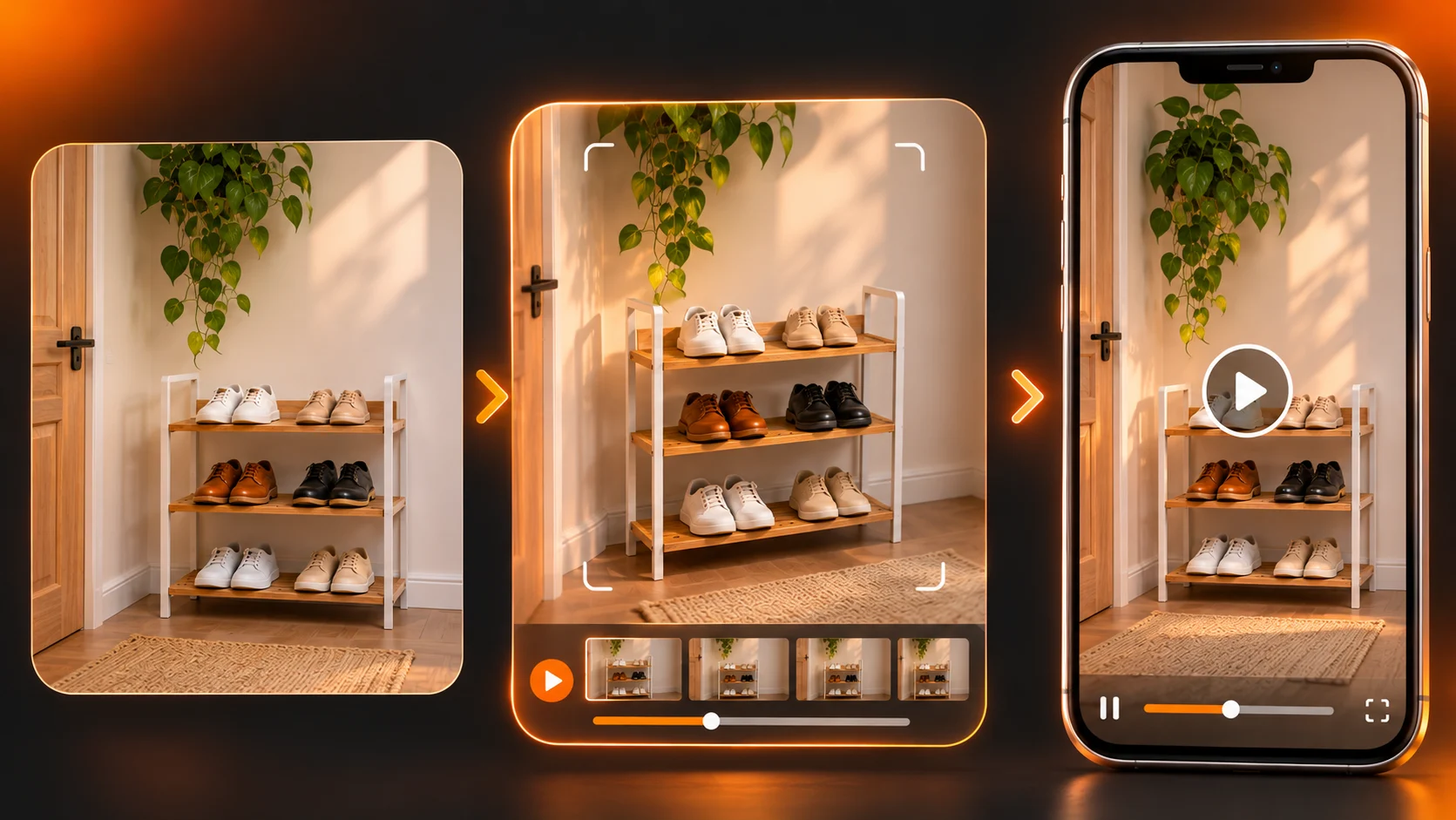
For your Organic Video Pins make sure you use videos between 4 seconds and 5 minutes. We recommend using 9:16 (1080px x 1920px) ratios for best results when using full screen vertical videos. However, you can also upload videos using ratios of 2:3, 4:5 & 1:1.
Your video should be in MP4/M4V format with H.264/H.265 encoding. You can also add a title (up to 100 characters) and description (up to 800 characters). Try to include any important keywords at the start of your titles as your video may be cut off within the feed.
We recommend using videos that are between 6-15 seconds long for video ads.
Avoid using any text that could cause issues with overlays. Preview your exported video on a mobile device.
How Do You Turn a Search Idea Into a Storyboard?
Take a hypothetical brand selling a slim shoe rack. Its target topic is "small entryway shoe storage." A 20 second Pin could follow this plan:
| Time | Scene | On-screen text |
|---|---|---|
| 0 - 4 sec | Genuine photo of a cluttered narrow entryway | "Small entryway?" |
| 4 - 9 sec | Show the real rack placed against the wall | "Keep the floor clear" |
| 9 - 15 sec | Show shoes and bags arranged within the actual space | "Give everything a place" |
| 15 - 20 sec | Approved final room photograph | "See the full setup" |
The destination should provide measurements and product details. Avoid unverified space saving percentages.
How Do You Generate the First Video Clips?
A text and image to video creator can help build individual shots from descriptions or references. Controls vary by model. Use an approved rack photograph instead of asking AI to invent its shape.
Process:
- Get the approved references. This means saving real images of the product, measurements of the room, and the final landing page URL.
- Create 1 shot per generation. Keep your movements minimal to avoid creating a wide movement and exposing areas which aren’t in the original image.
- Keep the static elements. The product size, number of shelves, colours, labels and room should remain the same.
- Create and check. Check throughout each clip to ensure nothing is changing.
- Keep the good takes. Note down your prompt, source file, and errors to add into your Pin.
For the rack, try:
Create an animation using the provided image of the skinny shoe rack. Move the camera slowly towards the rack. Ensure the number of shelves are exactly as shown, the colour of the frame and sizing. The door, wall and floor should also stay the same. The lighting should be realistic. The shot should be shot vertically. It should be one take. No labels and no made up accessories.
If there are more shelves then reject the clip. It might be better to do a manual zoom on the original still.
Which AI Video Prompts Are Useful for Pinterest?
Home Styling Concept:
The image will consist of a chair, floor lamp and small table in a reading nook. The image should be shot from above, giving it a vertical composition. Soft light can be seen from the window. We have used a slow camera movement moving the image from left to right. There is lots of space to add styling text. This is to demonstrate how you could style your image, it is not an actual property.
Fashion Product Teaser:
The image requires animation. You need to keep the stitching, strap length, fabric colour and print consistent. Slow camera movement from left to right. The background should be clean. Vertical composition. There is a lot of space to add your collection name.
Tutorials: It is important to film any key steps. Synthetic transitions can cause incorrect techniques to be shown.
How Do You Finish and Publish a Video Pin?
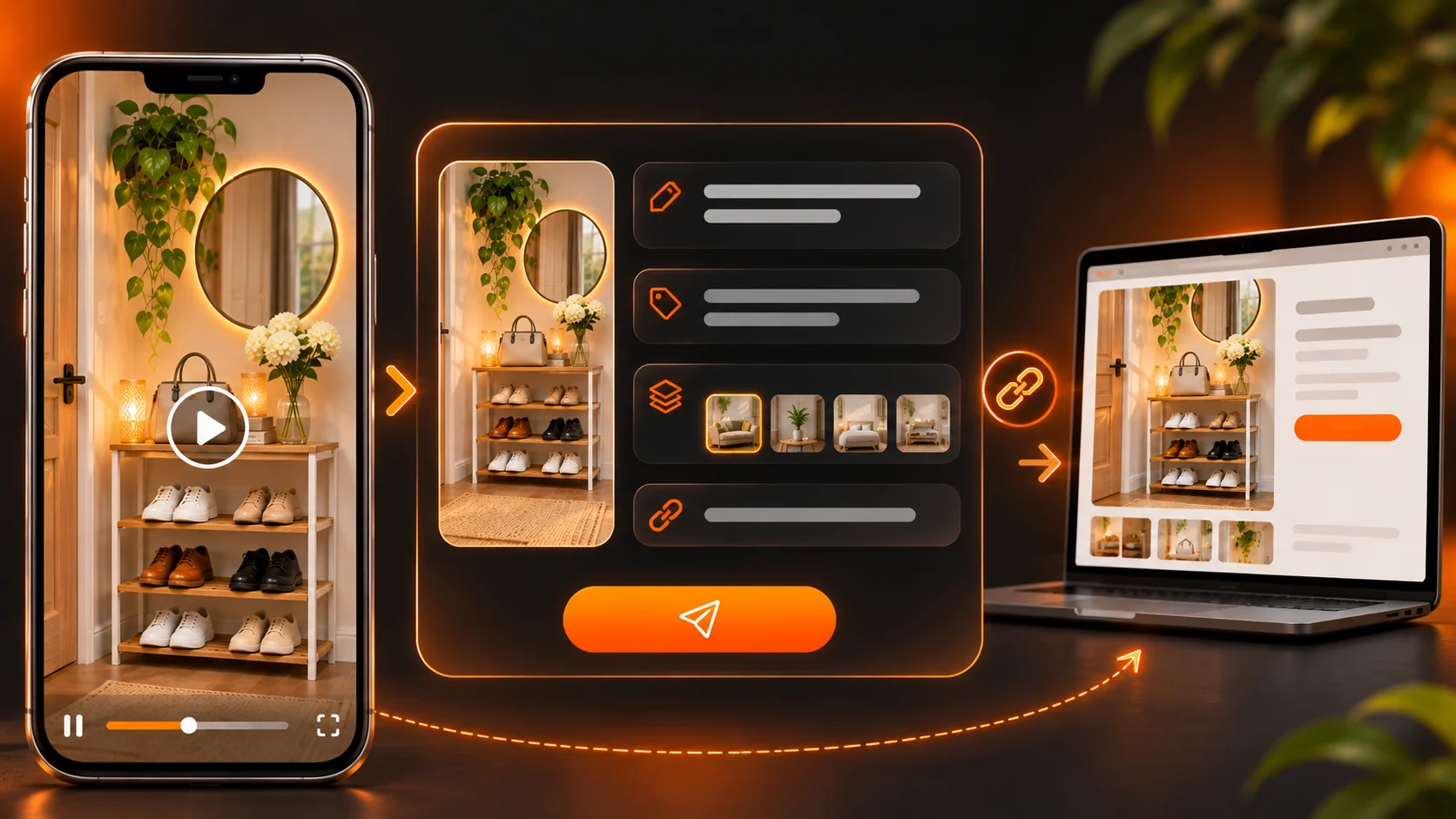
A short form video assembly tool can help turn images or clips into a vertical sequence. Its current page describes 9:16 reel output, but it does not establish direct Pinterest publishing. Export the finished file and upload it through Pinterest's own Pin creation flow.
Add text, select a good cover image and tick the sound off the box. Ensure captions are correct and products are claimed correctly.
When uploading your video you will be able to add your board, title, description, link and relevant topics. If your content has been fully or partially created by AI or uses an AI Generated character we recommend selecting the AI Modified option. Ensure you select the right disclosure options and follow the latest guidelines.
What Should You Measure After Publishing?
Consider how many saves you're getting.
If your pin isn't sending people to the right place then you may be losing out on discovering traffic. Experiment with different variations but don't upload similar variations. Pinterest will tell you 'Don't spam us with similar pins'.
Take note of what you're testing, what variation and where they’re linking too. What were the results? Try not to jump to any conclusions based on a small sample size.
Final Thoughts
The most effective Pinterest videos will be ones that help people discover ideas or complete a project. Using AI will help you create animations from your interior ideas, bring product images to life or even create a mini story using multiple approved images. But you can’t prove the furniture will fit, that the recipe will work or that the item will have unverified features.
Choose a specific question the viewer may ask. Create a destination page and storyboard the shortest video that will answer their question. Make sure to include specific product/destination references. Ensure the formatting is correct.
A good Video Pin should be standalone and be long enough to keep people engaged. The destination page will add extra detail that adds more value than a dramatic video.
For more practical video creation examples, explore official creative tutorials.