

Key Takeaways
- You have a product set to launch in 2 weeks.
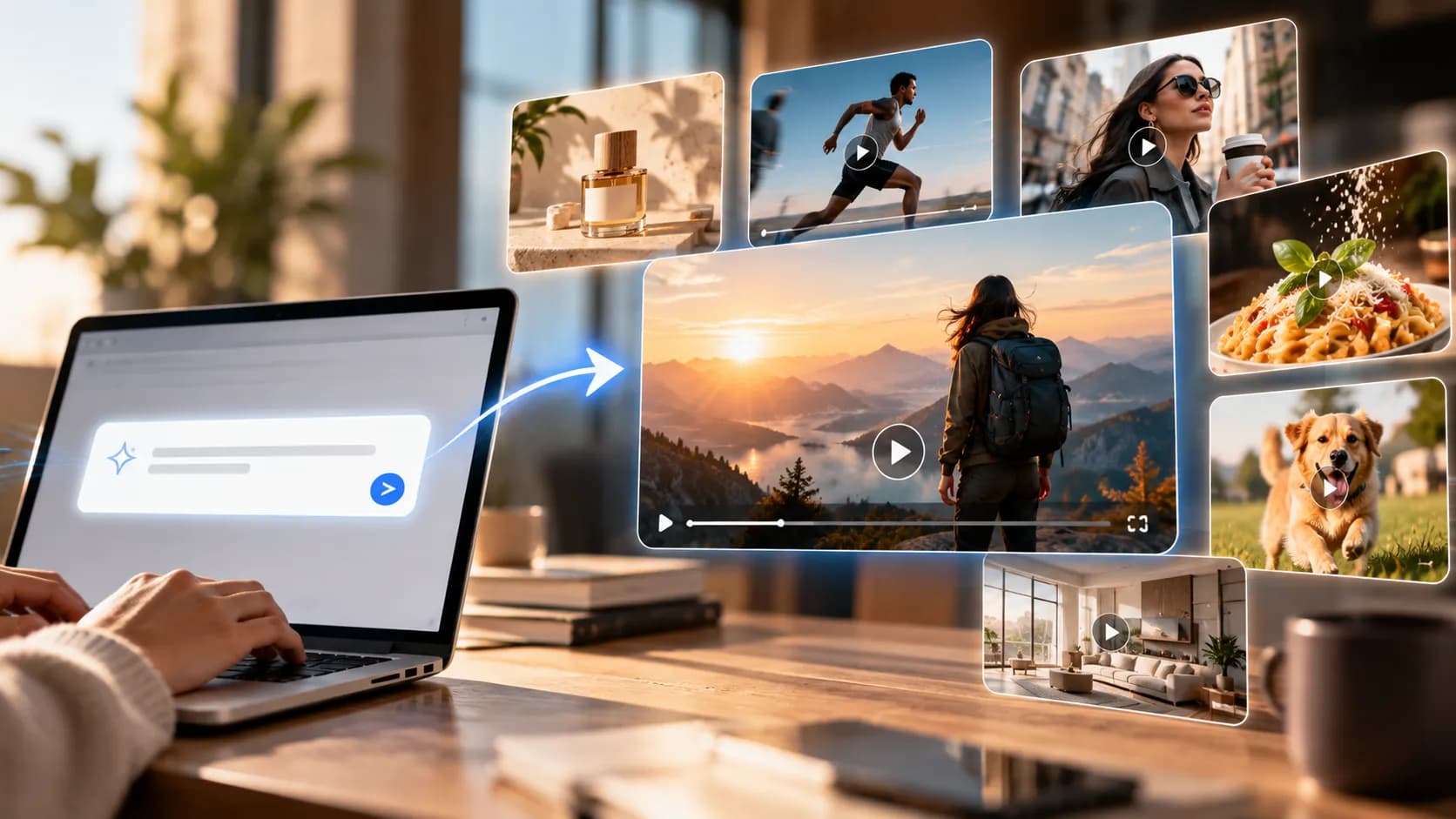
- Prompt to video AI will create video clips based on text prompts.
- This is best used when you need a visual idea but don’t have the time or budget to film.
- Text to video is great for creating fictional scenes.
Table of Contents
- 1.Prompt-to-Video AI for Marketing
- 2.Quick Answer
- 3.Where can I use Prompt to Video AI?
- 4.Should I use text, image or real footage?
- 5.How can I create a video prompt from my marketing brief?
- 6.What would a 3 shot product storyboard look like?
- 7.Process
- 8.What prompts are good for different channels?
- 9.What should I check when reviewing my generated clip?
- 10.How can I create different variations?
- 11.What is the cost of using prompt to video?
- 12.Final Thoughts
Prompt-to-Video AI for Marketing
You have a product set to launch in 2 weeks. You have a final image, list of benefits and 3 channels asking for different videos. You enter your prompt: ‘make a cinematic product ad’. The video looks nice, however, halfway through the packaging changes. It is hard to read the headline and the footage isn’t suitable for social media. The best place to use this is when creating a prompt based on your production plan. This will create a video that tells one marketing story and can be edited, checked and published.
Quick Answer
Prompt to video AI will create video clips based on text prompts. Start with one objective for your audience, decide on the subject and movement, and build one shot at a time. Ensure product details are included using final reference images and ensure all frames are checked for issues. Add brand text, claims and calls to action.
Where can I use Prompt to Video AI?
This is best used when you need a visual idea but don’t have the time or budget to film. It can create generic scenes such as kitchens, animated metaphors or short background clips.
Say you’re launching a re-usable travel mug with a cobalt blue lid for a fictional coffee brand. You’ll want a video to set the tone for social media, a product focused video and a subtle looping video for your landing page.
Using a creative production space will help you experiment with different formats however this doesn’t replace your campaign brief, product photos and final sign off.
| Marketing placement | Useful video approach | What the reviewer must confirm |
|---|---|---|
| Organic social teaser | Text-generated atmosphere or conceptual B-roll | Viewers understand the mood and message |
| Product reel | Reference-image animation or real footage | Shape, packaging and labels remain accurate |
| Website hero | Subtle looping movement | The headline stays readable and the loop is not distracting |
| Paid advertisement | Several short shots with editable overlays | Claims and offer match the destination page |
| Software tutorial | Authentic screen recording | Controls and instructions reflect the real interface |
Should I use text, image or real footage?
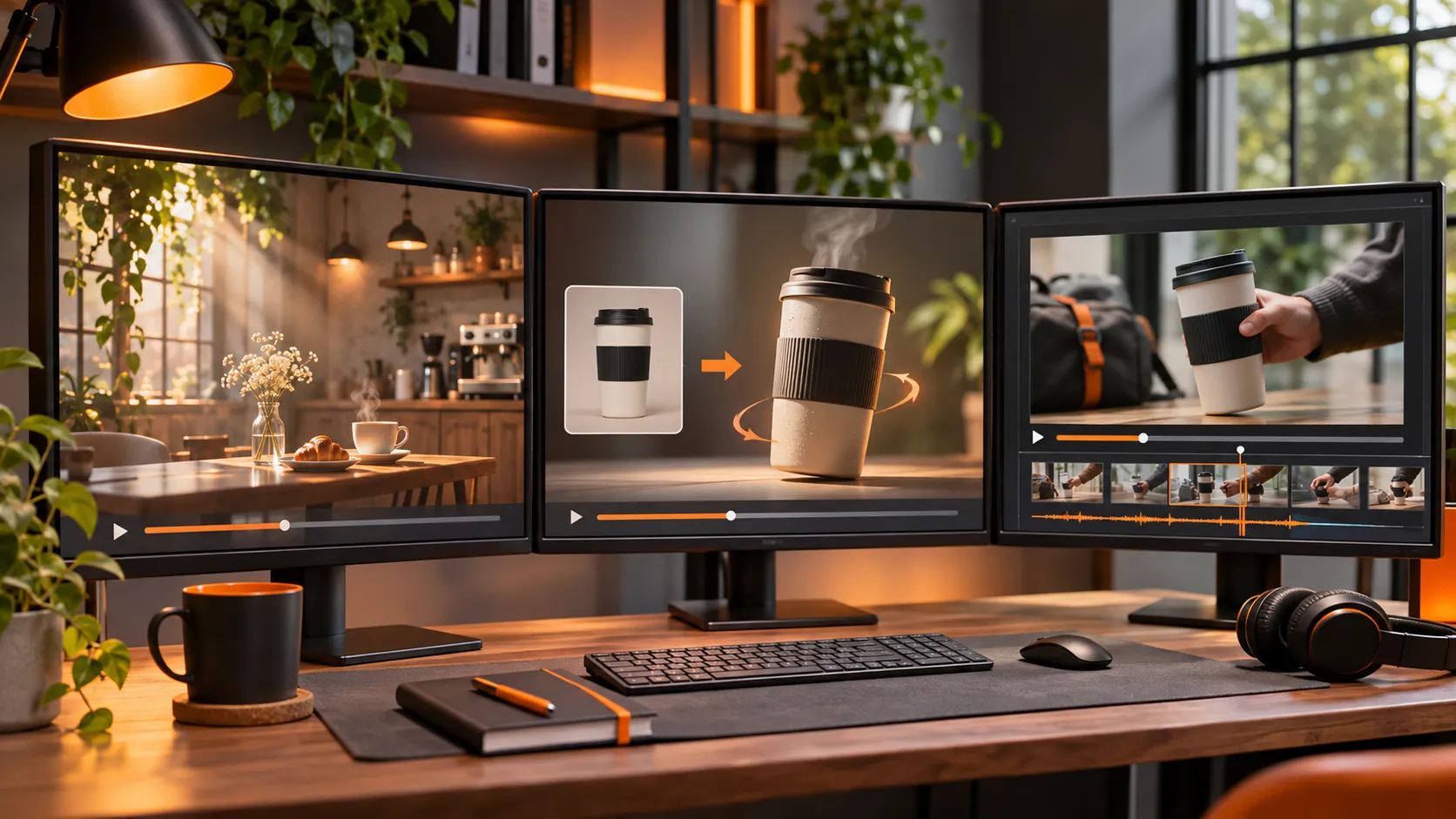
Text to video is great for creating fictional scenes. For example scenes with morning light coming through the kitchen, steam rising in an empty café or abstract shapes to show teamwork.
If you need real items in your video, image to video is a better option to start with. Using reference images will give you the initial shape, colour and composition of your model however you can still alter these in later frames. If you have logos, materials or mechanisms keep the movement minimal.
If you’re showing a product, medical or safety instructions, software controls etc it’s best to use real footage to ensure accuracy. You can use generated footage to introduce or link to these moments.
Ask yourself - Would a reasonable person look at this shot and believe this is how it actually looks/works? If yes, you’ll need to ensure accuracy.
How can I create a video prompt from my marketing brief?
Start by writing out your 6 key inputs. Who is your audience? What message do you want to deliver? What subject? What action? What camera movement? Any constraints? For our travel mug we may want to introduce a new colour.
Weak prompt:
“Premium cinematic coffee ad. Viral. Beautiful.”
Stronger text prompt:
Wide shot of a quiet kitchen with soft morning light flowing across the wooden surface. Slow steam rising from a plain ceramic cup. Gently pushing the camera in. Space on the right for the headline. One shot with minimal movement and natural colours.
We’re intentionally not showing the branded mug. This should come from a real reference.
Use verbs for movement:
Don’t include contradictory movements. Example: “Fast tracking shot. Steady fixed camera. Dramatic zoom.” Keep it short and focus on improving the element that didn’t work.
What would a 3 shot product storyboard look like?
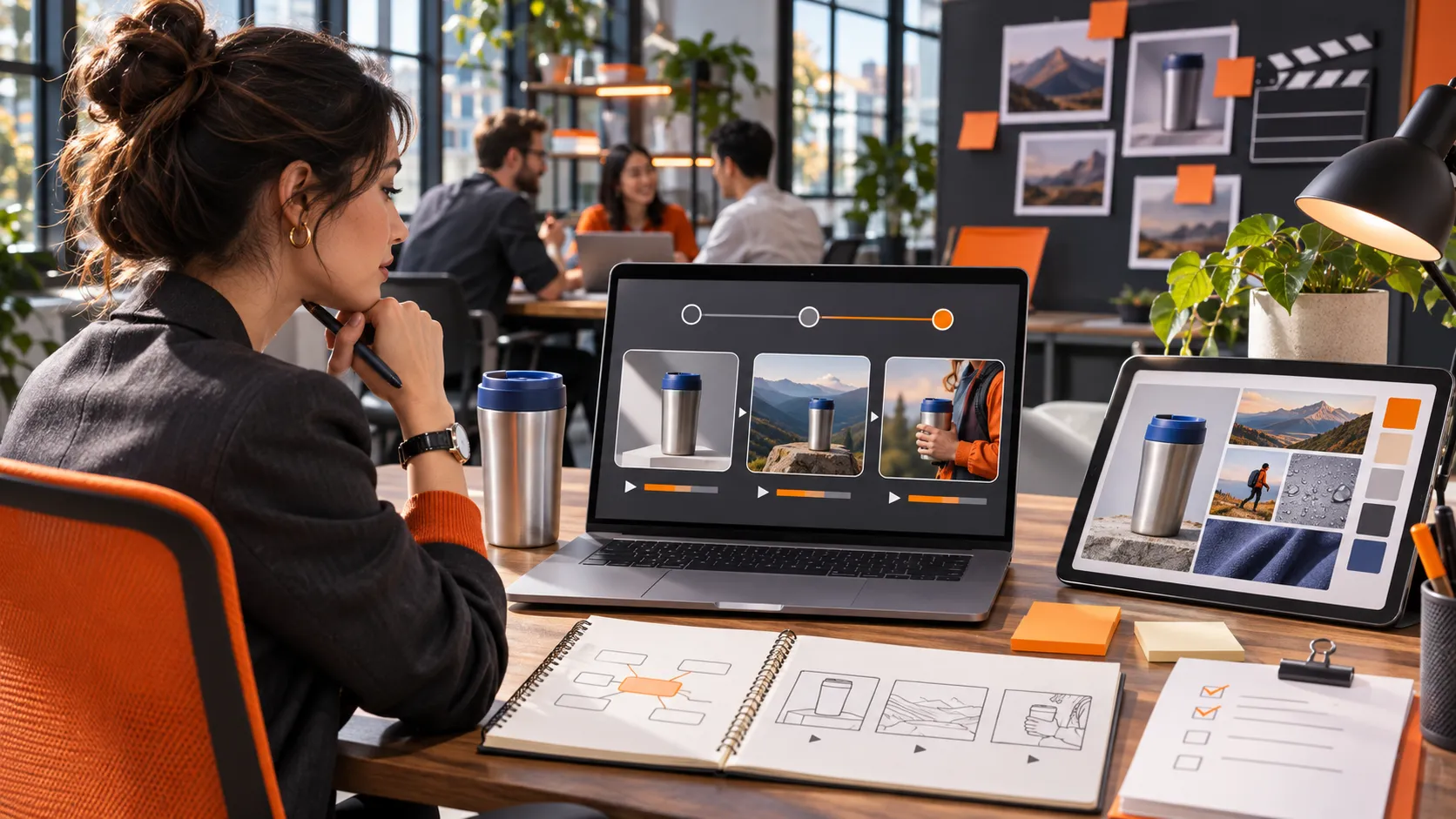
For a hypothetical 15 second social media reel we’d want to introduce, show the product and include a next step.
| Edit timing | Shot | Message |
|---|---|---|
| 0–5 seconds | Sunlit counter with gentle steam | Establish the morning routine |
| 5–10 seconds | Approved mug photograph animated with a slow camera slide | Show the actual product and new lid colour |
| 10–15 seconds | Clean end frame assembled in an editor | Display the approved product name and action |
Add your voiceover or on-screen text. If making claims such as “keeps drinks hot for 12 hours” ensure this is checked. Don’t ask the generator to make up any specs or testimonials.
Process
- Finalise your brief. Identify your audience, what you want them to do and the channel. Gather your approved images, brand colours, legal claims and export requirements. Note any elements that shouldn’t change such as the lid and printed label on the mug.
- Get your references. Use crisp images with clean lines and plenty of space to crop.
- Decide on the type of generation you want to use. Start with text to create generic moods and image to create real merchandise. If using a text to image to video tool there are options for different models and settings. Check how much time, aspect ratio and credits for the video.
- Create one shot. Keep it simple. Save your prompt, model, input file and generation settings so your colleague can understand what you’ve tried.
- Check at various points. Pause at the start, middle and end. Play the video at full speed to check for any flickering, new objects appearing suddenly, changing shapes and unnatural movement.
- Only improve the parts that didn’t work. If the product changes when the camera pans around it, try a slower slide. If the background is too busy keep it simple by simplifying the set up.
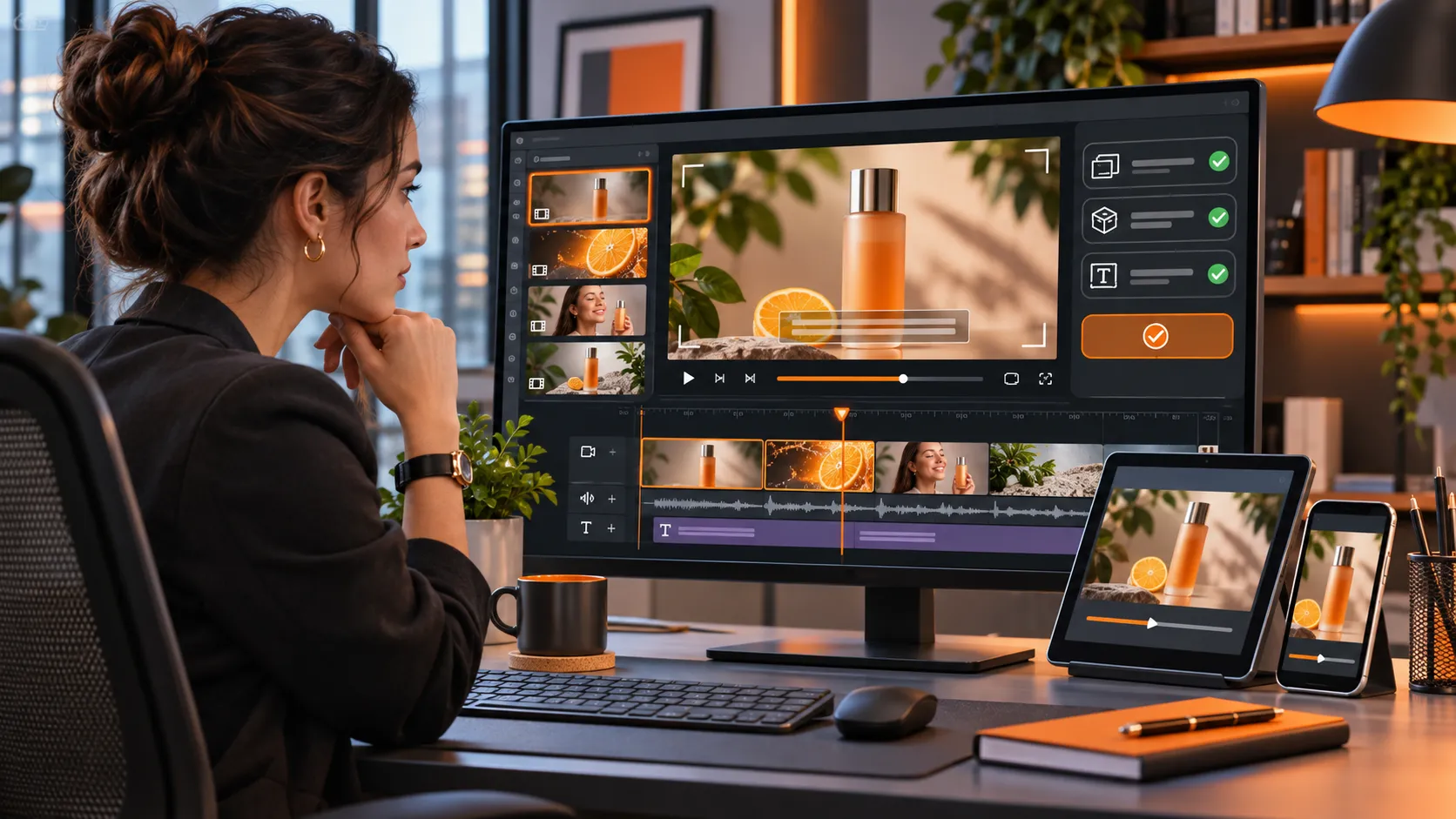
- Finalise outside of the generator. Add clear text, verified pricing, captions, royalty free music and a final call to action. Export and check the real file on your device.
What prompts are good for different channels?
Organic Social Teaser
> Vertical shot with morning light hitting the quiet café table. Small curl of steam rising from unbranded mug. Gentle camera movement. Natural shadows. Warm morning colours. Keep the main action in the centre with space for captions.Website Hero Background
> Wide shot of a minimalist kitchen at dawn. Fixed camera. Subtle light movement across the counter. Calm and almost imperceptible. Clean left side for website text. No text or logos.Reference Product Reel
> Animated supplied image. Travel mug stays upright and still. Camera gently pans right. Keep the lid, sizing, handle and labelling the same. Soft daylight. One shot.Service Explainer
> Clean concept animation. 3 project cards moving from inbox to clear team columns. Smooth and intentional movement. Neutral backdrop. No fake app interface or made up stats. Space for editable text.Event Promotion
> Evening venue with warm lights slowly turning on. Camera gently pushes forward. Inviting feel. No fake faces or event signs. Keep a clear section for the real event date.
Remember prompts are directions for each shot. Add your specific offer once it has been approved.
What should I check when reviewing my generated clip?
Use consistent pass-or-reject criteria instead of voting for whichever render looks most cinematic.
| Review check | Reason to reject or revise |
|---|---|
| Message clarity | Viewer cannot tell what the shot communicates |
| Product fidelity | Logo, colour, packaging or features change |
| Motion | Camera movement distracts or objects flicker |
| Placement | Subject disappears behind captions or interface controls |
| Rights and claims | Unauthorised likeness, music or unsupported promise appears |
| Editability | Final file cannot accommodate approved copy or crop |
Ask someone who hasn’t written the prompt what they think the video is claiming. If they’re inferring a feature that doesn’t exist you’ll need to adjust the visuals even if there isn’t any text.
Ensure you include the source image with all product shots. Note who has approved each version and the reason why previous versions didn’t work. This will help teams avoid publishing incorrect drafts.
How can I create different variations?
Use one approved shot as your master. Keep the lighting, camera language and references the same however change one creative element. For example a calm morning vs a busy commute.
If you’re creating social media posts and ads for your campaign keep the reusable footage separate to the text.
Create separate vertical and horizontal edits. Ensure the captions, buttons and headlines are in the right place.
Whilst you may have specialist ad creative processes to create extra assets for your campaign you’ll still need to ensure your ad account is targeted, reviewed and measured.
Content generation alone won’t launch or optimise your paid campaign.
What is the cost of using prompt to video?
Sometimes the generation cost can be low however you need to consider how many attempts you’re making. How many clips were rejected due to inaccuracy? How long did it take to edit? Any extra audio/export costs?
For example if your hypothetical team made 12 clips and only 4 were approved you have a 1/3 approval rate. This is just an example. If you’re paying a little more per render however have more usable footage approved you may be saving money.
Practical:
- Cost per approved clip.
- Campaign Value
- Look at what has been published.
- How long was the teaser watched?
- Was there useful engagement on organic social?
- Was there conversion related outcomes on the ad?
- What mistakes waste the most time?
Teams often forget to leave text safe areas, all shots have dramatic movement or ask for audio that isn’t supported by the chosen model.
Don’t only save your successes. Include a short note on why it was rejected. “Lid changes on 3rd second.”
Final Thoughts
Using prompt to video AI can help you explore your campaign quicker. Especially if you need fresh ideas for your social media feeds, landing pages and ad concepts. However rarely will your first beautiful clip be your final asset. To create a useful workflow you’ll need approved references, clear claims, consistent checks and an editor to make sure your final message is clear.
Start with one question for your audience. Storyboard a few simple shots. Use text only if you’re happy for it to be interpreted. Use real images if product accuracy is important. Save your prompts and rejected attempts so you have better information to start your next campaign.
Focus on your approved assets and meaningful outcomes from your campaign. Your aim is to create reliable marketing messages.
For practical examples of creative video production, explore official tutorials.