XeltaCut, Motion Control, AI VFX Transitions and MultiCam AI bring editing, animation, visual effects and multi-angle generation into one connected creative workflow.
Overview
The launch expands Xelta AI Studio with four practical tools designed to reduce production handoffs and help creators move from raw material to finished video assets more efficiently.
GURUGRAM, India, August 1, 2026 /EINPresswire.com/ - Xelta today announced the launch of four new creative tools within Xelta AI Studio: XeltaCut, Motion Control, AI VFX Transitions and MultiCam AI.
The release brings four frequently separated parts of video production-editing, motion transfer, scene transitions and additional camera perspectives—into a single AI-powered environment.
The tools are designed for creators, filmmakers, agencies, marketing teams and businesses that need to produce more video across social media, advertising, product storytelling and digital campaigns without rebuilding the workflow at every stage.
One Creative Workflow, Fewer Production Handoffs
A modern content project rarely ends with a single generated image or video. Teams may need to shorten long footage, adapt a still campaign visual into motion, create a more memorable transition and prepare additional angles for different formats.
When every step sits in a different application, the work quickly becomes a chain of exports, uploads and repeated approvals.
The expanded Xelta AI Studio is intended to reduce those interruptions. Each tool can be used independently, while the wider studio gives teams a more connected way to move from source material to a review-ready creative asset.
1. XeltaCut Simplifies Everyday Video Editing
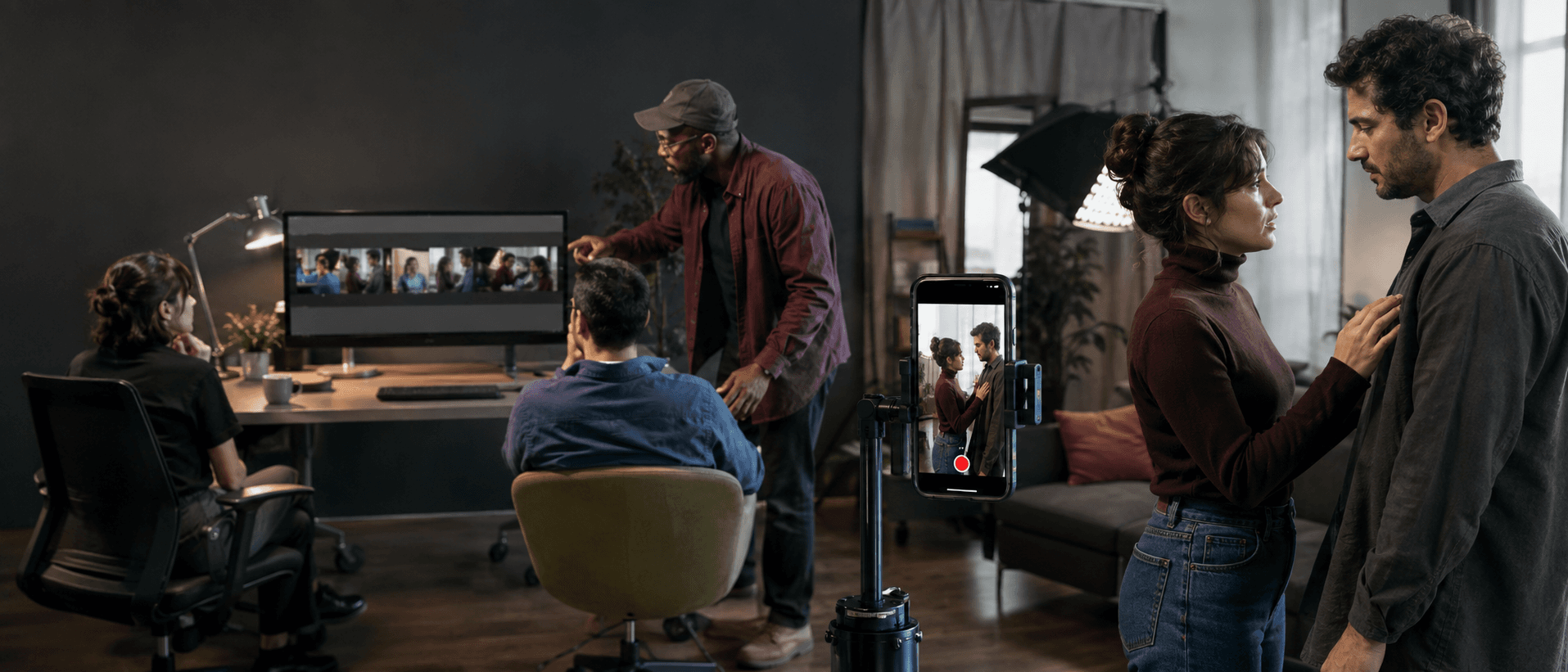
The new XeltaCut AI Video Editor helps users turn longer recordings into focused, platform-ready clips. Creators can upload footage, remove unwanted sections, identify useful highlights and prepare versions suited to vertical, square or cinematic formats.
The workflow also supports practical editing options such as:
Auto-captions Reframing Split-screen layouts
That makes it useful for:
Podcasts Interviews Tutorials Product demonstrations Educational videos Short-form social content
Instead of spending the first stage of editing on repetitive cleanup, users can begin with a tighter draft and focus their attention on pacing, message and final review.
2. Motion Control Turns Still Images into Directed Movement
With Xelta Motion Control, users can upload a still image and a reference video, then transfer the reference movement to the visual subject.
The tool creates a new animated sequence without requiring frame-by-frame animation or a traditional reshoot.
This gives creators a practical way to animate:
Approved campaign photography Character art Fashion visuals Product concepts Social-media images
It can also help creative teams test movement directions before committing to a larger production. The reference video provides the motion, while the source image remains the visual foundation of the result.
3. AI VFX Transitions Connect Scenes with More Visual Intent
The new AI VFX Transitions tool generates a transition video between a selected start frame and end frame.
Users can choose from more than 27 effects, including:
Morph Raven Splash Smoke Glitch
Users can also select output settings such as duration, aspect ratio and quality.
For brand films, product launches, music content, fashion edits and social campaigns, the transition can become part of the visual idea rather than a standard effect added after editing.
The tool is built for moments where two scenes need to feel connected, transformed or deliberately contrasted.
4. MultiCam AI Creates New Perspectives from One Image
The fourth launch, MultiCam AI, allows users to generate additional viewing angles from a single source image.
Creators can explore front views, side profiles and other perspectives while keeping the original subject as the visual reference.
The tool can support:
Product visualization Character development Fashion concepts Storyboarding E-commerce planning Campaign presentations
A team with one approved image can explore how the subject may appear from different viewpoints before arranging a reshoot or producing a larger set of assets.
Built for Creators Working Across Formats
The four launches reflect the way creators now work across several channels at once.
One campaign may require:
A long-form video Short vertical edits A cinematic transition An animated product visual Multiple supporting angles
Keeping those tasks closer together can reduce handoffs and make it easier to preserve the original creative direction.
“Creators should not have to rebuild their workflow every time they move from editing to motion, effects or new camera angles. These four launches bring those steps closer together in one studio, so people can stay focused on the idea rather than the handoffs.”
— Vishal Arya, Founder & CEO, MatchBest Group
Availability
XeltaCut, Motion Control, AI VFX Transitions and MultiCam AI are available through the Xelta platform.
Users can access the tools at:
Xelta AI Studio XeltaCut AI Video Editor AI Motion Control AI VFX Transitions MultiCam AI
Creators can also visit the Xelta homepage to explore the broader collection of AI image, video, voice, filmmaking, advertising and social-content tools.
About Xelta
Xelta is an AI-powered creative platform built for creators, marketers, filmmakers, agencies and businesses.
The platform brings image generation, video creation, editing, voice tools, avatars, filmmaking workflows, advertising tools and social-content capabilities into one connected ecosystem.
Xelta is designed to support human creative direction while reducing repetitive production work, giving users more room to experiment, review and refine their ideas.