

Xelta logo
Image
Video
Audio
3D
Photo Lab
SI
Bankai
Microdrama
MCP
Cinematic Studio
Outfit Tryon
Merchant Ads
AI Influencer
Canvas Pro
Ad Studio
Flows
SocialVerse
Xelta Cut
Enterprise
Resources
Developer
Pricing
AI Tools - Xelta
Background

Turn ideas into high-converting ads

Ad Left Creative 1
Ad Left Creative 1
Arrow
Ad Maker

Turn a product photo and a short brief into a finished video ad. Upload your product image, describe the idea and pick a length — the AI writes the brief, designs a storyboard for you to approve, then generates the ad.

AI Ad Generation
Ads That Convert

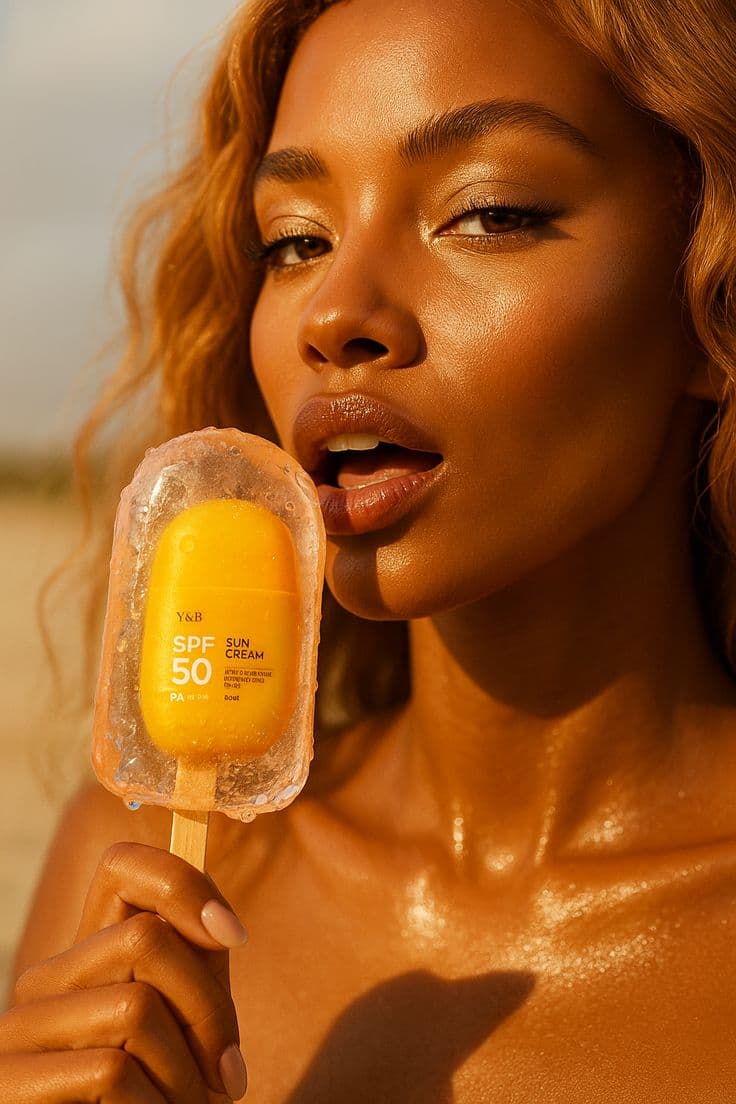
Ready-to-post video ads from 12 to 40 seconds, built around your own product images. Approve the storyboard first, then download the finished ad and run it wherever you advertise.

Social Media Ads
AI-generated smart ad example 18
AI-generated smart ad example 19
AI-generated smart ad example 20
AI-generated smart ad example 21

Frequently
asked questions

Ad Maker turns a product photo and a short description into a finished video ad. Describe your product, upload at least one image and choose a length — the AI writes the brief, designs a storyboard and generates the ad.
An ad idea and at least one product image are required. You can add several product images, and optionally attach a reference video when you want the ad to follow a style you already have in mind.
You can choose 12, 20, 24, 32 or 40 seconds. The 12s and 20s ads are produced as a single clip, while 24s, 32s and 40s are built from two clips (2 x 12s, 2 x 16s and 2 x 20s) and joined into one ad.
The cost depends on the length. It takes 70 credits per second to create an ad. The exact amount is always shown on the Generate button before you confirm.
It works in stages: it summarizes your product information, writes a video brief, designs a storyboard and then generates the video. Each stage is shown in the workspace as it completes.
Yes. When the storyboard is ready you can approve it, or send feedback and have it regenerated. Making changes at the storyboard stage is much faster than redoing a finished video.
Yes, and it is optional. Ad Maker uses the reference as a guide for tone, pacing and shot style, so the finished ad stays closer to the look you are aiming for.
It depends on the length you picked and the current load. Progress is shown step by step in the workspace, so you can follow the brief, storyboard and video stages instead of waiting on a blank screen.
Your ad appears in the workspace as soon as it is rendered and can be downloaded from there. Every ad is also saved under Ad Maker in your dashboard History for later access.
Yes. Ads you create with Ad Maker are yours to publish and run wherever you like. Review the final cut before launching so it meets each platform's advertising policies and any rules specific to your industry.
Background
Xelta Logo
Xelta.AI

Explore powerful AI tools for image,
videos, audio and creative storytelling.

AI Generation

  • AI Image Generator
  • AI Video Generator
  • AI Audio Generator
  • AI 3D Generator
  • Microdrama
  • Photo Lab

Edit

  • Video Editing
  • Moodboard AI
  • Background Remover
  • VFX Effects
  • AI MultiCam
  • Back Stage
  • Story Tweak

Models

  • Video Models
  • Image Models
  • Seedance 2.5
  • Kling 4.0
  • Veo 3.0
  • Gemini Omni Flash 1.2
  • Seedream 5.5

Design Studio

  • Canvas Pro
  • Gen Avatar
  • Sketch to Motion
  • AI Wallpaper
  • Sketch To Image
  • Home Design
  • Video Analyzer

Ad Studio

  • Instant Ads
  • Product Ads
  • Ad Maker
  • Street Ads
  • Giant Ads
  • Prime Ads (60 sec)
  • UGC Ads
  • Marketing & Ads Use Case

AI Films

  • Script & Character
  • AI Lords
  • Anime Microdrama
  • Movie Trailer
  • Comic Flow
  • Microcourse
  • Video To Anime

Company

  • About Us
  • Press Releases
  • Careers
  • Contact
  • Blog
  • Events
  • Global Footprints

Download Our App

Google Play QR
Google Play
App Store QR
App Store
Privacy Policy|Terms of Service|Security|Pricing|Credit Usage

© 2026 Xelta.AI. All rights reserved.