Key Takeaways
- Sometimes, an AI generated image will just look great but not be very useful.
- When using AI image prompts for marketing, you need to include details such as what the image is of, who it is for, where it will go, composition and details.
- In place of bracketed information include correct information.
- Make sure generators are used to add buttons, logos and scale products.
Table of Contents
- 1.AI Image Prompts for Marketing: 25 Practical Examples
- 2.Quick Answer
- 3.How Should You Adapt These Prompts?
- 4.Five Prompts for Product Pages and Ecommerce
- 5.Five Prompts for Paid Advertising
- 6.Five Prompts for Social Media
- 7.Five Prompts for Websites, Blogs and Email
- 8.Five Prompts for Campaign Planning and Brand Concepts
- 9.What Mistakes Should You Catch Before Publishing?
- 10.Final Thoughts
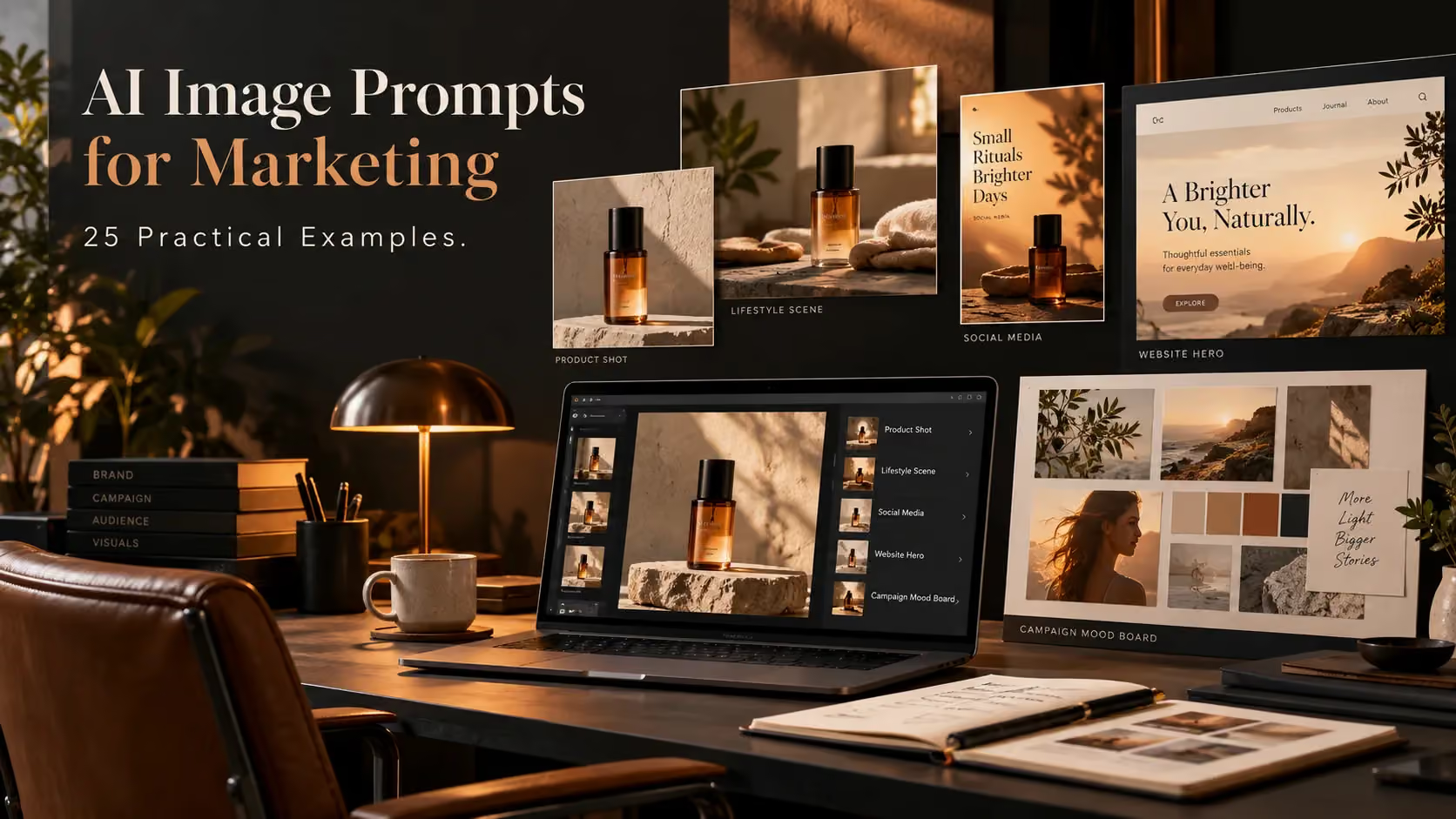
AI Image Prompts for Marketing: 25 Practical Examples
Sometimes, an AI generated image will just look great but not be very useful. The product may be the wrong colour, there could be no space for the headline, or the picture creates the impression that it's selling the wrong feature. A good prompt for an AI image for marketing will focus on what the image needs to do rather than listing a bunch of style words.
Examples of prompts for real marketing uses.
Quick Answer
When using AI image prompts for marketing, you need to include details such as what the image is of, who it is for, where it will go, composition and details. A good prompt will also give room for the approved copy to go in whilst also making clear what shouldn’t be made up. Use the 25 examples below for creating product images, advertising, social media posts, website images and campaign planning. Always check the outputs before publishing.
How Should You Adapt These Prompts?
In place of bracketed information include correct information. Include a reference image for genuine products. Indicate which crop you want to use for each mood (square for feed, vertical for stories, wide for banners).
Include pricing and logos in the editor.
Five Prompts for Product Pages and Ecommerce
1. Product shot
Use the provided [product] image. Show the actual product against a pale background with soft shadows. Keep all labelling, colours and sizing as it is.
2. Lifestyle shot
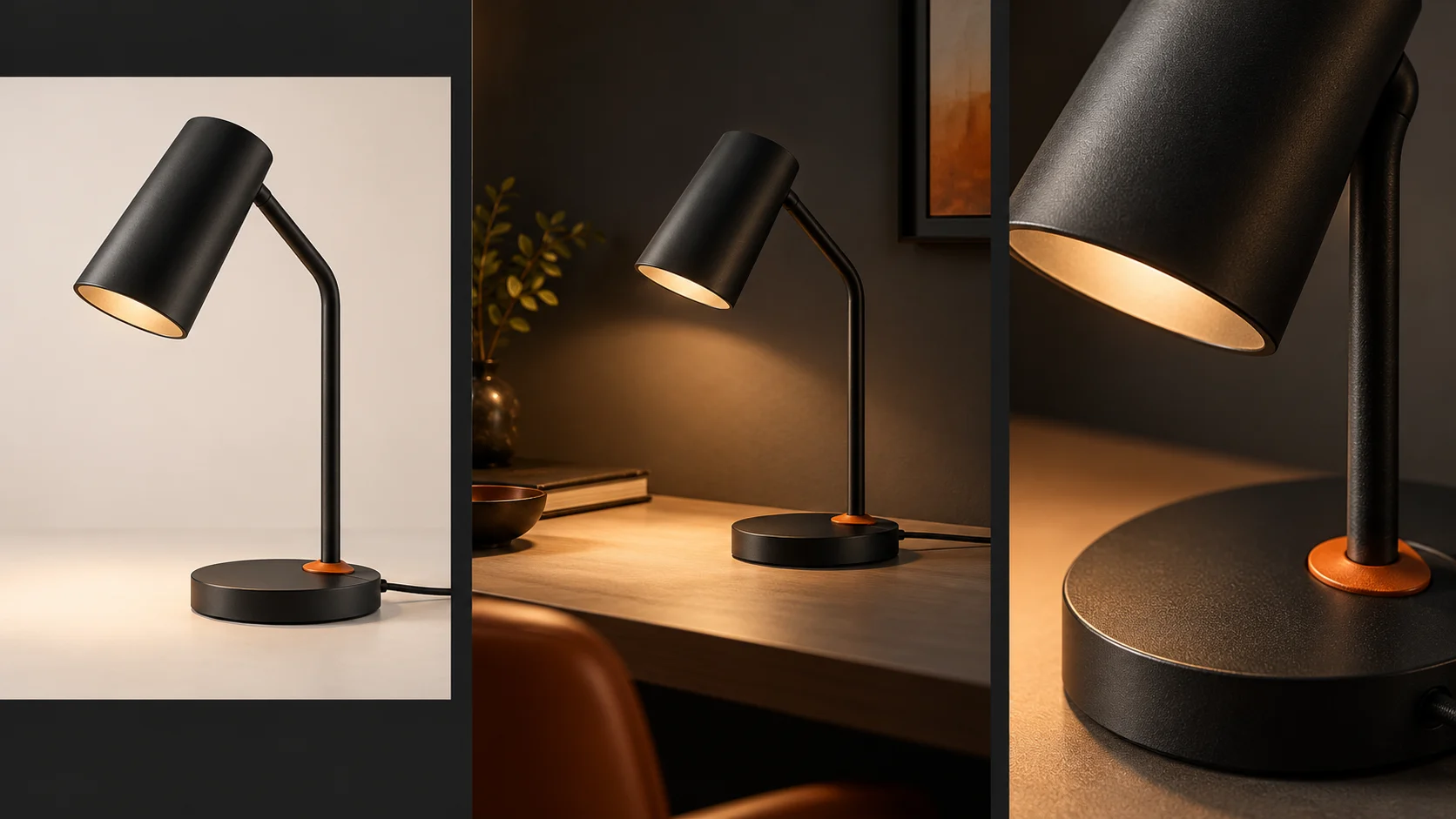
Show the [desk lamp] being used on a small desk in a home office. It should be lit in a warm practical light. The colour, cable and switch should remain as they are.
3. Textured detail
Show a detailed shot of the [linen fabric]. It should show texture. Keep the lighting on the side to create a soft effect. Do not add any fictional accreditation badges.
4. Seasonal shot
Show the provided [gift box] with some winter foliage and plain ribbon. The inside, print and sizing of the box should remain as it is.
5. Colour comparison
Show all three approved images of the [three product colours]. They should all be the same size and on a neutral background. Do not add any fictional colours or incorrect accessories.
A creative production workspace can help when concepts need other formats. Compare the image with the actual product.
Five Prompts for Paid Advertising
6. Benefit
Show the approved storage organiser in action. It keeps a small desk clean. It has high product visibility, simple design and a nice amount of white space for a proven headline.
7. Feeding Ad
Show the [water bottle] in a vibrant kitchen scene. On the left hand side there is the water bottle and on the right there is plenty of clean copy space.
8. Retargeting
Show the exact [running shoes] from the example. It should be shown on a clean bench with a folded towel. No discounts, claims or copy.
9. Problem and Solution
Split your image into two even sections. The problem (a messy cable drawer) and solution (tidy drawer). Illustrations only. No made up product.
10. Simple offer
A simple offer background. Include your [brand palette]. A soft paper texture. And a clean centre for your editable offer. No typography.
Don’t ask the generator to create "high converting ads". I don't know how converting they will be. Your campaign brief should give the message for your ad.
Five Prompts for Social Media
11. Cover Image (Carousel)
Ensure that this image is a square. Include 3 plain icons related to your topic. This image should be circular, with space in the middle for an editable short title.
12. Story Teaser
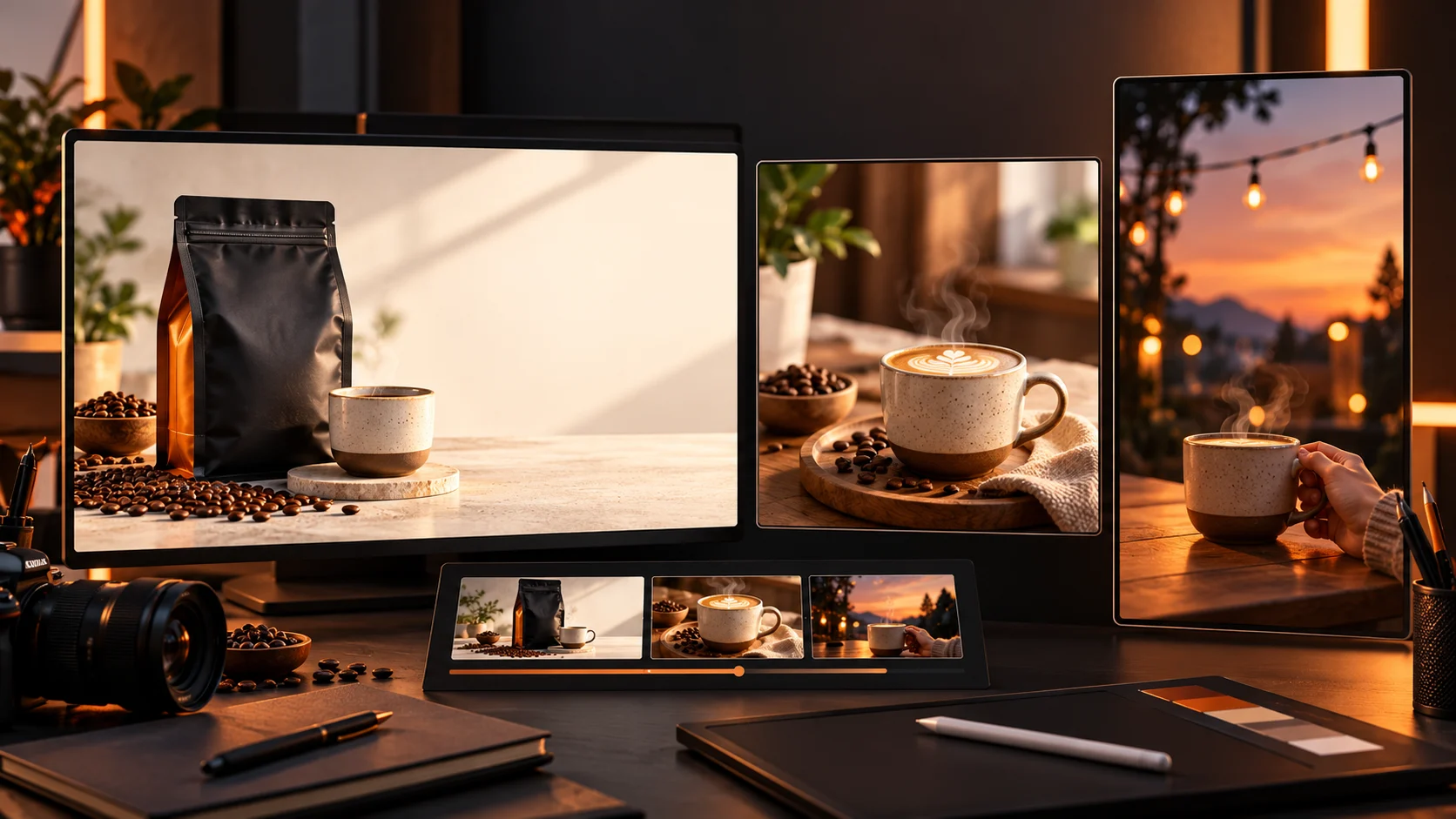
Use a macro to add an image of someone pouring coffee. Ensure that there is nothing in focus at the top and bottom of the image. This should be in a vertical layout.
13. Concept (Behind The Scenes)
Make sure that there is a clear concept. Include an area showing your studio, with fabric swatches and ideas for a fictional fashion collection. Do not include any realistic images of staff.
14. Community Poll
Design two different palettes for a room. Make sure they look nice. They should have the same lighting and furniture. There should be space for text.
15. Reminder (Event)
Ensure that the background is warm to indicate that it's in the evening. Add some blurry lights. There should be space in the foreground for information about the event. Do not include any generated dates, logos or text.
A text-and-reference image generator can develop promising scenes. Keep each visual tied to its post's purpose.
Five Prompts for Websites, Blogs and Email
16. Home Page Hero
A friendly image of an independent book store. An image that shows shelves on the right and has enough space for a clear heading.
17. Blog Graphic
An editorial image showing where you use the most energy around the home. Simple images of appliances with lots of natural light. No data, graphics or text used.
18. Email Header
A photograph style image of handmade soap. Horizontal image with soft shadowing. Clean space for text.
19. Service Landing Page
An abstract and simple graphic showing how you can work together with your workflow. Shapes are linked together with neutral colours. No mockups or charts.
20. How it works
Three distinct points in the recycling process. Icons have been kept consistent with lots of space. No arrows or numbers have been used, they will be added in during editing.
Images should be used to help you answer the questions, and not make you answer them.
Five Prompts for Campaign Planning and Brand Concepts
21. Mood board
A calming and subtle mood board with soft sage tones, natural wood, golden hour, tactile fabrics and minimal aesthetics.
22. Art direction
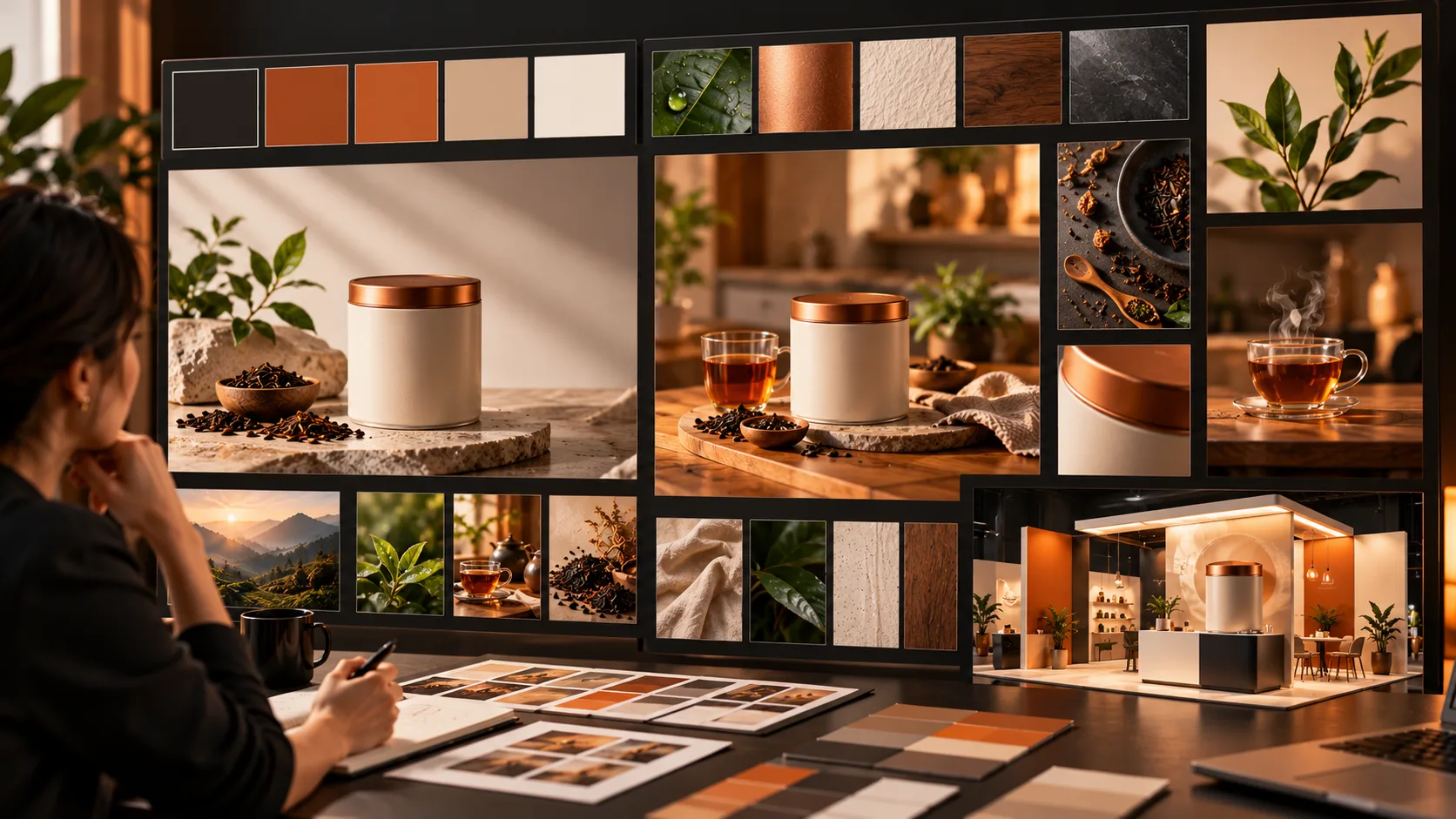
The same fictional tea tin can be seen in a very minimal luxury studio or vibrant kitchen environment.
23. Audience appropriate scene
The backpack has been placed into a realistic commuting scene rather than a mountain scene. The straps and pockets have been kept exactly the same.
24. Booth concept
A simple trade show stand created using flat panels, product pod and walking space for visitors. The signs are left blank to be designed at a later date.
25. Campaign inspiration board
A cohesive set of references for the wellness brand. Using soft natural lighting, mineral textures, warm neutrals and clean product shots. No claims made.
A moodboard creation tool can organise campaign directions. It is not a finished advertisement.
What Mistakes Should You Catch Before Publishing?
Make sure generators are used to add buttons, logos and scale products. Check against original images to make sure any claims made are accurate and crops on mobile devices work.
Do not present generated people or locations as real customers, staff or locations. Make sure you have permission to use them.
If it is only the text which is wrong then make the changes. Keep your original images, prompts and approved exports so they can be used in future campaigns.
Final Thoughts
A good brief will have some practical limitations. You’ll want to make sure you are showing off the product in the lifestyle image, leaving space for text in your advert and ensuring explanations are clear. Just because the brand uses similar colours it doesn’t mean these can be swapped around.
Start from one genuine campaign and try adjusting your brief. Make sure you’re looking at your image in its final format and that your logos, pricing, dates and claims can be easily changed.
If your beautiful image isn’t explaining your offer then you’ll want to adjust your brief. If you’re running a paid campaign then ask someone else to review if it aligns with the landing page and product. The best brief will take you closer to having an asset ready to publish.
For official demonstrations and practical examples, explorecreative video tutorials.