Free AI Image Generator from Image: Turn Existing Visuals into New Creative Possibilities
Making a completely new image from scratch may not always be the most optimal creative process.
Sometimes you already have an interesting image and you need to:
Replace the background Refine the visual quality Make a new environment Transform the image to another art style Remove unwanted elements Make creative variations Enhance the image for marketing purposes Make a new visual based on an existing reference
In such cases, you may find it useful to use a free AI image generator from image.
Not starting with just a text prompt, but starting with an existing image as the visual reference, an image-to-image AI generation allows the AI to make a new image using the source image.
Or you can upload a room image and tell:
“Turn this living room into a minimalistic interior with a warm neutral palette and natural lighting.”
It may prove to be helpful for creators, marketers, businesses, designers, e-commerce brands and agencies to create new creative directions quicker.
Modern AI generation platforms, like Xelta AI, integrate image creation and editing into a much bigger creative ecosystem including video, design, social media, e-commerce and marketing processes. (xelta.ai)
What Is a Free AI Image Generator from Image?
A Free AI Image Generator From Image is a type of AI-based application that generates an image based on a pre-existing image.
The above procedure is referred to as:
Image-to-image generation AI image transformation AI image editing Reference-image generation AI-based photo editing
As opposed to explaining everything from scratch, you give visual details to the AI using the pre-existing image.
The AI can assist you with:
Changing background Altering style Environment transformation Adding/removing visual elements Changing the composition Improving the visual aspect
Simple Example
Original Image: Product shot against a simple white background.
Instructions:
“Shower the product with light from a luxurious marble table and use premium commercial photography.”
A new image can be created by the AI using the original image and your instructions.

Step 1: Upload a Reference Image
Begin with an image that has visual information worth considering.
This can include:
Product photograph Portrait Room image Fashion image Landscape Sketch Design concept
The quality of the initial image will affect the quality of the final output.
Step 2: Define What Should Change
Be clear about the desired transformation.
For instance:
Change the background Add an environment Change the lighting Use a certain visual style Make the picture seasonal Make the image more advertisement-friendly
Step 3: Add a Text Instruction
The image provides visual context, while the text prompt explains the desired change.
Example
“Keep the original product shape and color. Place it in a premium dark studio with dramatic lighting, realistic shadows and luxury advertising photography.”
This type of prompt is more controlled than simply writing:
“Make it better.”
Step 4: Review the Result
AI-edit suggestions need to be looked at carefully.
Look for:
Product shape Brand information Text Lighting Shadows Proportions of objects Accuracy of background
Xelta’s latest guideline stresses that AI edits should be considered a process involving a certain image, editing area, usage and review rule. (xelta.ai)
1. Reference Image Support
The most important feature is the ability to use an existing image as creative input.
This allows users to preserve important visual information while exploring new creative directions.
2. Image-to-Image Transformation
A strong image-to-image workflow can help transform:
Style Background Environment Lighting Mood Composition
This makes the tool useful for both creative experimentation and business content.
3. AI Background Editing
Background changes are one of the most practical use cases.
For example:
Original
A product photographed on a plain background.
New Instruction
“Place the product in a modern luxury living room with natural sunlight.”
This can create a lifestyle marketing visual without a new photoshoot.
Xelta's AI Tools category includes background-removal workflows and other image-related tools as part of its broader creative platform. (xelta.ai)
4. Style Transformation
The original image can be transformed into other styles. These include:
Cinematic 3D rendering Editorial Digital art Minimalist Vintage Fantasy Illustration
But it is always recommended to check that nothing important has been inadvertently altered.
5. Image Editing and Enhancement
A useful AI workflow may also support:
Object removal Background changes Image enhancement Creative variations Upscaling Visual restoration
Xelta provides image-editing workflows alongside image generation and other AI creative categories. (xelta.ai)
Create New Visuals from Existing Assets
You do not always need to start with a blank canvas.
An existing image can become the foundation for:
New campaign visuals Social media content Product variations Website graphics Creative concepts
Save Time and Production Costs
Visual changes through traditional methods might require:
A new photoshoot A designer Studio equipment Editing by hand Several revisions
AI could assist in generating initial visual changes faster.
This could be beneficial for small business owners and creative individuals.
Create Multiple Marketing Variations
One product image can be adapted into multiple environments.
For example: Summer campaign Winter campaign Luxury campaign Minimalist campaign Festival promotion
This can support content testing and campaign development.
Repurpose Existing Content
An existing visual can be adapted for multiple platforms.
For example:
Original Product Image → Website Banner → Social Media Creative → Ad Variation
This can help teams create more content from existing assets.
Original Image
A handbag photographed against a simple background.
AI Instruction
“Keep the handbag shape, color and texture unchanged. Place it on a luxury marble table with soft natural lighting and premium fashion photography.”
Suitable For
Product pages Social media Paid advertising Promotional campaigns
Important Review
Check that the AI has not changed:
Product color Shape Logo Material Hardware details
Original Image
A basic exterior property photograph.
AI Instruction
“Improve the visual presentation with a clean landscaped garden, warm evening lighting and realistic architectural photography. Preserve the original building structure.”
Suitable For
Property marketing Social media Brochures Website listings
For real estate, AI-generated changes should not misrepresent the actual property. The final visual should be clearly reviewed before publishing.
Original Image
An empty room.
AI Instruction
“Transform this empty room into a modern minimalist living room with neutral colors, premium furniture, indoor plants and natural daylight.”
Suitable For
Interior design concepts Client presentations Home décor marketing
Original Image
A fashion product or model photograph.
AI Instruction
“Create an editorial fashion campaign with a modern urban background, soft cinematic lighting and premium magazine photography.”
Original Image
A basic business product image.
AI Instruction
“Create a vibrant festive promotional background with attractive lighting and enough negative space for marketing copy.”
Suitable For
Instagram posts Facebook ads Promotional campaigns
Free AI Image Generator from Image vs Traditional Editing
| Factor | Traditional Editing | Basic AI Tool | AI Image Workflow Platform |
|---|---|---|---|
| Starting Point | Original image | Image or prompt | Image, prompt and creative workflow |
| Speed | Often slower | Fast | Fast and scalable |
| Background Changes | Manual | AI-assisted | AI-assisted |
| Creative Variations | More manual | Easy | Designed for repeatable workflows |
| Learning Curve | Can be high | Beginner-friendly | Beginner to professional |
| Review Control | High | Requires review | Requires structured review |
| Additional Content | Separate tools | Limited | Can connect to wider image/video workflows |
Expert Perspective
AI should not always be considered as something to replace professional editing.
Some situations might benefit more from traditional editing than from using AI because of the following reasons:
Pixel perfect edits Product edits that require exactness Technical editing Typography branding Production control
AI can come in handy when working on the following:
Creative exploration Background editing Variations Concept creation Repurposing
Why Xelta AI Is Different
Xelta AI is positioned as a broader creative platform rather than only a single image transformation tool.
Its current platform features categories like:
Image generation Image editing Video generation Video editing Social media Design & creativity E-commerce Marketing & advertising
It is currently having different creative processes of AI along with image generation models that allow users a wider scope of moving an asset into different types of content. (xelta.ai)
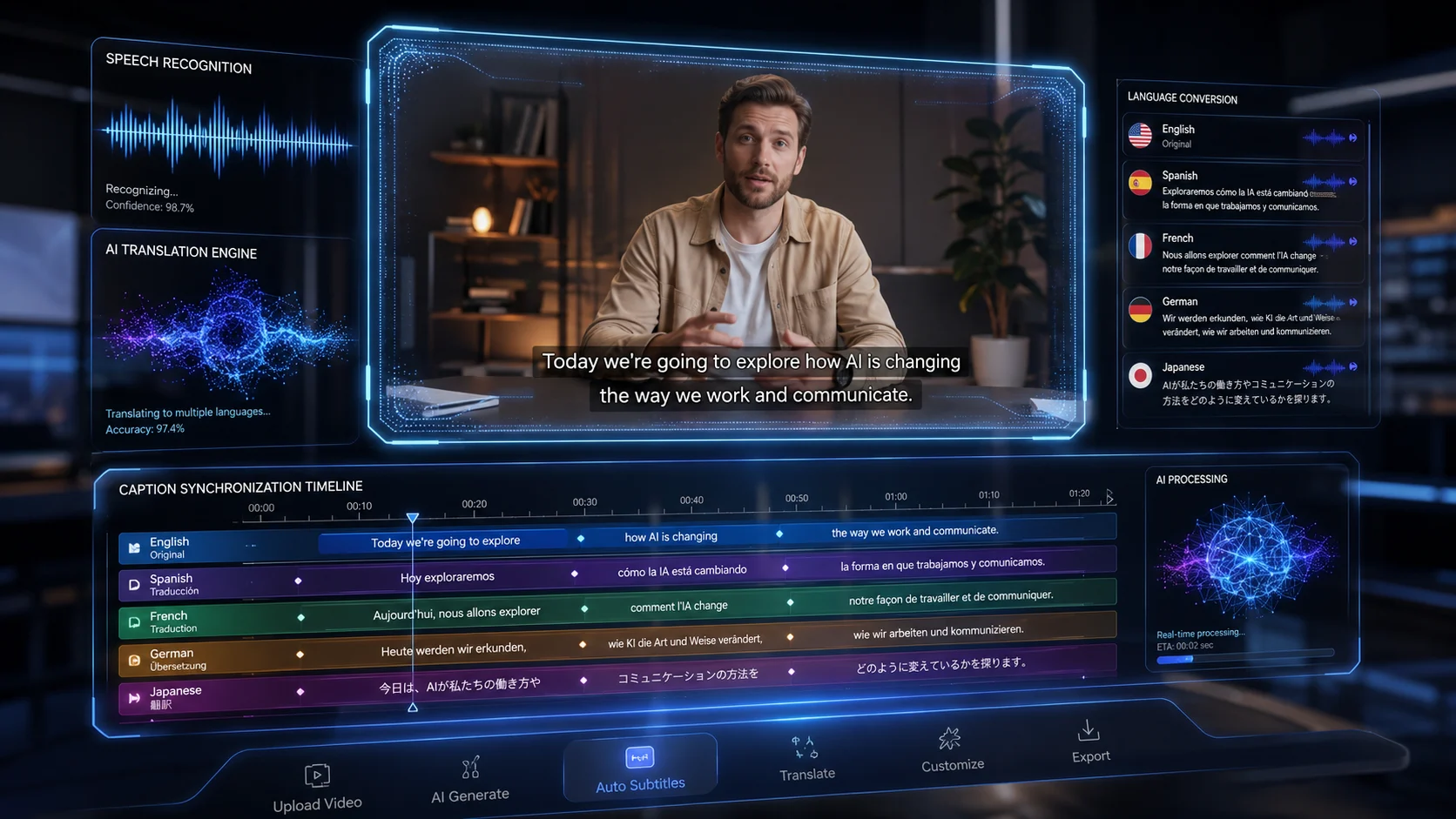
Xelta AI USP: Existing Image to Complete Creative Asset
A practical workflow can look like:
Existing Image → AI Transformation → Review → Editing → Video → Marketing Asset
For example:
Upload an existing product image. Define the visual transformation. Generate multiple variations. Review product accuracy and brand details. Edit or enhance the selected version. Convert the visual into dynamic content when required. Prepare the asset for the correct publishing channel.
This is the difference between using AI for a one-time image edit and using AI as part of a broader content production system.
Creators can start with the Xelta AI Image Generator and use the Xelta AI Video Generator when an image needs to become a dynamic marketing or social media asset.
Does It Support Your Image Type?
Before choosing a tool, check whether it works well with:
Product photos Portraits Room images Landscapes Fashion images Illustrations
Different image types may require different workflows.
Can It Preserve Important Details?
For commercial use, this is critical.
Check whether the AI can maintain:
Product shape Brand colors Packaging Logos Facial identity Important design elements
Always review the final output.
What Editing Controls Are Available?
Look for features such as:
Background replacement Object removal Style transformation Image enhancement Upscaling Image variations
What Does the Free Plan Include?
“Free” can mean different things.
Check:
Free credits Generation limits Resolution Watermarks Available models Commercial-use conditions
Xelta's current pricing information presents pay-as-you-go access and custom enterprise infrastructure options, including private cloud deployments, dedicated account management and custom AI models or integrations. (xelta.ai)
Can the Tool Scale with Your Workflow?
A beginner may need occasional image editing.
An agency or e-commerce team may need:
High-volume asset production Multiple creative variations Image-to-video workflows Team processes Enterprise infrastructure
Choose a platform that matches both current and future needs.
Start with the Source Image
Use a clear, relevant image.
Before uploading, ask: Is the subject visible? Is the image high enough quality? Are important details clear? Is the desired edit realistic?
Clearly Define What Must Stay the Same
This is one of the most important practices.
For example:
“Keep the product shape, logo, color, packaging and proportions unchanged.”
This helps communicate the boundaries of the edit.
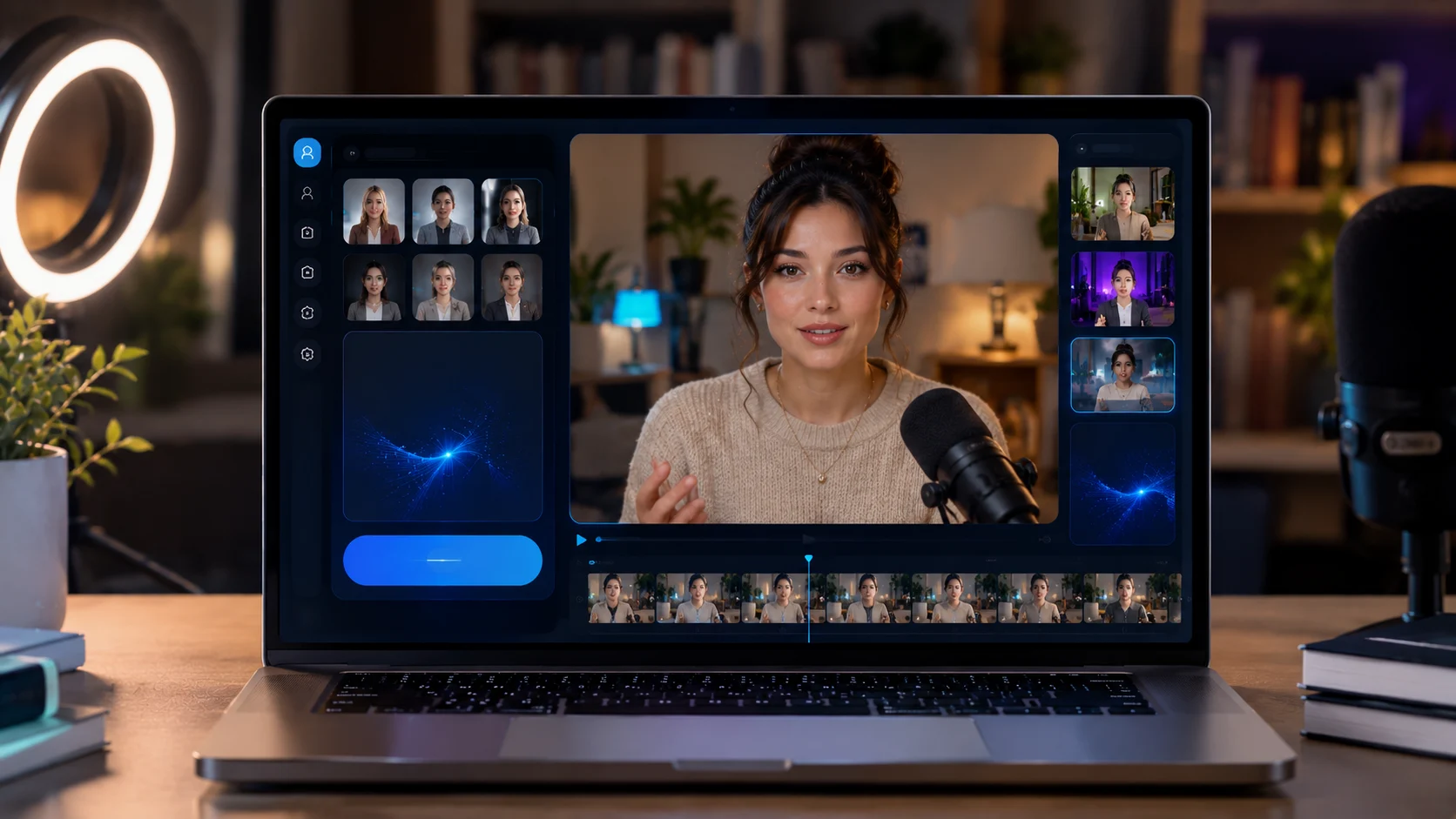
Clearly Define What Should Change
For example:
“Change only the background to a modern luxury studio.”
The more controlled the instruction, the easier it is to review the output.
Use Specific Visual Instructions
Instead of:
“Make this image professional.”
Try:
“Place the product in a premium studio environment with soft directional lighting, realistic shadows, clean composition and enough negative space for advertising text.”
Generate Multiple Variations
Do not automatically accept the first result.
Compare variations based on:
Accuracy Visual quality Brand suitability Marketing purpose
Review the Image in Its Real Context
An image can look good by itself but fail when placed inside:
An advertisement A product listing A website A social media post
Xelta's recent AI editing guidance recommends reviewing assets in the actual context where they will be used, rather than judging only the standalone image. (xelta.ai)
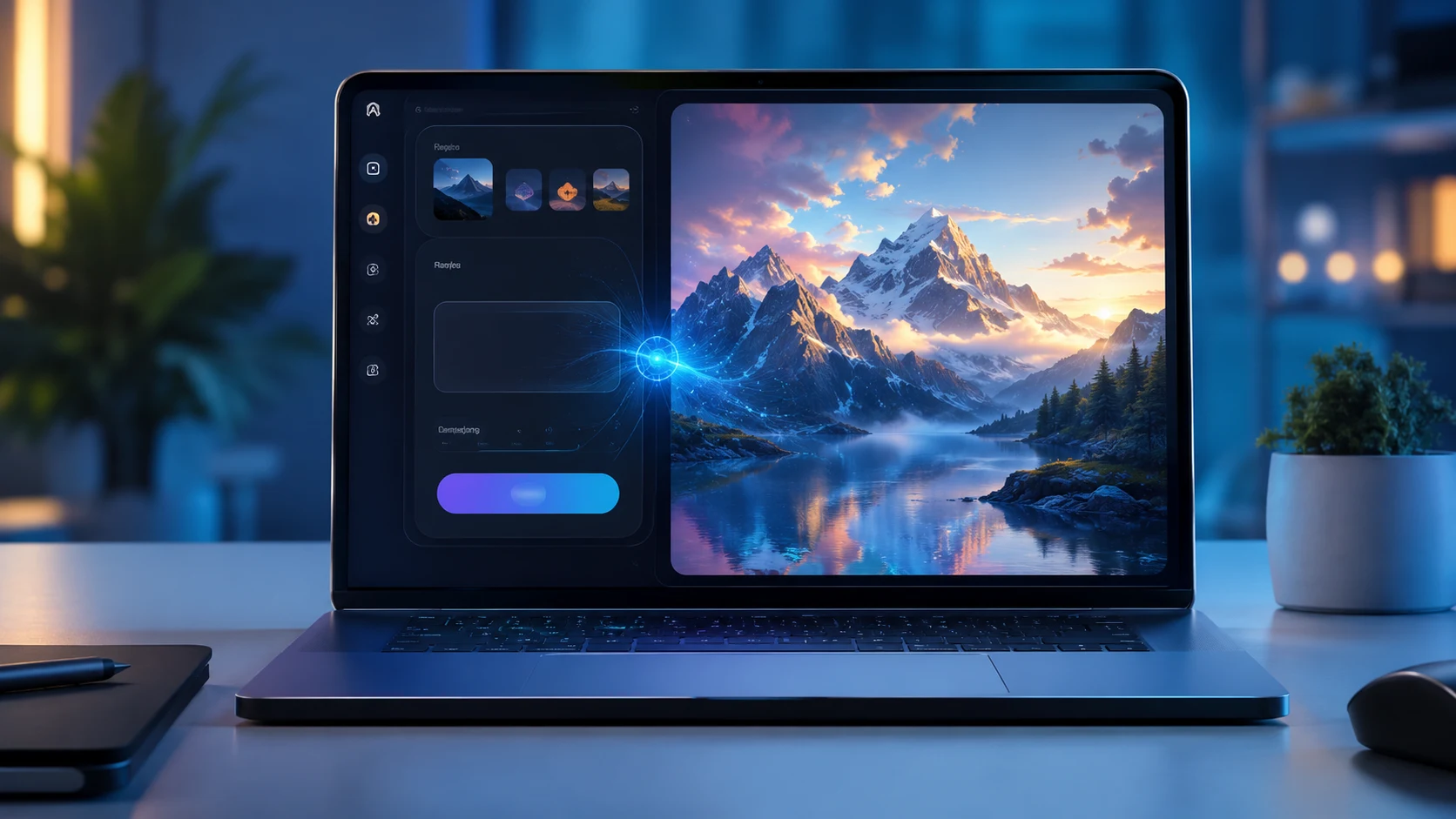
Pillar Page
AI Image Generator
Supporting Articles
Free AI Image Generator from Image AI Image Generator from Text Free Best Free AI Image Generator Image-to-Image AI Generator for Beginners AI Image Editing vs Traditional Photo Editing AI Product Image Generator for E-commerce AI Background Remover for Product Photos AI Image Generator for Real Estate AI Image Generator for Interior Design How to Create Better AI Image Prompts