




What Is Seedance 2.5? Complete Guide
Seedance 2.5 has arrived on Xelta.ai as a new AI video generation model, giving creators, marketers, agencies, and businesses another option for turning ideas into video content. At its core, Seedance 2.5 is a generative AI model built for text-to-video and image-to-video creation, meaning you can start from a written prompt or an existing image and have the model generate a moving video clip based on that input.
This guide walks through what Seedance 2.5 actually does, why a new video model launch is worth paying attention to if you make content for a living, how it sits within Xelta's broader set of AI tools, and how to approach your first project with it. The goal is practical grounding, not hype: understanding the model well enough to use it confidently in real work.
As with any generative AI tool, the best way to get a feel for Seedance 2.5 is to try it on a small, low-stakes project first, then build from there once you understand how it responds to your prompts and source material.
What Seedance 2.5 Actually Does
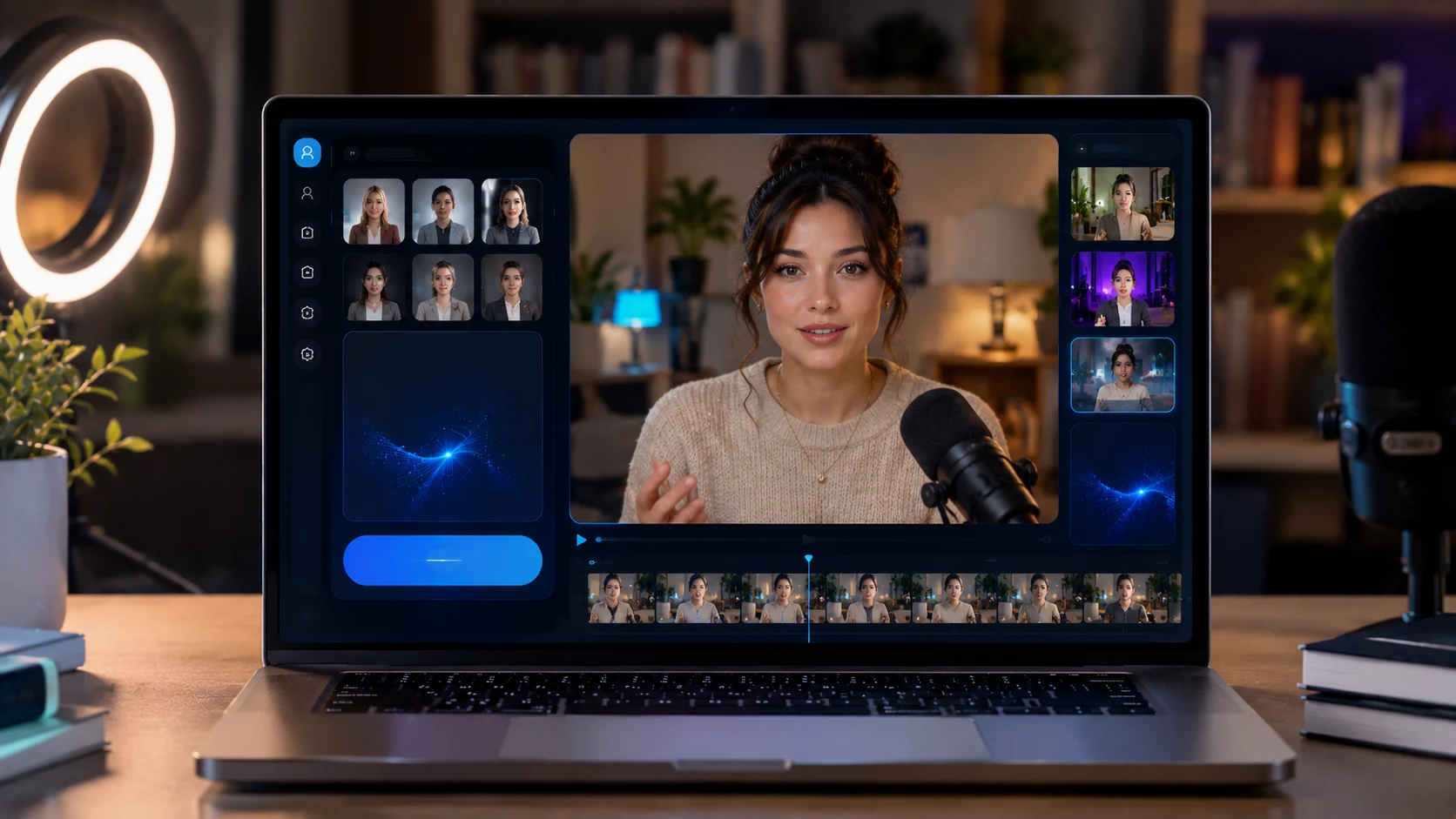
Seedance 2.5 is an AI video generation model, which means its main job is producing video clips from inputs you provide rather than requiring traditional filming or manual animation. On Xelta.ai, this generally works in two main ways:
- Text-to-video: you write a prompt describing a scene, subject, action, or mood, and the model generates a video clip that attempts to match that description.
- Image-to-video: you provide a starting image, such as a product photo, illustration, or still frame, and the model animates or extends it into a short video sequence.
Rather than treating either mode as a finished, publish-ready output, it helps to treat the first generation as a draft. Review it against what you actually needed for the project, then adjust your prompt, reference image, or settings and generate again. Because outputs can vary between runs even with similar prompts, generating a few variations and picking the strongest one is a normal part of the workflow rather than a sign something went wrong.
Why a New Video Model Launch Matters for Creators and Marketers
Generative AI video is moving quickly, with new models launching and existing ones being updated on an ongoing basis. For creators and marketers, that pace can be both an opportunity and a source of fatigue. Each new model may handle certain prompts, motion styles, or subjects differently than the last one you used, which means workflows that worked well before may need small adjustments.
Having access to a model like Seedance 2.5 alongside other options gives teams more flexibility to match a tool to a specific task rather than forcing every project through a single model. A product demo clip, a social teaser, and a concept storyboard may all benefit from different strengths, and testing a new model on a low-risk piece of content is a reasonable way to learn where it fits into your existing process before relying on it for a client deliverable or a campaign launch.
How Seedance 2.5 Fits Into Xelta's Wider Ecosystem
Seedance 2.5 does not exist in isolation on Xelta.ai. It is positioned as one part of a broader creative intelligence ecosystem, where image generation, video generation, and audio tools are meant to work alongside each other rather than as disconnected products. The idea behind this approach is that a single project, such as a marketing campaign or a piece of branded content, often needs more than one type of AI-generated asset.
In practice, this can look like:
- Generating a still image concept first, then using it as the starting frame for a Seedance 2.5 video generation.
- Producing a video with Seedance 2.5 and pairing it with an AI-generated voiceover or soundtrack from Xelta's audio tools.
- Running the same creative brief through multiple models to compare outputs before deciding which asset moves forward into a campaign.
Bringing these capabilities into one platform is meant to reduce the friction of switching between separate tools and accounts as new models like Seedance 2.5 become available.
A Simple First Workflow to Try Seedance 2.5
If you are new to Seedance 2.5, starting with a small, well-defined project is the most efficient way to learn how it behaves. A simple first workflow looks like this:
- Pick a low-stakes use case, such as a short social clip, a concept test, or an internal mockup, rather than a final campaign asset.
- Write a clear, specific prompt describing the subject, setting, and action you want, or choose a source image if you are testing image-to-video.
- Generate an initial output and treat it as a draft rather than a finished piece.
- Compare the draft against your brief or source material and note what matches and what needs adjustment.
- Refine your prompt or image input based on that comparison and generate again.
- Once you have an output you are satisfied with, review it fully before moving it into any external-facing use.
Repeating this cycle a few times on different prompt types is a practical way to build a feel for how Seedance 2.5 responds, without committing significant time to a single high-pressure project.
What to Check Before Relying on Seedance 2.5 in a Real Campaign
Before any AI-generated video, including output from Seedance 2.5, goes into a live campaign or client deliverable, it is worth running through a short verification pass:
- Review the clip in full rather than just the first few seconds, checking for consistency in subjects, motion, and scene details throughout.
- Confirm the output matches brand guidelines, messaging, and any factual claims made in your brief.
- Check licensing and usage terms that apply to AI-generated content for your intended use case, especially for commercial or paid campaigns.
- Confirm current plan limits and available credits before starting a large batch of generations, so a project does not stall partway through.
- Get a second set of eyes on the final output before publishing, particularly for anything customer-facing.
Treating this as a standard step in the process, rather than an optional extra, helps keep AI-generated video reliable as it becomes a bigger part of everyday content workflows.



