Image
Video
Audio
Edit
Xelta Cut
Video Editing
Video Stitching
Photo Lab
Moodboard AI
Background Remover
Motion Control
Character Replacement
Story Tweak
VFX Effects
AI MultiCam
Back Stage
Video To Anime
Xelta Cut
Open the Xelta Cut video editor
AI Film
Microdrama
MicroDrama 2.0
Script & Character
AI Lords
Anime Microdrama
Super Intelligence
Cinematic Studio
Video Lens
Movie Trailer
Comic Flow
Microcourse

Microdrama
Create engaging micro-dramas
Design Studio
Future Canvas
Gen Avatar
Sketch To Motion
AI Wallpaper
Sketch To Image
Virtual Try On
Home Design
Canvas Pro

Future Canvas
Visualize ideas on Future Canvas
AI Ads
Instant Ad
Ad Maker
Prime Ad (60 sec)
Street Ad
UGC Ads
Giant Ads
URL to Ads
Marketing & Ads Use Case
Instant Ad
Create campaign with just a link
Voices
Voice Dub
Voice Lip Sync
AI Voices
Voice Studio
Audio Enhancer
AI Music
Voice Dub
Add voiceovers and dubbing to videos
SocialVerse
Reel Creator
Instagram Autopost
LinkedIn Autopost
Facebook Autopost
LinkedIn Brand Website
YouTube Autopost
AI Influencer
WhatsApp & Telegram
Social Use Case

Reel Creator
Create engaging 30-second reels with AI

Tools
Website Builder
Face Swap
Design Use Case
Photo Relighter
AI Transcription
Website Builder
Generate full websites
Developer
MCP
GPT Plugin
MCP
Model Context Protocol
Games
Events
Pricing
Enterprise
Reelix
AI Film
Design Studio
Create
AI Ads
Edit
AI Tools - Xelta
Turn any sketch into
beautiful visuals
Transform your rough sketches into stunning, polished images instantly.
Try Sketch to Image
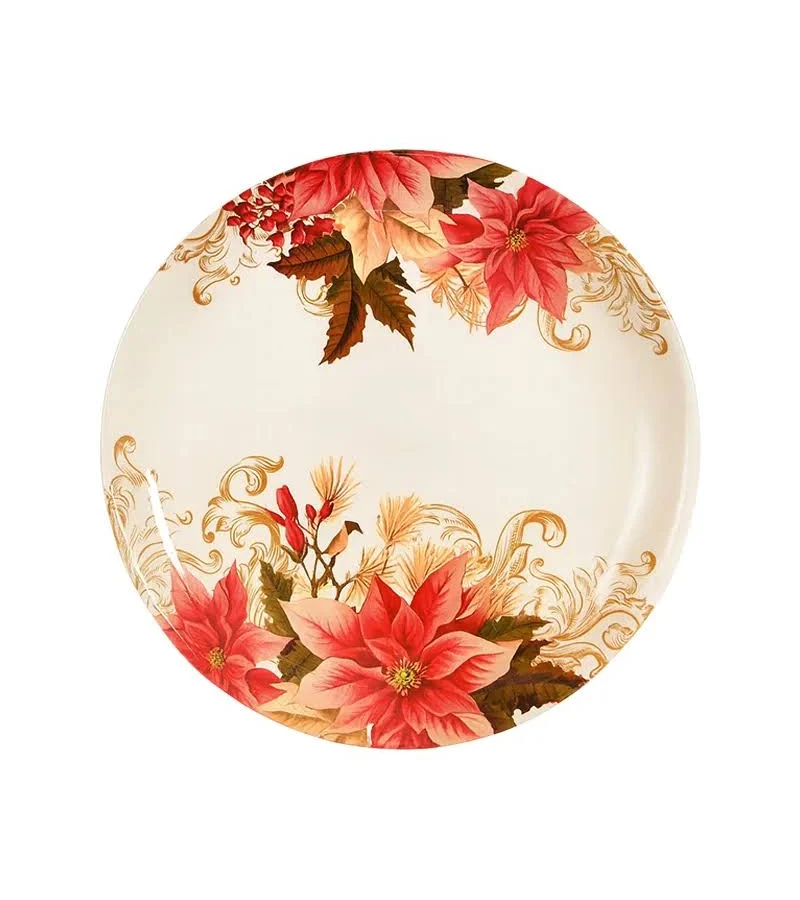
Original Sketch
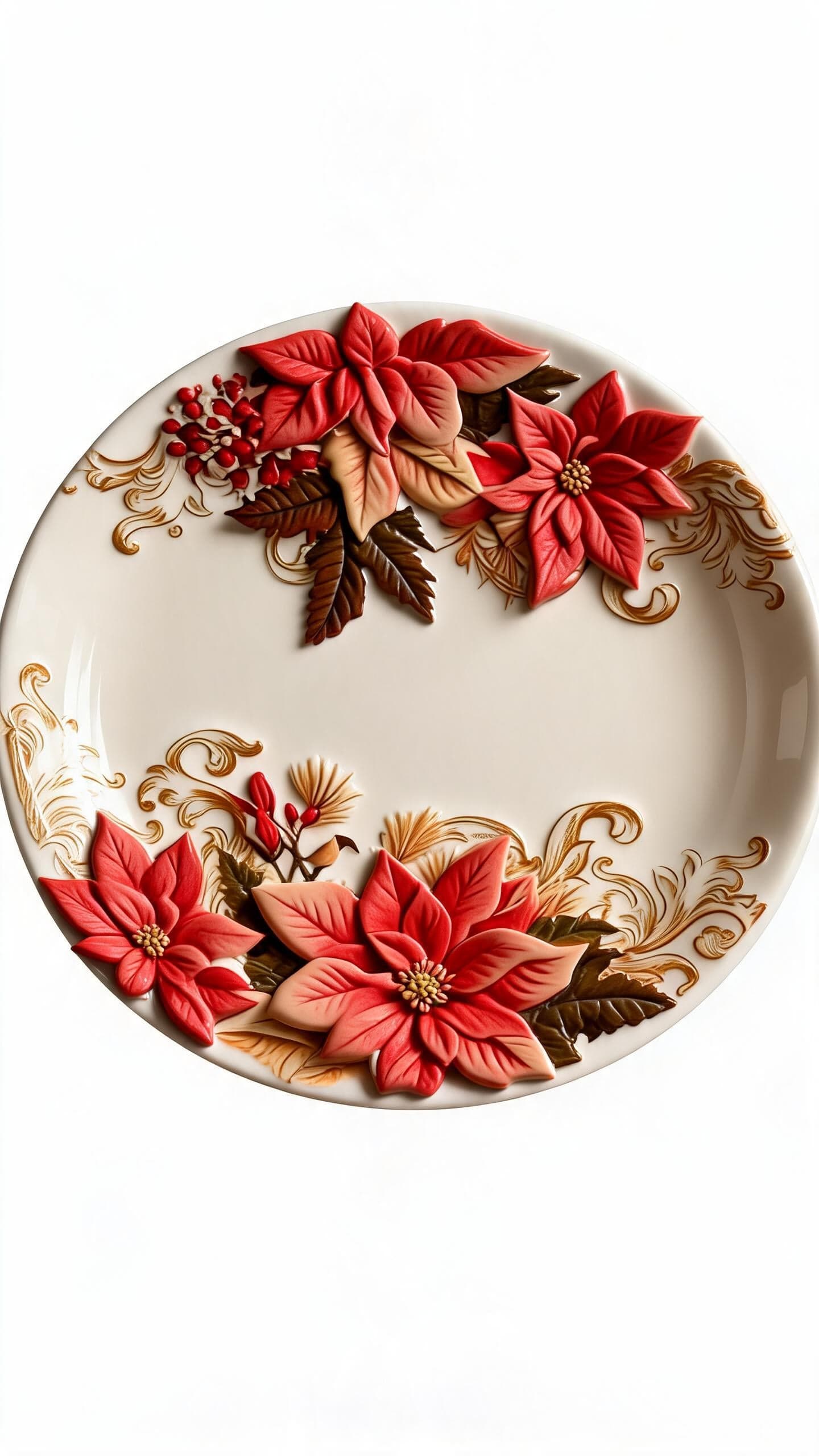
Stunning Visual
Frequently
asked questions
What is Sketch to Image?
Sketch to Image uses AI to turn your rough drawings into photorealistic images instantly.
Do I need to be a good artist?
Not at all! Even simple line drawings can produce stunning results.
How long does it take?
The transformation from sketch to photorealistic image takes just a few seconds.
Can I add text prompts?
Yes, you can describe what you want the AI to generate alongside your sketch for better accuracy.
Sketch To Image
Upload Image
Draw Canvas
Input Image
AI Prompt
make the flower pop out
Refine
Aspect Ratio
16:9
Generate
0
Generate Frames
Download
Share