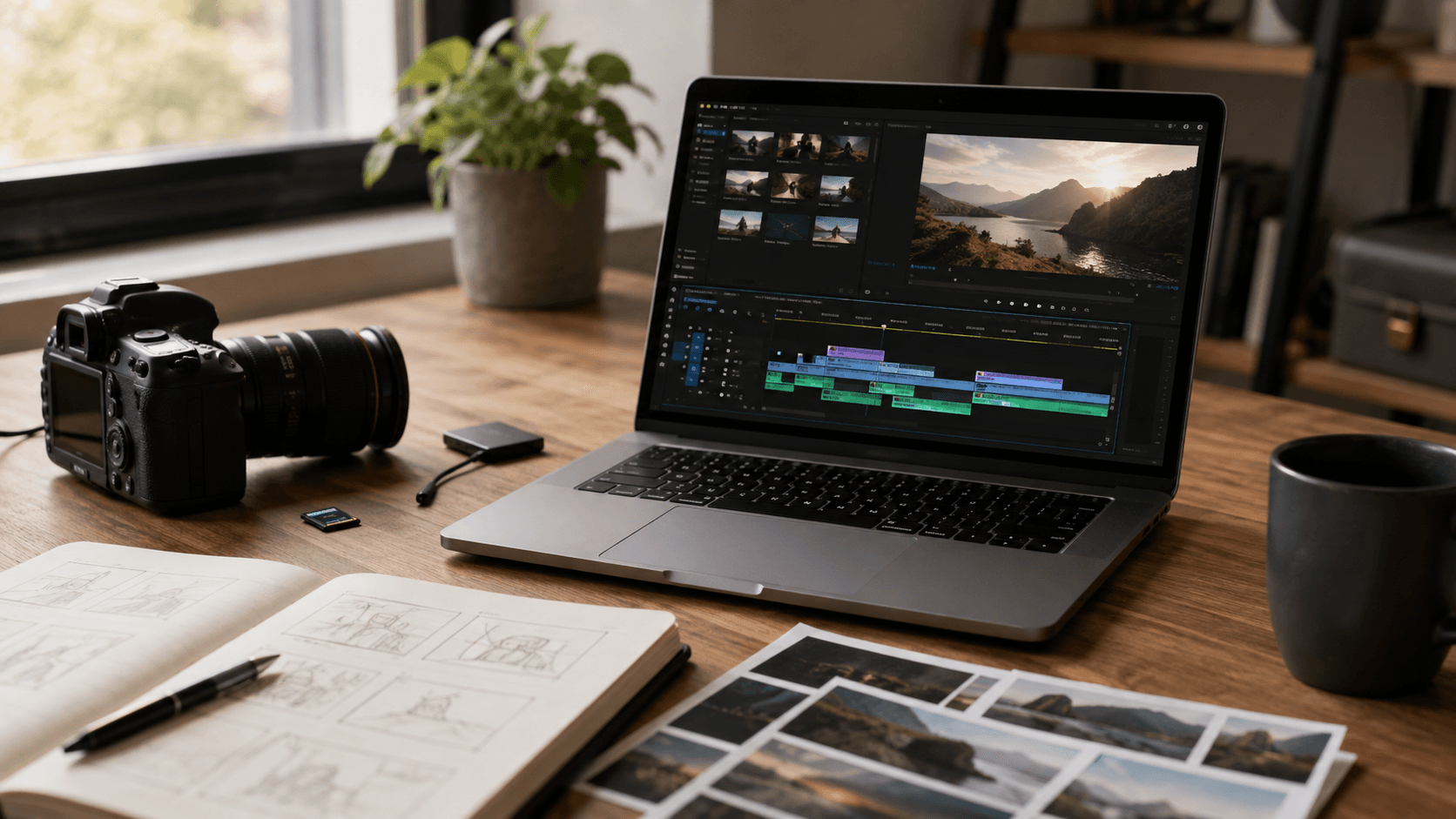
Xelta adds Video Editing, Video Stitching, GenAvatar and Future Canvas to AI Studio, connecting more of the video production workflow.
Xelta brings editing, stitching, avatar creation and visual planning into a more connected AI-assisted production workflow.
Xelta today introduced four new additions to Xelta AI Studio: Video Editing, Video Stitching, GenAvatar and Future Canvas.
Creative work rarely begins with a blank screen. More often, the footage already exists, the campaign image has been approved, or the message is ready, but the material still needs to be shaped before it can be published. The latest AI Studio update is built around that middle part of the process.
Instead of asking teams to move between separate editing, sequencing, avatar and image animation tools, the release brings those jobs closer together. Each tool can be used independently, but the larger idea is simple: help creators move from source material to a reviewable video with fewer handoffs.
Video Editing is for footage that needs a clearer final shape. Creators can remove weaker sections, isolate useful moments, reframe a recording for another format and prepare captions before export. It is especially useful when one long recording needs to become several shorter assets for social media, campaigns, product updates or internal communication.
Video Stitching brings separate clips into one continuous sequence. A team might combine product shots, event moments, customer footage or before and after scenes without rebuilding the edit from the beginning. The creator still controls the order and pacing; the tool focuses on making the assembly stage less repetitive.
GenAvatar supports presenter led videos created from a source image, voice and language direction. It can be used for explainers, onboarding, announcements, training material and localized messages where recording the same presentation repeatedly would slow the team down. Public facing work should still be checked for consent, likeness, pronunciation and factual accuracy.
Future Canvas starts with a still image and explores what that image could become in motion. Creators can use it to test camera movement, atmosphere and pacing, prepare a short teaser from an approved visual, or explore the direction of a larger campaign before committing to a full production.
The update becomes clearer when the tools are used around the same source material. A team could cut the strongest moments from an interview, combine them with product footage, prepare a localized introduction with GenAvatar and animate a campaign still for the opening or closing frame.
Not every project needs all four tools. A quick social edit may only need Video Editing, while a regional announcement may begin with GenAvatar. AI Studio is meant to let the source material decide the route rather than forcing every project through the same template.
Much of production is not about inventing a completely new concept. It is about adapting an approved idea for another audience, platform, duration or format: turning a wide video vertical, combining several clips into one story, adding motion to a still image or presenting the same message in another language.
Teams starting from a new concept can also use the Xelta AI Video Generator before refining the result in AI Studio.
The four additions are designed for those everyday gaps. They help individual creators do more with existing material and give agencies and marketing teams a more connected route for producing campaign variations.
For wider production planning, creators can also explore Xelta's AI filmmaking tools without removing creative judgement from the final decision.
Generated or automatically edited content should still be reviewed before publication. Teams need to check crops, subtitles, logos, product details, media rights, voice pronunciation, safe areas and any claim shown on screen.
That review matters most when a video includes a real person, localized language, a regulated subject or advertising claims. The tools can shorten the path to a usable draft; responsibility for the final publication remains with the creator or business.
Video Editing, Video Stitching, GenAvatar and Future Canvas are available through Xelta AI Studio.
Access, processing options and credit usage may vary by plan and selected workflow. Users should review the current product settings and usage terms before commercial publication.
Xelta is a creative platform for image generation, video creation, editing, voice, advertising and publishing workflows.
It is built for creators, marketers, agencies, production teams and businesses that need to move from an idea or source asset to reviewable creative output.
The wider platform includes the AI Image Generator, AI Video Generator, AI Voices, SocialVerse and AI Ads, giving teams several routes for producing visuals, voiceovers, social content and campaign assets from one ecosystem.
Follow Xelta on Instagram for product updates, creative examples and platform announcements.
Email: [email protected]
Website: https://xelta.ai/
Instagram: https://www.instagram.com/thexelta/