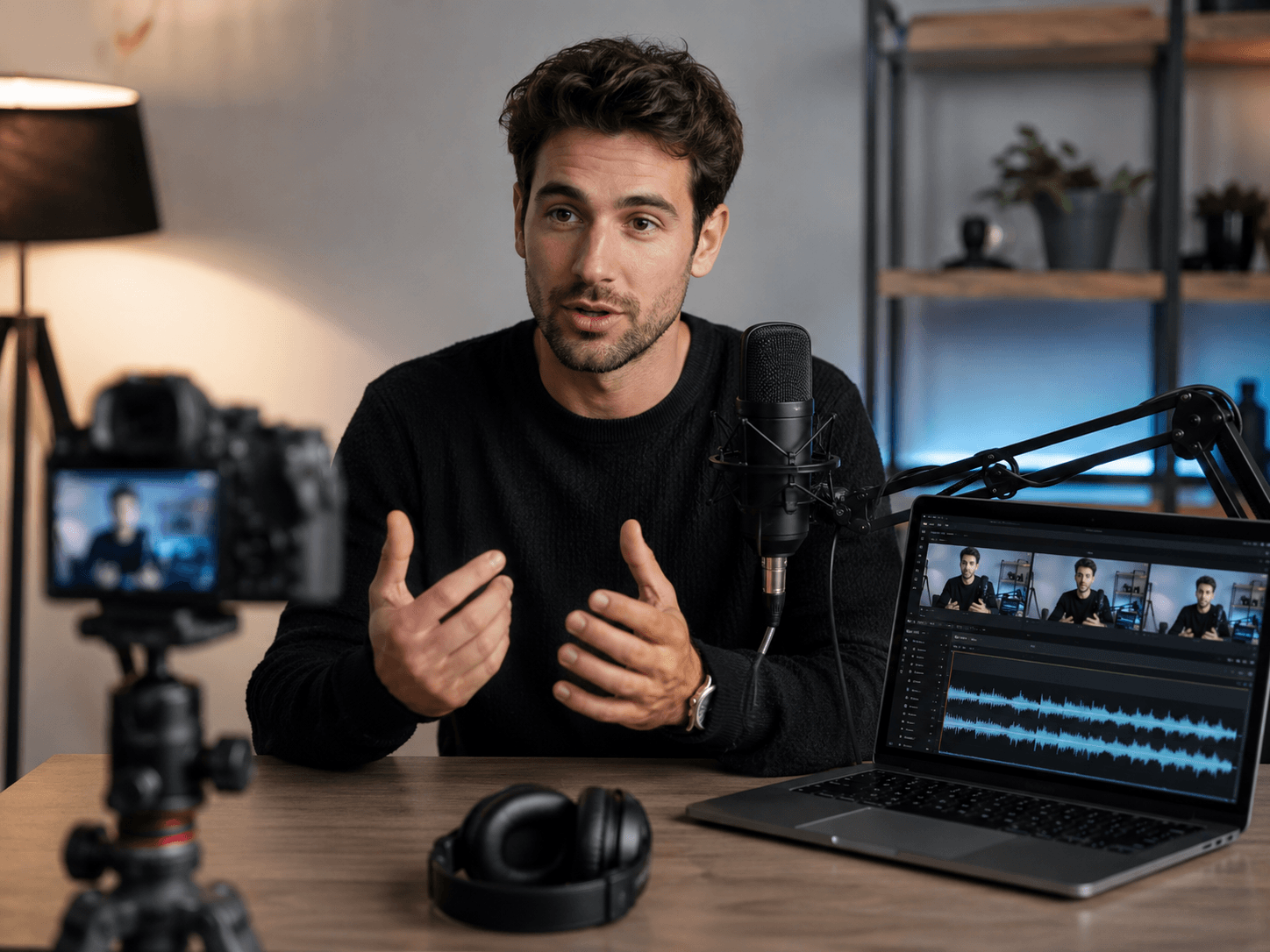
Xelta has announced four AI voice tools for video dubbing, lip sync, talking video creation, voiceovers, voice cloning and translation workflows
Voice Dub, Voice Lip Sync, AI Voices and Audio Enhancer address separate stages of localization, speech synchronization, talking video production and AI voice creation.
Published by Xelta
August 4, 2026
Gurugram, India
6 minute read
Xelta today announced the availability of four tools in its Voices category:
The tools support different production jobs, including video translation, speech and mouth synchronization, talking video creation, voiceover generation, voice transformation and AI dubbing.
The four tools sit within Xelta's wider AI Studio and are presented as separate workflows rather than as one interchangeable feature.
This distinction matters because translating a video, aligning a face to new speech, creating a talking video and generating a voiceover require different source materials and different review checks.
Voice Dub (https://stf.xelta.ai/ai-studio/video-dubbing) accepts a source video and a target language. The live interface states that the original voice can be cloned and maintained, and users can choose whether to include captions. The result can then be downloaded or shared.
The tool is intended for creators, educators, marketing teams and localization workflows that need a video in another language without rebuilding the entire visual production.
Voice Lip Sync (https://stf.xelta.ai/ai-studio/lipsync-ai) accepts a source video and either a written script or an uploaded audio file.
The current interface also includes:
The output duration follows the script or input audio length. Users should review mouth timing, pronunciation, facial stability, caption accuracy and scene cuts before publishing.
AI Voices (https://stf.xelta.ai/ai-studio/voices-ai) currently asks users to upload a face image and an audio track. An optional voice sample can be added to clone a voice style, after which the interface generates a video.
The live page uses broader text to speech language in its headline, but the visible workflow is based on image, audio and optional voice inputs.
This release therefore describes the interface that is currently shown rather than making a wider product claim.
Audio Enhancer (https://stf.xelta.ai/audio-enhancer) currently presents the following controls:
Its live page allows users to enter text, choose a voice from the library or upload a new voice, generate an output and download it.
Despite the product name, the current page is centered on voice generation and transformation. This release does not describe noise removal or audio restoration because those controls are not shown on the live product page.
A localization or talking video project can require several separate steps. A team may need to translate speech, replace audio, synchronize mouth movement, create narration and review captions before the video is ready.
Xelta groups dedicated voice tools within the same platform so users can choose the workflow that matches the job instead of treating every audio task as the same process.
The practical benefit is a clearer production path. The final quality still depends on:
A typical project begins with an approved source video, image, script or audio track.
The user selects the relevant voice tool, generates a first result and reviews it for timing, language, identity, captions and output quality. The approved result can then continue through other Xelta AI Studio tools for editing or wider content production.
The tools can support:
These are practical examples, not guaranteed performance outcomes.
The four product pages are currently live on Xelta.
Access may require an account, plan or credits depending on the selected workflow. Exact prices and credit requirements are not included in this release because they can change.
Current information is available on the Xelta pricing page.
AI generated dubbing, speech, captions and facial synchronization can contain language, pronunciation, timing, identity or contextual errors. Users should review every final output before publication.
Users should also confirm that they have the necessary rights and permissions for uploaded videos, images, audio and voice samples.
Xelta's Privacy Policy explains how the platform may process account information, prompts and uploaded media, while the Terms and Conditions describe user obligations and acceptable use requirements.
The current Voices category includes:
No. They solve different production tasks and require different inputs.
No fixed price or credit figure is stated in this release. Users should check the current Xelta pricing page and the selected product interface before starting a generation.
Explore Xelta AI Studio and choose the voice workflow that matches the source material and intended output.
Xelta is an AI creative platform for image, video, voice, advertising and content production workflows.
The platform brings multiple creation and editing tools into a broader AI Studio for creators, marketers, agencies, educators and businesses.
For more information, visit the official Xelta website or read About Xelta.
Name: Vishal Arya
Designation: Founder and CEO, MatchBest Group
Company: Xelta
Email: [email protected]
Website: Xelta official website
Location: Gurugram, India