








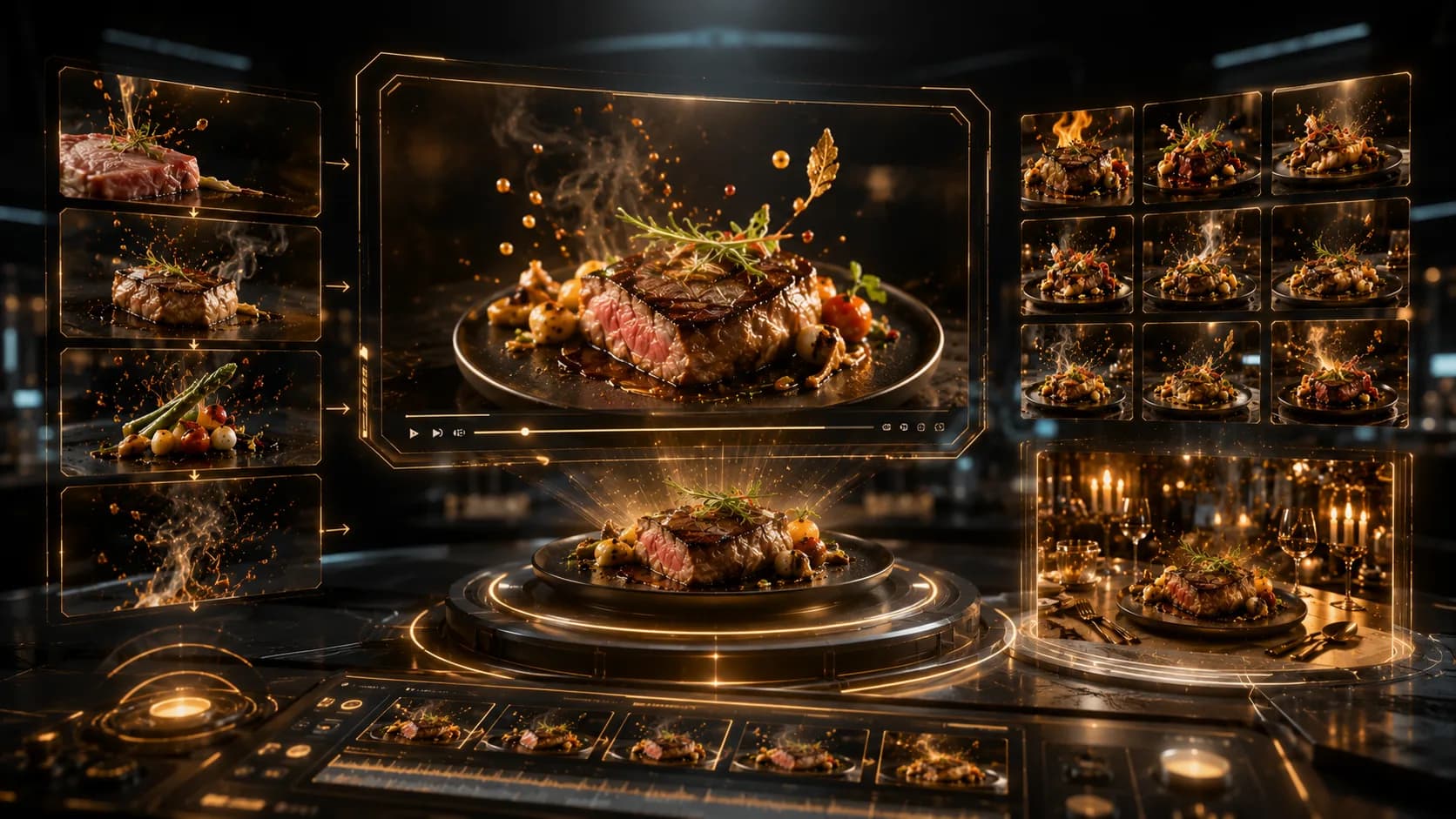
Turn a Biryani Photo into a Cinematic Food Ad with an AI Biryani Ad Generator
Biryani becomes less convincing the moment the rice, garnish, or portion starts changing between frames.
An AI biryani ad generator can turn one approved biryani image into a short cinematic promotion when the source photo, movement, and protection rules are clearly defined. Upload the real dish image, specify the intended format, and tell Xelta to preserve rice texture, garnish, vessel, portion, and packaging throughout the clip.
This workflow helps Indian restaurants, cloud kitchens, delivery brands, and regional food businesses create a biryani marketing video without rebuilding the dish for every promotion. The creative can feel cinematic, but the final food must still look like the item customers can order.
Lock the Biryani Identity Before Adding Motion
“Biryani” is not one interchangeable visual. The rice length, colour, garnish, protein, vessel, serving style, and regional name may all matter to the restaurant’s identity.
Before creating a cinematic biryani ad, record:
- Exact menu name, including regional style
- Protein or vegetarian variant
- Rice colour and visible masala distribution
- Garnish such as fried onions, herbs, saffron, or egg
- Serving vessel, handi, bowl, tray, or delivery pack
- Portion and side accompaniments
- Packaging design for delivery ads
- Claims that are approved for use
A specialist lesson is that direct visual enhancement can accidentally make every biryani look the same. If the original is a restrained Kolkata-style presentation, adding heavy red masala, excessive garnish, or a different protein changes the product rather than improving the ad.
Protect Rice Texture and Garnish Frame by Frame
The most difficult part of a biryani photo to video workflow is preserving many small visual elements. Individual grains, herbs, fried onions, and protein pieces can shift or multiply when the camera move is too aggressive.
Use controlled motion:
- A slow push-in toward the centre of the handi
- A subtle overhead-to-three-quarter depth change
- A restrained steam layer rising from the hot area
- A gentle highlight moving across the rice surface
Avoid wide orbits that reveal areas not visible in the source image. Avoid ingredient explosions, falling rice, or utensil actions unless those elements are available in approved source material.
Sample prompt:
Create an eight-second Indian restaurant video ad from the uploaded biryani photo. Begin with a stable one-second hold, then use a slow forward push with very light depth. Preserve the exact rice grain appearance, garnish placement, protein pieces, serving vessel, portion, and background. Add only subtle natural steam. Do not add extra eggs, meat, herbs, sauces, utensils, or hands. End on a stable hero frame with space for the restaurant name and CTA.
This gives the food ad generator a clear creative direction and equally clear limits.
Choose a Storyboard That Matches How Biryani Is Sold
The ad structure should match the restaurant’s sales channel.
Dine-In Hero Ad
Open on the full handi, move closer to the rice texture, then end on the restaurant identity and reservation CTA.
Delivery Campaign
Show the approved packaged biryani, reveal the open pack only if the real image exists, and end with delivery area, offer, and ordering CTA.
Family or Group Meal
Use a wider composition with approved side dishes and serving quantity. Do not imply a larger portion than the listed product.
Regional Signature Campaign
Keep the full regional name visible and avoid replacing it with a generic “special biryani” label. The copy should explain the distinction without making unsupported authenticity claims.
No verified Xelta output or screenshot was supplied, so this article uses a transparent workflow. The first generated version should be treated as a draft. If rice texture turns soft, garnish shifts, or protein pieces change, reduce the camera movement and restate the protection rules before approval.
Make Steam Support the Food, Not Hide It
Steam should be translucent, irregular, and connected to the hot surface. Pause at the strongest steam moment; if the rice becomes difficult to identify or text space disappears, reduce the effect.
Keep Regional Naming and Offer Copy Accurate
A biryani campaign may serve audiences with strong expectations about names and ingredients. Lock the spelling of the dish, restaurant name, portion label, and any regional description before generating variants.
For multilingual versions, keep the dish name when appropriate and adapt the supporting description and CTA. A local reviewer should check pronunciation, script, cultural wording, and the language used after the click.
Review the Final Biryani Marketing Video
Before publishing, inspect:
- Rice grain consistency from opening to end
- Garnish, protein, and side-dish accuracy
- Serving vessel and packaging
- Portion size
- Dish name and regional spelling
- Price and offer restrictions
- Logo and CTA
- Vertical, square, or landscape crop
- Subtitle and voice accuracy
Once the master version is approved, reuse the structure for additional biryani variants, lunch offers, festive promotions, and restaurant locations. Do not reuse one food visual for a different menu item.
Keep This Guide Separate from Generic Food Video Workflows
This article focuses on biryani-specific visual risks. A general AI food video generator guide should cover multi-dish scene design and broader campaign structure. A six-second photo-to-video guide should go deeper into exact timing and frame stability. Here, the main concern is preserving the biryani’s identifiable product details.
Common mistakes include changing rice colour, inventing garnish, adding larger protein portions, showing packaging the restaurant does not use, and translating the regional name carelessly.
When the Dish Needs a Real Shoot or More Control
Use additional photography when the restaurant has no clean source image, needs a serving action, wants to show a sealed delivery pack opening, or must demonstrate an exact cooking process. Human review is also essential when ingredient claims, religious dietary statements, or allergen information appear in the ad.
Approve the Dish Before You Approve the Drama
Start with one accurate biryani photograph and one controlled motion plan. Use Xelta to create the master ad, protect the rice and garnish, verify the menu facts, and then adapt the approved version for languages, locations, or platforms.



