AI Video Generator for Interior Design Free: Turn Static Designs into Engaging Videos
Interior design is a visual trade. Pictures can illustrate interior designs, but video makes it possible to experience them.
With an AI video generator for interior design free, interior designers, architects, realtors, furniture brands, and home buyers can turn their interior designs from images into videos.
Interior design images can easily be turned into professional videos of interior design walkthroughs. Bedroom images can be used to make animated videos with smooth camera movement and natural lightings. Kitchen images can be used to create promotional videos.
AI video generation is revolutionizing the way of presenting and marketing interior design concepts.
But choosing the best AI video generator for your needs requires knowing what you need and what it should have to be effective.
This article will explain everything about the tools, including the features and benefits of AI video generators for interior design, how to pick the best one, real examples, comparisons, purchase considerations, tips, and more.
And it will show how Xelta AI can help with more than just video generation..
Image-to-Video Example
Input: Modern living room image
**Prompt: **“Create a slow cinematic camera movement through this modern living room. Preserve the original furniture, architecture, colors, and layout. Add soft natural lighting and realistic shadows.”
**Output: **A short dynamic interior design video suitable for presentations, social media, or marketing.
Step 1: Select Your Interior Design Image
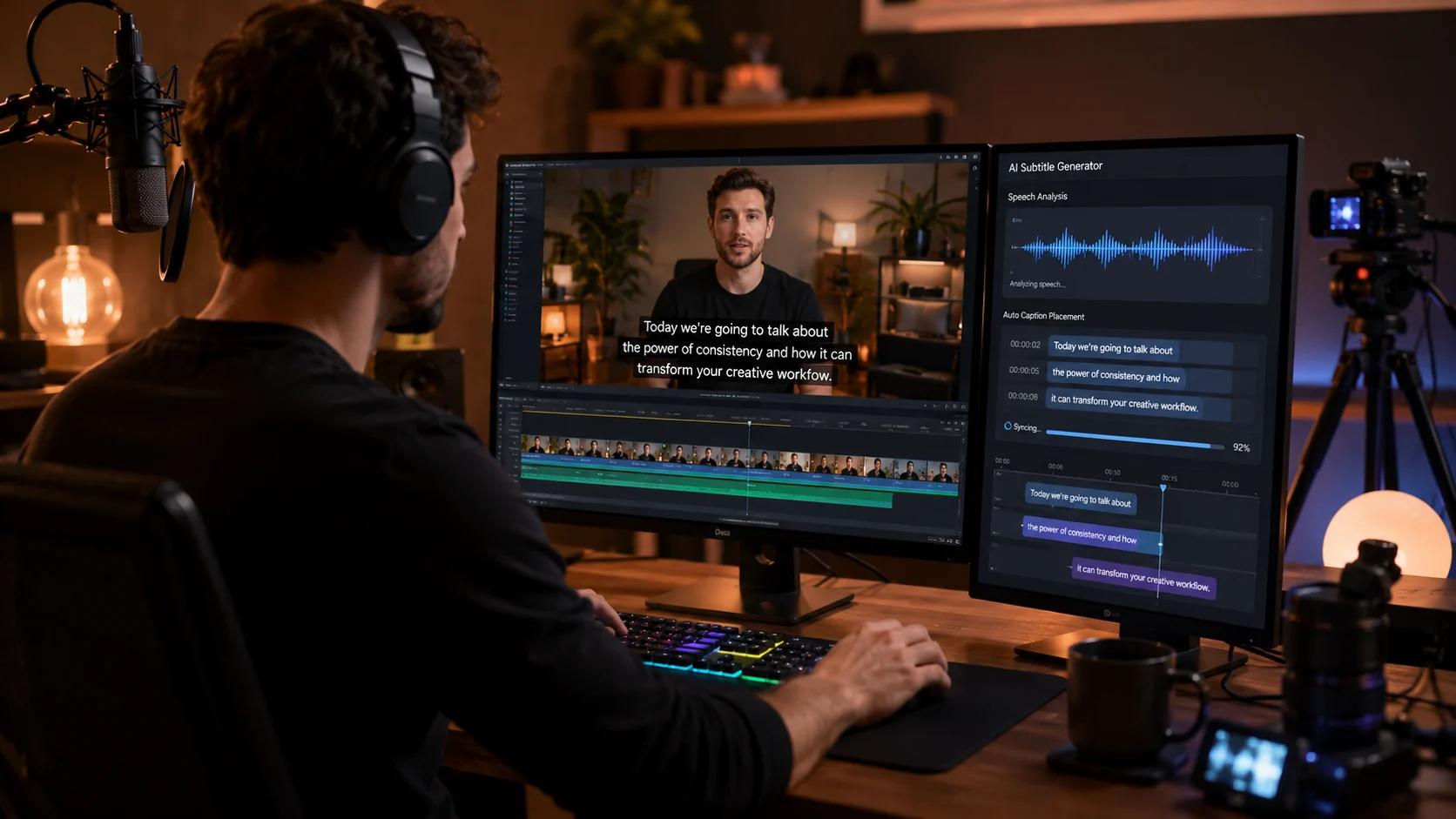
Select a good image that has clarity and quality.
This can be anything from:
Computer-generated design Professional interior picture Mood board Room concept Furniture arrangement
Generally speaking, when you have a good source image, the AI has plenty of data to draw from.
Step 2: Describe the Desired Movement
Tell the AI what you want the camera to do.
Examples:
Slow camera push-in Smooth left-to-right pan Cinematic room reveal Gentle camera movement Close-up detail shot Wide-angle walkthrough effect
Step 3: Add Lighting and Atmosphere
You can describe the mood of the video.
For example:
“Warm luxury interior with soft evening lighting and a premium cinematic atmosphere.”
Or:
“Bright modern room with natural morning sunlight and a clean minimalist design.”

Step 4: Generate and Review
Generate your video and review the result.
Look for:
Furniture consistency Correct room structure Natural movement Realistic lighting Stable objects Original design preservation
AI generation is often an iterative process. You may need to try different prompts to achieve the desired result.
1. Image-to-Video Generation
This is one of the most useful features for interior designers.
Instead of starting from a blank screen, you can use an existing design image and bring it to life.
2. Text-to-Video Generation
If you only have an idea, you can describe it using text.
Example:
“Modern luxury apartment interior with neutral colors, marble flooring, designer furniture, large windows, warm indirect lighting, and a cinematic camera movement.”
AI can use this description to generate a visual concept.

3. Camera Motion Control
A good interior video should have purposeful movement.
Useful movements include:
Slow Push-In
Ideal for highlighting a luxury living room or bedroom.
Cinematic Pan
Useful for showing furniture, wall design, or kitchen details.
Room Reveal
Suitable for presenting a complete interior space.

Detail Movement
Useful for highlighting textures, lighting, furniture, and materials.
4. Multiple Creative Styles
Interior design content can require different visual styles.
For example:
Luxury cinematic Minimalist Modern Editorial Architectural Real estate presentation Lifestyle-focused
The ability to experiment with styles increases creative flexibility.
5. Flexible Video Formats
A modern AI video generator should support content for different platforms.
Horizontal Videos
Useful for:
YouTube Websites Presentations Property marketing
Square Videos
Useful for:
Facebook Social media campaigns Certain advertising formats
Faster Visualisation
Traditional animation can take significant time.
AI can help designers quickly explore a visual direction before investing in a complete production workflow.
More Engaging Client Presentations
A static render may require the client to imagine the final result.
A video can help communicate:
Space Atmosphere Movement Lighting Visual flow
This can make design presentations more engaging.
Create More Social Media Content
One image can become multiple types of content.
For example:
One Living Room Image →
Cinematic Reel Before-and-after video Design inspiration video Portfolio showcase Promotional advertisement
This can help interior designers create more content from existing creative assets.
Useful for Real Estate Marketing
Real estate professionals can use AI video workflows to create engaging visual presentations of:
- Living rooms Bedrooms Kitchens Apartments Villas Offices
However, AI-generated visuals should be clearly reviewed and should not misrepresent the actual property.
Lower Entry Barrier for Beginners
Free AI tools can help beginners explore video creation without immediately investing in complex professional software.
This is useful for:
Students Freelancers Small design studios New businesses Content creators
Input
A static 3D render of a luxury living room.
Prompt
“Create a smooth cinematic camera movement through this luxury living room. Preserve the original architecture, furniture, colors, and layout. Add warm ambient lighting and realistic shadows.”
Best For
Interior design portfolio Client presentation Instagram Reel
Input
A bedroom design with large windows.
Prompt
“Create a slow cinematic push-in toward the bed. Add soft morning sunlight coming through the curtains. Maintain the original furniture and room layout.”

Best For
Luxury interior marketing Hotel design promotion Design inspiration content
Input
A modern modular kitchen image.
Prompt
“Create a smooth camera pan across the kitchen island, cabinets, appliances, and lighting. Preserve the original materials and design details.”
Free AI Video Generator vs Traditional Interior Animation
| Feature | Free AI Video Generator | Traditional 3D Animation |
|---|---|---|
| Speed | Fast concept generation | Longer production process |
| Cost | Low entry cost | Often higher |
| Learning Curve | Generally easier | Requires specialist skills |
| Creative Testing | Quick experimentation | More time-consuming |
| Social Media Content | Highly suitable | May be excessive for short content |
| Technical Precision | Requires review | Greater control |
| Best Use | Concepts, marketing, short videos | Detailed professional visualization |
Expert Perspective
AI video generation should not always be considered a complete replacement for professional 3D animation.
For highly precise architectural walkthroughs, construction presentations, and technical visualization, traditional workflows may provide greater control.
However, AI is highly useful for:
Concept development Social media marketing Early-stage presentations Creative exploration Portfolio content
The right choice depends on the project's purpose.
Why Consider Xelta AI for Interior Design Video Creation?
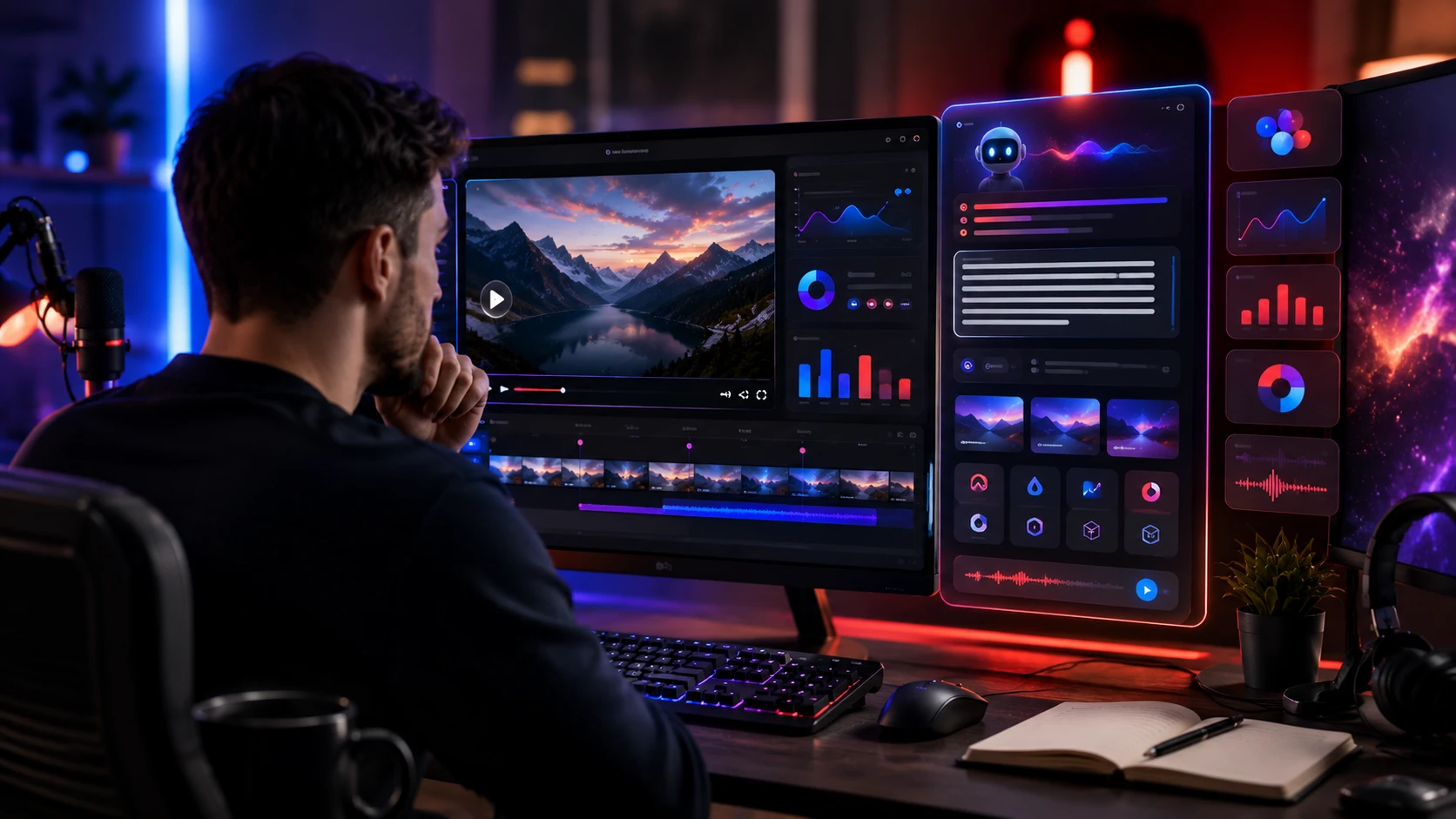
Xelta AI is designed as a broader AI-powered creative ecosystem.
Instead of focusing only on one type of generation, creators can explore multiple AI workflows related to:
AI image generation
- AI video generation
- Image-to-video creation
- Cinematic video generation
- Video enhancement
- Creative content production
- AI-powered visual workflows
For an interior designer, a possible workflow may look like:
Interior Design Idea → AI Image → AI Video → Enhancement → Audio → Social Media Content
This connected approach can help reduce the need to use multiple unrelated platforms.
You can explore the Xelta AI Video Generator to create AI-powered video content and the Xelta AI Image Generator to develop visual concepts before converting them into video.
From Creative Idea to Complete AI Content Workflow
Interior designers often need more than a single video.
They may also need:
- Design images
- Marketing creatives
- Short-form videos
- Video enhancement
- Audio
- Social media content
Xelta AI's broader ecosystem is designed to support different stages of the creative process.
For cinematic workflows, creators can also explore the AI Cinematic Video Generator.
Buying Guide: How to Choose an AI Video Generator for Interior Design
Before choosing a free or paid AI video tool, ask these questions.
Does It Support Image-to-Video?
If you already create interior renders, this feature should be a priority.
Does It Provide Enough Creative Control?
Check whether you can control:
- Camera movement
- Style
- Lighting
- Motion
- Atmosphere
Is the Output Suitable for Your Platform?
A video for Instagram may require a different format than a website presentation.
Are There Usage Restrictions?
Free plans may include limitations related to:
- Number of generations
- Resolution
- Export options
- Watermarks
- Commercial usage
Always review the platform's current terms before using generated content commercially.
Can the Tool Scale with Your Business?
A free tool may be perfect for experimentation.
However, professional users may eventually need additional features, higher output limits, and broader creative workflows.
Use a Strong Source Image
Your source image should be clear, well-lit, and visually composed.
Keep Your Prompt Specific
Instead of:
“Make a video of this room.”
Use:
“Create a slow cinematic camera push-in through this modern living room. Preserve the original architecture, furniture, materials, and layout. Add soft natural light, realistic shadows, and smooth professional motion.”

Use Controlled Movement
Interior design videos usually look better when the camera movement is smooth and intentional.
Avoid unnecessary fast motion that makes the design difficult to observe.
Preserve Important Design Elements
Tell the AI to maintain:
Furniture Room layout Windows Doors Materials Colors Architectural structure
Always Review the Final Video
AI-generated content may sometimes create unexpected changes.
Before publishing, check:
Furniture shapes Object proportions Room structure Lighting Textures Design consistency
Human review remains essential for professional content.
Pillar Page
AI Video Generator