

Key Takeaways
- An AI image generator creates images based on text prompts, images and other visual prompts.
- Each generator will have different features based on what you need.
- AI Tool Main Feature Best ForXelta ,AICreative, Creatives Marketers, Midjourney Artistic Artists and designers Canva AIEasy to use Beginners & Social Media Adobe Firefly Professional Adobe & Designers Leonardo AICharacter & ConceptIllustrators & Game CreatorsPlease note that these are just categories and are not a controlled test.
- Not all image generators will be great at creating images for your product advertising.
What is an AI Image Generator?
An AI image generator creates images based on text prompts, images and other visual prompts.
You can simply type in: "Create a high quality still image of a skincare bottle on a marble background with soft lighting and little background."
The AI will take this prompt and create your image.
Images can be used for:
- Social media, marketing
- Product Photography Ideas
- Banners, Blog Images
- Mood Boards & Design Ideas
- Character Designs, Digital Art
- Marketing
They can save you time brainstorming creative ideas however will usually need to be reviewed/edited.
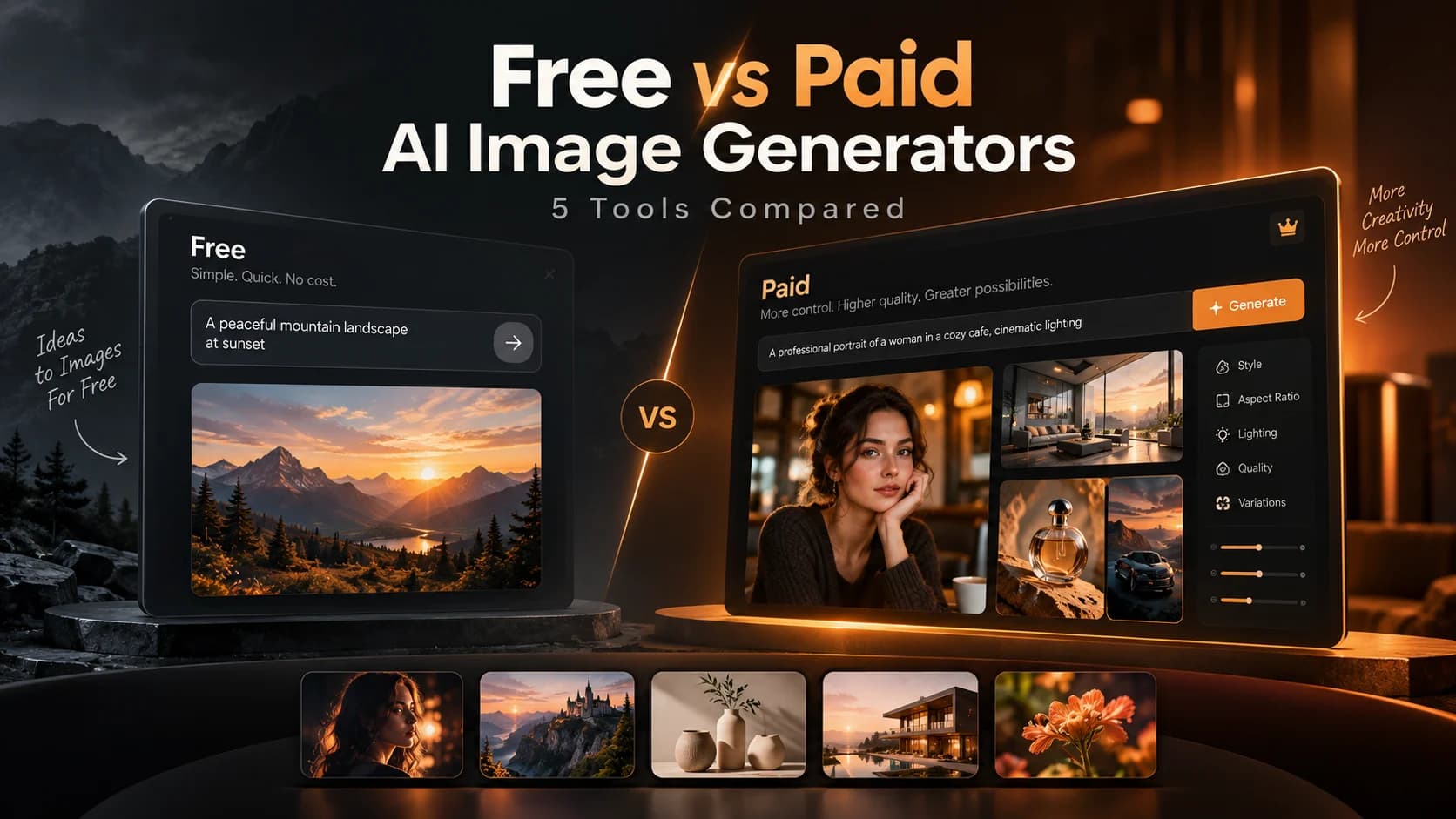
Top 5 AI Image Generators
Each generator will have different features based on what you need. Some will offer creative features while others will have editing features.
1. Xelta AI – Best for Creative AI
Xelta AI offers AI image generation along with video, marketing and creative features.
You will not feel like you are alone.
Features:
- AI Image Generation
- Multiple AI Creative Features
- Image Editing
- Video & Marketing Features
- Great for Creatives & Teams
Best for: Content Creators, Marketers, Agencies & Businesses
Considerations: Depending on your plan you will have different features. Different models, credits, exporting and editing.
If you are doing a large content creation project then Xelta is a great option.
2. Midjourney – Best for Artistic Images
Midjourney is famous for creating unique images. Such as artistic, cinematic and concept images.
This can be a great tool if you need to focus on the feel of your images.
Features:
- High quality artistic images
- Cinematic images
- Concept Images
- Creative experimentation
Best for: Digital Artists, Designers, Illustrators & Creative Directors.
Points to Consider: The visuals might be artistic and inaccurate.
3. Canva AI – Best for Beginners & Social Media
Canva offers AI image generation along with design features. Perfect for those who want to create images and simply add them to their presentations, social media and marketing.
Features:
- Easy to use
- Lots of templates
- Image Editing
- Easy design for social media
Best for: Small Businesses, Students, Social Media Managers & Beginners.
Considerations: If you need specific image generation features and advanced creative editing features then you may want to compare Canva to a dedicated generator.
4. Adobe Firefly – Best for Design
Adobe Firefly offers generative AI features within Adobe. If you are already using Adobe products then this is a great option.
Features:
- Adobe creative features
- Image editing
- Commercially oriented
- Easy to transfer to professional editing tools.
Best for: Graphic Designers, Creative Professionals & Marketing Teams using Adobe.
Considerations: Depending on which product you choose and what subscription you are on you will get different features. Also check if you can use them commercially.
5. Leonardo AI – Best for Concept & Character Design
Leonardo AI offers features to create and edit images. Including character design, illustrations & images.
This can be a great option if you want to experiment with your creative ideas.
Features:
- Concept & Character Design
- Many different styles
- Image Creation & Editing
- Creative experimentation
Best for: Game Designers, Illustrators, Artists & Concept Creators.
Considerations: Check that the consistency, realism and editing features are suitable for your task.
AI Image Generator Comparison Table
| AI Tool | Main Feature | Best For |
|---|---|---|
| Xelta AI | Creative | Creatives & Marketers |
| Midjourney | Artistic | Artists and designers |
| Canva AI | Easy to use | Beginners & Social Media |
| Adobe Firefly | Professional | Adobe & Designers |
| Leonardo AI | Character & Concept | Illustrators & Game Creators |
Please note that these are just categories and are not a controlled test. Which image generator works best for you will depend on the actual images and editing features.
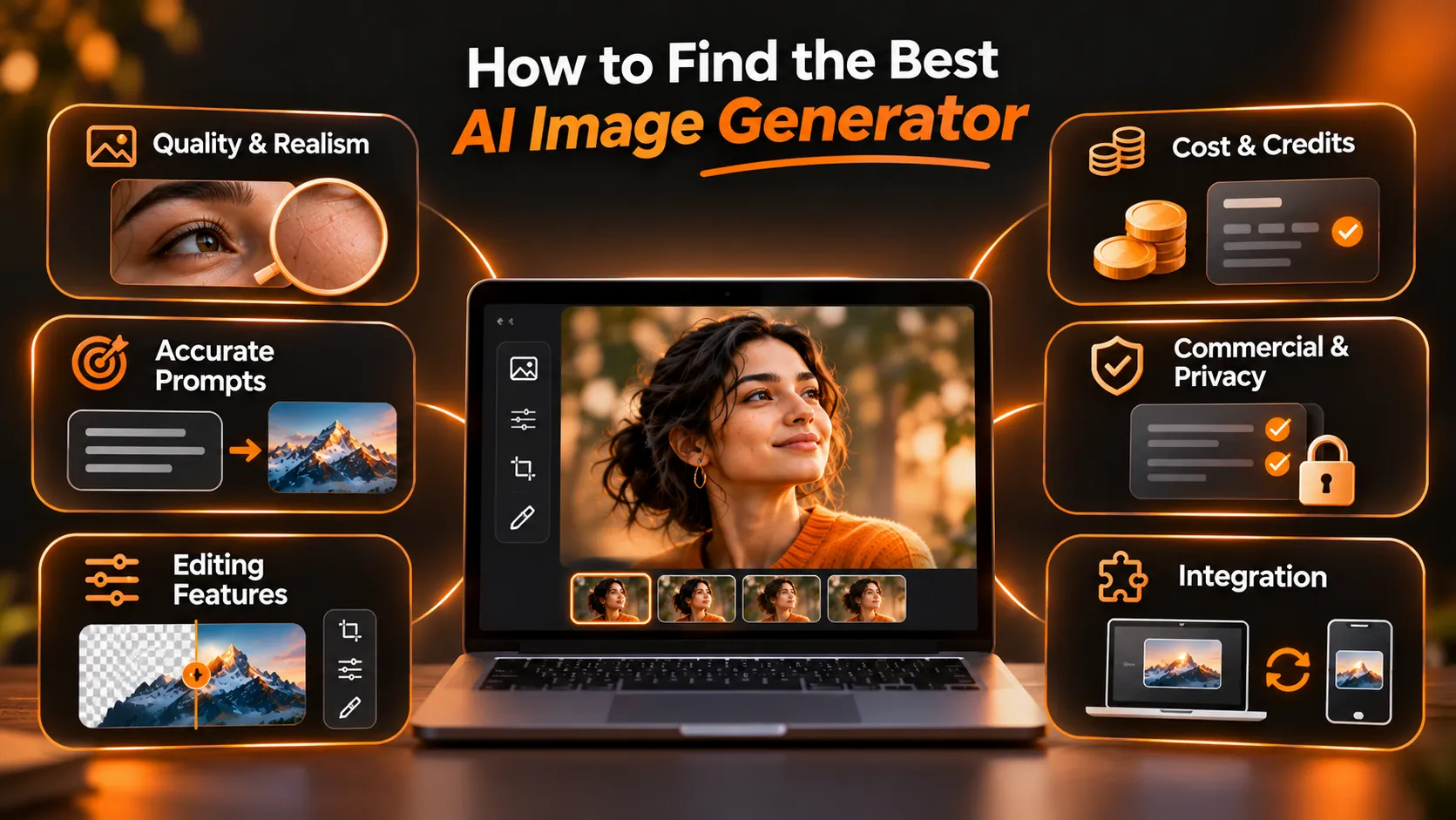
How to Find the Best AI Image Generator
Not all image generators will be great at creating images for your product advertising. These are the factors to think about when searching for the optimal image generator.
1. Quality & Realism
Check how realistic the images look. Lighting, Textures, Facial Features, Proportions & Background.
If you are looking for realistic images then zoom in to check if the skin, hands, packaging, reflections & other details are realistic.
2. Accurate Prompts
A good image generator will create accurate images.
Check if they have included the colours, camera angle & background you requested.
They might appear beautiful but might lack accuracy.
3. Editing Features
Very rarely will you get an image that is perfect the first time. Check if you can edit the background, individual pieces & improve the image.
Sometimes it can be more valuable to be able to edit an image rather than have many variations.
4. Cost & Credits
Some image generators can be cheap however check what they actually cost to create images you can use.
Check how many credits you get, how many you fail, quality of images & any extra editing features.
If you need to create lots of images for every approved image then it may not be very cost effective.
5. Commercial & Privacy
Before using any AI images commercially check what the terms are currently.
Find out if they can be used commercially, how they deal with assets and any privacy issues.
Never assume they can be used commercially.
6. Integration
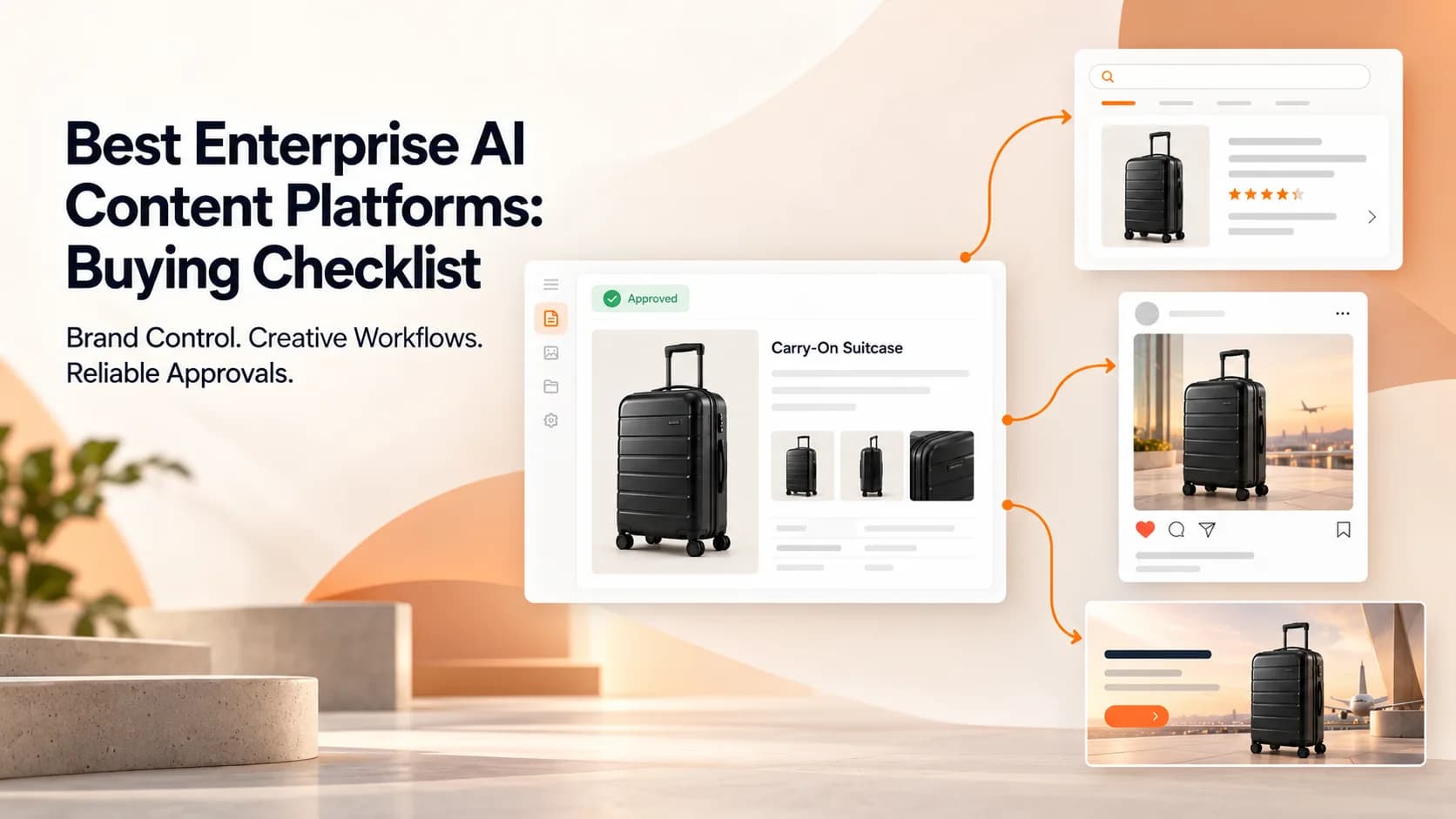
Check if the image will integrate with your website, your team can edit it, quality of images & if it will fit into your approval process.
The best image generator should fully integrate with your process.
How to Compare AI Image Generators
The best way to compare is to try multiple image generators using the same creative brief.
For example, your marketing team has 5 people and you need to create images for your new product campaign.
1. Create Prompt
Create one prompt that everyone will use. Include what you want in your image, lighting, background, style & audience.
2. Same Settings
Use the same settings if possible. Aspect Ratio, Reference Assets & Output.
3. First Image
Check the first image. No extra editing.
4. First Edit
Ask for the first edit. For example changing the background but keeping the product.
5. Results
Check how accurate the prompt was, any issues, how many failed, how many credits you used & how easy it was to edit.
6. Use Image
Add the image to your advert/banner/social media.
This will give you more useful information.
Common with AI Image Generators
While they can be powerful tools, if you don’t have a clear process in place they can sometimes be disappointing.
Unclear Prompts – Be as specific as possible. Don’t just say ‘make it look professional’. Make sure you include what you want in the image, what the layout should look like, lighting & style.
No Product Details – As AI can change logos, text, colours & proportions make sure you include all important product details.
Too many variations – Just because there are more images doesn’t mean they are better. Make sure you know why you are getting more variations.
No Review – Make sure there are no factual mistakes, brand consistent, not misleading & any restrictions.
No Consideration – While they may look nice make sure you consider how easy they are to edit, reliable, easy to export & how much they will cost.
Having a clear brief and review process can help improve your results.
Can AI Image Generators Replace a Graphic Designer?
While they can save time in brainstorming and repetitive tasks they can’t replace the creative side of humans.
Designers will know your brand, layout, messaging, font & consistency.
While AI can help you create initial designs, backgrounds, illustrations & variations the professionals will decide what will best convey your message.
A great option for businesses would be to use AI image generators and have professionals review/edit.
Conclusion
The best image generator will be the one that will consistently produce images you can use. All of these image generators have different features to help with creative AI. Try a few different ones using realistic projects, consistent prompts & clear approval criteria.
If you are a creative or marketer looking to create images, video & marketing then take a look at Xelta AI and Follow Xelta AI on Instagram for the latest AI trends, creative inspiration, product updates, and tips to create stunning AI images and videos.