








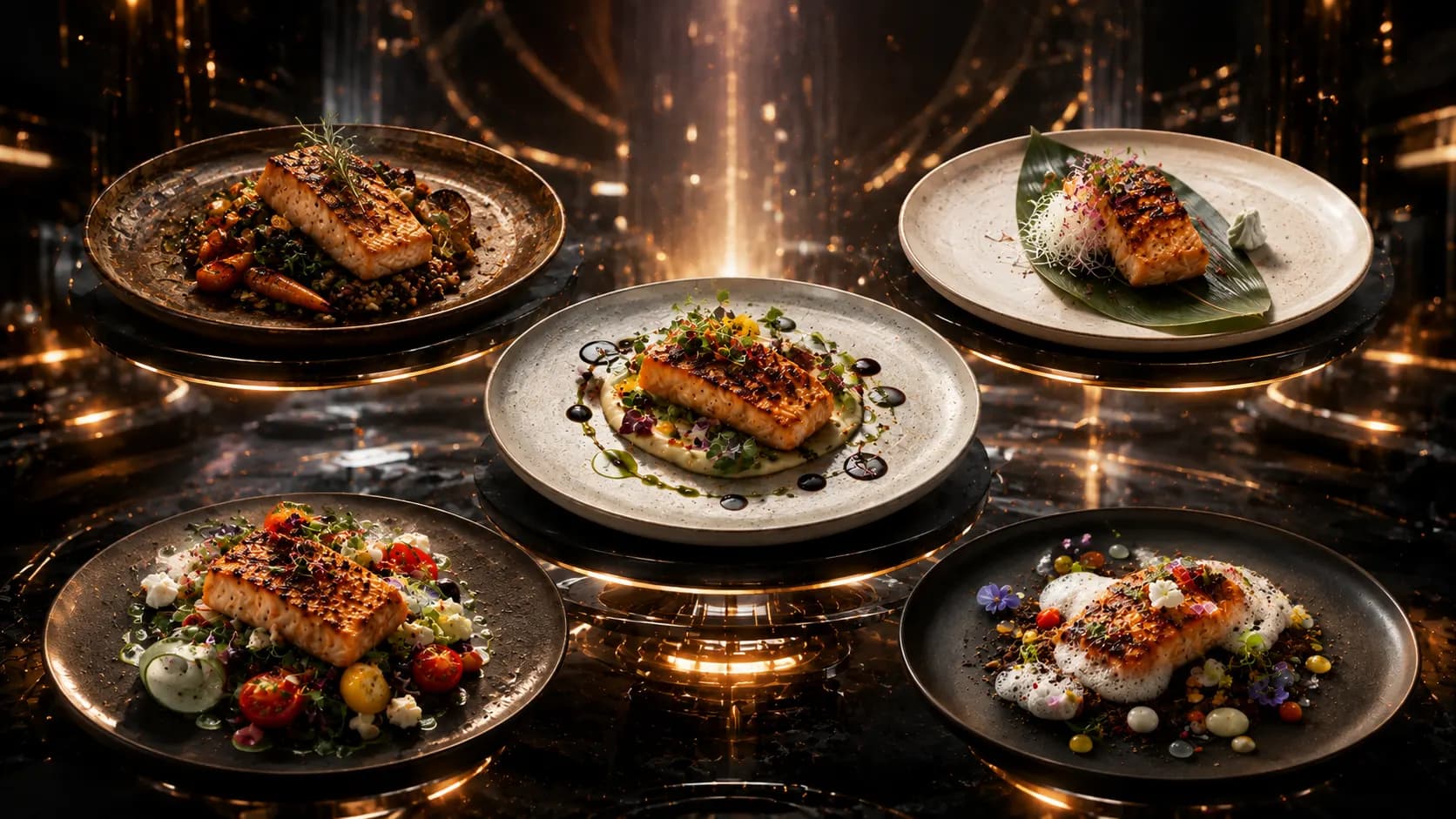
Turn One Food Photo into a 6 Second Restaurant Ad: Food Photo to Video Ad
A six-second ad has no time to explain the menu; it must make one dish look desirable immediately.
A food photo to video ad can be created from one approved dish image, a clear movement plan, and one short message. Xelta can support the image-to-video workflow, but the food shape, garnish, plate, and text must remain stable from the first frame to the last. Review the clip frame by frame before publishing.
This format suits food businesses with one photograph that needs motion for reels, stories, delivery ads, or digital screens.
Start with a Photo That Can Survive Motion
Not every food image is ready for food photo animation. Choose a source image with a clear subject, complete plate edges, realistic lighting, and enough background space for a subtle camera move.
Check the image before generation:
- The full dish is visible and in focus.
- Garnish and ingredients are easy to identify.
- The plate or packaging is not cropped awkwardly.
- The background does not contain distracting people or text.
- The portion matches the real product.
- The logo and offer copy are kept separate from the food image where possible.
A practical specialist observation is that unstable details usually begin with an unclear source. If sauce, cheese, rice, or garnish is already blurry, movement can make it appear to change shape. A better input gives the image-to-video food workflow a stronger visual reference.
Plan the 6 Second Food Ad Before Generating It
A 6 second food ad needs a storyboard, even when it uses one photograph. The movement should reveal the dish, not compete with it.
| Time | Visual action | Purpose |
|---|---|---|
| 0.0-1.0 sec | Hold the original composition briefly | Establish the real dish |
| 1.0-3.0 sec | Slow push-in toward the hero ingredient | Build appetite and focus |
| 3.0-4.5 sec | Add a restrained highlight, steam, or depth shift | Create a premium moment |
| 4.5-6.0 sec | Settle into the final frame with CTA space | Make the message readable |
Avoid stacking several motions together. A zoom, orbit, ingredient explosion, steam burst, and text transition within six seconds will usually feel artificial. One controlled move is easier to understand and easier to review.
Tell Xelta What Must Not Change
An AI restaurant ad generator needs both creative instructions and protection rules. Describe the camera movement, pace, atmosphere, and ending frame, then list the elements that must remain fixed.
Sample prompt:
Create a six-second cinematic restaurant ad from the uploaded food photo. Begin with a one-second hold, then use a very slow forward camera push toward the centre of the dish. Add subtle natural depth and a restrained warm highlight. Preserve the exact food shape, garnish, plate, portion, background colours, and ingredient count. Do not add hands, utensils, new ingredients, melting effects, or text. End on a stable frame with clean space for a CTA.
Use the main image as the visual truth. The generated clip should support it, not reinterpret it.
A restaurant video ad maker may offer different motion choices depending on the selected Xelta workflow. Choose the simplest option that communicates the intended feeling. Faster movement is not automatically more cinematic.
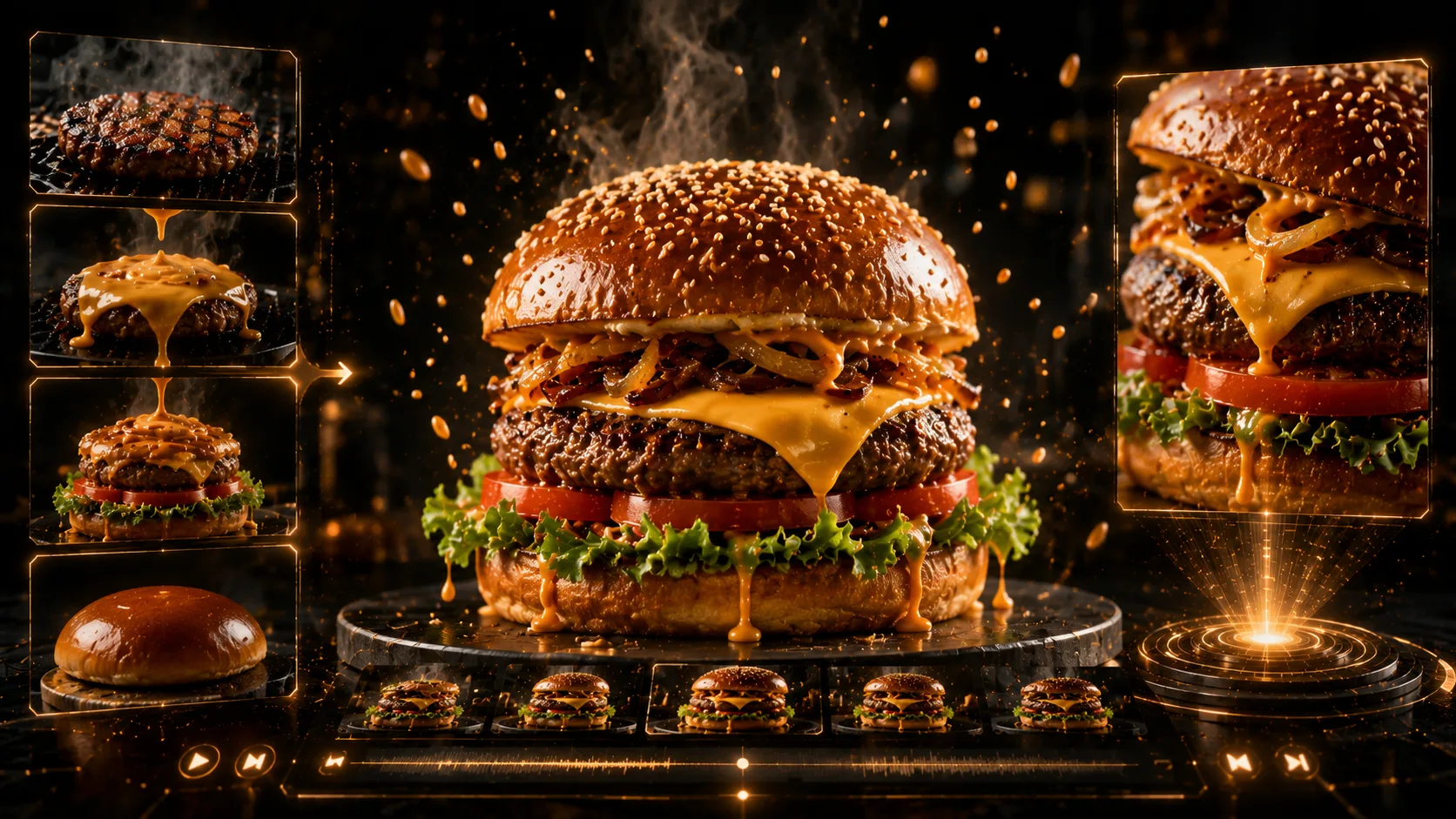
Inspect the Clip at the Frames Viewers Notice Most
No verified Xelta test or before-and-after output was provided, so use a transparent review workflow rather than a claimed result.
Inspect these moments closely:
- Opening frame: It should match the source photograph.
- First motion frame: The plate should not stretch or tilt unexpectedly.
- Middle frame: Ingredients should remain in the same positions.
- Peak visual moment: Steam, shine, or movement should look restrained.
- Final frame: The dish should settle rather than continue warping.
If the first output changes the garnish, makes sauce flow in an impossible direction, or alters the plate edge, revise the prompt and reduce motion. The approved output is the version that preserves product accuracy, not simply the version with the most dramatic effect.
Keep Motion Stable Around Difficult Food Details
Difficult details need extra control. Use a straight push-in for loose rice or herbs, avoid excessive melting language for cheese and sauces, keep steam soft, and do not reveal invented layers. A strong image to video food prompt protects the dish first and adds movement second.
Add Copy Only After the Food Motion Is Approved
Keep the generated food clip clean during the first review. Add the restaurant name, offer, price, or CTA after the motion has been approved, using an editing layer that keeps the text readable and stable.
For six seconds, one message such as “Lunch Special, 12-3 PM” or “Order the Signature Bowl” is enough. Hold the final frame briefly so the CTA can be read.
Review, Export, and Reuse the Approved Motion
Before publishing, confirm the dish name, price, offer timing, logo, aspect ratio, and destination link. Watch the clip once with sound and once without sound because many social viewers first encounter it silently.
The approved motion can be resized, but every crop still needs review.
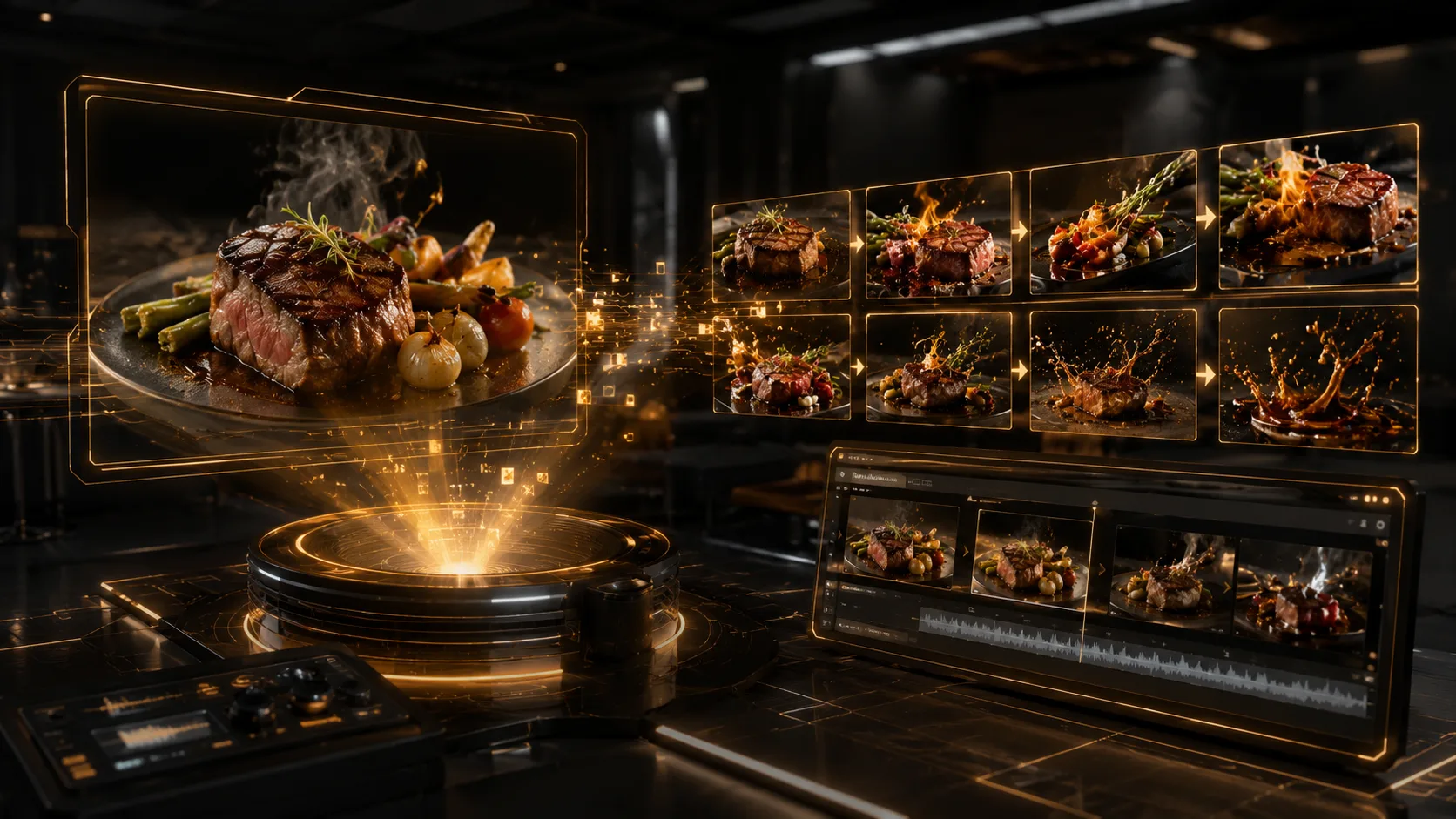
Do Not Turn a Six-Second Clip into a Full Campaign Guide
This article is deliberately narrow: one image, one motion plan, and one short output. A restaurant ad without a camera crew may use multiple assets, voiceover, subtitles, scenes, and localization. That broader production workflow should remain separate.
Common mistakes include using an unclear source image, asking for too many camera moves, adding text during generation, accepting a warped final frame, and publishing without checking the real dish.
When One Photo Is Not Enough
This workflow is not suitable when the campaign needs actors, a complete dining journey, several menu items, precise cooking steps, or a complex product demonstration. It also needs more control when the source image is low resolution or the food appearance changes significantly during motion.
Create the Shortest Useful Version First
Start with one approved food photograph and one six-second movement. Use Xelta to generate the clean master clip, review every important frame, and only then add the final offer and platform variations.



