AI Image to Video Generator Free: Transform Static Images into Dynamic Videos
An image may tell an idea. A video will make that idea dance.
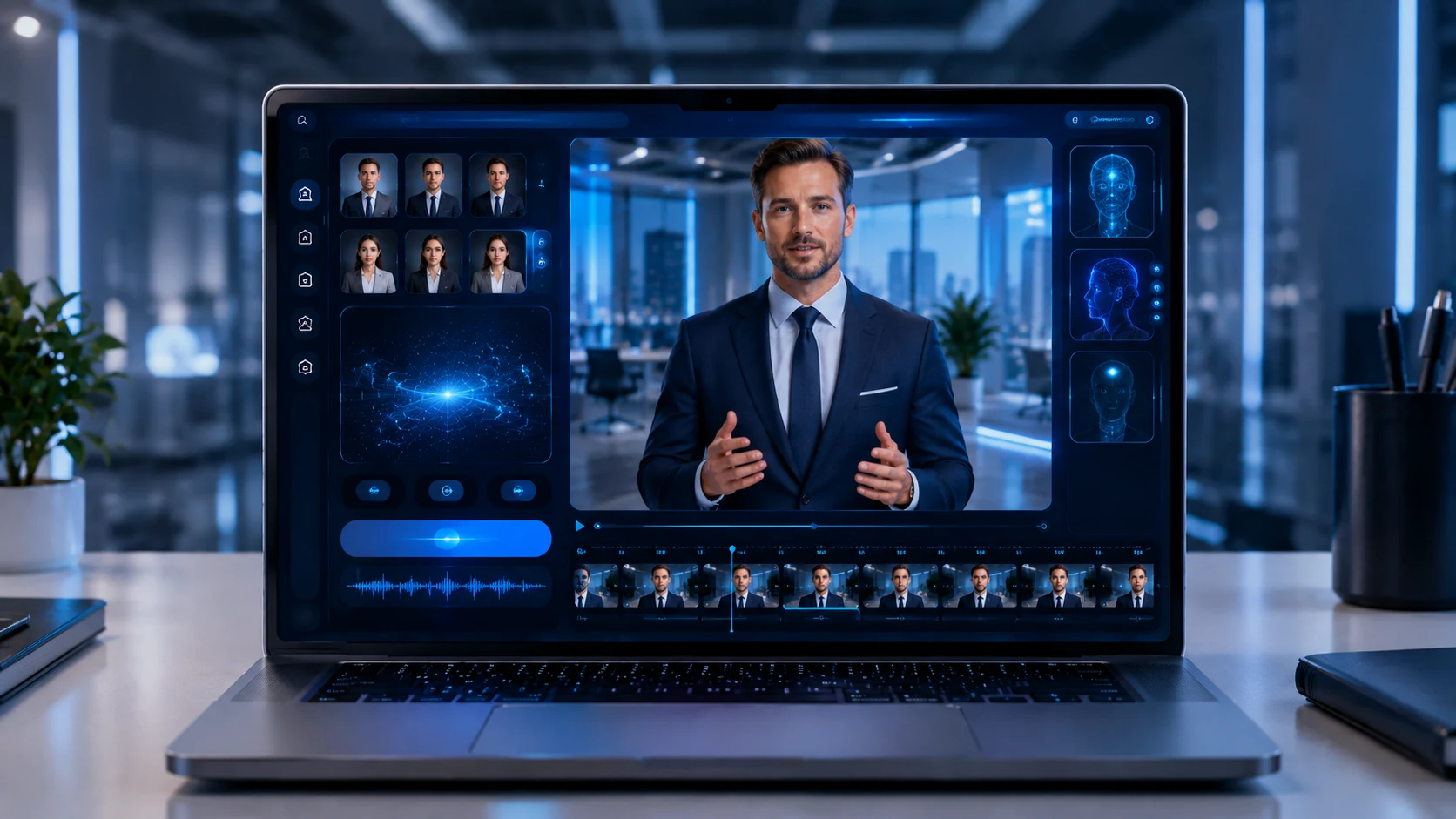
With an AI image to video generator free, users will be able to turn a static photograph, an AI-generated image, a product visual, a design concept or illustration into a video through artificial intelligence.
Instead of manually making a keyframe animation, making camera movements, doing animations and complex visual effects, AI will be able to analyze an image and animate it according to your creative input.
For instance, you can take a landscape image and animate it with cinematic camera movements. You can take a product image and make a short promotional video out of it. You can turn an interior design rendering into a walkthrough visual. You can even animate your characters' illustration.
It will be helpful for:
Content creators Digital marketers Interior designers Architects Real estate professionals E-commerce companies Advertising agencies Filmmakers Social media managers
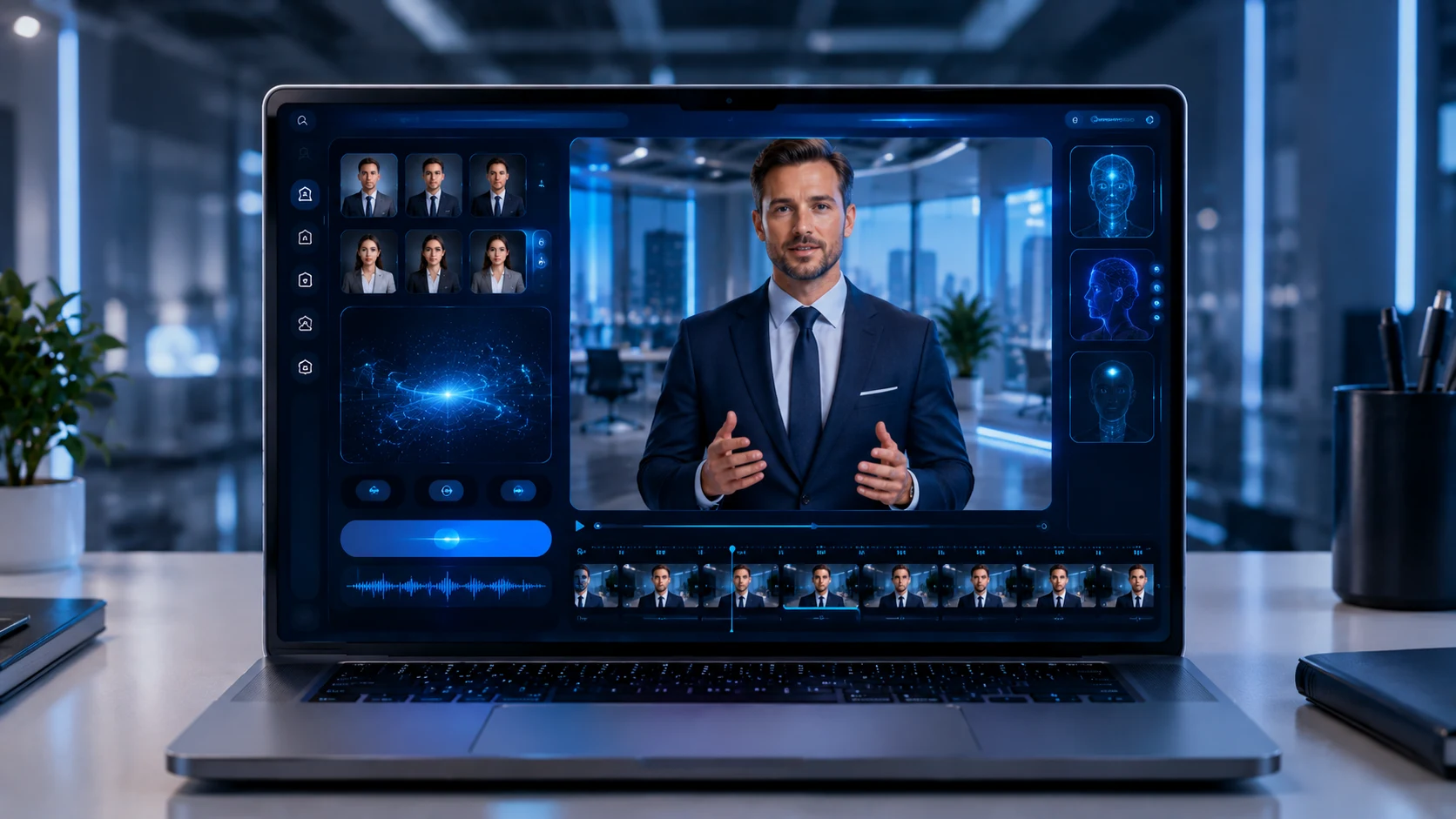
Today, modern AI systems like Xelta AI are taking this workflow further and combining image creation, video generation, cinematic tools, editing, enhancements, audio and more into one broad AI system.
What Is an AI Image to Video Generator?
An AI image to video generator is a tool that uses artificial intelligence to convert a still image into a moving video.
The image acts as the visual foundation. The AI then interprets elements such as:
Objects Depth Background Lighting Composition Subject position Visual style
The user can then describe the desired movement.
Example
Source Image: A luxury car on a mountain road
Prompt:
“Create a cinematic tracking shot of the car driving along the mountain road. Add natural movement, soft golden-hour lighting, realistic camera motion, and preserve the original vehicle design.”
The AI attempts to transform the static image into a dynamic visual sequence.
Step 1: Upload a Source Image
Start with a suitable image.
You can use:
A photograph An AI-generated image A product image A 3D rendern A illustration A character design A real estate image
A clear, high-quality image usually gives the AI more visual information to work with.
Step 2: Describe the Desired Motion
Tell the AI how you want the image to move.
Examples:
Slow camera zoom Cinematic push-in Smooth camera pan Subject walking forward Hair moving in the wind Clouds moving across the sky Water flowing naturally
Step 3: Select Your Creative Direction
Depending on the tool and model, you may be able to choose a visual style such as:
Cinematic Realistic Commercial Animated Artistic Documentary Social media style
Step 4: Generate and Review the Video
The AI generates a video based on the source image and instructions.
The result should be reviewed for:
Subject consistency Natural motion Object stability Image quality Visual accuracy
AI generation often works best as an iterative creative process. If the first result is not ideal, adjusting the prompt can improve the outcome.
1. Image-to-Video Generation
This is the core feature.
The tool should allow users to upload an image and transform it into a video with AI-generated movement.
2. Prompt-Based Motion Control
A strong image-to-video workflow should allow you to describe how the image should move.
For example:
“Slow cinematic camera movement toward the subject while maintaining the original background and composition.”
This gives the AI a clearer creative direction.
3. Camera Movement Options
Useful camera movements may include:
Push-In
The camera gradually moves closer to the subject.
Pull-Out
The camera moves backward to reveal more of the scene.
Pan
The camera moves horizontally across the image.
Tracking Movement
The camera follows a subject or visual direction.
Cinematic Reveal
The camera gradually reveals a wider scene.
4. Multiple Creative Workflows
Image-to-video can be used for different content types.
For example:
Social media videos Product advertisements Cinematic scenes Real estate presentations Interior design showcases Storytelling Digital art animation
5. Video Enhancement and Editing
Producing the video itself is just the first step in the process.
Additional elements could include:
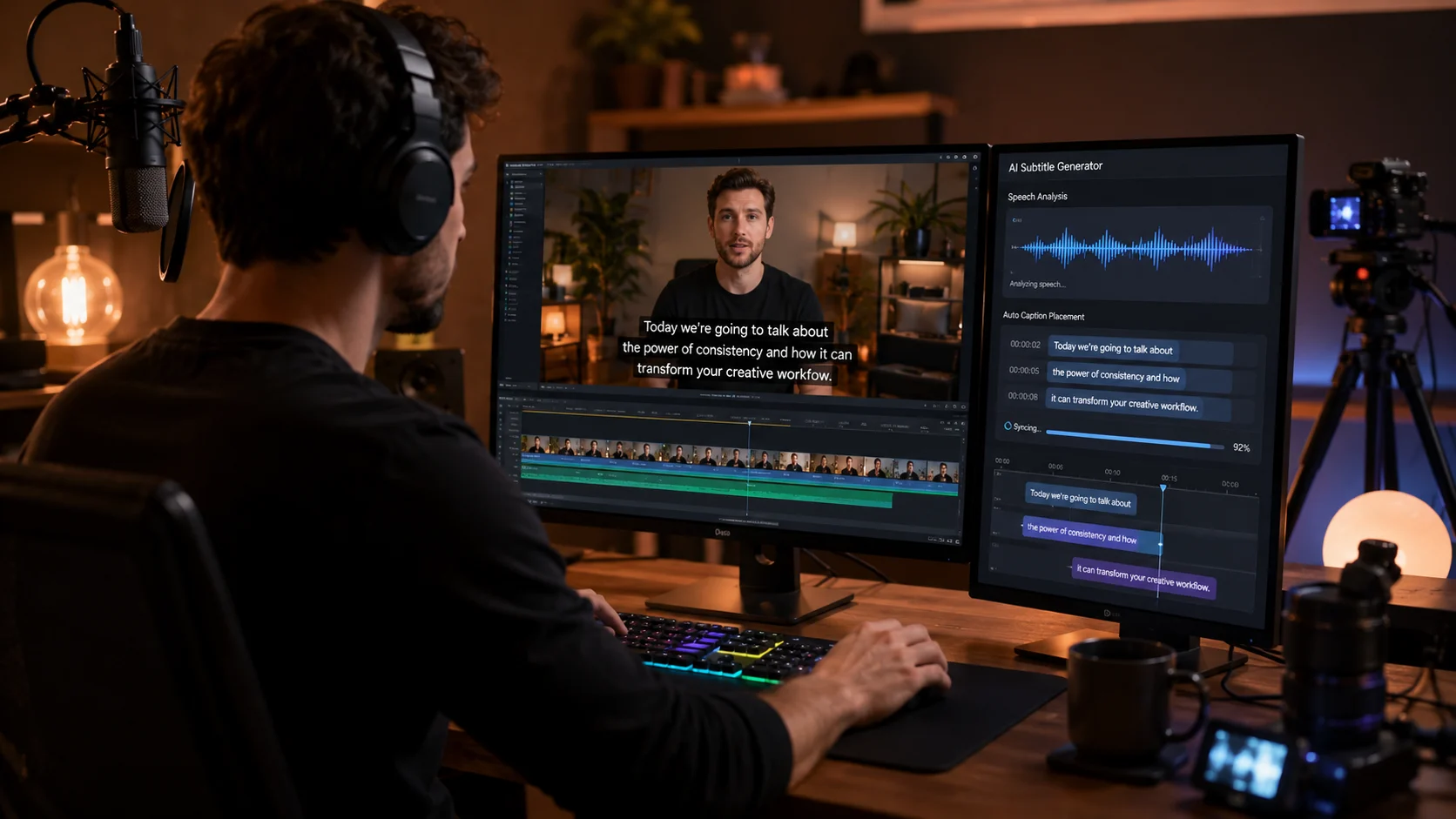
Video editing Stitching clips Audio enhancement Voice overs Removing backgrounds Visual effects Upping res
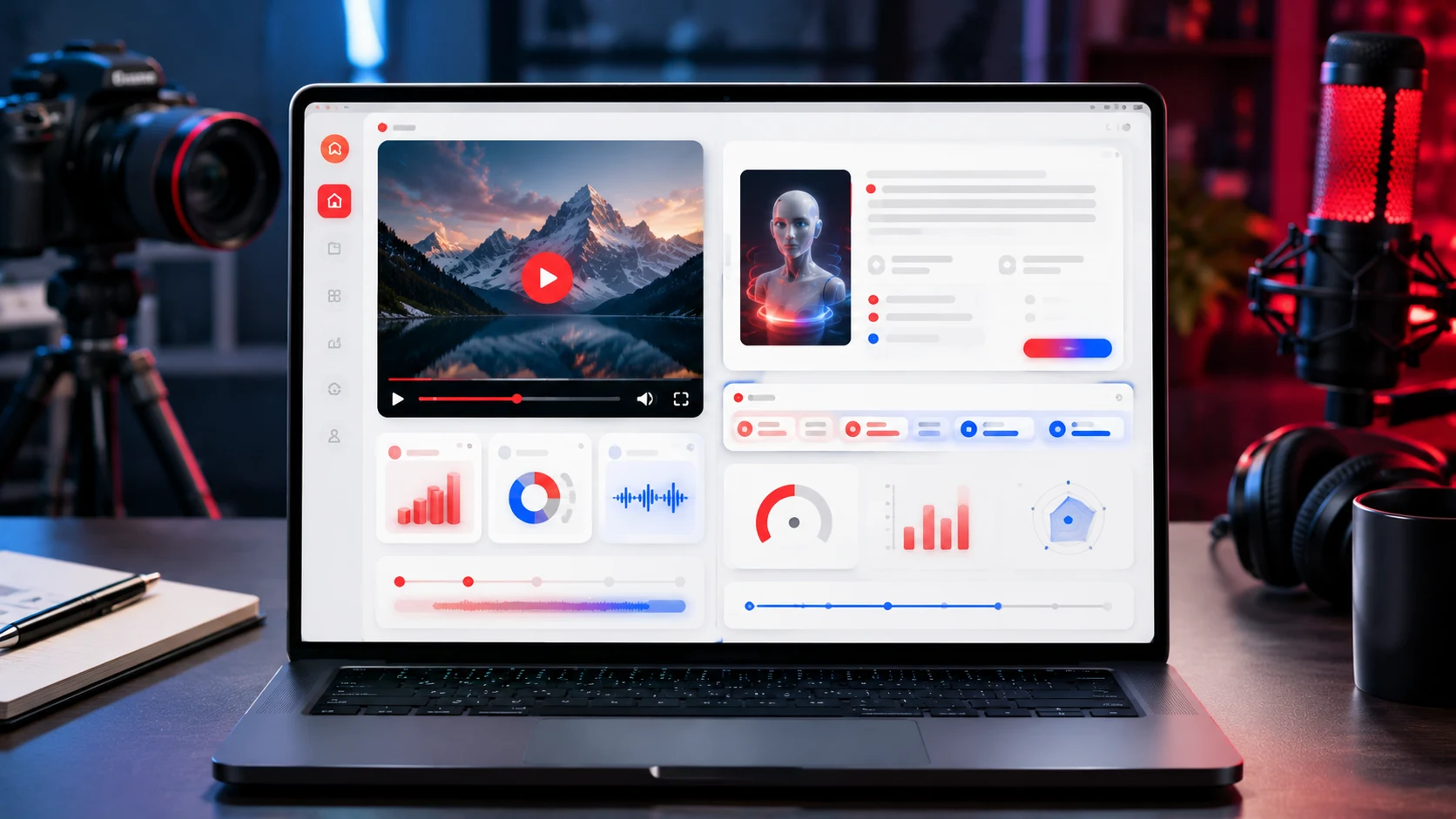
Xelta AI Studio features tools for creativity like video editing, video stitching, motion control, video background removal, audio enhancement, voice tools, and more.
Turn Existing Images into New Content
One of the biggest benefits is that you can create additional content from visuals you already have.
For example:
One Product Image →
Product video Social media Reel Advertisement concept Website visual Promotional video
This can help businesses get more value from their existing creative assets.
Faster Content Production
Traditional video production can require:
Planning Filming Camera equipment Editing Post-production
AI can help create an initial video concept much faster.
This is useful for creators who need to produce content regularly.
More Creative Experimentation
The same image can be animated in multiple ways.
For example:
Version 1
Slow cinematic camera movement.
Version 2
Dynamic product advertisement.
Version 3
Animated social media visual.
Version 4
Atmospheric storytelling scene.
This allows creators to experiment before choosing a final creative direction.
Useful for Social Media Content
Image-to-video AI is especially useful for short-form content.
A static image can become:
Instagram Reel YouTube Short TikTok video Facebook video Promotional ad
The final content should be adapted to the platform, audience, and purpose.
Source Image
A premium smartwatch on a dark background.
Prompt
“Create a luxury product commercial. Slowly rotate the smartwatch while dramatic studio lighting highlights the screen and metallic details. Maintain the original product design.”
Source Image
A modern living room render.
Prompt
“Create a slow cinematic camera movement through the living room. Preserve the original furniture, architecture, textures, and layout. Add soft natural daylight and realistic depth.”
Source Image
A tropical beach resort.
Prompt
“Create a cinematic aerial-style movement across the tropical resort. Add gentle palm movement, natural ocean motion, warm sunset lighting, and a premium travel advertisement atmosphere.”
Source Image
A fantasy character standing in a forest.
Prompt
“Animate the character standing in the forest as the wind gently moves the clothing and surrounding leaves. Add subtle cinematic camera movement and atmospheric lighting.”
AI Image to Video vs Traditional Video Production
| Feature | AI Image to Video | Traditional Video Production |
|---|---|---|
| Starting Point | Existing image | Camera, location, actors, equipment |
| Production Speed | Fast concept creation | Longer planning and production |
| Cost | Lower entry barrier | Often higher |
| Creative Testing | Easy to create variations | More time-consuming |
| Real-World Accuracy | Requires review | Directly captured |
| Best For | Concepts, marketing, social content | High-control professional production |
Expert Perspective
Image-to-video AI creation should not be viewed as a complete substitute for all forms of video creation.
Traditional video creation is more suited to projects that involve:
Actual people Products Location shooting Cinematography Documentation Highly-controlled visual branding
Some of the best applications for AI image-to-video creation are in:
Concepts Testing marketing campaigns Creating social media posts Product visualization Storyboarding Visual experimentation
Why Xelta AI Is Different
Xelta AI is designed as a broader creative ecosystem rather than a single-purpose image-to-video tool.
Its platform brings together different AI-powered workflows across:
Image generation Video generation Image-to-video creation Video editing Video stitching Motion control Audio enhancement Voice generation Visual effects Social media content Advertising workflows
This makes it possible to move from an initial idea to a more complete content workflow.
From Static Image to Complete Creative Asset
A possible workflow can look like:
Image → AI Motion → Video Editing → Audio → Enhancement → Publishing
For example:
Create or upload an image. Animate it using an image-to-video workflow. Edit or combine clips. Add audio or voice. Enhance the final output. Prepare the content for your chosen platform.
Xelta's cinematic tools specifically include image-to-video conversion, video enhancement, 4K/8K upscaling, and audio generation capabilities.
Creators can explore the Xelta AI Video Generator for broader AI video creation and the Xelta AI Studio for additional media workflows.
Does It Support Your Image Type?
Before choosing a tool, check whether it works well with:
Photographs AI images Product visuals 3D renders Illustrations
Does It Offer Motion Control?
Look for options that let you describe or control:
Camera movement Subject motion Speed Visual direction
Is the Output Quality Suitable for Your Needs?
A tool for a quick social media post may have different requirements than a professional marketing campaign.
Consider:
Resolution Detail quality Motion smoothness Export options
Does the Platform Offer a Complete Workflow?
If you regularly create content, a platform that includes generation, editing, audio, enhancement, and other tools may reduce workflow friction.
Start with a Strong Source Image
The source image is the foundation of the video.
Use an image with:
Clear subject Good composition Suitable lighting High visual quality
Describe Motion Clearly
Weak prompt:
“Animate this image.”
Better prompt:
“Create a slow cinematic camera push-in toward the subject while preserving the original composition, background, colors, and visual details.”
Avoid Too Much Movement
Overly complex motion can create unexpected changes.
Start with one clear movement.
For example:
Slow pan Gentle zoom Subtle subject movement
Tell the AI What to Preserve
If certain details are important, mention them.
For example:
“Preserve the original product shape, color, logo placement, background, and composition.”
Review Every Generated Video
AI can sometimes create visual inconsistencies.
Before publishing, check:
Faces Hands Product details Text Logos Background objects Architecture
Human review remains essential for professional content.
Natural Linking Example
“Creators can start with an AI Image Generator, transform the result using an AI Video Generator, and then refine the final content with tools available in Xelta AI Studio.”
Pillar Page
AI Video Generator