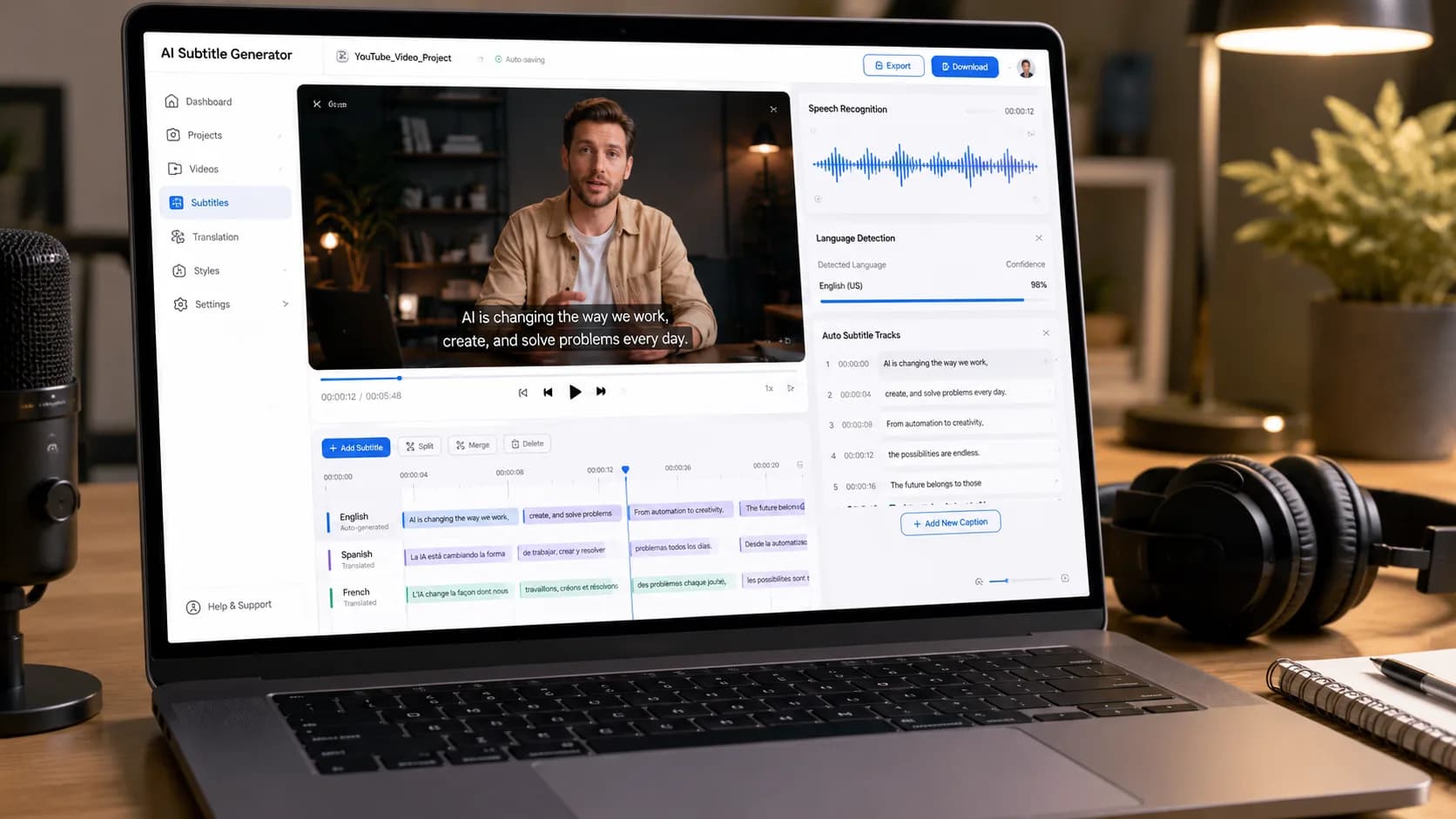
AI Video Generator Free with Prompt: Turn Your Ideas into Videos
The development of a video in a professional capacity involves script writing, recording, editing, voice overs, animation, and even a full production team in some cases.
But with the advancements in technology, artificial intelligence is altering the process.
Using an AI video generator free with prompt, one can describe a thought in natural language and rely on the capabilities of AI to craft a video concept based on the prompt. This way, rather than starting with an empty timeline in an editor, one starts with the prompt itself.
For instance:
“Make a cinematic video of a futuristic city during sunset, complete with flying cars, glowy skyscrapers, dynamic camera movements, and inspiring mood.”
The text-to-video AI will understand the prompt and produce a sequence of visuals based on the prompt.
The technology is valuable for content creators, marketers, businesses, educators, filmmakers, social media managers, and any individual interested in trying out video production through AI technology.
With an extensive AI creative platform like Xelta AI, users can access video generation, along with image generation, editing, cinematic work, audio tools, social media content, and marketing-based AI tools.
What Is an AI Video Generator with Prompt?
An AI video generator with prompt is a tool that uses artificial intelligence to transform written instructions into video content.
The prompt tells the AI what you want to create.
A Prompt Can Describe:
The subject The environment The action Camera movement Lighting Visual style Mood Duration Aspect ratio
Basic Example
Prompt:
“A golden retriever running through a green meadow during sunrise, cinematic camera movement, realistic lighting, slow motion.”
The AI uses this information to generate a video based on the described visual concept.
The more clearly you describe the scene, the easier it becomes to communicate your creative intention.
Step 1: Start with an Idea
Decide first what you plan to produce.
This may include:
Reel on social media Advertisement for a product Scene from a film Explanatory video Promotional video Short story Introduction to YouTube Educational image
Step 2: Write a Structured Prompt
A useful prompt usually contains several elements.
Prompt Formula
Subject + Action + Environment + Camera + Lighting + Style + Mood

Example:
“A modern electric car driving through a futuristic city at night, neon lights reflecting on wet streets, smooth tracking camera movement, cinematic lighting, realistic commercial advertisement style.”
This prompt gives the AI a clear visual direction.
Step 3: Generate the Video
The AI processes your instructions and creates a video based on the selected model and settings.
Generation time may vary depending on the model, video length, complexity, and output requirements.
Step 4: Review and Improve
AI generation is usually an iterative process.
If the result is not exactly what you imagined, improve the prompt by changing:
Camera movement Subject action Lighting Style Environment Composition
1. Text-to-Video Generation
The most important feature is the ability to generate video directly from a written prompt.
This allows creators to turn an idea into a visual concept without recording footage first.

2. Multiple AI Video Models
Different AI models may be suitable for different creative needs.
Some may be better for:
Realistic video Animation Short-form content Explainer videos Product demonstrations Live-action visuals
Xelta's AI video generator provides access to different video generation models and workflows for various use cases.
3. Prompt-Based Creative Control
A strong AI video tool should allow you to describe the visual direction naturally.
You can specify:
What should appear What should happen How the camera should move What atmosphere you want Which visual style to follow
4. Flexible Video Formats
Different platforms require different formats.
9:16 Vertical
Ideal for:
Instagram Reels TikTok YouTube Shorts
16:9 Horizontal
Useful for:
YouTube Presentations Websites
1:1 Square
Useful for:
Social media posts Facebook content Some advertising formats
5. Professional Visual Quality
For business and marketing use, visual quality matters.
Look for:
Smooth motion Clear details Consistent scenes Natural movement Professional composition
However, AI-generated content should always be reviewed before publishing.
6. Additional Creative Tools
Most helpful platforms offer more than just video creation capabilities.
Content creators might require the following as well:
Video editing Video stitching Voice optimization Artificial intelligence voiceover Mouth synchronization Background removal Film effects
The Xelta AI Studio features several artificial intelligence-based media tools for video creation and post-production processes.

Faster Content Creation
Traditional video production can require significant planning and production time.
AI can help create an initial visual concept quickly.
This is especially useful when you want to test an idea before investing in a full production.
Lower Entry Barrier
Beginners can experiment with video creation using text instructions instead of learning complex editing software immediately.
This makes AI video tools useful for:
Students Freelancers Small businesses Content creators Marketing teams
More Creative Experimentation
A single idea can be explored in multiple ways.
For example:
Version 1
“Create a realistic product advertisement.”

Version 2
“Create a cinematic luxury commercial.”
Version 3
“Create a fast-paced social media Reel.”
The same concept can produce different creative directions.
Example 1: Product Advertisement
Prompt:
"Produce a high-quality cinematic advertisement for a contemporary smartwatch lying on a reflective surface using dramatic lighting, camera movement, close-up shots of the product, and a luxury technological commercial format."
Suitable For:
Product Marketing E-Commerce Advertising Concepts
Example 2: Social Media Reel
Prompt:
“Create a fast-paced 9:16 social media Reel showing a creator preparing a healthy breakfast in a modern kitchen. Use quick transitions, bright natural lighting, energetic movement, and a lifestyle content style.”
Best For:
Instagram TikTok YouTube Shorts
Example 3: Cinematic Story
Prompt:
“Create a cinematic scene of a lone explorer walking through a misty forest at sunrise. The camera slowly follows from behind, with soft golden light, atmospheric fog, and an emotional adventure film style.”
Best For:
Storytelling Concept films Creative projects
Example 4: Explainer Video
Prompt:
“Create a clean animated explainer video showing how solar energy is converted into electricity. Use simple visual graphics, smooth transitions, clear composition, and an educational presentation style.”
Best For:
Education Business presentations Explainer content
AI Video Generator vs Traditional Video Production
| Factor | AI Video Generator | Traditional Production |
|---|---|---|
| Starting Point | Text prompt or image | Script, crew, camera, location |
| Speed | Fast concept creation | Longer planning and production |
| Cost | Lower entry barrier | Can be expensive |
| Creative Testing | Easy to create variations | More time-consuming |
| Real-World Accuracy | Requires review | Directly filmed |
| Best For | Concepts, marketing, social content | High-control professional productions |
Why Xelta AI Is Different
Xelta AI is built to be an expanded creative ecosystem as opposed to just a single-purpose tool that creates videos from prompts.
The system incorporates AI-driven workflows in several different domains including:
Video generation Image generation Video editing Video stitching Motion control AI voices Lip syncing Audio enhancement Creation of cinematic content Social media content creation AI ads
This means a creator can traverse through several stages of creating content within one ecosystem.
From One Prompt to a Complete Creative Workflow
One such process could be something like:
Idea → Prompt → AI Video → Editing → Audio → Enhancement → Social Media Content
Like so:
Write a product video prompt on Xelta. Create a visual idea. Edit the clip. Add audio. Enhance the video. Socialize the video.
Xelta provides an AI Cinematic Video Generator specifically for cinematic processes involving image to video, video enhancements, and audio content.

Does It Offer a Genuine Free Option?
“Free” can mean different things.
Before choosing a tool, check:
Free credits Watermark policy Resolution limits Generation limits Export restrictions Commercial usage terms
Does It Support the Type of Video You Need?
A tool designed for short social videos may not be ideal for cinematic content.
Consider your use case first.
Are Multiple Models Available?
Multiple models can give you more flexibility for different visual styles and requirements.
Is the Prompt Workflow Easy to Understand?
A good platform should help beginners create useful results without requiring advanced technical knowledge.
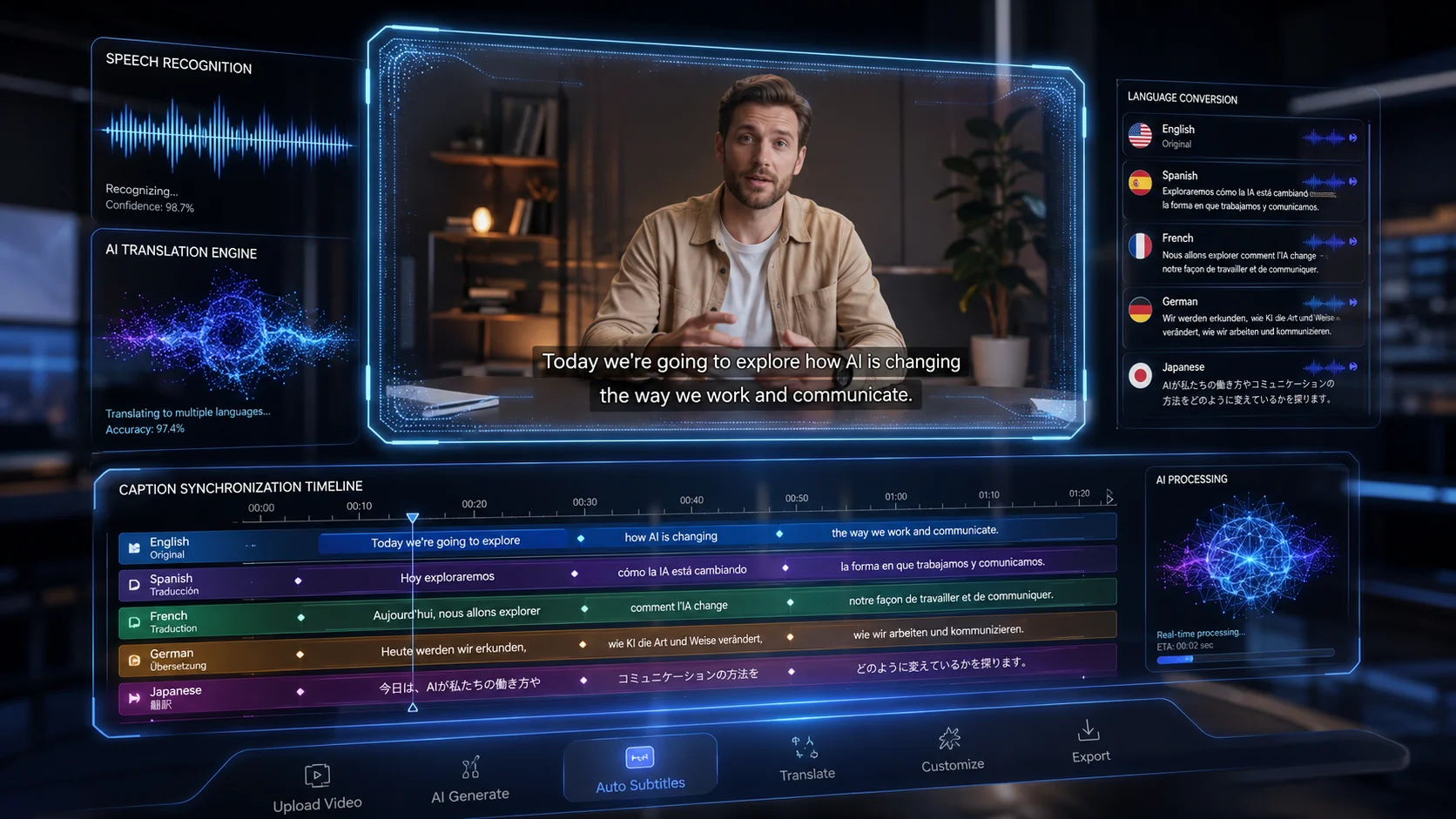
Can You Edit the Output?
Video generation is only one part of production.
Editing, stitching, audio, and enhancement tools can make the workflow more complete.
Can the Platform Scale with You?
A free-to-use software can be helpful for experimentation purposes.
With an increase in content volume, you would require:
Greater generation capabilities Improved resolution Increased models Optimized workflow Professional support
Xelta provides various ways to use the software and a pay-per-use system along with options for custom infrastructure solutions for large enterprises..
Be Specific About the Subject
Weak:
“A car video.”
Better:
“A metallic electric sports car driving through a modern city at night.”
Describe the Action
Add what should happen.
“The car moves smoothly through wet streets while city lights reflect on the surface.”
Specify the Camera
Use phrases such as:
Slow dolly-in Tracking shot Wide establishing shot Close-up Smooth camera pan Overhead shot
Include Lighting and Mood
For example:
“Soft golden-hour lighting with a warm, emotional atmosphere.”
Avoid Overcomplicated Prompts
A long prompt is not automatically a better prompt.
Focus on the key visual information the AI needs.
Simple Prompt Formula
Subject + Action + Environment + Camera + Lighting + Style
Natural Linking Example
“Creators can begin with an AI Video Generator, refine the result using AI Studio, and explore cinematic workflows through Xelta's AI Cinematic Video Generator.”
Pillar Page
AI Video Generator