








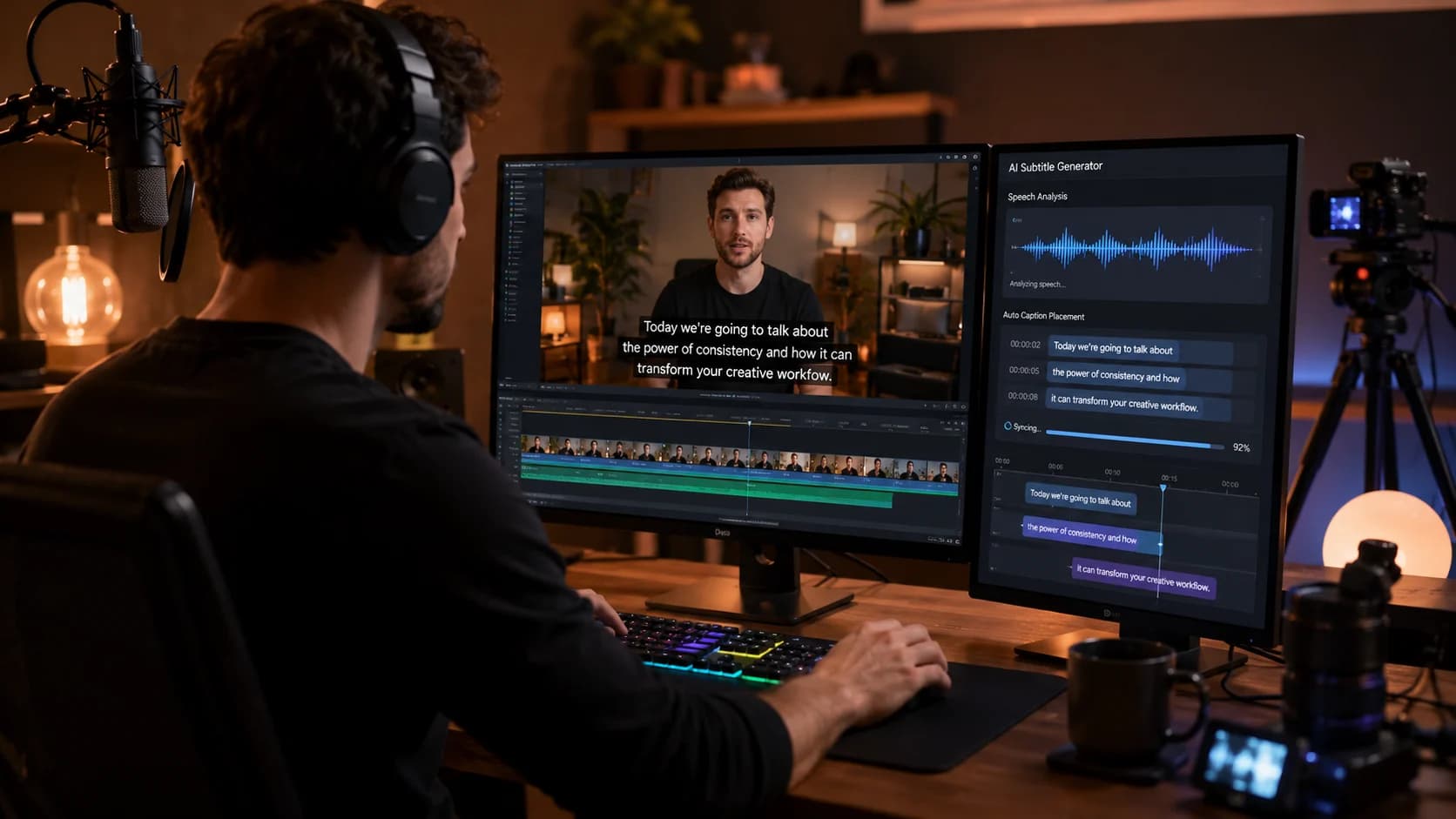
Seedance 2.5 Features and Capabilities Explained
Seedance 2.5 is now live on Xelta.ai as part of the platform's growing creative intelligence ecosystem, a shared space where multiple AI models for image, video, and audio work together instead of living in separate tools. For teams that generate video content regularly, understanding what a new model actually does day to day matters more than a headline feature list. This post walks through the practical capabilities of Seedance 2.5: how it turns prompts and images into video, the kind of creative control it offers, and where it realistically fits into a production workflow.
Rather than repeating marketing claims or guessing at specs that haven't been independently confirmed, this breakdown focuses on function: what you can ask the model to do, how the input you give it shapes the output, and how it connects to the other tools already inside Xelta.ai. If you're evaluating Seedance 2.5 for marketing content, client work, or independent projects, this should give you a grounded sense of what to expect before you commit real production time to it.
Text-to-Video and Image-to-Video Generation Explained
At its core, Seedance 2.5 supports generating video from a text prompt or from a reference image, which covers the two most common starting points creators actually work from. Text-to-video is useful when you're starting from an idea or a script line and want the model to interpret the scene, subject, and action from a written description. Image-to-video is useful when you already have a specific look you want to bring to life, such as a product photo, a character design, or a keyframe from a storyboard, and you want the model to animate it rather than generate a scene from scratch.
Both paths are designed for iterative refinement rather than a single perfect output on the first attempt. In practice, that means treating an initial generation as a draft: reviewing the result, adjusting the prompt or reference image, and regenerating until the output matches what the project needs. This iterative loop is closer to how a creative team already works with editors and designers than to a one-shot automated process, which is worth keeping in mind when you scope timelines for a project that uses Seedance 2.5.
Prompt-Driven Creative Control: Subject, Camera, Mood, and Setting
A meaningful part of what makes Seedance 2.5 useful is how much the prompt itself can direct the output. Rather than only describing a general scene, prompts can guide several layers of the shot at once, which gives creators a way to art-direct a generation instead of just requesting it.
Things you can typically influence through prompt wording include:
- Subject: what or who is in the frame, and how it's described or styled
- Camera movement: framing choices like a slow push in, a pan, or a static shot
- Mood and tone: whether a scene reads as calm, energetic, dramatic, or minimal
- Setting and environment: the backdrop, lighting mood, and time-of-day feel
- Pacing: whether the action in the clip feels quick and dynamic or slow and deliberate
The more specific and consistent the prompt, the more the output tends to reflect creative intent rather than a generic interpretation. Teams that get the most out of this kind of control usually keep a running set of prompt notes or templates so results stay consistent across a campaign or a series of clips, rather than reinventing the prompt structure every time.
Where Seedance 2.5 Fits for Different Creative Teams
Because Seedance 2.5 is built around prompt and image inputs rather than requiring production equipment, it fits into a range of workflows differently depending on the team using it.
- Marketing teams: quick concept videos, social content variations, and testing multiple creative directions before committing budget to a full shoot
- Agencies: producing client-facing drafts and mockups fast, iterating on direction based on feedback before locking a final approach
- Independent creators: generating video content without needing a camera crew, studio space, or editing team, especially useful for early-stage content or personal projects
- Product and e-commerce teams: turning existing product photography into short video assets using the image-to-video path
In each of these cases, Seedance 2.5 tends to work best as a way to move faster through the early, exploratory part of a project rather than as a replacement for every step of production. Knowing which part of your workflow it's meant to speed up helps set the right expectations for what a first draft from the model should look like.
Working Alongside Xelta's Image and Audio Tools
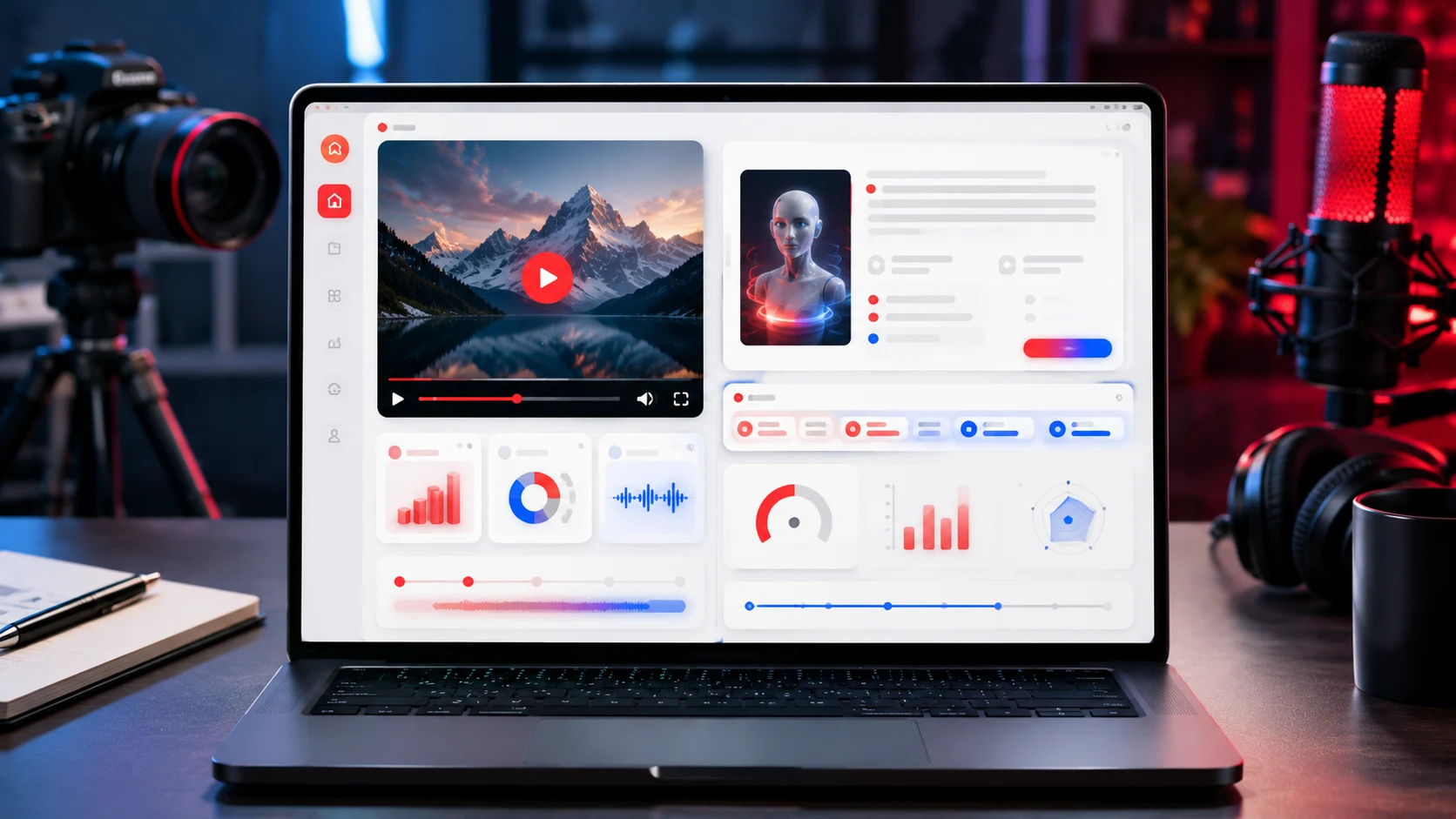
One of the practical advantages of using Seedance 2.5 through Xelta.ai rather than as a standalone tool is that it sits next to the platform's other generation tools instead of requiring a separate app or export step. A typical workflow might start with an image generation tool to create or refine a visual reference, move that reference into Seedance 2.5 for image-to-video generation, and then bring in an audio tool to add narration, music, or sound design to the finished clip.
Keeping these steps inside one platform reduces the friction of moving files between separate tools and re-uploading assets at each stage. It also means creative decisions made earlier in the process, like a specific visual style or color palette, can carry through more consistently into the video and audio stages, since everything is happening within the same creative intelligence ecosystem rather than across disconnected software.
Realistic Expectations and Review Practices Before Publishing
As with any generative model, it's worth treating Seedance 2.5 output as a draft that needs human review rather than a finished asset ready to publish. AI-generated video can occasionally produce inconsistencies in motion, detail, or continuity, especially across longer or more complex prompts, and catching these issues before a clip goes out is part of a responsible workflow.
A few practices worth building into your process:
- Watch the full generation at normal speed before approving it, not just a quick skim
- Check for continuity issues if the clip includes a recognizable subject, product, or brand element
- Compare multiple generations from slightly different prompts rather than accepting the first result
- Confirm current plan limits and credits before running large batches of generations for a campaign
- Keep a simple approval step where a second person reviews client-facing or public-facing clips
Treating generation as the first step of a creative process, not the last, is what makes tools like Seedance 2.5 genuinely useful in production rather than just fast. Used this way, it becomes a way to explore more creative directions in less time while keeping the quality bar the same as any other published video content.



