




AI Video Generator API: A Practical Guide for Content Teams
A marketing team could miss twenty video drafts by the deadline for Friday's launch. The offer, source image, and final version must be reviewed by someone. An AI video generator API for content teams can help to tie these operations together. Xleta AI can provide video creation plus custom enterprise integration options, but not a replacement for editorial control.
Quick answer: A video-generation API can help a team to pass their approved inputs from another system, and request video drafts, and track their progress. Also, a reliable workflow needs job records, limits for retries, human review, and a separate publishing decision. Confirm the available endpoints and access terms with the provider prior to making an integration commitment.
Quick Answer
An AI video generator API is a great tool that allows content teams to design their requests, organize approved inputs, and monitor progress. At the same time, the critical security and control features that a company should consider are authentication, job tracking, credits management, error handling, retry policies, and manual approval before publishing the content. In case of the Xelta AI tool, the company promises to provide custom enterprise API integrations and webhooks. At the same time, it is necessary to indicate the available endpoints, models, authentication, and access policies. A company should begin using the API with one campaign, include specific approved inputs, and track changes considering the cost since the number of credits will be spent on each approved video instead of counting all generated drafts. Additionally, it is critical to make repetitive and time consuming tasks automatic while reducing the amount of work that requires manual approval at the end.
What Problem Should an API Solve First?
A retailer needs six variations of a cycling accessory ad. Same product, different language, end card and aspect ratio. It's boring to be submitting the brief over and over again.
Make sure that all sources are approved before automation, offer ownership and where the rejected clips should go.
One approved brief equals one reviewable candidate
Does Xelta Have a Video API You Can Integrate?
Xelta's public enterprise page promises bespoke API integrations and webhooks. Their terms of service state what their approved API integrations and usage based credits are. This does not establish a publicly documented, self service video endpoint for all accounts.
Request documentation covering models, inputs, authentication, job status, rate limits, errors and retention. Confirm whether webhooks or polling are supported.
Xelta's terms of service state API keys must remain confidential and prohibits exposing service APIs directly to end users. Obtain authorisation and use an approved integration rather than automating the website.
What Should Be Saved With Every Generation?
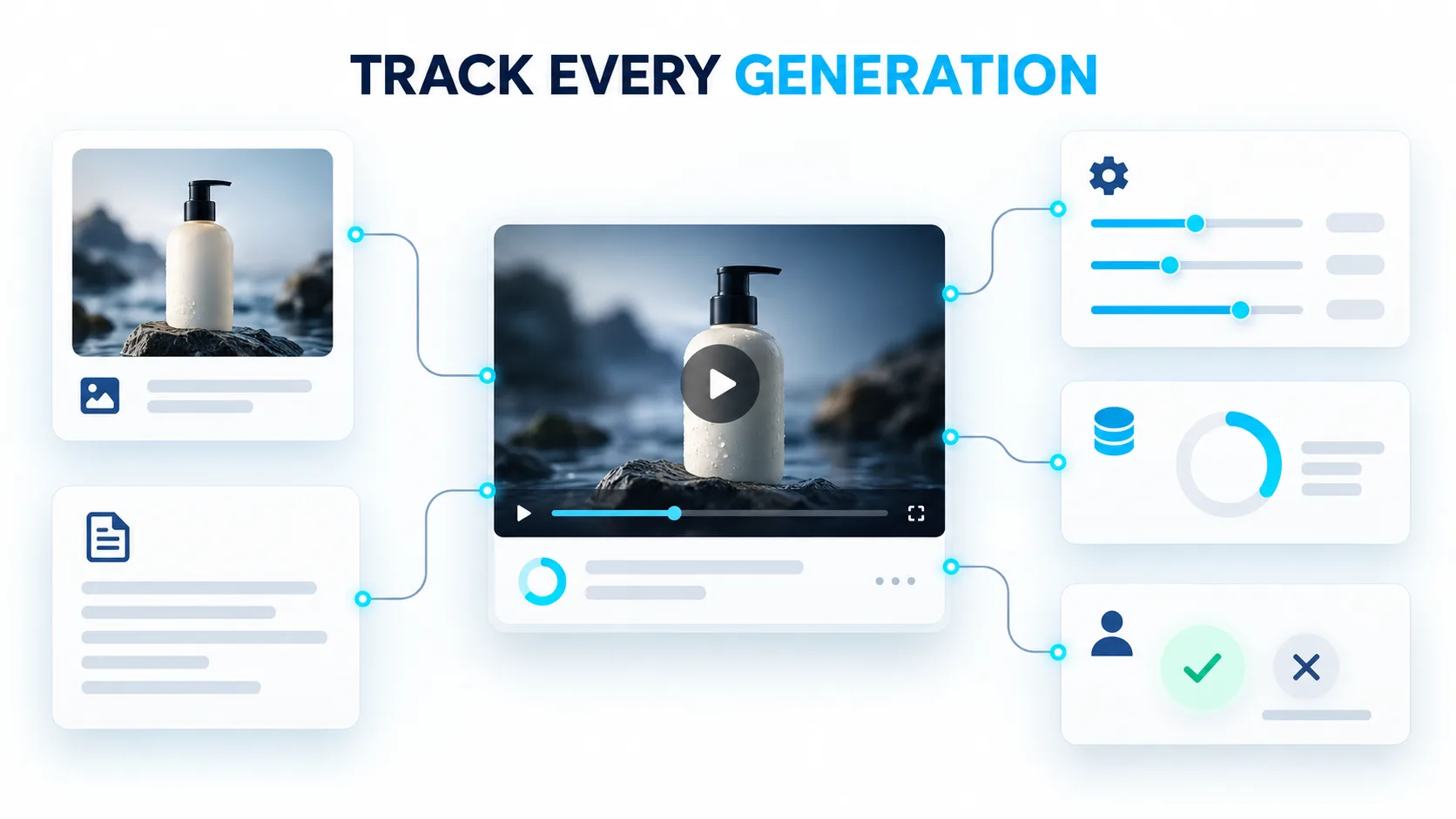
Save more than the output filename. Reviewers need to know what produced a clip.
| Job record | Why it matters |
|---|---|
| Campaign and version ID | Prevents files from different launches being confused |
| Approved source image | Lets reviewers detect invented product features |
| Prompt, model and settings | Makes corrections understandable |
| Intended market and format | Identifies language, crop and caption requirements |
| Credit use and job status | Helps teams trace costs and failures |
| Review owner and decision | Separates a draft from a publishable asset |
This is a suggested record, not Xelta's API schema. Avoid sensitive data unless approved.
How Do You Write a Prompt That Survives Automation?
Use Xelta's AI video generator to test creative instructions through its documented text-to-video or image-to-video interface before attempting an integration. This helps identify details worth protecting.
To show a fictional image of a charcoal bicycle saddlebag use an approval image of one :
With an animated bag attached to a fixed bicycle seat. Use one slow lateral turn from side to front camera angle for your animation and use only natural lighting with no other transitions. The two straps used to attach the bag to the bicycle seat must be visible along with the zipper, a reflective tab and the charcoal coloration. Do not add any logos, people, text claims or other features. Make sure there is room for a separate end card to be added.
This will protect against unsubstantiated allegations against your product.
For localised variations of your advertisement keep the image the same but alter the text and/or specifications as necessary. Make sure to specify the variations by the model name as they may yield different results.
What Happens Between Generation and Publication?
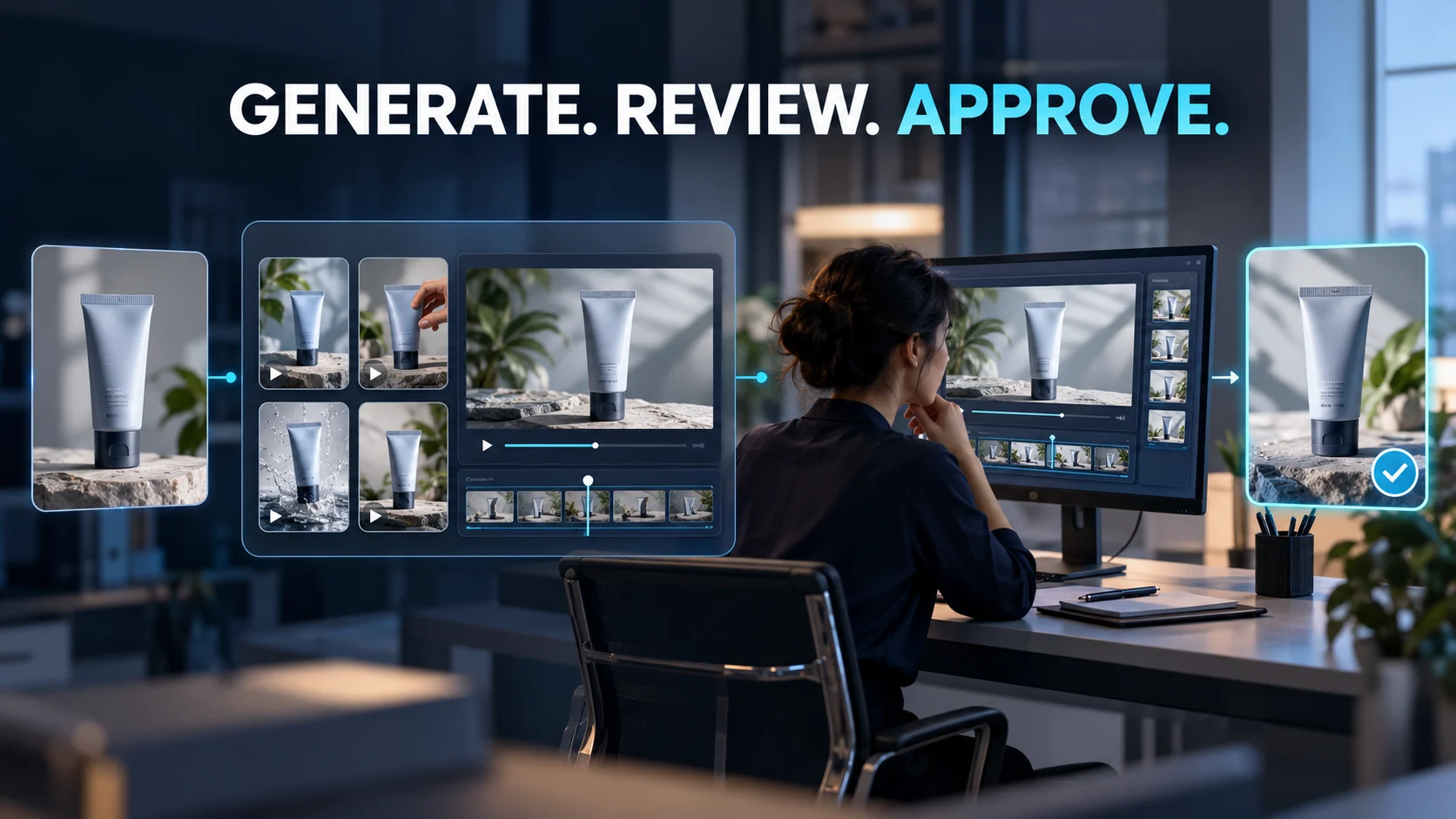
A technically completed render is still an unapproved draft. Use a sequence with explicit handoffs:
- Brief approval: Marketing confirms the intended message; a product owner checks factual claims.
- Generation request: The integration submits only approved references and permitted settings.
- Technical check: The system records completion, failures, identifiers and expected file properties.
- Creative review: A human checks motion, product identity, captions and framing.
- Correction or rejection: The reviewer records exactly what failed and requests a controlled revision.
- Publishing approval: Only a final, reviewed export becomes eligible for scheduling or upload.
“The left strap disappears halfway through” is actionable; “looks strange” isn't. Compare the source with the full size export.
How Do You Keep Regional Versions Consistent?
Suppose there is a need to have the saddlebag ad dubbed in English, Spanish and French. The temptation is to take the whole prompt and independently translate this, but that can change the visual instructions as well as the spoken words. Keep one approved description of the bag and the camera movement. Supply the translated scripts separately, with someone checking the pronunciation, the offer wording and subtitle length.
Save each export under their market and approval status. Before publishing, compare the three clips side by side. The reflective strip and fastening straps in the bag should not be changed simply because the language is different. If one version has failed the review, reject that version instead of quietly replacing the campaign as a whole.

How Should You Handle Failed Jobs and Unexpected Costs?
Plan for two types of failure: technical and creative. Technical failure results in an error message or no video file being generated. Creative failure produces the correct output but has the wrong product or content. The two should have different procedures for handling them.
Technical failures should prompt a check of retry and billing policies. For creative errors, reworking the brief is the best option.
Counts should be taken of the number of approved videos with credits, not the number of generated clips. Time spent on manual editing and reviewing should also be factored in. The choice of model, video length and other elements can affect the amount of billing; Xelta’s terms describe credit reductions for successfully processed requests.
When Does an Enterprise Setup Become Worthwhile?
Xelta's enterprise offering lists custom integrations, access controls, team management and usage monitoring. Confirm what your contract includes rather than assuming every advertised control is enabled for every customer.
Pilot with cleared assets. Have someone else reconstruct why a clip was approved. Missing history will only become worse at scale.
Final Thoughts: Automate the Repetition, Not the Responsibility
The best API workflow is rarely the one that creates the largest folder of videos. It is the one that ensures a corrected claim reaches every relevant version, that a rejected clip can't accidentally be published, and that the team can explain where each asset came from. That requires thoughtful job records and review gates, before it requires more generation capacity
Start with one recurring campaign task and one approved reference image, test the prompt in the regular generator, ensure the provider's current API documentation and contractual permissions, then design the smallest reliable handoff between generation and review. Expand into batches only after the team can trace failures, credits and approvals. Automation will remove repetitive submissions, but leaves the final publishing decision to people who understand the product and audience.
For official creative examples, explore Xelta AI on YouTube.



