Key Takeaways
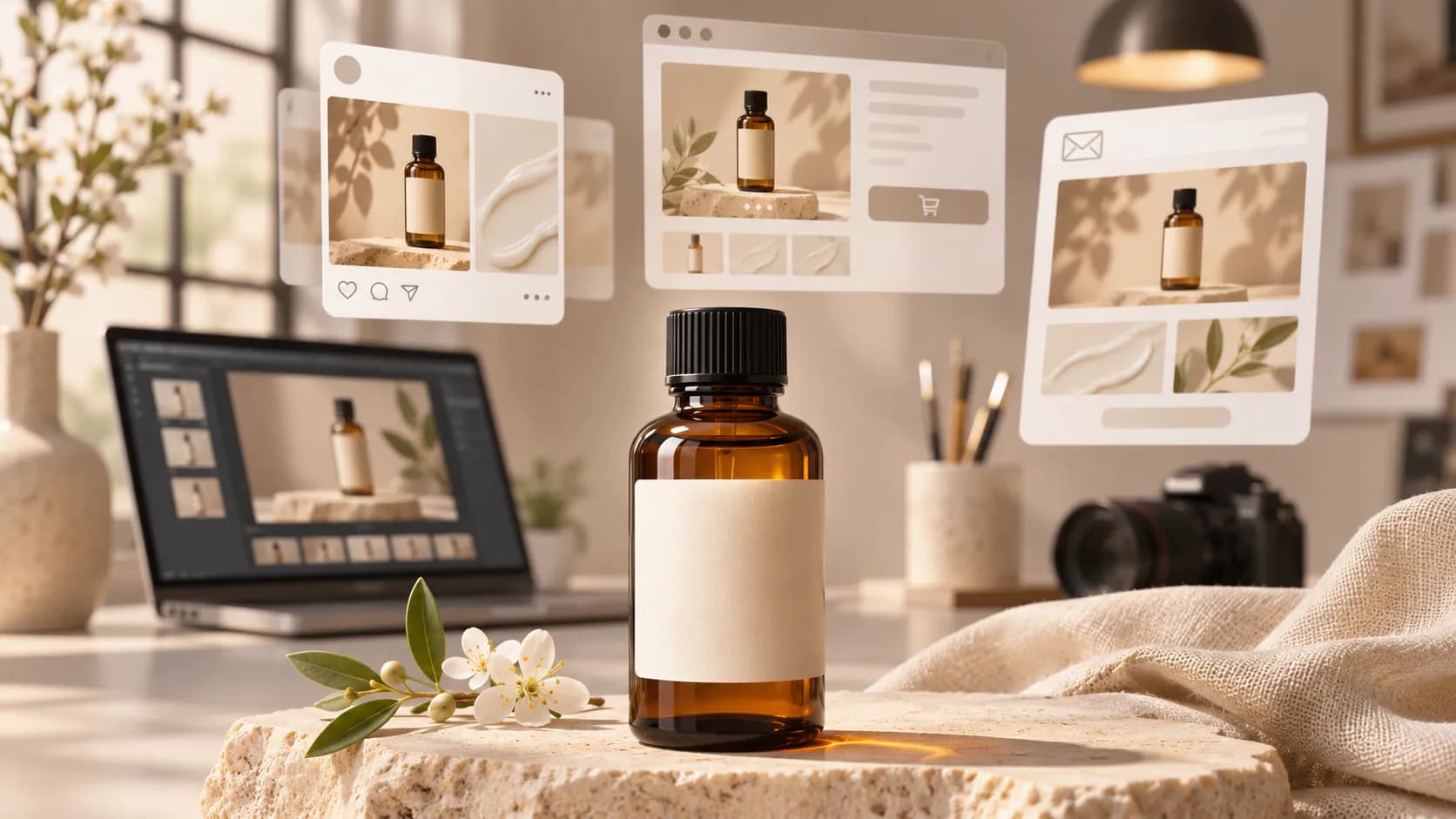
- For your skincare brand, you require six graphics, including a hero for the product page, three socials, email header and display ad for your new face serum.
- The best AI image generator for marketing will depend on the asset you require.
- Depending on your role within the business, you may want to focus on editable images as a Social Manager or highly accurate product details as part of an e-commerce team.
- Use one product that requires attention to detail.
Table of Contents
- 1.Best AI Image Generators For Marketing
- 2.Quick Answer
- 3.Which AI Image Generators Should Be Tested?
- 4.What Should a Marketing Team Test First?
- 5.How To Create Better AI Image Prompts For Advertising?
- 6.Which Visual Styles Actually Fit Marketing Channels?
- 7.How To Make The Image Publishable
- 8.How Do You Measure Quality and Cost?
- 9.When Should You Use Real Images?
- 10.Final Thoughts
Best AI Image Generators For Marketing
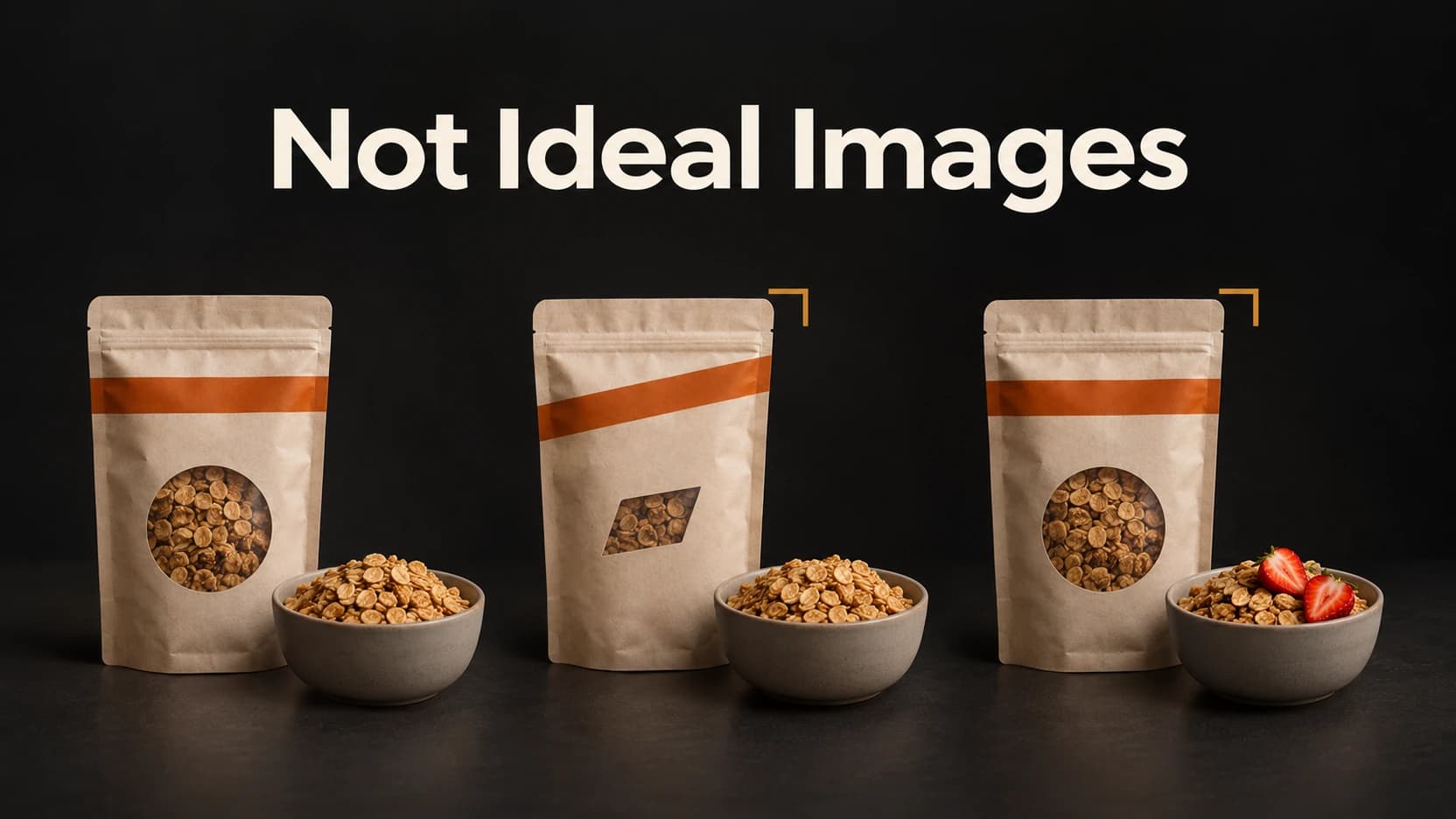
For your skincare brand, you require six graphics, including a hero for the product page, three socials, email header and display ad for your new face serum. The initial AI product is good, however the bottle has acquired an added pump which isn’t part of the real product. To determine the best AI image generator for marketing you need to consider accuracy and ease of use.
Quick Answer
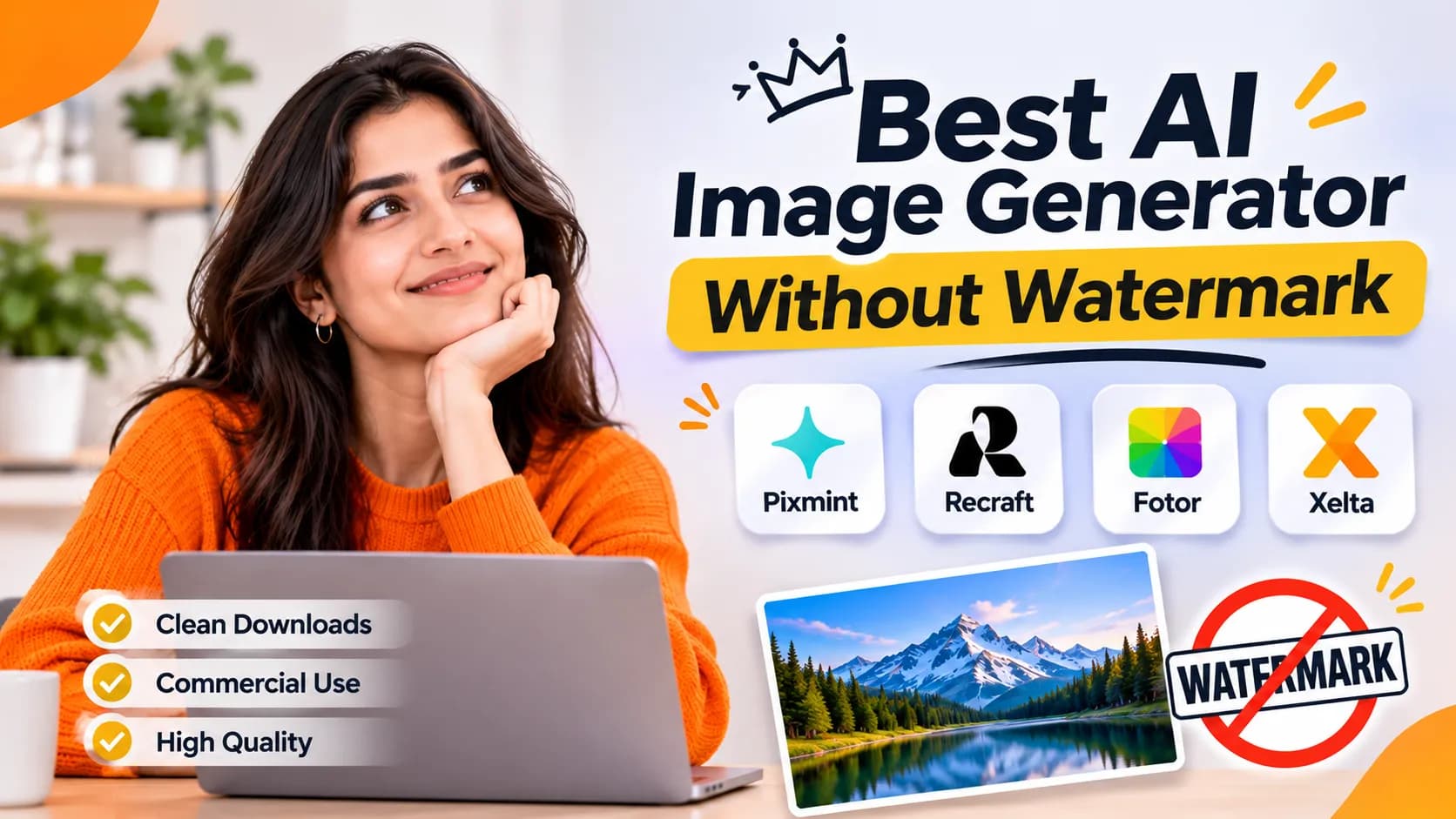
The best AI image generator for marketing will depend on the asset you require. Canva is great for editable branded graphics. Photoroom is great for adding product backgrounds. Adobe Firefly and Freepik are great for exploring image ideas. Xelta allows you to test multiple image models. Try these with your brand assets to ensure they’re accurate, with your product and export. Consider the number of assets you approve.
Which AI Image Generators Should Be Tested?
Depending on your role within the business, you may want to focus on editable images as a Social Manager or highly accurate product details as part of an e-commerce team.
| Platform | Useful starting point | What to check in a trial |
|---|---|---|
| Canva | Social graphics, banners and layouts using brand templates | Can teammates change approved copy without rebuilding the image? |
| Adobe Firefly | Image concepts guided by visual style references | Does the style stay consistent while the product stays accurate? |
| Freepik | Multiple image models and style, object or colour references | Do reference controls behave consistently across iterations? |
| Photoroom | Background replacement using existing product photos | Are cutout edges, reflections and shadows believable? |
| Xelta | Text- and reference-based images across available models | Which model keeps the product most faithful at an acceptable credit cost? |
These are documented workflows, not performance rankings.
What Should a Marketing Team Test First?
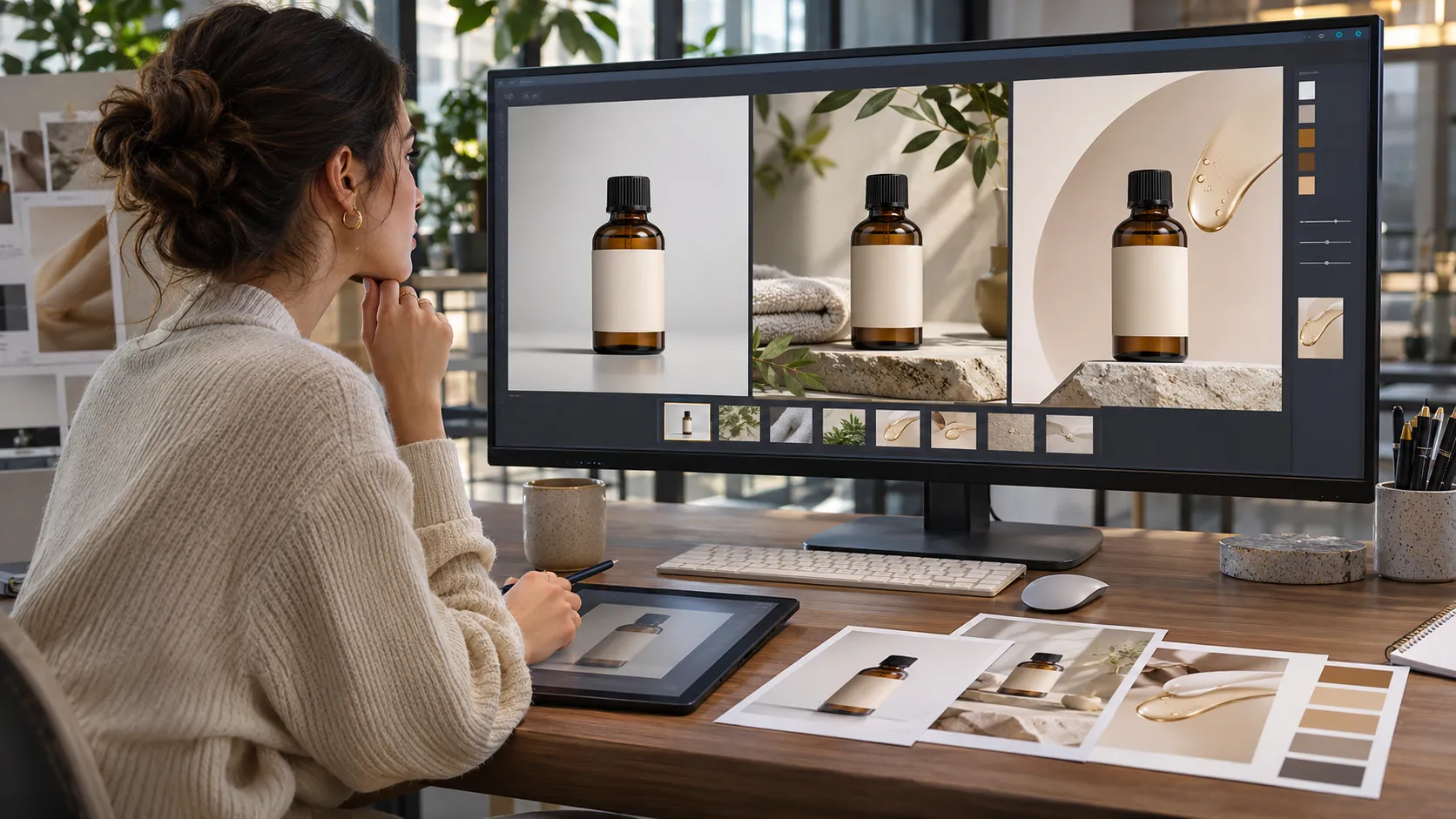
Use one product that requires attention to detail. Using a 50ml amber bottle of serum with a black screw top, cream label and no pump. Use an approved image and ask for a squared social and wide banner.
Score the image based on accuracy, layout, editability, exportability and overall effort. Any images with altered tops, unreadable labels or no headline space should be discounted.
Request one edit that could cause issues. Ask to change the background to a warm wood from pale stone without altering the bottle. This will give you more insight into the tool you’re using.
Having a creative production workspace may help but don’t pay for tools you won’t use.
How To Create Better AI Image Prompts For Advertising?
Be specific with your prompt. Include the source, subject, where it will go, lighting and any sensitive information. Avoid vague statements like ‘create a high converting luxury ad’ as the generator won’t know your conversion rate.
Hero Image – Product Page
Use the provided image of the 50ml amber bottle of serum. Use the exact bottle with warm off white studio background. Have a subtle shadow on the ground. Keep the black screw top, cream label, proportions and printed details. Centre and no extra dispensers or accessories.Paid Social Creative
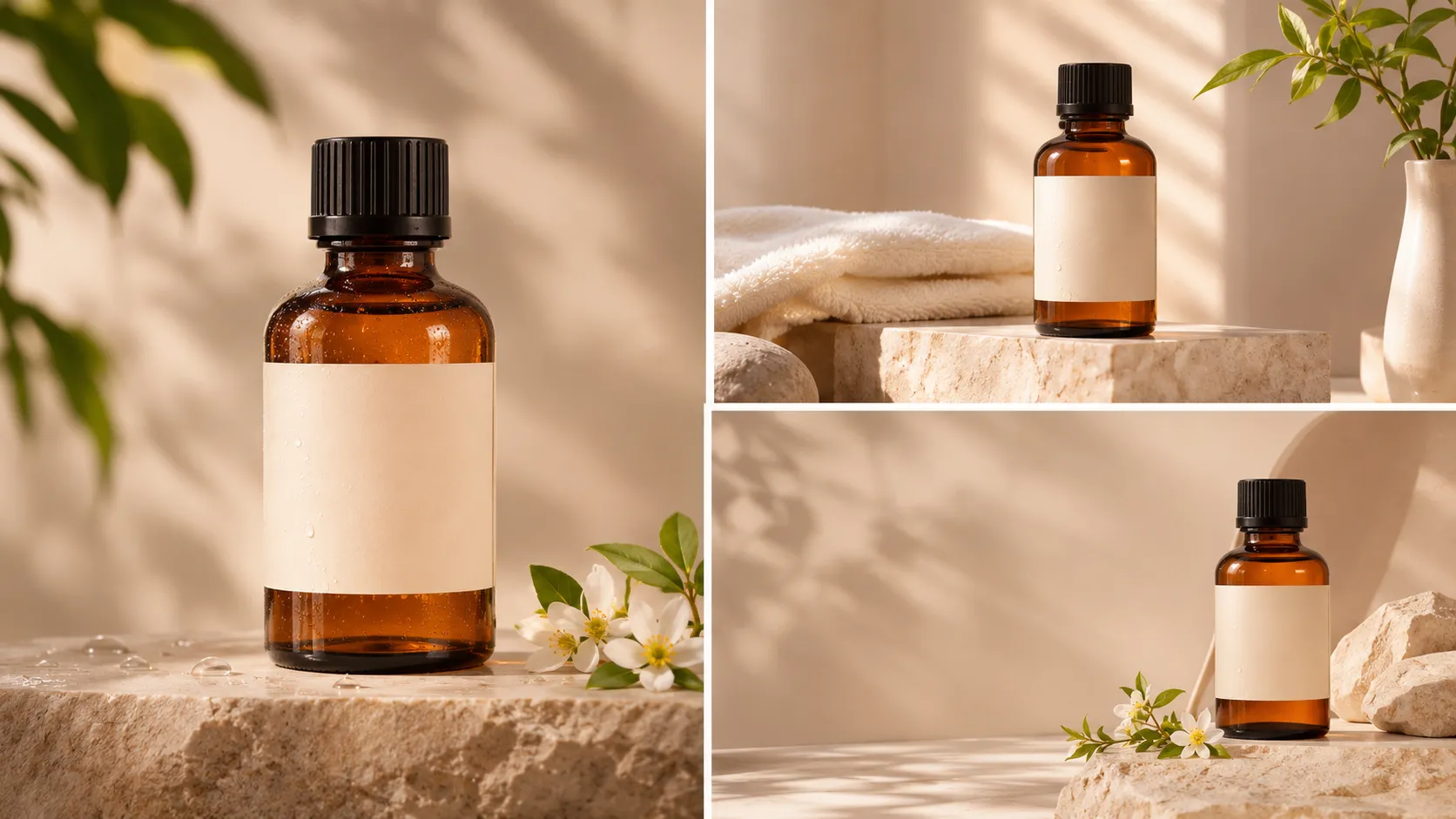
Use the referenced serum bottle on a pale stone shelf with a folded linen cloth. Use natural side lighting. Keep to a neutral palette. Square crop. Keep the bottle and label exactly as they are. Leave space in the top right corner for a separate headline. Don’t have any generated price or claims.Email Banner
Wide editorial layout. Use the provided serum bottle on a wooden vanity. Use soft morning light. Keep the product on the right hand side with plenty of space on the left hand side for approved email copy. Keep the packaging and realistic reflections.Where possible use a referencing image generator. This will give you a better starting point for real products. However you should still check all images.
Which Visual Styles Actually Fit Marketing Channels?
Use an appropriate style. Studio style images will help customers view the product. Lifestyle images will give context. Editorial illustrations will help explain abstract services. Graphic design will give you editable text for your offers.
Create an art direction document. Use warm neutrals, natural shadows, few props and consistent framing. Use the references in the different areas. Keep the packaging consistent.
Be careful with phrases like ‘dermatologist approved’ or ‘clinically proven’. These are claims that should be backed up with evidence.
How To Make The Image Publishable
Use a repeatable process.
- Approved Source
Use product images, brand colours, approved claims and usage rights. - Where To Use
Ensure the correct crop is used. Leave space for text and overlays. - Generate A Small Batch
Try one or two styles. Don’t waste too many credits. - Accuracy
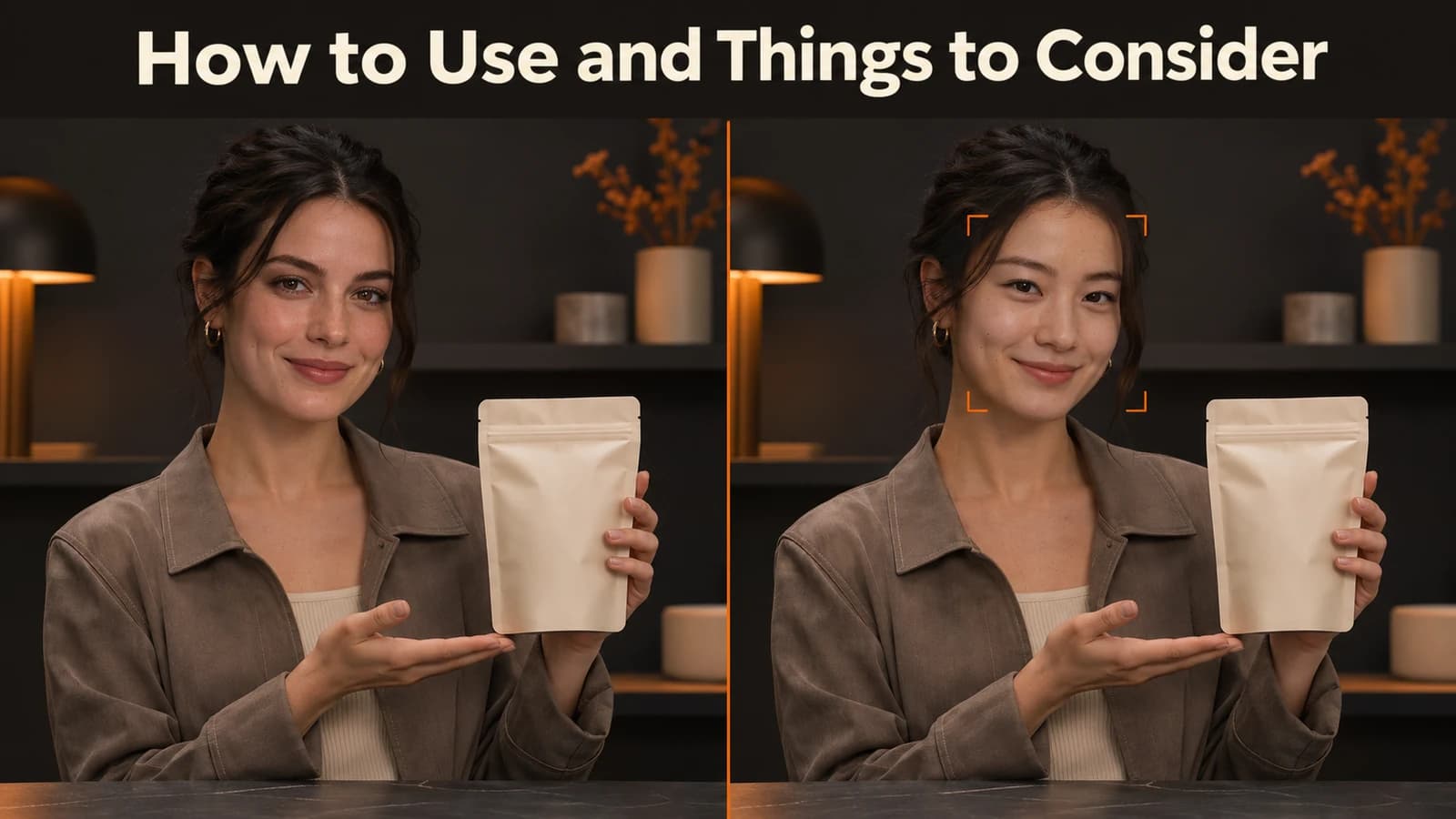
Ensure there are no factual errors. Check the bottle, label, hands, reflections and suggested features. - Editable
Make controlled changes. Alter the background or crop without opening an approved product. - Design Editor
Add logos, pricing and CTAs. - Check Final Size
View on a phone. Ensure the creative matches your landing page.
Use a photo editing suite to make targeted edits. Use background, lighting and editing tools. Ensure the edits are accurate.
How Do You Measure Quality and Cost?
Don’t assume your image will be effective just because it looks sharp and on brand. For production check how many drafts were approved, how long it took to edit and how much each approved export cost.
Hypothetically if 10 renders cost $20 and four pass review, that's $5 per approved image.
Once published, check how many qualified clicks, engagement or purchases you’ve had. Where possible only change one variable in your creative. Other factors such as audience and offer could affect the results.
When Should You Use Real Images?
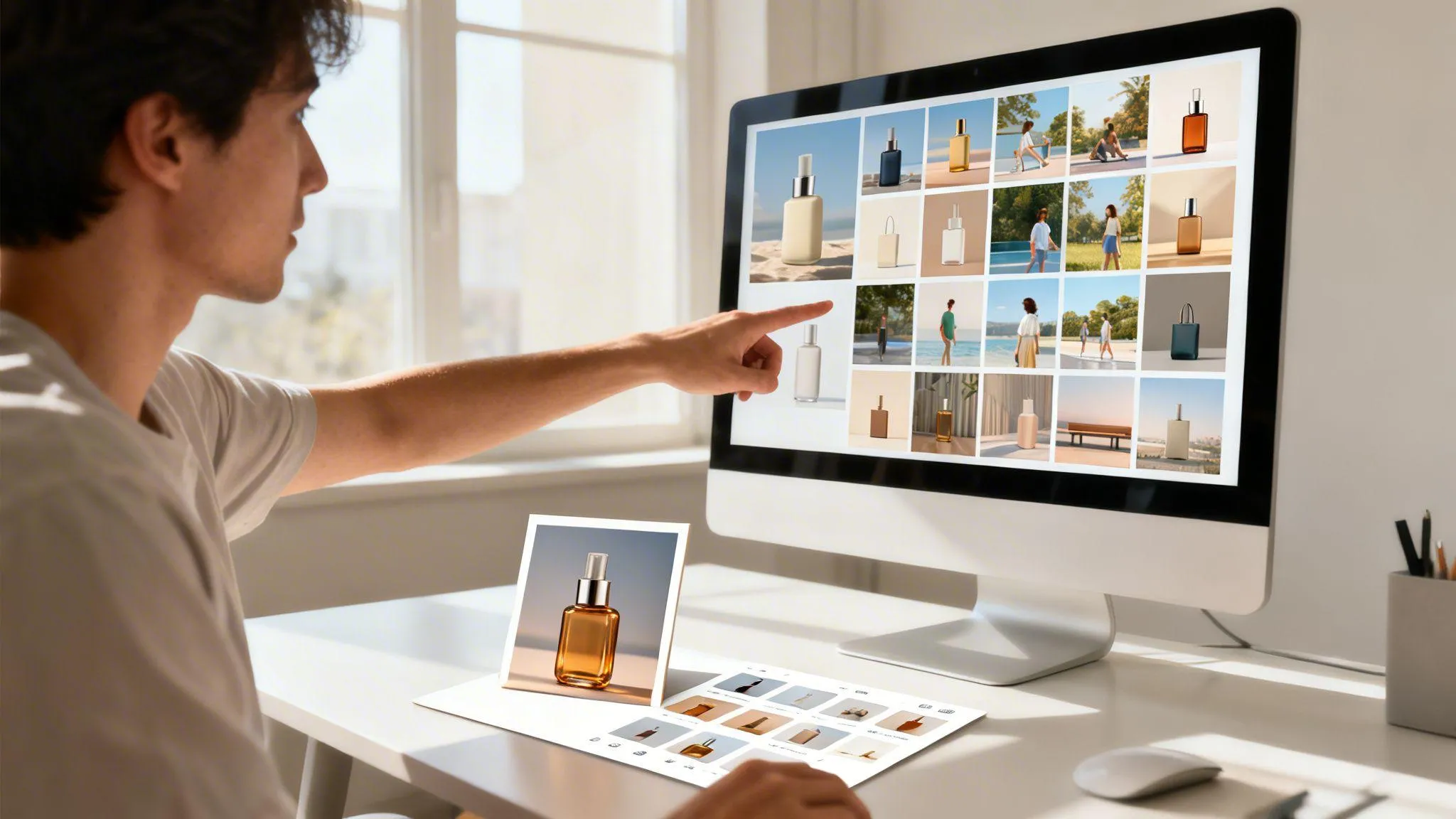
When accurate packaging, colors, texture, size, safety information, and product claims are critical, always use photographs of your products. In fact, product images are extremely important in ecommerce listings, demonstrations, and marketing purposes.
AI-generated images can prove handy in developing lifestyle images, variations, and campaigns. But, it is not a good idea to offer these images as real customer testimonies and product performance proof.
It is essential to confirm image licenses, commercial use rights, privacy policies, and limits to the number of free images per month before publishing images generated by any AI tool.
Final Thoughts
The best AI image for marketing isn’t necessarily going to be the most dramatic. It should show the message you want, keep the real product and fit into the location with minimal fixing. Your team may want to use Canva for editable layouts if they’re creating weekly promotional graphics. An e-commerce photographer may want to use Photoroom to add the background. Your creative team may want to test Firefly, Freepik and Xelta.
Start with an awkward real brief. Ask for an accurate initial image, one simple edit and an image that can be exported by your team. Monitor how many images weren’t approved and had to be fixed manually. If the image is to prove how something looks or works use real images. AI should be used within the production process to give extra options without changing the facts.
For more creative production examples, explore official video tutorials.
Frequently asked questions