



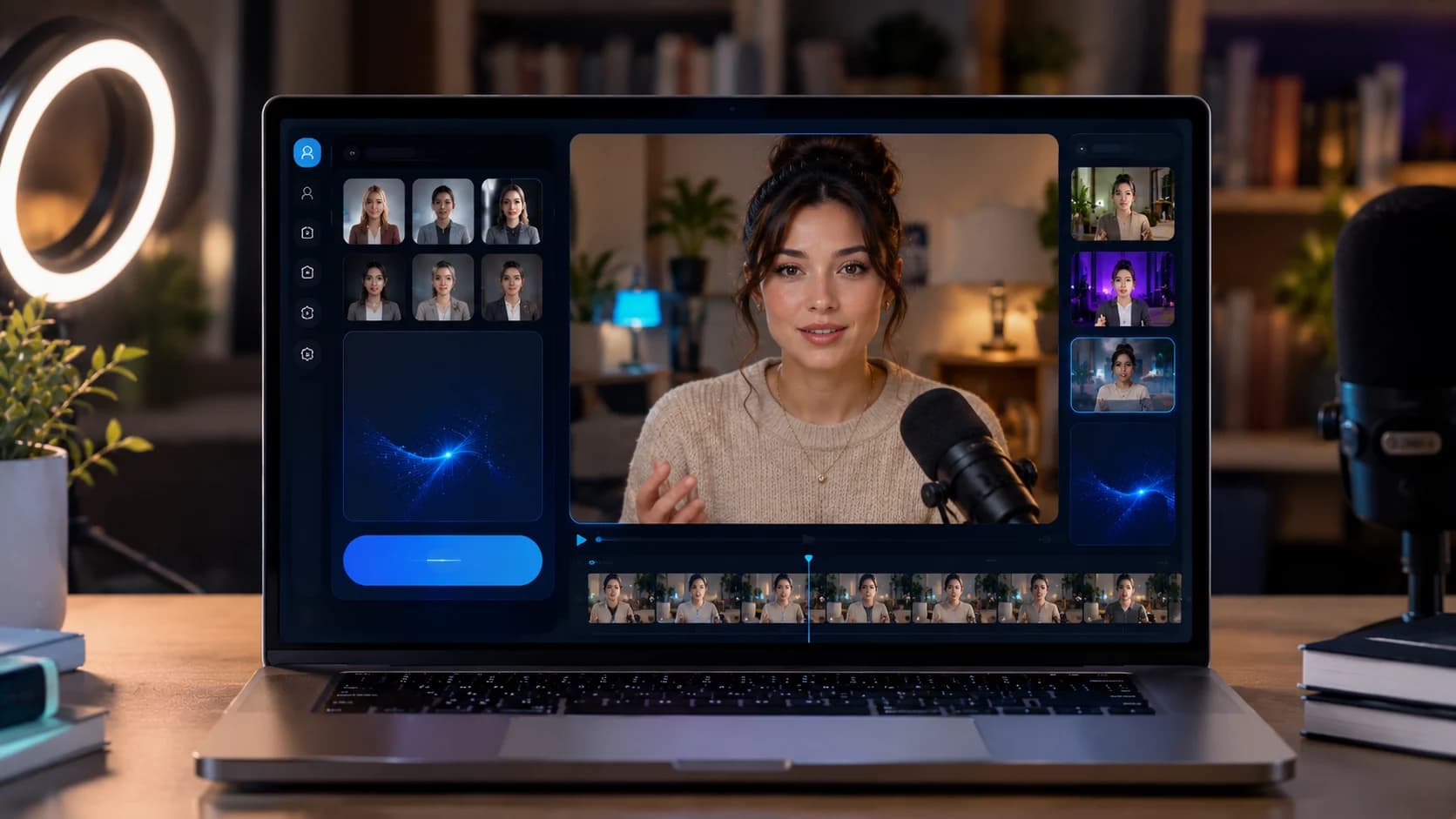
Seedance 2.5 for Marketing and Ad Videos
Ad production has always had a bottleneck problem. A single concept can need a dozen variations for different platforms, aspect ratios, and audiences, and the traditional path through scripting, shooting, and editing makes that kind of volume expensive and slow. Seedance 2.5, now live on Xelta.ai, is built to shorten that path by turning a written brief into a workable video draft in a fraction of the time.
Seedance 2.5 is one of the video generation models available inside Xelta's wider creative intelligence ecosystem, which brings image, video, and audio generation into a single platform so marketers are not jumping between disconnected tools. This piece focuses specifically on how to use Seedance 2.5 for ad and marketing video work, from what to prepare before you generate anything to how to review a draft before it goes anywhere near a live campaign.
No Xelta test evidence was supplied for this article, so any workflow examples below are described as illustrative scenarios rather than claimed results. Treat them as a starting structure to adapt, not a case study.
Why AI Video Generation Matters for Ad Production Speed
Speed is the main reason marketing teams are experimenting with AI video generators like Seedance 2.5 in the first place. Campaigns increasingly need many small variations rather than one polished hero video, and generating drafts directly from text prompts removes several of the slowest steps in a normal production cycle.
Some of the practical advantages teams look for:
- Faster first drafts, so creative concepts can be tested before committing budget to a full shoot
- Easier iteration, since a prompt can be adjusted and regenerated instead of re-scheduling a shoot
- More room to explore multiple angles or hooks for the same offer before picking a direction
- A lower-cost way to visualize a concept for internal sign-off before production spend is approved
This does not remove the need for human judgment. AI-generated drafts are a starting point for a campaign, not a finished, verified ad. The workflow below is built around that distinction.
What to Lock Down Before You Generate Anything
The quality of an AI-generated ad draft depends heavily on how clear the input is. Before opening Seedance 2.5, it helps to have the following settled:
- The brief: what the ad needs to communicate, in one or two sentences, and who it is for
- Brand facts: product name, correct terminology, any claims that are legally approved to use
- The offer: the specific promotion, price point, or call to action the ad is built around
- Format and platform requirements: aspect ratio, maximum length, and safe zones for the platforms the ad will run on
Skipping this step is the most common reason generated drafts miss the mark. A vague prompt produces a vague video, and reworking a draft after the fact usually takes longer than defining these details up front. It is also worth confirming current plan limits and credits before committing to a workflow, since generation volume and iteration count affect how much room you have to experiment.
A Practical Workflow From Brief to a First Ad-Ready Draft
Once the brief, brand facts, offer, and format requirements are settled, a straightforward path through Xelta looks like this:
- Translate the brief into a clear prompt that describes the scene, product, tone, and pacing you want, rather than abstract adjectives alone
- Generate an initial draft with Seedance 2.5 and treat it as a rough cut, not a final asset
- Adjust the prompt based on what came back, tightening details about camera movement, setting, or product framing as needed
- Regenerate until the draft reasonably matches the intended concept and pacing for the platform
- Pull the draft into your normal review process before any further production or paid placement
This is a starting structure rather than a fixed rule. Some teams will loop through steps two and three several times before a draft is worth reviewing, and that is expected. The goal at this stage is a workable concept, not a finished ad.

A Review Checklist Before Anything Goes Live
This is the step teams are most tempted to shortcut, and it is the one that matters most. No draft from Seedance 2.5, or any AI video tool, should go into a live campaign without a human review pass. At minimum, check:
- Product accuracy: does the video show the product, packaging, or interface correctly and without misleading details
- Claims: does any on-screen text or implied statement match what is legally and factually approved for use
- Brand consistency: do colors, tone, and any logo usage match current brand guidelines
- Platform safe zones: is key content clear of areas that will be covered by platform UI, captions, or cropping
- Rights: are any people, likenesses, music, or reference assets used in the generation cleared for commercial use
A short, consistent checklist like this one catches most of the issues that turn an AI-assisted draft into a compliance or brand problem. It is worth treating this as a mandatory gate rather than an optional step, regardless of how strong a draft looks on first viewing.
Turning One Approved Concept Into Format Variations
Once a concept has cleared review, the next advantage of an AI-driven workflow is producing variations for different placements without starting over. A single approved concept can typically be adapted into:
- A vertical cut for Stories and Reels-style placements
- A square or near-square cut for in-feed placements
- A widescreen cut for connected TV or YouTube pre-roll
- A shorter cut trimmed to a platform's minimum attention window
Each variation should still go through the same review checklist above, since reframing or shortening a video can change what is visible in the safe zone or which claim ends up on screen at any given moment. Treat every format variation as its own final check, not an automatic export of an already-approved video.



