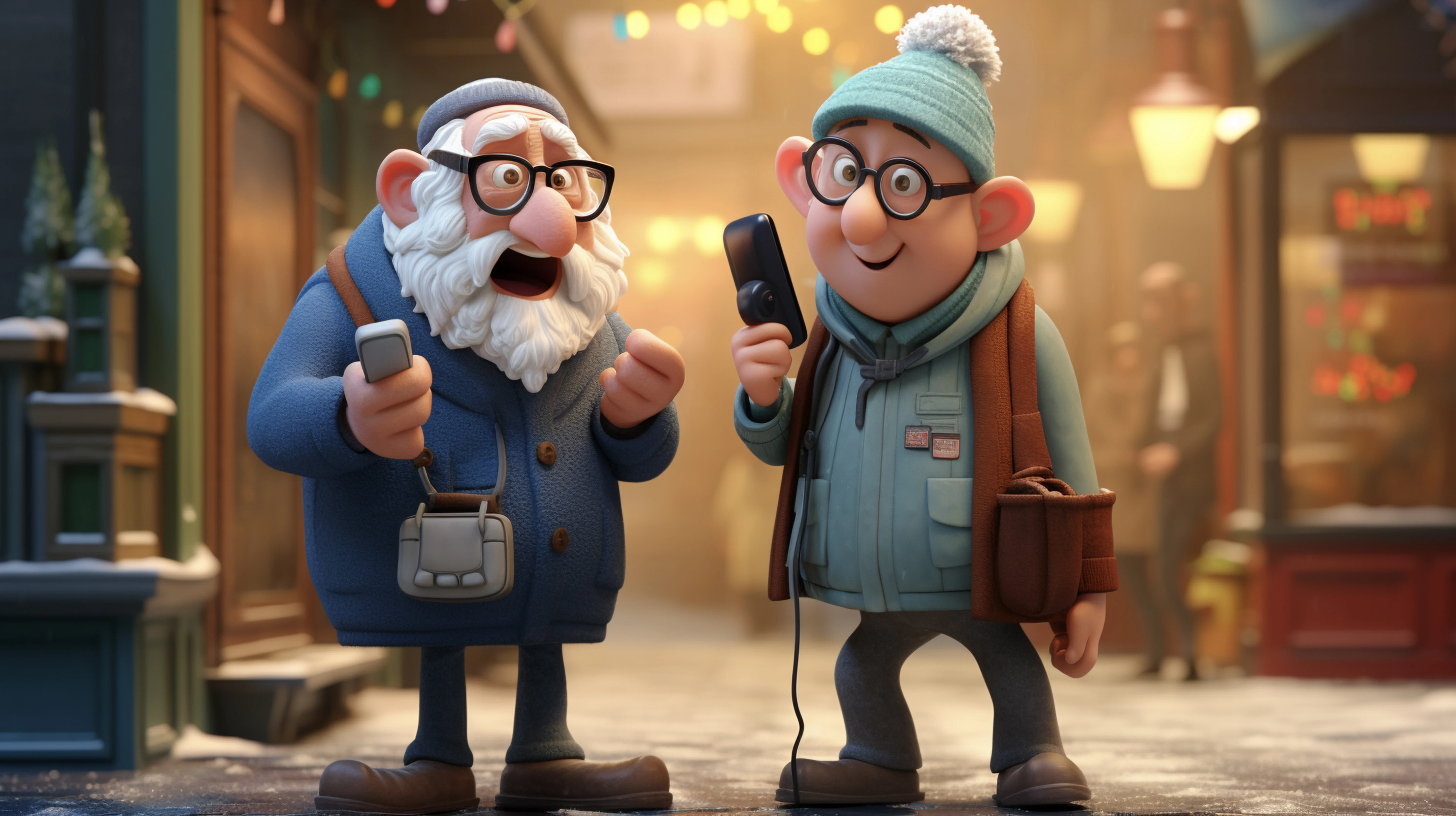
Search Demand Is Broad but the User Need Is Specific
The keyword describes a format, but the searcher may be trying to create, compare, troubleshoot, or judge whether the result is safe to publish. For talking photo ai, AI Video Creation workflows on Xelta are most useful when the team defines the authorized portrait, destination, and approval rules before generating scenes. The content should be designed for the destination rather than converted mechanically.
For SEO content teams, creators, educators, marketers, agencies, and product teams, the practical task is to turn an authorized portrait, approved script and voice, intended audience, use case, motion direction, disclosure decision, destination, and content-page outline into a natural speaking-photo asset supported by a page that answers creation, quality, rights, use-case, and troubleshooting questions clearly. The article uses the Portrait-Voice-Motion-Trust Model to focus on search intent, content gaps, portrait rights, voice, facial motion, disclosure, examples, troubleshooting, page structure, and retrieval-friendly answers. The Portrait-Voice-Motion-Trust Model does not assume that generation clears rights, proves a claim, or removes the need for editing. Its main risk is that a natural-looking speaking image may be interpreted as authentic footage or attributed speech when the context, permission, and disclosure are unclear.
What Talking Photo AI Should Actually Deliver
A useful talking photo page answers the task behind the query: choose an authorized portrait, prepare a truthful script and voice, direct restrained motion, review identity and lip sync, explain disclosure and rights, and show realistic use cases. Content depth matters more than unsupported claims about demand or guaranteed rankings. A talking photo ai is useful when its drafts preserve the authorized portrait, respond to targeted revision, and can be approved for one named destination.
Match the Page to the Intent Behind the Query
Separate what must remain true from what may change creatively. The real question is which search intent the page should satisfy and how the generated portrait can demonstrate the workflow without pretending search demand or ranking outcomes are guaranteed. Name the audience, final placement, allowed interpretation, protected facts, and reviewer. Then decide which parts of the authorized portrait should be retained, shortened, rebuilt, or omitted.
The Portrait-Voice-Motion-Trust Model
The Portrait-Voice-Motion-Trust Model uses five connected records. Source Control defines the approved authorized portrait and protected details. The editorial map states the viewer question, message, and omissions. The generation plan translates the authorized portrait plan into scenes, prompts, references, audio, and edit points. The assembly review tests the speaking-photo content and supporting pages designed around real user intent, trust, production steps, and publishable examples as a sequence. The release record identifies the approved talking photo ai version, destination, limitations, and owner. The Portrait-Voice-Motion-Trust Model records stop a authorized portrait problem from being repaired in the wrong place.

Select a Portrait With Clear Permission and Purpose
Choose an image whose owner, subject status, and intended use are understood. Record whether it depicts a real person, artwork, fictional character, employee, customer, public figure, or historical subject, and define the reason it should speak. The same animation technique carries different consent, context, and disclosure risks depending on the portrait. Input: The candidate image, source record, use case, audience, and destination. Output: A portrait approval sheet and clear communication objective. Review: Confirm image quality, face visibility, identity, rights, and whether animation could mislead the audience. Next: Prepare a short script and voice plan.
Prepare the Script, Voice, and Disclosure Decision
Write a concise script that the depicted subject could reasonably deliver in the stated context, or label the result as interpretation, fiction, translation, or creative demonstration. Choose an authorized or appropriate voice and document pronunciation. A natural face animation can increase the chance that viewers mistake created speech for an authentic recording. Input: The portrait approval sheet, claim sources, voice rights, and context statement. Output: An approved script, voice file, and disclosure plan. Review: Check names, dates, quotations, tone, and any attribution against reliable source material. Next: Define restrained expression, gaze, and head-motion instructions.
Direct Facial Motion Without Losing the Subject
Describe eye direction, blink frequency, mouth movement, expression range, head stability, crop, and background behavior. Keep the first test short and avoid combining intense emotion, large turns, rapid speech, and complex camera movement. Controlled motion makes identity and lip-sync problems easier to diagnose. Input: The approved portrait, script, audio, and motion brief. Output: Two or three short speaking-photo drafts with one variable changed. Review: Compare face shape, eyes, teeth, hairline, accessories, background edges, and emotional fit with the source. Next: Assemble the strongest draft with captions and context.
Inspect the Speaking Result and Supporting Page Together
Review synchronization, identity, expression, audio, captions, disclosure, alt text, surrounding explanation, FAQs, and source notes. Confirm the page explains what the asset is, how it was made, where it may be used, and what limitations remain. Search users need a complete answer, while a visually impressive clip alone leaves important trust and troubleshooting questions unresolved. Input: The final clip, page draft, metadata, and review checklist. Output: An approved media asset and content page with aligned claims. Review: Check that structured data, FAQs, transcript, and visible text match the published page. Next: Release the named version and monitor user questions for future updates.

An Interpretive Museum Clip Built From an Authorized Image
Picture a team with one source and several destinations: a museum education team using an authorized historical illustration to create a clearly labelled interpretive clip with narration, context, captions, and source notes. The talking photo ai team first identifies protected facts in the authorized portrait and one viewer outcome. It then creates a source map, a Portrait-Voice-Motion-Trust Model plan, and a named checklist for speaking-photo content and supporting pages designed around real user intent, trust, production steps, and publishable examples. Early talking photo ai drafts are assembled before every detail is polished, so authorized portrait sequence problems appear while they are still inexpensive to change.
Static Portrait, Talking Photo, Recorded Presenter, or Full Avatar
The talking photo ai options below solve different production problems. Compare them using authorized portrait fidelity, control, review effort, editability, and destination fit. For speaking-photo content and supporting pages designed around real user intent, trust, production steps, and publishable examples, the strongest method preserves required information and reaches approval without hiding repair work.
Content Gaps That Produce Thin or Misleading Pages
The most damaging failure patterns are treating a broad keyword as one uniform user intent, animating a real person without a clear permission and context record, writing invented search-volume or ranking claims, using dramatic facial motion that changes the identity or emotional meaning, and publishing a demo without explaining rights, disclosure, workflow, and failure cases.
Controls for Credible Speaking-Photo Content
A stronger operating standard is to separate creation, tool evaluation, use-case, and troubleshooting intent, record portrait and voice permission before generation, use short controlled motion tests, label fictional or interpretive speech clearly, and align the clip, transcript, page copy, FAQs, and schema.
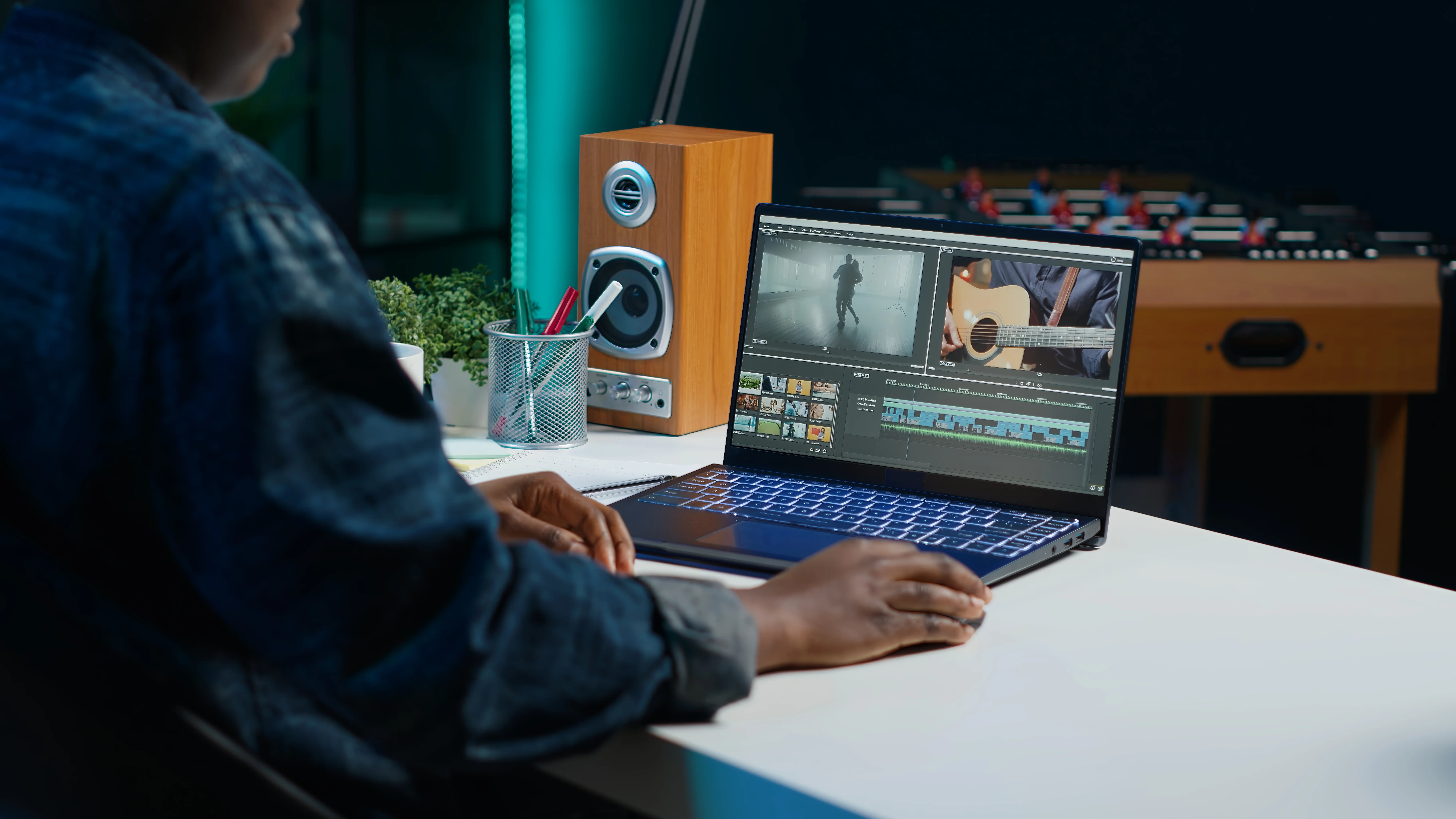
Where Xelta Genavatar Fits the Exploration Stage
Xelta can enter after the team has prepared the authorized portrait, the production map, and the acceptance criteria. The core video generator can support initial scene creation, while the Xelta Genavatar workflow for testing portrait-led avatar and speaking-character concepts offers a more specific route for this article's workflow. The talking photo ai user still chooses the authorized portrait, approves instructions, compares drafts, and finishes the speaking-photo content and supporting pages designed around real user intent, trust, production steps, and publishable examples edit.
The Portrait-Voice-Motion-Trust Model advantage is that exploration and variation happen closer to the approved authorized portrait. That does not make every speaking-photo content and supporting pages designed around real user intent, trust, production steps, and publishable examples detail accurate. Product facts, speaker identity, rights, accessibility, continuity, and the final talking photo ai placement remain human review responsibilities.
What a First Talking-Photo Test May Feel Like
A useful first session begins with an authorized portrait, approved script and voice, intended audience, use case, motion direction, disclosure decision, destination, and content-page outline. The user turns the authorized portrait into one narrow talking photo ai assignment and generates a small comparison set. The first speaking-photo content and supporting pages designed around real user intent, trust, production steps, and publishable examples draft is inspected for direction and source fidelity before polish. During Portrait-Voice-Motion-Trust Model revision, accepted elements stay fixed while one important variable changes.
Xelta video learning resources can support learning for talking photo ai, but project approval must come from the user's own authorized portrait and checklist. The talking photo ai learning curve is mainly editorial: deciding what the viewer needs from the authorized portrait, writing visible instructions, and diagnosing defects. The final speaking-photo content and supporting pages designed around real user intent, trust, production steps, and publishable examples should be tied to one approved use and version.
Build Retrieval-Friendly Answers Without Invented Demand Data
For search and generative retrieval, a talking photo ai page should answer the central question early, define the authorized portrait input and speaking-photo content and supporting pages designed around real user intent, trust, production steps, and publishable examples output, and explain the Portrait-Voice-Motion-Trust Model with task-specific headings. Keep the talking photo ai transcript, visible article, FAQs, and structured data aligned. Label authorized portrait examples clearly and avoid invented search volume, performance numbers, legal conclusions, or tool capabilities. This guidance is designed for SEO content teams, creators, educators, marketers, agencies, and product teams and uses a reproducible editorial method: controlled source material, explicit transformation choices, staged review, and a documented release decision.
Publish the Page That Answers the Real User Task
Begin with one approved authorized portrait, one viewer job, and one destination. Use the Portrait-Voice-Motion-Trust Model to create a small draft set, record what changed, and approve only the version that preserves the required information. For talking photo ai, the next practical step is to open Xelta Genavatar and test the topic-specific workflow with controlled authorized portrait material.