
Key Takeaways
- An empty apartment may appear smaller in pictures than it is in reality.
- The best AI image generator for real estate marketing depends on whether one needs virtual staging, photo editing, or interior design concepts.
- Dedicated staging tools furnish real rooms; general editors handle smaller changes.
- Imagine a bedroom with one narrow window, a radiator and an inward opening door.
Table of Contents
- 1.Best AI Image Generators for Real Estate Marketing
- 2.Quick Answer
- 3.Which Tools Should Real Estate Teams Compare?
- 4.What Should Never Change in a Property Photo?
- 5.How Can Xelta Help Build a Property Marketing Image?
- 6.Which Images Belong on the Listing and Which Belong in a Campaign?
- 7.How Do You Run a Useful Tool Comparison?
- 8.When Is a Room Redesign More Useful Than Virtual Staging?
- 9.How Should Agents Disclose Altered Images?
- 10.Final Thoughts
Best AI Image Generators for Real Estate Marketing
An empty apartment may appear smaller in pictures than it is in reality. By adding a sofa digitally, you can suggest that the room allows for more furniture than it could possibly fit. That is why finding the best image generator for real estate is such a difficult task. While Xelta AI can help you explore your visual ideas, it is essential that you protect the value of the property.
Based on the task at hand, you have to pick the right artificial intelligence to edit the images. You can either go with a virtual staging of an empty room, a meticulous edit of an existing photograph, or a visual concept of what the vacant space could develop into in the future. Make sure to work with actual images of the property, maintain the architectural elements and scale, and comply with local regulations for listing photos online. An appealing picture generated by artificial intelligence must not mislead the buyer into thinking that the apartment has certain features when in fact it does not.
Quick Answer
The best AI image generator for real estate marketing depends on whether one needs virtual staging, photo editing, or interior design concepts. Whereas Xelta AI can be used to explore the options for a room’s style and create property marketing visuals, specialized tools such as Virtual Staging AI and REimagineHome should also be compared when furnishing empty rooms. Adobe Firefly may be appropriate for selected edits to existing photographs. Before selecting an image generator, it is important to compare the software’s architectural accuracy, furniture scale, image quality, editing flexibility, and commercial usage rights. In addition, generated visuals should always be compared to the original property photographs, critical structural details should be preserved, and digitally staged or redesigned images should be disclosed where required. This way, the property’s potential can be presented without misleading prospective buyers about the actual condition or features of the property.
Which Tools Should Real Estate Teams Compare?
Dedicated staging tools furnish real rooms; general editors handle smaller changes. A creative generator helps with campaign concepts but needs extra scrutiny when depicting a specific address.
| Platform | Worth considering for | What to verify |
|---|---|---|
| Xelta | Image concepts and room style exploration | Structural accuracy and permitted publishing use |
| Virtual Staging AI | Furnishing empty listing photographs | Furniture scale and unaltered-room comparisons |
| REimagineHome | Staging and possible redesign concepts | Whether the result depicts the current property |
| Adobe Firefly | Selected edits within existing images | Whether nearby architectural details changed |
These are documented uses, not head to head test results. Try the same room before paying for a larger plan.
What Should Never Change in a Property Photo?
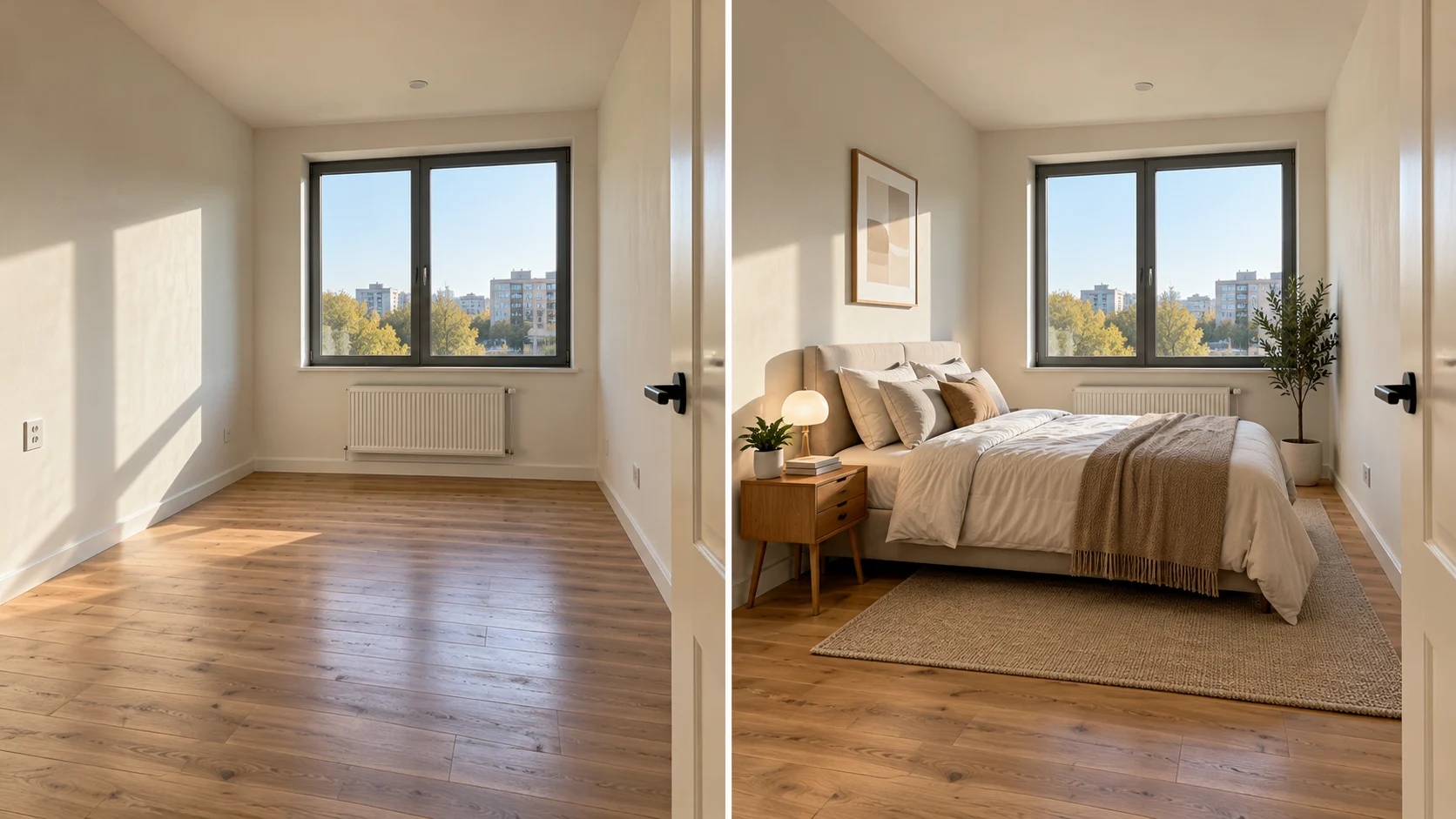
Imagine a bedroom with one narrow window, a radiator and an inward opening door. An image from an AI might add a double bed, but block the radiator and reverse the door. Buyers can be led to wrong conclusions about the space on offer.
Maintain walls, doors, windows, floor levels, fittings and views, but never conceal damp, cracks, neighbouring buildings or other material conditions. And don't rely on an attractive image to show dimensions, stick to measured floor plans for that information.
The difference between displaying how a space could be furnished and changing the nature of the property on offer.
How Can Xelta Help Build a Property Marketing Image?
Xelta's AI image generator takes prompts and references to explore room concepts. A generated image is not proof a listing looks that way.
A sensible creative brief for a fictional apartment would be :
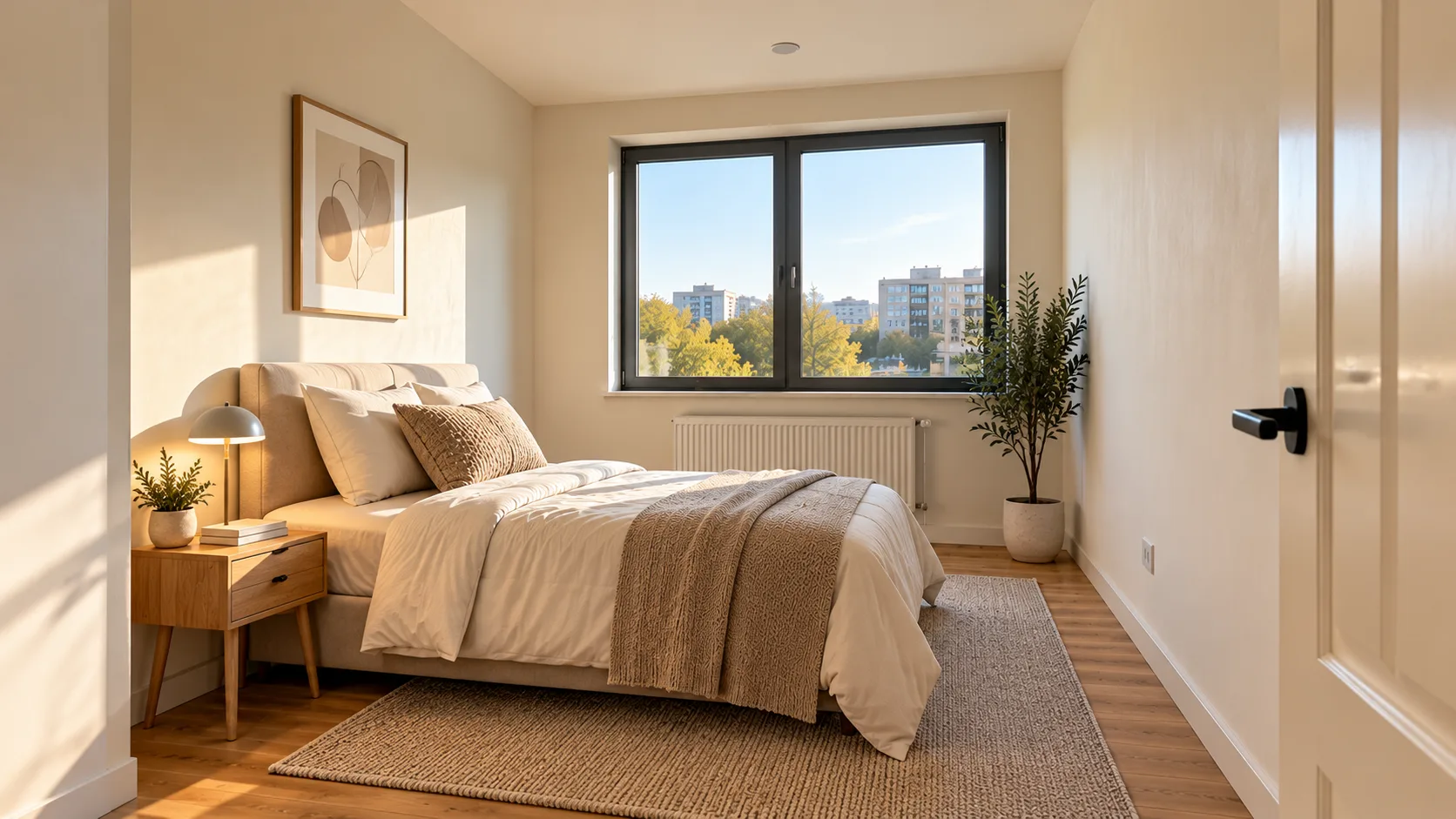
The idea is to use the given photograph of an empty bedroom as a reference. We need simple furnishing in the style of Scandinavian, including a single bed, narrow bedside table and neutral soft furnishings. The location of the window, radiator, door, ceiling and floor should remain in the same place. Keep the original angle of the camera. Do not widen the room or include built in storage. It's a staging concept, and not a photograph of furnished premises.
Compare the output from this, and reject the absence of radiators or wider looking rooms. Check the clearances of the furniture are the same as in the measurements.
Which Images Belong on the Listing and Which Belong in a Campaign?
A property listing should present the potential buyers with the information that will give them an understanding of the property's actual state. Firstly, current and genuine images should be provided. Secondly, if possible, the images of the staged house should be added with particular indication. Besides, the architectural concept of the future extension should not be presented on the same page as the images of the present house, though it is better to put it on a separate page with clear indication.
The social media posts are allowed to present stories; however, the address should stay the same. The room that has been redecorated should be indicated as a design concept, not finished. Before posting photos online, make sure that the photographer's License allows using AI in image editing and that the property owner has given permission to post images on social media. Remember to delete documents, pictures with faces of people, and any other private items that might be on furniture, papers, and other objects. An agent might have the authority to advertise an owner's property, but it does not mean that one is allowed to use all photos for different purposes in other media platforms.
How Do You Run a Useful Tool Comparison?
Choose one difficult photograph: a small room with a distinctive window, a visible socket and an awkward corner. Supply the same input to each shortlisted tool.
Create a restrained stage. Ask for only three pieces of movable furniture.
Compare geometry. Line up the staged image with the source and check the window, sockets and skirting boards.
Request one correction. Change the sofa fabric without changing the room or furniture footprint.
Test the export. Examine resolution, cropping, commercial permissions and any required markings.
Count accepted images. Record subscription or credit costs, failed generations and manual repair time.
Judge cost per publishable image, not per render.
When Is a Room Redesign More Useful Than Virtual Staging?
An owner may wish to see how their dated living room could look with new furnishings or colors. XELTA's Home Design allows the user to upload an image of the room they wish to change plus specify the type of room, design styles they prefer and any special instructions. This seems appropriate for visualizing a design concept, but not for certifying that an adaptation is realistic or has been completed.
Label the designs as such, for a designer or contractor would have to measure the room and assess the situation first before suggesting any modifications to the structure, such as electrical work or plumbing.
How Should Agents Disclose Altered Images?
In the United States, the members of the National Association of REALTORS® should provide an accurate representation of the property, including images on the internet. Additionally, local Multiple Listing Service (MLS) may have additional regulations. For instance, according to the California Regional MLS, images with modifications should be labeled and placed near the original picture. In addition, only items that are permanently installed in the property may be altered during the enhancement process. Although rules governing photo editing may be different in various locations and on different platforms, these recommendations should be followed: keep the original image, make all the changes clear and documented, and add labels with brief description of modifications, like “Furniture digitally staged.”
A label cannot fix a false image.
Final Thoughts
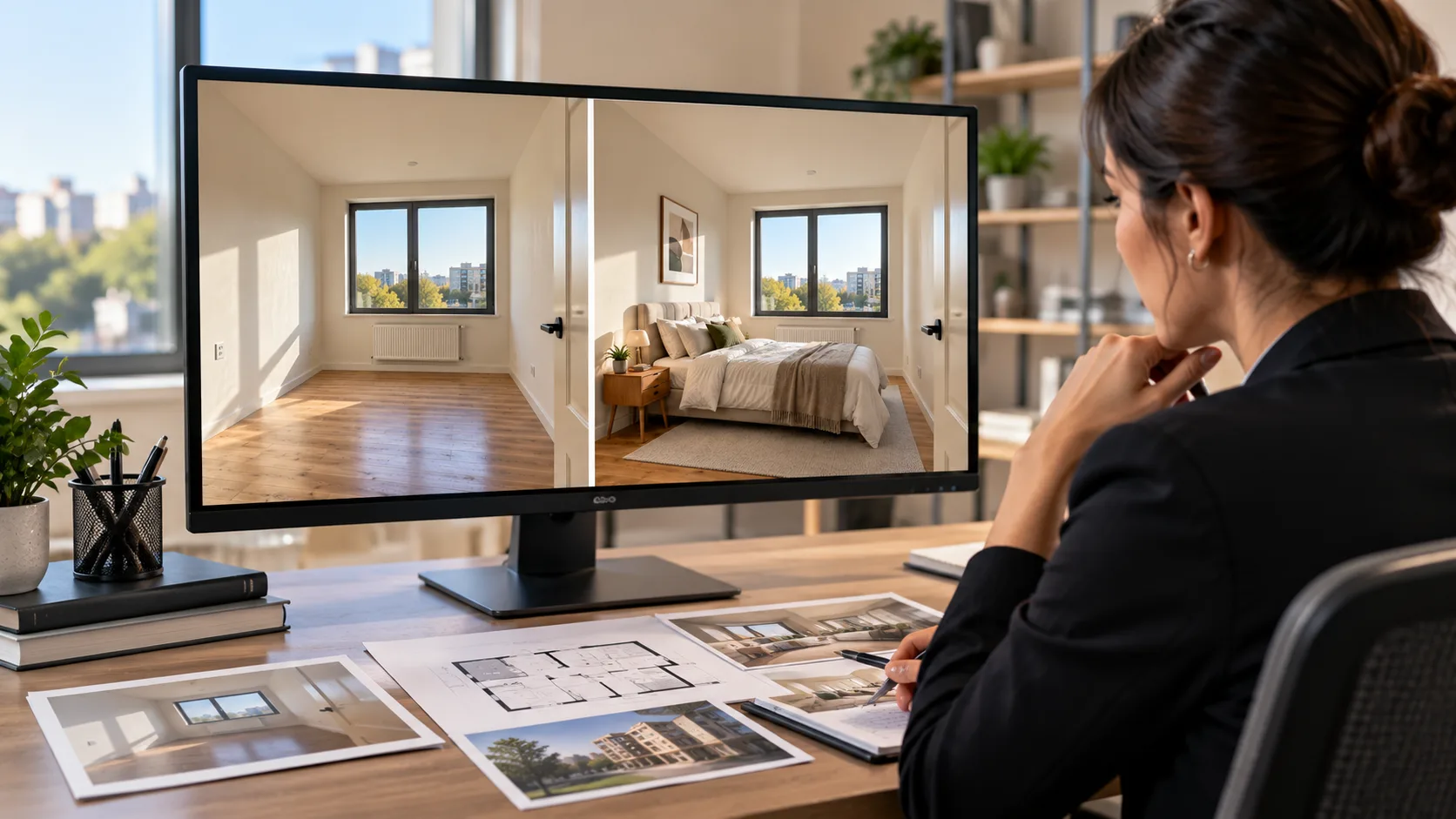
A listing photo fulfills a different role to a moodboard; it informs a buyer as to what a real place is like. As such, real estate is an unusually exacting environment for AI imagery. An elegant sofa and warmer lighting may aid a viewer's imagination of themselves in an empty room, but neither would be expected to alter the room's size, condition or fixed fixtures.
If you have a primary requirement of furniture staging, it will be necessary to begin with a specialist tool and test its reliability on challenging rooms. If you are in need of a visual idea for a refurbishment proposal or marketing concept, Xelta is worth considering as an addition to your existing photo workflow. In any event, the new result should be compared to the original before publication. Accurate photographs should be kept visible, simulated changes noted clearly and the property's true strengths should be allowed to shine.
For official examples of creative image workflows, explore Xelta AI on YouTube.