Xelta logo
Image
Video
Audio
3D
Photo Lab
SI
Bankai
Microdrama
MCP
Cinematic Studio
Outfit Tryon
Merchant Ads
AI Influencer
Canvas Pro
Ad Studio
Flows
SocialVerse
Xelta Cut
Enterprise
Resources
Developer
Pricing
AI Tools - Xelta

Welcome to Xelta Tools

Collection of individual AI utilities and specialized tools for every creative task

58 tools found

Professional

Start with Xelta's core creative generators.
AI Image Generator

AI Image Generator

Create images from text

Try nowRun
AI Video Generator

AI Video Generator

Create videos from text or images

Try nowRun
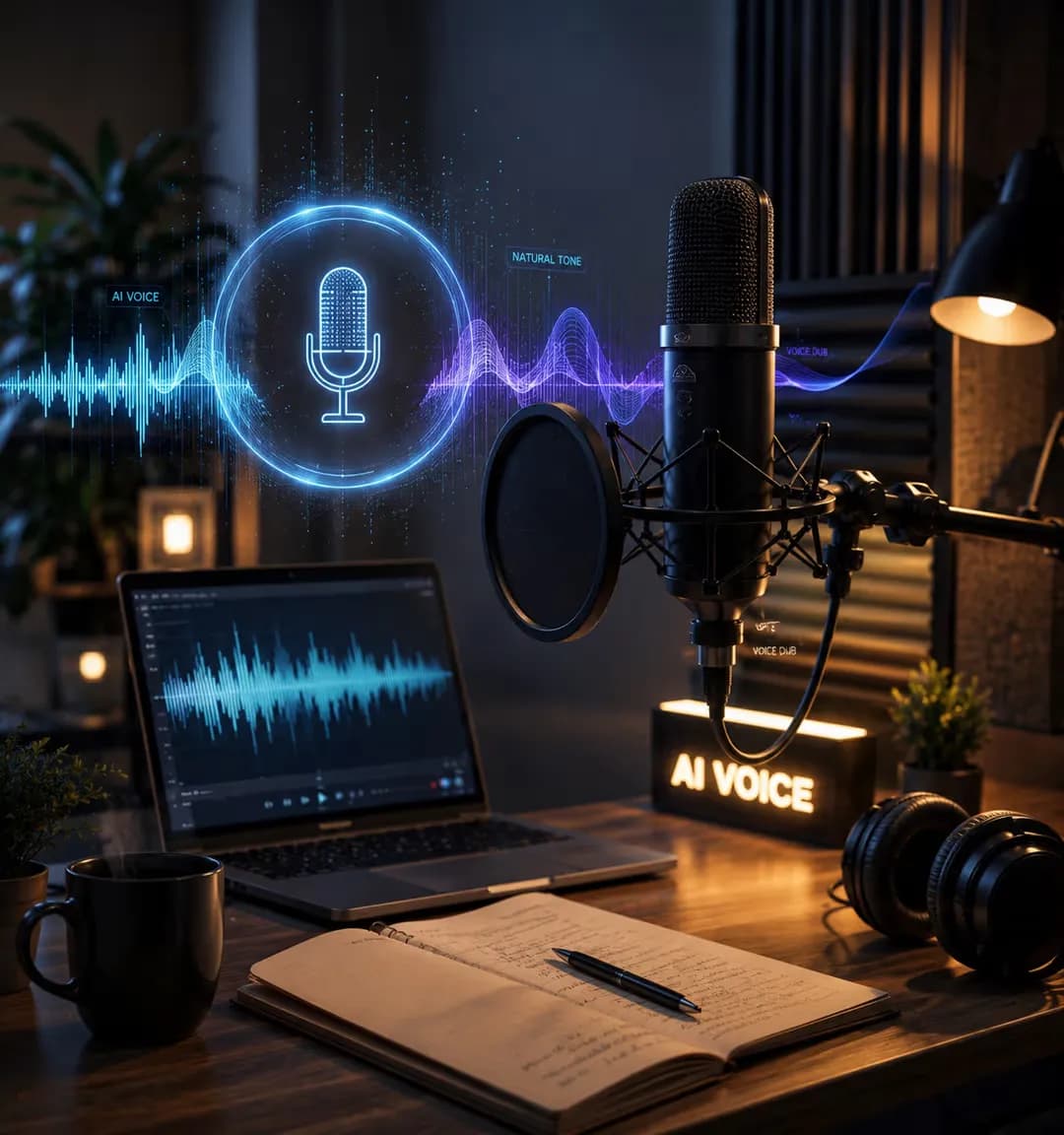
AI Audio Generator

AI Audio Generator

Create speech, music and sound

Try nowRun

AI 3D Generator

AI 3D Generator

Turn text or images into 3D

Try nowRun
Superintelligence

Superintelligence

One prompt long-form video creation.

Try nowRun
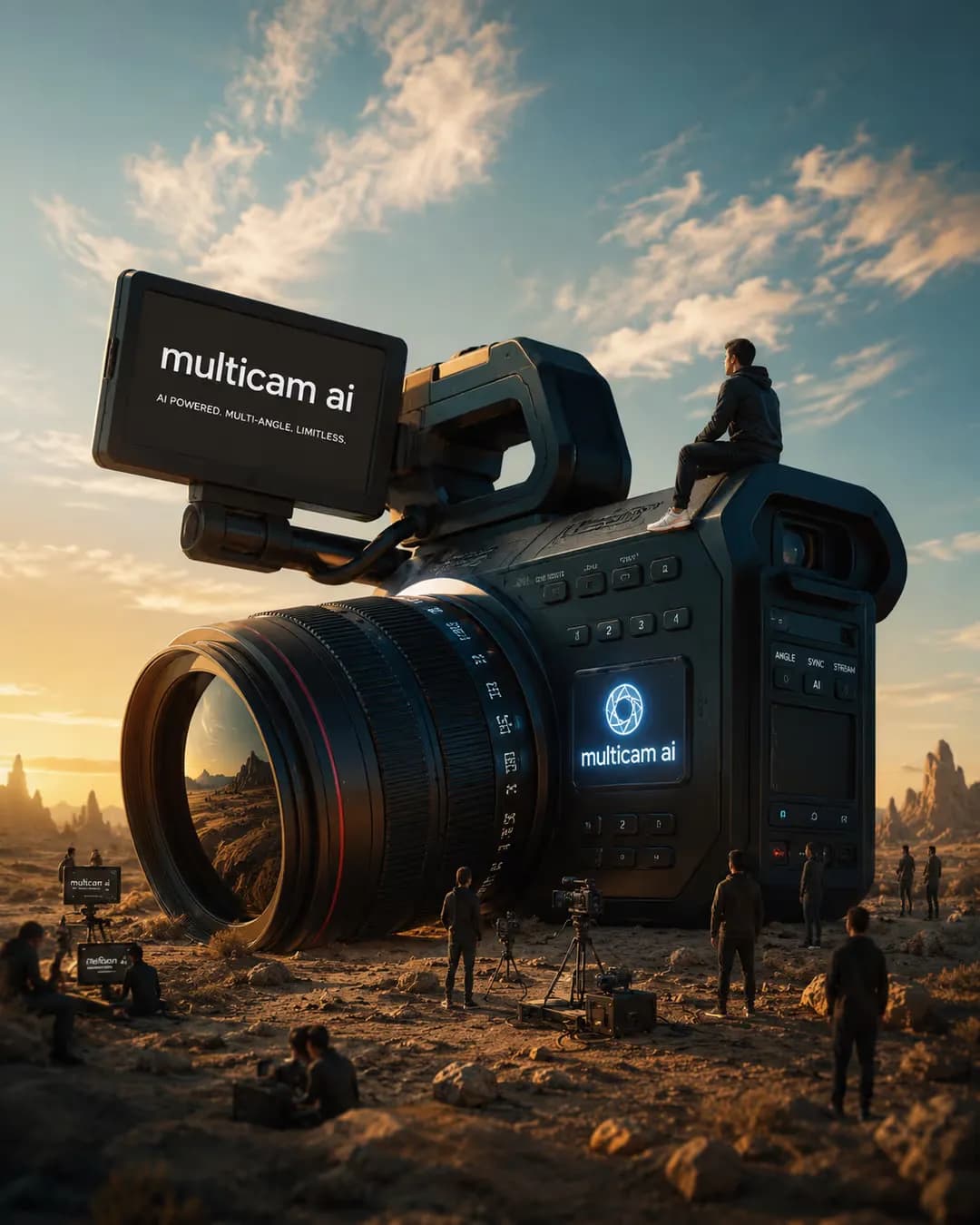
AI MultiCam

AI MultiCam

Generate multiple camera angles from a single image

Try nowRun
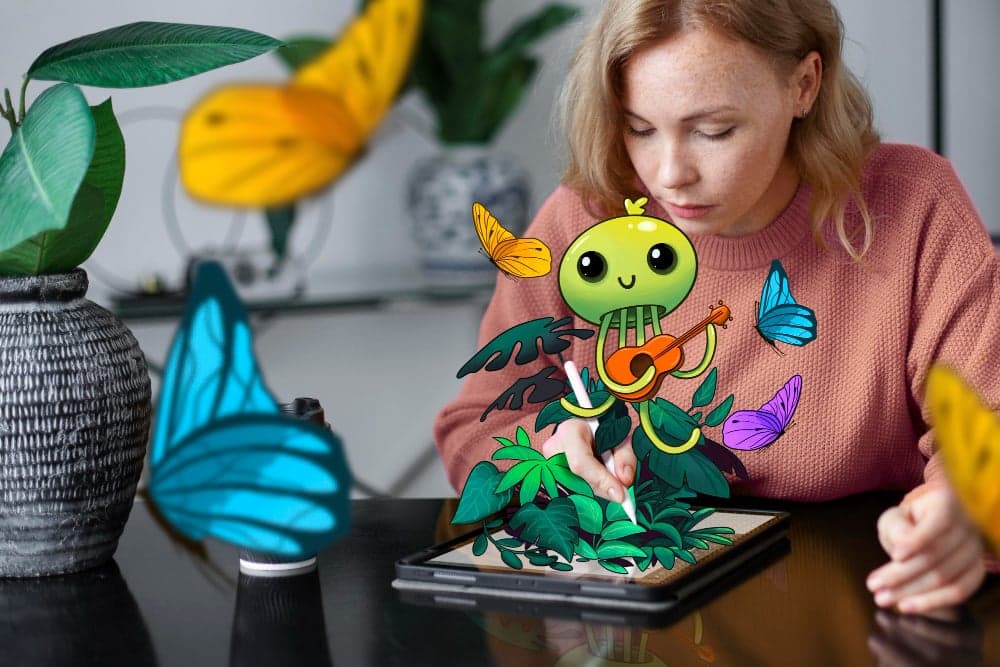
Design Use Case

Design Use Case

Explore AI for design content

Try nowRun

Enhance & Style

Refine lighting, styling and visual design.
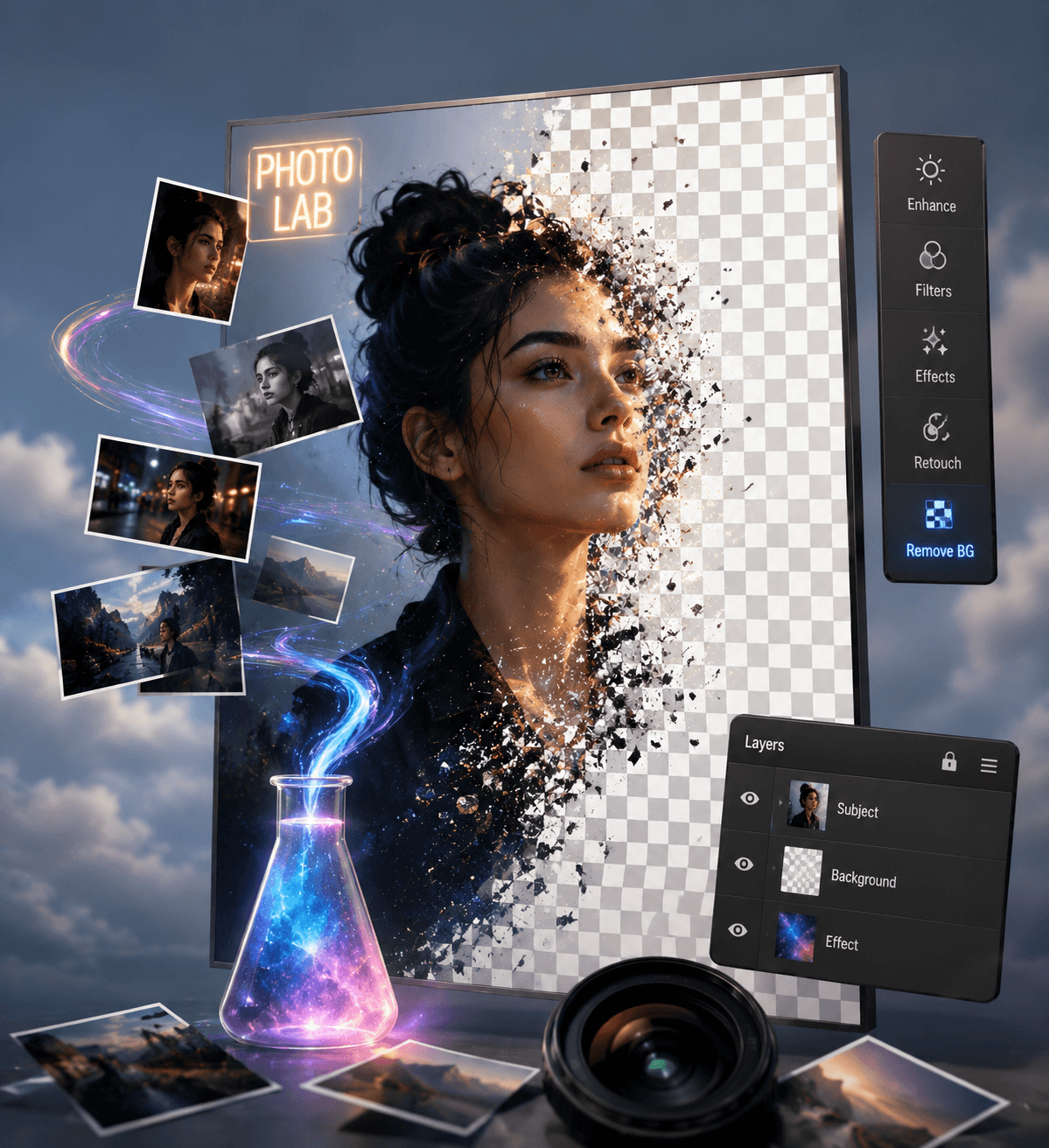
Photo Lab

Photo Lab

Transform any photo with AI

Try nowRun

Reglow

Reglow

Relight any photo

Try nowRun
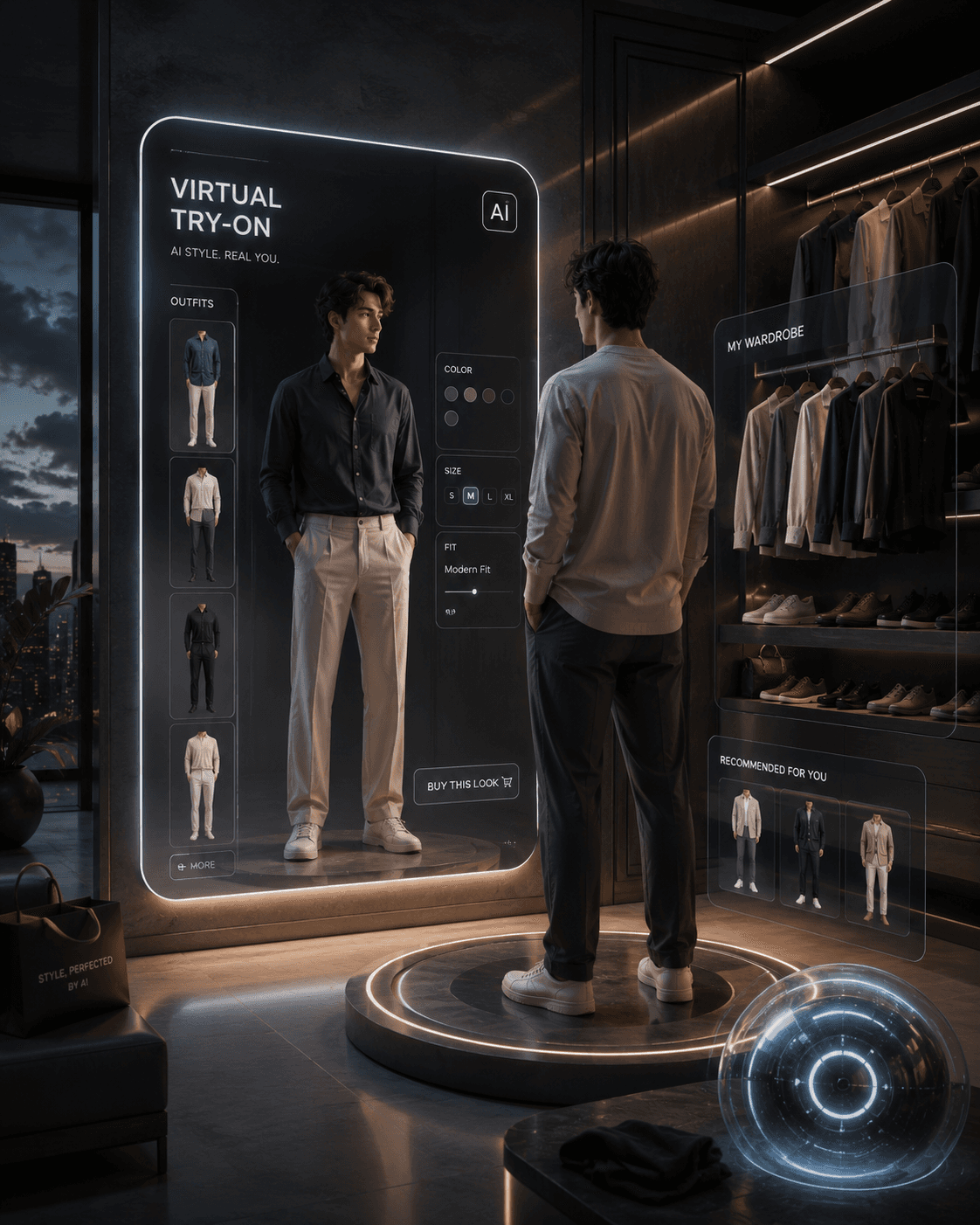
Virtual Try On

Virtual Try On

Try clothing virtually

Try nowRun
Moodboard AI

Moodboard AI

Generate aesthetic moodboards from a text prompt

Try nowRun
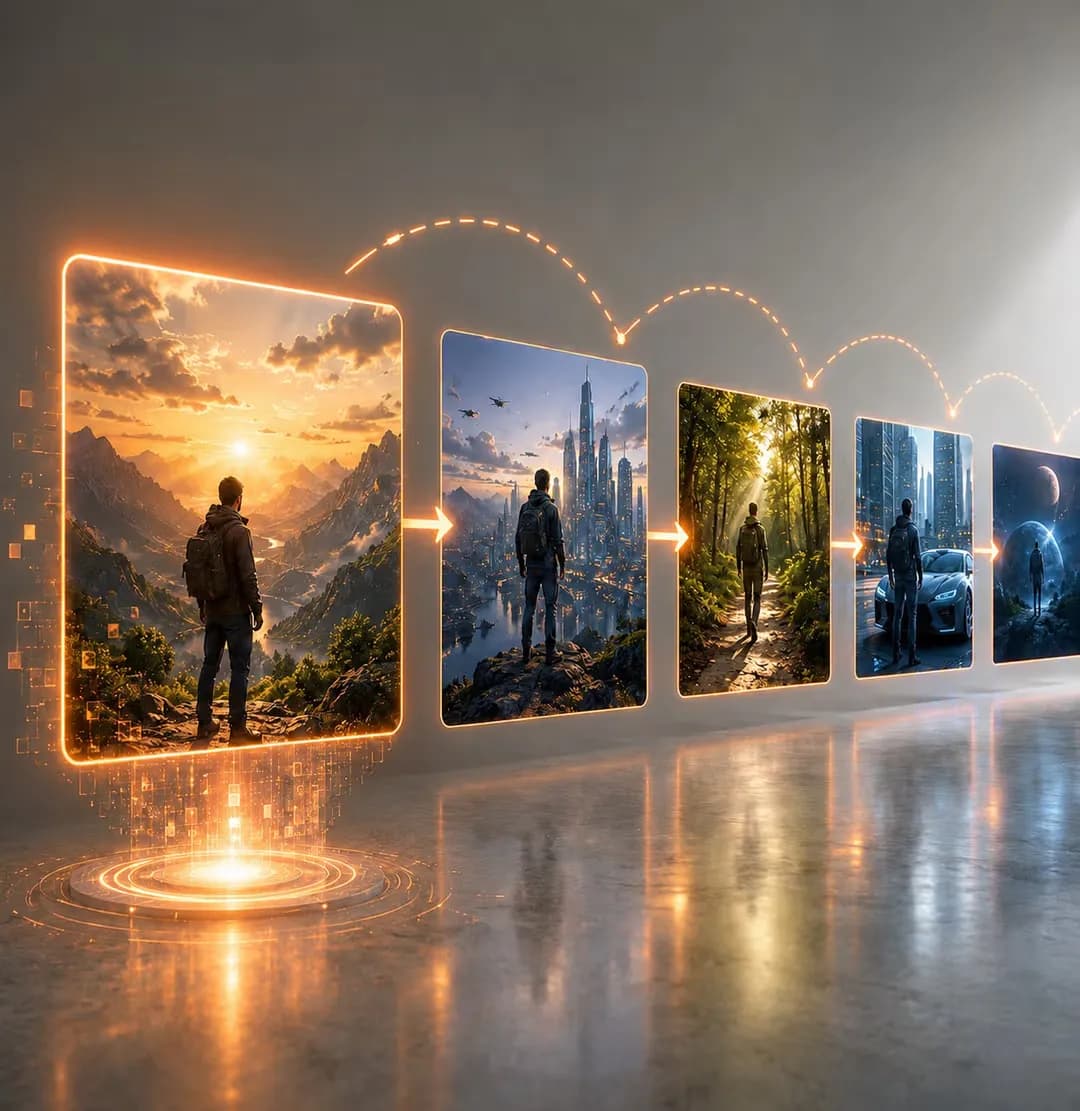
Future Canvas

Future Canvas

Visualize ideas on Future Canvas

Try nowRun
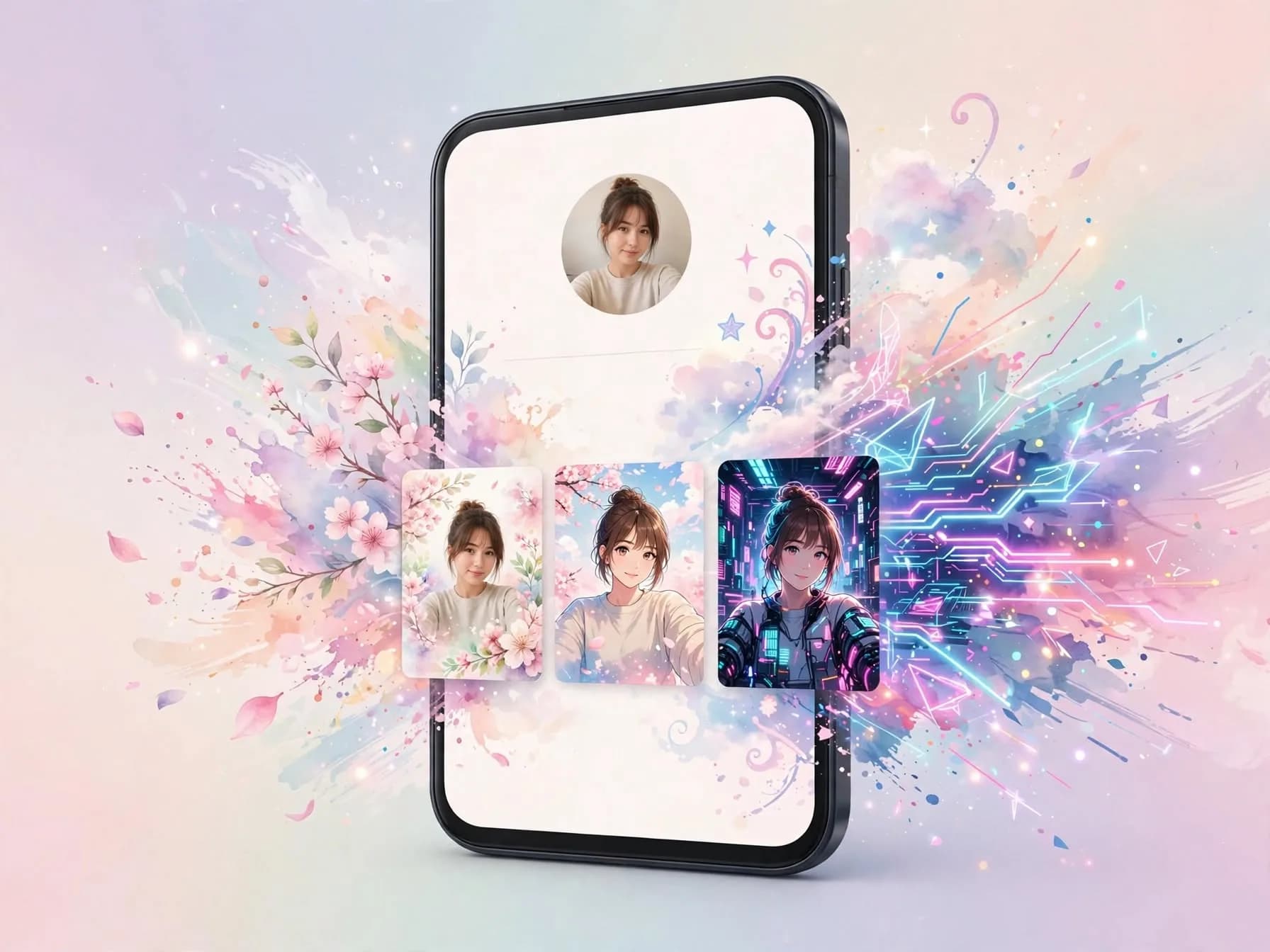
AI Wallpaper

AI Wallpaper

Generate multiple wallpapers

Try nowRun
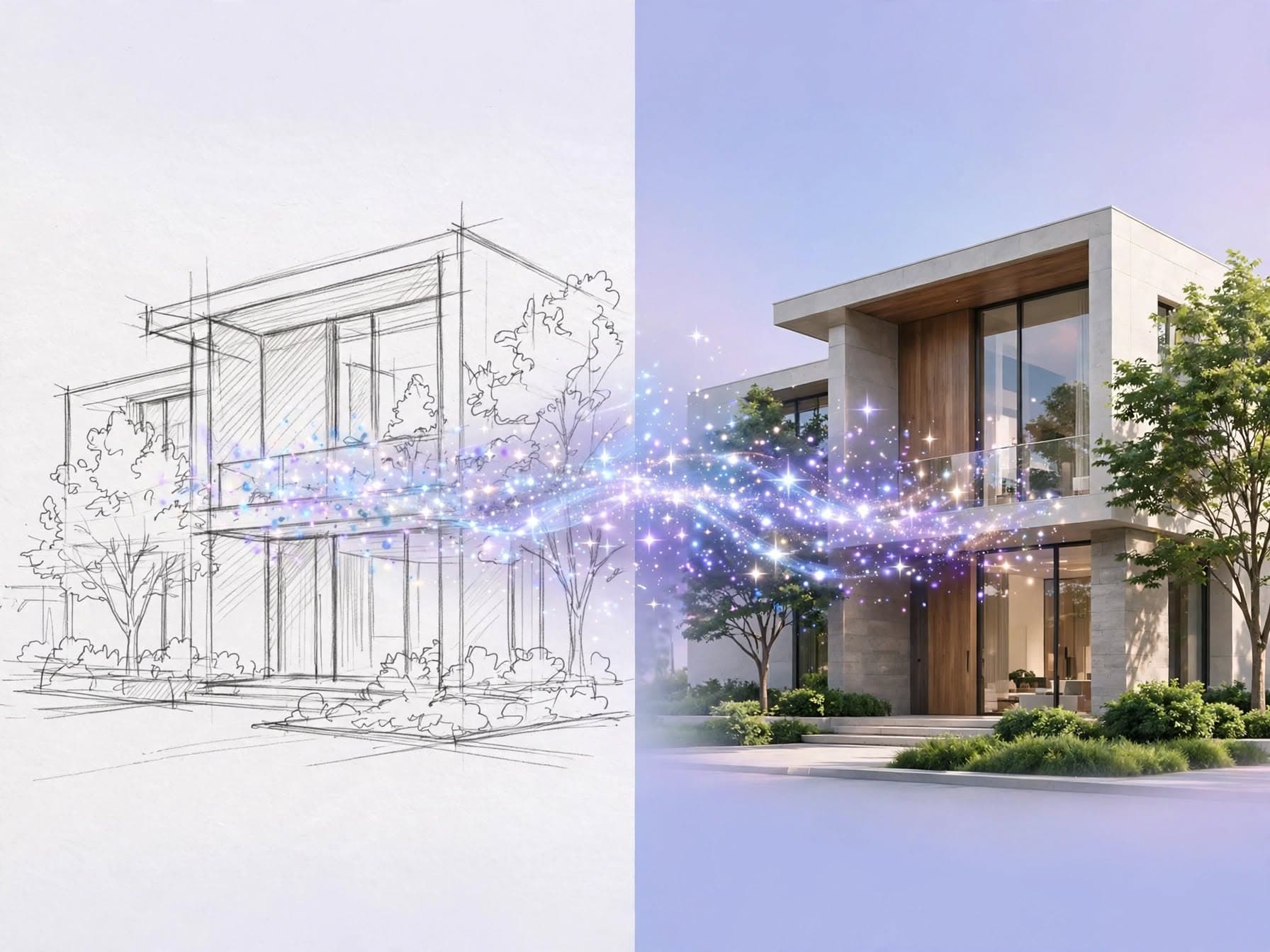
Sketch To Image

Sketch To Image

Create a dynamic Images from just an idea.

Try nowRun

Home Design

Home Design

Design your dream home

Try nowRun
Poster Design

Poster Design

Design posters in many styles

Try nowRun

Face & Identity

Swap faces, build avatars and work with characters.

Bankai

Bankai

Motion transfer for characters

Try nowRun
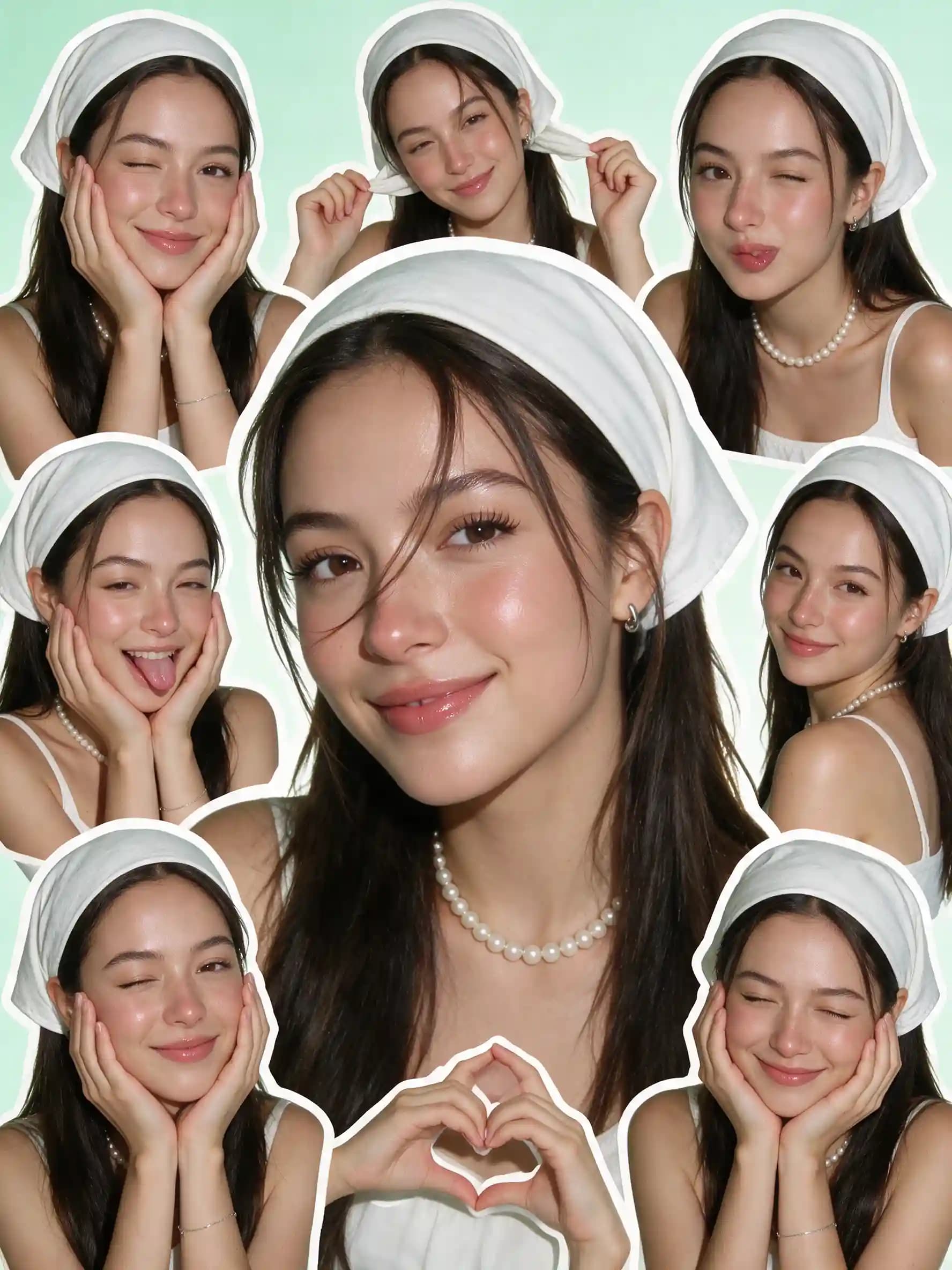
AI Influencer

AI Influencer

Create AI influencer avatars

Try nowRun
Gen Avatar

Gen Avatar

Create personalized AI avatars

Try nowRun
Face Swap

Face Swap

Swap faces in photos

Try nowRun
Character Replacement

Character Replacement

Swap the character in any video

Try nowRun

Video Editing

Edit, combine and transform your videos.

Video To Anime

Video To Anime

Create stunning anime style video from your own

Try nowRun
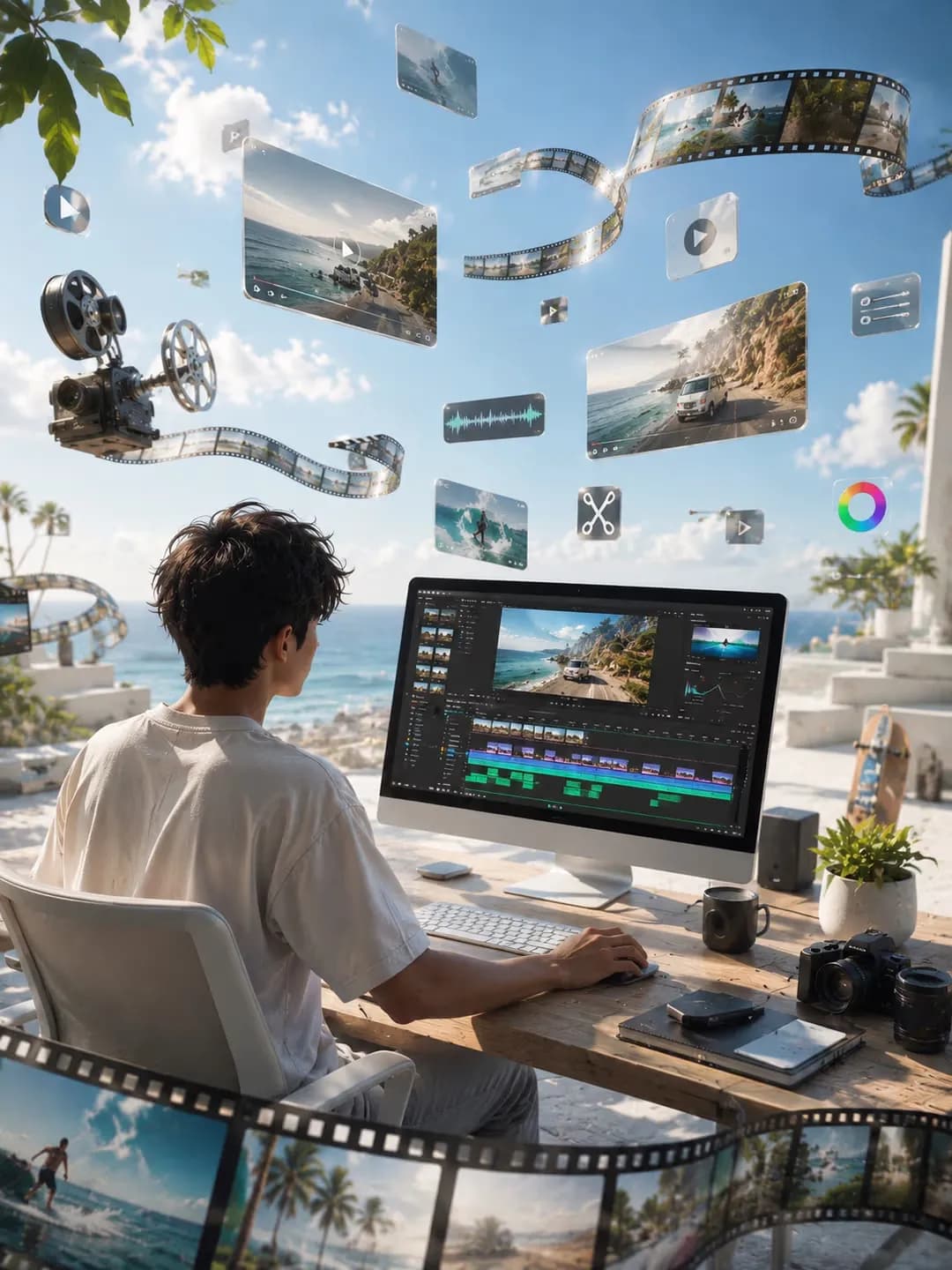
Video Editing

Video Editing

Cut, trim, transform like magic

Try nowRun
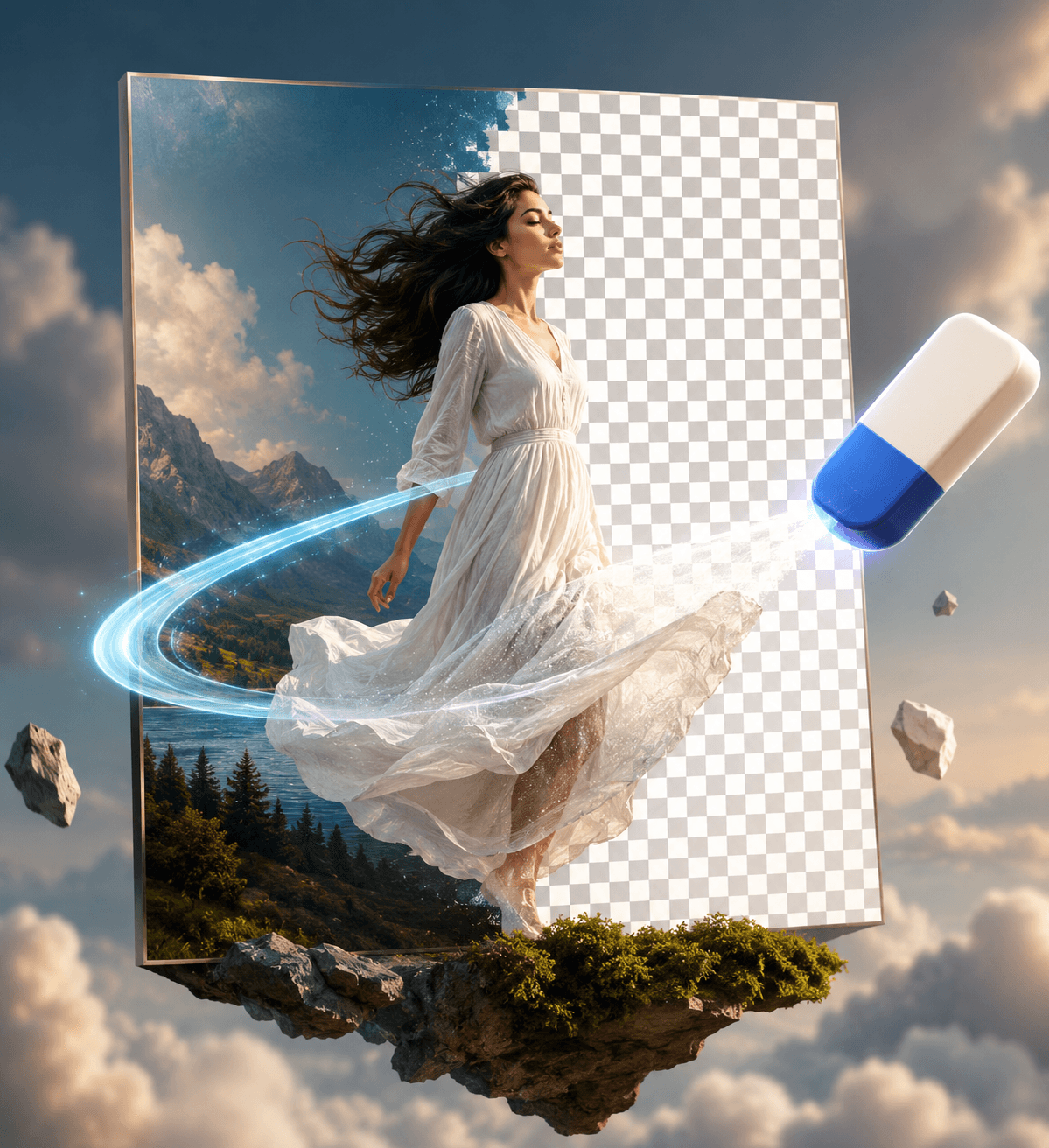
Background Remover

Background Remover

Remove backgrounds from images and videos with AI

Try nowRun

Story Tweak

Story Tweak

Tweak your video narrative seamlessly with AI

Try nowRun
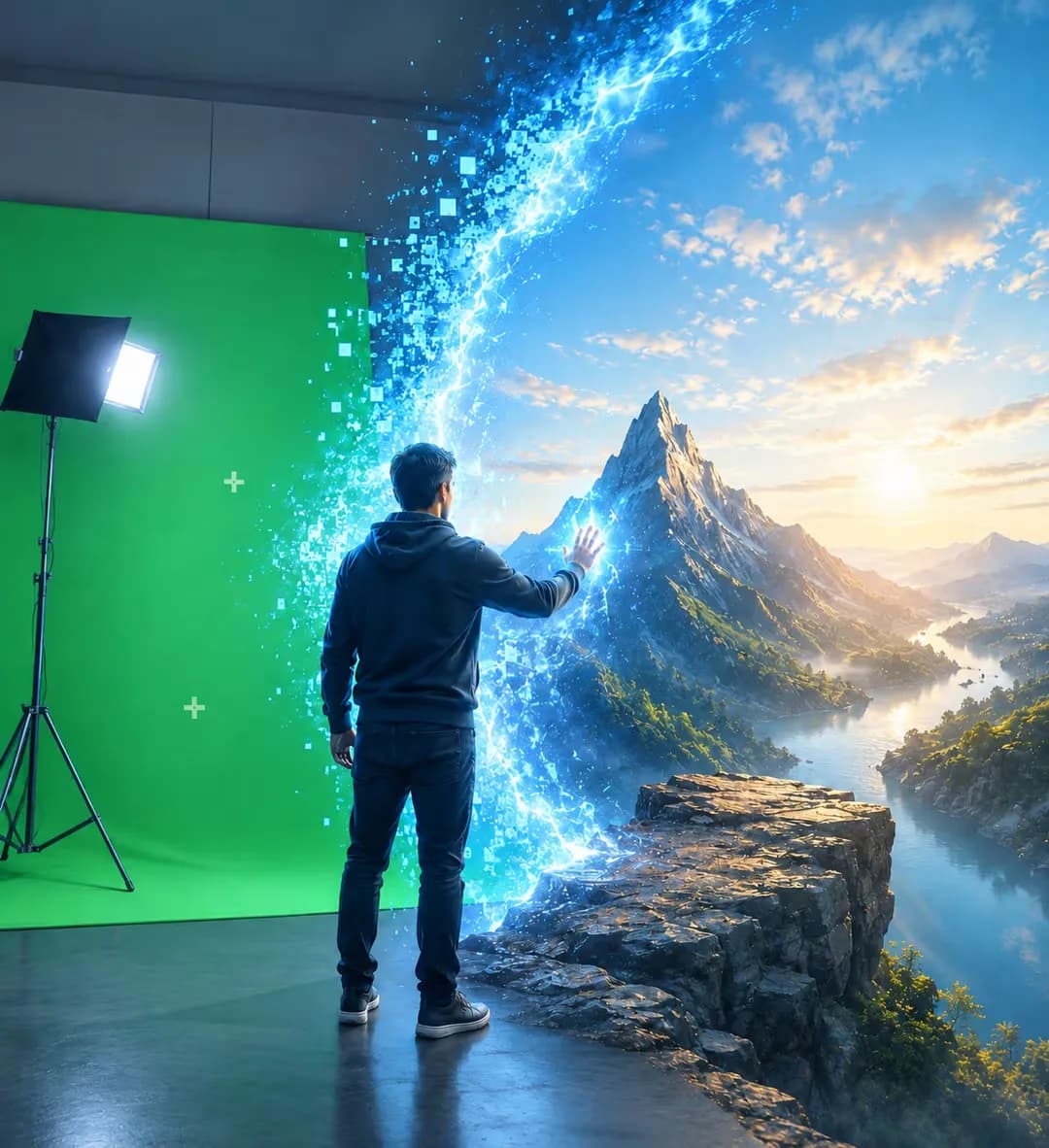
VFX Effects

VFX Effects

Add stunning visuals and transition to enhance video production quality

Try nowRun

Back Stage

Back Stage

Explore upcoming video creation features

Try nowRun
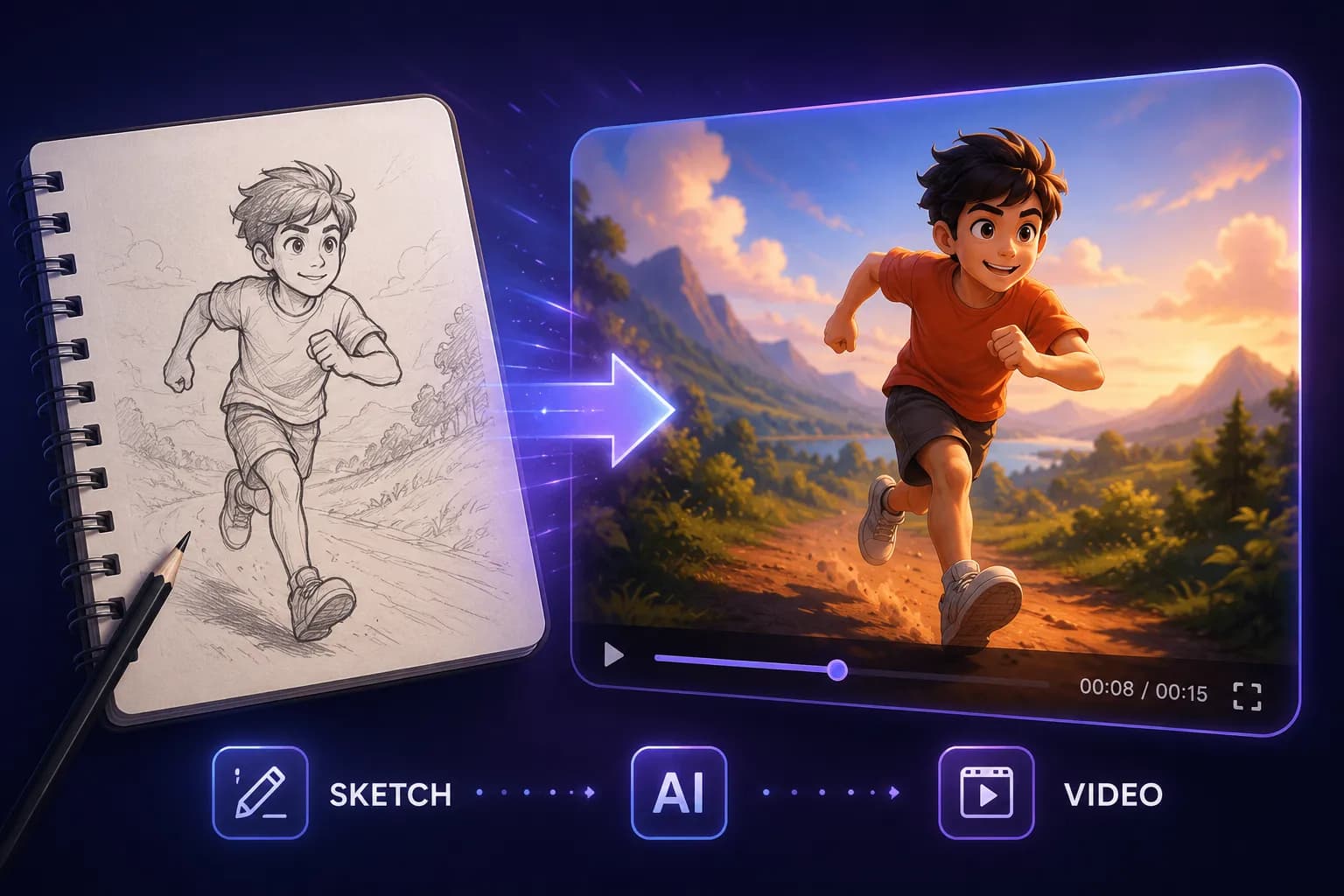
Sketch To Motion

Sketch To Motion

Transform your sketches into animated motion videos

Try nowRun

Video Analyzer

Video Analyzer

AI-powered viral video clipping

Try nowRun
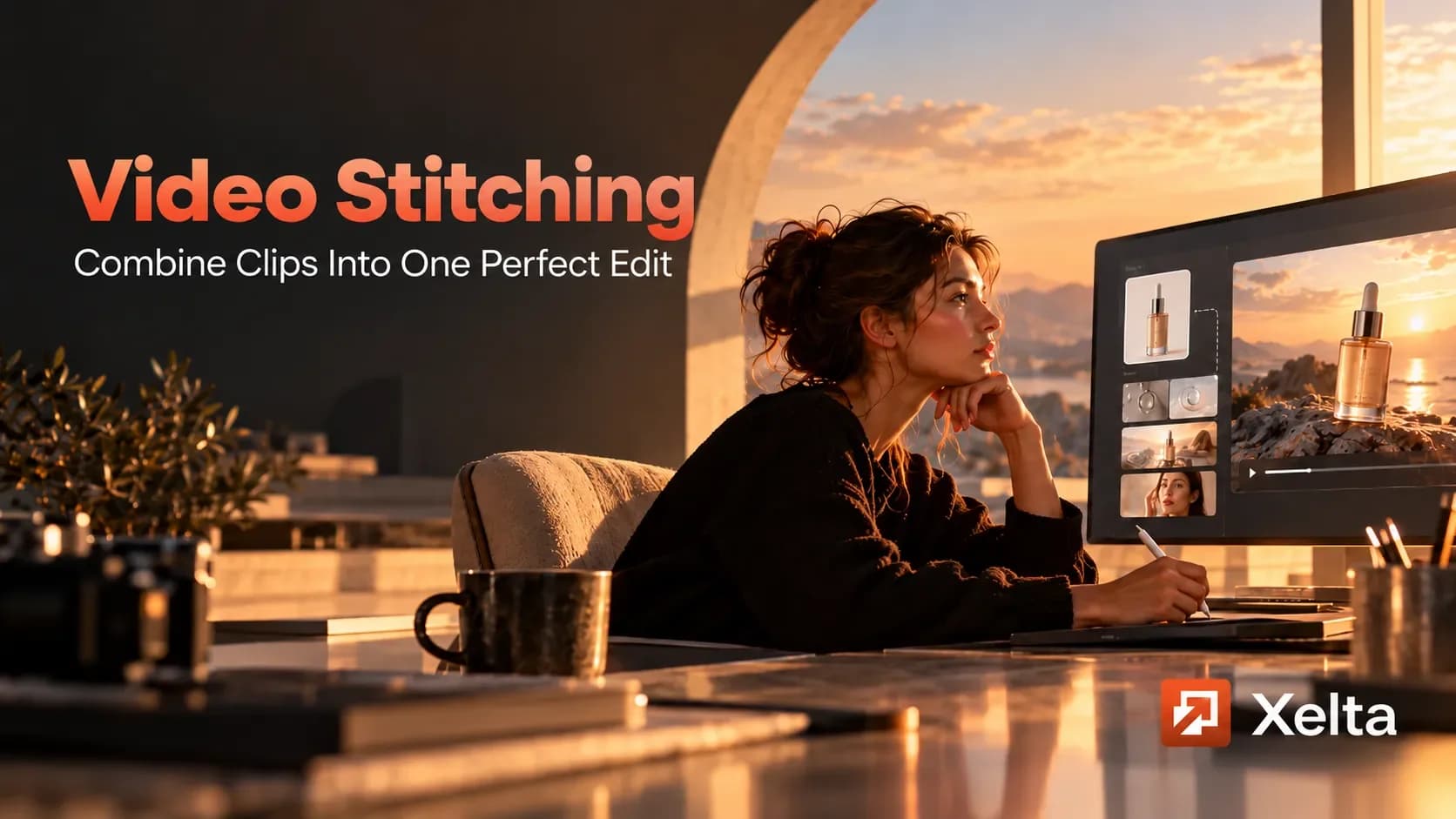
Video Stitching

Video Stitching

Join clips into one video

Try nowRun

Ads & Products

Create ads and product campaigns.

Merchant Ads

Merchant Ads

Turn templates into video ads

Try nowRun

Instant Ads

Instant Ads

Create campaign with just a link

Try nowRun

Ad Maker

Ad Maker

Create stunning ads in seconds

Try nowRun
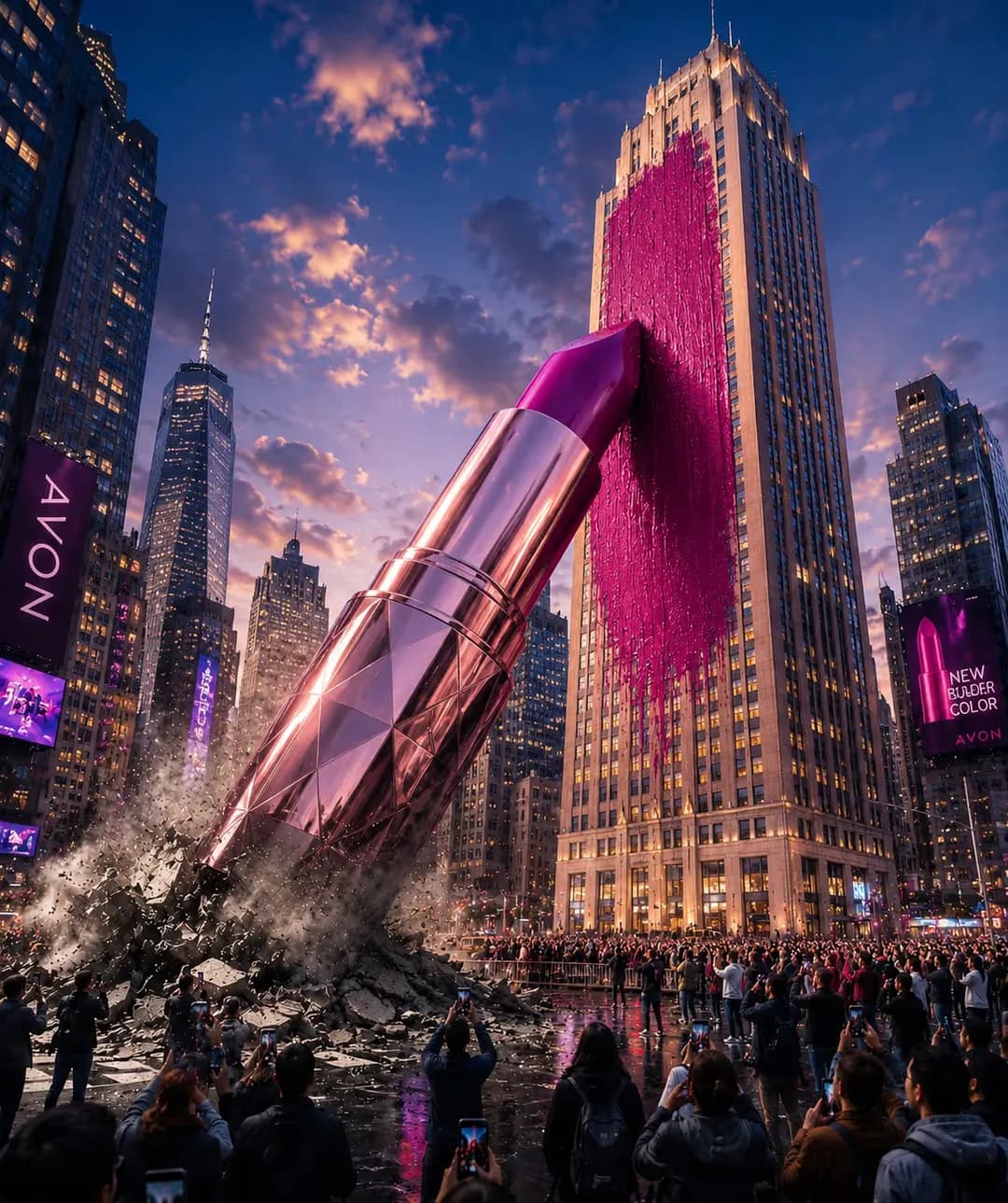
Street Ads

Street Ads

Turn logos into graffiti street art

Try nowRun

Marketing & Ads Use Case

Marketing & Ads Use Case

Explore AI for Marketing & Ads content

Try nowRun

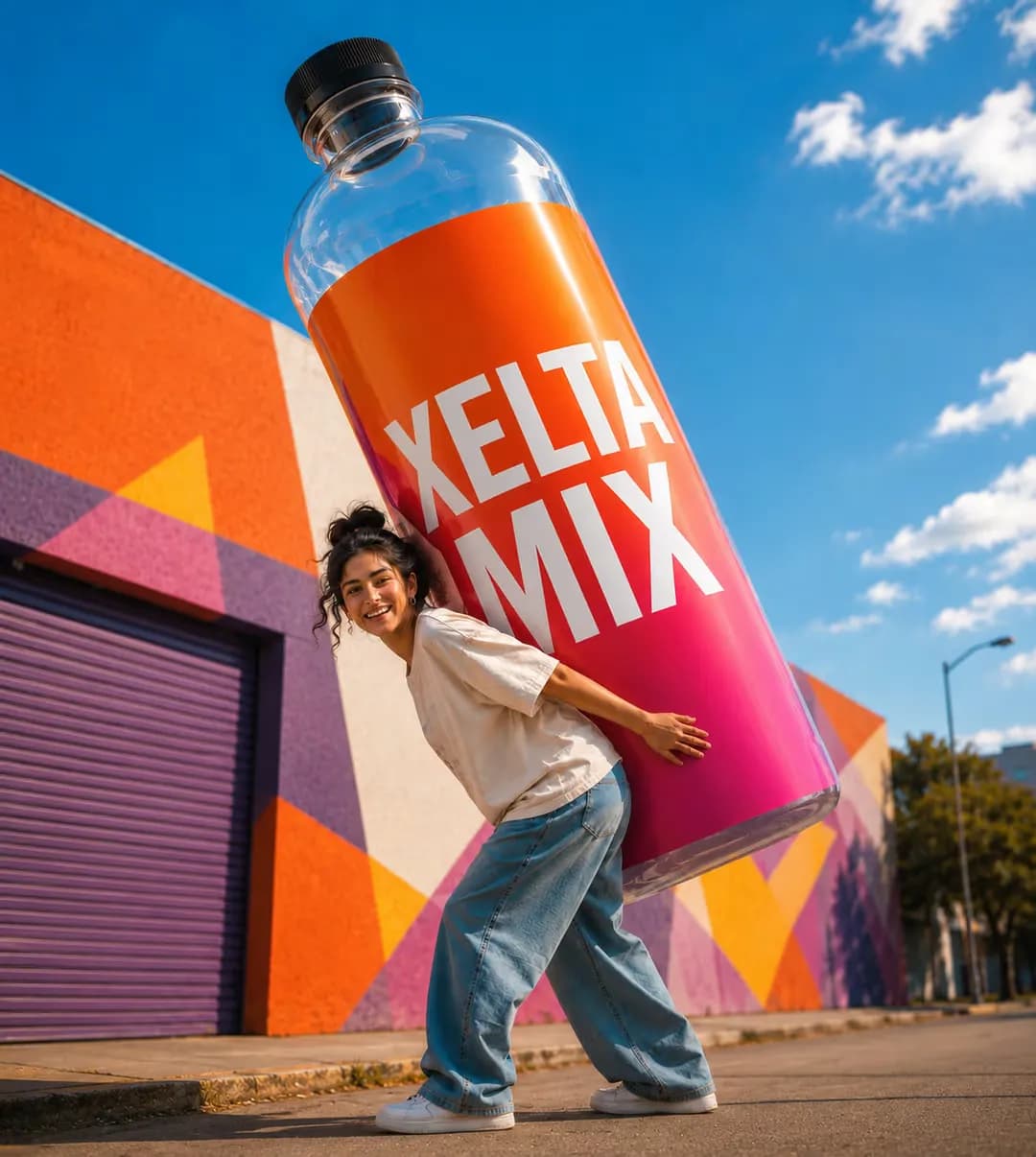
Giant Ads

Giant Ads

Create high-impact ads at scale

Try nowRun
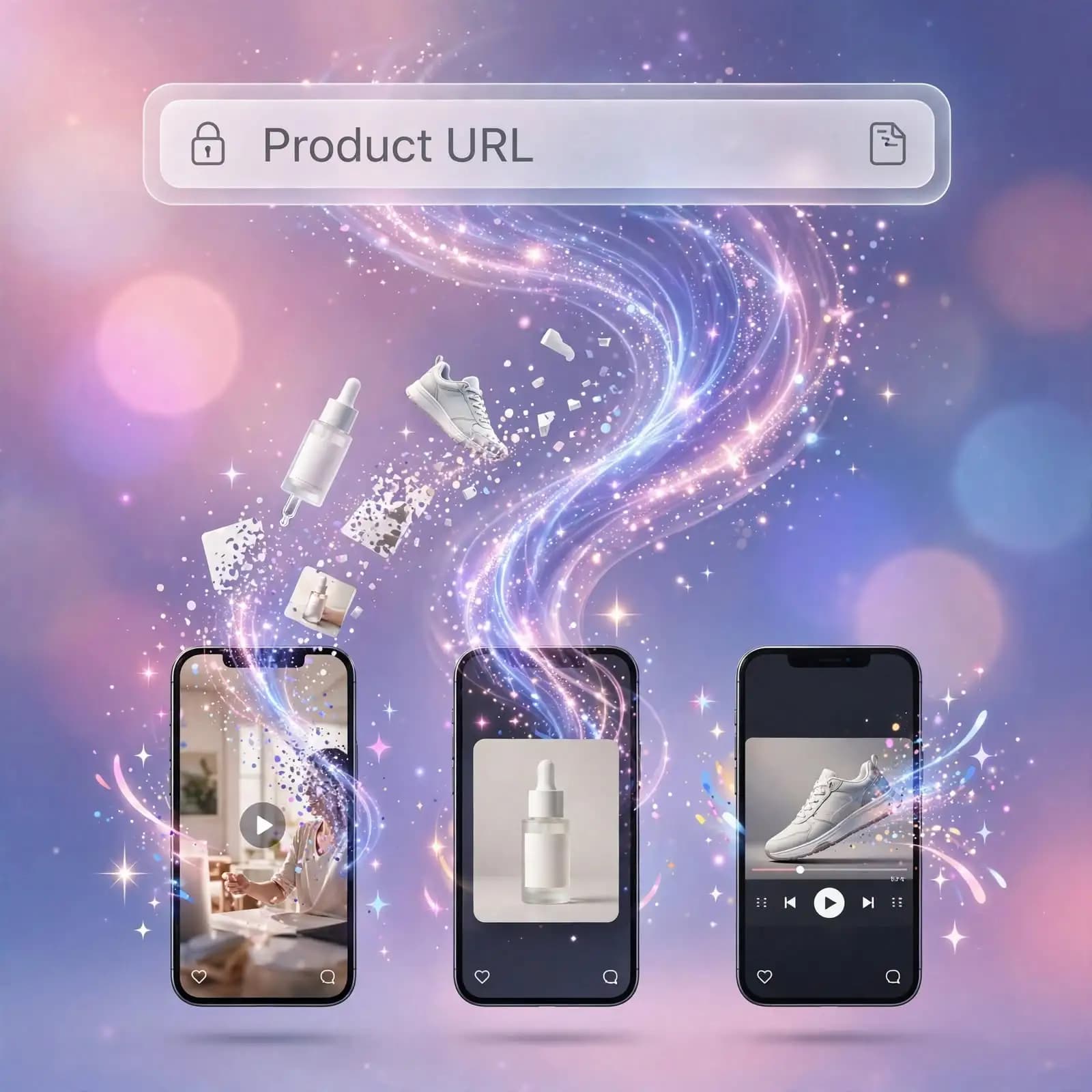
Product Ads

Product Ads

Turn product URLs into video ads

Try nowRun

UGC Ads

UGC Ads

Create UGC-style video ads from a product photo

Try nowRun

Prime Ads (60 sec)

Prime Ads (60 sec)

Generate 60 sec video ads using AI

Try nowRun

Audio & Voice

Generate music, voices and clean audio.

AI Music

AI Music

Full AI songs with vocals

Try nowRun
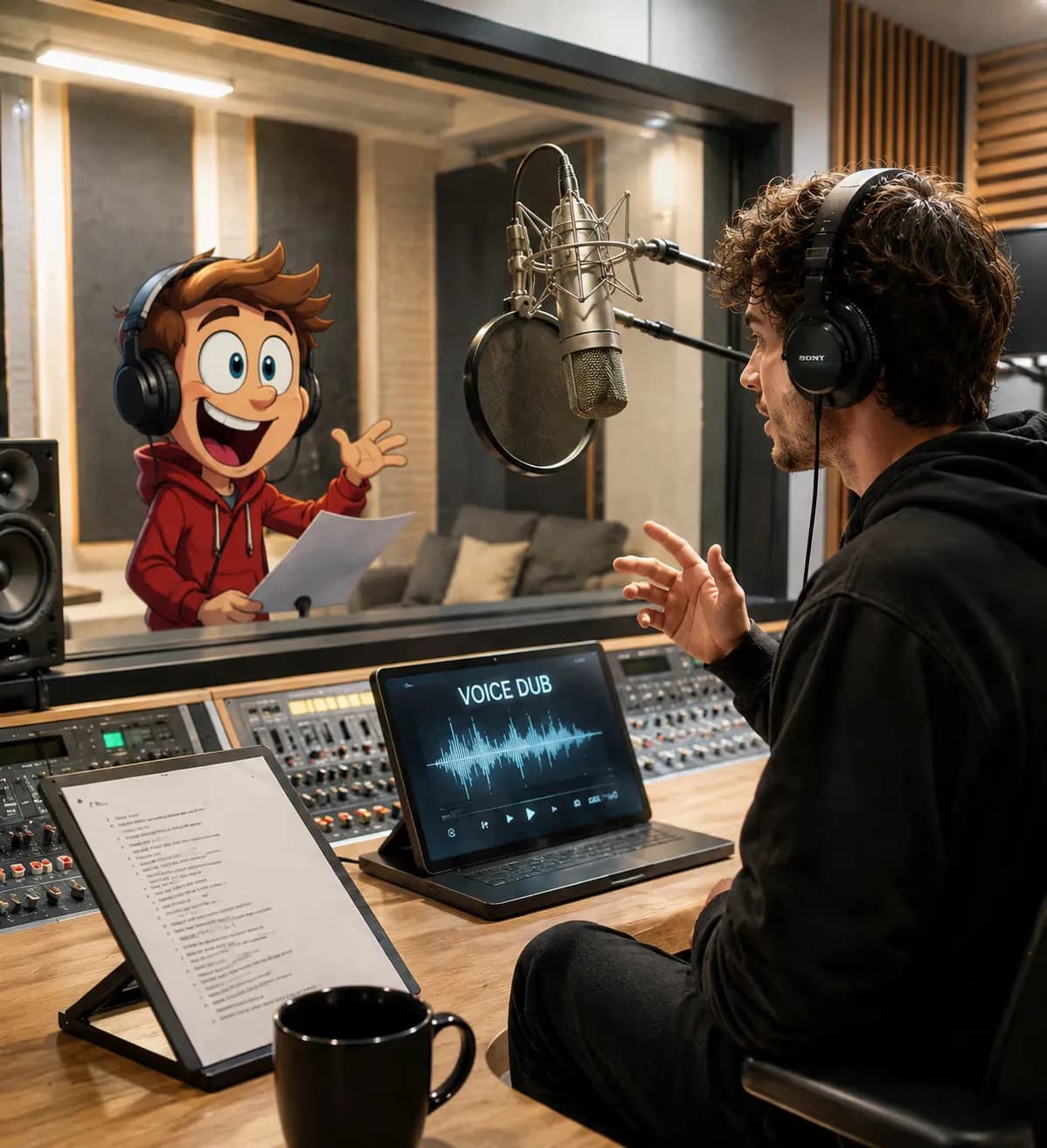
Voice Dub

Voice Dub

Add voiceovers and dubbing to videos

Try nowRun

Voice Lip Sync

Voice Lip Sync

Perfect lipsync, every single time

Try nowRun
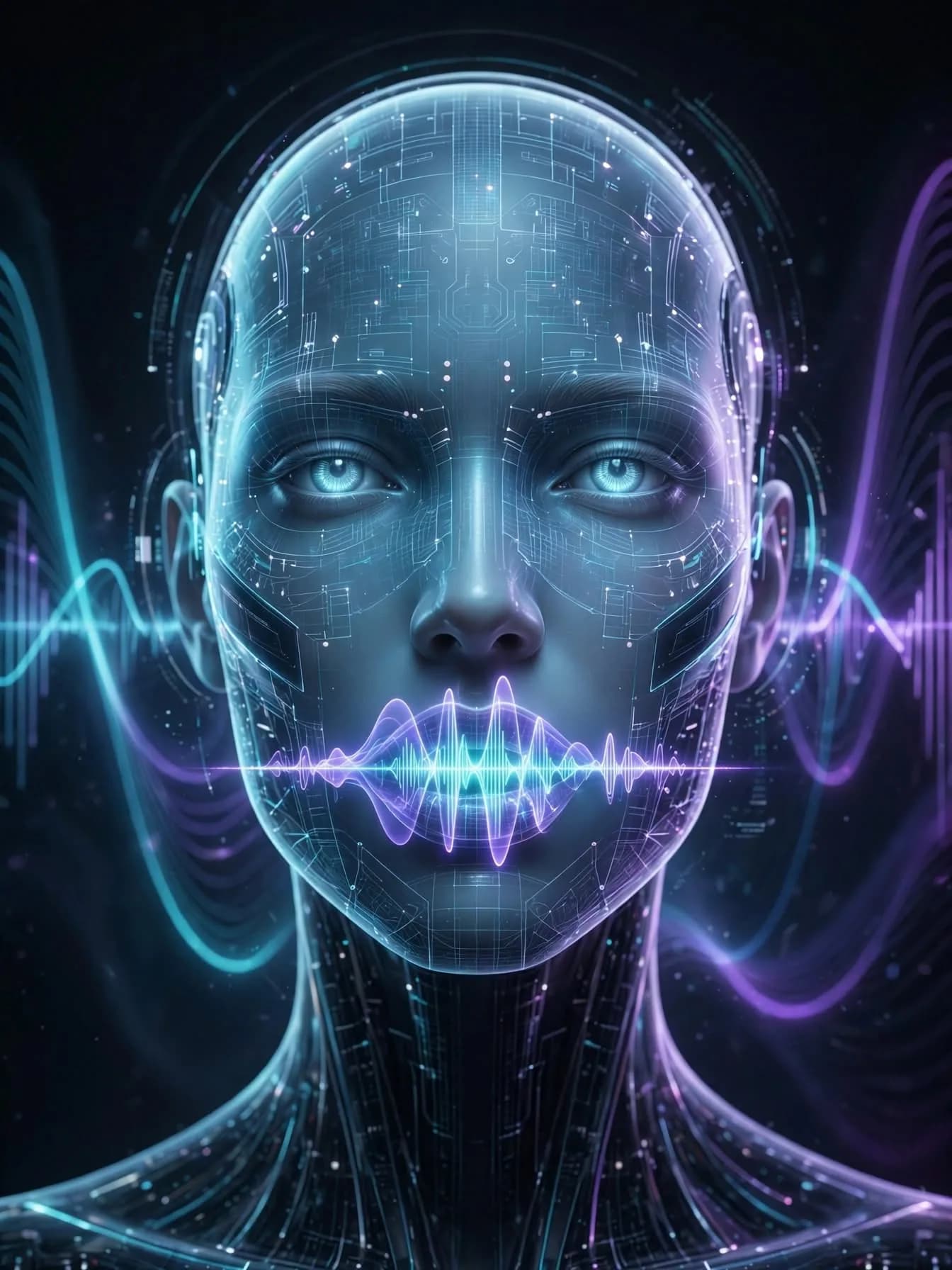
Voice Maker

Voice Maker

Turn photos into musical performances

Try nowRun
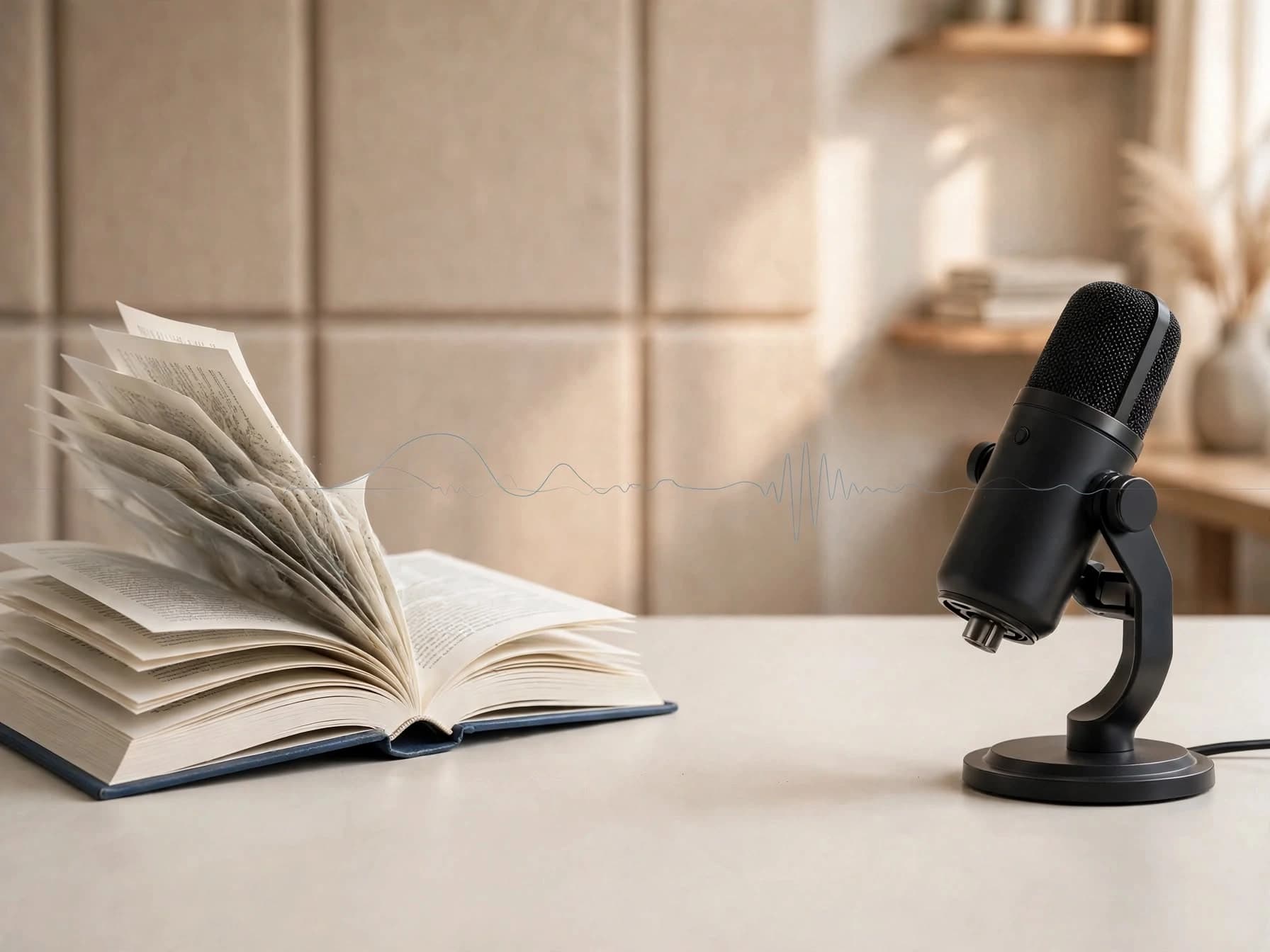
Voice Clone

Voice Clone

Create or clone voices for stories.

Try nowRun
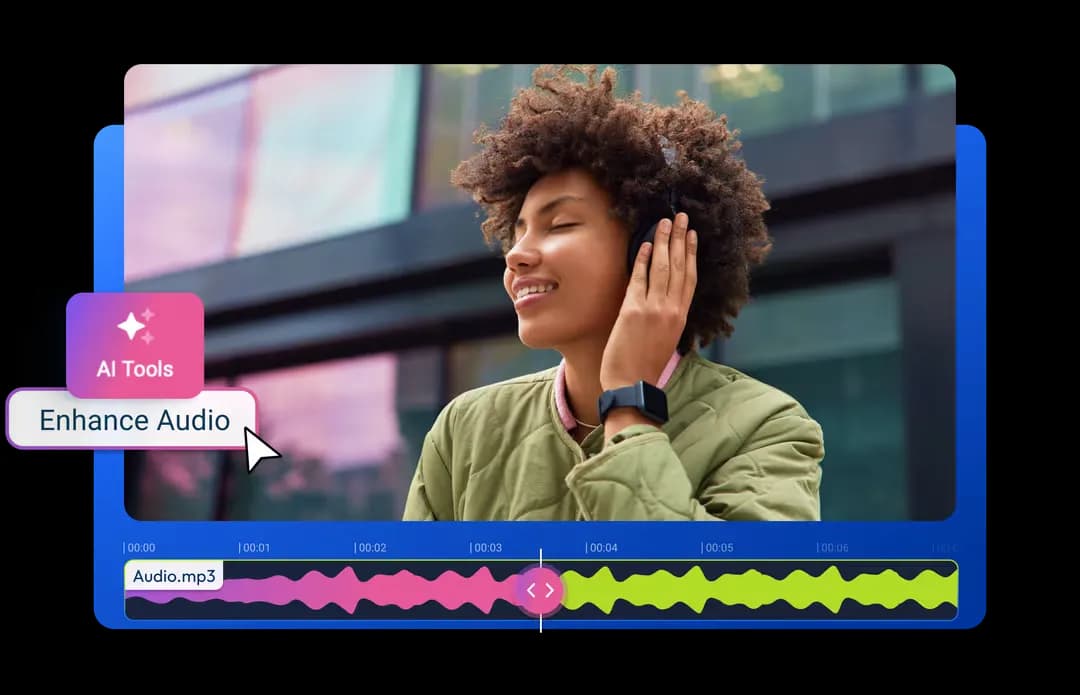
Audio Enhancer

Audio Enhancer

Enhance audio with AI voice cloning

Try nowRun

Storytelling

Build stories, courses and cinematic scenes.

Microdrama

Microdrama

Create videos up to 60 minutes

Try nowRun

Cinematic Studio

Cinematic Studio

Create cinematic videos

Try nowRun
AI Lords

AI Lords

Create AI Lords content

Try nowRun
Movie Trailer

Movie Trailer

Generate promotional videos

Try nowRun
Comic Flow

Comic Flow

Create comic books with AI

Try nowRun
Microcourse

Microcourse

Build educational content

Try nowRun
Script & Character

Script & Character

Prompt to script and characters

Try nowRun

Anime Microdrama

Anime Microdrama

Create videos up to 60 minutes

Try nowRun

Social & Web

Create and publish social content.

WhatsApp & Telegram

WhatsApp & Telegram

Auto schedule & messaging

Try nowRun
Reelix

Reelix

Share short-form reels

Try nowRun
Social Autopost

Social Autopost

Auto create, schedule and post content effortlessly

Try nowRun
Social Use Case

Social Use Case

Explore AI models for social media content

Try nowRun
Website Builder

Website Builder

Generate full websites

Try nowRun

Frequently
asked questions

An AI tool is software that uses artificial intelligence to do a specific job, such as generating an image, removing a background, transcribing speech or building a website. On Xelta, the Tools page collects individual AI utilities and specialized tools, each focused on one creative task.
It depends on the task. A tool that is best for transcription may not be best for image editing or design. Look at output quality, control, speed, supported formats and cost for your use case. Xelta groups many specialized tools in one place so you can try the one that fits the job.
People commonly use AI tools for writing help, translation, transcription, photo editing, image creation and video creation. On Xelta, everyday examples include AI Transcription for turning audio or video into text, Background Remover, Face Swap, Reglow and Website Builder.
Open a tool from the Tools page, provide your input, such as a text description, an image or an audio or video file, adjust the available settings, and generate. You can review the result and try again with different input. The credit cost is shown before you start.
No single tool is best for every job, and the market changes quickly. Compare tools on the output you need, quality, control, supported formats, speed and cost. Xelta lets you try several specialized tools and models in one account, so you can judge the results yourself.
The Tools page includes Website Builder for generating websites, Face Swap, AI Transcription for converting audio and video to text, and a Design Use Case page for exploring design models. Related tools cover background removal, photo editing and more.
Start from the result you want, such as a website, an edited photo, a transcript or a new visual. Then browse the Tools page and the Edit and Design Studio menus, open a tool to see what input it needs, and compare the results on a small test before you scale up.
Yes. Xelta Website Builder generates a website from a text description. Describe your business or idea, what the site should include and the style you want, then review the result and refine your description to adjust it.
It depends on the design task. For new visuals, an AI image generator works well; for sketches, Sketch To Image; for outfits, Virtual Try On; and for interiors, Home Design. Xelta Design Studio groups these tools, so you can try more than one and compare.
Xelta offers Photo Lab for transforming photos, Background Remover for cutting out subjects, Reglow for changing the lighting, and Sketch To Image for turning a drawing into an image. Each focuses on one edit, so you describe or upload what you need instead of editing by hand.
Yes. The Xelta AI Image Generator creates visuals from text prompts and reference images. Related tools include Sketch To Image, AI Wallpaper and Moodboard AI. Choose by the kind of visual you need, then review and refine the result.
A specialized tool is built for one job, so it asks for the right inputs, such as a photo, a script or a link, and gives a focused result without a complex setup. That saves time on repeat tasks, and creators can combine several tools as a project grows.
They can reduce repetitive work, such as cutting out backgrounds, changing lighting, creating variations or producing first drafts. You still need to review the results and handle exact brand details, text and layout yourself, so most teams use AI tools alongside their usual design process.
Xelta does not currently have a dedicated flowchart or diagram tool. You can create diagram-style visuals with the AI Image Generator, but the text and connectors may not be exact, so for an editable flowchart a dedicated diagramming tool is a better fit.
Background
Xelta Logo
Xelta.AI

Explore powerful AI tools for image,
videos, audio and creative storytelling.

AI Generation

  • AI Image Generator
  • AI Video Generator
  • AI Audio Generator
  • AI 3D Generator
  • Microdrama
  • Photo Lab

Edit

  • Video Editing
  • Moodboard AI
  • Background Remover
  • VFX Effects
  • AI MultiCam
  • Back Stage
  • Story Tweak

Models

  • Video Models
  • Image Models
  • Seedance 2.5
  • Kling 4.0
  • Veo 3.0
  • Gemini Omni Flash 1.2
  • Seedream 5.5

Design Studio

  • Canvas Pro
  • Gen Avatar
  • Sketch to Motion
  • AI Wallpaper
  • Sketch To Image
  • Home Design
  • Video Analyzer

Ad Studio

  • Instant Ads
  • Product Ads
  • Ad Maker
  • Street Ads
  • Giant Ads
  • Prime Ads (60 sec)
  • UGC Ads
  • Marketing & Ads Use Case

AI Films

  • Script & Character
  • AI Lords
  • Anime Microdrama
  • Movie Trailer
  • Comic Flow
  • Microcourse
  • Video To Anime

Company

  • About Us
  • Press Releases
  • Careers
  • Contact
  • Blog
  • Events
  • Global Footprints

Download Our App

Google Play QR
Google Play
App Store QR
App Store
Privacy Policy|Terms of Service|Security|Pricing|Credit Usage

© 2026 Xelta.AI. All rights reserved.