



Key Takeaways
- Producing business media becomes complex when a fresh presenter clip is recorded each time a product shifts or a training outline requires revision.
- A persuasive digital speaker represents merely a single component within a functional corporate clip.
- Neither method is inherently superior.
- An effective process begins with validated material rather than choosing an image:Step 1: Define the video's purposeChoose one communication objective.
Table of Contents
- 1.AI Avatar Video Generators for Business: Buying Guide
- 2.What Must Companies Seek Within An Artificial Intelligence Driven Character Motion Creation Tool?
- 3.In What Ways Do Artificial Intelligence Generated Face Clips Differ From Conventional Filming Methods?
- 4.In What Ways May Enterprises Construct an Artificial Intelligence Speaking Portrait Clip?
- 5.Where Does Xelta Fit Into Business Avatar Creation?
- 6.What Commercial Clips Work Best With Synthetic Faces?
- 7.What Mistakes Should Businesses Avoid?
- 8.Final Thoughts
AI Avatar Video Generators for Business: Buying Guide
Producing business media becomes complex when a fresh presenter clip is recorded each time a product shifts or a training outline requires revision. Groups must align presenters, recording spaces, scripts, post-production work, and sign-offs, even when dealing with quite brief clips.
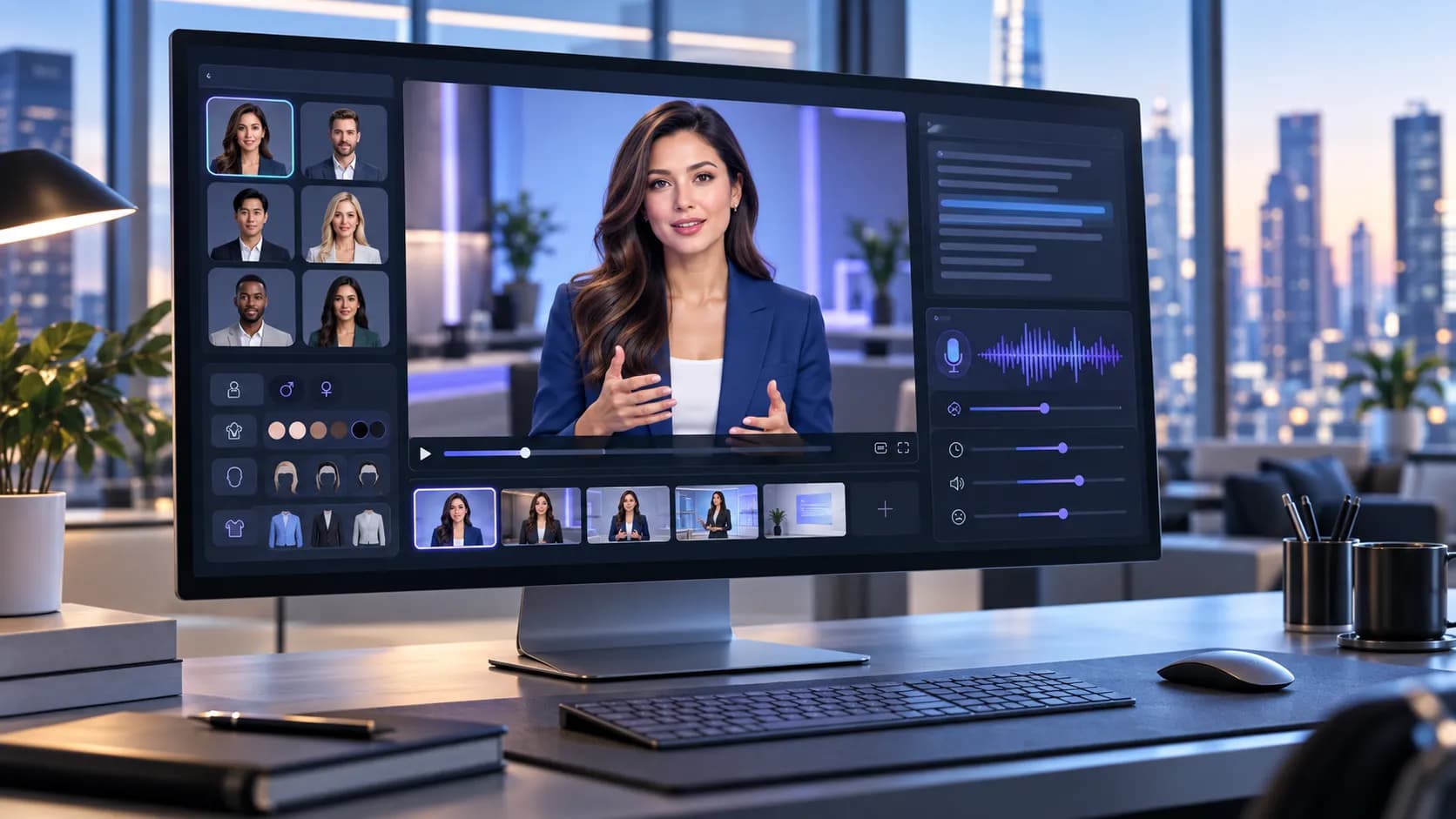
Another method is using an AI avatar video generator; companies can build digital speakers to deliver written talks without filming each show from scratch. Services like Xelta AI offer helpful tools for building avatar-driven content, though scripts, visual accuracy, and final results still need human review.
A software tool for making video files with computer-generated people allows them to read written text aloud. Companies might apply such clips for bringing staff up to speed, teaching workers, showing off goods, or selling items. Which specific program works best relies on image sharpness, sound management, the ability to cut scenes, what kind of final file is needed, and if the results stay true to company rules consistently enough.
What Must Companies Seek Within An Artificial Intelligence Driven Character Motion Creation Tool?
A persuasive digital speaker represents merely a single component within a functional corporate clip. The creation tool likewise needs to back the core idea, target viewers, and release medium.
Before selecting software, businesses should evaluate five areas:
1. Avatar appearance and consistency
The character needs to match the firm's visual branding and how it communicates. A video for internal learning could require a calm, easy-to-approach speaker, whereas an ad clip would likely gain more from a lively persona.
Consistency remains vital during the creation of a sequence. Sudden shifts regarding face details, attire, illumination, or persona recognition may cause linked clips to seem unconnected.
2. Voice quality and pronunciation
Natural speech is essential for presenter-led content. Verify if the chosen workflow accommodates appropriate vocal qualities, linguistic options, and articulation patterns. Evaluate specific brand identifiers, specialized jargon, and shortened forms prior to generating extended video content.
3. Lip synchronization and facial movement
The avatar's lip motions need to match the talking sound. Bad timing can pull away viewers even if the text is right.
Keep an eye on strange breaks, uneven wording, and face actions that fail to align with what is being said.
4. Editing and content control
Companies often require script revisions, image substitutions, or duration modifications.
Decide if changes require the whole video to be made again or if single parts may be fixed on their own.
5. Publishing requirements
Verify which aspect ratios are allowed, what output resolutions exist, what captions can be used, what export choices are available, and what usage permissions apply.
Such criteria ought to be verified prior to selecting software, especially if clips are meant for commercial ads or client work.
In What Ways Do Artificial Intelligence Generated Face Clips Differ From Conventional Filming Methods?
Neither method is inherently superior. The appropriate selection relies upon manufacturing demands and the degree of oversight required by the organization.
| Evaluation factor | Traditional recording | AI avatar generation |
|---|---|---|
| Presenter | Real person on camera | Generated digital presenter |
| Production factors | Camera, illumination, sound, setting | Avatar model, screenplay, vocal parameters |
| Script changes | Could need further audio capture | Could permit generation from scripts |
| Visual management | Direct oversight throughout the shoot process | Relies upon existing configuration parameters |
| Best suited for | Interviews, authentic testimonials, live demonstrations | Repeatable explainers, onboarding, scripted updates |
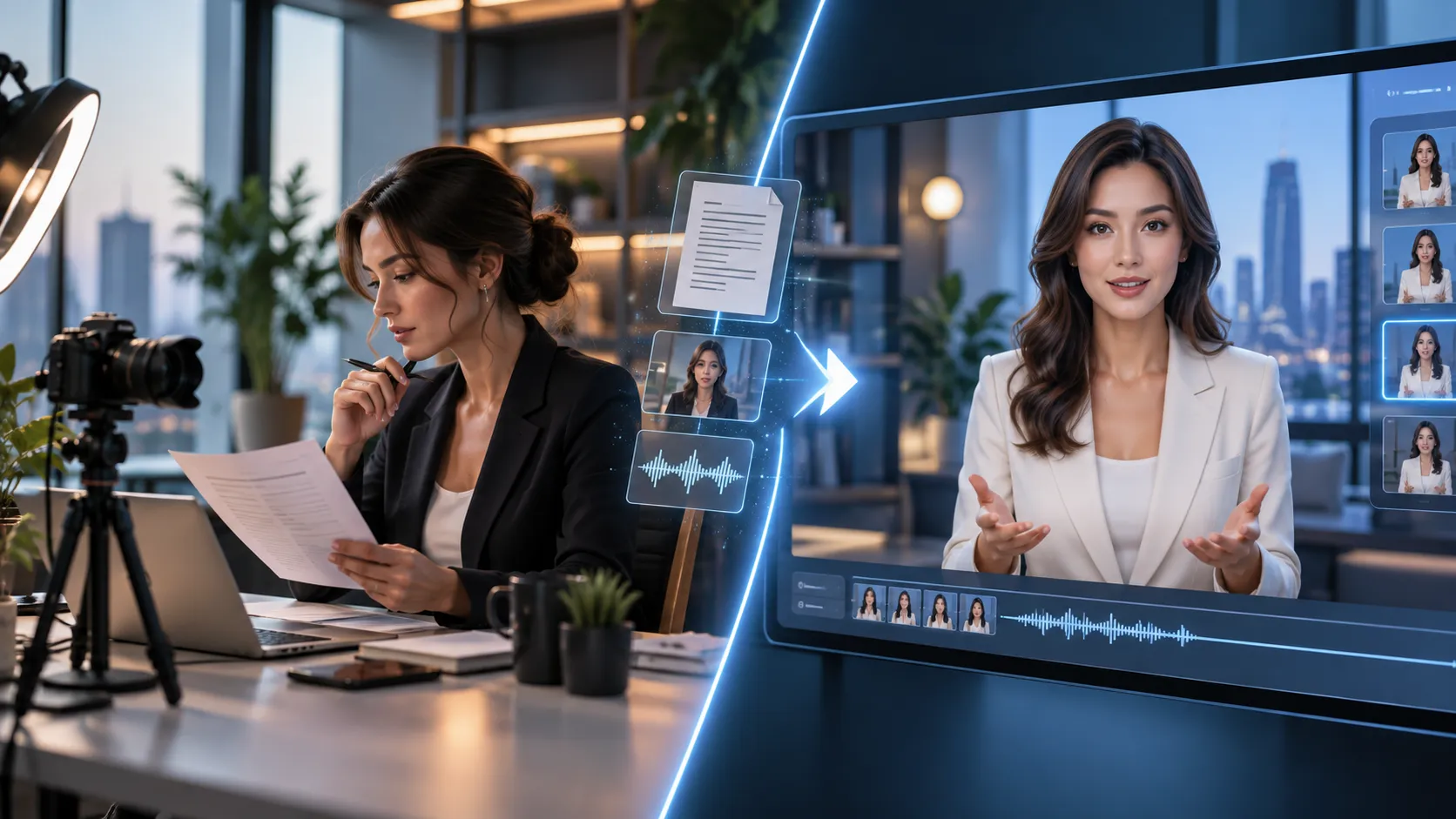
Traditional recording holds value where real human presence underpins trustworthiness; AI avatars merit assessment when material adheres to repetitive scripts lacking the need for immediate physical display.
In What Ways May Enterprises Construct an Artificial Intelligence Speaking Portrait Clip?
An effective process begins with validated material rather than choosing an image:
Step 1: Define the video's purpose
Choose one communication objective.
For instance, one tech firm could require a forty-five-second clip detailing steps for new clients to set up their logins.
The intended outcome is simple: audiences ought to grasp the initial step required to finish.
Step 2: Prepare an approved script
Compose sentences that sound like talk instead of just taking whole blocks straight out of manuals about products.
A sample opening could be: Hello! Prior to investigating your control panel, turn on your profile by clicking the confirmation message sent via email. After logging into the system, you may look over the options within your work area configuration.
Check if the directions align with the present product state.
Step 3: Select the video workflow
Utilize an AI video generator tool to investigate the broader process of making videos and figure out what final configuration choices work best for your specific undertaking.
For avatars, given that they require specific handling, the chosen workflow needs to accommodate the necessary inputs for scripts, voices, and presenters.
Step 4: Generate a short test
Make a short test run before deciding on the full script.
Assess how they speak, their speed, facial movements, and show type. A brief check helps find and fix issues more easily.
Step 5: Review and finalize
Observe the clip within its designed display dimensions, even when accessed via handheld devices if applicable.
Check the captions, look at visual consistency, review terminology, and see if the final message provides clear instructions to viewers.
Just release it once suitable content and brand evaluators have given their approval.
Where Does Xelta Fit Into Business Avatar Creation?
Xelta offers a specific Gen Avatar application designed for creating digital avatar material.
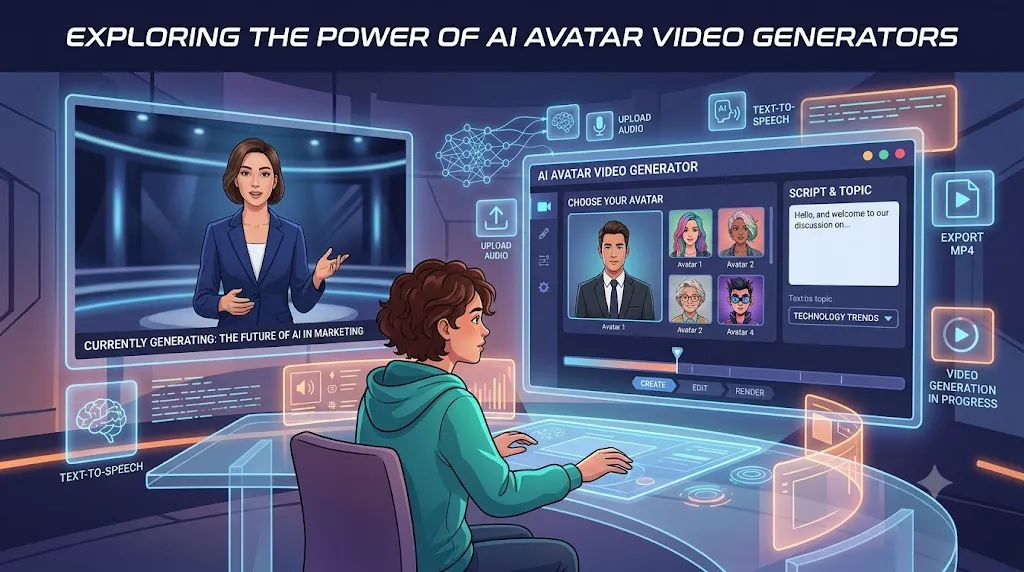
The published process involves uploading an image or picking an avatar, providing a script, choosing voice settings, and generating the output appearance.
For companies, this offers a way to check out speaker-driven talks before setting up a normal recording event.
A useful initial task involves crafting a brief welcome note featuring a single ratified dialogue sequence and one explicitly specified character design.
Check the results before growing them into bigger training units or many versions. Verify current creation prices, existing settings, and leaving rules for the chosen process.
What Commercial Clips Work Best With Synthetic Faces?
Product onboarding: Provide answers regarding account configuration, moving around the dashboard, or typical initial usage inquiries via one steady person.
Internal training: Provide brief teaching notes that staff members may review later on without needing to arrange a face-to-face talk.
Sales explanations: Bring into existence a product or service process flow by utilizing authorized declarations alongside a well-defined communication format.
Customer support: Convert often-asked commands into brief visual guides, particularly if watchers gain value by listening to the stages.
When dealing with delicate messages, individual approvals, or displays needing genuine personal contact, standard capturing might still fit better.

What Mistakes Should Businesses Avoid?
Prioritizing appearance over clarity:
An authentic digital representation fails to remedy unclear directions or a script that runs too long.
Using unverified product claims:
All claims regarding specifications, costs, and stock levels must originate from authorized sources.
Ignoring identity permissions:
Companies ought to secure proper authorization before reproducing an actual individual's image or vocal qualities.
Skipping audio review:
Badly said brand terms and strange breaks may hurt a video that could work well.
Publishing without disclosure:
Determine if the listeners require notification regarding AI generation of the speaker, taking into account the setting and relevant rules.
A written review list assists in making sure such choices happen with regularity.
Final Thoughts
Pick the Workflow, Not Only the Avatar. The top AI avatar video tool for a company is the one matching its real communication demands, editing tasks, and approval steps.
Start with a brief, typical script instead of judging tools solely via promotional demos. Check how precisely every workflow manages audio, image stability, edits, and final output.
To begin practically, build a single brief business explainer using Xelta, check what you get, note down fixes required, then choose if the process works for ongoing creation.
For more practical demonstrations and creative examples, explore Xelta AI on YouTube



