



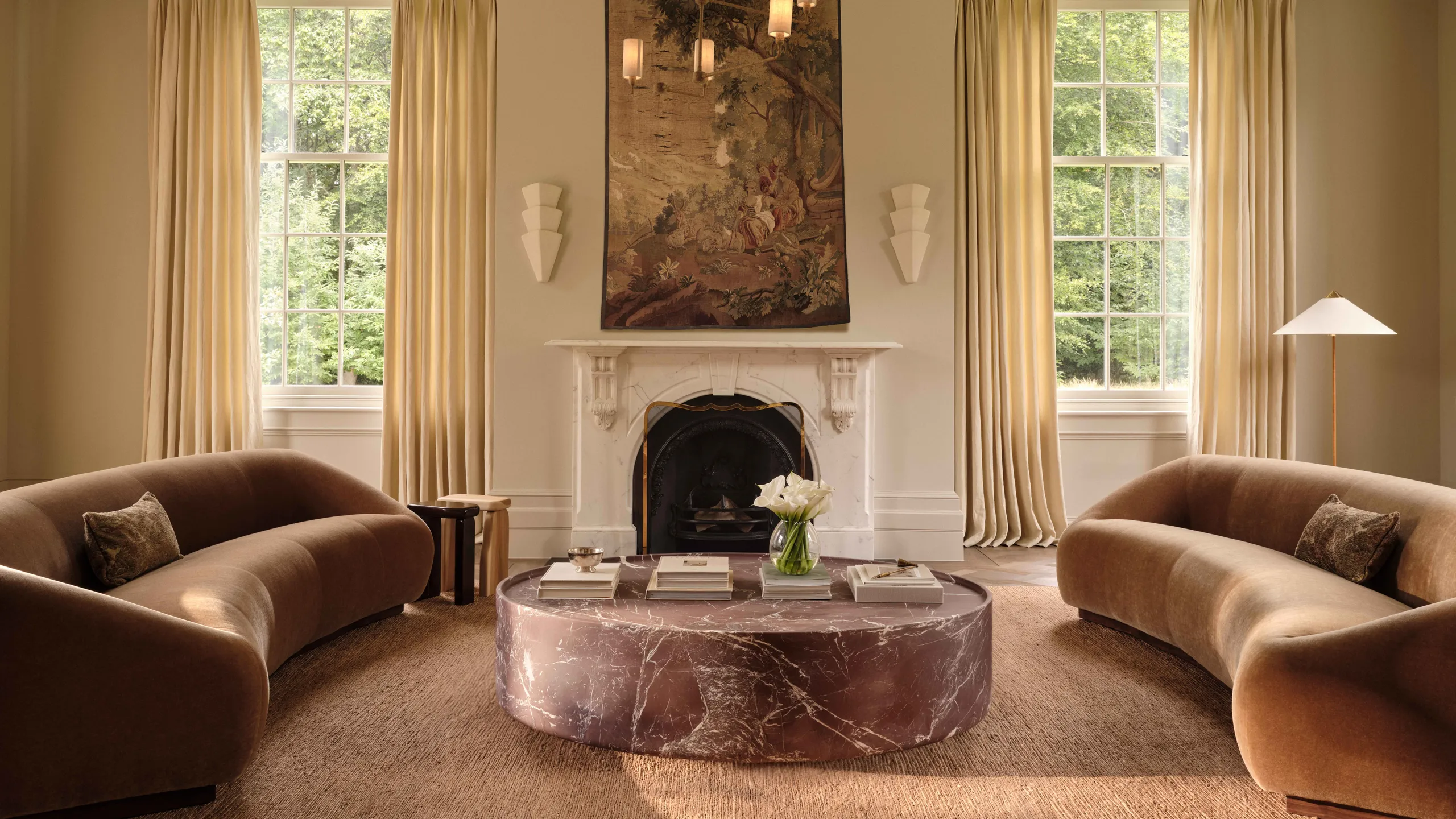
From a Static Room Image to a Moving Visual Experience
A beautiful interior design image can show how a room looks. But a video can show how the space feels.
Imagine turning a single living room render into a smooth cinematic walkthrough. The camera slowly moves across the sofa, natural light enters through the windows, decorative elements come alive, and the viewer gets a more realistic understanding of the space.
This is where an AI video generator from image for interior design becomes valuable.
Instead of spending hours creating keyframes, animations, camera movements, and complex 3D renders, designers and businesses can use AI to transform a static interior image into an engaging video concept.
With tools such as Xelta AI, creators can explore AI-powered video workflows for creating professional visual content from images, prompts, and creative ideas. The platform also combines image, video, cinematic, enhancement, and other AI creative tools in one ecosystem.
Explore more creative possibilities with the Xelta AI Video Generator and explore image-to-video workflows for turning static visuals into dynamic content.
What Is an AI Video Generator from Image?
An AI video generator from image uses artificial intelligence to animate a static image and create a video sequence based on visual information and user instructions.
For interior design, the source image could be:
How Does Image-to-Video AI Work?
1. Upload Your Interior Image
Start with a high-quality image of the interior design concept. A clearer image generally provides better visual information for the AI to interpret.
2. Describe the Motion
You can guide the AI with a prompt such as:
3. Generate the Video
The AI interprets the image and prompt to create a moving visual sequence.
4. Review and Improve
Different generations can be tested to find the most suitable camera movement, mood, and visual style.
5. Use the Video for Marketing or Presentation
The final video can be used for:
Why Interior Designers Are Using AI Video from Images
Interior design is highly visual. Clients often struggle to imagine how a static floor plan or render will feel in real life.
A video can help bridge that gap.
Instead of only showing a final render, designers can present a visual story of the space. For example, a camera may move from the entrance toward the living area, highlighting furniture, lighting, textures, and architectural details.
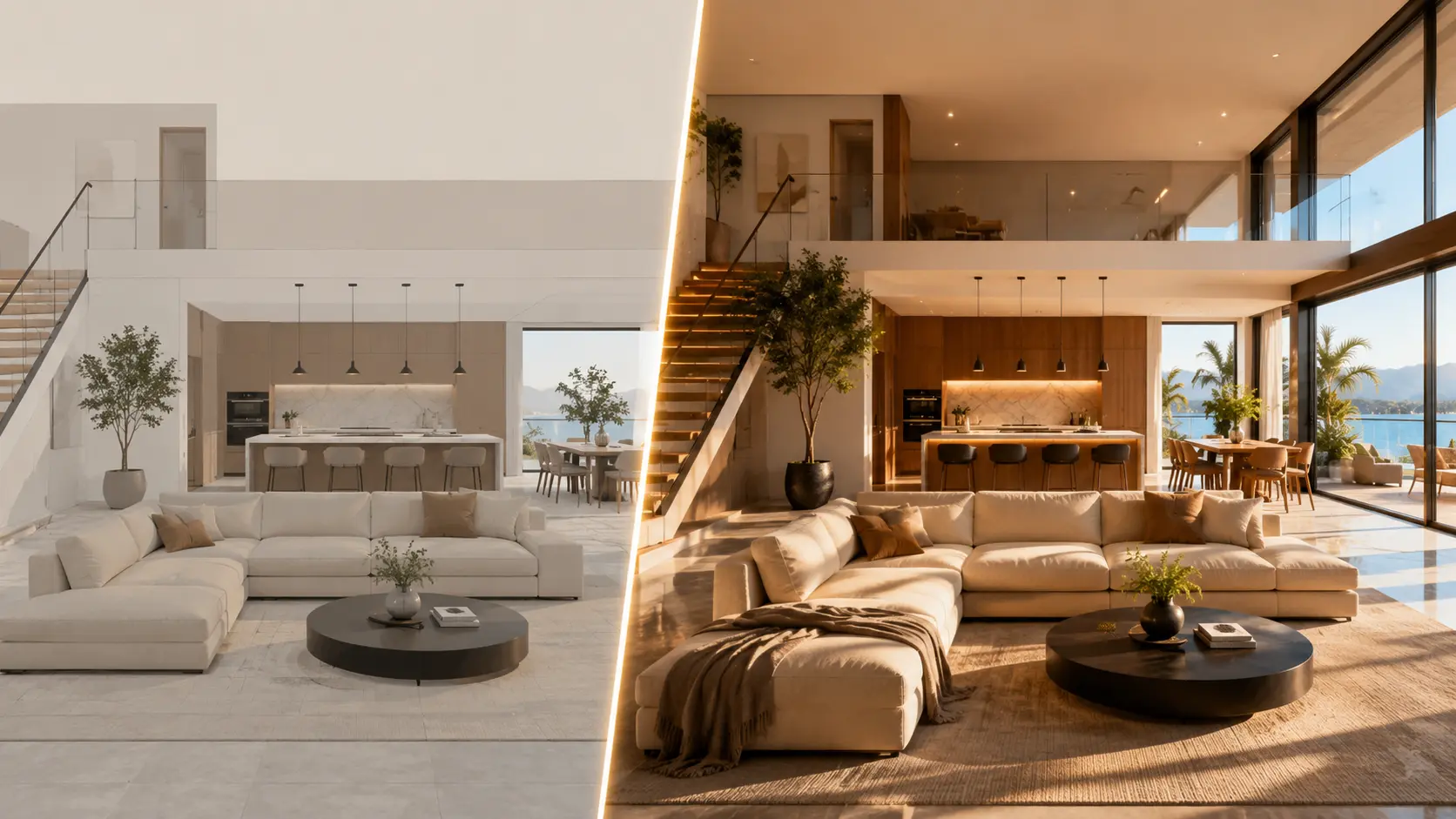
Key Benefits
Faster Design Presentations
Traditional architectural animation can require considerable time and technical expertise.
AI video generation can help create visual concepts much faster, especially when the goal is early-stage presentation, marketing, or creative exploration.
More Engaging Client Proposals
A static image may be impressive, but a moving visual can create stronger engagement.
A designer can show:
Lower Production Costs
Professional 3D animation can involve expensive software, rendering resources, and specialist skills.
AI tools can reduce the complexity involved in creating short concept videos.
Better Social Media Content
Interior design businesses need regular content for social media.
A single image can potentially become multiple content formats:
Creative Experimentation
AI allows designers to test different visual directions quickly.
For example:
Real Examples: How to Use AI Video Generator from Image for Interior Design
Example 1: Modern Living Room
input: A static 3D render of a modern living room. prompt: Create a slow cinematic camera movement through the living room. Highlight the contemporary sofa, textured wall, wooden flooring, and warm ambient lighting. Maintain the original interior design. bestFor: Portfolio presentations and Instagram Reels.
Example 2: Luxury Bedroom
input: A luxury bedroom visualization. prompt: Create a smooth cinematic push-in toward the bed with soft morning sunlight, elegant curtains, realistic shadows, and a premium luxury interior atmosphere. bestFor: Luxury interior designers and real estate developers.
Example 3: Modular Kitchen
input: A modern modular kitchen image. prompt: Generate a professional interior design showcase video with a smooth camera pan across the kitchen cabinets, island counter, lighting, and appliances. bestFor: Kitchen designers and home improvement brands.
Example 4: Commercial Office
input: A modern office interior render. prompt: Create a professional architectural walkthrough showing the workspace, meeting area, lighting, and modern office layout with smooth camera movement. bestFor: Commercial real estate and architecture firms.
AI Video Generator vs Traditional Interior Animation
| Feature | AI Image-to-Video | Traditional 3D Animation |
|---|---|---|
| Speed | Fast concept generation | Usually longer production time |
| Technical Skill | Beginner-friendly workflows | Requires specialized skills |
| Cost | Often more accessible | Can require expensive software and production |
| Creative Testing | Easy to experiment | More time-consuming |
| Best For | Social content, concepts, presentations | Detailed professional architectural visualization |
| Workflow | Image + prompt | 3D modeling + rigging + animation + rendering |
Important Expert Advice
AI video generation is not necessarily a complete replacement for professional architectural visualization in every project.
For high-stakes construction documentation, engineering presentations, or highly precise architectural walkthroughs, traditional 3D workflows may still be more appropriate.
However, for marketing, early-stage concepts, social media, creative presentations, and visual storytelling, AI image-to-video tools can significantly improve speed and creative flexibility.
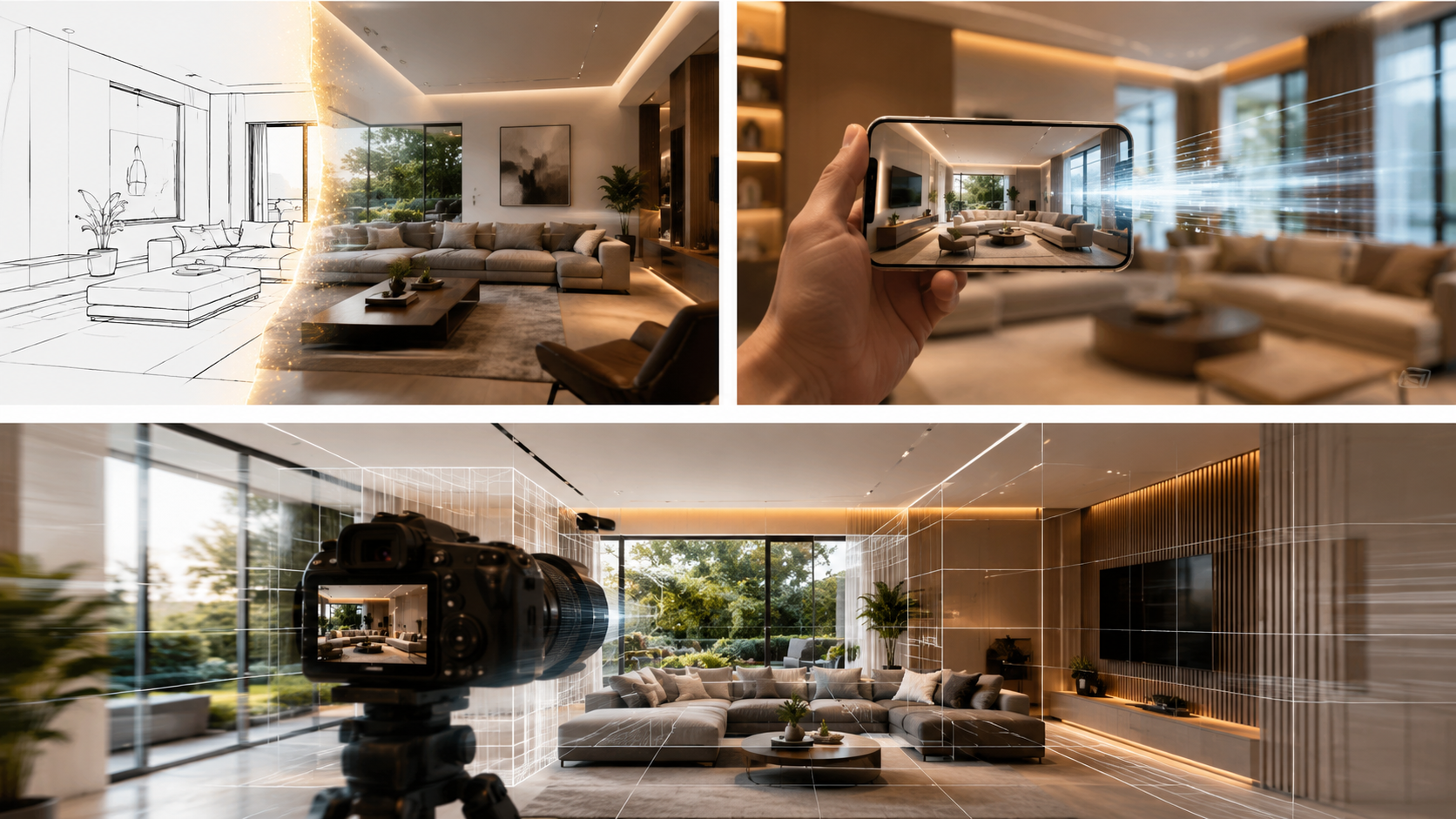
What Makes Xelta AI Different?
Xelta AI is designed as a broader AI creative ecosystem rather than focusing only on one type of generation.
Its AI creative tools can support workflows involving:
Xelta AI USP
Instead of moving between multiple platforms for different creative tasks, users can explore an ai home design environment for creating and enhancing visual content.
For an interior designer, a potential workflow could be:
Interior Design Concept → AI Image → Image-to-Video → Video Enhancement → Cinematic Audio → Social Media Content
This can make the creative process more organized and efficient.
You can also explore the AI Cinematic Video Generator for cinematic visual creation and enhancement workflows.
How to Choose the Best AI Video Generator from Image
Image Quality
The tool should be capable of producing visually clear and professional outputs.
Motion Quality
The camera movement should appear smooth and natural rather than distracting or unrealistic.
Prompt Control
Good prompt control allows users to specify:
Output Quality
Check whether the platform supports the quality and formats required for your work.
Ease of Use
A complex interface can slow down the creative process. Beginners should look for a simple workflow.
Additional Creative Tools
An integrated platform can be more useful when it offers additional tools for images, video enhancement, audio, and content creation.
Expert Advice: How to Create Better Interior Design AI Videos
Use High-Quality Source Images
A sharp and well-composed image gives the AI more visual information to work with.
Keep Motion Instructions Clear
Instead of writing a long and confusing prompt, describe the movement clearly.
Better Prompt:
Avoid Excessive Movement
Interior design videos usually look better with controlled camera movement.
Fast or dramatic movement can make the design difficult to appreciate.
Focus on One Visual Story
A short video should have one clear purpose.
Generate Multiple Versions
AI video generation is creative and iterative. Try different prompts and camera movements to find the strongest result.
Final Verdict: Is an AI Video Generator from Image Worth Using for Interior Design?
For interior designers, architects, real estate professionals, and creative marketers, an AI video generator from image can be a powerful addition to the visual content workflow.
It can help transform static images into engaging visual experiences, create social media content faster, improve client presentations, and explore design concepts more creatively.
The most effective approach is not to treat AI as a replacement for design expertise. Instead, use it as a creative accelerator.
Your design vision, source image, prompt, and creative direction remain important. AI helps bring that vision into motion.
With a platform such as Xelta AI, creators can explore image, video, cinematic, enhancement, and other AI-powered workflows within a broader creative ecosystem.
Ready to transform static visuals into dynamic video experiences? Explore Xelta AI and start creating.



