Key Takeaways
- You have a photo of your product and a concept, but no money for a video shoot.
- You can create AI videos for free by using a text-to-video or image-to-video generator, depending on your needs and available credits.
- The offer “free” means that a person registering on the site receives 30 credits, but the cost of the video depends on the selected model and settings.
- Text-to-video offers freedom for imagined scenes, but less control over a real product.
Table of Contents
- 1.How to Create AI Videos for Free
- 2.Quick Answer
- 3.Is AI Video Creation Actually Free in 2026?
- 4.Should You Start With Text or a Photograph?
- 5.How Do You Make Your First AI Video?
- 6.What Does a Useful Video Prompt Look Like?
- 7.How Can You Avoid Wasting Free Credits?
- 8.What Needs Fixing Before You Share the Clip?
- 9.Final Thoughts
How to Create AI Videos for Free
You have a photo of your product and a concept, but no money for a video shoot. The request to make a professional video does not allow much control over the result. To make an AI video for free, it is necessary to make a few steps to create one and check the cost before the final generation. Xelta AI provides an option to create videos, but they are not available for free in all settings.
The service allows the creation of an AI video for free from textual descriptions or images. It involves choosing the desired elements, setting the format, creating a short video, and examining the result before adding captions and publishing. Xelta offers new users 30 introductory credits, but making a video may be expensive depending on the size and detail of the image, so it is important to look at the price before using the trial credits.
Quick Answer
You can create AI videos for free by using a text-to-video or image-to-video generator, depending on your needs and available credits. Start with a clear prompt or a high quality reference image, choose the desired video format and motion, and check the generation cost before rendering. Xelta AI offers 30 introductory credits to new users, but the cost of each video depends on the selected model and settings. Review the finished clip for visual consistency, movement, captions, and usage rights before publishing. Planning your first video carefully can help reduce unnecessary generations and make limited credits go further.
Is AI Video Creation Actually Free in 2026?
The offer “free” means that a person registering on the site receives 30 credits, but the cost of the video depends on the selected model and settings. This, in turn, means that credits are not a guarantee that a person will be able to create a video without paying any fees.
In addition, it should be borne in mind that the cost of the video depends on the selected settings, duration, resolution, audio quality, and export restrictions. Thus, the offer to pay for a product with the currency provided after free registration does not exclude the payment of other fees.
Should You Start With Text or a Photograph?
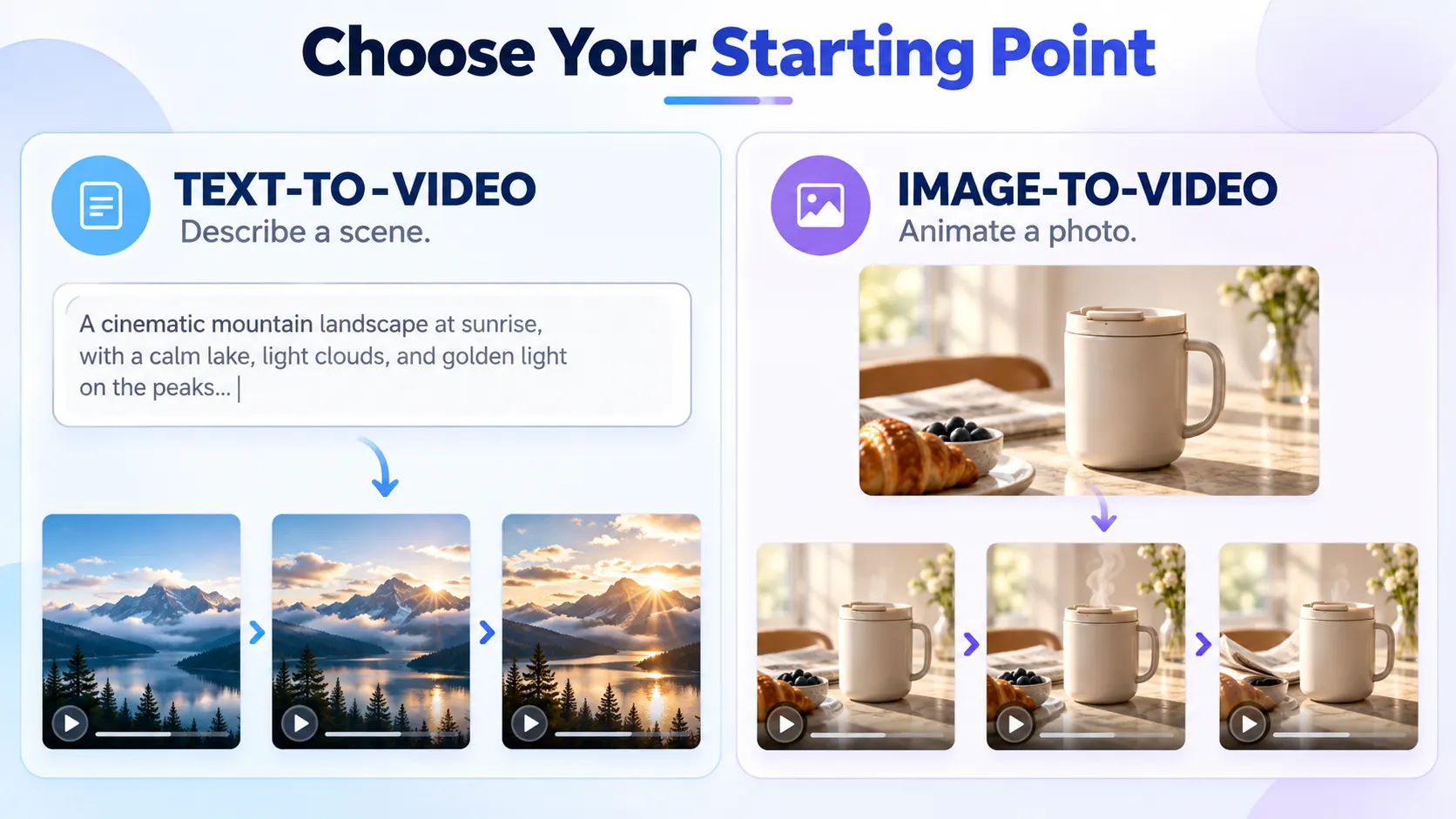
Text-to-video offers freedom for imagined scenes, but less control over a real product.
| Starting material | Better for | Watch out for |
|---|---|---|
| Text prompt | Inventing a scene | Subject changing between frames |
| Reference image | Animating an existing visual | Distorted logos, edges or proportions |
For a real product, an approved reference photo gives you something concrete to compare against.
How Do You Make Your First AI Video?
Open Xelta'sAI video generator, which supports text-to-video and image-to-video workflows. Plan the shot before choosing a model.
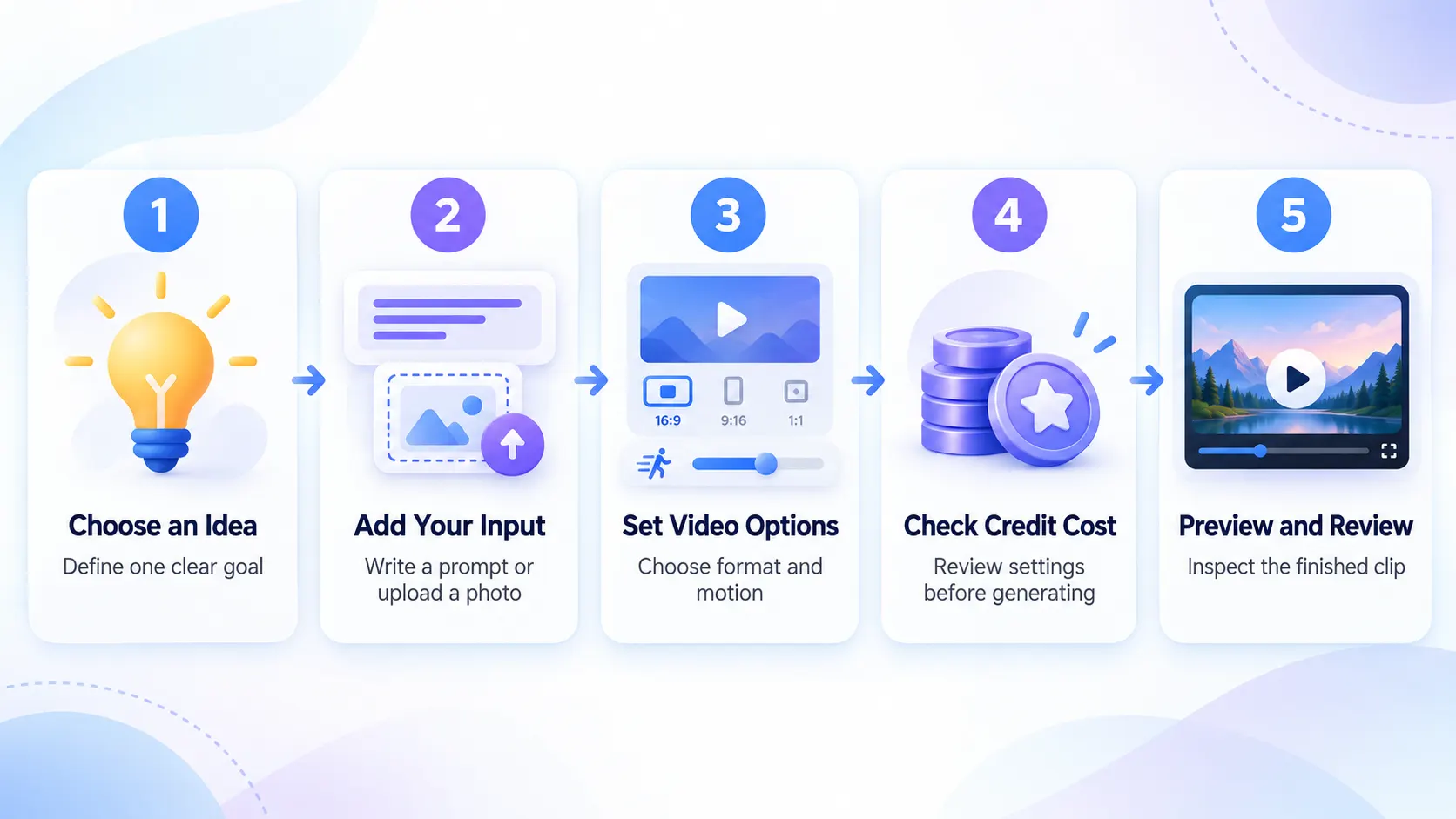
- Choose one purpose. A bakery reel could show a cinnamon roll, not a menu tour and staff introduction too.
- Prepare the input. Upload a clean photo or describe a clear subject and setting. Keep reference images free of unnecessary labels.
- Specify motion. Choose one camera move; avoid unnecessary cuts.
- Select settings. Use vertical 9:16 for a Reel, if supported by your chosen model. Leave room near the top and bottom for platform controls. Check duration, resolution and credit cost.
- Generate only when ready. Save the prompt and settings so you know what to correct if the result fails.
- Inspect the clip. Check product shape, movement and the final frame.
What Does a Useful Video Prompt Look Like?
For the reel of hypothetical bakery product, try something like this:
Use the provided photo of the cinnamon roll on the ceramic plate. Make a single take, push the camera in slowly, so that the product's form, icing pattern and plate are not changing throughout the take. Soft morning light coming from the window; keep the background blurred. Avoid any hands, lettering changes, sudden camera movements or transitions.
This way you separate the changing product (icing slowly spreading over the plate, rolling changing its shape) from the fixed elements. You can later overlay the price or shop name on the video with your own text if the product is suitable.
How Can You Avoid Wasting Free Credits?
Specify the subject, movement, and framing before clicking Generate. Instead of getting the most advanced plan compare the prices
On Xelta's pricing page you can see the available plans and credits. If the rendering that is ordered will be more expensive than the free credits on the account that you want to render it on, you won't be able to complete the render using those credits. Be sure to check the price of the model you selected before buying the most expensive plan, a cheaper one may be enough.
What Needs Fixing Before You Share the Clip?
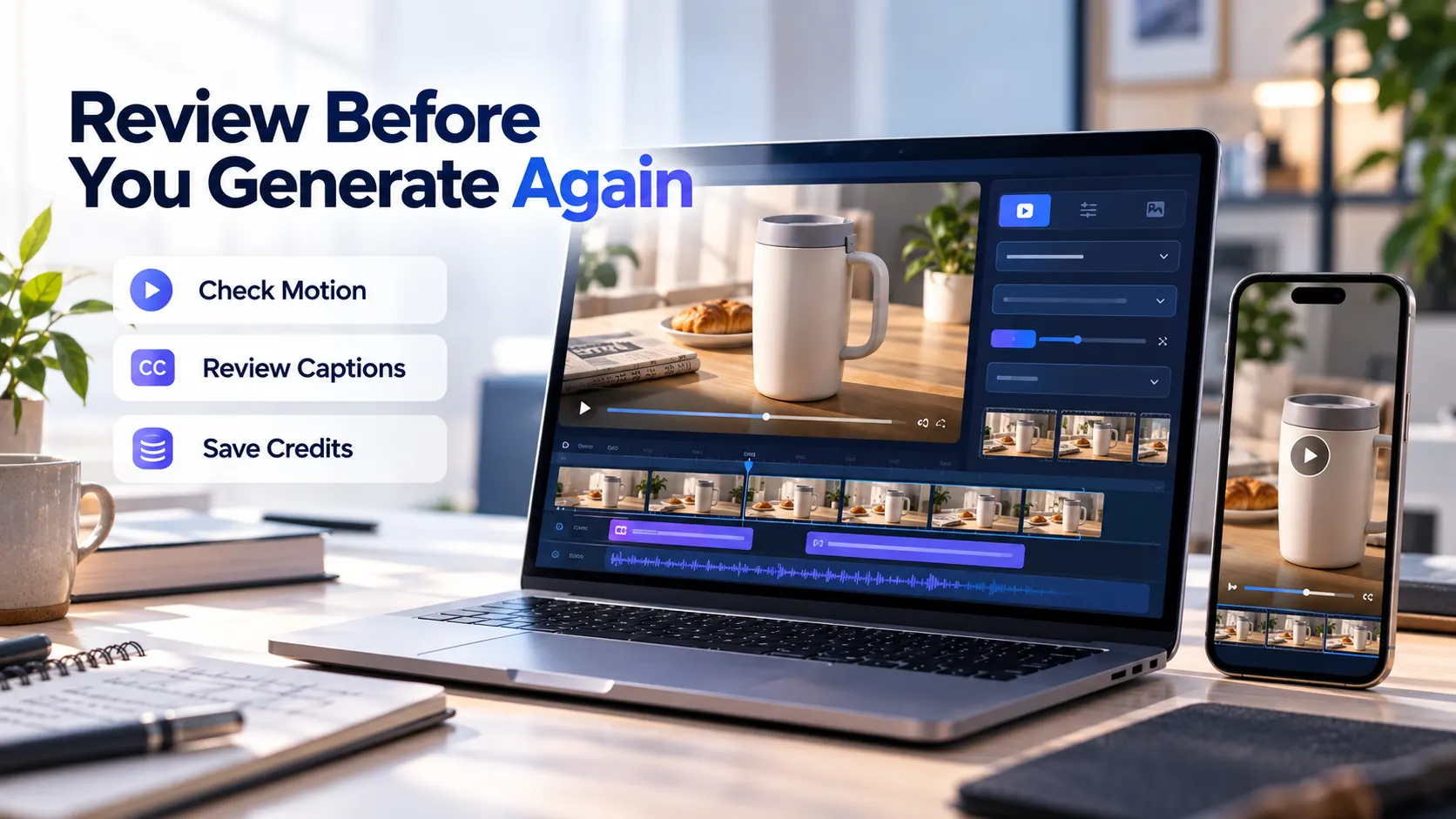
Watch the video at full size and on your phone to make sure all the logos, the objects' movements and the characters' facial expressions are all perfect. Edit the caption timings in the editor. All text elements (captions, labels) should be added as editable text, not through auto generated spellings.
If you see that everything is correct in the scene, but the caption's timing is wrong, edit it in the editor. Do not regenerate assets if the subject or primary motion is wrong. Simply edit the text text if you see a spelling mistake in a café's name and do not spend money on regenerating expensive animations. Make sure to clear music rights, commercial clearances and export requirements before publishing.
Final Thoughts
The first successful AI video does not need three scenes, transitions, or a dramatic soundtrack: it is all about the concept, realistic movements and a subject that is not changed during the process of generation. This is especially important for limited free credits: every unnecessary experiment may eat up the budget for a meaningful attempt.
Start with a still image you can trust, outline the exact movement and preview the one’s credit cost. If your budget allows for a render, compare the first result to the initial concept, not the polished samples. Keep the version that conveys the idea clearly and spend the rest of the budget on captioning and timing. Only then you can think of spending more credits on the next iteration.
For official video demonstrations and ideas, exploreXelta AI on YouTube.