


Key Takeaways
- Free AI video tools are useful for experimentation, but often have limits on credits, models, exports and commercial usage.
- Runway offers 125 one time free credits, while Pika's current Free plan provides no recurring monthly credits.
- Xelta offers 30 introductory credits, with additional paid credits and monthly packages available.
- Watermark free exports do not automatically include commercial usage rights.
- Choosing the right AI video model can improve motion, visual consistency and output quality, but may increase generation costs.
- The real cost of an AI video includes retries, rejected clips, editing time and final exports, not just generation credits.
- Test tools using real reference images and revision requests before committing to a paid plan.
- Choose a platform based on repeatable results, export quality and workflow needs rather than its free plan label.
Table of Contents
- 1.Features, Costs and Limits
- 2.Quick Answer
- 3.What Do You Actually Lose With a Free Video Tool?
- 4.How Do Runway, Pika, CapCut and Xelta Compare?
- 5.Which Tasks Can You Keep Free?
- 6.When Does Model Choice Become Worth Paying For?
- 7.How Do You Measure the Real Cost of "Free"?
- 8.What About Watermarks and Commercial Rights?
- 9.When Is Xelta Worth Choosing, and When Isn't It?
- 10.Final Thoughts
Features, Costs and Limits
You get some pretty impressive 5 seconds of free AI video. But then your client wants a new version, a clean export and product matching video by Friday.
The real issue isn’t that you can get started for nothing with Xelta vs AI video free tools. It’s after your first successful experiment.
Quick Answer
The free options are great for experimentation and can teach you the fundamentals of motion. However, there are differences between each platform in terms of how much you can get for free, model availability, watermarks and whether you can use them commercially. Runway has a limited one off credit offer. Pika's Free tier currently doesn't include any recurring credits. Xelta have an entry level offer with credits plus paid production options. It's best to compare what you can export for free rather than the free plan titles to see which is the cheapest.
What Do You Actually Lose With a Free Video Tool?
Not always. While you’ll get a great shot using the free tier, the pro version may still have issues with hands, text and camera motion. You may also find that you cannot recreate the shot.
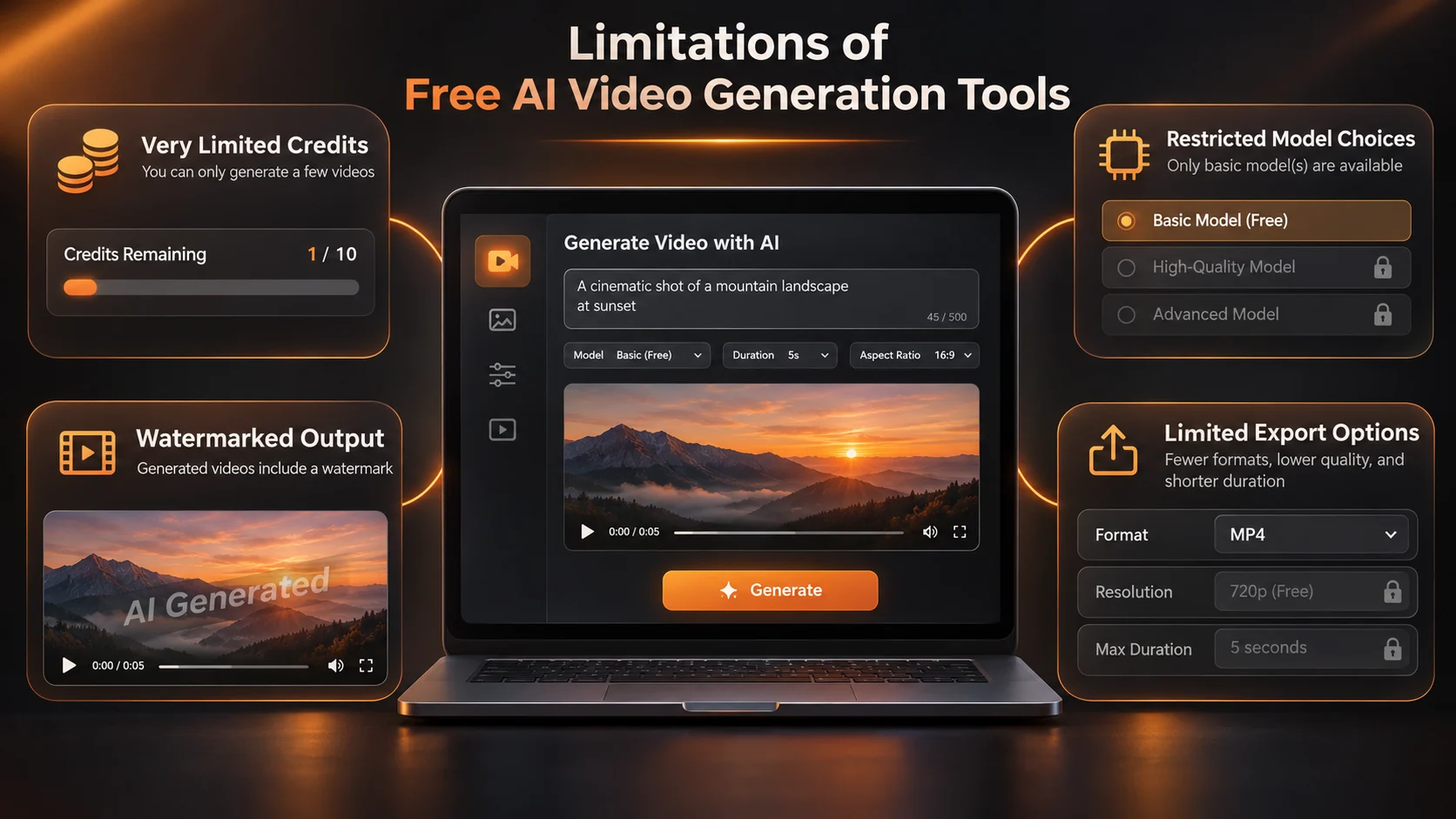
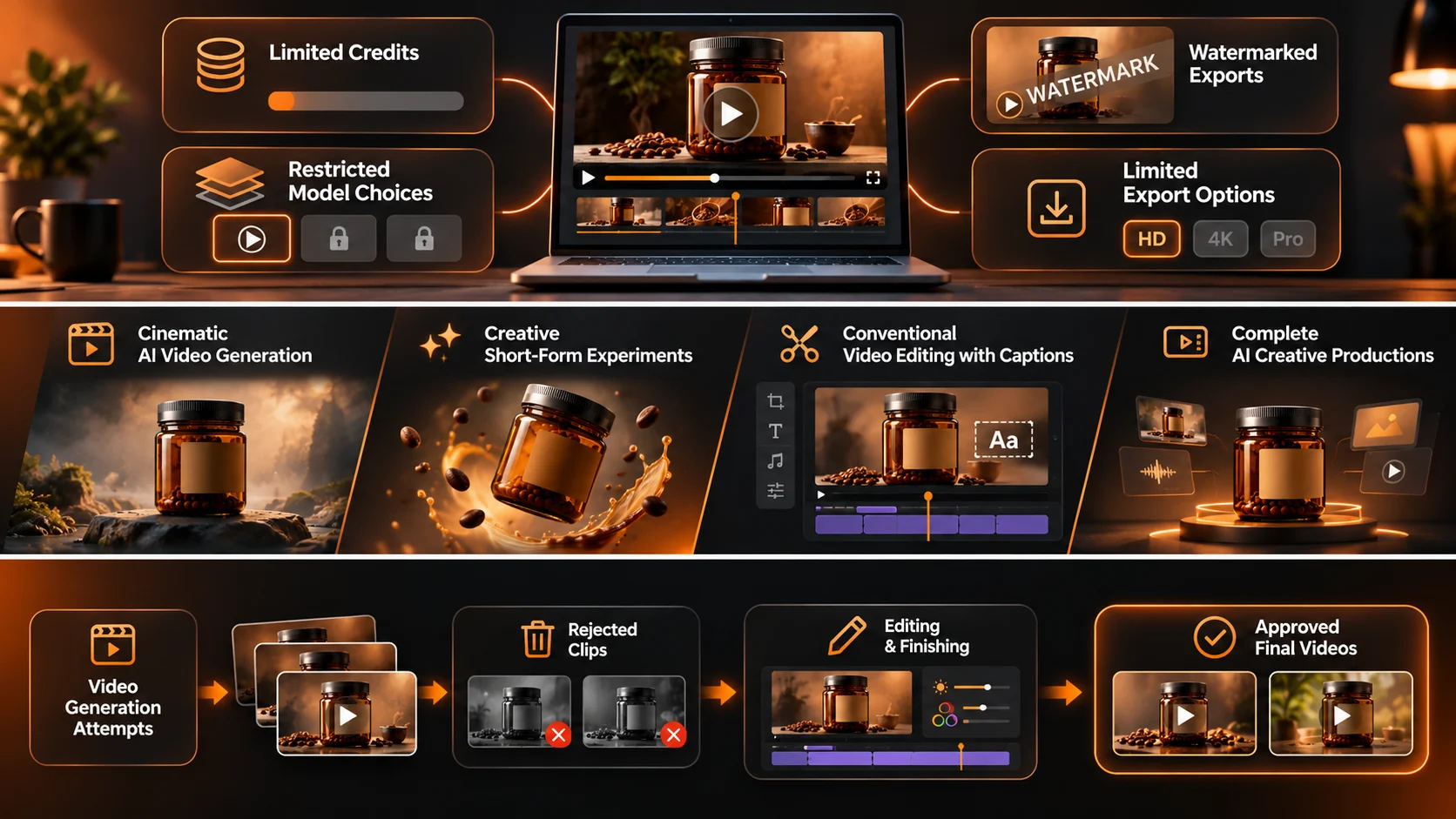
You may find limitations around how many assets you can generate, what models you can use, and the quality of your final export, or whether you can use the clip for client advertising.
Some services will have watermarks while others won’t. Check the terms of your plan.
The main thing is that you may only be able to create an interesting clip, rather than 6 approved assets in multiple formats.
How Do Runway, Pika, CapCut and Xelta Compare?
| Platform | What the entry level offer provides | Main limitation to check |
|---|---|---|
| Runway | 125 one time Free credits with access to selected tools | Free videos carry a watermark; credits do not refresh |
| Pika | Free account with access to credit pack purchases | Current Free plan grants zero monthly credits and excludes a commercial licence |
| CapCut | Free editing tools and some trial or credit based AI video access | Generative credits and clean export conditions depend on the workflow |
| Xelta | 30 introductory credits after registration; paid credits and plans available | Actual video costs depend on model, duration, and settings |
These are provider published terms, not a hands on ranking.
Pika is a useful reminder that free to join does not necessarily mean free generations every month. Conversely, a watermark free option does not automatically include rights for paid campaigns.
Which Tasks Can You Keep Free?
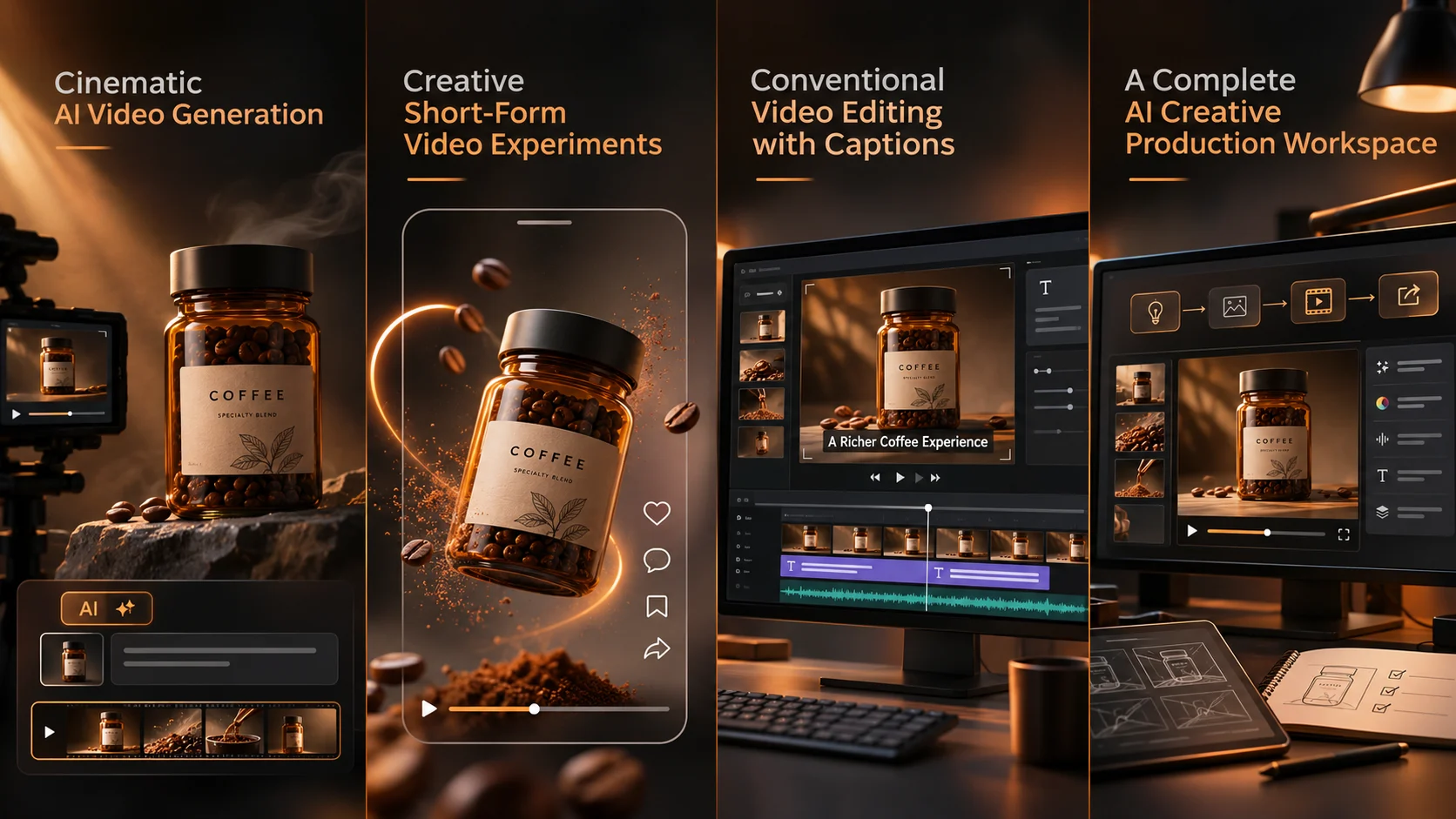
Let's say you're a small Coffee brand wanting to create an animated steam shot for your mood board, product film and vertical ad. You want this to be looped and have realistic packaging.
Mood board would be best to go with a free trial. As this should just show the light and mood of the scene.
However, for your final ad, you will want realistic elements on your jar. This means the label, ingredients and colours need to be accurate. An attractive animation with fake text won't help.
A creative production workspace may be helpful when the same project needs images, video, and finishing tools.
However, if you have great footage and just need to cut and add captions, a standard free editor could be cheaper.
When Does Model Choice Become Worth Paying For?
Different models will give different results. Some may be very similar to your reference image. Others may have more dynamic movement but will alter the proportions of the object.
Some will produce sound, whilst others need an additional audio file.
The text and image to video feature allows you to choose from available models and settings.
This can be helpful if you aren’t getting the desired results from your initial attempt however this isn’t always the case and may cause you to use more credits.
Try running a short prompt using two appropriate models if you’re able to.
Animate the approved amber coffee jar. Keep the jar still and slowly zoom in. Keep the text on the jar, lid colour and proportions. Soft morning lighting, one take. No new items or text.
Make sure the jar remains the same shape throughout. Keep the clip that keeps the product but if possible keep the more cinematic version.
How Do You Measure the Real Cost of "Free"?
Consider the overall cost of the service based on how many takes are created, how many rejected clips there are, editing, exporting and rights.
If your team requires 4 approved takes and your hypothetical clip approval rate is 1 in 3.
You will need to render 12 times to get your final video together which could be over your free limit.
Whilst there may be some value in paying for a service that reduces people on the team or gives you the right to export, this doesn’t necessarily mean that it is more cost effective. You can work out a simple formula.
Cost per approved clip = Overall Generation + Finishing Cost / Number of Approved Clips.
You can add staff costs to give you a better idea of the overall economics of producing your product.
Don’t use hypothetical approval rates as a benchmark for your products.
What About Watermarks and Commercial Rights?
Free plan videos will have a watermark added. With Pika you can currently export without a watermark under the Free plan, but there is no commercial license.
Your exports will be clean if they are using assets and features which don’t add watermarks. For client projects make sure you know what exporting options you can do based on your plan.
Check that you have the correct rights to use your uploaded images, voice recordings, music and any identifiable individuals. Just because you have paid for an AI tool doesn’t mean you can use someone else’s assets.
A commercial ready video is not simply one without a logo. It should contain accurate product claims, a workable resolution and an approved final cut.
When Is Xelta Worth Choosing, and When Isn't It?
If you make varying types of video regularly, want to try different models all in one place, or need to have side by side editing then it might be worth looking into.
However if you’re an individual creator and only making some videos for personal experimentation and can work with a completely free limit then it may not be needed.
There are 30 free starter credits available to new accounts however this does not guarantee you will be able to export a full length video for free. Every generation shows how much credits will cost.
The official website has pay as you go packages and monthly packages.
Look at how many you will likely need to generate based on your current credits and package.
Start small to begin with.
Final Thoughts
You can get a lot out of free tools. If you're making a personal reel, or quick visual experiment or one off concept you might not need anything else. If the platform you're using has more models there's no need to pay.
Here are a few considerations:
How many revisions can you afford? What can you export? Can your team deliver the project without having to re-shoot everything? Whilst Xelta is a great option to consider for these factors you may find a niche free tool better suits your needs.
Try running through a challenging brief. Look at each frame and work out what it'll cost per approved output. Pick the tool that will make your next revision easy!
For more examples of creative video workflows, explore official video tutorials.