Image
Video
Audio
3D
Photo Lab
SI
Bankai
Microdrama
MCP
Cinematic Studio
Outfit Tryon
Merchant Ads
AI Influencer
Canvas Pro
Ad Studio
Flows
SocialVerse
Xelta Cut
Enterprise
Resources
Developer
Pricing
AI Tools - Xelta
Turn any photo into
pencil sketches
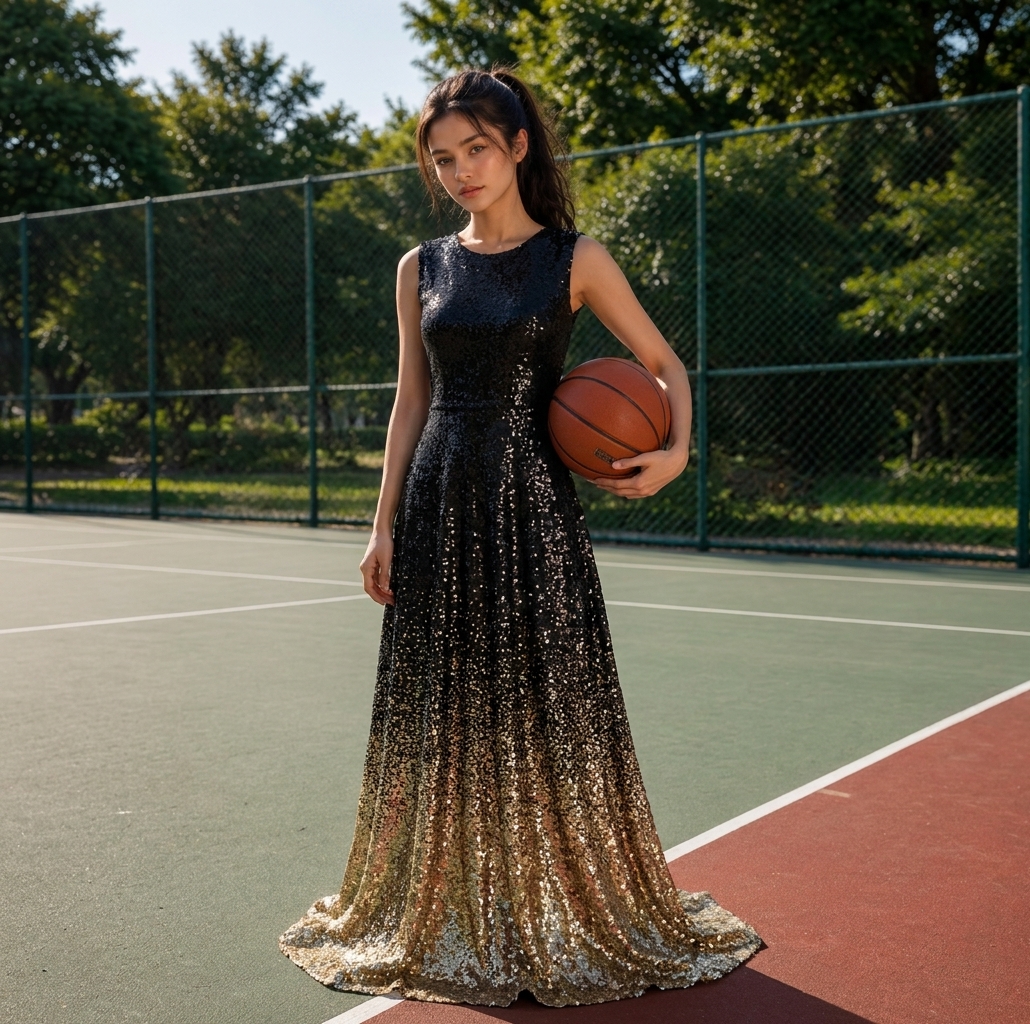
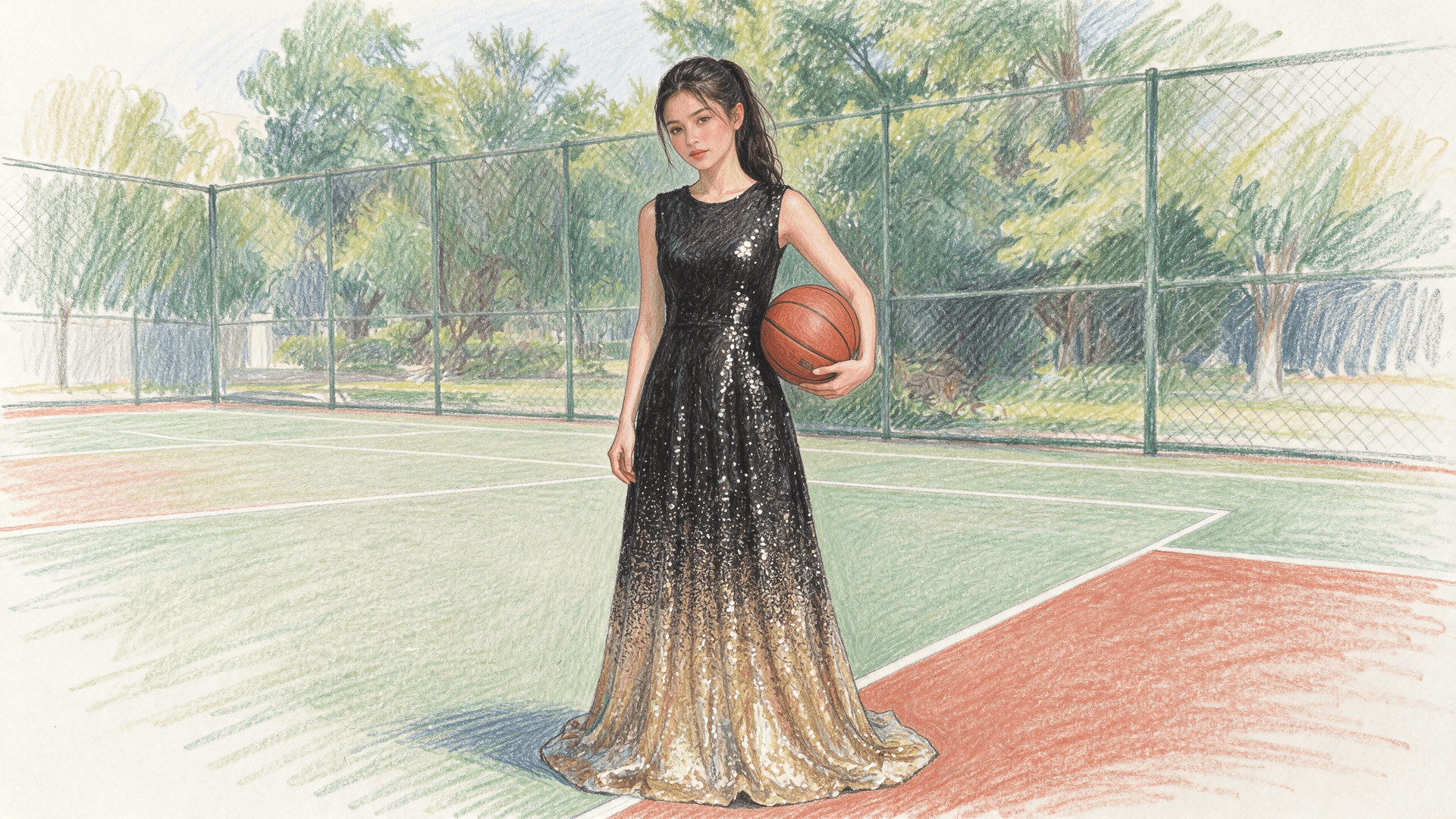
Upload a photo and get a colored pencil sketch of it instantly.
Try Image to Sketch
Original Photo
Pencil Sketch
Frequently
asked questions
What is Image to Sketch?
Image to Sketch uses AI to redraw any photo as a colored pencil sketch, keeping the same subject, pose, clothing and background.
Do I need to write a prompt?
No. Just upload a photo and tap Generate. The sketch style is applied automatically.
Which image formats are supported?
PNG, JPEG and WebP images up to 10 MB are supported.
How many credits does it cost?
Image to Sketch uses a flat per-image credit cost, shown on the Generate button before you start.
Where can I find my sketches later?
Every sketch is saved in your Dashboard History under Image To Sketch.
Image To Sketch
Sketch To Image
Image To Sketch
Upload Image
Draw Canvas
Source Image
*
Change Image
AI content not supported
AI Prompt
Aspect Ratio
16:9
Generate
0
Generate Frames
Download
Share
Post to Community