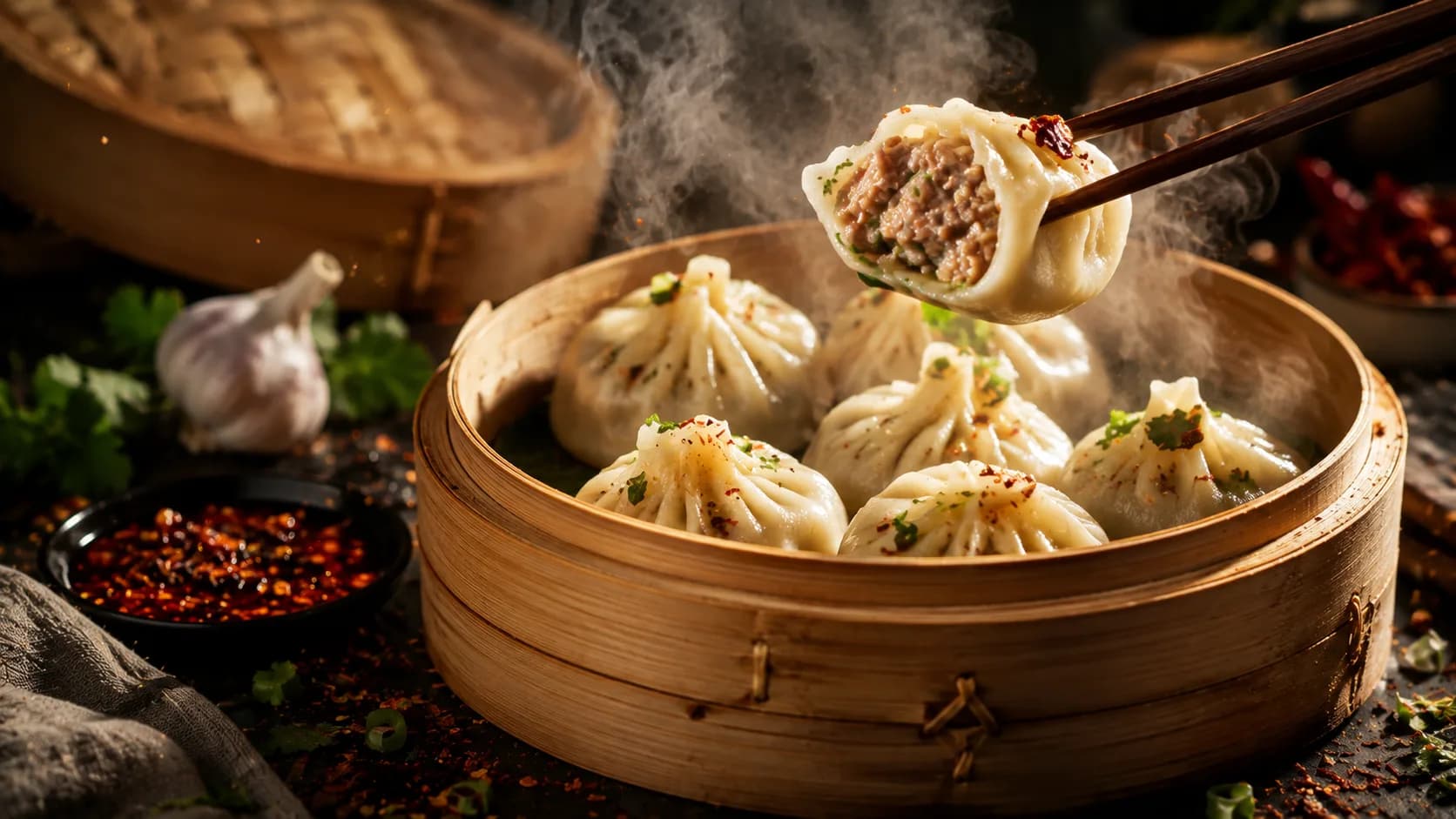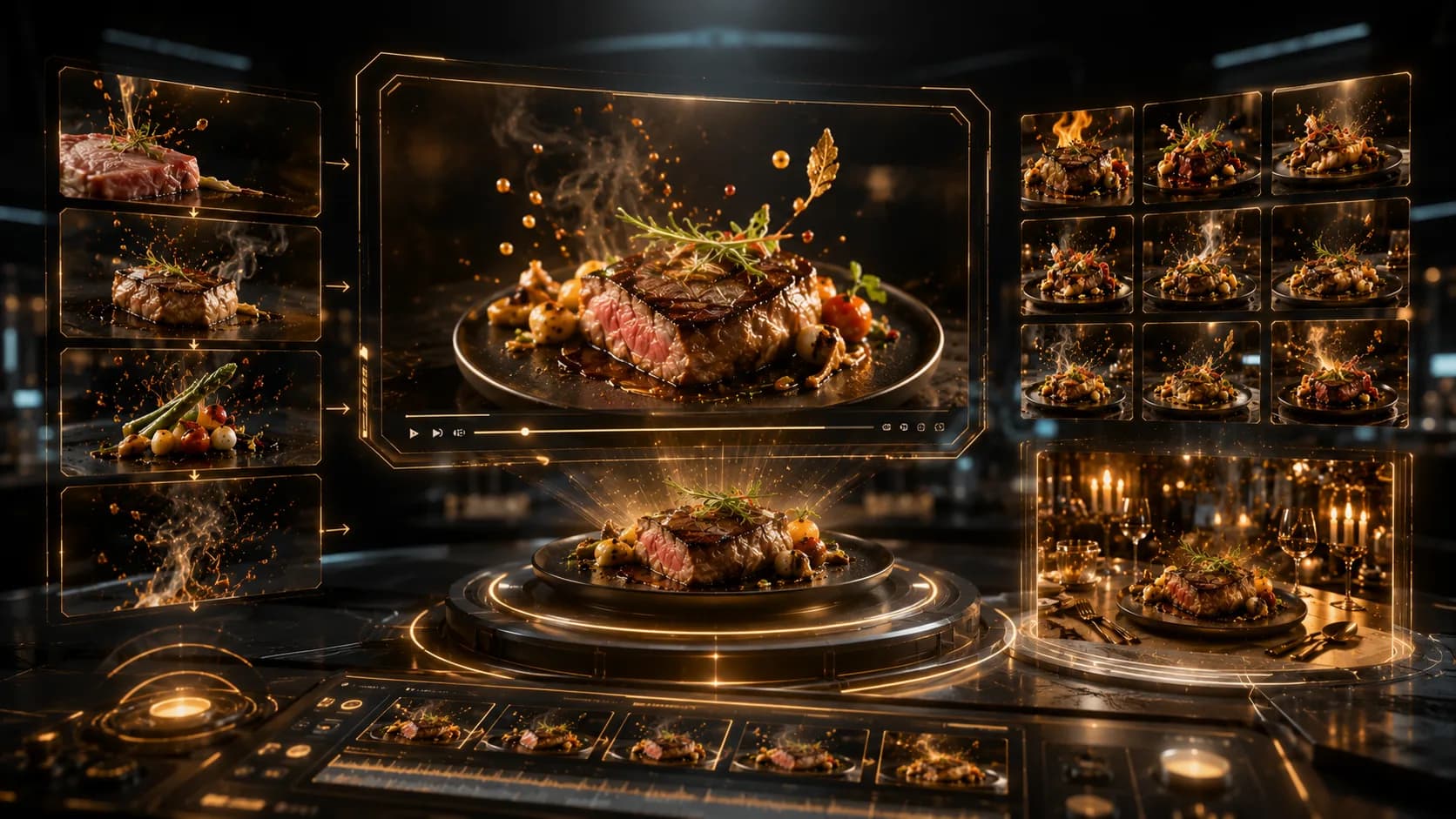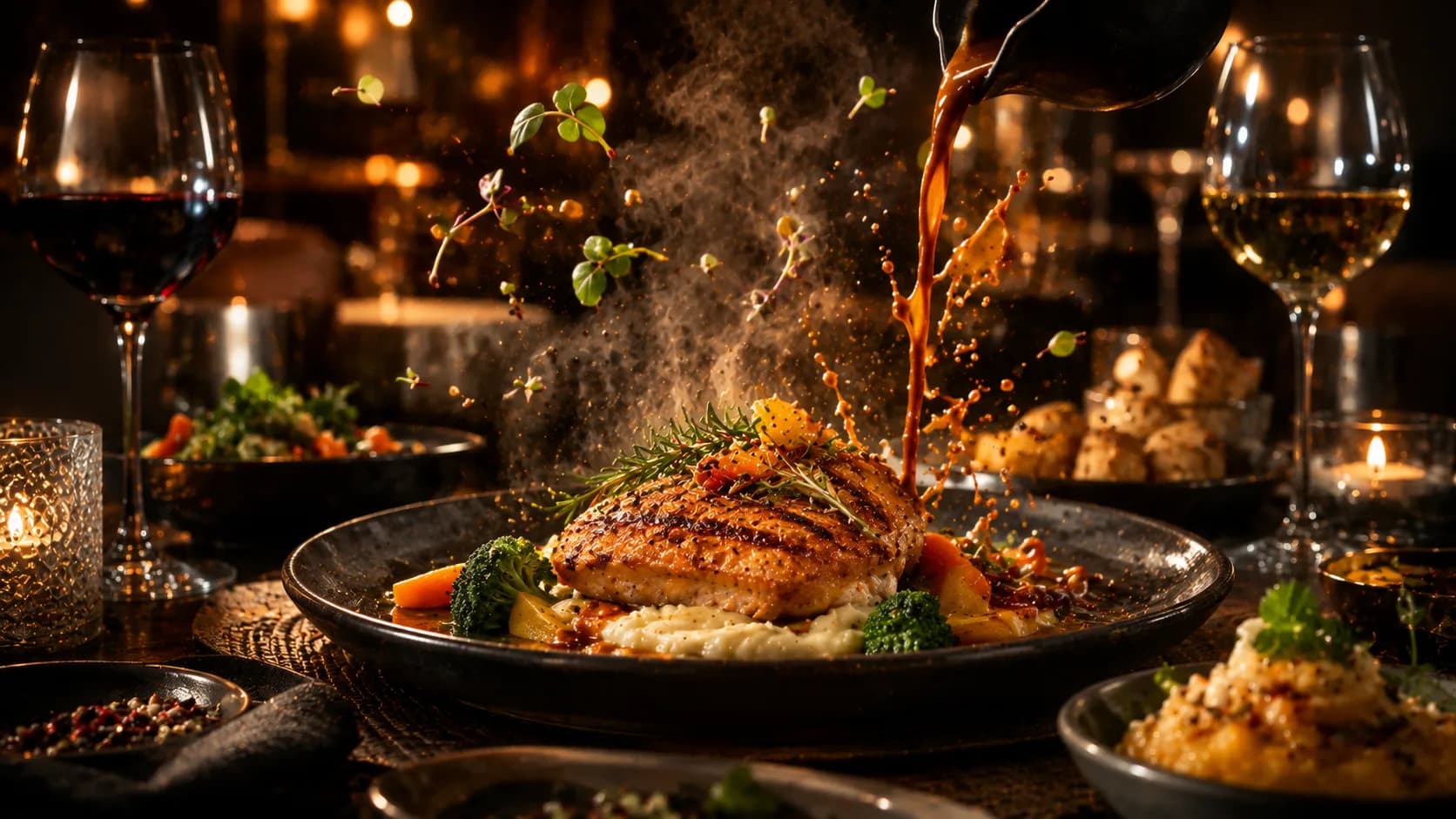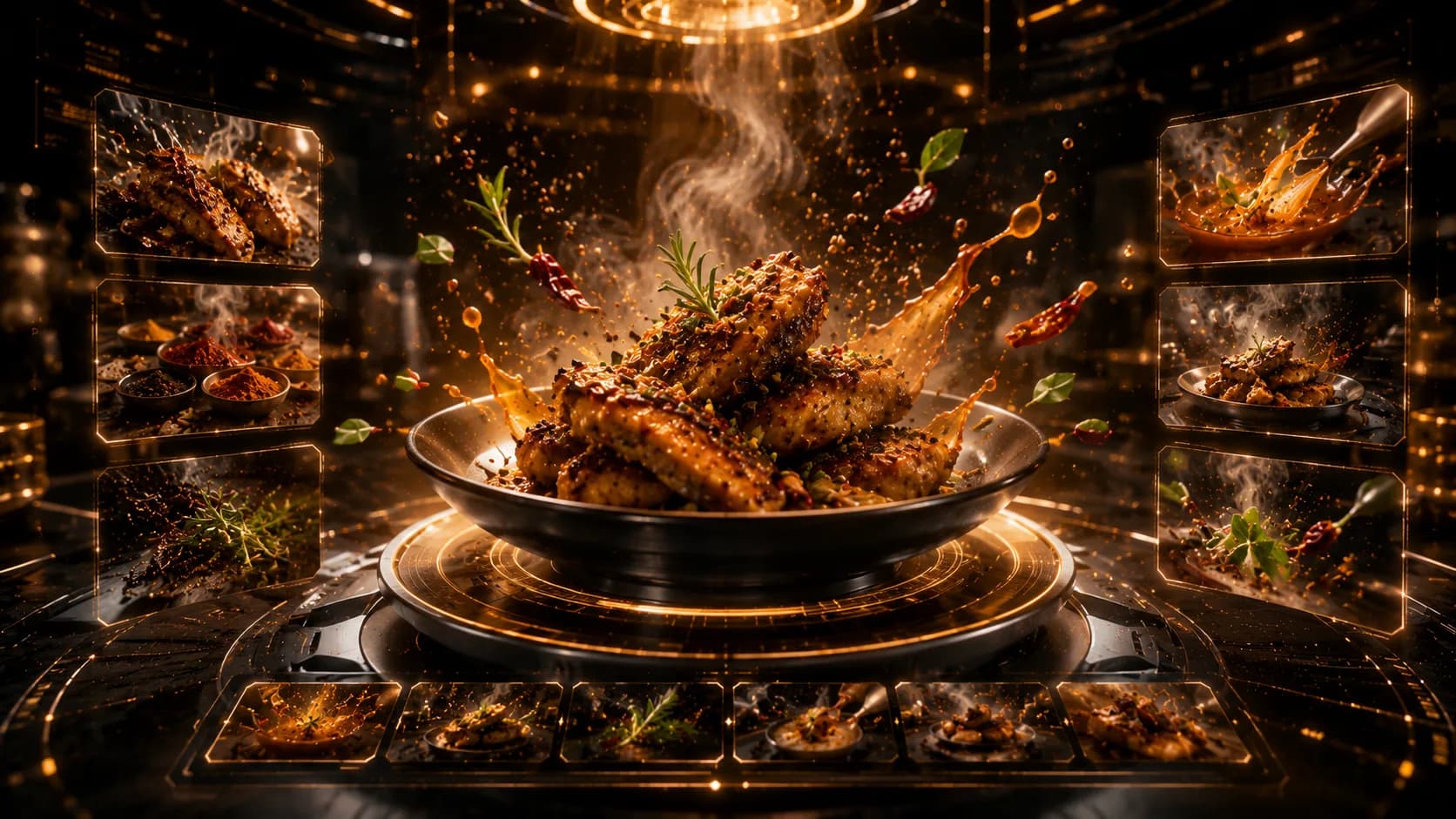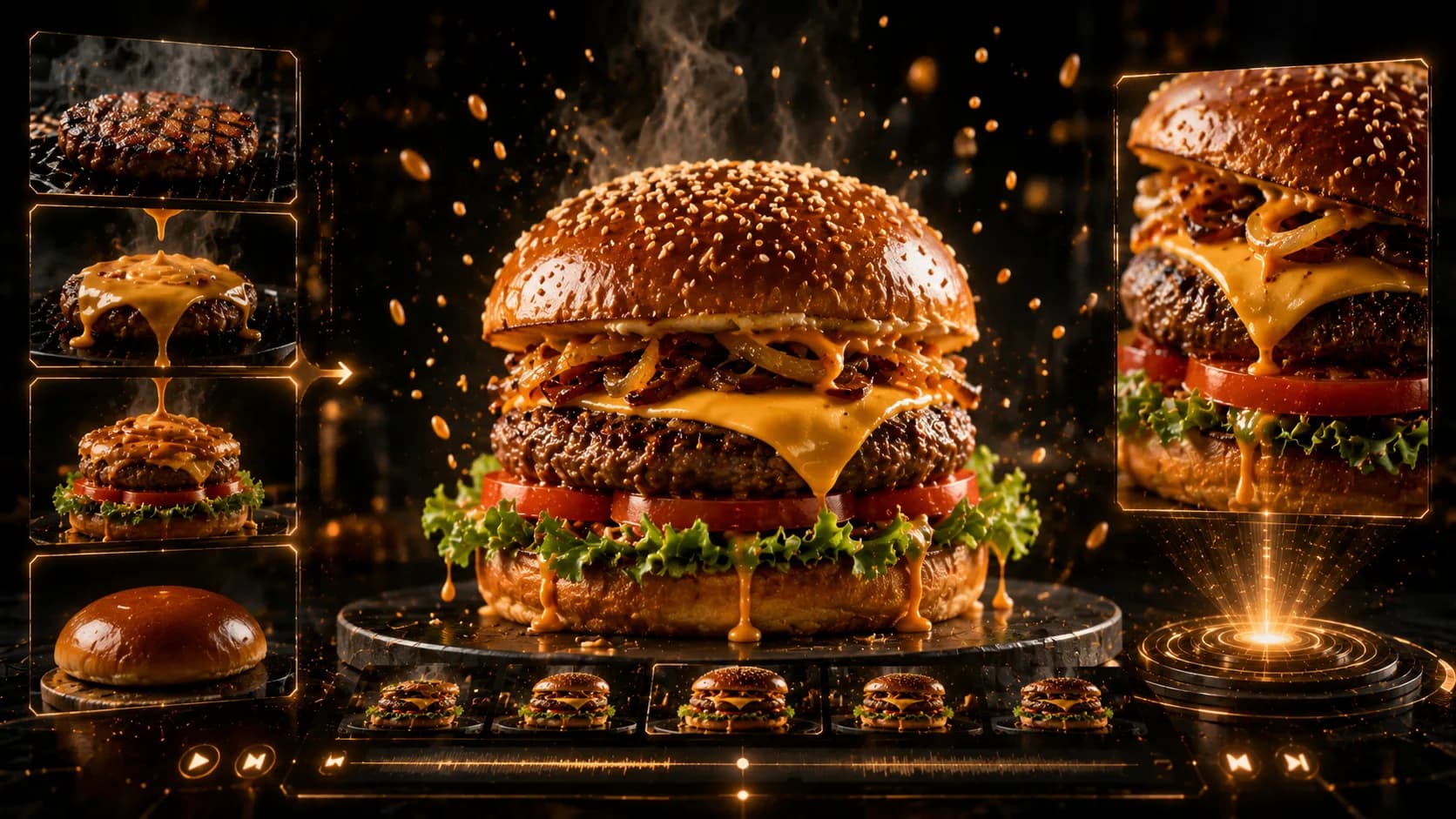
Create a Restaurant Ad Without a Camera Crew with an AI Restaurant Video Maker
Skipping a shoot does not mean skipping production planning.
An AI restaurant video maker can help turn approved food photos, interior images, logo files, offer details, and a short script into a complete promotional video. Xelta can support visual generation and adaptation, but the restaurant must control facts, food appearance, pricing, pronunciation, subtitles, and final approval before the ad goes live.
This workflow is useful when a restaurant needs fresh promotional content but cannot arrange actors, lighting, a location crew, and post-production for every offer. A food ad without camera crew works best when the business already has reliable brand assets and a clear message.
Build an Approved Asset Inventory Before You Generate
A no filming restaurant ad is only as trustworthy as the material used to build it. Create a simple asset inventory before opening the restaurant promo video generator.
Collect:
- Three to six approved food photographs
- One or two restaurant interior or exterior images
- The current logo in a clean format
- Brand colours and preferred type styles
- Exact dish names and current prices
- Offer dates and location restrictions
- Delivery, booking, or ordering destination
- Approved pronunciation for the restaurant and signature dishes
Mark each asset as approved, needs correction, or do not use. This prevents the campaign from accidentally mixing old packaging, outdated prices, and inconsistent logos.
A useful production lesson is to treat the asset inventory as the replacement for the shoot day. On a physical set, a producer checks props, products, lighting, and signage. In an AI food commercial maker workflow, the team must perform the same check digitally.
Design the Ad as a Sequence, Not a Slideshow
A complete restaurant ad needs a simple story. Do not place random food images one after another with the same zoom effect.
Use a five-scene structure:
- Attention: open with the strongest dish or atmosphere image.
- Desire: show one close detail such as texture, garnish, or serving moment.
- Choice: introduce a second dish, combo, or experience.
- Reason to act: state the offer, launch, or occasion.
- Action: end with the logo and one clear CTA.
The sequence should remain easy to follow without sound. Unlike a one-photo six-second clip, this workflow combines several approved assets into a broader campaign with audio, text, and platform variations.
Create the Master Version with Xelta
Begin with one master language and one aspect ratio. A practical workflow is:
Upload the Assets in Story Order
Name the files clearly so the food, interior, logo, and offer are not confused. Keep alternate versions in a separate folder.
Write a Scene-Level Prompt
Describe each scene, the transition between scenes, and the elements that must remain unchanged.
Build a 15-second premium restaurant promotion using the uploaded approved assets. Open on the signature dish with a slow push-in, transition to the dining-space image through a soft foreground wipe, then show the second dish with restrained depth movement. Preserve the exact food portions, plates, packaging, logo, and brand colours. Add no new ingredients or people. Leave the final three seconds stable for the offer and CTA.
Generate Visuals Before Final Audio
Approve the scene order and food appearance first. Then add voiceover, subtitles, music, or sound effects. This avoids re-recording audio when a scene needs correction.
Lock the Master Campaign
Do not localize or resize until the master version is approved. Otherwise, every version may develop different scene timing, wording, or visual details.
No verified screenshots or tested outputs were supplied, so this is a practical production model rather than a claim about a specific result. The restaurant should document what changed in each revision and approve the final master manually.
Add Voiceover and Subtitles Without Creating Brand Drift
Restaurant video ad software can help assemble audio and visual layers, but the script should remain short and factual.
Example 15-second script:
“Meet the signature menu at [Restaurant Name]. Freshly prepared favourites, a limited-time lunch offer, and easy ordering from your nearest location. View the menu and order today.”
Replace placeholders with verified details. Do not claim “freshly prepared,” “healthy,” “authentic,” or similar terms unless the restaurant can support them.
Subtitles should match the spoken message, but they do not need to display every filler word. Keep dish names, prices, and CTA language identical across voice, subtitles, end card, and landing page.
For multilingual versions, adapt the message rather than translating word for word. Restaurant names and signature dish names may need to remain unchanged. A native speaker should review pronunciation, regional expressions, price formatting, and the language used after the viewer clicks.
Review, Publish, and Scale the Campaign
Check the master video for food accuracy, dish names, prices, offer dates, subtitle timing, pronunciation, logo consistency, platform dimensions, and CTA destination. Watch the ad on a phone before approval because small text and quick cuts may feel different from a desktop preview.
Once approved, adapt the same structure for seasonal menus, locations, delivery promotions, languages, and platform formats. Keep the scene structure and brand rules locked.
Avoid Common Scope and Accuracy Mistakes
Do not treat generated scenes as proof of the real dining experience. Avoid showing interiors, packaging, portions, or staff uniforms that the restaurant does not actually use.
Do not turn this article into a still-photo editing guide. Image enhancement deserves its own workflow because ingredient correction, background cleanup, and delivery thumbnails require different review criteria.
When a Camera Crew Is Still the Better Choice
Use a real shoot when the campaign depends on actors, chef performance, exact cooking techniques, complex product interaction, live events, or documentary authenticity. This workflow also needs more human control when approved assets are inconsistent or too old to represent the current restaurant.
Build the First Approved Ad, Then Multiply It
Start with a clean asset inventory and one master campaign. Use Xelta to assemble the scenes, approve visual accuracy, add voice and subtitles, and only then produce location, language, and platform variations.