Key Takeaways
- The best software for video generation in digital marketing creates editable prototypes.
- The best AI video generator for digital marketing depends on the type of content you need to create.
- The tools overlap, but their strengths differ.
- Runway caters to text and image prompts with reference options.
Table of Contents
- 1.Best AI Video Generators for Digital Marketing in 2026
- 2.Quick Answer
- 3.Which AI Video Tools Are Worth Comparing?
- 4.What Makes These Platforms Different in Practice?
- 5.How Can You Compare Real Ads Instead of Demo Reels?
- 6.How Should You Run a Fair Trial?
- 7.What Changes When the Same Clip Runs in Different Places?
- 8.When Is a Dedicated Ad Workflow More Useful?
- 9.What Mistakes Should Stop a Video From Going Live?
- 10.Final Thoughts
Best AI Video Generators for Digital Marketing in 2026
The best software for video generation in digital marketing creates editable prototypes. Only such programs allow you to make changes to the project without losing time on the re editing of the entire presentation. This tool must be combined with other means of editing footage, presenting, and editing.
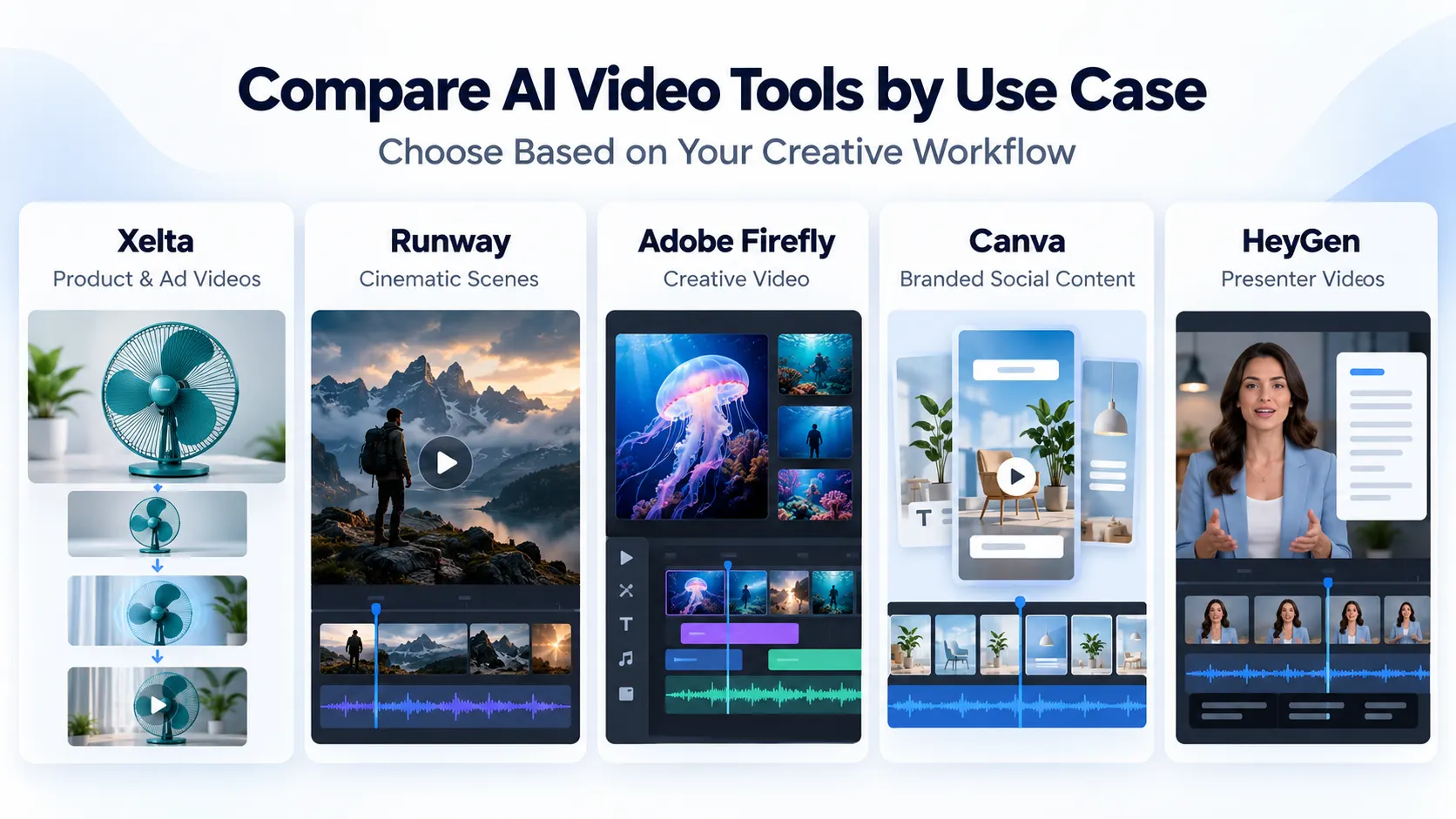
Xelta AI is a good choice for teams that want to try out image-to-video conversion and want to focus on video creation for advertising. Runway is recommended for working with computer-generated imagery scenes and using B-roll. Adobe Firefly is best for video creation within the Adobe ecosystem. Canva is great for editing images and video content to fit a particular design. HeyGen is ideal for creating presentations with a human face. Before buying, it is helpful to compare these products and determine which is most suitable for your business.
Quick Answer
The best AI video generator for digital marketing depends on the type of content you need to create. Xelta AI is worth considering for product videos and ad focused creative workflows, Runway for cinematic scenes and B-roll, Adobe Firefly for video creation within the Adobe ecosystem, Canva for branded social media content, and HeyGen for presenter led videos. Before choosing a platform, test it with the same product image, creative brief, and revision request. Compare product accuracy, motion quality, editing flexibility, export formats, credits, and commercial use terms. The best tool is the one that produces accurate, reusable marketing videos with manageable editing effort not simply the most impressive first clip.
Which AI Video Tools Are Worth Comparing?
The tools overlap, but their strengths differ. Paid social needs clear product shots; brand films need camera control; explainers need reliable speech.
| Platform | Good starting use case | What to inspect |
|---|---|---|
| Xelta | Product clips and AI ad concepts | Product fidelity and editing path |
| Runway | B-roll and cinematic scenes | Motion continuity between frames |
| Adobe Firefly | Creative clips in Adobe production | Model-specific usage terms |
| Canva | Branded posts using generated clips | Layout, captions and export |
| HeyGen | Presenter-led explainers | Voice, pronunciation and disclosure |
This is a shortlist, not a tested ranking.
What Makes These Platforms Different in Practice?
Runway caters to text and image prompts with reference options. It is great for atmospheric footage and B-roll, but pay attention to the continuity of shots.
Adobe Firefly focuses on generation and editing. Adobe claims that its video model is ready for commercial use, while the partners’ models may have different conditions.
Canva integrates AI video clips into the design editor to fit brand guidelines. HeyGen offers avatars with scripts and localized versions of the same presenter. Both require a human to edit the copy and subtitles.
How Can You Compare Real Ads Instead of Demo Reels?
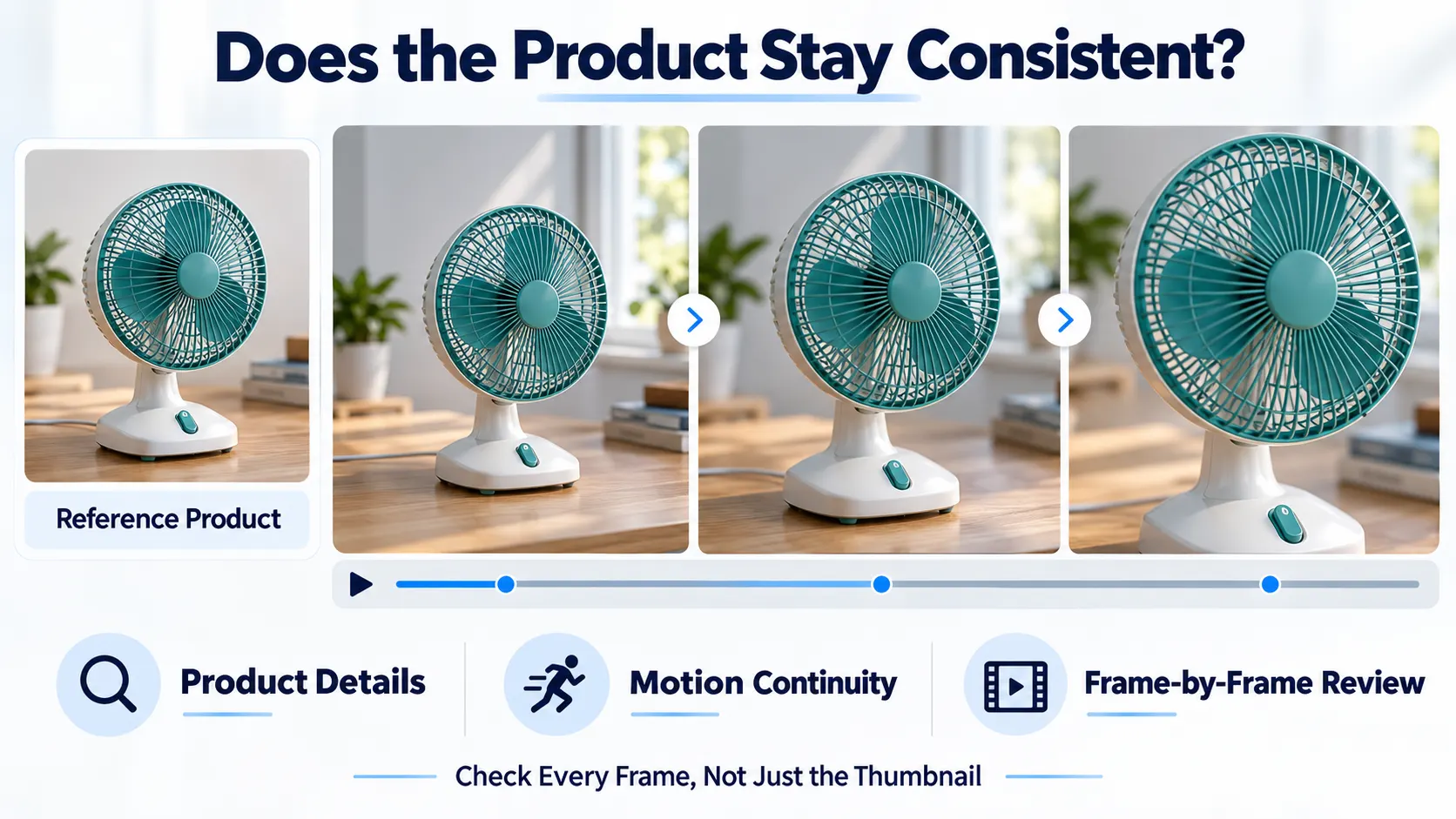
Imagine a desk fan with a teal grille and three blades. The ad must feature this product not an imaginary appliance.
Use an approved photo and the same brief while posting on different platforms:
An animated version of the supplied desk fan standing on a wooden worktable. A gentle camera moves in from the front-left direction. Keep the teal grille, three blades, switch position and fan proportions intact. Use soft daylight, no hands, added buttons, labels or invented product functions. Leave space for a headline.
Check the result frame by frame for the number of blades, switch position and grille stability. A good thumbnail can camouflage a bad animation.
How Should You Run a Fair Trial?
Using Xelta's AI video generator, the user can create text-to-video and image-to-video. Apply the same test to each of the platforms.
- Once the brief is frozen, use the same source image, offer, layout and protected information.
- Request to generate one baseline. Save the prompt and selected options before making any changes to it.
- Ask for only one revision. Amend the background or the camera movement without changing the fan.
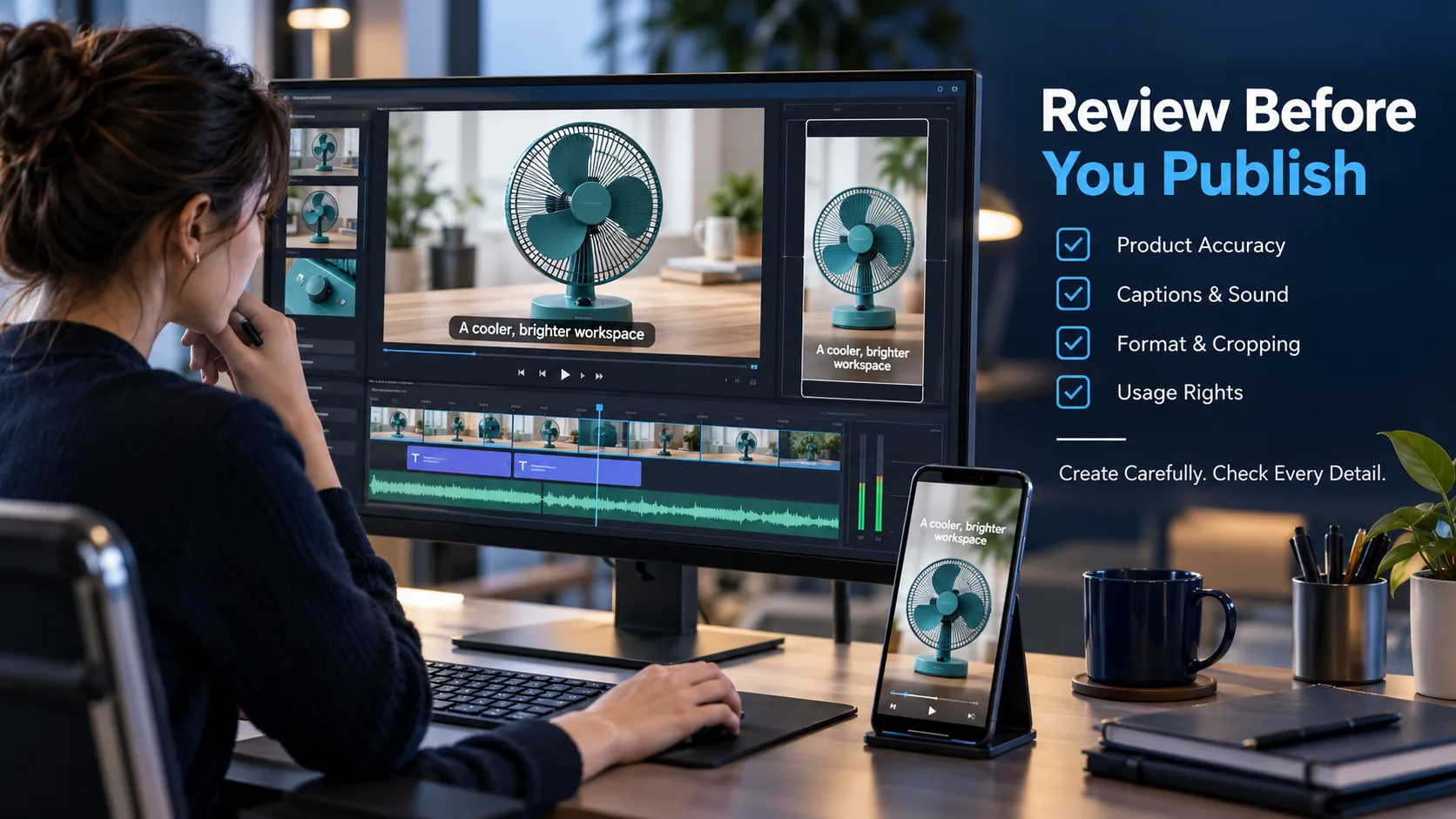
- Watch it on a phone to look at the animation, crop, logo room, text clarity and any sound.
- Record the number of times the project was repaired and the number of times it was finished somewhere else.
Check the credits, resolution and usage rights first, because the repeated revisions change the real cost.
What Changes When the Same Clip Runs in Different Places?
One generated video should not be cropped blindfolded. A vertical Reel has interface buttons along the edges; a landscape product page video gives the subject more breathing room. When generating, leave the space around the fan, and then reframe it in an editor. Pay attention to captions and a call to action after every crop.
The beginning of the video is also critical. Paid social media advertising must have a hook to make viewers stop and watch; a landing page demonstration should not waste the first seconds on an atmospheric intro.
When Is a Dedicated Ad Workflow More Useful?
Sometimes you need a hook, sequence, and ending more than one shot. Xelta’s AI Ads include Ad Maker, UGC like options, and URL to ads workflows, which help you generate the required assets; budget allocation, targeting options, and reports are in the ad platform.
Make sure you give the workflow reliable data: it will not make up fake discounts, battery life, or testimonials.
What Mistakes Should Stop a Video From Going Live?
Rejecting changing product features, unreadable brand marks and unsupported claims. Watch without sound, check pronunciation and music rights. Do not present a synthetic avatar as a real customer.
Final Thoughts
A polished first clip is an excellent sign, but marketers rarely publish the first version untouched. The offer changes, the product team asks for further angle, and the ad must look good in an alternative tight vertical crop version. These are the revisions that determine if a tool belongs to your workflow.
The best practice is to start with the asset that gets produced most often. Use HeyGen as a possible candidate for scripted presenters, Canva for the brand’s social layouts, Firefly or Runway for the visual footage, and Xelta as the video generation connected to the ad-oriented creative tools. Give two candidates the same unpleasant correction and measure the time that it takes to fix it. The one that protects the facts and allows for approval to be manageable will be the one that makes the video a valuable marketing asset.
For more official demonstrations and creative examples, exploreXelta AI on YouTube.