Key Takeaways
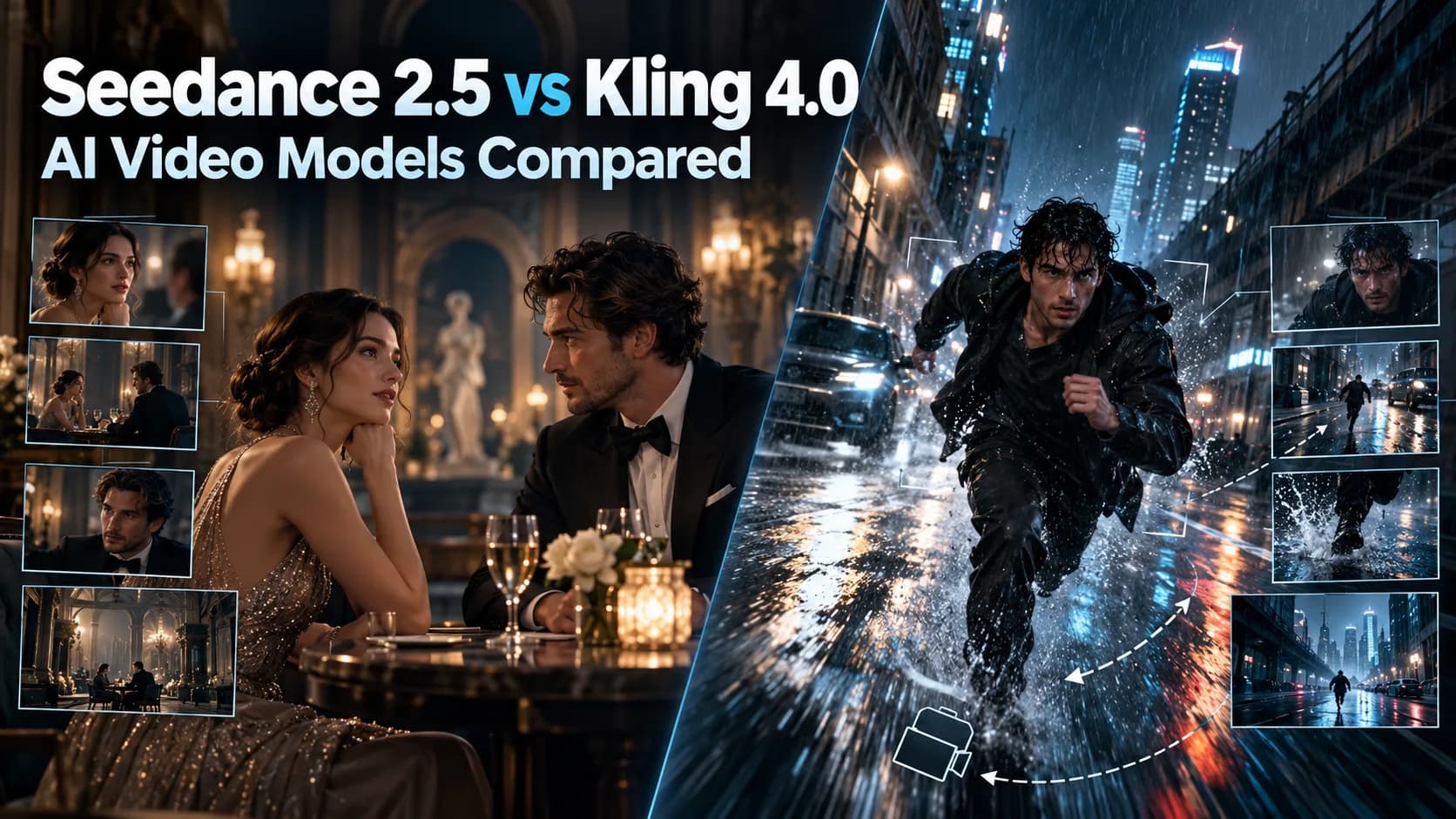
- AI video creation is entering a new era where single shots with simple camera movements are no longer enough.
- The Seedance 2.
- | Feature | Seedance 2.
- Visual realism is generally understood as the use of natural lighting, surface texturing, realistic motions, and coherence in successive frames, among other characteristics.
Table of Contents
- 1.Which AI Video Model Is Better?
- 2.Quick Answer
- 3.Key Specifications
- 4.Video Quality: Which Model Produces More Realistic Footage?
- 5.Camera Control and Prompt Adherence
- 6.Character Consistency and Reference Inputs
- 7.Video Duration, Resolution and Audio Quality
- 8.Video Editing: Which Offers More Control After Generation?
- 9.Practical Comparison: Testing the Same Cinematic Prompt
- 10.Pricing: Which Costs Less?
- 11.Which AI Video Model Should You Choose?
- 12.Final Verdict: Seedance 2.5 or Kling 4.0?
- 13.Explore AI Video Generation With Xelta
Which AI Video Model Is Better?
AI video creation is entering a new era where single shots with simple camera movements are no longer enough. Content creators now require tools that can manage entire scenes, retain recognizable characters and synchronize sound and production instructions.
Two such projects that gained considerable traction in the domain in 2026 are ByteDance's Seedance 2.5 and Kuaishou's Kling 4.0.
Both support the creation of 30 second long videos from single generation runs with multimodal references and extensive creative control, but their detailed capabilities suggest that each was designed with a different type of production in mind.
The debate between Seedance 2.5 vs. Kling 4.0 is of particular interest to filmmakers, advertisers and content creators who want to use AI generated videos with complex scenes.
Quick Answer
The Seedance 2.5 and Kling 4.0 programs provide various video creation options; the former is more appropriate for multiple image, video, and audio references, complicated character interactions, and timestamp-based editing, and the latter is superior in keyframe control, cinematic camera movements, and complex shot composition.
Both applications can generate videos with audio; however, they offer different control options and capabilities. Thus, it depends on the user’s production needs, output quality, and budgets to choose between the two. The individuals should request videos with the same prompt, duration, and references to compare the motion realism, character consistency, audio synchronization, generation costs, and editing required to reach an approved video.
Key Specifications
| Feature | Seedance 2.5 | Kling 4.0 |
|---|---|---|
| Developer | ByteDance | Kuaishou |
| Official launch | July 31, 2026 | October 15, 2026 |
| Maximum single-pass video | 30 seconds | 30 seconds |
| Multimodal references | Up to 30 images, 10 videos and 10 audio clips | Up to 15 combined reference assets |
| Keyframe control | Reference driven and timestamp based direction | Up to 10 keyframe images |
| Camera control | Motion, perspective and clay render references | Tracking, orbit, push in, pan and other camera movements |
| Audio | Joint audio video generation | Stereo audio and improved lip synchronization |
| Editing | Timestamp level and reference based editing | Targeted visual and motion editing |
| Video extension | Multiple extension rounds | Up to 2 minutes announced, coming soon |
| Resolution | 480p, 720p and 1080p through BytePlus | 720p and 1080p reported; 4K HDR announced |
| Pricing model | API video token billing | Platform credits per generated second |
Specifications reflect official announcements and available documentation as of October 19, 2026. Some features depend on the platform and rollout stage.
Video Quality: Which Model Produces More Realistic Footage?
Visual realism is generally understood as the use of natural lighting, surface texturing, realistic motions, and coherence in successive frames, among other characteristics.
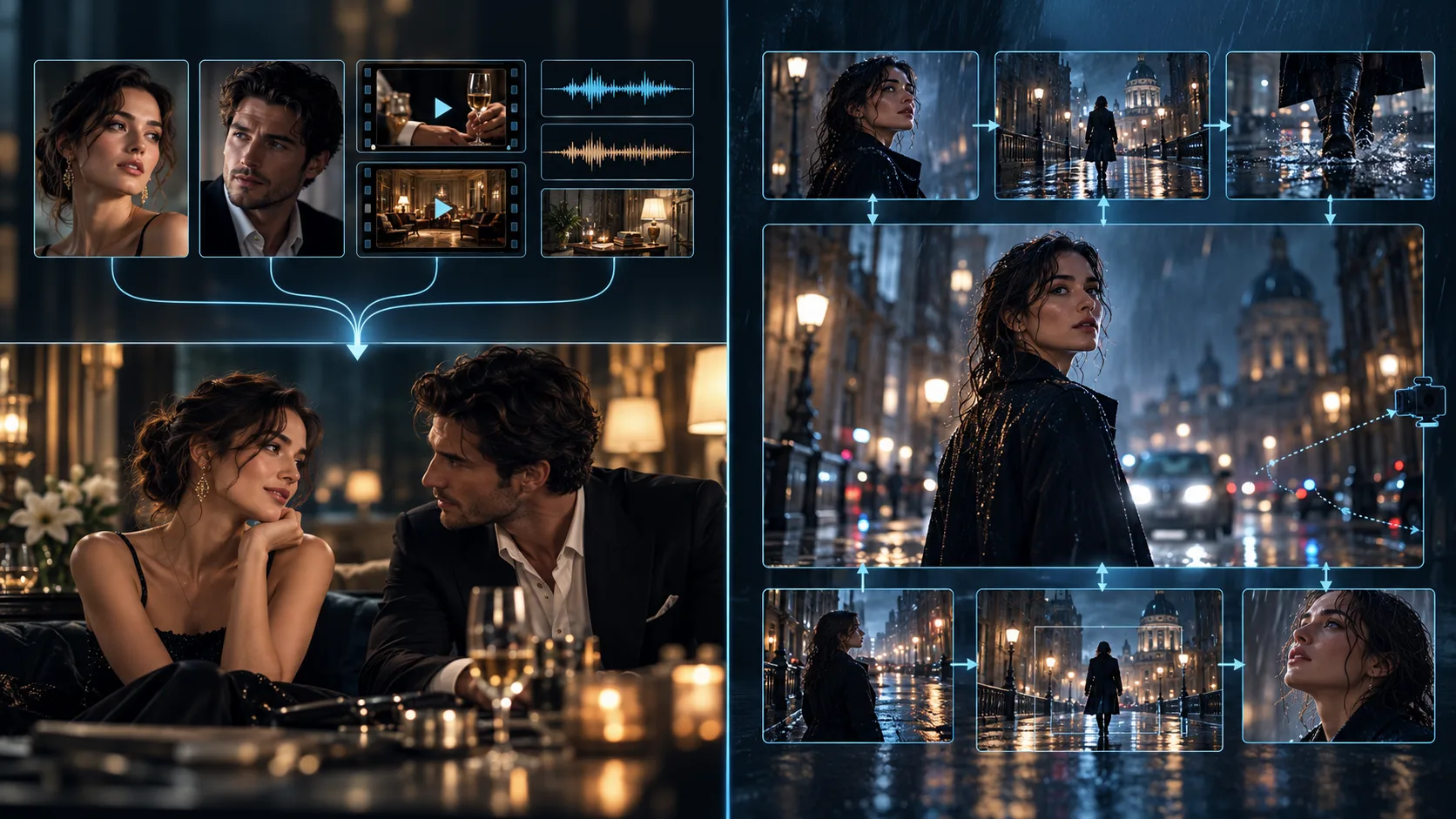
The enhancements promised by Seedance 2.5 are primarily aimed at reducing undesired augmented qualities, particularly in the realm of skin textures, facial features, lighting inaccuracies, and other similar aspects.
ByteDance’s examples include multiple performance takes and shots of different characters, which highlight the model’s claim to provide coherence throughout the motion even as the characters’ performances and the camera change.
Kling 4.0 promises the importance of motion heavy content, realistic motions and actions, and intricate cinematography.
The samples demonstrate the model’s ability to track the characters’ motions through the shots while also managing to provide orbital shots, panning, and other effects at a high speed.
Motion Realism and Physical Consistency
One of the most challenging aspects of motion in such video AI models is to ensure that the movements of interacting subjects are realistic. To give an example, a dancer twirling is cloth requires attention to both body motions, physics of the fabric, and lighting.
Both of these models show strengths in this regard. Seedance seems to be better at the motion of scenes, where multiple characters need to interact with each other. Kling appears to have more stability in terms of dynamic action and cinematic motions.
Verdict: both video AI models show promise in their motion characteristics. In this regard, Kling’s explicit mention seems a good indication of its strengths in the context of dynamic scenes where multiple animated objects need to interact. At the same time, Seedance’s utilization of reference motions is needed for more intricate performances. The question of actual quality rankings is best left to further testing.
Camera Control and Prompt Adherence
Camera direction is a critical factor in a video generated with the software to be perceived as purposeful and not just animated.
Kling 4.0 allows specifying tracking, panning, orbiting and shot composition in detail.
The tool also enables prompts of up to 8,000 tokens and the inclusion of up to 10 keyframe images.
With this, key visual points can be set and utilized to mark an essential frame in shaping the shot direction.
Seedance 2.5, on the other hand, utilizes a multimodal reference and timestamp based prompting method.
The user can describe a camera’s direction within a particular timestamp or refer to a specific video clip or 3D layout.
This tool also features clay render referencing, which allows to convey the desired camera direction in a scene.
The distinction is practical :
- Kling 4.0: Particularly useful when specific visual moments and camera movements must be planned.
- Seedance 2.5: Particularly useful when movement must follow multiple reference assets and detailed scene instructions.
However, large prompt limits and reference capacities do not automatically guarantee better prompt adherence.
Character Consistency and Reference Inputs
Keeping characters consistent throughout a film is a major challenge for AI.
Seedance 2.5 allows up to 30 images, 10 video clips and 10 audio clips to be used as reference material for a single generation.
These assets can depict characters, environments, actions, voices and visual styles.
While Kling's 4.0 Omni Reference allows mixes of up to 15 assets, including images, videos and character subjects, its documented limits include up to 10 images, five videos and seven subjects within the combined reference constraints.
Additionally, Kling offers character sheets, storyboards, wireframes and depth based video references.
Which Is Better for Reference Heavy Work?
Seedance offers a larger documented multimodal reference capacity.
For a scene containing multiple actors, detailed environments and specific audio cues that would be valuable.
Kling's combination of reference assets and keyframes may be more useful to the creator that needs precise control over selected moments.
Verdict: Seedance has the advantage of reference capacity while Kling provides a particularly structured keyframe control system.
Video Duration, Resolution and Audio Quality
Both models can produce up to 30 seconds natively, in one pass.
Seedance offers multiple extension rounds to help creators continue on from existing footage.
Kling has announced an extension capability of up to 2 minutes, however, its October release documentation lists this as coming soon.
Resolution and Output Quality
By the BytePlus documentation, it's stated that there are 480p, 720p and 1080p output options for Seedance 2.5.
For Kling 4.0, while it is stated to support high definition generation, early accesses have shown 720p and 1080p outputs to be an option.
While it was announced to have 10 bit HDR output at 1080p and 4K, those features were noted as a release soon in the official release notes. It is important to note that announced output options should be taken as such and not assumed for any product.
Audio Generation
Seedance utilizes a joint audio video generation architecture which preserves the synchronization of sound and visuals.
Kling allows for two channel stereo audio and improved lip sync, including multilingual dialogues and accents.
Creators should test the timing of the dialogue, the voice, environmental sounds and unwanted audio artifacts before selecting either model for heavy dialogue work.
Video Editing: Which Offers More Control After Generation?
AI video editing holds value in cases where an otherwise fine clip requires a single misplaced element to be adjusted.
Seedance 2.5 offers targeted timestamp level modifications, reference based editing and green screen based editing.
With it, creators can alter specific scenes, camera behaviors or subject performances in an otherwise fine take with the intention of preserving the rest of the production values.
Kling 4.0, on the other hand, allows for targeted modifications to characters' expressions and movements, backgrounds, camera placements, and overall visual stylization through its creative recreation feature.
The same tool also allows users to make use of existing footage as a reference while substituting products or subjects for new ones.
Verdict: both programs offer valuable editing options. Seedance's timestamp option is a particularly useful tool for editing an entire sequence, whereas Kling offers a wider variety of tools for visual recreations and specific shots.
Practical Comparison: Testing the Same Cinematic Prompt
To fairly compare the models, one should ask for outputs given the same prompt instead of using different, unrelated promotional samples.
Let me give you a test prompt :
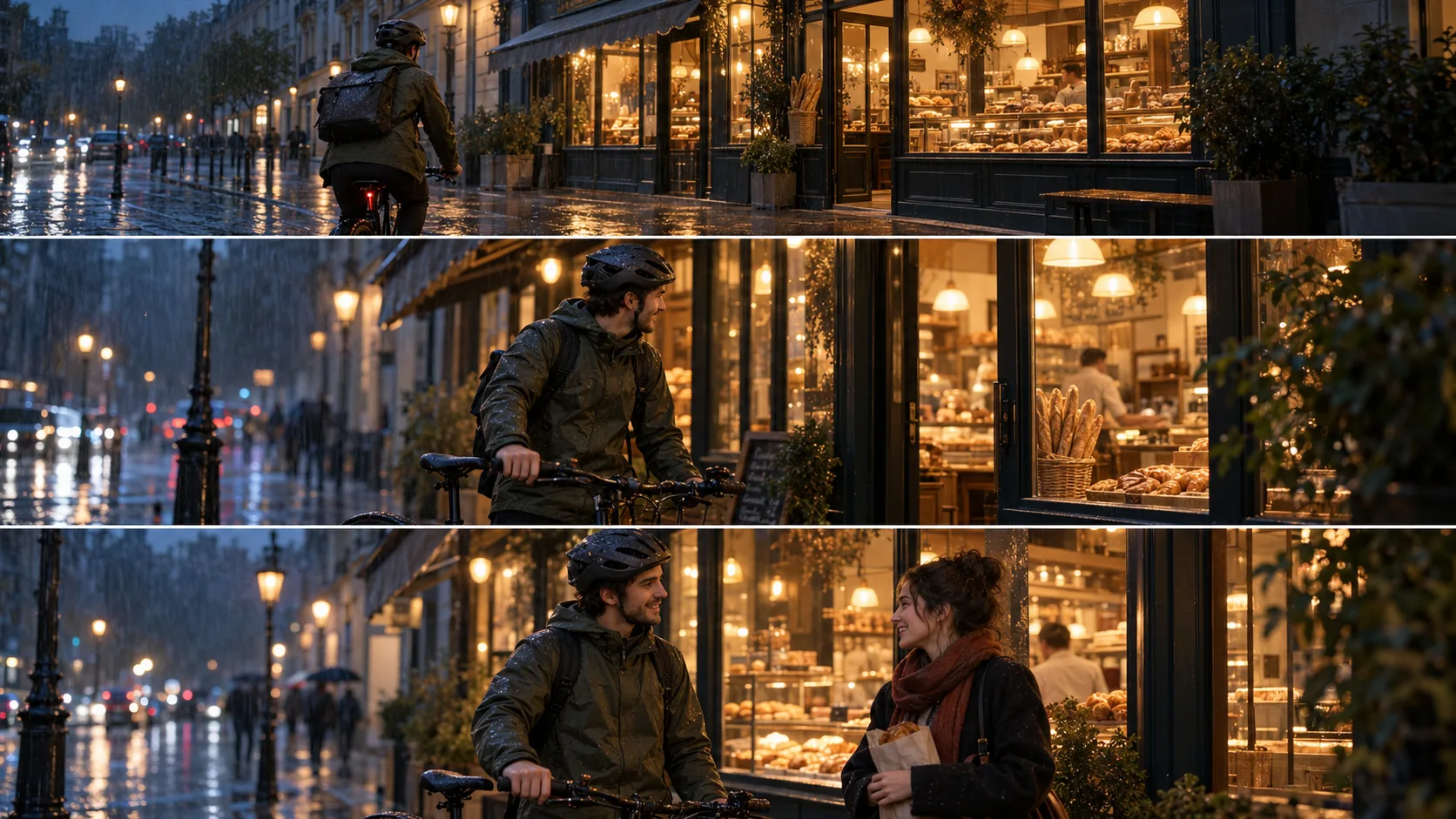
A biker stops by a bakery lit warmly from within on a rainy evening. The camera follows him as it orbits the biker. Soon, a passerby stops by and chats briefly. The bakery storefront is kept the same, as are the reflections on the wet pavement, the synchronization of footsteps, the rain, and the dialogue. Cinematic lighting, natural movements, 16:9 composition.
The prompt includes various aspects to look out for.
| Evaluation Area | What to Check |
|---|---|
| Motion realism | Natural cycling, stopping and walking |
| Camera control | Smooth tracking-to-orbit transition |
| Character consistency | Stable facial features and clothing |
| Environment | Consistent signage, reflections and lighting |
| Audio | Dialogue synchronization and realistic ambience |
| Prompt adherence | Whether each requested action occurs |
Use the same duration, resolution and references where both tools permit them.
Record generation time, failed outputs, retries and total production cost.
For a meaningful evaluation, compare several generations rather than selecting only the strongest result from each model.
This is a proposed test methodology, not a claim that these generations were performed.

Pricing: Which Costs Less?
Comparing pricing requires care because the models use different billing systems.
Seedance 2.5 API Pricing
BytePlus officially bills Seedance 2.5 according to generated video tokens, with rates depending on output resolution and whether reference video is included.Its published examples for a five second, 16:9 video without video input are:
| Resolution | Estimated Cost |
|---|---|
| 480p | $0.514 |
| 720p | $1.156 |
| 1080p | $2.843 |
These examples apply to BytePlus API billing, not necessarily consumer subscriptions or third party providers.
Kling 4.0 Credit Pricing
Early third party pricing reports describe the following Kling 4.0 rates:| Resolution | Reported Credits/Second | 30-Second Clip |
|---|---|---|
| 720p | 10 | 300 credits |
| 1080p | 15 | 450 credits |
These figures are reported platform observations rather than a verified official API dollar tariff.
The actual dollar cost depends on credit purchases, subscriptions and applicable discounts.
Pricing Verdict: Seedance offers documented USD API estimates, while Kling's observed credit costs help estimate consumption. Neither can be declared cheaper without converting both to the same production scenario, including retries and account pricing.
Which AI Video Model Should You Choose?
Choose Seedance 2.5 when:
- Your project requires extensive image, video and audio references.
- You need timestamp level adjustments and iterative editing.
- You are creating complex multi character sequences.
- Longer narratives and repeated extensions are important.
Choose Kling 4.0 when:
- You need to define individual story beats using keyframes.
- Your production depends on directed cinematic camera movements.
- You create action focused or composition sensitive footage.
- Stereo audio and multilingual performance controls matter.
For professional production, the best model may vary from one shot to another.
Final Verdict: Seedance 2.5 or Kling 4.0?
Seedance 2.5 and Kling 4.0 are both advanced in their respective ways.
Seedance focuses on vast multimodal references, timestamps, and editing and continuation of a story based on that reference.
Kling focuses on multiple keyframes, control over the camera, and shots that are fit for professional directors.
Depending on the task at hand, one could be better than the other, but neither is outright better in all situations.
Seedance is better for projects that require a lot of references, while Kling is a better base for a project that requires a lot of shot to shot control.
The only real way to tell which is better is to test them both on a similar set of criteria for the same project and see which one can reach the desired result without exceeding the budget.
Explore AI Video Generation With Xelta
Choosing the right AI video model becomes easier when you can experiment with prompts, compare creative outputs and explore different generation techniques.
With Xelta's AI video generator, creators can explore multiple AI video models for cinematic storytelling, social media content and professional video production. Those interested in reference driven creation can also try Seedance 2.5 video generation directly on Xelta.
Explore the available models and discover which workflow best matches your creative vision.
For user reviews, ratings and real experiences with Xelta's creative platform, explore Xelta AI on Product Hunt.