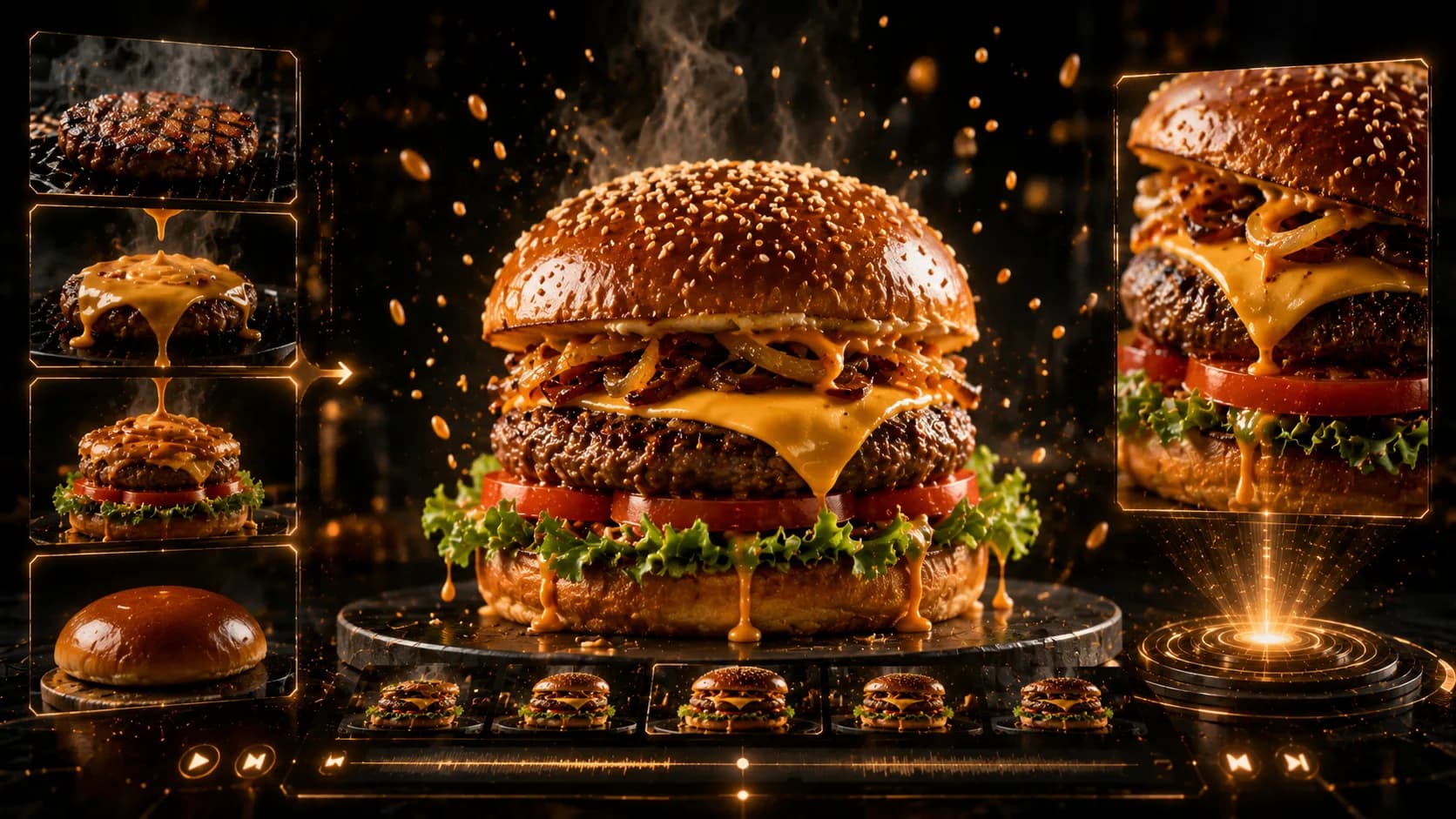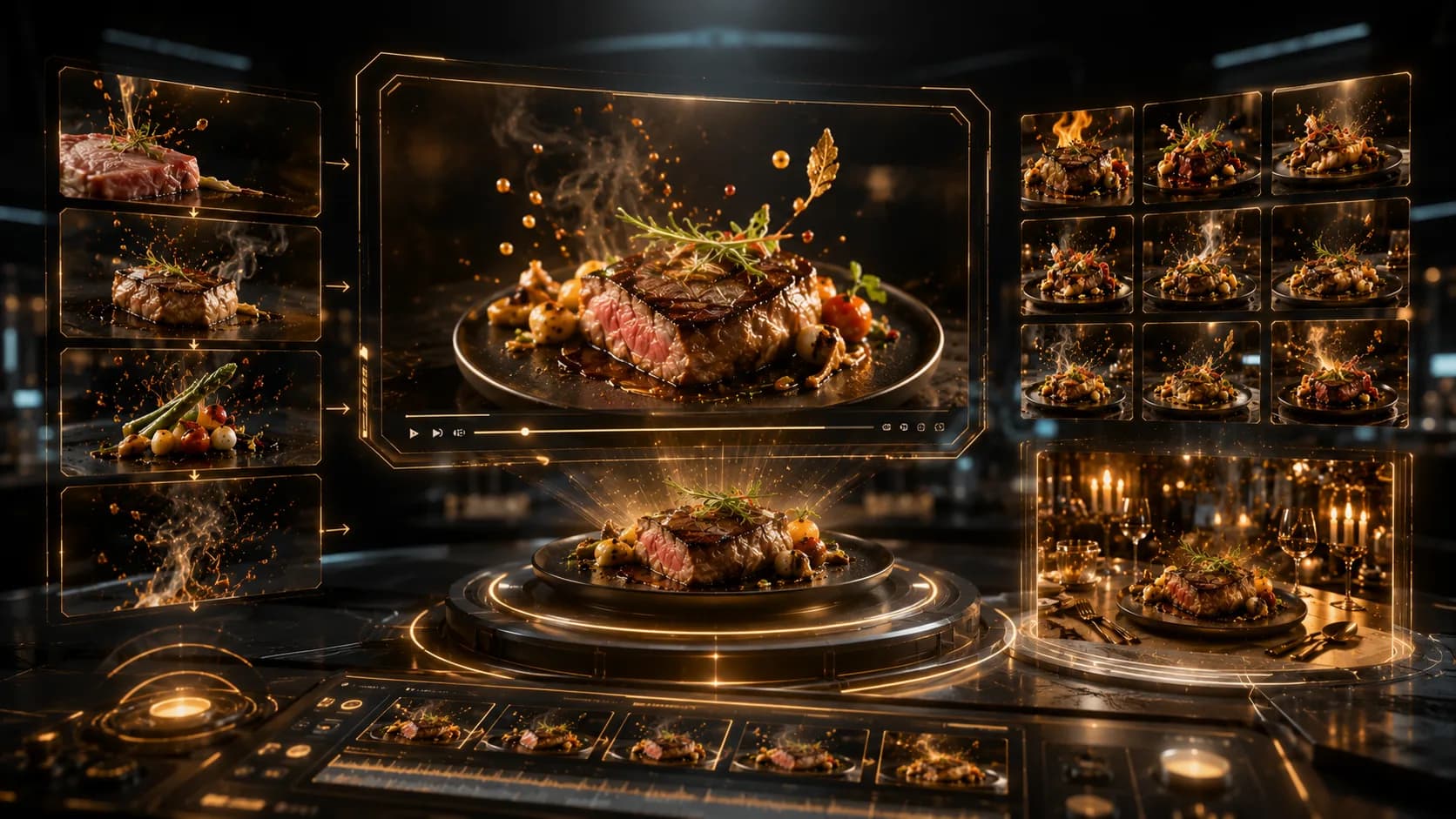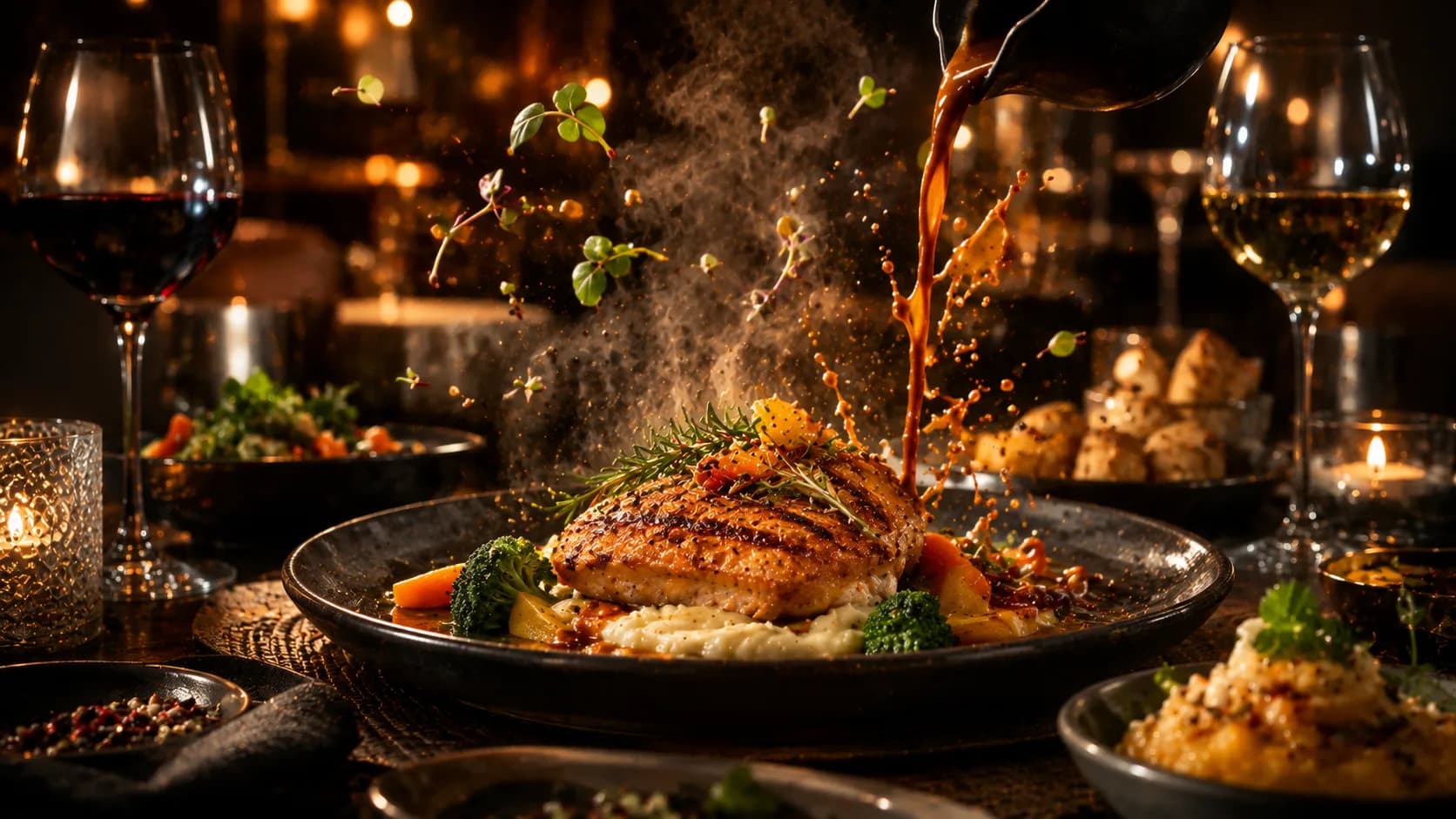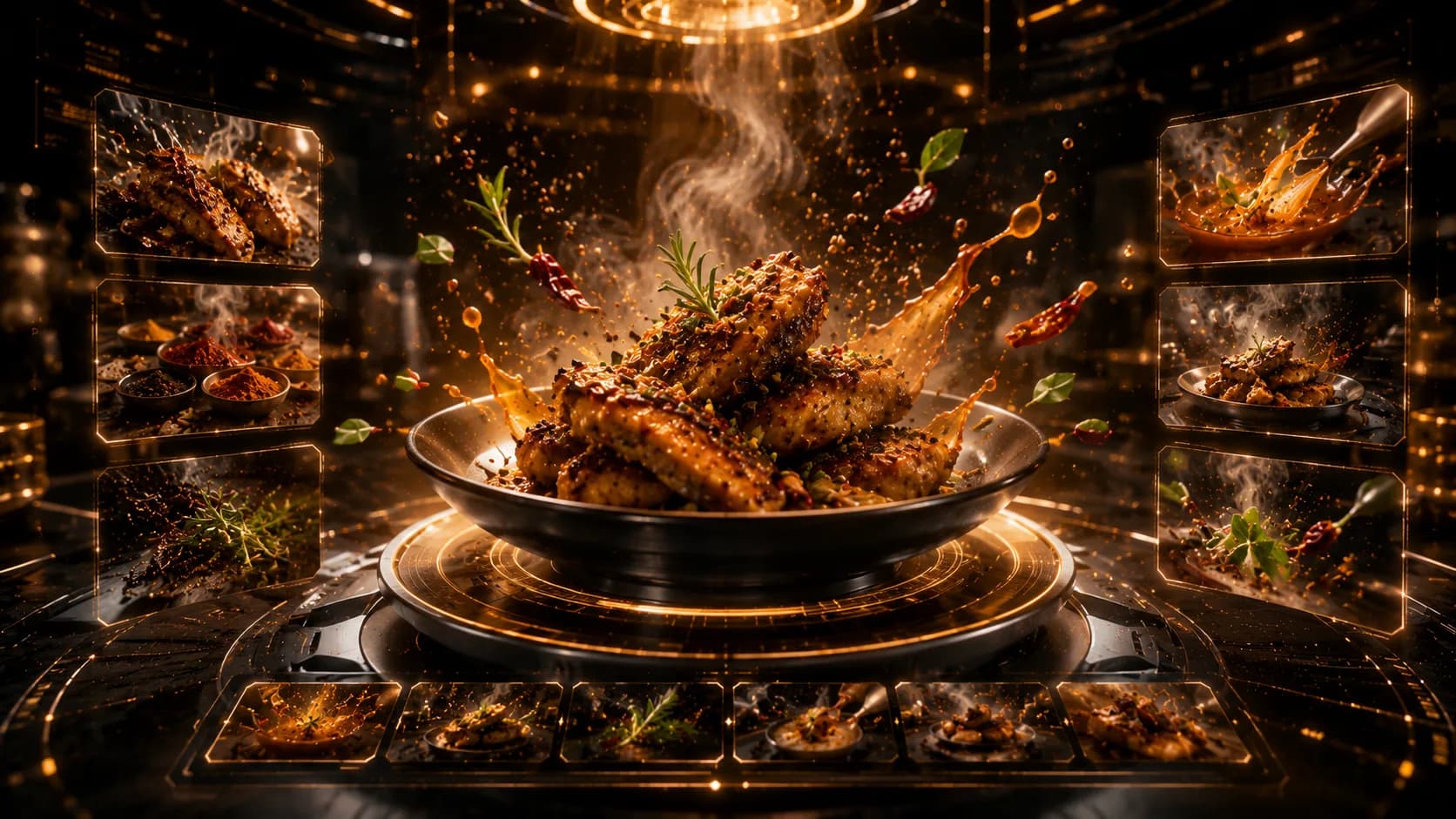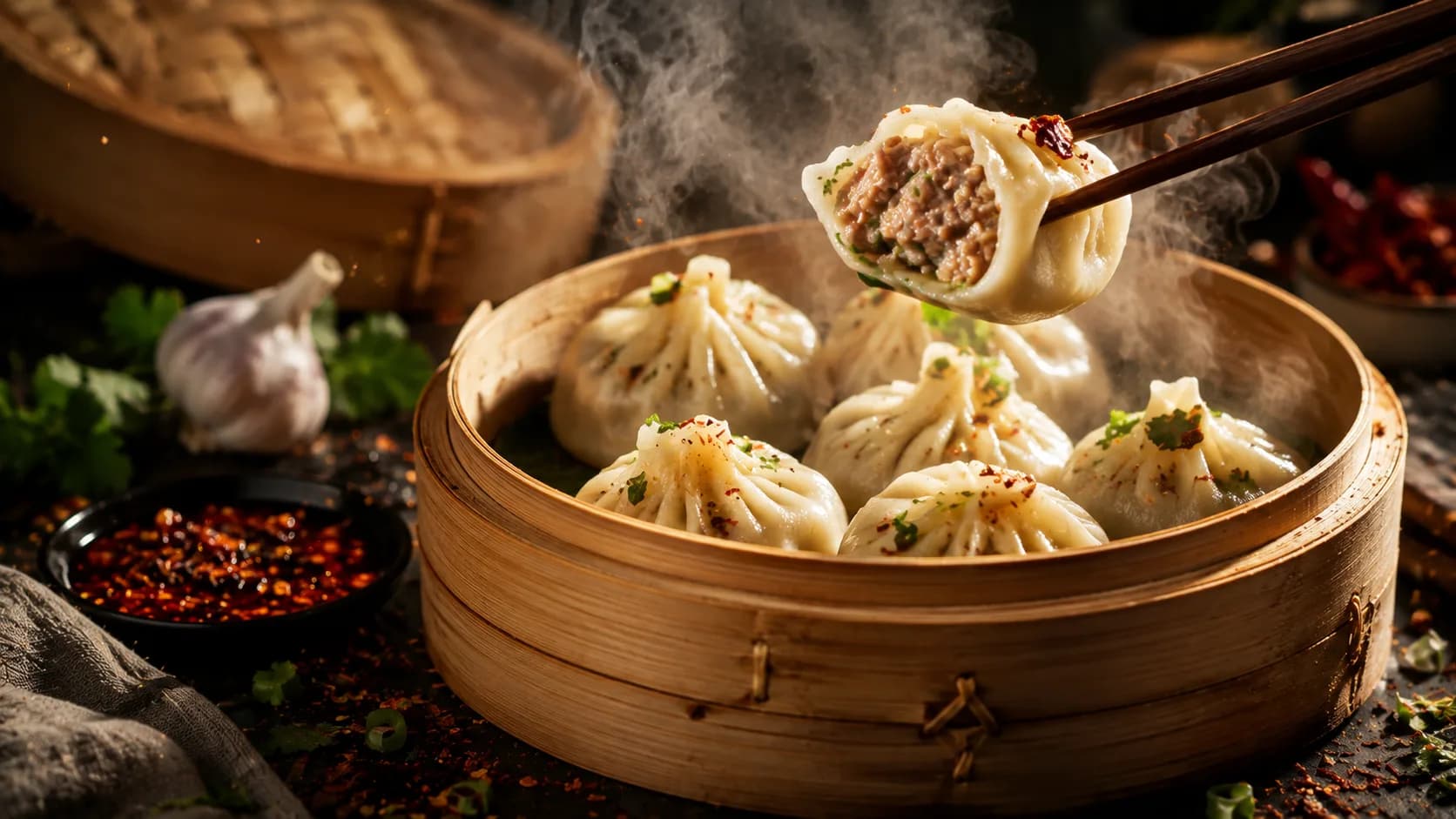
Turn a Boring Menu into a Luxury Food Campaign: Restaurant Menu Marketing Ideas
A luxury campaign does not begin with gold typography; it begins with choosing what customers should notice first.
Restaurant menu marketing ideas work best when one approved menu, one hero dish, and one clear offer are turned into a consistent visual campaign. Prepare accurate dish photos, names, prices, brand assets, and the desired platform format. Xelta can support the creative workflow, but every output must be checked against the real menu before publication.
For restaurants, cafés, cloud kitchens, and franchise teams, a menu already contains the raw material for social posts, delivery banners, launch creatives, and table promotions. Build the campaign from information the business has already approved.
Choose the Dish That Deserves the Spotlight
A menu promotion campaign becomes weak when every item receives equal attention. Start by selecting one hero dish or one small category with a clear business purpose: a signature item, a new launch, a high-margin dish, a seasonal special, or a combination meal.
Before opening any creative tool, lock these details:
- Exact dish name and spelling
- Current price and applicable taxes
- Portion shown in the image
- Ingredients or claims that are safe to mention
- Offer dates and location restrictions
- Primary call to action
- Brand logo, fonts, and approved colours
The restaurant menu makeover should keep one hero dish in front. Improve lighting and hierarchy, but keep the food recognisable as the product customers receive.
Build a Luxury Restaurant Menu Without Losing Recognition
A luxury restaurant menu feels considered, not crowded. Premium visual menu marketing usually depends on restraint: fewer elements, better spacing, one strong food image, and a clear reading order.
Use a three-level structure:
- Hero level: the dish image and name.
- Decision level: the price, offer, or short reason to order.
- Action level: reserve, order, visit, or view the menu.
This is where AI restaurant menu design can be useful as a concept and production aid. A practical workflow is to upload the approved menu visual or food photograph, describe the intended atmosphere, and state what must remain unchanged. Avoid vague instructions such as “make it luxurious.” Instead, define the setting, lighting, camera angle, surface, and amount of text space.
Sample prompt:
Use the uploaded signature dish as the exact food reference. Preserve the portion, garnish, plate shape, and ingredient appearance. Place it in a refined dark-stone setting with soft side lighting, controlled reflections, generous negative space, and a premium editorial restaurant mood. Do not add ingredients, change the food colour, or invent text.
Generate the master visual first. Do not create ten variations before the restaurant approves one direction. When the master is correct, it becomes the visual anchor for the rest of the campaign.
Turn One Approved Menu into a Complete Campaign Set
Once the master creative is approved, use Xelta to adapt the idea into practical formats, depending on the available workflow. The same campaign can support a square feed post, a vertical story, a delivery-app banner, a short image-to-video clip, or a digital menu screen.
A sensible production order is:
- Create the main static visual.
- Add final menu text outside the generated food area.
- Produce platform-specific crops.
- Create motion only after the still image is approved.
- Add subtitles or voice only when the message requires them.
- Review every exported version separately.
The main message should not change when the format changes. If the feed post says “Chef’s Weekend Special,” the story, reel, delivery banner, and landing page should not introduce different dates or pricing.
No Xelta test evidence was supplied, so this is a transparent workflow rather than a claimed case study. Compare every output with the source menu before publishing.
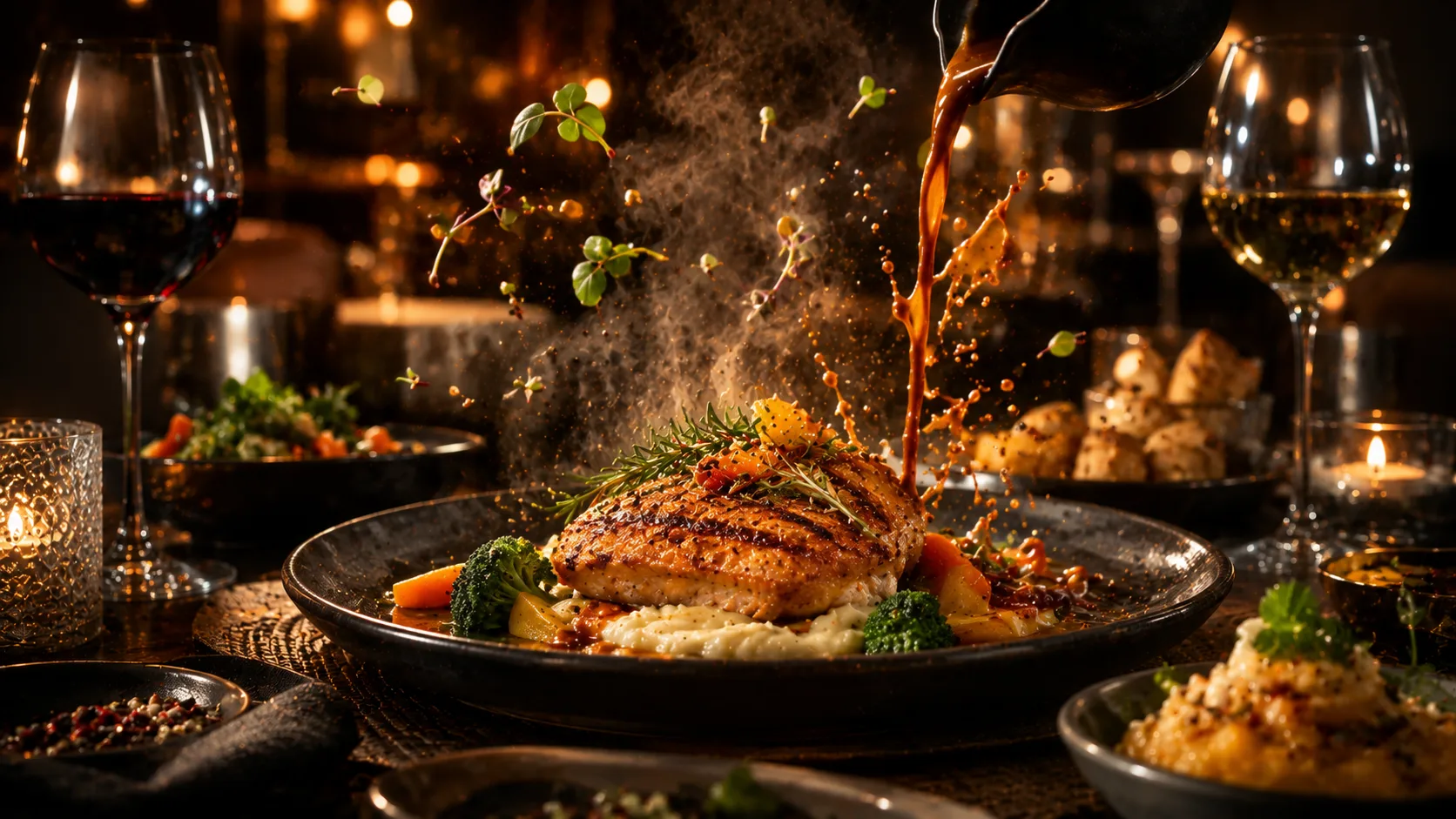
Make the Menu Feel Expensive Through Details, Not Exaggeration
Premium food advertising often fails because the creative adds too much: excessive steam, unrealistic shine, floating ingredients, decorative gold, and several competing fonts. A stronger approach is to improve four controlled details.
- Food focus: keep the dish sharp and visually dominant.
- Material choice: use one or two surfaces that match the restaurant identity.
- Lighting logic: make highlights and shadows feel consistent.
- Text restraint: use only the information required to decide and act.
Luxury is not one fixed style. It is consistency between the food, space, pricing, and customer expectation.
Review Every Detail Before Customers See the Campaign
Before publishing, check the creative against the live menu rather than relying on memory.
- Is the dish name correct?
- Does the food match the real portion and plating?
- Is the price current for that location?
- Is the offer date visible and accurate?
- Is the logo clear and consistent?
- Does the crop work on the intended platform?
- Does the CTA lead to the correct menu, location, or ordering page?
For multi-location campaigns, keep one locked master and allow local teams to change only approved fields such as price, address, language, and availability.
Avoid Overlap with Dish-Specific Creative Guides
This article focuses on campaign hierarchy and menu-level promotion. A dish-specific image-to-video guide should handle motion timing, frame stability, and camera movement in detail. A food photo editor guide should focus on still-image correction, ingredient accuracy, and cropping. Mentioning those workflows here is useful, but rebuilding them would create unnecessary overlap.
Common mistakes include promoting too many dishes in one creative, changing the offer between formats, letting generated food drift away from the real product, and publishing local prices without location review.
When the Menu Needs More Human Control
This workflow is not suitable when the menu changes daily, prices are not centrally controlled, approved food images do not exist, or ingredient and allergen statements require specialist review. It also needs more human control when generated visuals no longer match the portion customers receive.
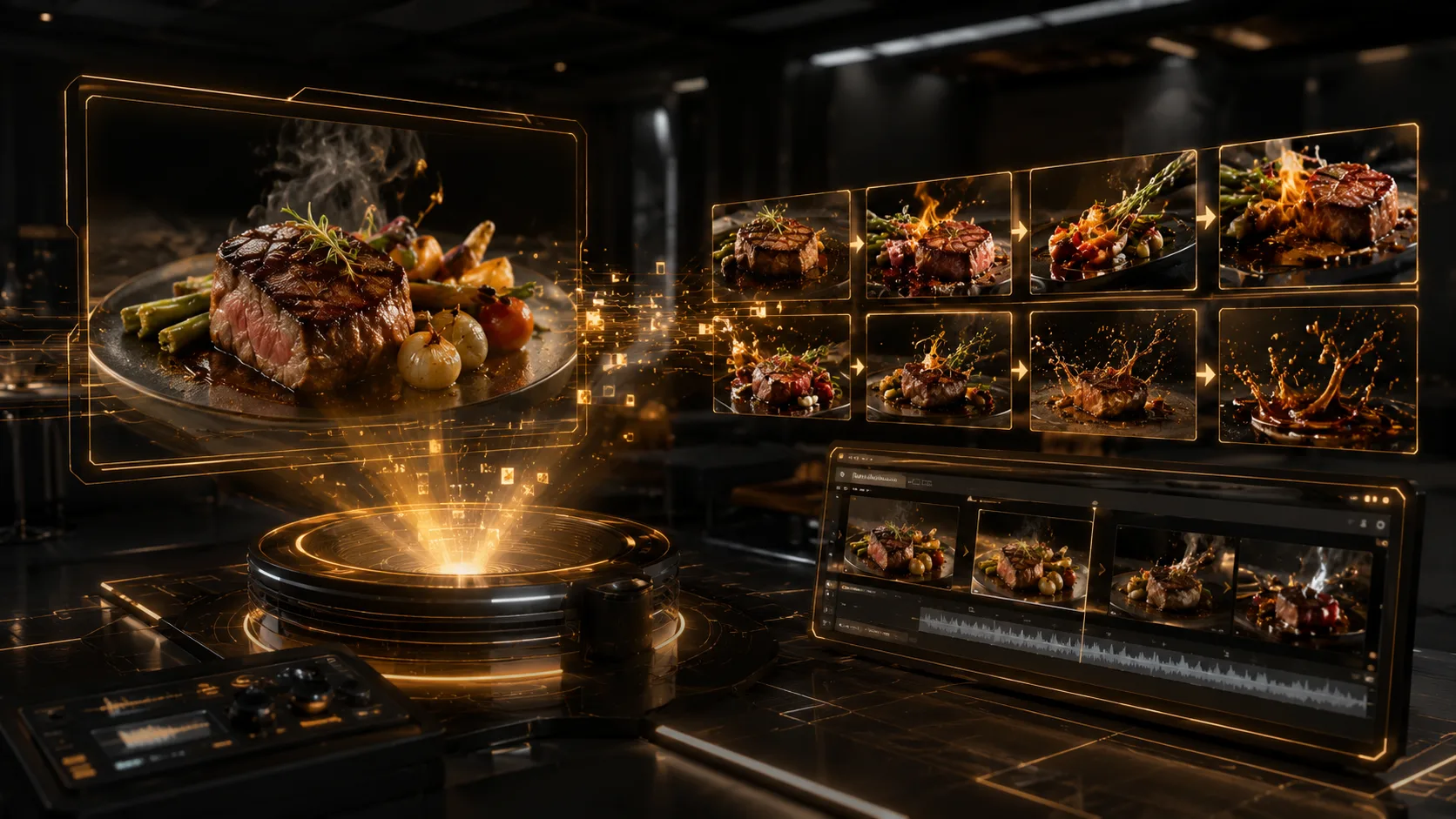
Turn the Approved Menu into a Repeatable System
Start with one menu category, one hero dish, and one action. Use Xelta to build the master visual, review it against the real menu, and then adapt the approved campaign for additional formats, locations, or seasonal offers.