Key Takeaways
- A high-quality picture of a product often appears to be a good quality product, but there are some cases where the opposite is true.
- Xelta and Pebblely serve different product-image creation needs.
- Pebblely has updated its service in March 2026.
- Search visitors need immediate product recognition; social posts should convey context; ads require space to place an offer.
Table of Contents
- 1.Xelta vs Pebblely: Product Image Workflows Compared
- 2.Quick Answer
- 3.How Are the Two Tools Different in 2026?
- 4.Why Should Search, Social and Ads Use Different Pictures?
- 5.Where Does Xelta Fit Into That Process?
- 6.What Makes Pebblely Worth Considering?
- 7.How Should You Compare Them Without Guesswork?
- 8.Final Thoughts: Choose the Workflow, Not the Prettiest Demo
Xelta vs Pebblely: Product Image Workflows Compared
A high quality picture of a product often appears to be a good quality product, but there are some cases where the opposite is true. If we look at an amber hand wash bottle with a black pump, for example, a new background can make the image more attractive, but it will become unusable if the pump changes to gold.
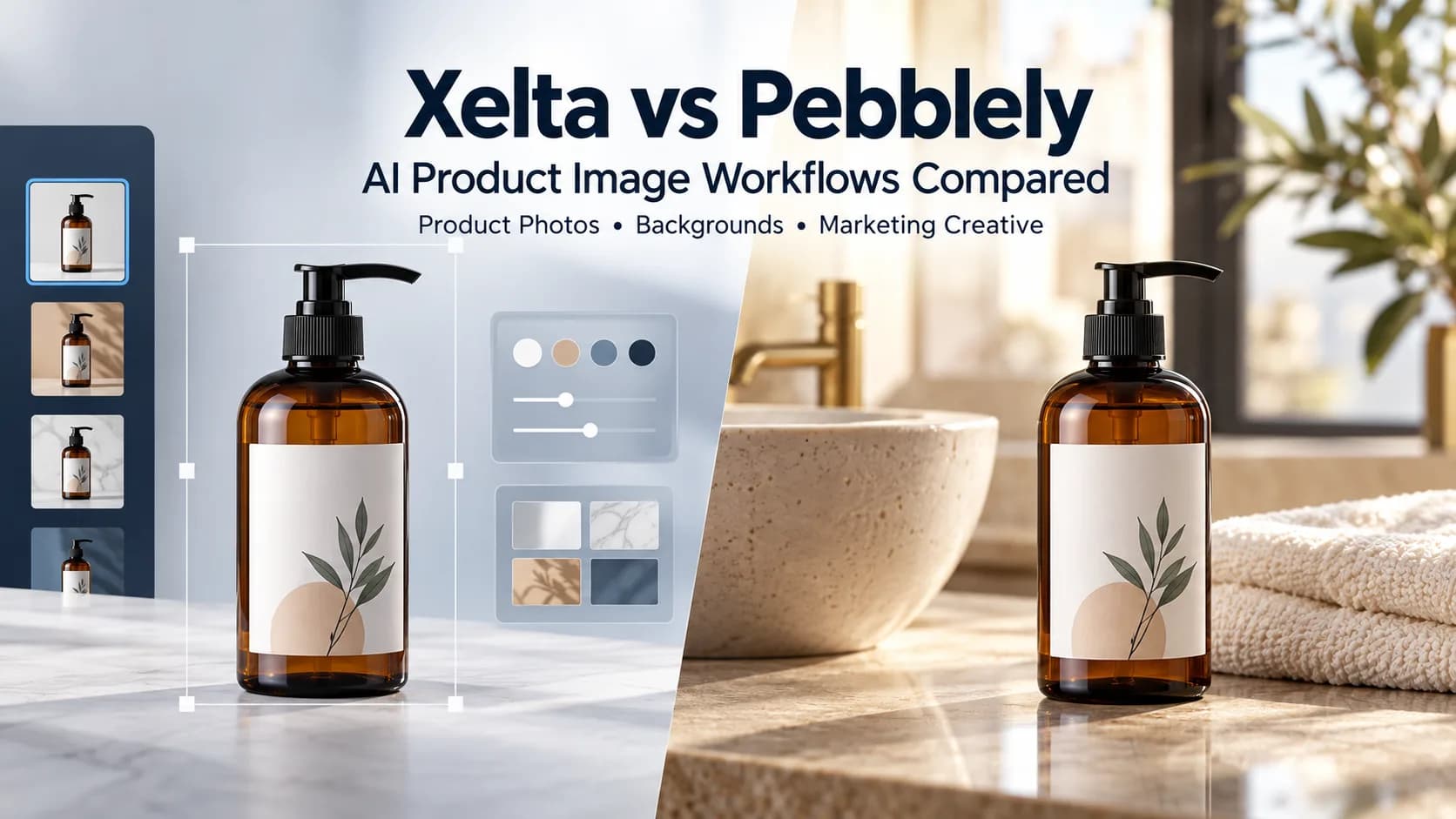
This is the fundamental difference between services from Xelta and Pebblely. Xelta’s AI covers more creative work in general, while Pebblely focuses exclusively on product photography.
To put it another way, if your standard procedure is to utilize existing product pictures to generate listing, social and ad images using templates, custom scenes and bulk generation, Pebblely would be a better option for you. Meanwhile, Xelta is worth consideration if you need product related imagery along with more standard image generation/editing tools. Neither service can guarantee complete fidelity to the original in terms of packaging. Compare the two services using a similar product, three different placements and one revision request.
Quick Answer
Xelta and Pebblely serve different product image creation needs. Pebblely is worth considering for ecommerce teams that regularly create product lifestyle images using templates, custom scenes, size presets, and bulk generation. Xelta is worth exploring if you need product focused visuals alongside broader AI image generation and editing tools. To choose the right option, test both platforms using the same product photograph and create a product listing image, a social media visual, and an advertising creative. Compare product accuracy, background quality, revision flexibility, and the cost of producing approved final images. Always verify packaging, labels, colours, and product proportions before publishing.
How Are the Two Tools Different in 2026?
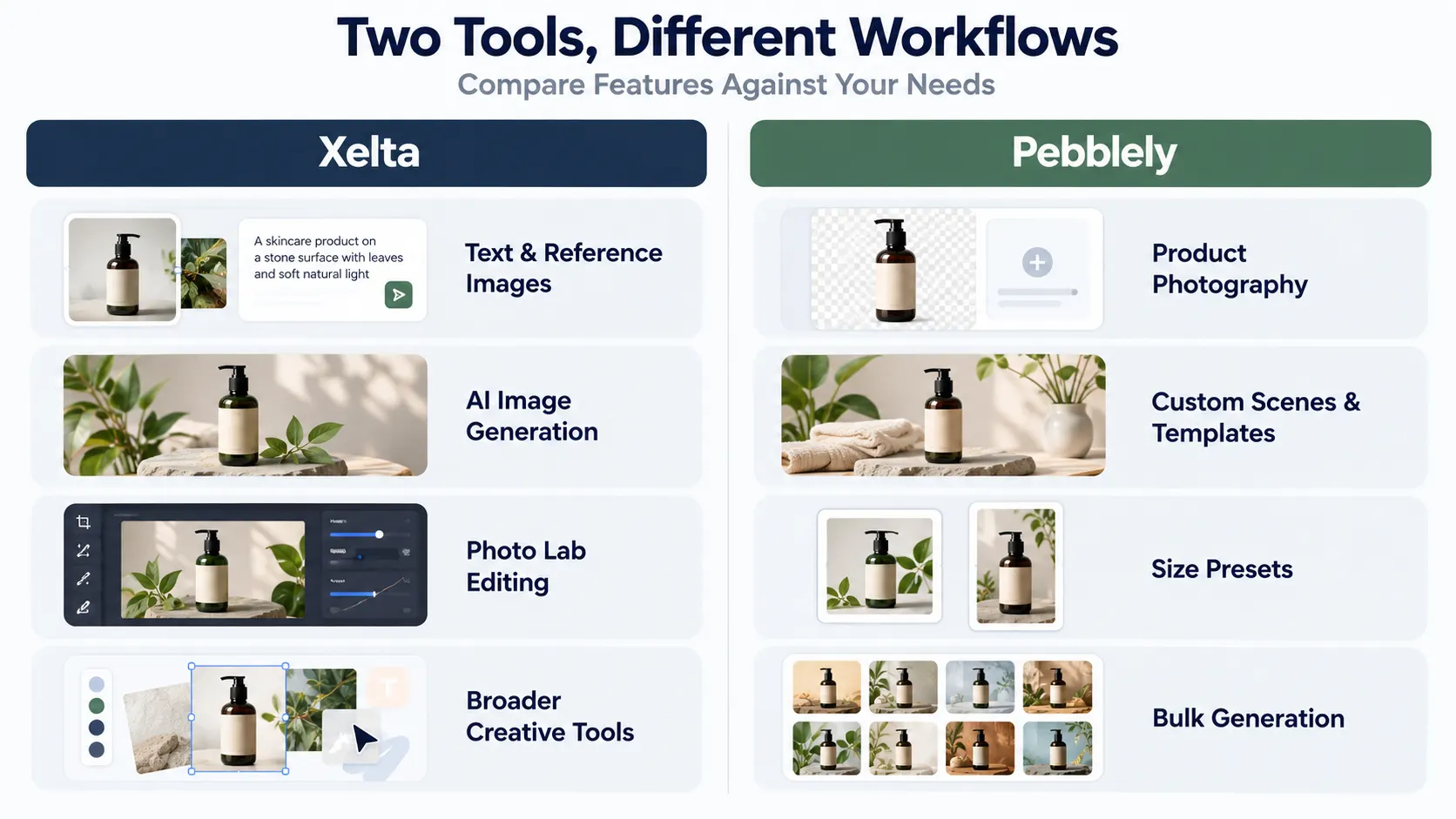
Pebblely has updated its service in March 2026. The user can upload an image of the product without removing the background, choose the template or describe the image. Moreover, it allows selecting the size and creating images in bulk for different products.
Xelta offers combined text/reference image generation and separate editing tools. This feature would be helpful for projects with some specific requirements beyond product catalogues. However, this does not mean that actual objects will look identical.
| Question | Xelta | Pebblely |
|---|---|---|
| Main starting point | Prompt or image reference | Uploaded product photograph |
| Creative direction | Broad image concepts and transformations | Product scenes, templates and custom prompts |
| Editing | Dedicated Photo Lab tools | Product-focused generation workflow |
| Multiple products | Check workflow and available batch controls | Documented bulk generation |
Such tools may create images of clothing and accessories because products in the catalogue need to be identical. Therefore, it is better to keep one photograph of the product that will be used in the catalogue. However, changing the background should not make the bottle look bigger or different from the usual, for example, with a different cap or logo on the bottle.
Why Should Search, Social and Ads Use Different Pictures?
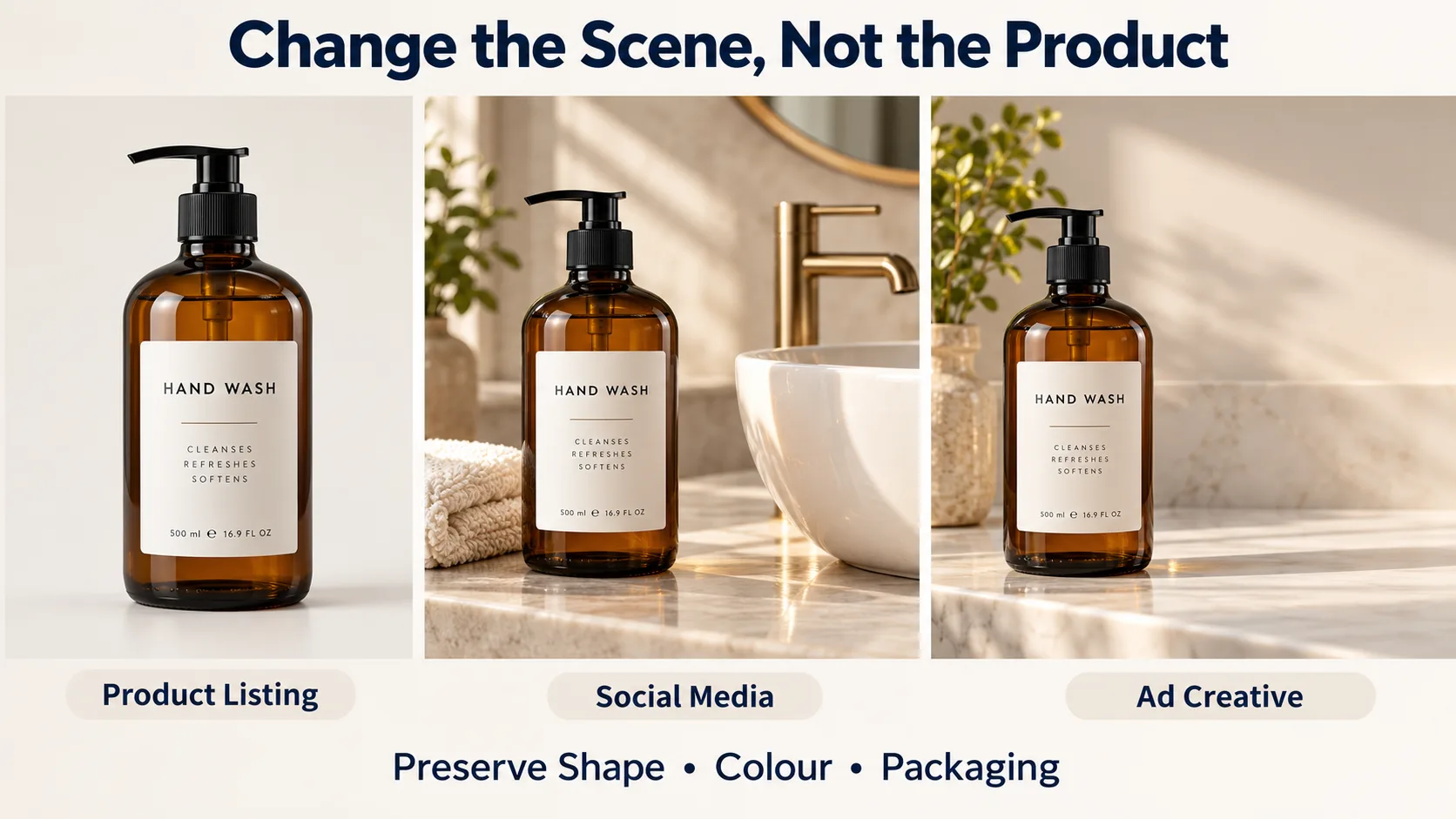
Search visitors need immediate product recognition; social posts should convey context; ads require space to place an offer.
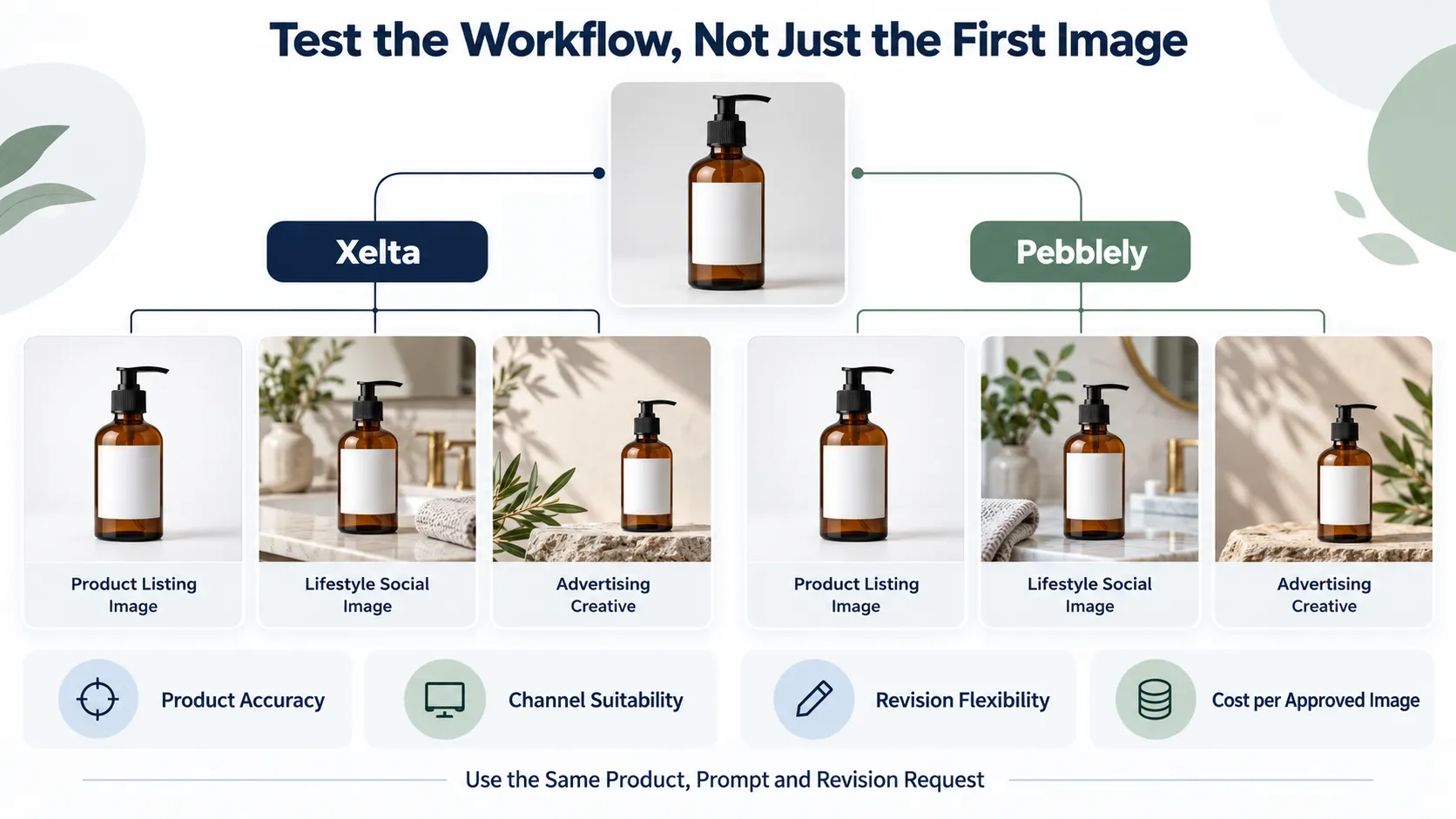
For our hand-wash bottle, keep the shot of the product with a plain background for the product page while using a sink side composition for social media with daylight and a towel as the background. For an ad, shift the bottle to the left and leave the right side empty for the approved copy.
Add approved prices, claims, and calls to action after in an editable file.
Where Does Xelta Fit Into That Process?
Xelta's AI image generator allows the use of text prompts and reference based images. This makes it reasonable to consider other scenes rather than throwing away the original packshot.
For example:
Use the supplied amber hand wash bottle as the subject, place it next to a ceramic sink with a folded cream towel. Morning light on the left, with some reflections, clear background. Retain the silhouette of the bottle, black pump, position of the white label and original proportions but leave space above the towel. No new text or accessories attached to the bottle.
Check the pump, the edges of the label and any reflections. Dramatic lighting can obscure the original glass finish. If the product is changed use the original packshot in an approved background.
What Makes Pebblely Worth Considering?
Pebblely’s specialized workflow takes care of some decision making in the routine product photo making process. Its updated interface provides custom descriptions, templates and size presets, including square, portrait and story sizes. The need to bulk generate is relevant when a catalogue has to have a certain look across several products.
Transparent bottles, reflective jewellery and small labels might still not come out. It is important to consider if revisions would improve the product or the setting.
How Should You Compare Them Without Guesswork?
Provide each platform with the identical product source. Deliver three variants, including a single product image, a lifestyle social post and an ad visual. Use comparable scene descriptions and output sizes
Replace the tiles with pale green alternatives, retaining the bottle, shadows and angle. Report on the results.
- Product integrity: are the pump, label, colour and proportions accurate?
- Channel relevancy: is the subject visible at thumbnail size with enough space for copy?
- Revisions: can a single background detail be changed without violating approved assets?
- Scale: how simple would it be to repeat this across ten products?
For a final cleanup pass, Xelta’s Photo Lab records background edits, colour correction and product-photo enhancement, using this for a targeted correction rather than a new creative rebuild. Check current credits and commercial terms for both platforms before payment, as pricing and included features often change.
Final Thoughts: Choose the Workflow, Not the Prettiest Demo
Pebblely is a sensible shortlist option if your recurring task consists of presenting a catalog of real products as a finished-looking scene. Its 2026 update makes it relevant to compare the template, channel size and bulk creation. Xelta may be a better fit for a more comprehensive evaluation if the product imagery is one part of a mix of visual concepts and editing tasks.
But the buying decision should take place after a correction, rather than an introduction. Compare the tools according to how accurately they protect the product, how many attempts it takes to make a usable asset and how easily a colleague can review the result. Keep the original photograph and only publish accurate results. That is more important than another impressive background.
For official Xelta creative examples and tutorials, exploreXelta AI on YouTube.