


AI Image Generator from Image Free: Turn Existing Images into New Visuals with AI
Creating a new image from scratch is not always the best solution.
Sometimes you already have the right image but need to alter its visual appearance style, background, environment, colors, clothing, lighting, composition, or general aesthetic.
In comes an AI image generator from image free.
Unlike text-to-image AI where you just input your text prompt, image-to-image AI begins with an existing image which you then give instructions on how to transform into a new creative image.
This means you can:
Convert a product image into a lifestyle image Convert a photograph into a movie poster Change the background of an image Generate several images styles from the same reference Convert a sketch to concept image Alter an existing design into a new creative idea Optimize an image for social media platforms
In 2026, image-to-image AI will become increasingly important in creative workflows since it utilizes visual reference + AI generation + human creative guidance.
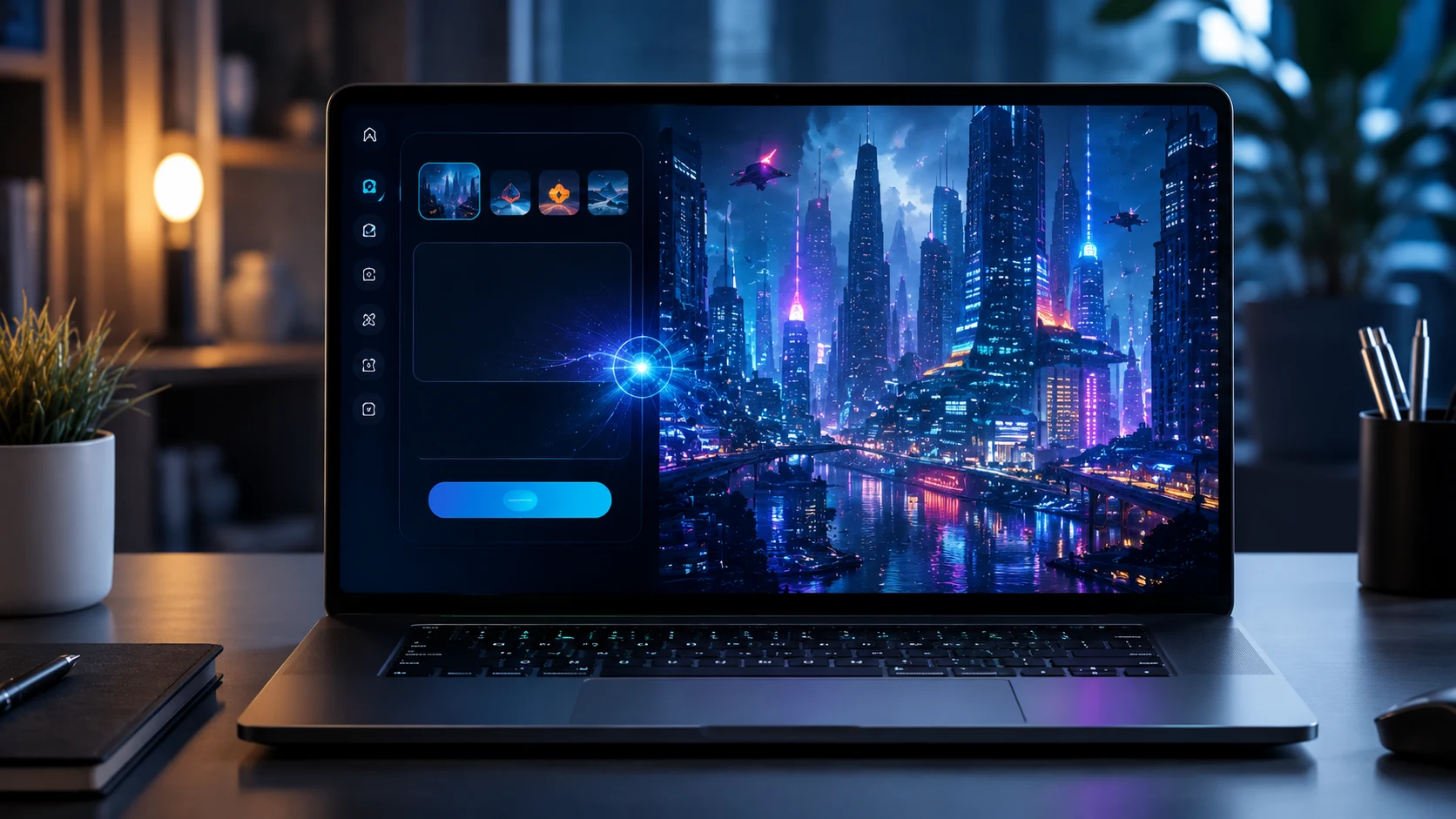
Such platforms like Xelta AI will continue to offer an ecosystem powered by AI where you get access to various creative options such as image generation, image editing, video making, design tools, marketing workflows, among others.
What Is an AI Image Generator from Image?
An AI image generator from image is an AI-powered tool that uses an existing image as an input or reference to create a new image.
Unlike a traditional text-to-image generator, where the process starts with a written prompt, image-to-image generation begins with visual information.
Basic Workflow
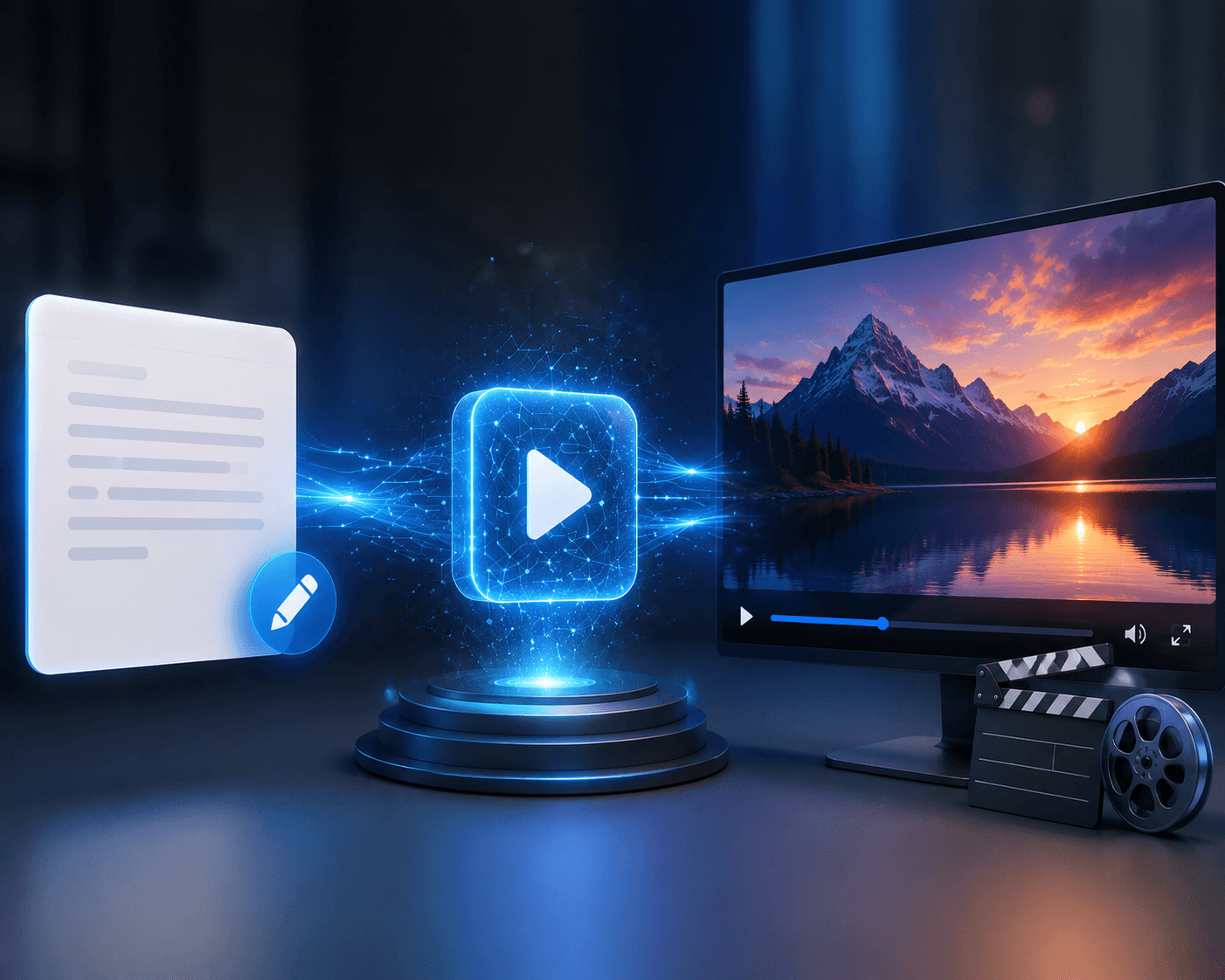
Existing Image + Text Instructions → AI Processing → New Image
For example:
Input Image
A basic product photograph of a handbag.
Prompt
“Place this handbag in a luxury fashion studio with soft warm lighting, a premium marble background, elegant composition, and a high-end commercial photography style.”
The AI uses the original image as a reference and creates a new visual interpretation.
Step 1: Upload Your Reference Image
The first step is to choose an image that provides the visual foundation for your new creation.
Possible inputs include:
Photographs Product images AI-generated images Sketches Illustrations 3D renders Fashion images Interior designs
Step 2: Describe What You Want to Change
Tell the AI what should be different.
You can request changes to:
Background Lighting Color palette Art style Environment Clothing Composition Mood
Example
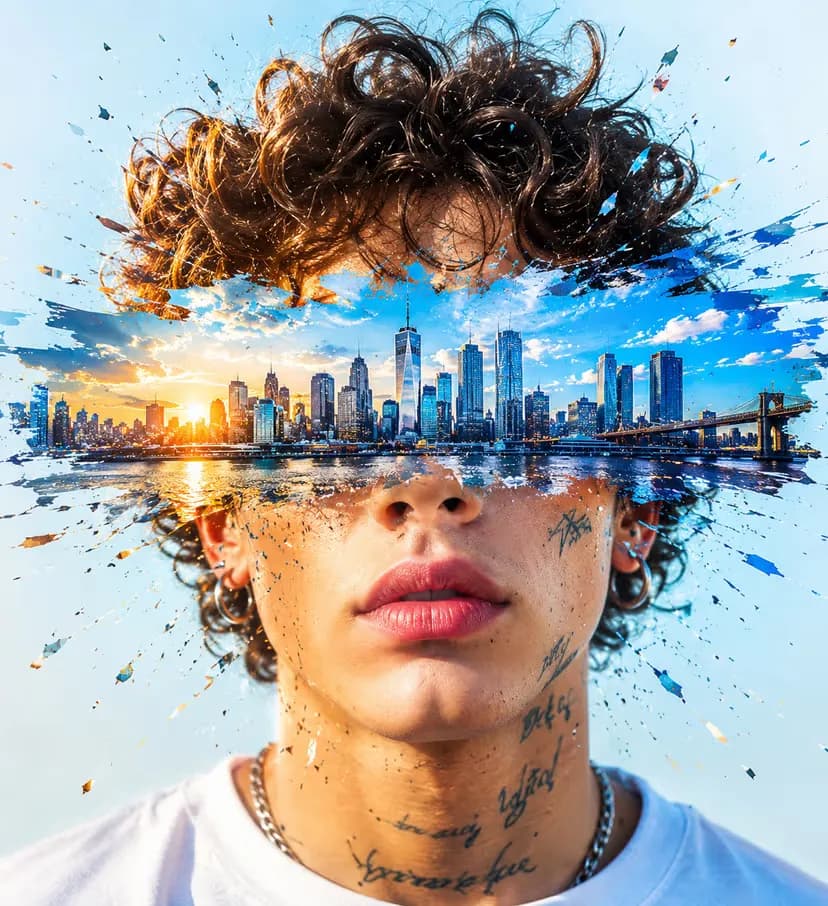
“Keep the person and facial features consistent. Change the background to a modern city at night with cinematic lighting.”
Step 3: Define What Should Stay the Same
This is an important part of image-to-image generation.
If certain elements are important, clearly mention them.
For example:
“Preserve the product shape, logo placement, original colors, and proportions.”
This helps communicate which parts of the reference image should remain consistent.
Step 4: Generate and Review
The AI creates a new visual based on the reference image and prompt.
Always review the result for:
Subject consistency Product accuracy Facial details Text and logos Proportions Background quality Brand alignment
1. Image-to-Image Transformation
The core feature should allow users to create a new image based on an existing visual reference.
This is useful for:
Style changes Background replacement Creative variations Product visualization Concept development
2. Prompt-Based Editing
The ability to combine an image with natural-language instructions gives creators more control.
Example Prompt
“Transform this image into a premium editorial fashion photograph while preserving the clothing design, colors, and overall pose.”
3. Background Transformation
AI can help place an existing subject in a new environment.
Example:
Original: Product on a plain background
New Concept: Product in a luxury studio, outdoor lifestyle scene, or seasonal campaign environment.
This can be useful for marketing and advertising content.
4. Multiple Creative Styles
A single reference image can be transformed into different styles, such as:
Photorealistic Cinematic Editorial 3D render Digital art Watercolor Illustration Fantasy Minimalist
5. Image Editing and Enhancement
The wider AI creative workflow could include:
Background Removal Object Replacement Image Enhancement Upscaling Styling Color Correction
AI Creative Platform by Xelta can perform creative tasks on images like image creation, editing, background removal, Photo Lab, Home Design, Face Swap, Virtual Try On, and more.
Transform Existing Creative Assets
A key benefit would be that of reuse of the existing visuals.
The same product image could be used for:
Website banners Social media posts Lifestyle images Advertisement campaigns Seasonal campaign visuals
This could prove beneficial for companies as far as reuse of existing assets is concerned.
Faster Creative Iteration
Traditional editing may require multiple rounds of manual work.
AI can help test creative directions quickly.
For example:
Original Image → New Background → New Lighting → New Style → New Campaign Version
This makes experimentation more efficient.
Lower Barrier to Professional Visual Creation
You do not always need advanced design skills to begin experimenting with AI image transformation.
A clear reference image and a specific prompt can be enough to start.
More Marketing Variations
Marketing teams often need multiple creative variations for different:
Audiences Platforms Campaigns Seasons Product launches
Image-to-image AI can help create variations from a common visual foundation.
Useful for Creative Prototyping
Before investing in a full photoshoot or design production, teams can explore possible directions.
This can help answer questions such as:
Which background works best? What visual style suits the campaign? How should the product be presented? Which composition is most engaging?
Original Image
A simple product photograph of a pair of shoes.
Prompt
“Place these shoes in a premium urban lifestyle scene with modern architecture, natural daylight, realistic shadows, and a professional sportswear advertising style. Preserve the shoe design and colors.”
Possible Uses
Social media advertising E-commerce campaign Website banner Product promotion
Original Image
A fashion product or outfit reference.
Prompt
“Create a premium editorial fashion campaign using the same outfit. Preserve the garment's color, shape, pattern, and details. Add a modern studio background and high-end magazine lighting.”
Possible Uses
Fashion campaigns Social media Product marketing Brand mood boards
Original Image
A room design or 3D interior render.
Prompt
“Transform this room into a luxury contemporary interior. Preserve the original room layout and architectural structure while adding warm ambient lighting, premium materials, and a high-end interior photography style.”
Possible Uses
Design presentations Client concepts Portfolio visuals Real estate marketing
Original Image
A simple hand-drawn product or architectural sketch.
Prompt
“Transform this sketch into a realistic modern architectural concept while preserving the original structure and proportions.”
Possible Uses
Concept visualization Architecture presentations Creative development
AI Image-to-Image Generation vs Traditional Image Editing
| Feature | AI Image-to-Image | Traditional Editing |
|---|---|---|
| Starting Point | Existing image + prompt | Existing image + manual tools |
| Speed | Fast creative exploration | Can require more time |
| Skill Level | Beginner-friendly workflows | Requires editing expertise |
| Creative Variations | Easy to generate | More manual work |
| Precision | Requires review | High manual control |
| Best For | Concepts, variations, transformations | Precise professional retouching |
Expert Perspective
AI image conversion and conventional editing are not necessarily interchangeable operations.
Conventional editing is preferred in cases where:
Precision at the pixel level is required Product accuracy is needed Retouching is done in detail Specialized brand edits are done Technical designs are created
AI image creation becomes highly effective in cases where:
Creative process is being explored Backgrounds are changed Ideas are being developed Marketing variants are being considered Prototyping is performed
Why Xelta AI Is Different
Xelta AI is designed as a broader AI creative platform rather than a single image transformation tool.
The platform brings together multiple categories of AI-powered creation, including:
Image generation Image editing Video generation Video editing Design tools Marketing and advertising Social media workflows E-commerce creative tools Audio and other AI workflows
Xelta's platform currently presents multiple creative categories and models, including image generation, image editing, video generation, video editing, social media, design and creative, e-commerce, and marketing workflows.
One Creative Ecosystem for Image Transformation and Content Production
A modern content workflow may look like:
Reference Image → AI Transformation → Image Enhancement → AI Video → Editing → Marketing Content
For example:
Upload an existing product image. Transform its background with AI. Create multiple campaign variations. Convert a selected visual into a video. Edit and enhance the final content. Publish it across marketing channels.
This broader workflow can be valuable for creators and businesses that need more than one isolated AI tool.
You can explore the Xelta AI Image Generator for creating AI visuals and the Xelta AI Studio for broader creative workflows.
Can You Control What Changes?
A good image-to-image workflow should let you specify what should change and what should remain consistent.
For example:
“Change the background but preserve the product.”
This level of control is important for business use.
Is the Output Quality Suitable for Your Purpose?
Consider whether the output is suitable for:
Social media Website banners Advertising E-commerce Presentations Professional campaigns
Are Free Usage Limits Clearly Explained?
“Free” may mean:
Free credits Trial access Limited generations Restricted resolution Watermarked outputs
Always review the current plan and terms before using AI-generated images commercially.
Does the Platform Support a Complete Workflow?
If you frequently create content, a platform with image, video, editing, enhancement, and marketing tools may be more useful than a single-purpose generator.
Start with a Clear Reference Image
The AI can only work with the visual information provided.
Use an image with:
Good resolution Clear subject Suitable composition Visible details
Clearly Explain the Desired Change
Weak prompt:
“Make it better.”
Better prompt:
“Replace the background with a premium modern studio while preserving the product's original shape, color, logo, and proportions.”
Mention What Must Stay Consistent
This is particularly important for:
Products Brand logos Clothing Architecture Faces Important design details
Change One Major Variable at a Time
Instead of requesting five unrelated transformations at once, start with one major change.
For example: Change the background. Review the result. Adjust the lighting. Create a new variation.
This can make the workflow easier to control.
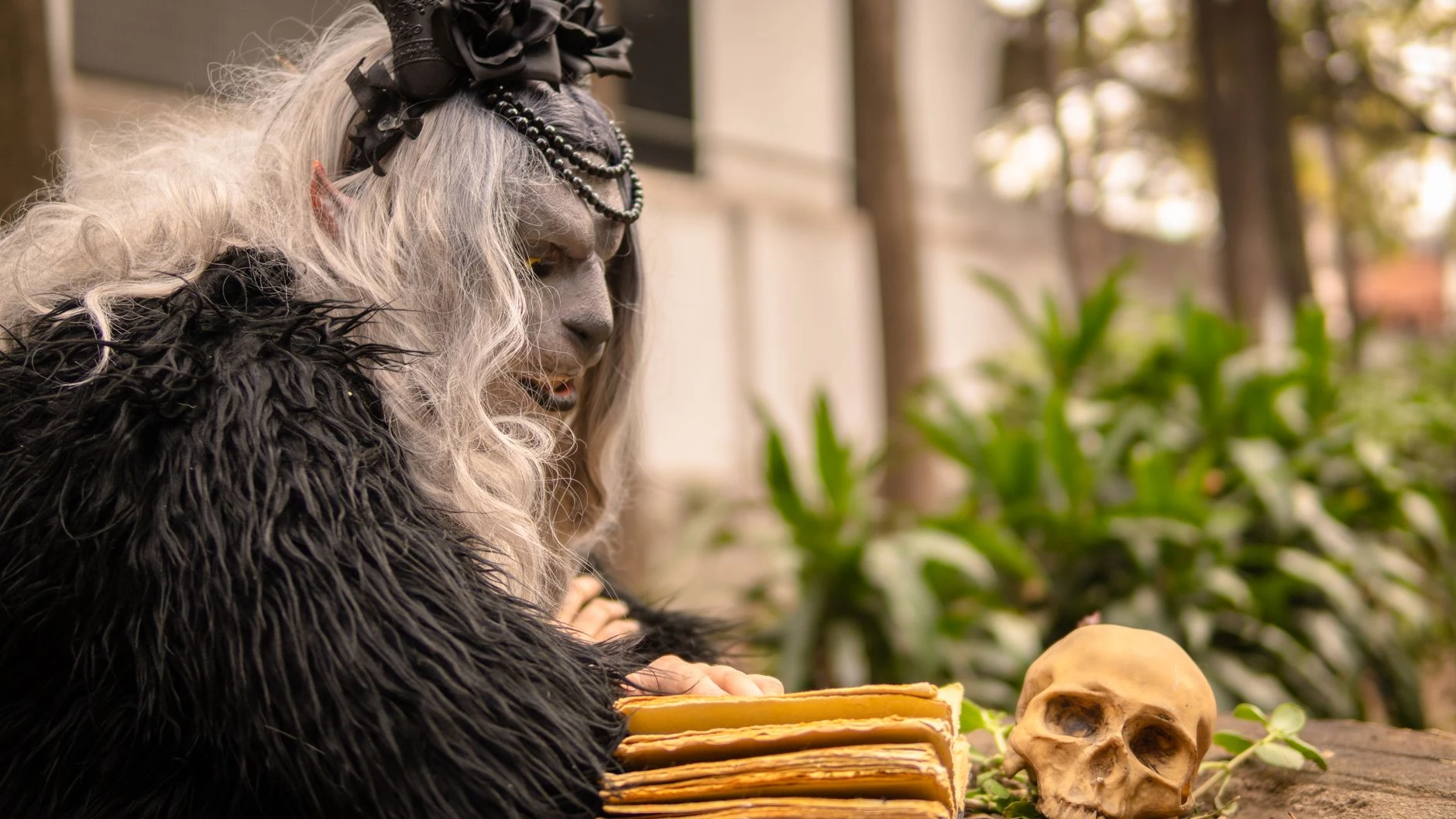
Review AI-Generated Images Before Publishing
AI-generated visuals can sometimes contain unexpected changes.
Check:
Logos Text Product features Faces Hands Product proportions Brand colors
Human review remains essential for professional and commercial content.
Pillar Page
AI Image Generator