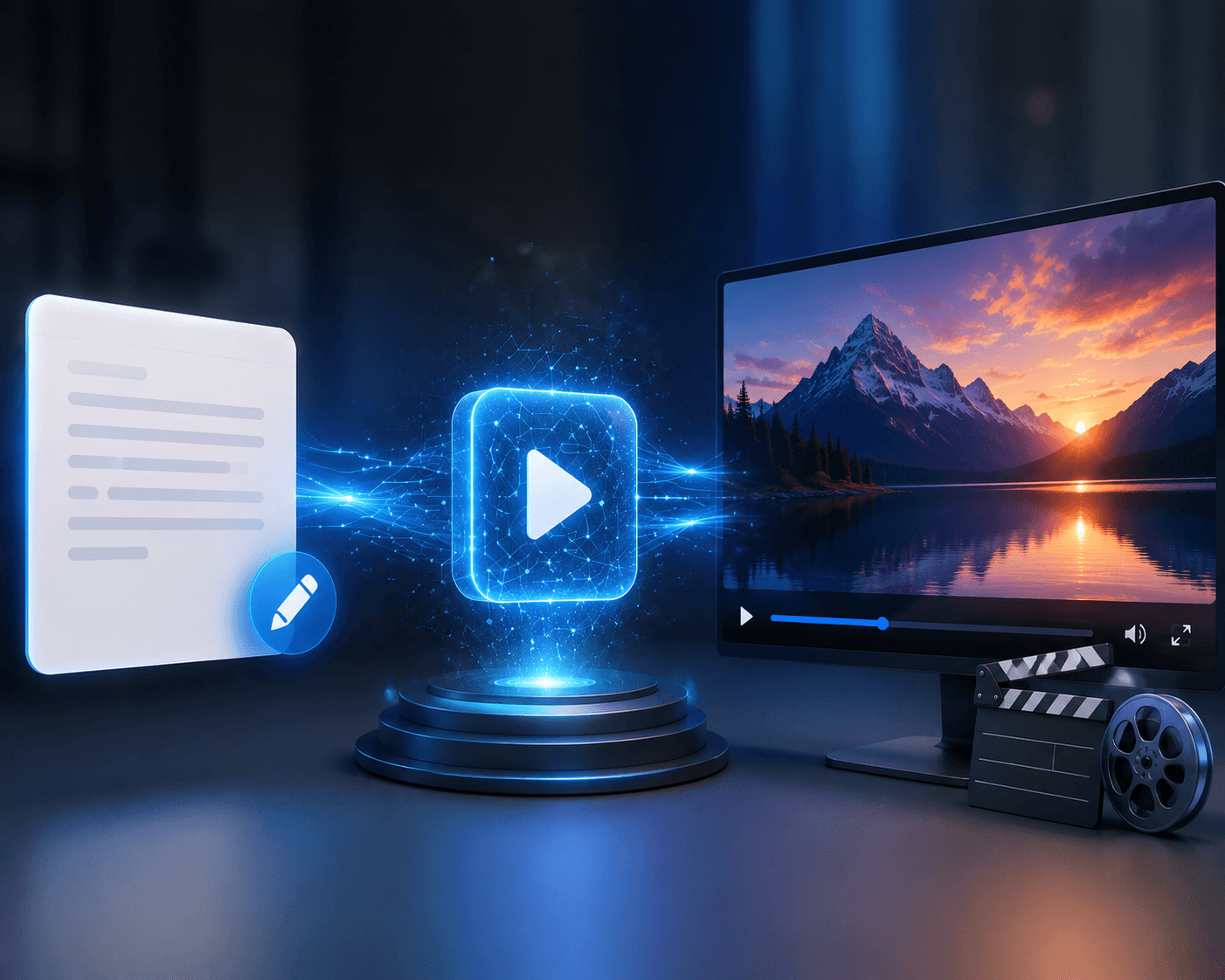
How to Convert Text Into Video With AI
You already have the idea. Maybe it’s written in a Google Doc, sitting in your notes, included in a blog post, or simply described in one sentence.
The difficult part is turning that idea into something people can actually watch.
Creating a video traditionally involves several steps: writing a script, planning scenes, finding or recording visuals, editing clips, adding audio, and making everything work together. AI video tools can make many of these steps faster, but they don't completely remove the creative process.
The quality of an AI-generated video depends heavily on the text you provide, how clearly you describe the scene, which model and settings you choose, and how much you refine the result.
In this guide, we'll look at how to convert text into video with AI, from turning an idea into a prompt to generating, reviewing, and editing the final video.
What Does It Mean to Convert Text Into Video With AI?
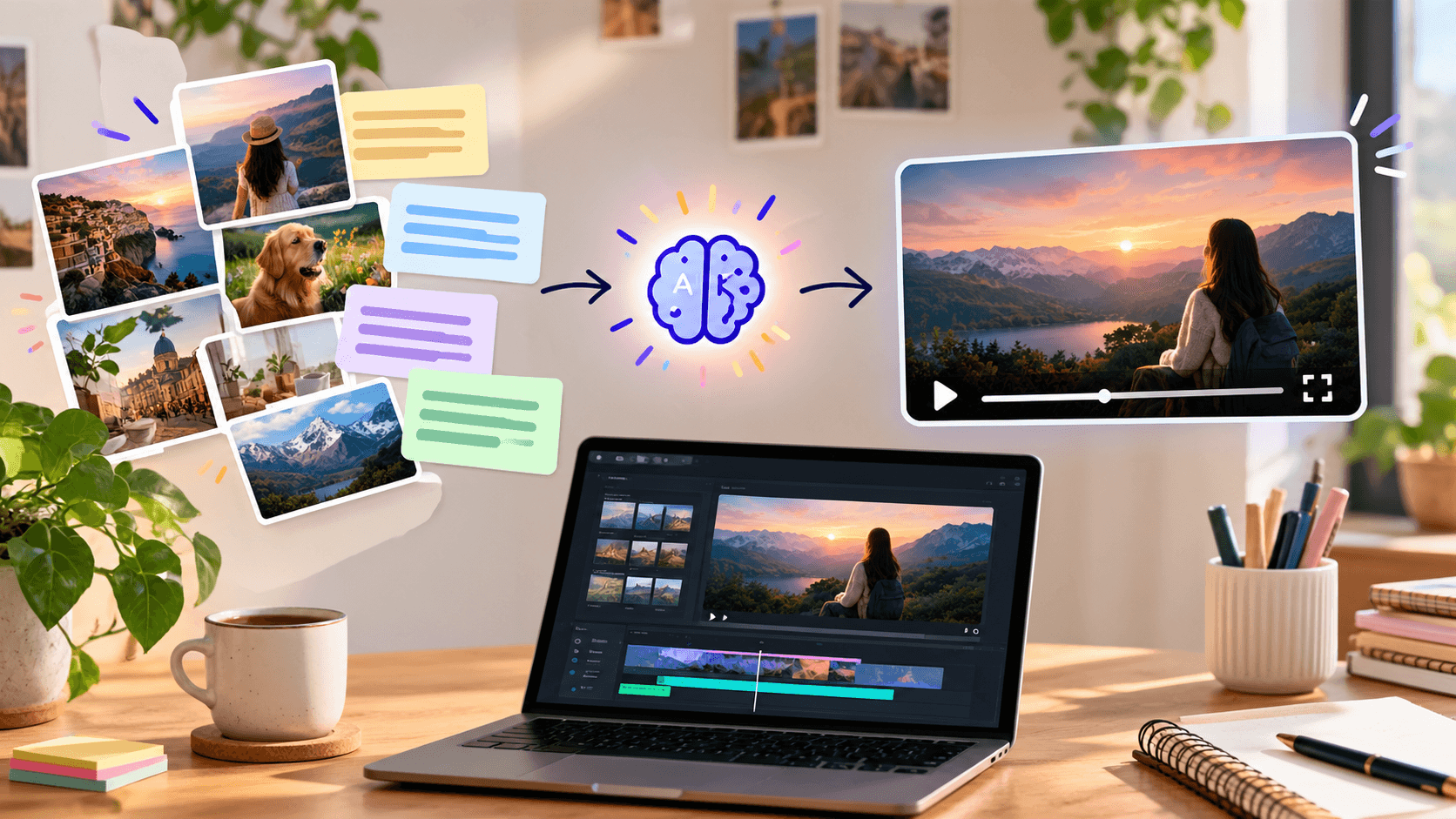
Text-to-video AI allows you to describe a scene, concept, or sequence using written instructions and generate video based on that description.
For example, instead of searching for stock footage of a person walking through a city, you could describe the scene:
A person walking through a busy city street after rain, with reflections on the pavement and soft evening light.
The AI interprets the description and creates a video based on the subject, environment, movement, camera perspective, and visual style you specify.
However, text-to-video is not simply a matter of entering one sentence and getting a finished production. In many cases, the process works better as an iterative workflow:
Text → Prompt → Generation → Review → Refinement → Editing → Final Video
How to Convert Text Into Video With AI
1. Start With the Idea
Before opening an AI video generator, decide what you actually want the video to communicate.
Your starting point could be:
- A short story
- A product idea
- A social media concept
- A marketing message
- A blog topic
- A video script
- A single scene
- A creative concept
Don't worry about making the first version perfect.
Start with the core idea and then turn it into a visual description.
2. Turn the Idea Into a Video Prompt
This is where the quality of your input becomes important.
A useful prompt can include:
Subject + Action + Setting + Camera + Lighting + Style
What Makes a Good Text-to-Video Prompt?
A good prompt doesn't have to be complicated.
It should be specific enough to communicate the visual outcome you want.
Consider including:
Subject
What should appear in the video?
Example:
A cyclist wearing a yellow jacket
Action
What is happening?
Example:
Riding along a coastal road
Environment
Where is the scene taking place?
Example:
Along a winding road beside the ocean
Camera
How should the scene be filmed?
Example:
Slow tracking shot from the side
Lighting
What should the lighting look like?
Example:
Golden-hour sunlight
Style
What should the overall visual feel be?
Example:
Realistic cinematic style
The goal isn't to add words for the sake of adding words. The goal is to remove ambiguity.
Where Does Text-to-Video AI Work Well?
Text-to-video AI can be useful for a wide range of creative and marketing tasks.
For example:
- Social media videos
- Short-form content
- Product concepts
- Marketing visuals
- Creative experiments
- Storyboarding
- Advertising concepts
- Educational content
- Visual prototypes
- Film and scene development
It can be particularly useful when you need to explore an idea visually before investing time and resources into traditional production.
Text-to-video AI can be useful for a wide range of creative and marketing tasks. For example: - Social media videos - Short-form content - Product concepts - Marketing visuals - Creative experiments - Storyboarding - Advertising concepts - Educational content - Visual prototypes - Film and scene development It can be particularly useful when you need to explore an idea visually before investing time and resources into traditional production.
AI-generated video has improved significantly, but it isn't perfect.
Complex interactions, precise physical movements, consistency across multiple shots, detailed text, faces, products, and highly specific creative requirements can still require careful review.
This is why AI video should usually be treated as part of a creative workflow rather than a complete replacement for human direction.
The creator still needs to decide what the video should communicate, check the generated output, and make final creative decisions.
Using Xelta to Convert Text Into Video
If you want to move from a written idea to a generated video without building the entire production workflow yourself, Xelta's AI Video Generator can be one option to explore.
You can start with a text prompt or reference image, select relevant generation settings, create the video, review the output, and refine it.
The broader workflow can look like:
Idea → Prompt → Model → Generation → Review → Editing → Final Video
Xelta also brings together additional creative capabilities for video workflows, including editing, stitching, motion control, visual effects, and other production features.
For short-form content, tools such as an AI reel creator can also help turn ideas and existing media into social-ready videos.
The important point is that the AI handles much of the generation process, while the creator remains responsible for the creative direction and final result.
Common Mistakes When Converting Text Into Video
Using Vague Prompts
"A beautiful city video" leaves too much open to interpretation.
Add information about the subject, action, environment, camera, and visual style.
Asking for Too Many Actions
Trying to describe several complex events in one short generation can make the result inconsistent.
Break complicated ideas into separate scenes when necessary.
Ignoring the Final Platform
A video designed for YouTube isn't necessarily formatted correctly for Instagram Reels or TikTok.
Choose the aspect ratio and presentation style based on where the video will be used.
Expecting the First Generation to Be Final
AI video generation is often an iterative process.
Generate, review, refine, and generate again.
Forgetting the Editing Stage
Even a good AI-generated clip may benefit from trimming, sequencing, captions, music, voiceover, transitions, or other edits.
Generation is only one part of the process.
Can You Convert a Full Article Into a Video With AI?
Yes, but it is usually better to break the article into smaller ideas rather than putting the entire article into one prompt.
For example, a 1,000-word article could become:
- Opening hook
- Main problem
- Key explanation
- Three important points
- Example
- Conclusion or call to action
Each section can then become a scene or group of scenes.
This usually gives you more control over pacing and visuals.
How Do You Convert Text Into a Video for Instagram?
For Instagram Reels, start by adapting the written idea into short, visually clear scenes.
Use a vertical 9:16 format, keep each scene focused, and consider adding captions or voiceover during editing.
Don't simply paste a long article into an AI video generator and expect it to automatically become an engaging Reel.
The written content still needs to be adapted for the way people consume short-form video.
Why Does My AI-Generated Video Look Unnatural?
There are several possible reasons.
Your prompt may be too vague, the requested action may be too complex, or the selected model may struggle with a particular type of movement or detail.
Try simplifying the scene and focusing on one primary action.
Then generate another version and compare the result.
Is AI Good for Marketing Videos?
AI video can be useful for marketing because it makes it easier to explore creative concepts and produce visual content quickly.
It can support social media content, advertising concepts, product visuals, promotional videos, and creative experimentation.
However, the generated video should still be reviewed for accuracy, brand consistency, messaging, and overall quality before publication.
Final Takeaway
Converting text into video with AI is easier when you stop thinking of it as a single-click process.
The strongest workflow is usually:
Write → Generate → Review → Refine → Edit
Start with a clear idea. Turn that idea into a visual prompt. Choose the right format and generation settings. Create a first version, evaluate it, and refine what isn't working.
AI can dramatically shorten the distance between an idea and a video, but the quality still depends on the person directing the process.
Your next video can start with nothing more than a sentence. The real work is turning that sentence into a clear visual idea and giving the AI enough direction to bring it to life.
FAQs
1. How do you convert text into a video with AI?
Enter your text or idea into an AI video generator, choose the format, generate the video, and refine the output.
2. What is text-to-video AI?
Text-to-video AI converts written descriptions or prompts into video content.
3. Can AI convert a blog post into a video?
Yes. You can break a blog post into key points and turn each section into separate video scenes.
4. What makes a good AI video prompt?
A good prompt clearly describes the subject, action, setting, camera, lighting, and visual style.
5. Can AI-generated videos be used for marketing?
Yes. AI videos can be used for social media, advertisements, product videos, promotional content, and creative campaigns.