


AI Image Generator from Text Free: Create Images from Simple Words
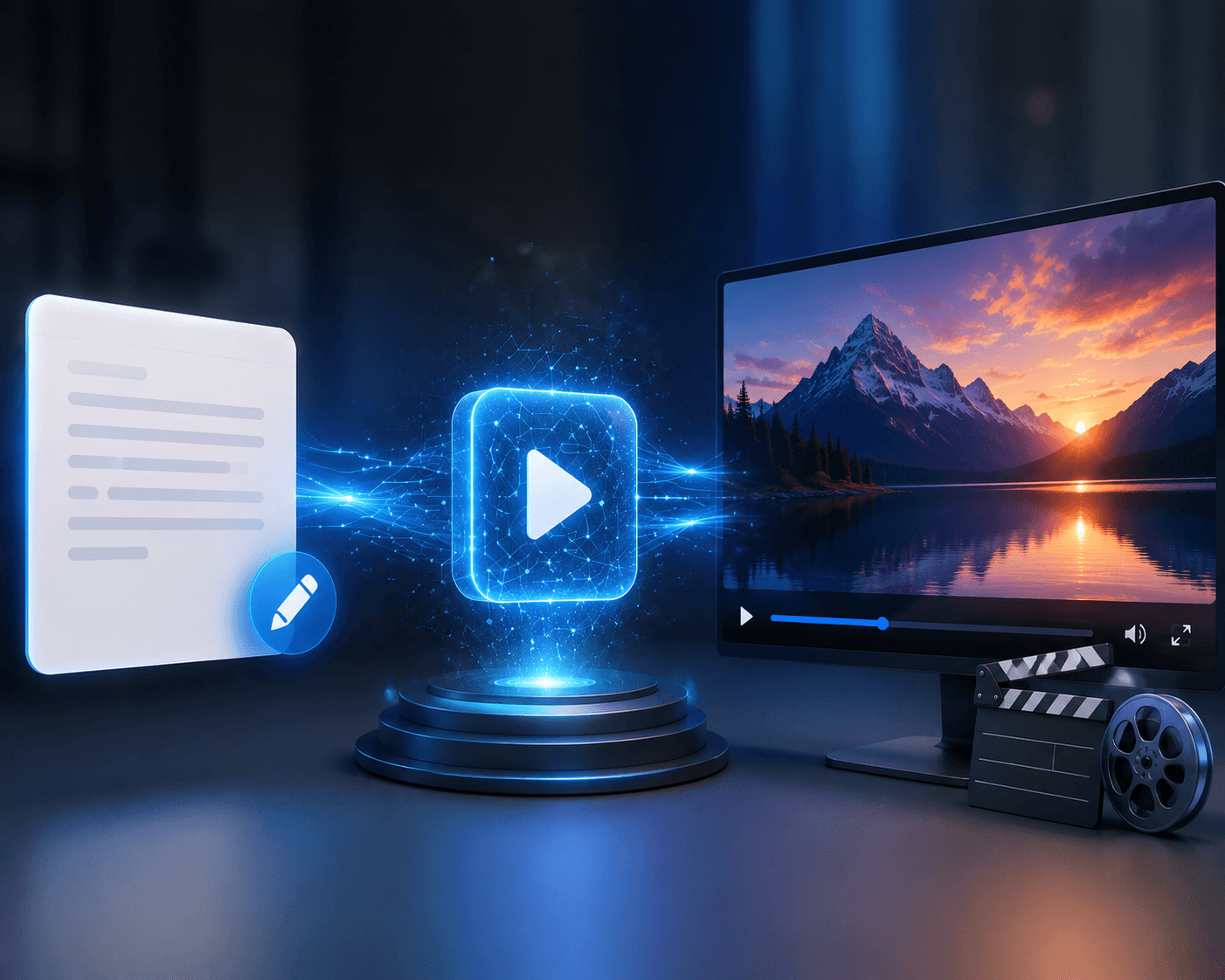
In today's world, an AI-based text to image generator can create a brand new image within minutes with just the written description that the user provides.
A product, a person, a location, an idea, an illustration, a room, an advertisement, or any other scenario can be described in natural language. The AI interprets the data and creates an image based on the specifics of the prompt.
For example:
"A luxurious modern villa with glass façade, infinity pool, landscaped garden, mountain scenery, sunset lighting, architectural photography realism."
The following are some of the use cases of such a text to image approach:
Social media content Marketing campaigns Product visuals Blog illustrations Website banners Real estate marketing Interior design ideas Advertising creatives Digital art Brand stories
However, the best image generator AI is not measured just by its ability to generate visually appealing images. On the contrary, a good AI should help users go through the cycle of idea → prompt → image → review → final content asset.
Platforms like Xelta AI could serve this purpose since they provide image-generation workflow together with image editing, video, design, e-commerce, social media and marketing categories.
What Is an AI Image Generator from Text?
An AI image generator from text is a tool that uses artificial intelligence to create visual content from written instructions.
The written instruction is commonly called a prompt.
A prompt can describe:
The main subject The background The environment Lighting Colors Camera angle Art style Mood Composition
Simple Example
Prompt:
“A premium coffee cup on a wooden table, warm morning sunlight, soft shadows, realistic commercial product photography.”
The AI analyzes the written description and generates a visual interpretation.
Unlike a stock photo search, text-to-image AI can create a new visual based on the exact combination of elements described in the prompt.
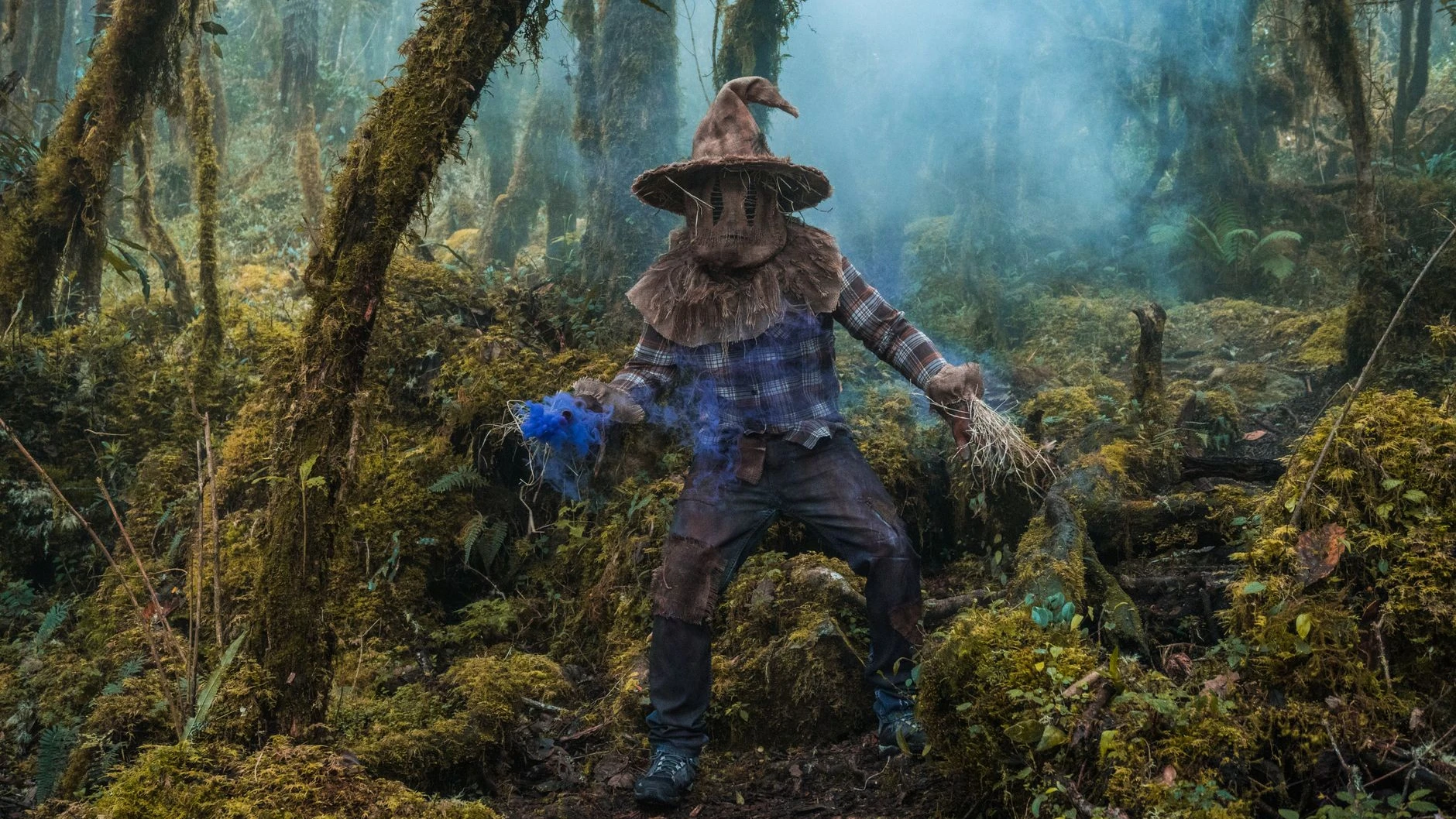
Step 1: Define the Purpose of the Image
Before writing a prompt, ask:
“What job should this image perform?”
For example:
Stop attention on social media Explain a blog topic Promote a product Show a design concept Support an advertisement Improve a website page
Xelta's own content guidance emphasizes that an image becomes more useful when its purpose, audience, channel and review requirements are defined before generation.
Step 2: Write a Structured Prompt
A useful prompt generally includes:
Subject + Environment + Action + Lighting + Style + Composition
Example
“A futuristic electric car driving through a modern city at night, neon reflections on wet streets, cinematic lighting, realistic automotive photography, low-angle composition.”
This is more useful than a vague prompt such as:
“A cool futuristic car.”
Step 3: Generate the Image
The AI processes the prompt and creates a visual interpretation.
Depending on the platform, users may be able to choose different models, styles or creative workflows.
Xelta's current workspace lists multiple image-generation models and additional image-editing workflows, allowing users to explore different AI creative options in one platform.

Step 4: Review and Improve
The first generation should not always be treated as the final result.
Review:
Subject accuracy Composition Lighting Proportions Brand details Unwanted objects Text accuracy
Then improve the prompt or create a controlled variation.
1. Text-to-Image Generation
This is the primary feature.
Users should be able to describe an idea and generate an image without requiring advanced graphic design skills.
Photorealistic Images
Useful for:
Product photography Real estate Fashion Commercial advertising
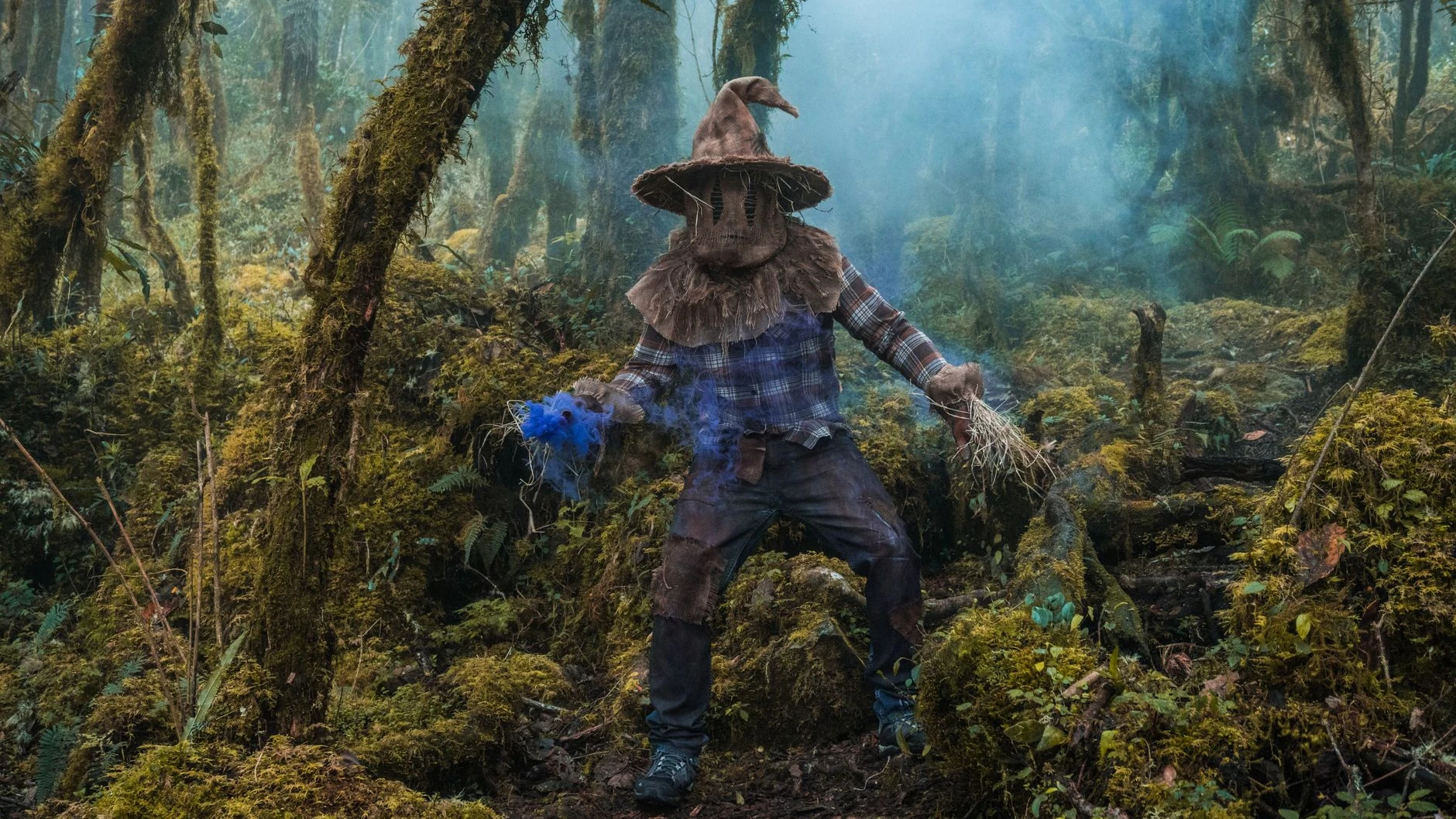
Artistic Images
Useful for:
Digital art Illustrations Creative storytelling
Cinematic Images
Useful for: Film concepts Brand storytelling Advertising campaigns
3. Image Editing and Refinement
Generation is only one part of a complete creative process.
A useful AI ecosystem may also support:
Background removal Image enhancement Object replacement Style transformation Image upscaling Creative editing
Xelta's AI platform includes image generation and editing categories in addition to video, design, social, e-commerce and marketing workflows.
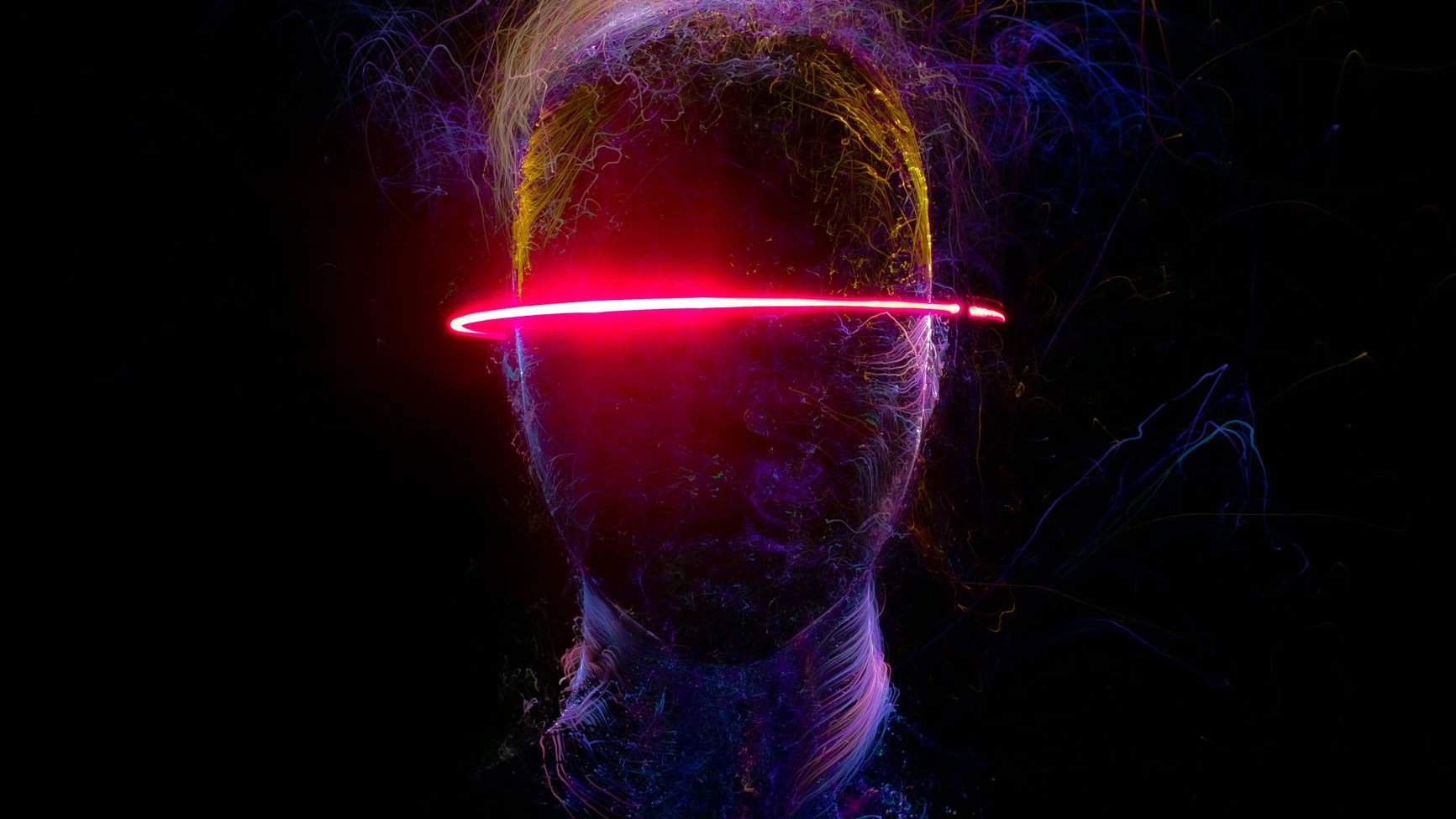
4. Prompt Flexibility
A good text-to-image tool should handle both simple and detailed prompts.
Advanced Prompt
“A contemporary minimalist living room with warm neutral tones, textured walls, natural daylight through large windows, premium furniture, realistic interior photography, wide-angle composition.”
The second prompt gives the AI more visual direction.
5. Workflow Scalability
A tool may be used by:
Individual creators Small businesses Marketing teams Agencies E-commerce brands Enterprise teams
The right platform should match the user's content volume and creative requirements.
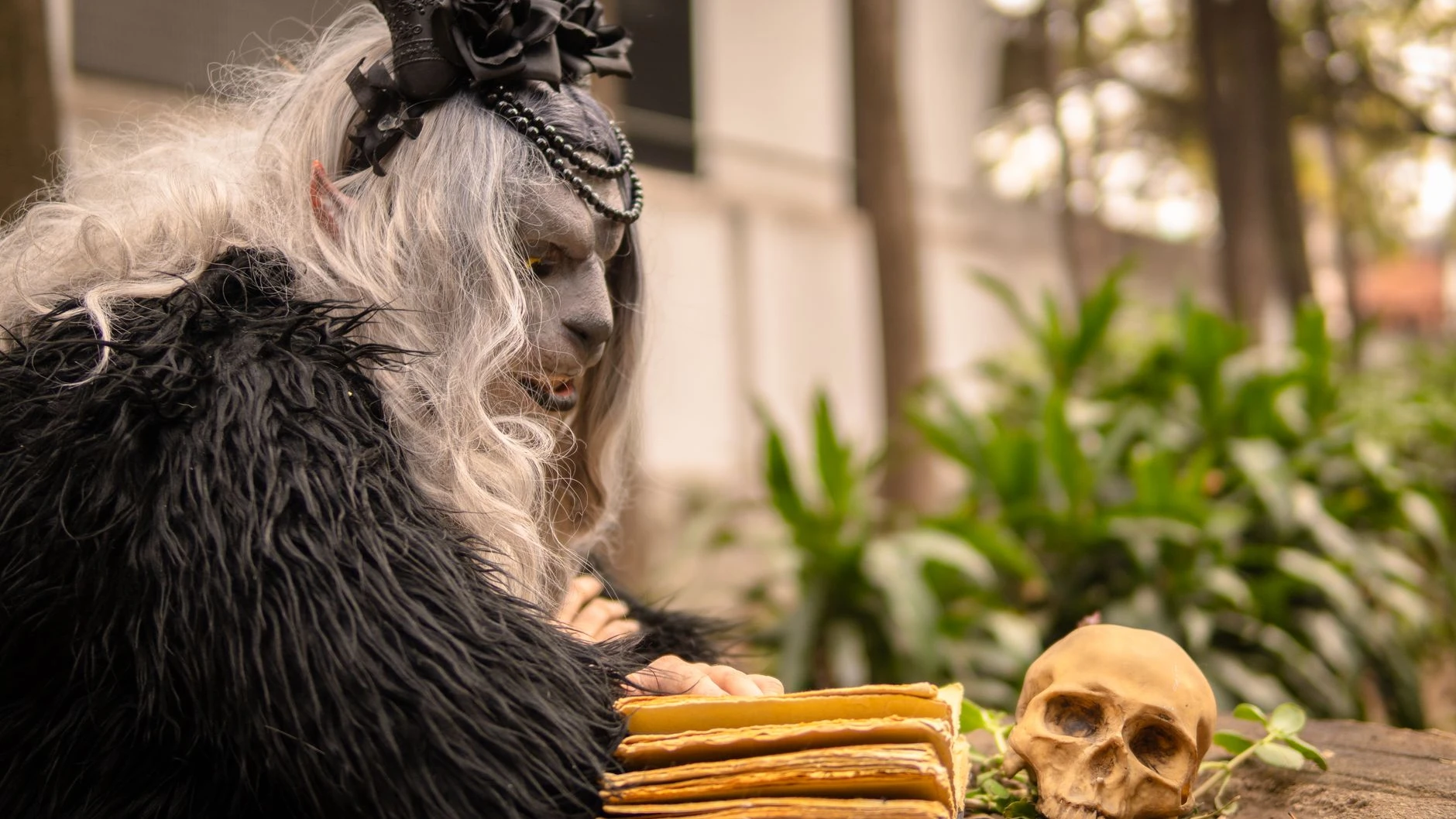
Faster Content Creation
AI can help reduce the time required to create initial visual concepts.
This is useful when a business needs fresh visuals for:
Campaigns Social media Blogs Product pages Advertisements
Lower Creative Entry Barrier
A beginner can describe an idea in ordinary language without first learning advanced design software.
This makes AI image generation useful for:
Startups Students Freelancers Small businesses Content creators
More Creative Experimentation
One idea can be explored in several directions.
For example:
“A luxury hotel” can become Sunset travel advertisement Minimalist architectural visual Social media campaign Ainematic brand image
Create More Content from One Brief
A single marketing idea can generate multiple visual concepts for different channels.
This can support:
Social media campaigns Blog articles Website banners Digital advertisement Email marketing
Faster Concept Development
Designers and creative teams can use AI to explore early concepts before investing significant time in detailed production.
This makes AI useful not only for final assets, but also for brainstorming and visual prototyping.
Prompt
“A premium wireless headphone placed on a white marble surface, soft studio lighting, realistic shadows, luxury technology product photography.”
Suitable For
Product pages E-commerce campaigns Social media Digital advertisements
Prompt
“A modern luxury villa with glass walls, infinity pool, landscaped garden, mountain background, warm golden-hour lighting, realistic architectural photography.”
Suitable For
Property listings Builder websites Real estate brochures Lead-generation advertisements
Prompt
“Fresh Italian pizza with melted cheese, basil leaves, rustic wooden table, warm restaurant lighting, professional food photography, close-up composition.”
Suitable For
Restaurant social media Menu visuals Food delivery campaigns
Prompt
“A modern minimalist living room with neutral colors, textured walls, premium furniture, indoor plants, natural sunlight, realistic interior photography.”
Suitable For
Interior design portfolios Client presentations Home décor marketing
Prompt
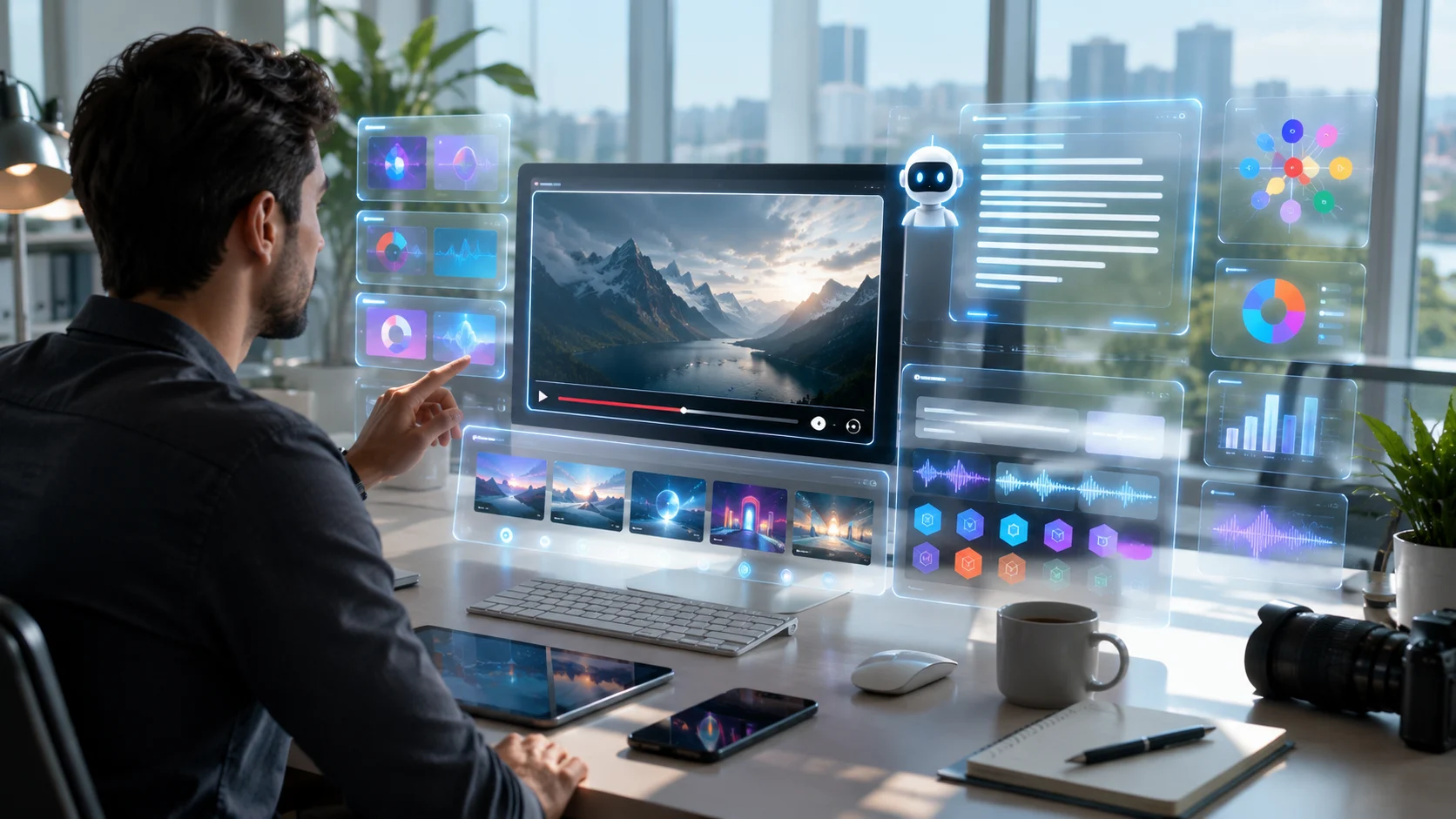
“A modern digital workspace showing artificial intelligence, data visualization, and creative technology, clean editorial illustration, professional business style.”
Suitable For
Blog posts Educational content Website articles Presentations
AI Image Generator from Text vs Traditional Design
| Factor | AI Image Generator | Traditional Design |
|---|---|---|
| Starting Point | Written prompt | Manual design process |
| Speed | Fast concept generation | Often slower |
| Learning Curve | Beginner-friendly | Can require training |
| Variations | Easy to create | More manual |
| Creative Exploration | Very flexible | Depends on designer |
| Precision | Requires review | High manual control |
| Best For | Concepts and rapid visuals | Detailed final production |

Expert View
AI image generators and classic design software are not always supposed to be used as substitutes for each other.
In particular, AI excels at:
Brainstorming Quick visual ideas Creativity exploration Graphics for marketing campaigns Sketches
Classic design software can prove to be better suited for:
Brand-specific layout Typography perfection Pixel editing Technical drawing Production management
The most efficient process may combine both approaches.
Why Xelta AI Is Different
However, the Xelta AI is described as a larger AI creative platform instead of a mere text-to-image generator.
The existing ecosystem in the platform comprises of:
Image creation Image editing Video creation Video editing Social media workflows Design & Creative workflows E-commerce workflows Marketing & Advertising workflows
Currently, the Xelta platform offers various AI models along with creative workflow types, whereas the pricing policy offered by it includes subscription-based and pay-as-you-go plans.
Xelta AI USP: From Text Prompt to Complete Creative Asset
A possible workflow may include:
Text Idea → AI Image → Variations → Editing → Video → Content Marketing
For instance:
Determine the purpose of the image. Develop an idea for the prompt. Generate your initial visual image. Create variations on demand. Edit and refine the chosen asset. Transform the visual into video content where needed. Prepare your final asset to be used in the right publishing platform.
This is one major distinction between the use of AI as an image generator and the process of utilizing AI as a workflow.
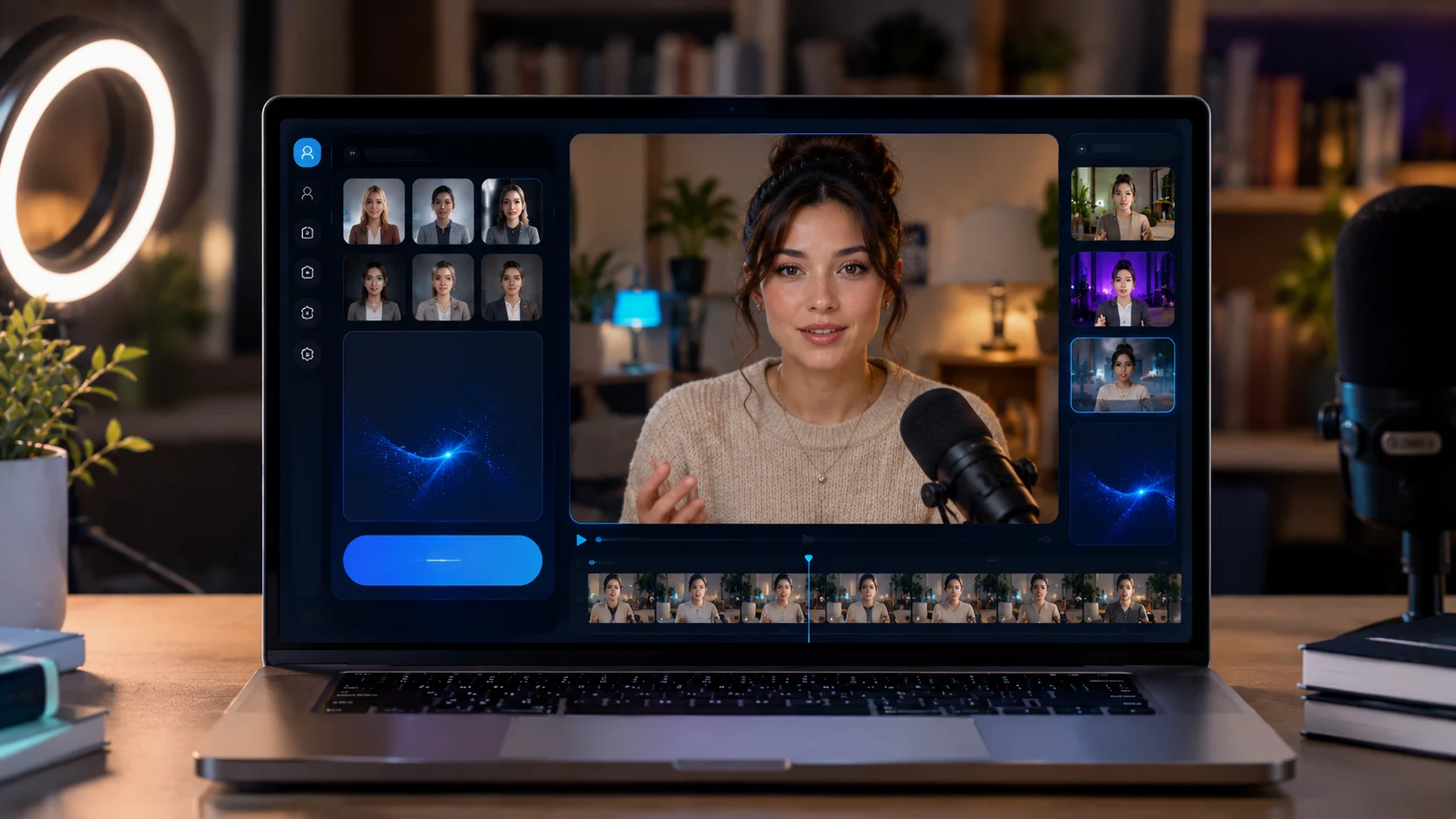
You may try out the Xelta AI Image Generator and turn your texts into visuals as well as link them up with the Xelta AI Video Generator once the static image should be transformed into dynamic content.
What Is Your Main Use Case?
Choose a tool based on your actual requirements.
Do you need:
Social media visuals? Product images? Blog illustrations? Advertising creatives? Real estate visuals? Interior design concepts?
The best tool for one use case may not be the best tool for another.
How Good Is the Prompt Understanding?
Test whether the tool can understand:
Multiple subjects Specific environments Lighting instructions Camera angles Visual styles
Does It Offer Editing Features?
If you need to modify the generated image, an integrated editing workflow can be more efficient than moving between several platforms.
What Does the Free Plan Include?
Before choosing an AI image generator, check:
Number of free generations Daily or monthly limits Resolution Watermarks Available models Commercial usage terms
A free plan can be excellent for testing, but professional users may eventually need additional credits or features.
Can It Scale with Your Content Needs?
A tool should be evaluated based on future requirements as well as current needs.
For example:
Beginner may need simple image generation. Freelancer may need more variations. Agency may need high-volume production. Enterprise may need custom infrastructure.
Xelta offers a flexible pay-as-you-go model and enterprise-oriented infrastructure options, including custom AI models and integrations for larger-scale requirements.
Start with the Image's Purpose
Do not begin with:
“Make a beautiful image.”
Begin with:
“I need a website hero image that communicates premium quality to potential customers.”
The purpose should guide the prompt.
Use Specific Visual Details
Instead of:
“A beautiful office.”
Try:
“A modern creative agency office with open-plan desks, warm natural light, indoor plants, wood textures, premium minimalist furniture, realistic architectural photography.”
Describe Lighting
Lighting strongly affects the final visual.
Useful terms include:
Natural daylight Golden hour Soft studio lighting Dramatic shadows Neon lighting Warm ambient lighting
Specify the Camera or Composition
Examples:
Close-up Wide-angle Low-angle Top-down view Centered composition Editorial portrait

Variation 1
Change the camera angle.
This helps you understand which creative direction produces the strongest result.
Always Perform Human Review
Before publishing, check:
Faces Hands Product details Text Reflections Proportions Brand accuracy
AI can accelerate content production, but human review remains important for quality, accuracy and brand suitability.
Pillar Page
AI Image Generator
Supporting Articles
AI Image Generator from Text Free Best Free AI Image Generator AI Image Generator from Image Free AI Text-to-Image Generator for Beginners How to Write Better AI Image Prompts AI Image Generator for Social Media AI Image Generator for E-commerce AI Image Generator for Real Estate AI Image Generator for Interior Design AI Image Generator vs Traditional Graphic Design