





AI Video Generator for Social Media: Create Reels, Shorts & Ads
One social media video is rarely enough. Creators need Reels and Shorts while marketing teams must produce multiple ad variations for different audiences, messages and platforms. Traditional production can make that pace difficult to maintain.
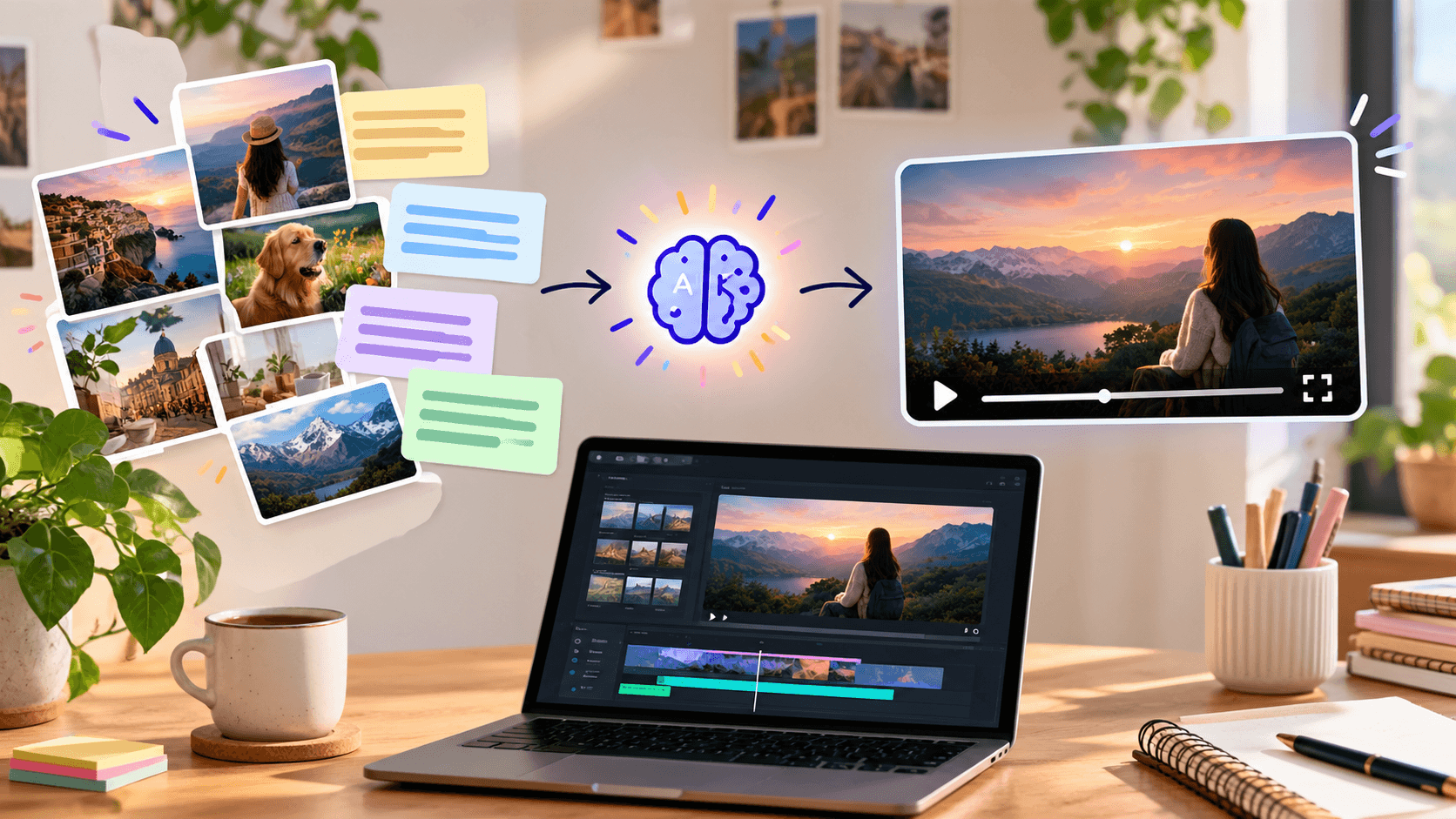
An AI video generator for media helps turn prompts, scripts, images or existing footage into short-form videos without rebuilding every concept manually. This guide explains how to create Reels, YouTube Shorts, TikTok videos and ads while keeping human control over the message, branding and final quality.
Platforms such as Xelta bring video generation and supporting creative tools into one workflow, making it easier to move from an idea to a publishable social asset.
Quick Answer
An AI video generator for media creates short videos from text instructions, images, scripts or uploaded clips. It can accelerate scene generation, motion, pacing, transitions and content variations for Instagram Reels, YouTube Shorts, TikTok and video ads. The best results still require a clear brief, platform-specific formatting and human review.
What an AI Social Video Generator Actually Does
An AI social video generator reduces the production involved in creating short-form content. Depending on the workflow, it may help you:
- Generate a video scene from a written prompt
- Animate a product image or reference visual
- Turn clips into a structured Reel
- Create alternative hooks or visual concepts
- Produce vertical assets for mobile viewing
- Build several creative variations from one campaign idea
This does not mean entering a vague sentence and receiving a finished campaign every time. The quality of the output depends heavily on the input, including the subject, action, setting, camera direction, pacing and intended audience.
The useful way to view AI is as a production partner. It can make experimentation faster, but the creator remains responsible for strategy, accuracy, brand fit and publishing decisions.
Reels, Shorts and Ads Should Not Be Treated as One Format
A vertical aspect ratio does not automatically make a video suitable for every social platform. Each asset needs to reflect its purpose.
| Format | Primary Goal | Creative Priority | Useful Structure |
|---|---|---|---|
| Instagram Reel | Reach and engagement | Strong visual identity | Hook, value, payoff |
| YouTube Short | Discovery or education | Clear topic and viewer retention | Question, explanation, takeaway |
| TikTok video | Native entertainment or discovery | Authentic delivery and fast context | Hook, story, response |
| Social video ad | Action or conversion | Product value and credible proof | Problem, solution, reason to act |
YouTube currently accepts square or vertical Shorts of up to three minutes, although shorter does not automatically mean more effective. The right duration depends on how much time is needed to communicate one useful idea. YouTube's official Shorts guidance provides the classification and upload rules.
TikTok recommends 9:16 creative, at least 720p resolution, sound and keeping important content within the interface-safe area. It also recommends testing rather than assuming one creative formula will work for every campaign. TikTok's creative guidance supports this platform-first approach.
How to Create Social Media Videos With AI
1. Decide What the Video Must Accomplish
Begin with one purpose:
- Explain a product
- Introduce a feature
- Generate awareness
- Answer a customer question
- Encourage a trial or purchase
- Repurpose an existing idea
Trying to communicate several unrelated benefits usually produces a crowded script and an unclear video.
2. Choose the Right Starting Material
Use text-to-video when you need a scene or creative concept. Use image-to-video when you already have product photography, artwork or a reference frame. Use uploaded footage when the raw material exists but needs better pacing or structure.
For example, a skincare brand could animate a product image for a six-second ad. A consultant might transform a written insight into a Short. A creator with recorded footage could use a Reel workflow to organize clips around a script.
3. Write a Scene Brief Instead of a Vague Prompt
A useful prompt specifies what the viewer should see and how the scene should behave.
Include:
- Subject
- Environment
- Action
- Camera framing
- Camera movement
- Lighting
- Visual style
- Pace
- Aspect ratio
- Elements that must not appear
For example:
Create a 9:16 product video showing a reusable water bottle on a real office desk. Begin with a shot of condensation, then slowly pull back as a person reaches for the bottle. Use natural morning light, realistic motion, neutral colors and subtle handheld camera movement. Do not include text, logos, distorted hands or excessive reflections.
This gives the generator instructions it can interpret while leaving space for the final message and CTA to be added during editing.
4. Build the Video Around One Hook
A social video must make its subject understandable quickly. The hook does not need to be loud or misleading. It can be:
- A problem
- A surprising visual
- A direct question
- A product transformation
- A specific outcome
- A contrast between two situations
For an ad, "Still editing every product video manually?" is clearer than "Transform your content journey."
5. Generate Variations Deliberately
Do not create five unrelated videos. Change one variable at a time:
- Hook
- Opening visual
- Product angle
- Voiceover
- CTA
- Video length
- Audience problem
Controlled variation makes it possible to identify what influenced the result. It also prevents teams from drawing conclusions from creatives that differ in many ways.
6. Review Before Publishing
Check every output for:
- Incorrect product details
- Unnatural hands, faces or movement
- Changing objects between frames
- Text errors
- Brand inconsistencies
- Music and media rights
- Unsupported claims
- Unsafe placement of text or logos
- Platform formatting
Meta advises keeping essential creative elements away from the edges of vertical Reels and Stories because platform controls can cover them. Review the Meta safe-zone guidance before exporting paid creative.
What to Evaluate in an AI Video Generator
"Best" depends on the type of content you produce. A cinematic model may create attractive scenes but offer less consistency for recurring product ads. A fast editing tool may handle existing footage well but provide limited control over newly generated visuals.
| Criterion | What to Check | Why It Matters |
|---|---|---|
| Prompt control | Does the output follow the subject, action and camera direction? | Reduces repeated generations |
| Visual consistency | Do people and products remain recognizable? | Protects continuity and brand accuracy |
| Input options | Can you begin with text, images or footage? | Supports different production needs |
| Format control | Can you create vertical outputs? | Avoids unnecessary cropping |
| Editing workflow | Can you refine rather than restart? | Saves production time |
| Variation speed | Can you explore concepts efficiently? | Helps organic and paid testing |
| Usage rights | Are commercial terms clear? | Reduces publishing risk |
| Cost structure | How are generations and revisions charged? | Affects production scalability |
Things to Evaluate
Test a platform using a real brief rather than its showcase gallery. Give the same prompt to the models or workflows you are considering, then judge prompt adherence, consistency, generation time, revision effort and final usability.
The true cost is not just the subscription or generation credits. A low-cost output that requires extensive correction may be less useful than one that needs only minor editing.
Where AI Saves Time and Where Human Editing Still Matters
AI is especially useful during ideation, first-draft generation, image animation, short scene creation and campaign variation. It can help small teams explore concepts that would otherwise require filming or manual animation.
Human judgment remains necessary for:
- Choosing the customer problem
- Verifying product claims
- Controlling brand tone
- Selecting believable outputs
- Creating a logical edit
- Evaluating campaign performance
- Deciding what should not be published
AI can produce motion. It cannot independently determine whether that motion supports your marketing objective.
Explore AI video creation: Try the Xelta AI Video Generator with one real social brief and compare several outputs before selecting a direction.
A Practical Xelta Workflow for Social Content
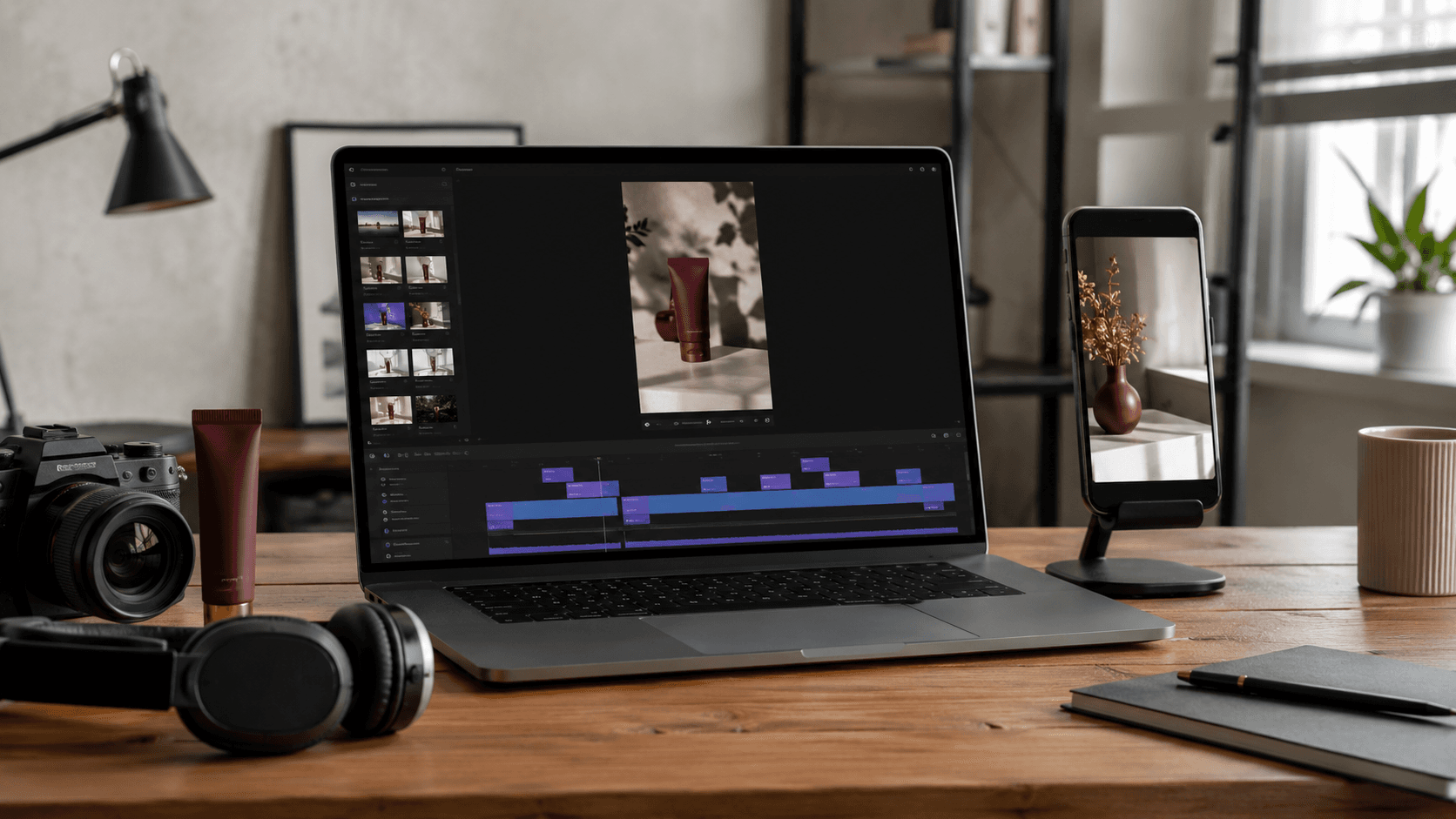
Xelta's AI Video Generator supports video creation from ideas, text prompts and images. A practical workflow could look like this:
- Define the audience and purpose.
- Write a hook and short scene brief.
- Generate the visual.
- Review motion, continuity and relevance.
- Revise the prompt where the output misses the brief.
- Add the message, captions and CTA.
- Review the video inside the target platform interface.
Creators with existing footage can also explore Xelta's AI Reel Creator, which is designed to turn clips into social reels using an optional prompt or script.
This approach is most useful when you treat generation and editing as connected stages rather than expecting the first output to be final.
Mistakes That Make AI Videos Feel Generic
The common problem is not always the AI model. It is often an incomplete creative brief.
Avoid:
- Asking for a "viral video" without defining the audience
- Packing several messages into one short clip
- Copying the same edit across every platform
- Adding long text near interface controls
- Using synthetic visuals that misrepresent the product
- Publishing the first generation without reviewing it
- Measuring only views when the goal is conversions
- Assuming AI removes the need for creative testing
A successful social video is not simply polished. It communicates the right idea to the right viewer with minimal confusion.
Create a Social Video System
An AI video generator for social media can reduce the effort required to produce Reels, Shorts and ads, but speed should not replace strategy. Start with one audience, one message and one desired action. Generate controlled variations, review them carefully and use real performance data to guide the next batch.
If you are looking for a way to make videos based on prompts or images, start using Xelta and turn your social media plan into a video that you can review, improve and share.
Frequently Asked Questions
Can AI Make Instagram Reels?
Yes. AI can create scenes from text or images and help turn uploaded videos into organized Reels. You still need to check the timing, vertical composition, safe areas, music rights and main message before sharing the video.
What Is the Best AI Tool for Making Social Media Videos?
The best choice depends on whether you want to turn text into videos, animate images, repurpose existing footage, make different versions of ads or perform more advanced editing. Test tools using the same real project and compare consistency, creative control, revision time, cost and commercial-use terms.
Can I Make YouTube Shorts With an AI Video Tool?
Yes. AI-generated scenes can be combined into vertical YouTube Shorts. YouTube currently allows square or vertical Shorts that are up to three minutes long, but the video should only be as long as the idea requires.
How Can I Make AI-Generated Videos Look More Natural?
Use detailed instructions, natural lighting, believable movement, controlled camera motion and realistic environments. Check hands, faces, objects, reflections and continuity from one frame to the next. Fix visible problems by regenerating or editing the affected scene.
Can an AI Video Tool Make Ads?
Yes. It can help create product visuals, attention-grabbing hooks, demonstrations and different creative variations. However, businesses must confirm that the information and product details are accurate, the media is licensed, platform rules are followed and branding remains consistent before releasing the ad.
Should I Use the Same Video for Reels, Shorts and TikTok?
You can reuse the core idea, but the final version should be adjusted for each platform. Review the pacing, duration, text placement, safe areas, audio and call to action instead of uploading an identical video everywhere.
Do AI Social Media Videos Need Human Editing?
Usually, yes. Human editing helps correct mistakes, improve narrative flow, add brand elements, verify facts and adapt the video for its intended platform. AI accelerates production but does not replace human judgment.