


Cinematic Language Is a System of Decisions, Not a Stack of Adjectives
A prompt is not cinematic because it includes the words epic, dramatic, and film look. For cinematic ai video prompts, AI Video Creation workflows on Xelta are most useful when the team defines the shot plan, destination, and approval rules before generating scenes. The content should be designed for the destination rather than converted mechanically.
For filmmakers, creative directors, agencies, brand storytellers, content marketers, and SEO editorial teams, the practical task is to turn a story beat, subject and environment references, lens and framing intent, camera movement, blocking, lighting motivation, atmosphere, duration, start and end frames, continuity rules, and delivery format into a coherent cinematic scene or sequence plus a useful search-focused article that teaches why each prompt element changes the result. The article uses the Story-Shot-Light-Time-Continuity Framework to focus on search intent, prompt anatomy, shot purpose, camera grammar, motivated lighting, temporal action, continuity, negative constraints, sequence assembly, and evidence-led content design. The Story-Shot-Light-Time-Continuity Framework does not assume that generation clears rights, proves a claim, or removes the need for editing. Its main risk is that beautiful isolated clips may lack narrative purpose, temporal logic, identity stability, spatial continuity, or an editable final frame.
The Direct Answer for Prompt Writers and SEO Editors
Useful cinematic prompts define a story beat, visible action, framing, subject blocking, one camera movement, motivated lighting, duration, start and end states, and continuity locks. For search content, explain the workflow and review criteria behind each example. Prompt libraries should teach decisions, not promise that visual adjectives guarantee a film-ready result. A cinematic ai video prompts is useful when its drafts preserve the shot plan, respond to targeted revision, and can be approved for one named destination.
Target the Tasks Hidden Behind Cinematic Prompt Searches
Separate what must remain true from what may change creatively. The real question is which cinematic prompt angles answer real user tasks in 2026 instead of publishing another list of visual adjectives with no workflow or quality method. Name the audience, final placement, allowed interpretation, protected facts, and reviewer. Then decide which parts of the shot plan should be retained, shortened, rebuilt, or omitted.
The Story-Shot-Light-Time-Continuity Framework
The Story-Shot-Light-Time-Continuity Framework uses five connected records. Source Control defines the approved shot plan and protected details. The editorial map states the viewer question, message, and omissions. The generation plan translates the shot plan plan into scenes, prompts, references, audio, and edit points. The assembly review tests the cinematic video scenes and educational content that explain prompt structure, camera language, lighting, movement, continuity, sound intent, and realistic review criteria as a sequence. The release record identifies the approved cinematic ai video prompts version, destination, limitations, and owner. The Story-Shot-Light-Time-Continuity Framework records stop a shot plan problem from being repaired in the wrong place.

Start With a Story Beat and Visible Change
Write what happens in the shot, why it matters to the sequence, what the viewer sees at the beginning, and what has visibly changed by the final frame. Cinematic adjectives cannot replace an action, decision, or change that gives the shot narrative purpose. Input: The story beat, subject, setting, sequence position, and final viewer understanding. Output: A one-sentence shot objective with start and end states. Review: Check that the action can occur within the requested duration and supports the next shot. Next: Add camera and blocking instructions.
Translate Film Language Into Observable Instructions
Specify framing, lens character without unsupported technical promises, camera height, movement path, subject blocking, focus priority, and composition. Avoid contradictory camera commands. Models respond more predictably when film language is connected to visible spatial behavior. Input: The shot objective, reference frames, subject position, and desired emotional distance. Output: A camera-and-blocking prompt module with one dominant movement. Review: Verify that the camera path, subject action, and environment can coexist physically. Next: Define motivated light and atmosphere.
Control Start State, End State, and Temporal Motion
Describe initial pose, object positions, environmental motion, action sequence, speed, and final frame. State elements that must remain stable during the shot. A still-image description does not explain how a scene should evolve over time. Input: The camera module, duration, motion hierarchy, and continuity locks. Output: A temporal prompt that can be compared against the generated clip. Review: Review acceleration, collisions, anatomy, texture flicker, and whether the final state is usable for editing. Next: Generate controlled variations.
Assemble Shots With Continuity Before Adding Polish
Place the selected clips in sequence and compare identity, wardrobe, geography, light direction, time of day, screen direction, movement, and sound intent. Repair continuity before adding effects or grading. Individually attractive clips can create a confusing film when the visual logic changes at every cut. Input: The selected clips, continuity sheet, edit timeline, and sound plan. Output: A rough sequence with a timestamped repair list. Review: Watch without sound for spatial logic and with sound for pacing and emotional flow. Next: Approve the sequence and document prompt lessons.
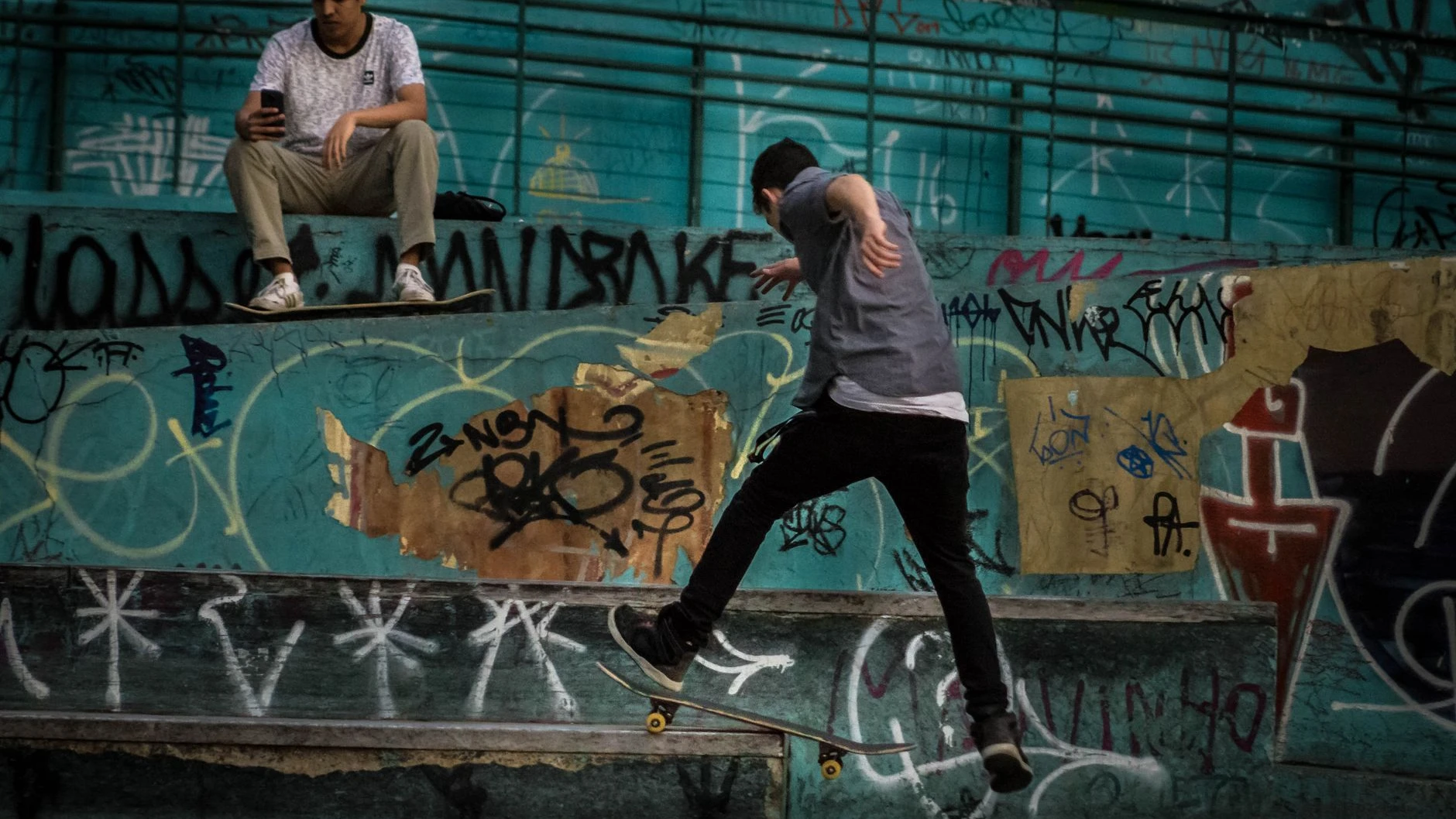
A Six-Shot Dusk Campaign With One Visual Rule Set
Picture a team with one source and several destinations: a premium travel brand creating a six-shot dusk campaign that follows one traveler from an arrival wide shot to a final product-detail frame without identity or lighting drift. The cinematic ai video prompts team first identifies protected facts in the shot plan and one viewer outcome. It then creates a source map, a Story-Shot-Light-Time-Continuity Framework plan, and a named checklist for cinematic video scenes and educational content that explain prompt structure, camera language, lighting, movement, continuity, sound intent, and realistic review criteria. Early cinematic ai video prompts drafts are assembled before every detail is polished, so shot plan sequence problems appear while they are still inexpensive to change.
Single Prompt, Shot List, or Full Previsualization
The cinematic ai video prompts options below solve different production problems. Compare them using shot plan fidelity, control, review effort, editability, and destination fit.
Cinematic Prompt Mistakes That Create Beautiful Noise
The most damaging failure patterns are stacking cinematic adjectives without a story beat, combining conflicting lenses, movements, and camera positions, describing a still image instead of temporal change, generating many shots before defining continuity rules, and publishing prompt lists without explaining failures or review criteria. For cinematic ai video prompts, these errors make the cinematic video scenes and educational content that explain prompt structure, camera language, lighting, movement, continuity, sound intent, and realistic review criteria harder to verify and teach the team very little.
A Better Publishing Standard for Prompt Libraries
A stronger operating standard is to connect every prompt to a story and shot purpose, use observable camera, blocking, and lighting instructions, define start and end states, lock continuity across identity, geography, and light, and publish examples with method, limits, and revision notes.
Where Xelta Fits in Cinematic Prompt Testing
Xelta can enter after the team has prepared the shot plan, the production map, and the acceptance criteria. The core video generator can support initial scene creation, while the Xelta cinematic video generator for controlled visual storytelling tests offers a more specific route for this article's workflow. The cinematic ai video prompts user still chooses the shot plan, approves instructions, compares drafts, and finishes the cinematic video scenes and educational content that explain prompt structure, camera language, lighting, movement, continuity, sound intent, and realistic review criteria edit.
The Story-Shot-Light-Time-Continuity Framework advantage is that exploration and variation happen closer to the approved shot plan. That does not make every cinematic video scenes and educational content that explain prompt structure, camera language, lighting, movement, continuity, sound intent, and realistic review criteria detail accurate. Product facts, speaker identity, rights, accessibility, continuity, and the final cinematic ai video prompts placement remain human review responsibilities.
What a First Cinematic Generation Session Includes
A useful first session begins with a story beat, subject and environment references, lens and framing intent, camera movement, blocking, lighting motivation, atmosphere, duration, start and end frames, continuity rules, and delivery format. The user turns the shot plan into one narrow cinematic ai video prompts assignment and generates a small comparison set. The first cinematic video scenes and educational content that explain prompt structure, camera language, lighting, movement, continuity, sound intent, and realistic review criteria draft is inspected for direction and source fidelity before polish. During Story-Shot-Light-Time-Continuity Framework revision, accepted elements stay fixed while one important variable changes.
Xelta video learning resources can support learning for cinematic ai video prompts, but project approval must come from the user's own shot plan and checklist. The cinematic ai video prompts learning curve is mainly editorial: deciding what the viewer needs from the shot plan, writing visible instructions, and diagnosing defects. The final cinematic video scenes and educational content that explain prompt structure, camera language, lighting, movement, continuity, sound intent, and realistic review criteria should be tied to one approved use and version.
Content Gaps and Ranking Angles Worth Covering in 2026
For search and generative retrieval, a cinematic ai video prompts page should answer the central question early, define the shot plan input and cinematic video scenes and educational content that explain prompt structure, camera language, lighting, movement, continuity, sound intent, and realistic review criteria output, and explain the Story-Shot-Light-Time-Continuity Framework with task-specific headings. Keep the cinematic ai video prompts transcript, visible article, FAQs, and structured data aligned. Label shot plan examples clearly and avoid invented search volume, performance numbers, legal conclusions, or tool capabilities. This guidance is designed for filmmakers, creative directors, agencies, brand storytellers, content marketers, and SEO editorial teams and uses a reproducible editorial method: controlled source material, explicit transformation choices, staged review, and a documented release decision.
Test One Short Sequence Before Building a Prompt Library
Begin with one approved shot plan, one viewer job, and one destination. Use the Story-Shot-Light-Time-Continuity Framework to create a small draft set, record what changed, and approve only the version that preserves the required information. For cinematic ai video prompts, the next practical step is to open Xelta AI Cinematic Video Generator and test the topic-specific workflow with controlled shot plan material.