How to Turn a Script Into a Video Using AI
A written script is the starting point of a video. The real challenge begins when that idea needs visuals, characters, camera movements, voiceovers, and editing. Traditional video production often requires multiple tools, creative teams, and significant time to transform words into engaging content.
AI video generation changes this workflow by helping creators convert scripts into video concepts faster. With a script to video AI workflow, users can generate scenes, create visuals, add narration, and refine videos without starting every project from scratch.
In this guide, you will learn how to turn a script into a video using AI, what steps matter most, where AI tools help, and what limitations to consider before creating your video.
Quick Answer
A script can be turned into a video using AI by breaking the script into scenes, generating visuals with an AI video generator, adding AI voiceovers or music, and editing the output. Modern AI video tools help transform text ideas into videos while still requiring human review for storytelling, accuracy, and creative decisions.
Understanding Script-to-Video AI
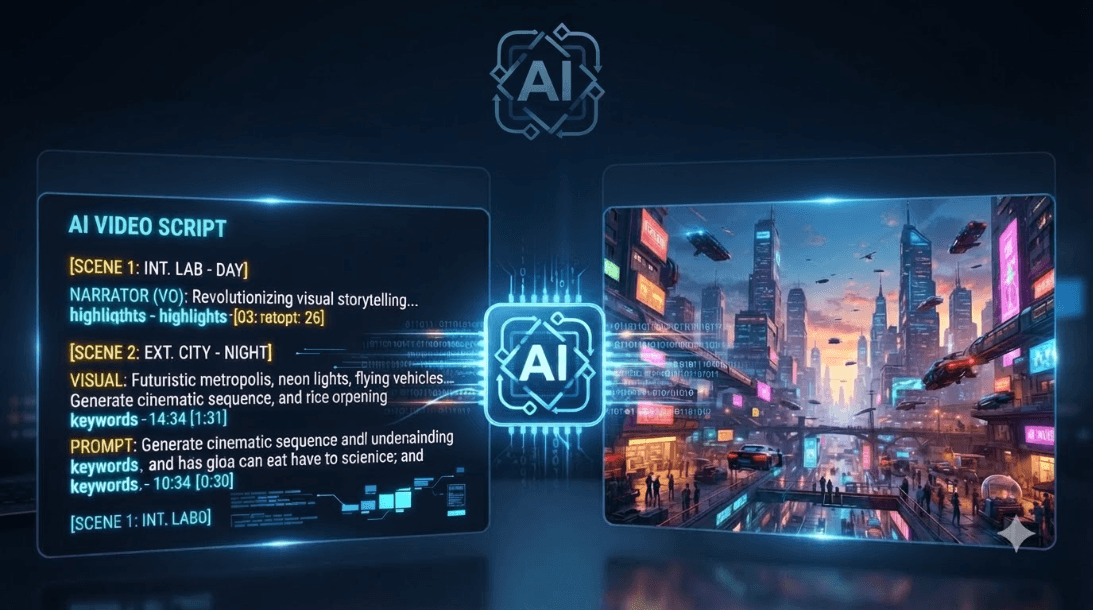
A script-to-video AI tool uses artificial intelligence models to understand written instructions and generate visual content based on the meaning of the script.
Instead of manually searching for footage, designing scenes, or creating animations, creators can provide text descriptions and allow AI models to generate video elements.
For example:
Script:
"A city where people travel using autonomous flying vehicles."
An AI video generator can interpret this idea and create a scene showing a futuristic environment, vehicles, lighting, and camera movement.
However, AI does not replace creative direction. The quality of the video depends heavily on how clearly the script, prompts, and scene instructions are structured.
The Complete Workflow to Convert a Script Into a Video Using AI
Step 1: Prepare a Clear Video Script
The quality of AI-generated videos starts with the script.
A strong script should include:
- Main message
- Scene descriptions
- Character actions
- Dialogue or narration
- Visual mood
Instead of writing:
"Show a person using technology."
A stronger direction would be:
"An entrepreneur working late in a modern office, reviewing AI-generated designs on a laptop while city lights reflect through the window."
More context helps AI understand the intended scene.
Step 2: Choose the AI Video Generation Approach
Different videos require different AI workflows. The right approach depends on the purpose, audience, and type of content you want to create.
For product advertisements, AI works best when the workflow focuses on product visuals, brand storytelling, and realistic scenes that highlight key features.
For educational videos, combining scripts with AI-generated visuals, narration, and supporting animations can help explain complex topics more clearly.
For social media reels, short cinematic clips with strong hooks, fast pacing, and engaging visuals are usually more effective.
For storytelling videos, character-based scene generation helps maintain consistency in characters, environments, and overall narrative flow.
The goal is not simply generating video clips. The goal is selecting a workflow that matches the purpose of the video and creates a better viewing experience.
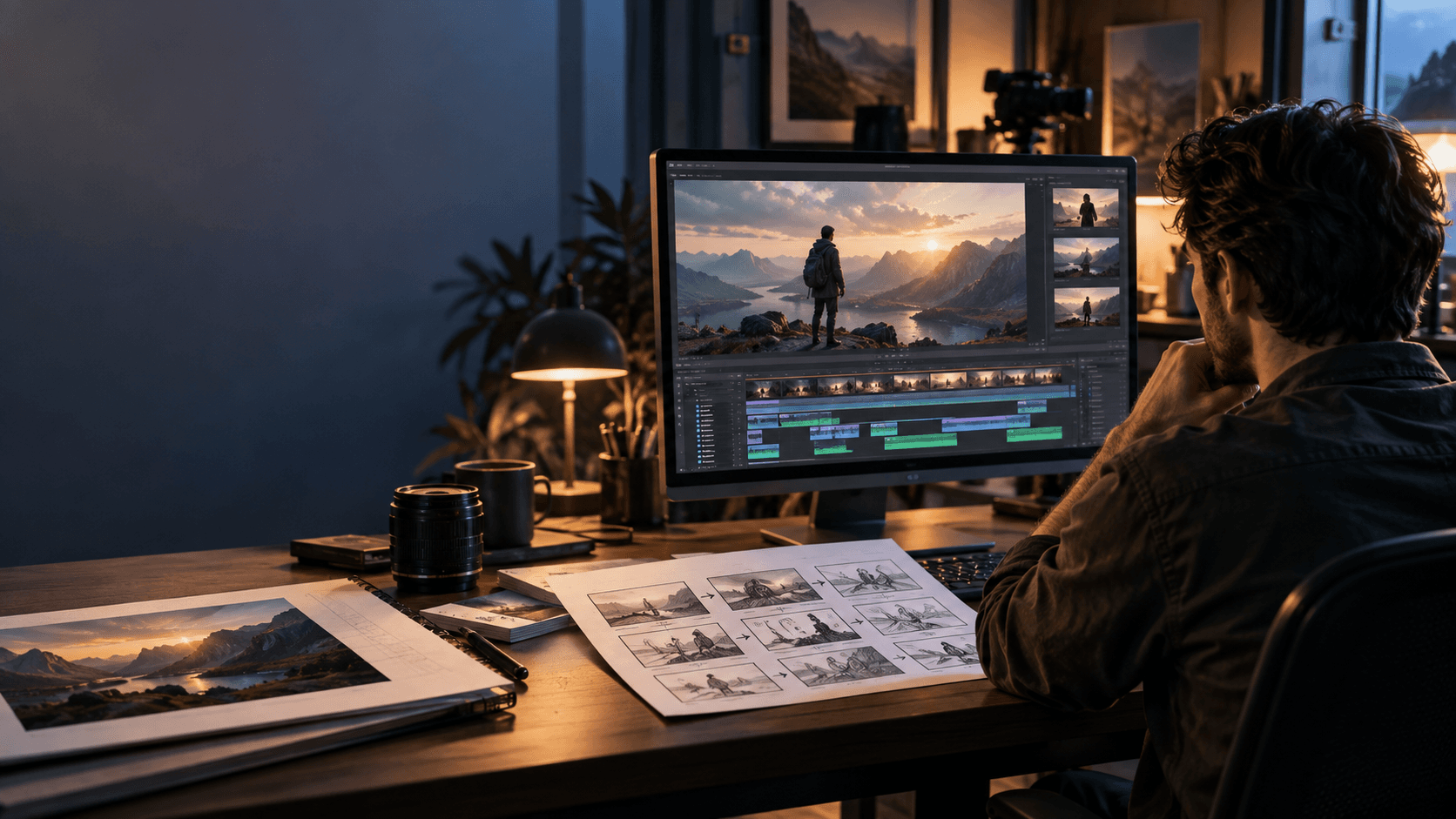
Step 3: Convert Script Sections Into Visual Scenes
A common mistake is generating a video from one large paragraph.
AI video tools usually perform better when scripts are divided into smaller scenes.
Example:
Scene 1:
A creator writing ideas in a notebook.
Scene 2:
The same creator transforming ideas into visuals.
Scene 3:
The final video being published online.
Breaking content into scenes improves consistency, pacing, and storytelling.
Step 4: Generate and Refine AI Video Clips
After creating scenes, review each generated clip carefully.
Things to evaluate:
- Does the video match the script?
- Are characters consistent?
- Are movements natural?
- Does the camera direction feel intentional?
- Are objects appearing correctly?
AI-generated videos may require multiple generations before achieving the desired result.
Human review remains important because AI can sometimes create unexpected details, incorrect movements, or inconsistent visuals.
Step 5: Add Voice, Music, and Final Editing
A complete video requires more than visuals.
Creators usually refine videos by adding:
- Voice narration
- Background music
- Sound effects
- Captions
- Scene transitions
The final editing stage helps transform AI-generated clips into a complete story.
Where AI Script-to-Video Tools Work Bes
Marketing Videos
Brands can use AI video generation for advertisements, product explainers, campaign concepts, and social media content.
Instead of producing every variation manually, marketing teams can quickly explore multiple creative directions.
Social Media Content
Short-form platforms require consistent content production.
AI helps creators generate:
- Reel concepts
- Storytelling videos
- Promotional clips
- Educational content
The advantage is faster experimentation while maintaining creative control.
Educational Videos
Scripts explaining complex topics can become visual learning experiences.
AI-generated scenes can support:
- Tutorials
- Training videos
- Explainer content
- Online courses
Common Mistakes When Creating Videos From Scripts Using AI
Writing Unclear Prompts
AI needs detailed instructions. Generic descriptions often create generic results.
Ignoring Scene Planning
A script should be converted into a visual sequence before generation.
Expecting Perfect Output Immediately
AI video generation often requires refinement and creative adjustments.
Focusing Only on Visuals
Strong storytelling, pacing, and audio remain important for viewer engagement.
How Xelta Helps Turn Ideas Into AI-Generated Videos
Creating videos from scripts requires multiple creative steps: understanding the idea, generating visuals, refining scenes, and producing a final output.
Xelta AI helps creators and businesses explore AI-powered video creation workflows by transforming ideas and scripts into visual content.
Instead of treating AI as a simple automation tool, a complete workflow combines human storytelling with AI-assisted production.
For teams creating marketing videos, advertisements, films, or social content, platforms like Xelta can help reduce production complexity while keeping creative decisions in human hands.