

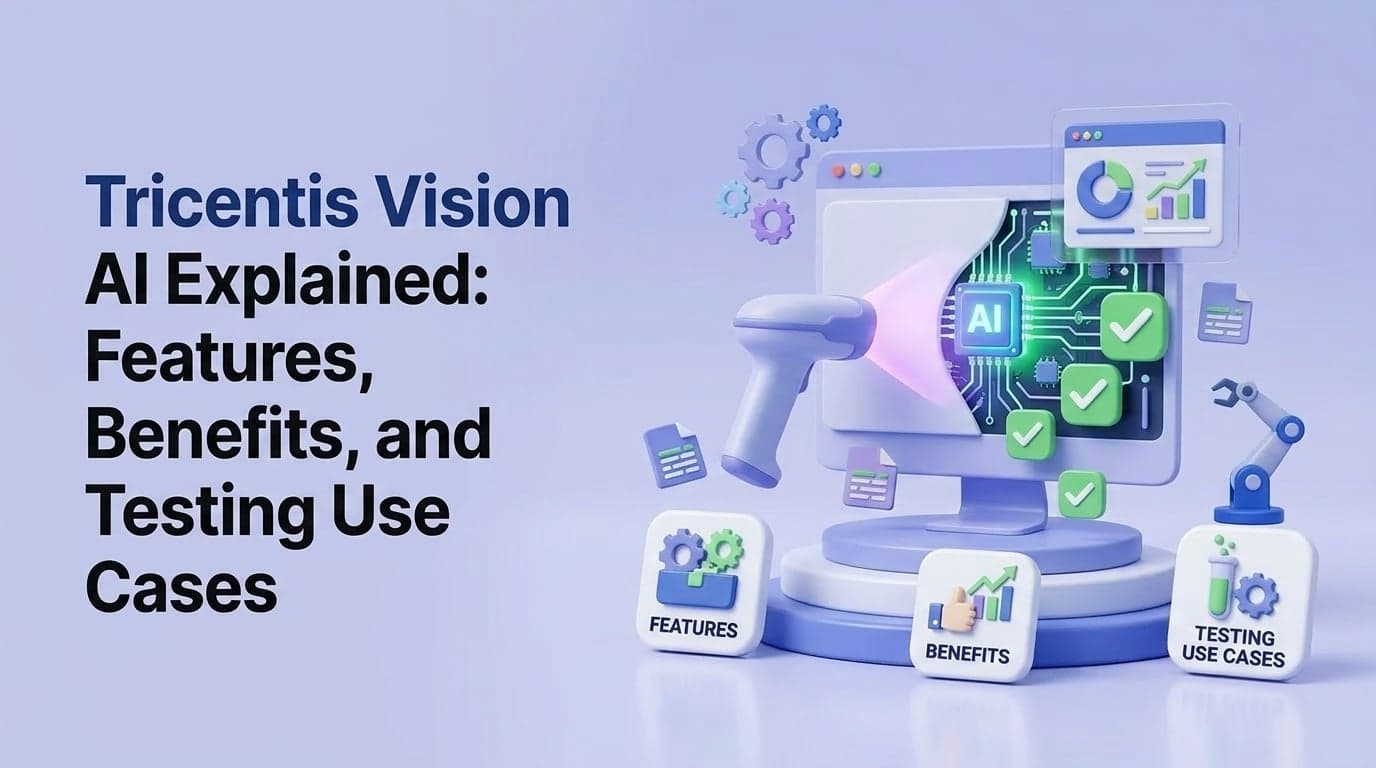
Tricentis Vision AI Explained: Features, Benefits, and Testing Use Cases
Enterprise software testing at scale demands tools that can keep pace with rapid development cycles, complex application architectures, and the relentless pressure to ship with quality. Tricentis Vision AI has positioned itself as a transformative solution for organizations that struggle with brittle test automation, high maintenance overhead, and coverage gaps that traditional testing approaches cannot address. In this guide, we break down exactly what Tricentis Vision AI is, how it works, what it offers, and where it delivers the most value.
We also look at how AI-powered platforms like Xelta.ai are contributing to the broader shift toward intelligent, automated quality engineering — and what that means for teams building their testing strategies today.
What Is Tricentis Vision AI?
Tricentis Vision AI is an artificial intelligence module integrated into the Tricentis Tosca testing platform. It uses computer vision and machine learning to identify, interact with, and validate UI elements during automated test execution, without relying on traditional element locators like XPath, CSS selectors, or object IDs.
This is a significant departure from how most automation frameworks work. Instead of querying the DOM for a specific element by its technical properties, Vision AI looks at the screen the way a human tester would — recognizing buttons, fields, labels, and controls by their visual appearance and contextual position on the screen.
Why Vision AI Matters for Enterprise Testing
Enterprise applications are notoriously difficult to automate with traditional methods. Legacy systems may expose no accessible DOM. Packaged applications like SAP, Salesforce, and Oracle ERP change their internal structures with every update. Custom enterprise UIs often have dynamic element IDs that change between sessions.
Vision AI bypasses all of these challenges by treating the application purely as a visual surface, making it possible to automate testing on virtually any technology stack without modifying the application under test.
Core Features of Tricentis Vision AI
Computer Vision-Based Element Recognition
At the heart of Vision AI is a deep learning model trained to recognize UI elements from screenshots. When a test interacts with a button or field, the AI captures the screen, identifies the target element by its visual characteristics — size, shape, color, label text, and surrounding context — and performs the action.
This visual recognition is robust to minor UI changes. If a button moves slightly or its color changes, the AI still recognizes it correctly, whereas a traditional XPath locator would fail immediately.
No-Code Test Creation with Visual Scripting
Tricentis Tosca combined with Vision AI enables testers to create automated tests by pointing and clicking on the application rather than writing code. The platform records interactions visually, building a test script that references elements by their visual signatures rather than technical identifiers.
This dramatically lowers the barrier to entry for test automation, enabling business analysts and manual testers to contribute to automation coverage without programming knowledge.
AI-Driven Test Healing
When an application update causes a UI element to change, Vision AI can automatically detect the new appearance of the element and update the test reference accordingly. This self-healing capability is one of the most cited benefits for enterprise customers, as it directly reduces the maintenance burden that makes test automation so costly at scale.
Cross-Technology Execution
Because Vision AI operates on the visual output of an application rather than its underlying code, it works across:
- Web applications (any browser)
- Desktop applications (Windows, Java Swing, WPF, etc.)
- SAP GUI and Fiori
- Salesforce and other CRM platforms
- Oracle ERP and other enterprise packaged applications
- Mainframe terminals (3270, 5250)
- Mobile applications
This cross-technology coverage from a single automation framework is uniquely valuable for enterprises running mixed technology stacks.
Integration with Tricentis Tosca Ecosystem
Vision AI is not a standalone product — it is an enhancement to the Tricentis Tosca platform, which provides:
- ToscaCommander: The desktop interface for creating and managing test cases
- Tosca CI/CD: Pipeline integration for Jenkins, Azure DevOps, and GitLab
- Tosca Analytics: Real-time test reporting and quality dashboards
- Tosca DEX (Distributed Execution): Parallel test execution across multiple agents
Benefits of Using Tricentis Vision AI
Reduced Test Maintenance Costs
Industry studies consistently show that test maintenance consumes 30–60% of total QA effort in enterprises with large automation suites. Vision AI's self-healing and visual recognition reduce this burden significantly, allowing QA teams to spend more time creating new coverage rather than fixing broken tests.
Broader Application Coverage
Applications that were previously impossible or impractical to automate — mainframe terminals, custom desktop applications, legacy web UIs — become automatable with Vision AI. This expands the achievable coverage ceiling for enterprise QA programs.
Faster Automation Onboarding
New team members or business SMEs can contribute to test automation with minimal training. Visual scripting removes the programming requirement, enabling broader participation in quality assurance from across the organization.
Improved Test Stability
Tests built with Vision AI are inherently more stable than those built on brittle XPath or element ID locators. They tolerate cosmetic changes, minor layout shifts, and non-breaking UI updates without failing, reducing the noise in CI/CD pipelines.
Technology-Agnostic Coverage
A single test automation framework that covers web, desktop, SAP, mobile, and mainframe eliminates the need to maintain multiple automation toolchains with separate skills, infrastructure, and reporting systems.
Feature Comparison: Tricentis Vision AI vs. Alternatives
| Feature | Selenium + Custom Vision | Applitools | Tricentis Vision AI |
|---|---|---|---|
| Codeless Test Creation | No | No | Yes |
| Self-Healing Tests | No | Partial | Yes |
| Cross-Tech Coverage | Web only | Web only | Web + Desktop + SAP + Mobile + Mainframe |
| Enterprise Integration | Requires custom work | Limited | Deep Tosca ecosystem |
| Visual AI Comparison | Manual setup | Yes (visual only) | Yes (interaction + validation) |
| Business User Access | No | No | Yes |
| Maintenance Reduction | Low | Medium | High |
| SAP/Oracle Automation | Difficult | Not designed for | Native support |
Key Use Cases for Tricentis Vision AI
SAP Testing at Enterprise Scale
SAP is the backbone of operations for thousands of global enterprises, and it is notoriously difficult to automate with traditional tools. SAP GUI's proprietary controls and Fiori's complex component hierarchy frustrate standard automation approaches. Tricentis Vision AI recognizes SAP UI elements visually, enabling robust, maintainable automation for even the most complex SAP workflows — purchase orders, financial postings, inventory management, and more.
Regression Testing After Packaged Application Upgrades
Every SAP, Salesforce, or Oracle upgrade carries the risk of UI regressions. With Vision AI, regression suites automatically adapt to UI changes that come with patches and upgrades, ensuring continuous coverage without requiring full test re-scripting after each release.
Legacy Application Modernization Testing
Organizations migrating from legacy systems to modern platforms need to verify that behavior is preserved. Vision AI can automate testing on the legacy system (even a mainframe terminal) and the new application simultaneously, providing side-by-side behavioral validation.
Continuous Testing in Agile and DevOps
For enterprises adopting agile methodologies, maintaining fast feedback loops requires test automation that runs reliably in CI/CD pipelines. Vision AI's stable, self-healing tests integrate directly into DevOps pipelines, providing quality gates that don't generate false positives on every sprint.
Implementing Vision AI: Practical Considerations
Infrastructure Requirements
Vision AI requires screenshot capture capability, which means tests must run in environments where the application UI is rendered on a display (virtual or physical). Headless execution is not natively supported for visual recognition, though Tricentis provides virtual display solutions for server-based execution.
Training and Enablement
While codeless creation lowers the bar for individual test creation, building a sustainable enterprise automation program still requires investment in training on Tosca methodology, test design principles, and coverage strategy.
Licensing Model
Tricentis uses a consumption-based licensing model for Tosca, with Vision AI available as a licensed add-on. Enterprise deals typically include volume agreements. Teams should evaluate total cost of ownership including infrastructure, licensing, and training relative to the maintenance savings Vision AI delivers.
How AI Testing Platforms Complement Tricentis
Enterprise QA programs benefit from combining specialized tools with broader AI automation platforms. Xelta.ai's AI Studio provides capabilities for automating the surrounding workflows — test data generation, defect triaging, documentation, and reporting — that complement the execution-level automation that Tricentis delivers. Exploring the Xelta.ai blog offers additional perspectives on how intelligent automation is reshaping quality engineering at every level of the SDLC.
Best Practices for Tricentis Vision AI Adoption
- Start with the highest-pain automation challenges: Begin with the applications where traditional automation has already failed. Vision AI's value is most apparent in these scenarios.
- Invest in baseline screenshot quality: The accuracy of visual recognition depends on consistent, clean captures. Standardize display resolution and zoom settings across execution environments.
- Build modular test libraries: Use Tosca's module concept to create reusable visual interaction libraries that can be composed into complex scenarios.
- Establish change review processes: Not all UI changes should trigger automatic healing. Maintain a review step to ensure that healed tests accurately reflect intended behavior.
- Monitor Vision AI confidence scores: Tricentis provides confidence indicators for visual element recognition. Set thresholds below which tests pause for human review rather than continuing on uncertain recognitions.
Frequently Asked Questions
Q: Can Tricentis Vision AI test mobile applications? A: Yes. Vision AI supports mobile testing through integration with Tricentis' mobile testing capabilities, covering both iOS and Android. The same visual recognition principles apply, with the AI identifying mobile UI elements by appearance rather than accessibility IDs.
Q: How does Vision AI handle highly dynamic UIs? A: Vision AI uses contextual recognition — it identifies elements based on their visual relationship to surrounding elements, not just their isolated appearance. This makes it resilient to repositioned elements as long as the visual context remains recognizable.
Q: Is Tricentis Vision AI suitable for small teams? A: Vision AI is positioned primarily for mid-to-large enterprise environments. Smaller teams may find the licensing and infrastructure investment disproportionate to their needs. Open-source alternatives or lightweight AI testing tools might be more appropriate starting points.
Q: How does self-healing work in practice? A: When an element is not found at its expected location or appearance, Vision AI scans the current screen for the most visually similar element to the stored reference. If confidence is above a threshold, it uses that element and optionally updates the stored reference. Low-confidence matches trigger a failure and alert.
Q: What is the integration story with Jira and defect tracking? A: Tricentis Tosca integrates natively with Jira, Azure DevOps Boards, ServiceNow, and other defect management systems, automatically creating tickets for test failures with screenshots and execution context attached.
Key Takeaways
- Tricentis Vision AI uses computer vision to recognize and interact with UI elements visually, making it the strongest solution for enterprise applications where traditional locator-based automation fails.
- Self-healing tests and broad cross-technology coverage — including SAP, desktop, mainframe, and mobile — are the platform's defining competitive advantages.
- No-code test creation enables broader organizational participation in quality assurance, reducing the specialist bottleneck.
- Vision AI is best positioned for mid-to-large enterprises dealing with packaged applications, technology heterogeneity, or high test maintenance costs.
- Combining Tricentis with broader AI automation platforms like Xelta.ai creates a comprehensive intelligent quality engineering strategy that spans test execution, workflow automation, and continuous improvement.
Written by the Xelta Team