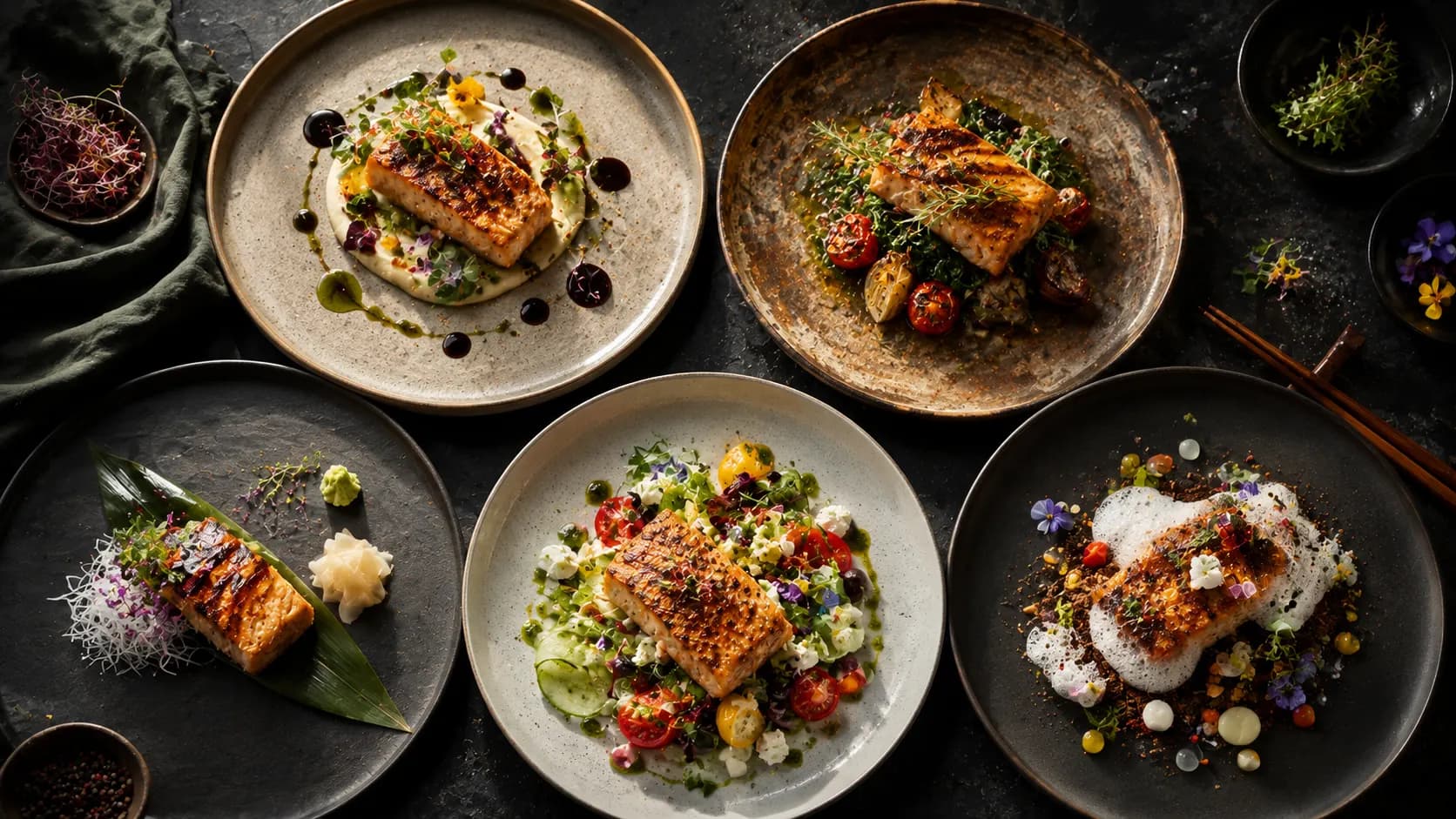
Create a Steam-Filled Momos Ad with an AI Momos Ad Generator
Steam can make momos look hot, but too much steam can hide the product the ad is supposed to sell.
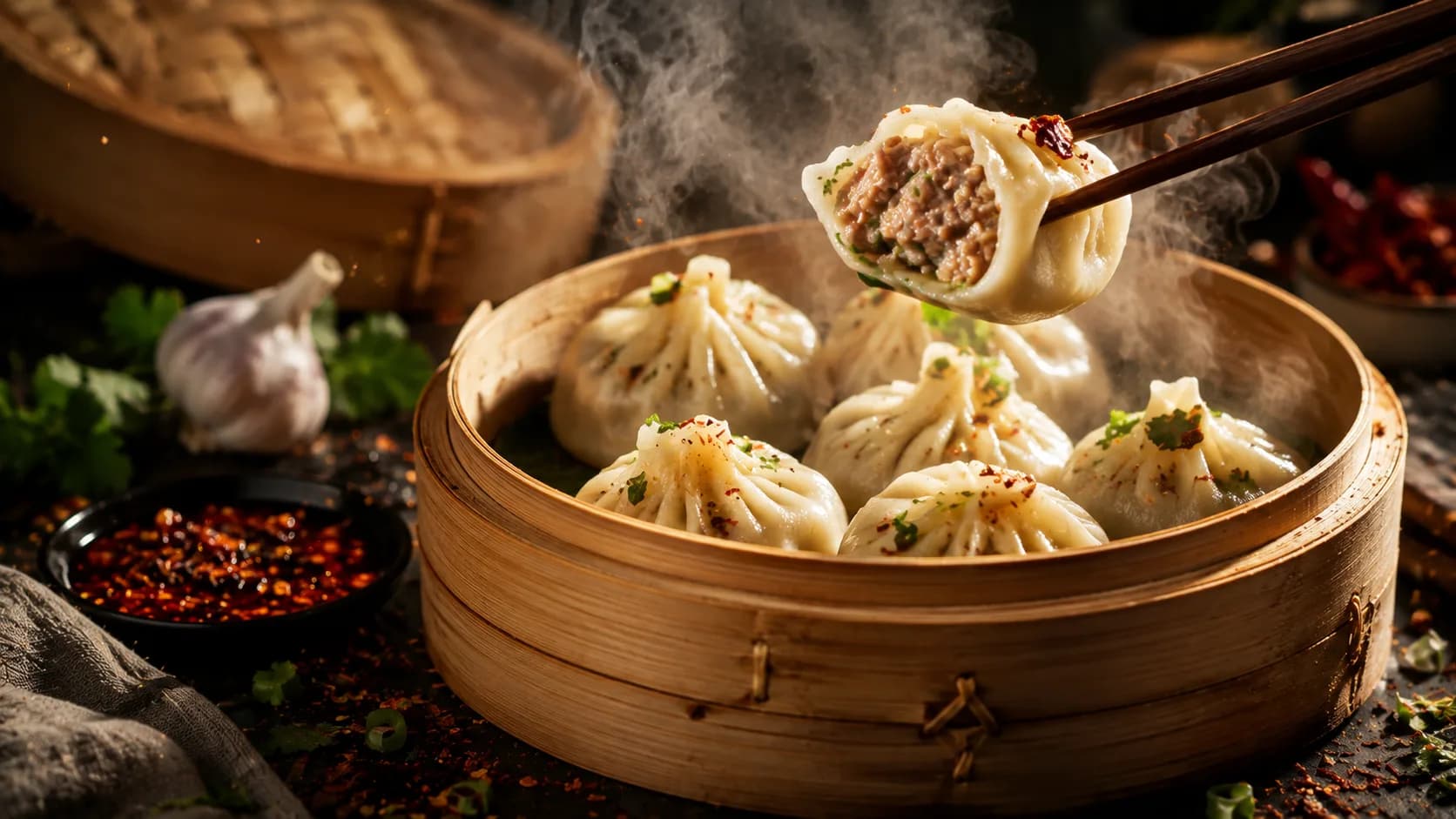
An AI momos ad generator can turn one approved momos photograph into a short promotion with controlled camera movement and a restrained steam effect. Upload the real dish image, lock the momo count, wrapper shape, filling type, sauce, and serving vessel, then use Xelta to create the draft and review every frame.
This momos photo to video workflow suits restaurants, cafés, cloud kitchens, street-food brands, and delivery campaigns that need a quick restaurant momo campaign without arranging a fresh shoot. The creative should increase appetite appeal while keeping the actual menu item recognisable.
Lock the Momo Count, Shape, and Filling First
Momos are visually repetitive, which makes small errors easy to miss. Count every visible dumpling and note how each one is folded.
Before using the dumpling ad generator, confirm:
- Exact number of momos shown
- Steamed, fried, tandoori, or other preparation
- Vegetarian, chicken, paneer, or other filling label
- Wrapper colour and thickness
- Folding style and top shape
- Serving plate, basket, bowl, or takeaway pack
- Chutney colour, amount, and container
- Garnish and side items
A specialist observation is that a generated clip may preserve the plate but quietly add or merge dumplings. Pause the video at the opening, middle, and final frames and recount them.
Make Steam Move Like Steam
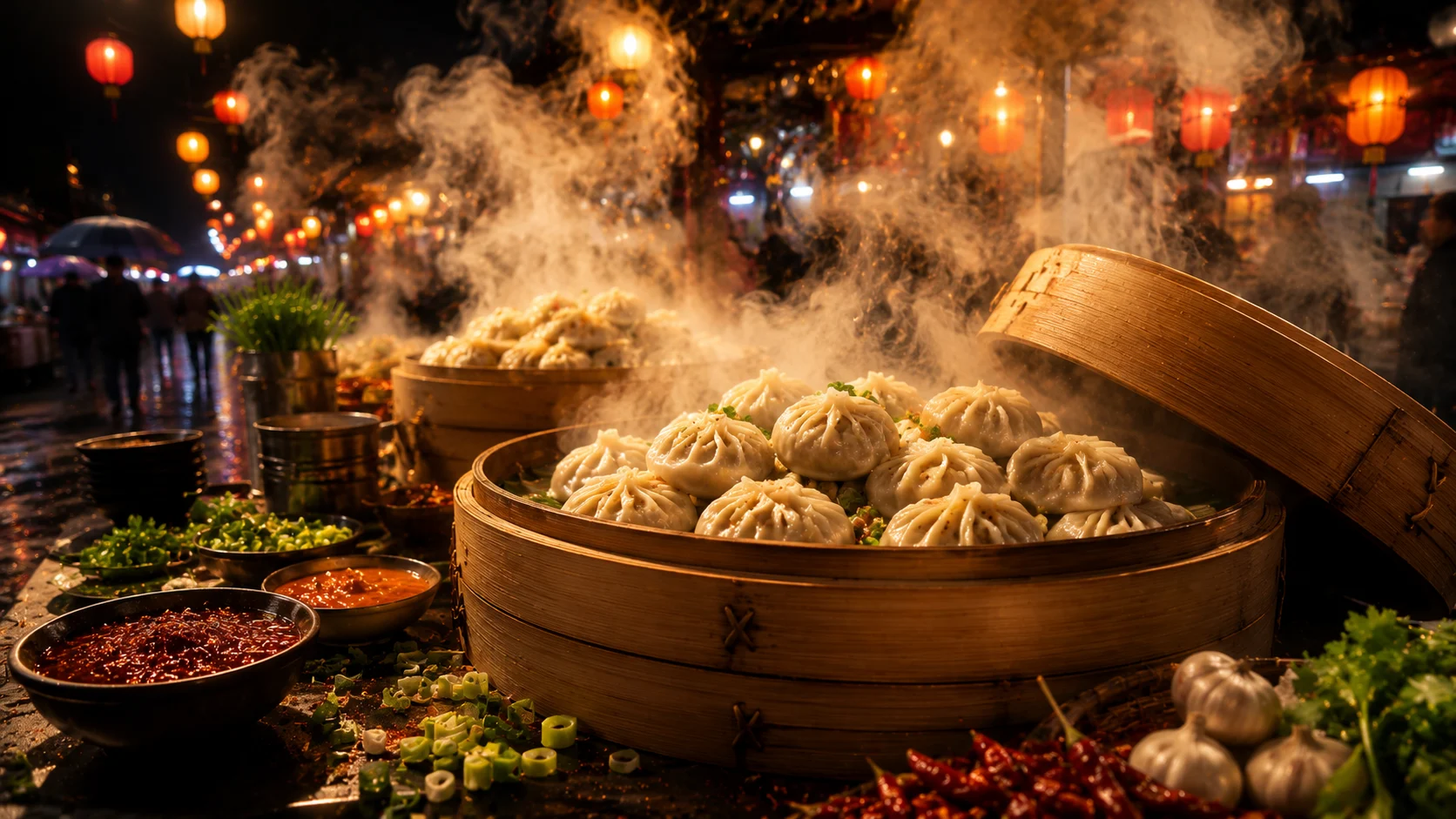
A steam effect food video should use light, translucent movement that rises from the hottest area. Steam should not behave like smoke, fog, or a white transition layer.
Use these controls:
- Keep the steam narrow at the source.
- Let it spread slightly as it rises.
- Use irregular, soft movement rather than a perfect loop.
- Keep the momo edges visible.
- Avoid steam passing through the plate or sauce bowl.
Sample prompt:
Create an eight-second AI food animation from the uploaded momos photo. Preserve the exact momo count, wrapper folds, colour, filling identity, plate, sauce bowl, garnish, and portion. Begin with a stable one-second hold, then use a slow push toward the centre. Add light translucent steam rising naturally from between the hot momos. Do not create smoke, add dumplings, change the wrapper texture, move the sauce, or reveal unapproved filling. End on a stable hero frame with CTA space.
This protects the product while giving the AI momos ad generator a clear visual action.
Choose the Ad Style Based on the Momo Preparation
Different preparations need different creative treatment.
Steamed Momos
Use soft light, subtle moisture, and restrained steam. Keep wrappers smooth but not plastic.
Fried Momos
Focus on surface texture and warm highlights. Do not add steam that suggests a soft wrapper if the product is meant to look crisp.
Tandoori or Coated Momos
Protect the real coating colour, char marks, and sauce amount. Avoid brightening the product until it resembles a different preparation.
Delivery Pack
Use the approved container and sauce cup. Do not replace the real packaging with a premium bowl unless the ad is clearly conceptual and not a product listing.
No verified Xelta screenshots or results were supplied. A practical workflow is to generate the first draft, note what changed, and correct one issue at a time. If the momo count changes, reduce motion. If the steam hides the wrapper, lower the effect. If the sauce bowl shifts, lock the plate composition more explicitly.
Keep Sauce and Garnish Consistent Across the Clip
The chutney often carries strong colour and can attract more attention than the momos. Make sure its bowl, shade, and amount remain stable.
Do not let red sauce become brighter simply to create contrast. The colour should match the actual restaurant product. If the campaign uses a branded dip, preserve the packaging and label exactly.
Garnish should also remain controlled. Spring onion, coriander, sesame, or chilli flakes should not multiply or appear in new places. These details affect whether the final ad looks like the menu item.
Build a Simple Restaurant Momo Campaign
One approved visual can support a focused set of assets:
- Vertical reel: slow motion and a short CTA.
- Square feed post: stable hero image with offer copy.
- Delivery banner: clean crop with product name and price.
- Story variation: location, timing, and ordering link.
Approve the master food image and motion before producing these variations. The dish name, momo count, filling, price, and offer should remain consistent across all formats.
For multilingual campaigns, keep the product name recognisable and adapt the descriptive copy. A local reviewer should check spelling, pronunciation, and whether the filling label is unambiguous.
Review Before Publishing and Scaling
Use this checklist:
- Momo count remains fixed
- Wrapper folds and colour are stable
- Filling label matches the product
- Steam is light and natural
- Sauce, garnish, and vessel are unchanged
- Price and offer are current
- Logo and CTA are correct
- Crop works on the intended platform
- Voice and subtitles match the approved copy
Once the master is approved, reuse the campaign structure for other preparations or locations, but do not reuse one generated food visual for a different momo type.
Keep the Scope Different from General Food Animation
This article focuses on the special visual risks of momos: repetitive count, wrapper shape, preparation type, sauce, and steam. A broader AI food video generator article should handle multi-scene commercials, while a still-image editor article should cover background cleanup and thumbnail crops.
Common mistakes include adding extra momos, making wrappers glossy, using smoke instead of steam, changing the sauce colour, revealing an unapproved filling, and mixing dine-in plating with delivery copy.
When Steam Should Not Be the Main Effect
This workflow may not suit cold momos, heavily fried preparations, campaigns requiring a bite or filling reveal, or images where the dumpling edges are already blurred. Use a real shoot when exact food handling, cutting, or serving actions must be demonstrated.
Approve the Product Before You Approve the Atmosphere
Start with one accurate momo image and one controlled motion. Use Xelta to add restrained steam and depth, check the count and wrapper details, and create platform versions only after the master is approved.