Xelta vs OpenArt: AI Image Tools Compared for Teams
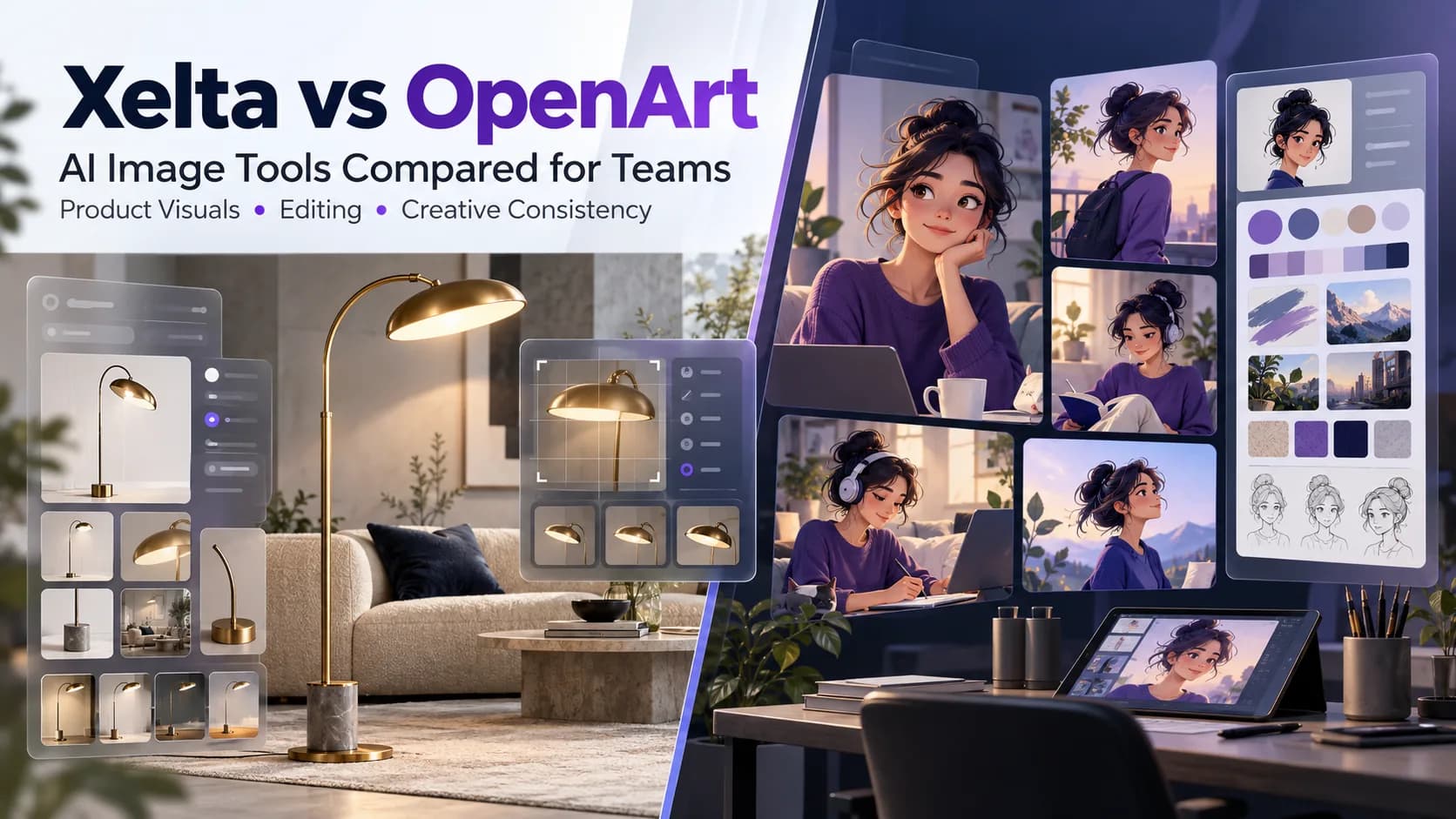
An appealing picture created with the help of AI technology is easy to admire. But what about the next step? Can we change the background without touching the products? Imagine the situation where a lighting brand wants to demonstrate its brass floor lamp in multiple rooms. Its oval-shaped shade, along with the curved neck, should stay the same. This is the main idea behind Xelta vs OpenArt controversy. The former offers image and design tools, while the latter also provides editing and character solutions.
What should you prefer: Xelta AI or OpenArt? The first one is suitable for companies that want to create product images and go further with their concept using graphic tools. The second one is beneficial for persons or organizations that want to invest in characters, which can be reused in projects with specific references to brands or those made with the help of conversational agents. Both options are not better than others, so you should give each of them the same assets and make a revision in order to see what changes can survive the edition.
Quick answer
Xelta and OpenArt are both AI Image tools that offer various benefits for creative teams, but the former should be preferred for product-centric image making, referencing images, and design tools like Sketch to Image and Future Canvas, whereas the latter might be more efficient for projects that require characters, image editing, and the utilization of project Brand Kits because the choice between the two depends on an organization’s or individual’s production methods, needs for image accuracy, brand consistency, and revision capabilities; therefore, it is recommended to conduct a test run by employing similar prompts and reference images and comparing the results’ preservation of critical elements, flexibility in terms of revisions, and ability to export the results. Moreover, one should also consider the tools’ limitations, credits, and whether commercial use is allowed.
Where Do Xelta and OpenArt Differ?
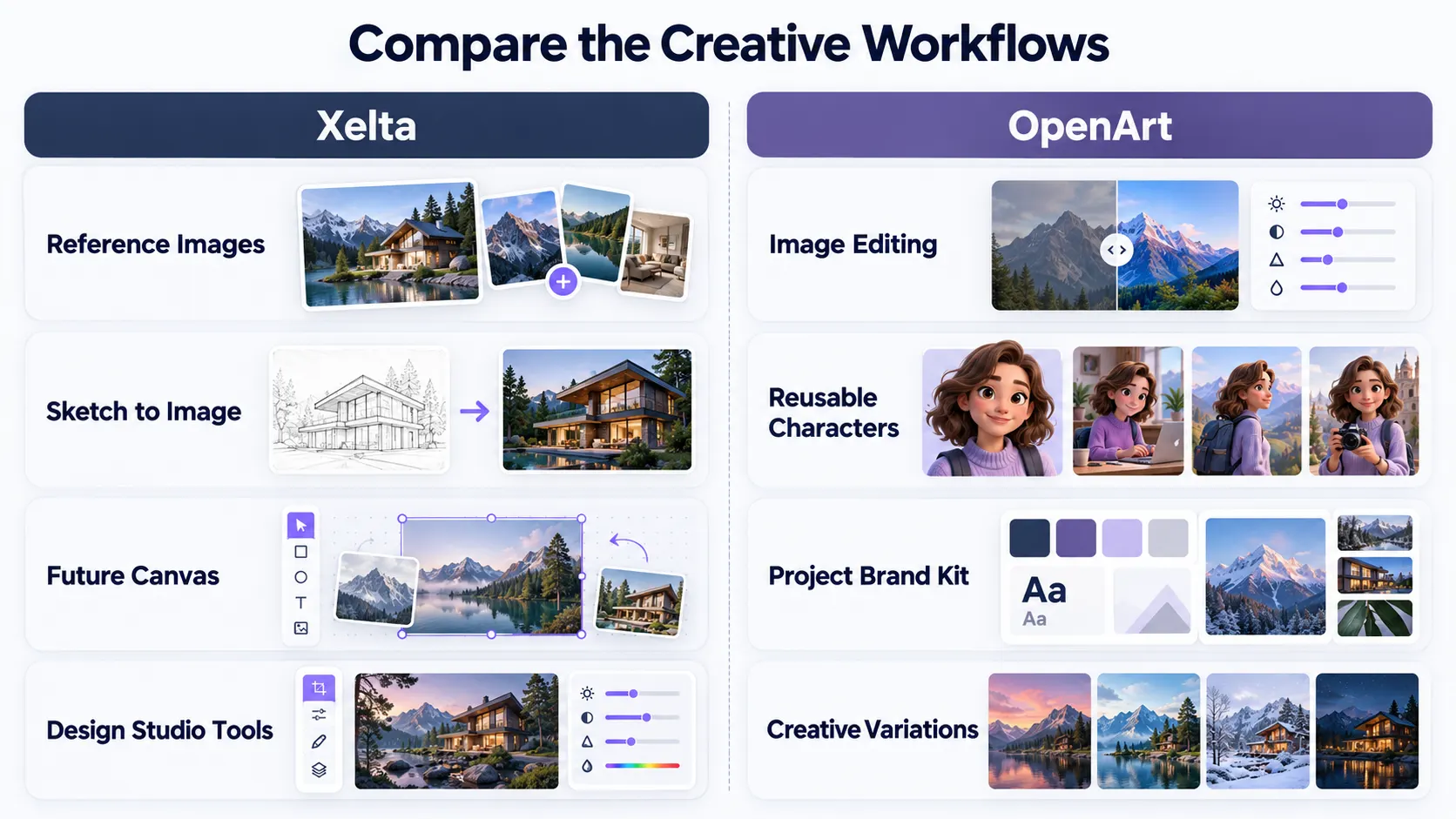
Both provide the capability of text-to-image. However, Xelta offers the option of reference images, as well as tools like Sketch to Image and Future Canvas. OpenArt, on the other hand, provides the possibility to edit the image, the Characters that can be reused, and the project’s Brand Kit. The product team may be concerned about the exact replication of the package, whereas the storyteller wants the same character to appear in different images of the series consistently.
| Buyer question | Xelta | OpenArt |
|---|---|---|
| Can I work from an existing image? | Image and reference workflows | Image-to-image and editing tools |
| Can I explore broader design ideas? | Design Studio tools | Image editing and creative styles |
| Can I reuse a character? | Check the relevant avatar workflow | Dedicated reusable Characters |
| Can I preserve brand elements? | Supply and inspect references | Project Brand Kit; still review outputs |
These are documented capabilities, not results from a head-to-head quality test.
When Would OpenArt Be the Better Fit?
Consider a company that wants to make a set of illustrated posts using the same fictional character. Reproducing the face, clothing, and hairstyle for each panel would be a tedious task. Using the characters feature in OpenArt could streamline this process by enabling the user to use the same character for different images and videos. Additionally, the company could provide its clients with a published brand kit that contains the logos, colors, typography, assets, and instructions.
Therefore, it would be critical to review the faces, clothes, and lettering in the panels before finalizing the series.
When Should You Consider Xelta?
If the task at hand is an advertising image, or some concepts for products, a team may begin experimenting from Xeltas AI image generator. The support of prompts and reference images means a designer is not limited to imagining an object, but can work from a real photograph of the intended product. A well lit lamp image will not do if the switch mechanism moves or an added power cord appears – these are not matters of style, but of substance for the customer.
What Is a Fair Comparison Test?
Use the same prompt on both platforms. For example:
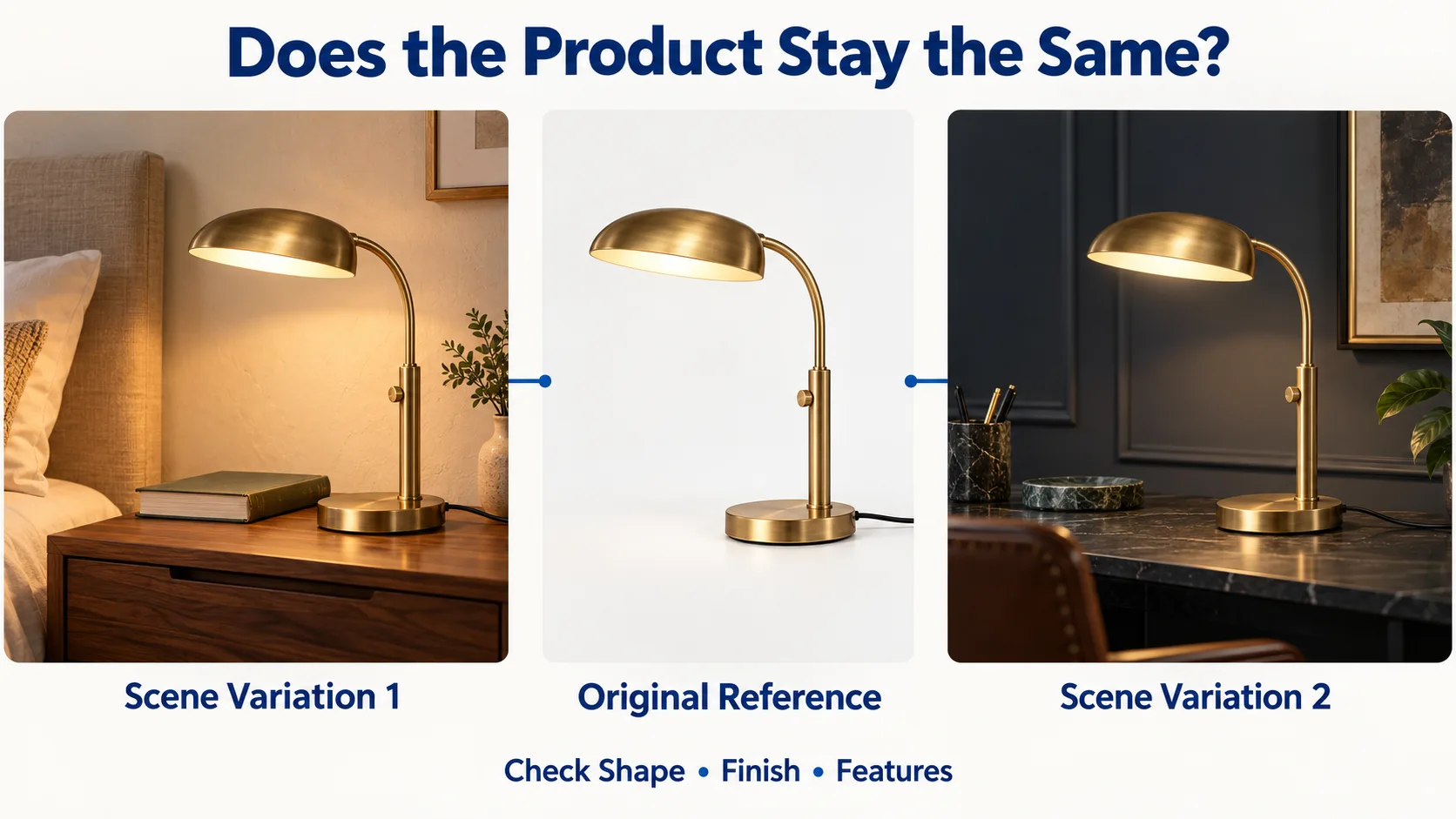
Create a square lifestyle shot of the supplied brass reading lamp on a walnut bedside table with a closed book by its side. Early evening light, pale plaster walls, and clutter-free composition. Keep the oval shade, curved neck, switch, cord, and the brass color, and do not add any text or other elements.
Then, create a candidate using darker walls but keep the lamp as in the first request, compare the two images to the original photo, and highlight the extra generations and edits made outside the platform. Do not allow your five extra chances for one program over the other. The pretty picture could, in fact, be the poorer performer regarding revisions.
Which Content Ideas Reveal the Real Differences?
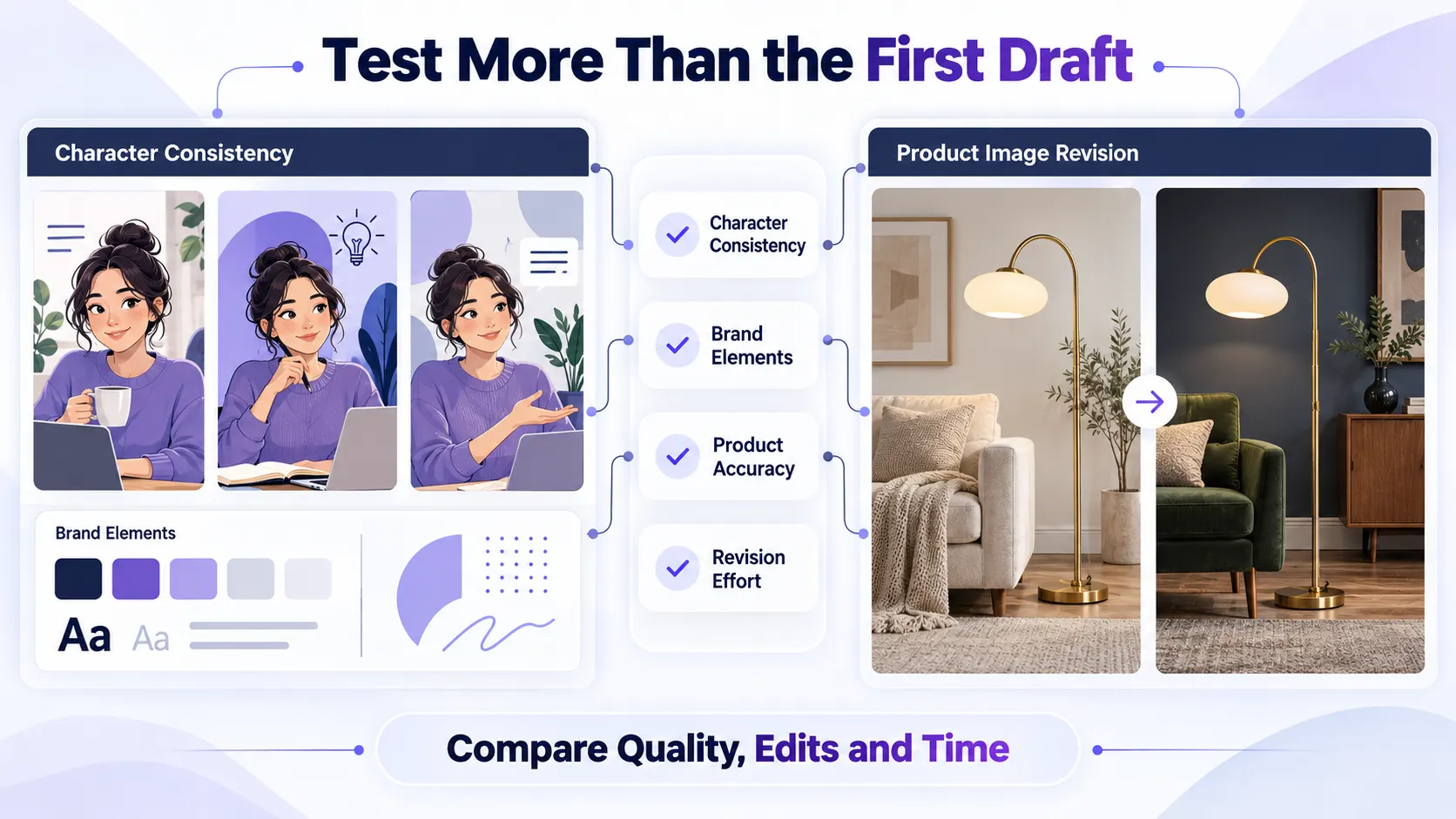
Try a product lifestyle image, two matching social graphics and a recurring character sequence. Each reveals a different product or brand weakness: product fidelity, brand consistency or continuity. Review at actual placement size; tiny logos and bad crops are easy to miss in large previews. Add final prices and offers in an editable layer.
What About Credits, Rights and the Rest of the Workflow?
Both products use credits, but there are differences in access to models, pricing and commercial-use policy depending on a plan, and these conditions may change. See how your actual usage may vary, including failed generations and manual corrections.
Xelta's Design Studio also has other visual tools such as Sketch to Image, Future Canvas and avatars. Check whether these tools are available in your plan, or consult them to use.
Final Thoughts: Decide After the Second Draft
A features comparison fails to capture what working teams buy into: preserving the approved details during the brief revisions. OpenArt provides a reliable way for the projects revolving around multiple uses of the same characters and brand references. Xelta appears a better choice to consider when the working team starts with the image or product references and needs to find some similar options.
No later description could help you realize which platform will rather produce your best asset. Run the same real-world brief in both, save the original references, and ask them to make one inconvenient amendment. Look closely at what details have been changed without permission. Now, add the time you wasted on regeneration, editing, and exporting. If one tool has better chances to keep the details your customer will see on a regular basis, it deserves to be chosen over any other.
For official examples of Xelta's creative workflows, exploreXelta AI on YouTube.