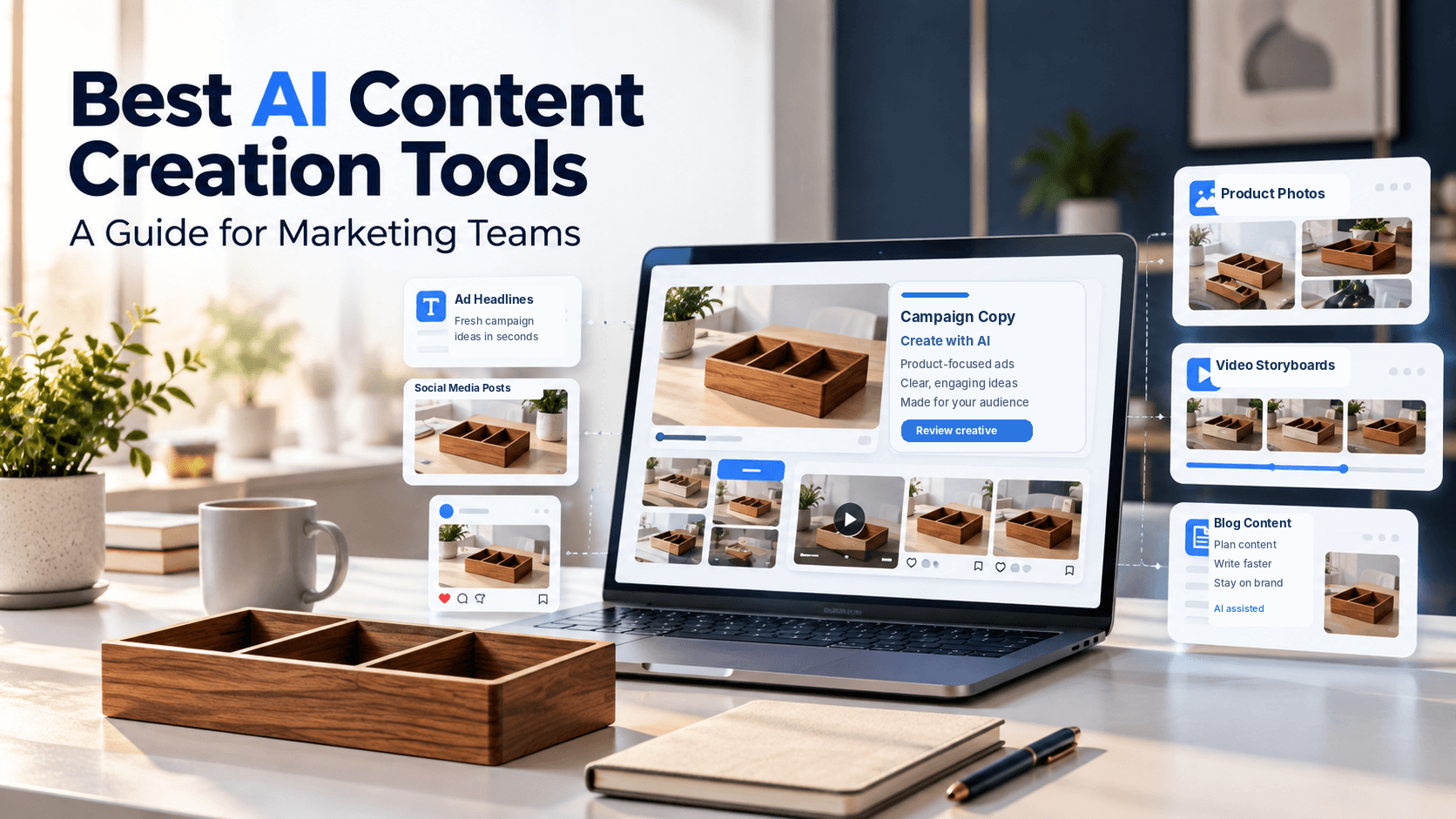
Best AI Content Creation Tools for Marketing Teams
The campaign is rarely canceled due to the impossibility of creating another graphic; more often it happens that email promises one thing, but the product image shows something else, and this has been noticed before the start. The most efficient AI content creation tool for marketing teams should be able to solve this dilemma at the level of messy middle, not the quantity of the generated drafts. Although Xelta AI supports visual authoring, human supervision is required at the final stages of decision making.
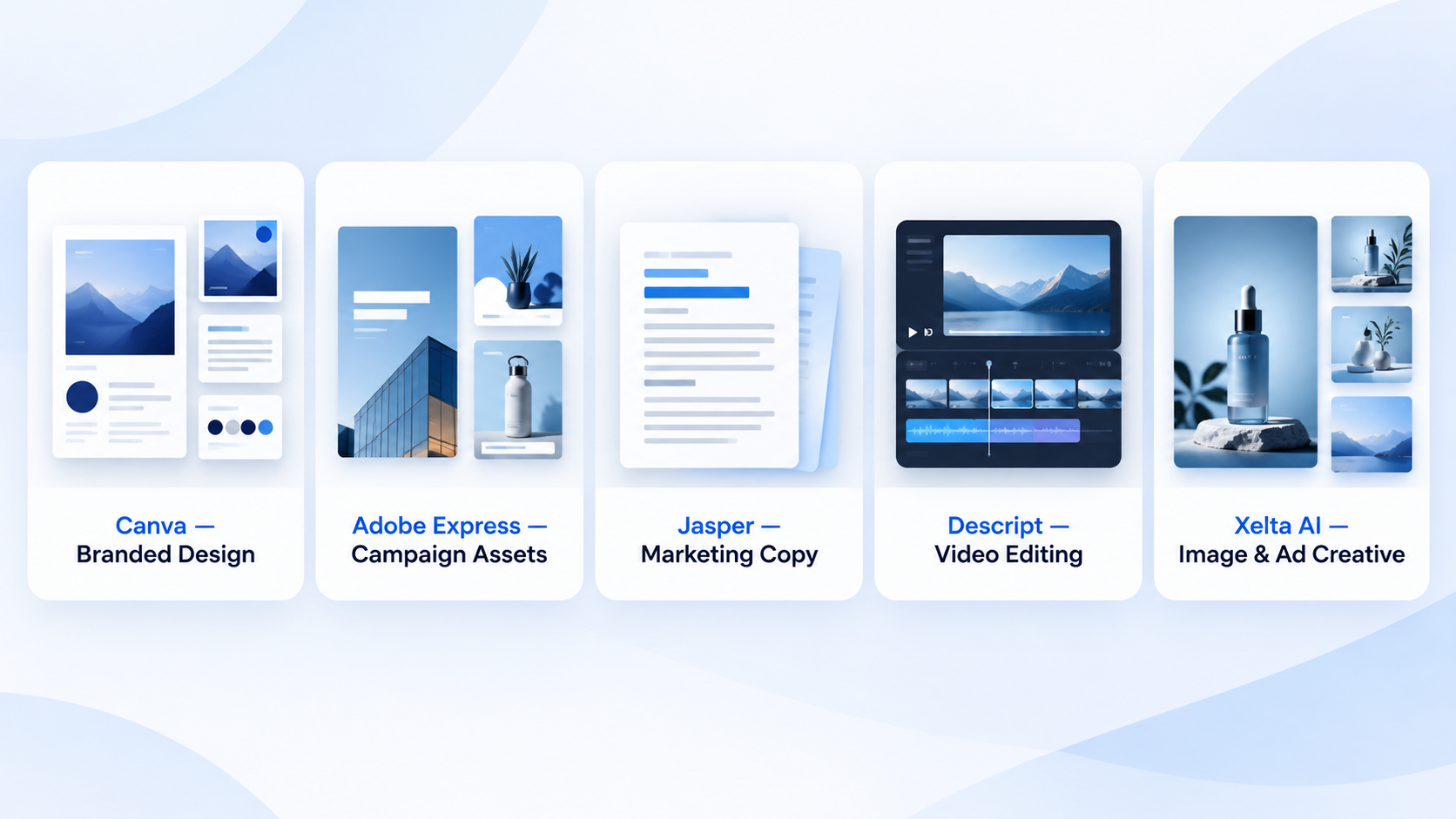
A short answer is that Canva and Adobe Express are suitable for reusable branded design, Jasper focuses on marketing copy and brand tone of voice, while Descript is used for editing recorded video, and Xelta is appropriate to develop original imagery and advertising ideas. Choosing the best AI powered marketing tool depends less on the initial output, but rather how easy it is to review, edit and approve.
Quick Answer
The best AI content creation tools for marketing teams depend on the type of content they produce and how they manage revisions. Canva and Adobe Express are useful for branded designs and reusable templates, Jasper helps create marketing copy, Descript simplifies recorded video editing, and Xelta AI supports original image creation and advertising concepts. Before choosing a tool, compare its output quality, brand consistency, editing workflow, team collaboration, and commercial usage rights. The best solution is the one that reduces repetitive work while keeping product details accurate and giving your team control over final approvals.
Which Tools Are Worth Shortlisting?
A social media manager assembling weekly posts has different problems from someone preparing product ads or editing a webinar.
| Tool | Particularly useful for | Check before buying |
|---|---|---|
| Canva | Templates and branded posts | Brand controls and permissions |
| Adobe Express | Campaign layouts and variants | Team access and editing |
| Jasper | Campaign copy and voice | Claims and tone |
| Descript | Recorded video editing | Transcript corrections |
| Xelta | Original images and ad concepts | Product accuracy |
This is a use case shortlist, not a performance ranking.
When Do Canva and Adobe Express Make Sense?
Canva is appropriate for teams that frequently need to adapt approved content to different formats. The tool includes feature called Brand Kits which store logos, fonts and colors and the option to use templates to help colleagues get started. Both are useful when a regional marketer needs a graphic for an event that uses the overall look, but requires different content than the existing design.
Adobe Express also allows brands to store and share kits containing their elements and provides other collaborative options. It is appropriate when multiple people need to create similar content. Both tools are not substitutes for approvals. A perfectly branded graphic advertising a half price offer is useless if the promotion has ended yesterday.
What If Writing or Recorded Video Is the Bottleneck?
Jasper is great for marketers that need to constantly change the tone of their newsletters, landing pages or social media posts. Its Brand Voice feature can be trained on existing samples of text. However, brand voice cannot be relied upon to deliver consistent results
Descript is addressing a different problem, as transcript based editing allows for faster changes to interview segments. This is useful when a sentence recorded in video needs to be reworded. Still, transcripts would benefit from additional editing, particularly when technical terms are used.
How Could Xelta Fit Into One Product Launch?
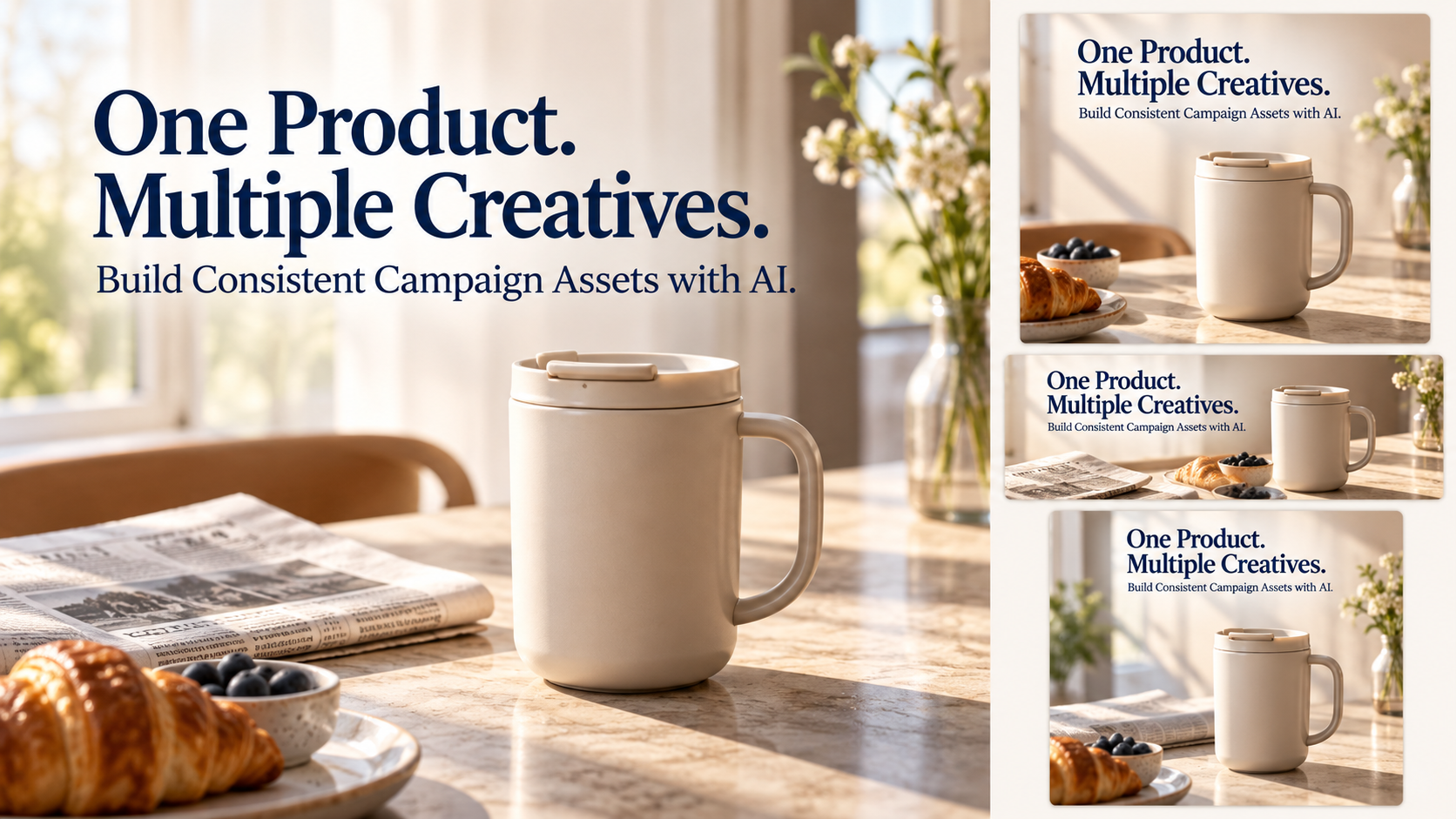
Imagine a homeware brand launching a ceramic travel mug. The team has an accurate product photo and approved specifications, but they need a lifestyle image.
Xelta's AI image generator has been trained on text and reference-image data. A practical brief could be:
Show the supplied ceramic mug on a breakfast table with window light falling across a folded newspaper and space for a headline. Retain handle, lid, colour, proportions and any markings on the mug but do not add extra accessories or specify product features that are not present.
This produces a candidate and not an approved asset. Correct any changes to the shape of the lid or illegible logos before publishing and use an editable design tool to add any final offer text.
How Should You Test Two Tools Fairly?
Don't choose from polished homepage demos. Give shortlisted tools the same assignment and a revision request: one social image, a promotional script and a variant aimed at gift buyers.
- Brief: Supply product facts, references, colours and formats.
- Draft: Record missing details and invented claims.
- Correct: Request one change without altering approved elements.
- Handoff: Ask a colleague to inspect and edit the output.
- Export: Check crops, text, product details and usage rights.
Also note work completed outside the tool. A fast first draft requiring extensive repairs may not be economical.
When Is an Ad-Specific Workflow More Useful?
If the mug campaign requires a promotional video, inside the AI Ads section of Xelta, you can find the Ad maker and UGC style options that create engaging media content. Note that these two last mentioned tools are not a replacement for campaign targeting and performance reporting.
Make sure to review the product details board in the video one frame at a time, and check the information with the sound off; your message must be understood clearly even without audio commentary.
What Should Teams Never Delegate?
People need to approve the product facts, licensing, likeness permissions, and final exports. It is a need to assign an owner before adopting another tool; else, a minor mistake will propagate to all campaign variants.

Final Thoughts
I think that the first draft is the easiest one to fall in love the reality is that a lot of these edits happen when the product team changes one spec, legal asks to remove a claim or a designer needs three variations of the same image crop. A good tool will help the team avoid rework on these frequent occasions without redoing the whole campaign from scratch.
It is better to start by looking at the format that involves the most recurring work. Pick between Canva or Adobe Express for branded templates, Jasper for message drafting, Descript for recorded video or Xelta if it is the lack of original visual assets that holds the campaign together. You may want to test drive one tool, include the person approving the content in the process and track how much editing is needed as diligently as you create content. One reliable solution is better than five unsubscribed ones.
For creative examples and product demonstrations, exploreXelta AI on YouTube.