Key Takeaways
- A restaurant could create a beautiful opening night poster and spend an afternoon adjusting the menu text, logo, and dimensions.
- The best AI design platform for a business depends on its content needs, team workflow, and editing requirements.
- Imagine that there is a neighborhood restaurant, which wants to advertise its weekend supper club.
- Brand controls are significant in the situation when multiple colleagues are publishing materials.
Table of Contents
- 1.Best AI Design Platforms for Business: What to Compare
- 2.Quick Answer
- 3.What Kind of Design Work Does Your Business Need?
- 4.Which Features Matter After the First Draft?
- 5.Where Does Xelta Fit Into Business Design?
- 6.How Do You Get Evidence Before Paying?
- 7.What If Nobody Agrees on the Design Direction?
- 8.Which Limitations Should Affect Your Choice?
- 9.Final Thoughts
Best AI Design Platforms for Business: What to Compare
A restaurant could create a beautiful opening night poster and spend an afternoon adjusting the menu text, logo, and dimensions. That is why it is critical to focus on the best AI design platform that will offer the possibility to create content that would be approved and used by the team. The right tool will also support visual exploration, and others will manage the layout and collaboration process differently.
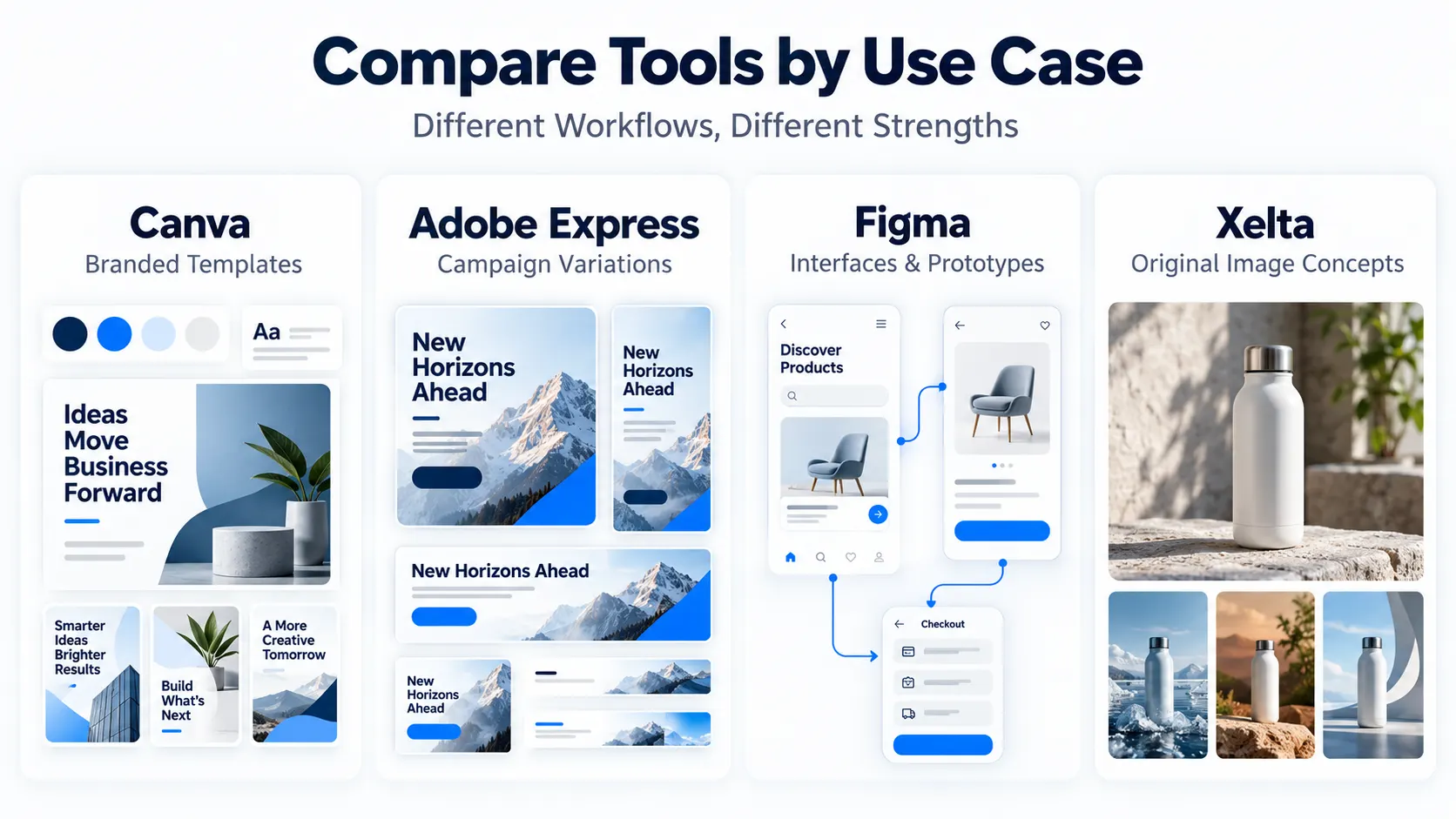
Depending on the final product, the most fitting AI design platform will differ. Canva and Adobe Express offer the creation of editable branded content, Figma is focused on interfaces and prototypes, and Xelta is all about the original imagery and visuals. By comparing these tools, it is possible to see how they address the same brief differently. In the end, accuracy, ease of editing, rights, and the export quality are more important than an attractive demonstration.
Quick Answer
The best AI design platform for a business depends on its content needs, team workflow, and editing requirements. Canva and Adobe Express are worth considering for branded templates and editable marketing materials, Figma for interface design and prototyping, and Xelta for generating original images and exploring visual concepts. Before choosing a platform, test it with a real business brief that includes approved brand assets, exact copy, and multiple output sizes. Check how easily the team can revise designs, maintain brand consistency, export usable files, and manage commercial rights. The best choice is the one that produces accurate, editable, and approved deliverables with minimal rework—not simply the most attractive first draft.
What Kind of Design Work Does Your Business Need?
Imagine that there is a neighborhood restaurant, which wants to advertise its weekend supper club. It means that a social media post, a printed menu insert and a vertical story should be created. They should have the same navy and cream design, booking information and food photos. It is a layout and branding control problem. Deciding whether the ad campaign will have a candlelit table or a vibrant photo of food with overhead lighting will be a visual concept challenge. The separation of these two issues will prevent the team from having to address multiple tasks at once and provide a prompt, artwork, correct copy and print ready files.
| Platform | Useful for | Check before buying |
|---|---|---|
| Canva | Branded templates | Controls, approvals, editable exports |
| Adobe Express | Campaign variations | Locked templates and team reviews |
| Figma | Interfaces and prototypes | Handoff and seat permissions |
| Xelta | Image concepts | Accuracy, revisions and exports |
This is a use-case shortlist, not a tested ranking.
Which Features Matter After the First Draft?
Brand controls are significant in the situation when multiple colleagues are publishing materials. Canva provides documents about Brand Kits, templates, and approvals. Adobe Express has kits, locked templates, and collaboration tools. Figma Make is concentrated on interactive prototypes, which are not the same as monthly marketing posters.
For the restaurant, it would be important to ask if it would be possible to change the booking time with the help of someone who could update the document without damaging the flattened picture. The request should be fulfilled with providing the updated editable file, not the screenshot of it. Otherwise, all the time spent on optimization will be lost due to minor changes.
Where Does Xelta Fit Into Business Design?
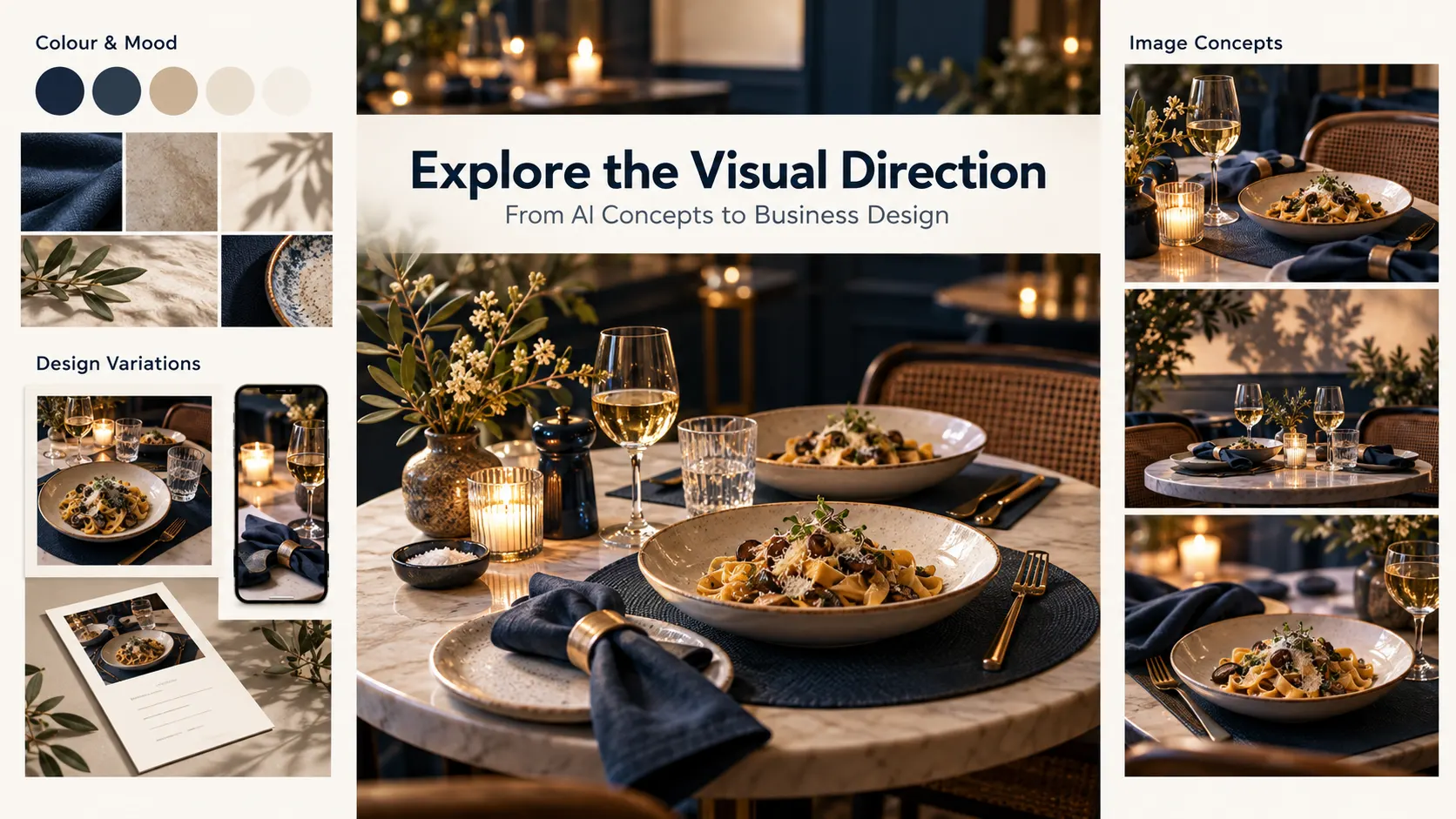
Xelta’s AI image generator uses prompts or reference images as a basis for creation. The restaurant, for example, could experiment with a single table composition and move the approved version to the layout editor to fine-tune the typography and logo placement.
For instance,
generate an image of a table with two settings with a warm glow of light, linen napkins, and a shallow bowl of seasonal pasta. The background is navy blue, with shadows, and the top left area is left empty for the headline. The image does not include any signage, lettering, logos or menu prices.
The lettering generated by AI can appear distorted, and even if the pasta dish looks appealing, the restaurant will not feature it on the menu. If the picture needs actual food, it should be photographed in natural settings using real food.
How Do You Get Evidence Before Paying?
A homepage gallery is not proof of your own team's ability to reproduce the result. Test each candidate's ability to meet the same real assignment, including an inconvenient revision.
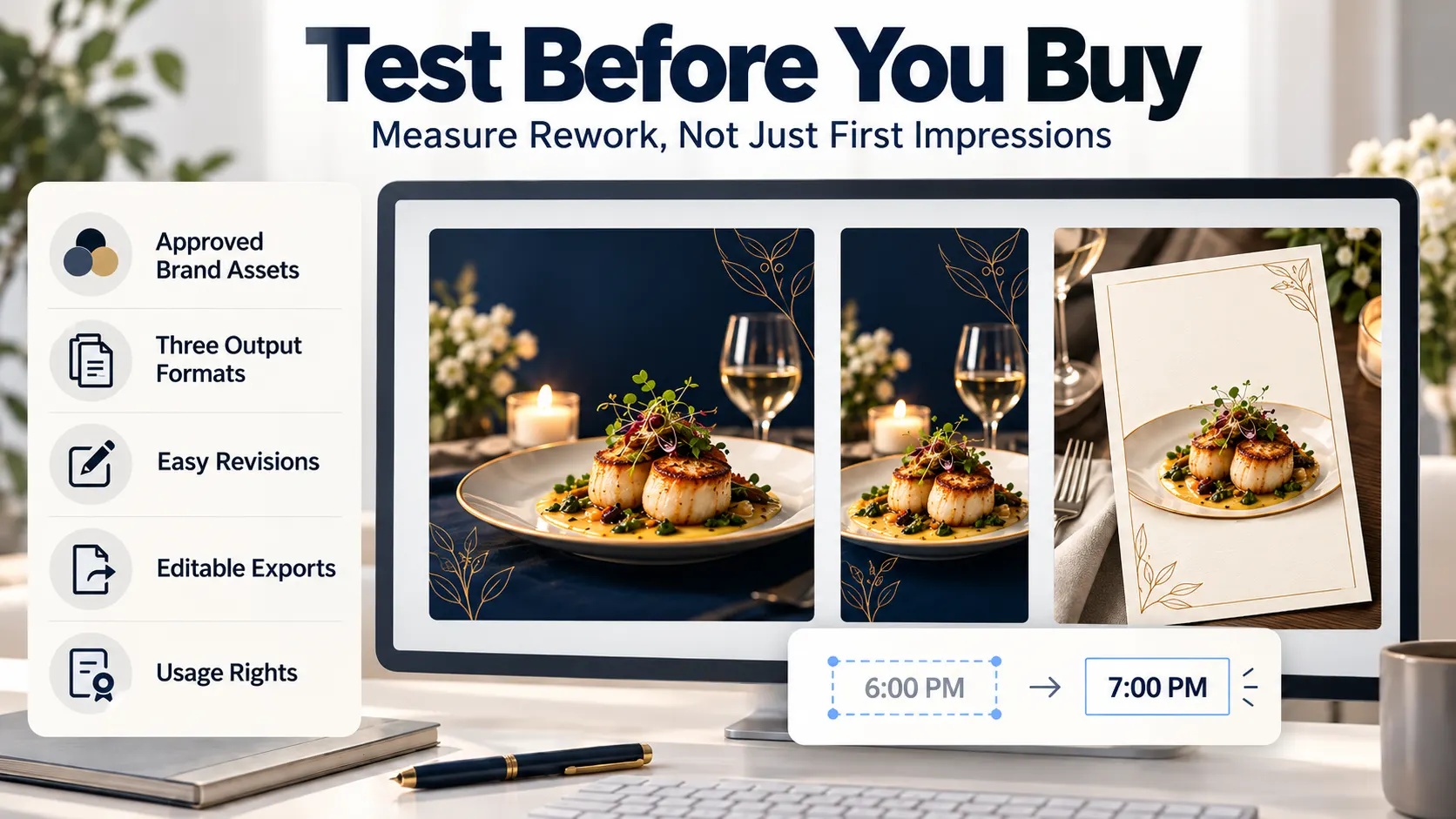
- Give source materials. Provide logos, colours, approved photographs, exact copy and output sizes.
- Ask for three versions. Create a social post, story and print insert from one brief.
- Change one fact. Move the event's start time; see how easy it is for each version to be corrected.
- Look at files. Check for phone legibility, print margins, resolution, editability and image rights.
- Count the repairs. Count the additional generations, manual corrections and approval efforts.
Check the plan's access controls and commercial permissions before relying on them. Free previews do not prove how team handoffs work.
What If Nobody Agrees on the Design Direction?
Perhaps the owner wants to create an image of the room full of candles while the designer wants a modern and edgy editorial style. Xelta's Moodboard AI can create a set of visual references out of the description and you can easily edit specific tiles. Moodboards are great tools to make the decision on the colour and overall mood before proceeding to actual production.
They are not a final advertisement or the brand style guide yet, select the direction and create an accurate editable layout.
Which Limitations Should Affect Your Choice?
There are a number of issues with image generation, such as distortion of products, colors, and text. Template systems have their own problems, and the file is impossible for colleagues to edit safely. Prototyping tools could be inappropriate for the common use of flyers.
It is vital to check the amount of credits, licenses, permissions, and export formats. Someone can proofread the article for spelling, accessibility, dates, offers, and brands. A generated draft could not promise business proposals.
Final Thoughts
The most attractive first draft is rarely the true challenge in the business design: The real headache involves the date change, logo replacement or single idea that doubles as a poster and a phone size story at the same time. That is where editable files, ownership of the goods and reliable revisions come into play.
If your teams primarily adapt approved templates, evaluate Canva or Adobe Express first, test Figma's prototyping workflow if you build interfaces, and see how Xelta performs alongside a layout editor if you need new visual directions. Give each candidate a real assignment, an inconvenient correction and choose the workflow that delivers proper, approved results to the right people rather than the one with the prettiest thumbnails on demo.
For official creative examples and product walkthroughs, exploreXelta AI on YouTube.