

Key Takeaways
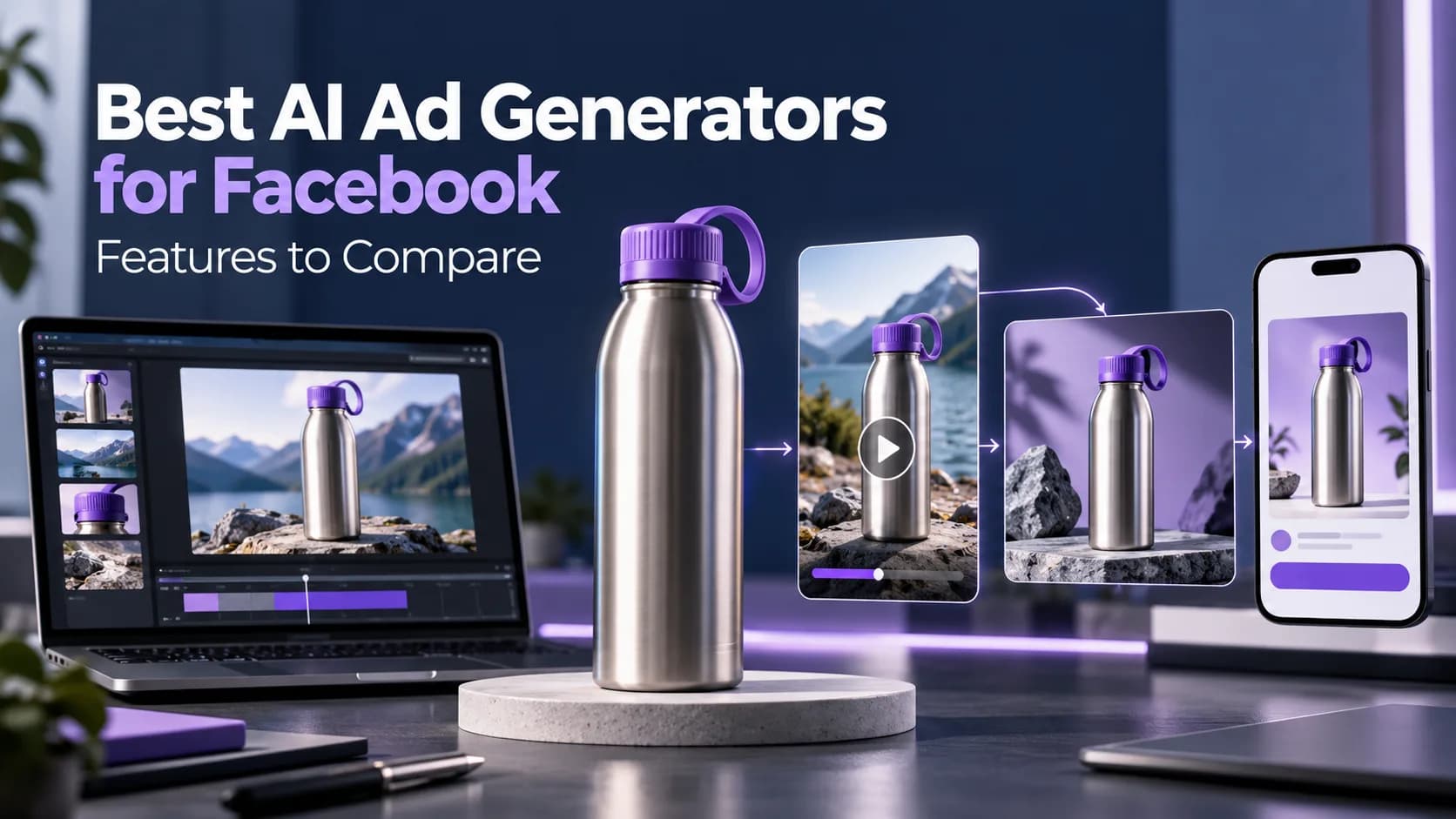
- The first advert created for the new insulated bottle is well put together.
- The best AI ad studio will depend on your process.
- An AI ad studio will allow you to create advertising assets using your product image, URL or brief.
- PlatformMain workflow to evaluateImportant boundaryCanva GrowGenerate image and avatar-video ads, edit layouts and launch with supported accountsAccount connections and feature access affect publishingCreatifyTurn product URLs or supplied assets into video ads with scripts and presentersReview generated claims, voices and presenter implicationsAdCreative.
Table of Contents
- 1.Best AI Ad Studios and Features
- 2.Quick Answer
- 3. Why use an AI ad studio?
- 4.What AI Ad Studios Should Marketing Teams Consider?
- 5. What to Include In Your Brief?
- 6.How to Create Your Ad
- 7.3 Ad Angles To Test
- 8.What Prompts Will Give You More Useful Creatives?
- 9. How to Test Your Ads Without Confusion
- 10.How to Compare Costs Fairly
- 11.What Risks Should You Avoid?
Best AI Ad Studios and Features
The first advert created for the new insulated bottle is well put together. However, there are some issues - the lid changes colour, there are made up features in the voiceover and the final price is incorrect.
Due to these problems, the best AI ad studio isn’t always the one with the best demo reel. You want to use the tool that allows you to create editable and publishable adverts using the correct information with no costly mistakes.
Quick Answer
The best AI ad studio will depend on your process. Canva Grow will allow for editable designs and integrations with ad platforms. Creatify will allow you to create video adverts with product linking and AI presenters. AdCreative.ai will allow you to create creative variations and scoring whilst Xelta will allow you to create specialised image and video adverts. Consider what will give you the most accurate product, control over edits, export rights, costs and campaign results.
Why use an AI ad studio?
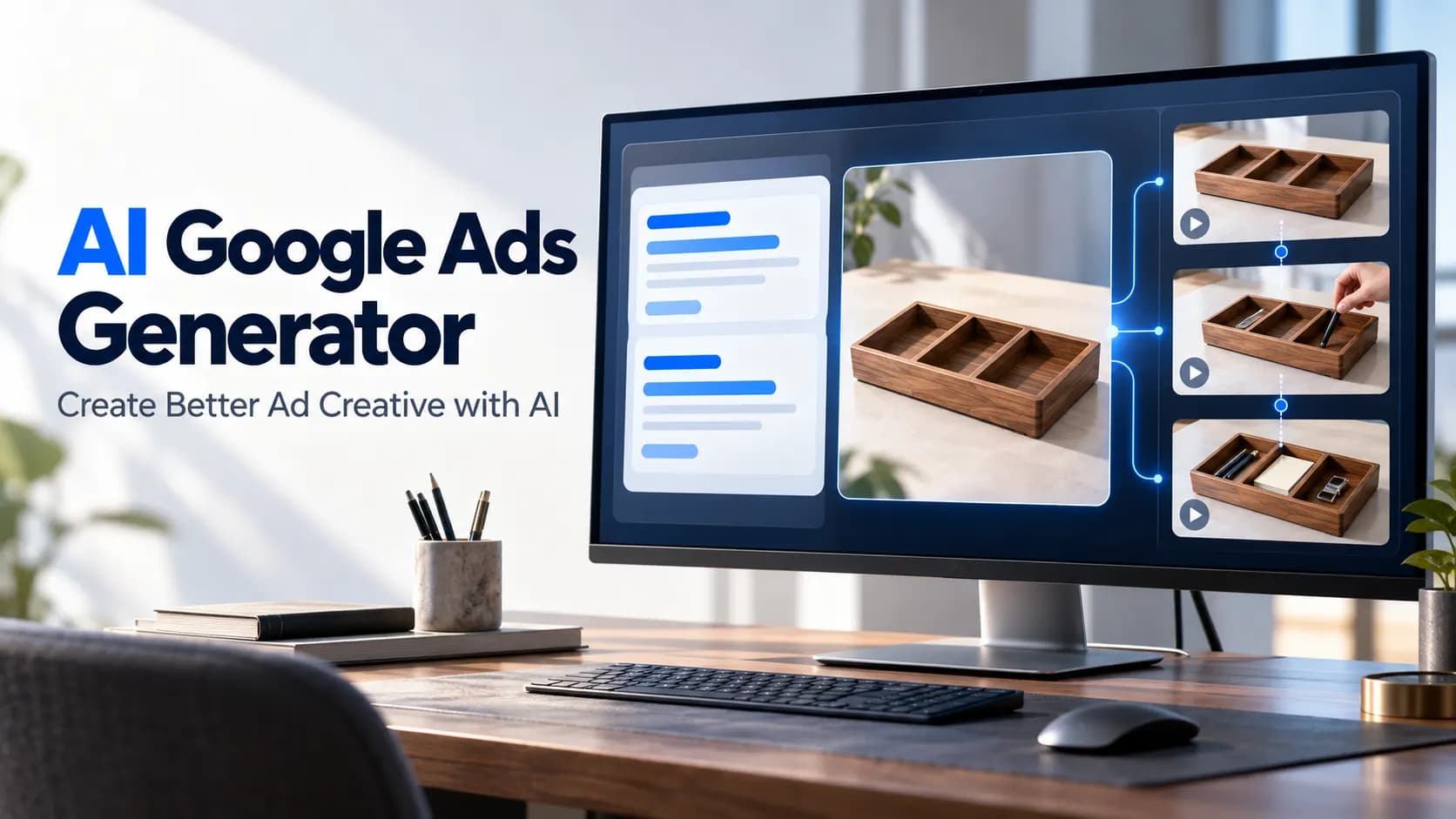
An AI ad studio will allow you to create advertising assets using your product image, URL or brief. Depending on the platform, you’ll receive static design, script, video scenes, presenter clips or variations for placement. Some also provide editing, publishing and performance.
However, whilst you’ll receive the video file, the advertising campaign will still need to be managed by your media buyer. This will involve setting the targeting, budget, conversion tracking and testing.
The most important thing to consider will be how quickly your team can create an approved export from an edited brief.
A creative production workspace may reduce switching between tools, but it still needs reliable product references, reviewers and a clear handoff to campaign management.
What AI Ad Studios Should Marketing Teams Consider?
| Platform | Main workflow to evaluate | Important boundary |
|---|---|---|
| Canva Grow | Generate image and avatar-video ads, edit layouts and launch with supported accounts | Account connections and feature access affect publishing |
| Creatify | Turn product URLs or supplied assets into video ads with scripts and presenters | Review generated claims, voices and presenter implications |
| AdCreative.ai | Generate ad creatives and explore scoring or competitor insights | Scores and predictions are not measured campaign conversions |
| Xelta | Produce product-led ads through dedicated video, UGC-style and URL-based tools | Creative generation is separate from campaign performance reporting |
Consider Canva Grow if your design team often edit their headlines, offer copy and branded designs. The Create, Launch and Learn tools allow you to link to chosen advertising accounts.
Consider Creatify if your product page is the starting point and you require scripts and presenter variations. The URL-to-Video tool allows for manually provided assets.
Consider AdCreative.ai if your main task is to create multiple static/video variations and then review them based on your campaign hypothesis. Predictive scoring should just be used as a priority tool.
Consider Xelta if you need different video variations for your product. The advertising tools can include photo, product URL or UGC style. Consider which specific tool will provide the asset you require, not just a generalised list of features.
What to Include In Your Brief?
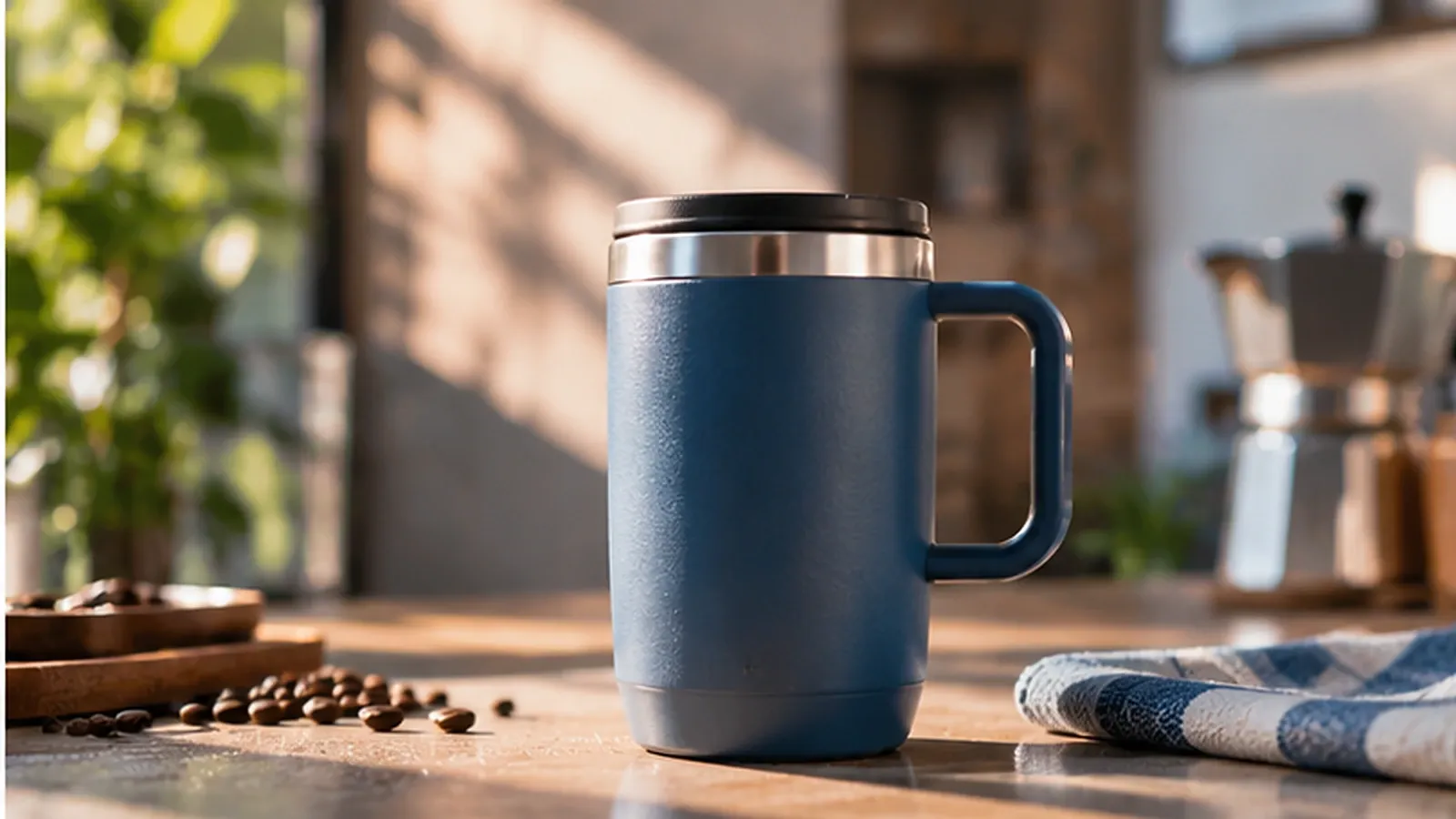
Say you’re a fictional drinkware company launching a new travel bottle. The real product has a silver screw lid, handle and no straw included. The landing page mentions a 30 day return period, but there’s no verified temperature retention.
Create a one-page creative pack including approved images, product name, real specification, approved claims, current price, landing page, brand colours and phrases to avoid. Also include what placement you want to use the asset on and what action you want the viewer to take (visit product page, fill in lead form, purchase).
This is much better than asking the model to "create a viral advert". You’ll end up with an attractive image showing a fake straw.
Or an AI presenter saying they own and love the product, without any real testimonials.
Pick one key message to test. E.g. "Meet our new colour!" Don’t include any unbacked performance claims.
How to Create Your Ad
Complete a short process.
- Select your input. Use the real bottle image to get accurate packaging. Use a URL tool to gain product context, but ensure all the information extracted is accurate to what is on the current listing.
- Select your creative angle. Will you be launching a new colour, showing how to use the handle or answering a common question? Don’t try to include all.
- Write your story. Start with the situation, introduce the product and give a clear call to action. Keep pricing and offer conditions editable.
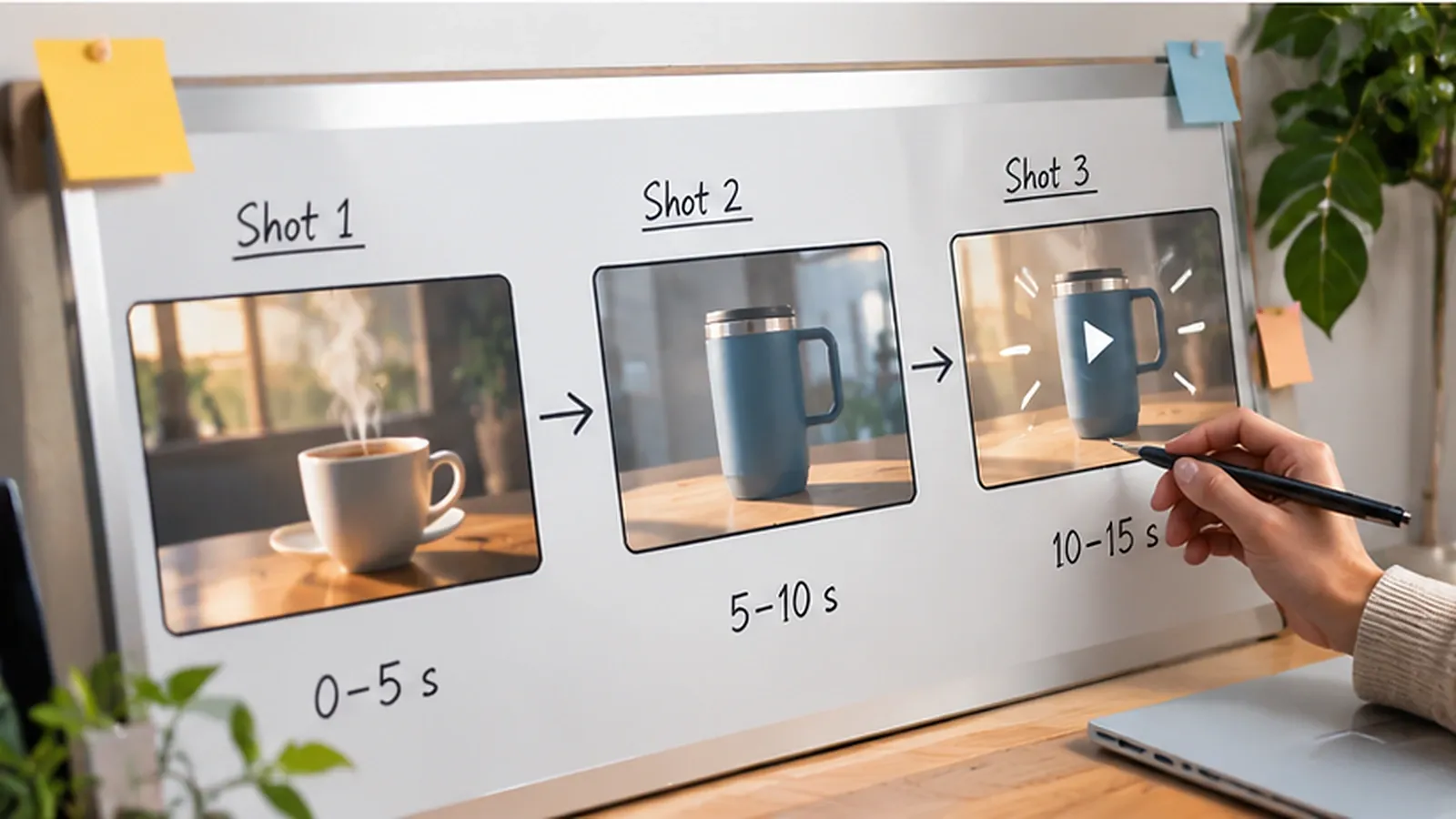
- Review your storyboard. Ensure each frame is correct before spending any credits on the full render. The ad creation toolkit has different tools for product driven videos and other styles. However, there are different inputs and lengths available.
- Create your initial version. Ensure each frame is correct. No changed hardware, distorted labels, impossible to demonstrate and unapproved text.
- Make your edits, finalise and export. Add the final branding, captions and licensed soundtrack in an appropriate editor. Check the cropped image and audio is correct on your phone.
Ensure you have the original image, prompt, storyboard, initial render and final approved version.
If the price changes next month, you’ll know which assets will be impacted.
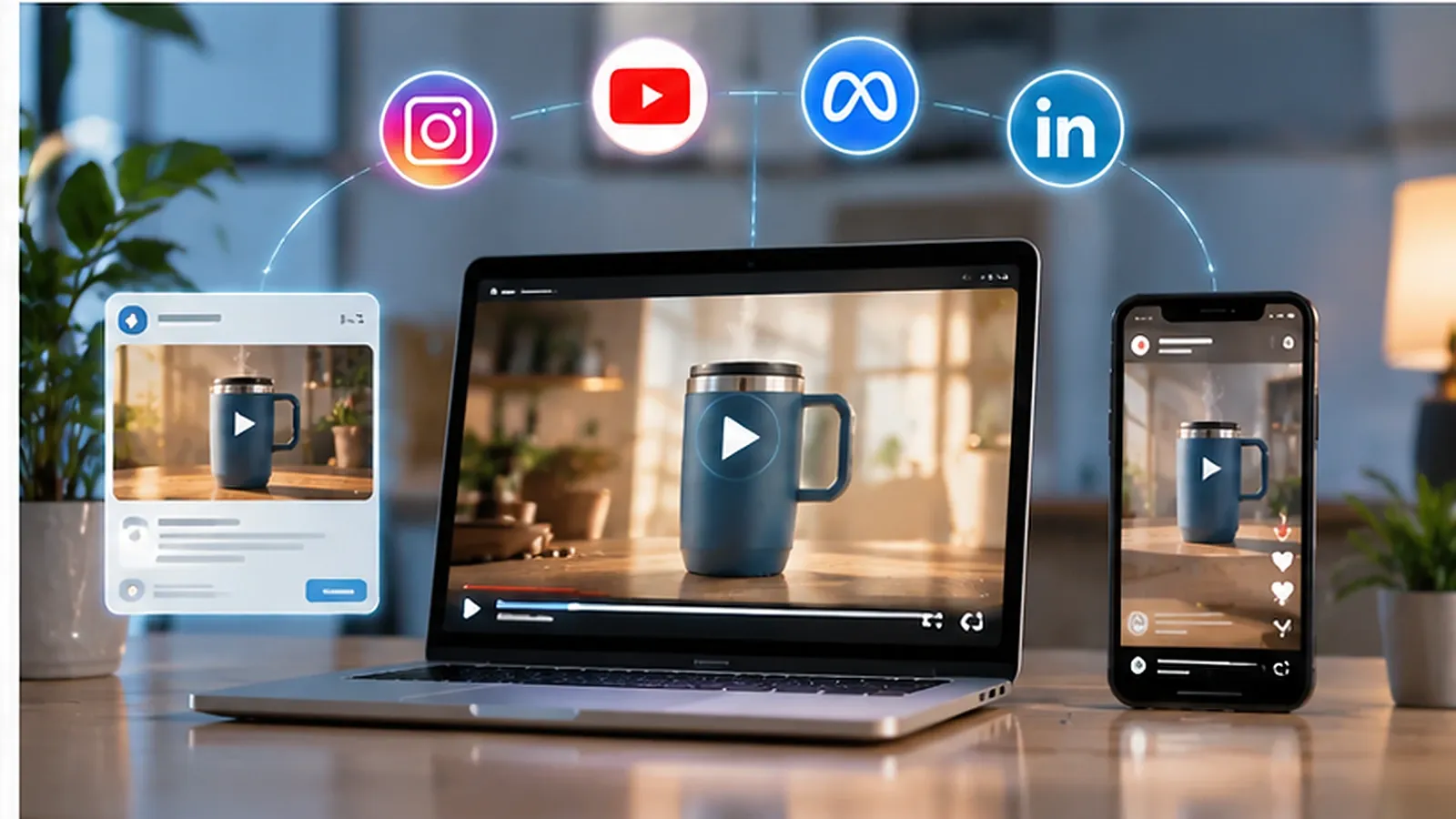
3 Ad Angles To Test
Make sure your reasons for someone paying attention are genuine. Don’t just change the background colour slightly.
- **New Product.**Showcase the approved bottle in a simple studio scene. Let people know the new colour is available. Great for announcing a new product.
- Lifestyle. Place the same bottle next to a commuters bag or notebook. This will show the scene, but shouldn’t make it look like it does anything it hasn’t been verified to do.
- Close up. Start with a close up of the silver lid and handle. This will help shoppers see the real features. If the movement makes either look distorted, use the real close up.
These are all hypotheses to test. Don’t call any high converting until you have reliable data from your campaign.
What Prompts Will Give You More Useful Creatives?
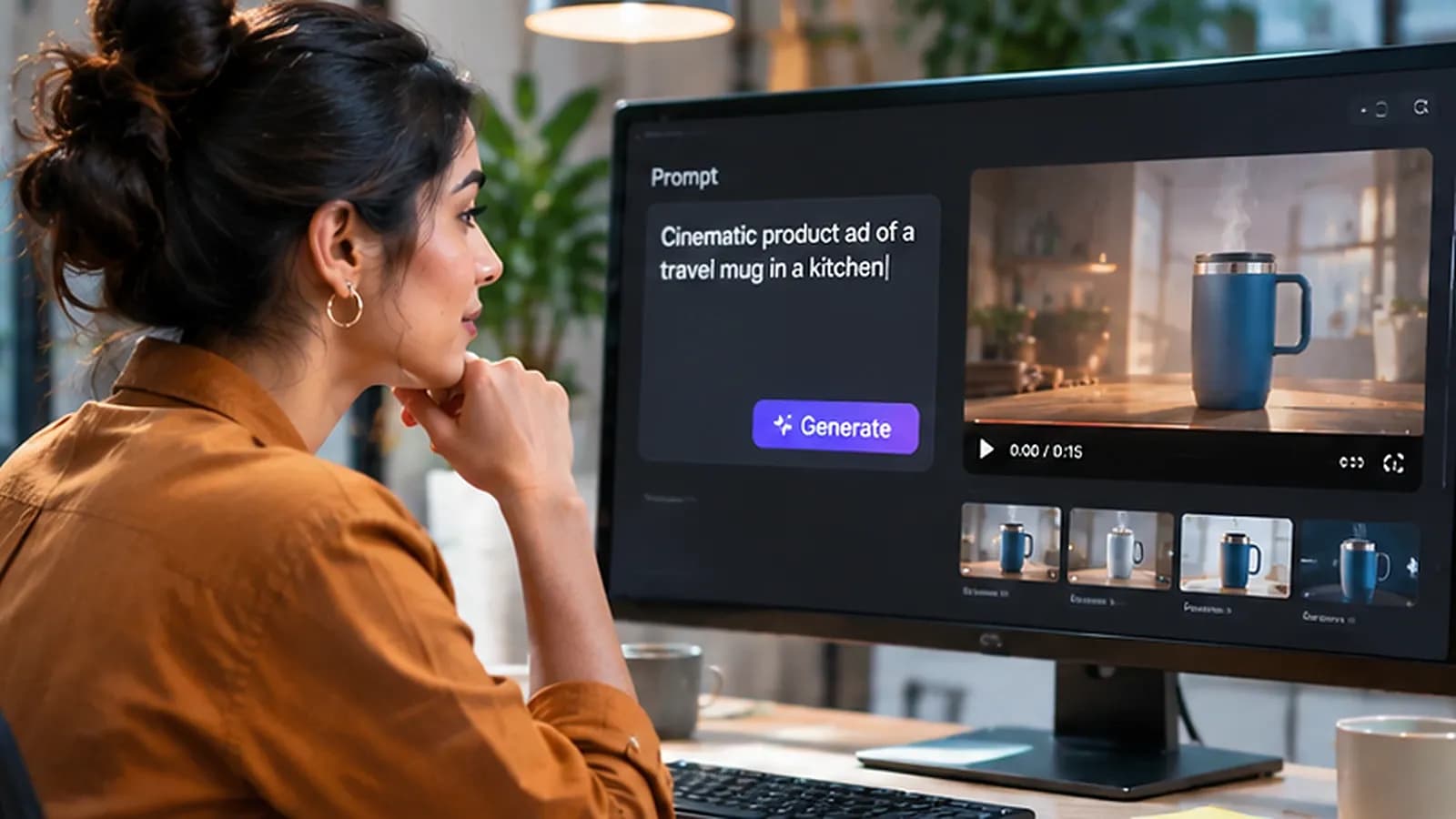
A good image/video prompt will include who/what it’s about, what to reference, what action to take, how to film it, what to send it to and what to keep safe.
Product Video:
Animate the provided travel bottle with a clean background. Ensure the silver screw lid, handle, exact shape and label remain the same. The bottle should be static whilst the camera zooms in slowly. Use natural morning lighting. One take. Leave space for a headline to be added separately. Don’t include any fake accessories, text or product claims.
Lifestyle Image:
Place the provided bottle next to a canvas work bag and closed laptop on a café table. Ensure the real lid, handle and body colour remains. Square crop. Leave space at the top for approved text. Don’t include any people, badges or text.
Use a storyboard video maker to create your video using your product images and brief. Ensure the storyboard is approved before rendering.
This is important as you don’t want to waste a full render on the incorrect scene. Ensure the number of credits needed and length of clip available.
How to Test Your Ads Without Confusion
Decide on your main KPI before publishing. For an ecommerce campaign you may be looking at sales or ROAS. For a lead generation campaign you may be looking at quality leads at an acceptable cost.
You can’t rely on click through rates to prove it’s profitable.
Test in a disciplined way. Try to keep your targeting, offer, landing page and main delivery settings consistent. Just change the creative angle.
If possible use the testing tool on the platform.
Google Ads has information on how to run controlled tests. TikTok’s business guidelines recommend only changing one variable.
Ensure you have plenty of data. Don’t assume a small difference means you’ve won. If you don’t have enough money to run a test it can be inconclusive even if one advert looks better on your dashboard.
Note down what hook, format, spend, conversions and any quality indicators you have.
If your new product advert isn’t getting much in the way of sales, check the landing page and offer before blaming the image generator.
How to Compare Costs Fairly
The price of the subscription isn’t the only thing to consider. Think about how many credits are used, rejections, how long it takes to edit, how many seats are required, commercial use permissions and export limitations.
Say you create 15 versions, 5 of which are approved. If it costs $90 in total, the generation cost per approved asset is $18 to generate.
This is just an example.
Ensure you don’t have to pay to make changes to your storyboard, voiceover or export in different ratios. Different platforms will have different requirements. The cheapest initial render may be the most expensive final asset.
If you’re working with an agency, check if the client can view drafts without purchasing another seat. Can you view previous versions? How are the credits shared across projects?
This can become very important once you have multiple campaigns running.
What Risks Should You Avoid?
Even if the image looks realistic it may not be accurate. Don’t allow any changes to the packaging, fake discounts, fake ratings, misleading before and after images or fake testimonials.
Ensure you have permission to use the product images, actor likeness, music and voices.
Check if there are any requirements on the platform or industry for sensitive claims and synthetic media. Just because a tool has commercial use terms doesn’t mean it’s okay for advertising.
Ensure the creative matches what is on the page. If there’s an accessory shown on the bottle that customers can’t purchase, changing the landing page won’t make the image accurate.
Final Thoughts
The best AI ad studio isn’t necessarily the quickest to create an initial draft. Marketing teams will often need to make changes to adverts. Whether it’s a claim, product detail or completely different crop for the same concept, having a useful platform will help keep your approved facts and make the changes manageable.
Pick two options based on your actual bottleneck. Provide them with a challenging product brief and ask for 1 creative, 1 inconvenient edit and 1 final export.
Count how many rejections you received, how long it took to make the edits and how many questions your reviewers couldn’t answer.
Once published, use controlled campaign reporting to see how it performed.
The best tool will be the one your team can use regularly without losing accuracy or control.
To see more real examples of AI ad creation, check out our creative video tutorials.