



Key Takeaways
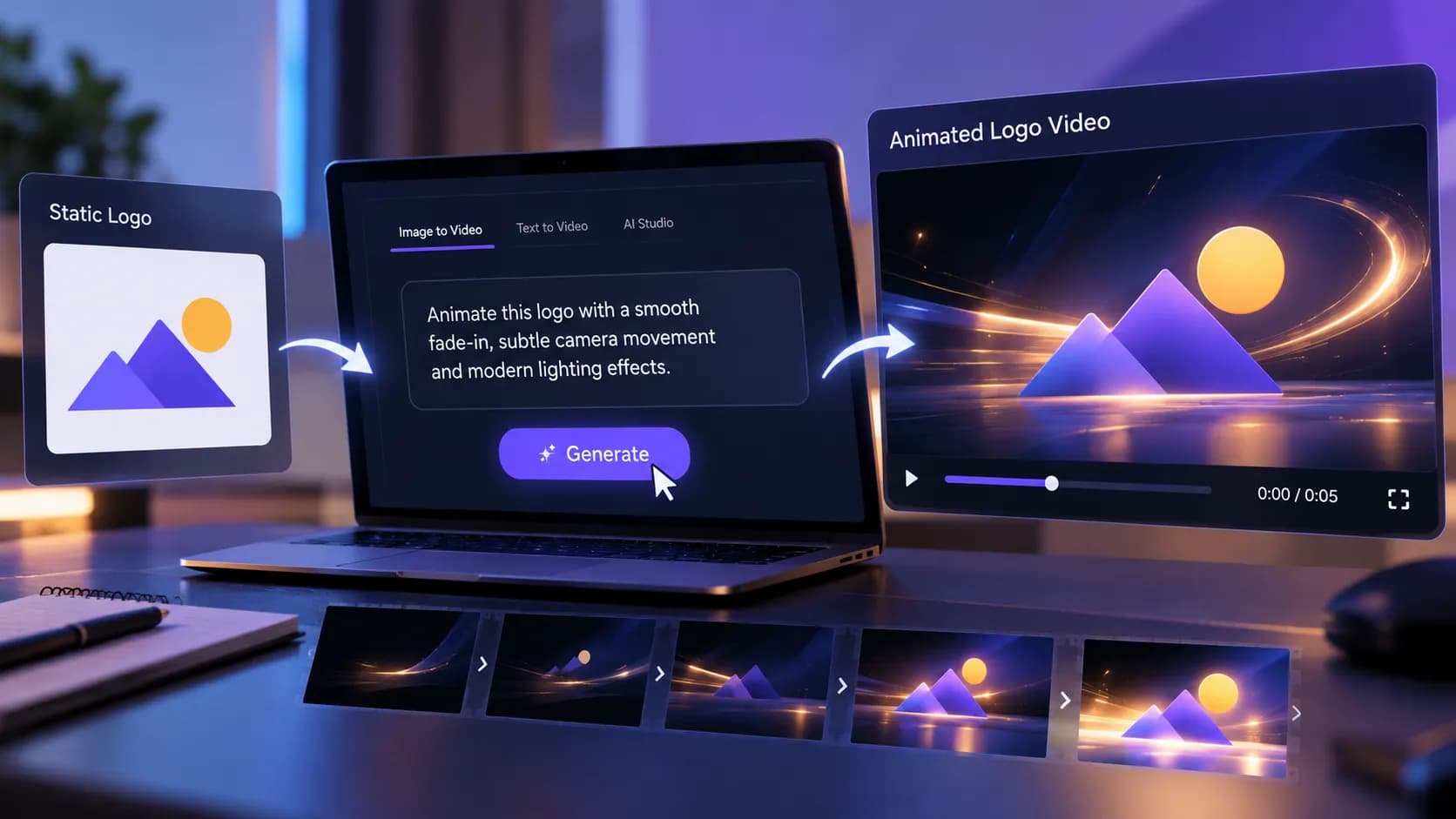
- A static logo functions adequately upon a website, yet it might seem somewhat unengaging right at the start of a video or social media ad.
- An AI logo animation employs machine learning techniques to inject motion within a fixed corporate graphic identity.
- Not all logos require dramatic motion.
- First, you must act before launching the animation software.
Table of Contents
- 1.Quick Answer
- 2.What Is AI Logo Animation and How Does It Work?
- 3.Which Logo Animation Styles Work Best?
- 4.How Can You Animate a Logo with AI Step by Step?
- 5.How Do You Keep Brand Graphics Consistent During Animation?
- 6.Where Can Businesses Use Animated Brand Graphics?
- 7.What Are the Limitations of AI Logo Animation?
- 8.Final Thoughts
Quick Answer
A static logo functions adequately upon a website, yet it might seem somewhat unengaging right at the start of a video or social media ad. Introducing slight movement can render the design more visible while maintaining that the brand remains identifiable.
One may bring a logo to life using artificial intelligence through the steps of submitting a current file, defining how it should move, and producing a brief clip. Services such as Xelta AI offer processes where images become moving pictures, aiding the shift from fixed visuals to dynamic material. Yet, elements including corporate hues, font choices, shape ratios, and smoothness of action need close inspection.
The best method involves beginning with a pristine logo, selecting a single managed animation technique, and producing a brief segment. Artificial intelligence aids in building reveals, backdrop motion, and graphic shifts, yet it ought not be depended upon to replicate each trademark element flawlessly. Concluding adjustments might still be required.
What Is AI Logo Animation and How Does It Work?
An AI logo animation employs machine learning techniques to inject motion within a fixed corporate graphic identity.
Rather than building each keyframe by hand, people supply one picture and explain what parts ought to shift. The machine reads those directions and builds out a motion clip.
For instance, a tech firm may desire their emblem to fade in slowly on a black backdrop featuring gentle illumination.
What matters most is that AI creates its own reading of the asked-for motion. It keeps no single character, form, or space arrangement perfectly exact.
For companies possessing rigid brand rules, such variance counts significantly.
Which Logo Animation Styles Work Best?
Not all logos require dramatic motion. Appropriate animation relies upon their visual form and purpose.
| Animation style | Best suited for | What to review |
|---|---|---|
| Fade-in reveal | Website intros and presentations | Logo clarity |
| Light sweep | Premium brand videos | Original colors |
| Subtle zoom | Social media advertisements | Shape distortion |
| Particle reveal | Technology and entertainment branding | Logo reconstruction |
| Background motion | Product videos and campaigns | Text readability |
A basic fade or camera move can generate visual appeal without needing AI to rebuild complex typefaces.
How Can You Animate a Logo with AI Step by Step?
First, you must act before launching the animation software. Getting the initial image ready and choosing elements that stay fixed are vital steps.
Step 1: Prepare a Clean Logo File
Start by selecting an approved logo with sharp edges and sufficient resolution for the planned final result.
When background flexibility is required, a transparent PNG file proves to be quite helpful.
Verify the source has the right colors, spacing, fonts, and ratios. Steer clear of screenshots if an approved original exists.
Step 2: Choose the Animation Direction
Decide which element should move; options involve a soft disclosure, slight movement within the backdrop, or a gradual zoom on a centrally placed emblem.
Avoid requesting several complicated effects simultaneously. For instance, merging rotating characters, bursting fragments, moving hues, and turning lenses raises the probability of losing the initial layout.
Step 3: Generate Motion from the Logo
An artificial intelligence video creator may utilize a picture as the initial stage for producing a motion clip.
Take the approved graphic file, give directions regarding motion, and choose from the existing output configurations.
For additional visual testing, Xelta's Sketch to Motion tool allows users to submit images along with movement instructions.
This procedure serves well when checking if a fixed image works inside a shifting environment.
Step 4: Write a Motion-Focused Prompt
A thorough prompt needs to specify the topic, motion, setting, and components required to stay constant.
Example prompt:
Animate the provided brand emblem using a mild fade entry and slight forward lens motion. Preserve the initial form, typography, gaps, and hues exactly. Select a crisp black backdrop with dim surrounding light sources. The mark needs to stay aligned in the middle and clear during the sequence. Prevent warping, turning, or extra characters appearing.
Here is a creative directive, not a promise of precise emblem retention.
Step 5: Review and Correct the Result
Observe the complete produced clip instead of inspecting merely its last image.
Search for warped characters, surprising form alterations, shaky borders, wrong hues, or extra background items.
When the logo alters while moving, make the prompt simpler or cut down on asked-for visual impacts.
If precise duplication is required, then utilize the source emblem as its own distinct layer within a standard graphics program rather than depending upon typography created by artificial intelligence systems.
How Do You Keep Brand Graphics Consistent During Animation?
Consistency within the brand holds greater significance than the quantity of visual effects employed.
A logo might appear striking during motion yet turn impractical should its lettering shift.
Review three specific areas:
- Identity: Check to ensure the icon, typeface, scale ratios, and hues correspond with the sanctioned blueprint.
- Motion: Verify that the motion stays fluid and avoids causing unanticipated changes.
- Placement: Make sure the logo stays clear inside the target shape and display limits. To follow tight brand rules well, one good choice is running AI on a moving backdrop, then putting the first logo back on top.
This distinguishes dynamic movement from components requiring precise definition.

Where Can Businesses Use Animated Brand Graphics?
Moving images serve well if they aid a distinct goal of conveying information clearly.
A brief logo introduction may start a promo clip. A calm animation might end a demo, yet shifting back items can draw interest to a push without altering the main brand look.
Consider a skincare company preparing a product launch.
Instead of having the wordmark rotate or alter shape, the firm might place soft illumination behind the fixed emblem. This preserves legibility of the brand marks while establishing a mood that aligns with their established visual system.
This identical method may also be applied to slide decks, closing segments of videos, and posts designed for online networks.
What Are the Limitations of AI Logo Animation?
While AI motion generation aids creative exploration, it fails to substitute for exacting motion-graphics editing tasks entirely.
Intricate script, fine iconography, tiny typefaces, and geometric designs might shift from one frame to another.
Motion that has been generated may act in various ways depending on whether it is placed inside horizontal, square, or vertical layouts.
Prior to release, check trademark correctness, asset rights, commercial usage clauses, export standards, and platform-defined presentation.
Utilize standard keyframe animation or a custom logo overlay if precise replication is absolutely required.
Final Thoughts
Artificial intelligence allows logo animation to become easier to achieve by assisting groups in testing movement concepts without building each frame by hand.
A good beginning involves one basic motion, an obvious instruction, and a safe layout plan. Attempt to build a brief animated logo introduction, check it using your brand rules, then improve just those parts requiring betterment.
The aim isn't just to get a logo moving. It's to build movement that boosts brand recall without altering what people already recognize about the mark.
For more practical AI video creation ideas and official demonstrations, explore Xelta AI on YouTube.



