How Does Text-to-Video AI Work?
A sentence can now become the starting point for a video.
Describe a scene, explain what should happen, add a visual style, and an AI video model can turn that instruction into moving imagery. It sounds simple from the outside, but there is a lot happening between typing a prompt and getting the final video.
So, how does text-to-video AI actually work?
The short answer is that text-to-video AI combines language understanding with generative models that learn how visual content changes over space and time. Instead of simply "drawing" each frame, modern models work with compressed representations of video and gradually generate a sequence that matches the meaning of the prompt.
Let's break that down without getting buried in technical jargon.
What Happens When You Enter a Text Prompt?
Instead, the text is processed to identify the important concepts and relationships within it.
It needs to understand things such as:
- The main subject: a cyclist
- The action: riding
- The environment: a city street
- The weather: rain
- The time and lighting: night and cinematic lighting
- The camera direction: slow movement
These details help the model determine what kind of visual sequence it should create.
This is why prompt clarity matters. If the instruction is vague or contains too many competing ideas, the model has more room to interpret the scene differently from what you imagined.
The AI Doesn't Create the Video Directly From Raw Text
One of the more interesting parts of text-to-video generation is what happens between the prompt and the final footage.
Modern video models typically work with a compressed representation of visual information, often called a latent representation.
Think of it as a more manageable version of the video.
Instead of treating every individual pixel in every frame as a completely separate piece of information, the model works with a representation that captures important visual patterns and relationships.
This makes it possible to process complex video without having to handle the full raw data at every stage.
How Does the AI Generate the Actual Video?
Many modern text-to-video systems use a process related to diffusion models.
The basic idea is easier to understand than the name suggests.
A diffusion model can start with something resembling visual noise and progressively transform it into meaningful visual content.
During generation, the model repeatedly refines the representation until a coherent visual result emerges.
For video, however, the process has to happen across multiple frames.
That means the model isn't only asking:
"What should this frame look like?"
It also needs to consider:
"What should happen before and after this frame?"
That distinction is extremely important.
Why Making AI Video Is Harder Than Making an AI Image
Generating one convincing image is already a complex task.
Generating a convincing sequence of images that belong together is much harder.
Imagine an AI creates a person standing in a room.
The first frame might look perfect.
But what happens when the person turns around?
Does their face remain consistent?
Do their clothes stay the same?
Does the room remain stable?
Do objects suddenly change shape?
Does the person's movement actually make physical sense?
These are examples of temporal consistency problems.
A good text-to-video model needs to maintain relationships between frames so that the generated video feels like one continuous scene rather than a collection of unrelated images.
This is one of the biggest differences between image generation and video generation.
What Makes AI-Generated Video Look Realistic?
Realism doesn't come from one single feature.
Several things have to work together:
1. Subject consistency
The main person, object, or character should remain recognizable throughout the clip.
2. Natural movement
Motion needs to make visual sense. Sudden or unnatural movements can immediately make a generated clip feel artificial.
3. Camera movement
The camera should behave consistently with the requested scene. A slow tracking shot, for example, should not suddenly turn into an unrelated camera angle.
4. Lighting and environment
Lighting, shadows, reflections, weather, and background elements need to remain reasonably consistent.
5. Prompt interpretation
Even a technically strong model can produce the wrong result if the prompt is unclear.
This is why AI video generation isn't always a simple "type prompt → perfect video" process.
Sometimes the first generation is simply a starting point.
Where Is Text-to-Video AI Actually Useful?
The technology has applications across creative and marketing workflows.
For example, creators can use it to develop:
- Social media videos
- Short-form video concepts
- Product visuals
- Advertising ideas
- Storyboards and scene concepts
- Promotional content
- Explainer visuals
- Film and trailer concepts
For marketers, one of the biggest advantages is speed.
A creative team can explore several visual directions without having to produce every concept from scratch.
That doesn't necessarily mean AI replaces the creative process.
In many cases, it makes the first stage of the creative process faster.
What About Short-Form Content?
Short-form video is particularly well suited to AI generation because creators often need to test multiple concepts quickly.
A marketer might have an idea for a product Reel but not yet know which visual direction will work best.
Instead of spending hours producing one version, AI can help create an initial visual concept that can then be edited, refined, and adapted.
Tools such as Xelta AI's Reel Creator are designed around this kind of content workflow.
The important word here is workflow.
AI generation is most useful when it fits into the larger process of creating, editing, reviewing, and publishing content.
How Does Xelta AI Approach Text-to-Video?
With Xelta AI, text-to-video is part of a broader creative workflow rather than an isolated generation tool.
The basic process is straightforward:
Concept → Prompt → Generation → Review → Editing → Final Video
You can use the Xelta AI Video Generator to create videos from text prompts or reference images, select different generation models and settings, and then refine the output.
That flexibility matters because different video models can produce different results depending on the type of scene, movement, style, and output you're trying to create.
For more cinematic workflows, Xelta also provides a Cinematic Video Generator.
Don't Expect the First Generation to Be Perfect
This is probably the most important thing to understand about AI video generation.
AI can produce surprisingly strong results, but it can also get things wrong.
You may see:
- Strange object movement
- Inconsistent characters
- Unnatural physics
- Incorrect details
- Unwanted camera movement
- Visual artifacts
- Timing that doesn't match your idea
That's normal.
A practical AI video workflow is often:
Generate → Review → Adjust prompt → Generate again → Edit
In other words, the goal isn't necessarily to get the perfect video on the first attempt.
The goal is to get to a usable result faster.
How to Write Better Text-to-Video Prompts
You don't necessarily need a huge paragraph to get a good result.
A useful prompt usually gives the model a clear idea of:
Subject + Action + Environment + Camera + Style
For example:
"A young cyclist riding through a rainy downtown street at night, reflections on the wet road, slow tracking camera, cinematic lighting."
This gives the model a clear subject, action, setting, camera direction, and visual style.
A common mistake is trying to describe absolutely everything.
More words don't automatically mean better results.
Often, clearer instructions are more useful than longer instructions.
The Honest Limitations of Text-to-Video AI
Despite the impressive demonstrations, text-to-video AI is not magic.
It still has limitations.
The technology can struggle with complex physical interactions, detailed object relationships, precise movements, character consistency, and highly specific creative directions.
And even when the generated footage looks good, it may still require editing.
For professional content, human review remains important.
Someone still needs to check whether the visuals communicate the intended message, whether the branding is correct, whether the movement makes sense, and whether the final video actually works for its intended audience.
That's where AI becomes most useful: as a creative production tool, not necessarily as a replacement for creative judgment.
So, How Does Text-to-Video AI Work?
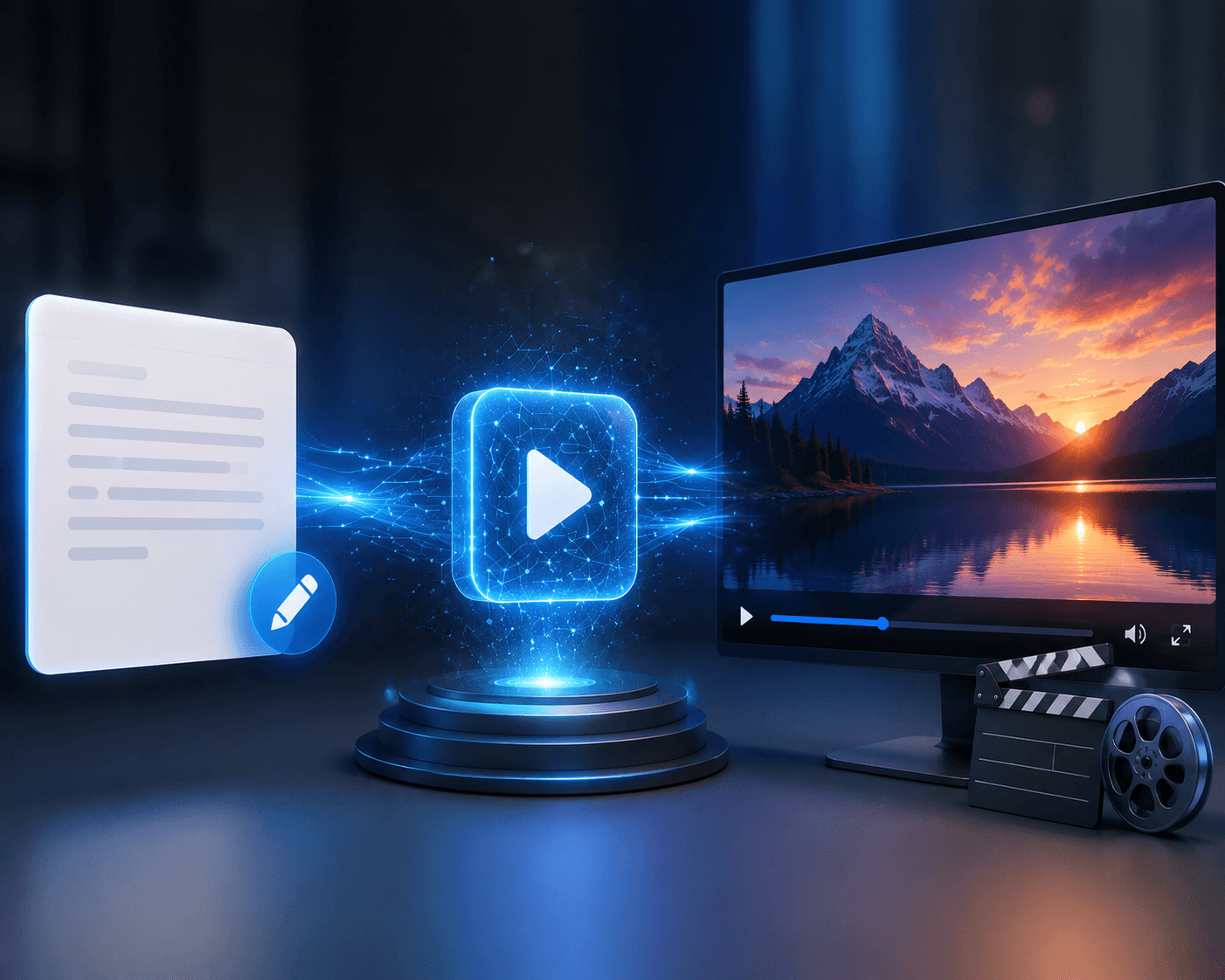
At its core, text-to-video AI takes a written description, converts the meaning of that description into information a generative model can work with, and then generates a sequence of visual content while attempting to maintain consistency across time.
The technology behind it is complicated.
Using it doesn't have to be.
For creators and marketers, the real value is the ability to move from idea to visual concept much faster.
And as the models continue improving, the bigger question may not be whether AI can create video.
It will be what people choose to create with it.
If you want to experiment with AI-powered video creation, you can explore Xelta AI and see how text-to-video fits into a broader creative workflow.
FAQs
What is text-to-video AI?
Text-to-video AI is technology that generates video content from written instructions. The system interprets the prompt and uses a generative model to create visual sequences that correspond to the described scene.
How does AI turn text into video?
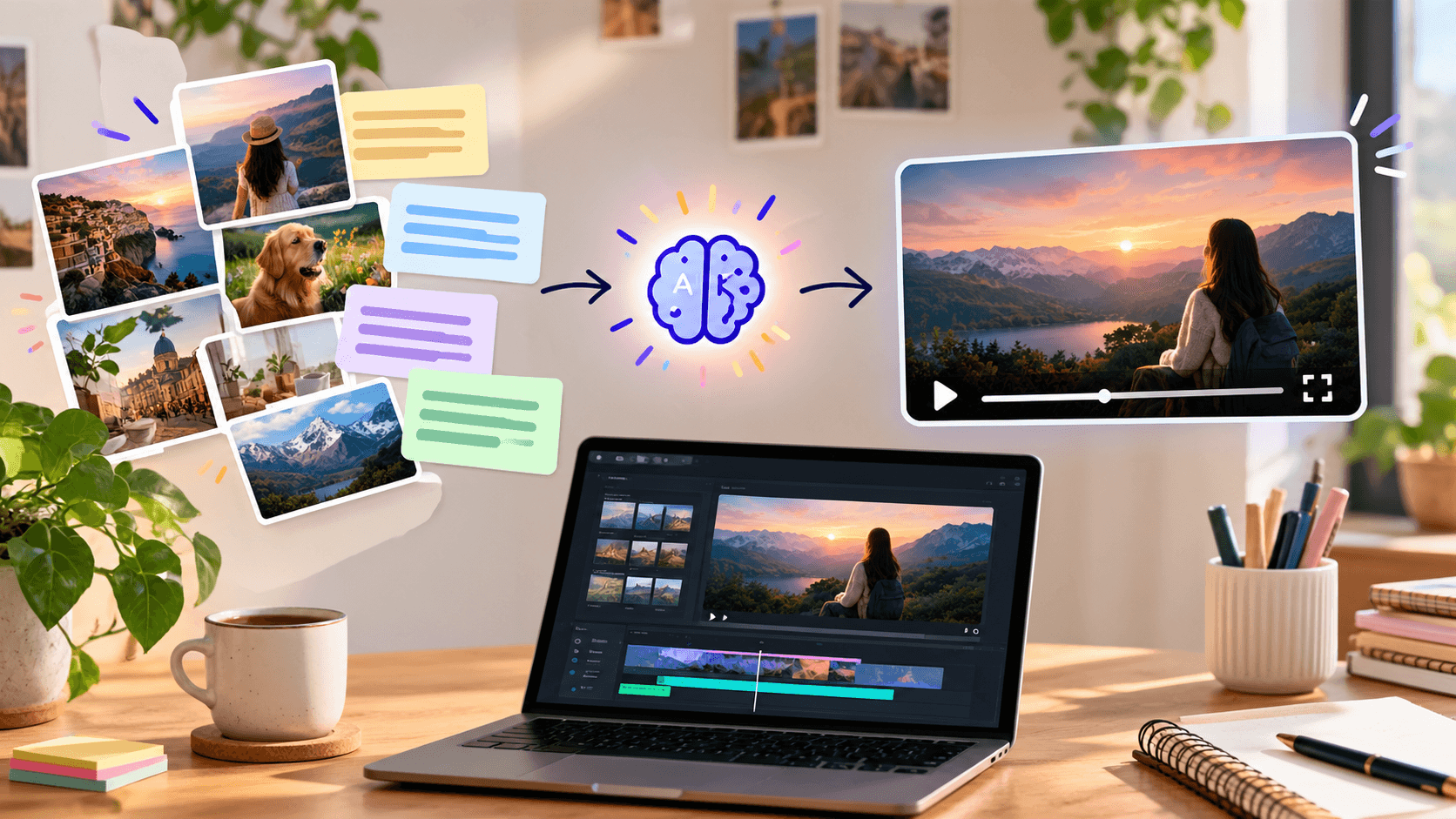
The AI first interprets the text prompt and converts it into a representation of the requested scene. A generative model then creates and refines the visual content while attempting to maintain consistency across frames.
Is text-to-video AI the same as image generation?
No. Image generation creates a single visual output, while text-to-video generation has to account for movement and consistency across multiple frames.
Can AI-generated videos look realistic?
Yes. AI-generated videos can look highly realistic, but results vary. Complex movements, objects, faces, physics, and long sequences can still cause inconsistencies.
Can I use AI video for marketing?
Yes. AI video can be useful for social media content, advertising concepts, product visuals, promotional videos, and creative experimentation.
Do AI-generated videos need editing?
Often, yes. Editing can improve pacing, remove unwanted sections, add sound or voiceover, correct visual issues, and make the final content better suited to the target platform.
What is the best way to write a text-to-video prompt?
Start with the key elements of the scene: subject, action, environment, camera movement, and visual style. Keep the instruction clear rather than unnecessarily long.